How to Use Selection in Cost Assistant?

This demo showcases how to perform selections within Readyteam to streamline your workflow.
Go to app.readyteam.ai
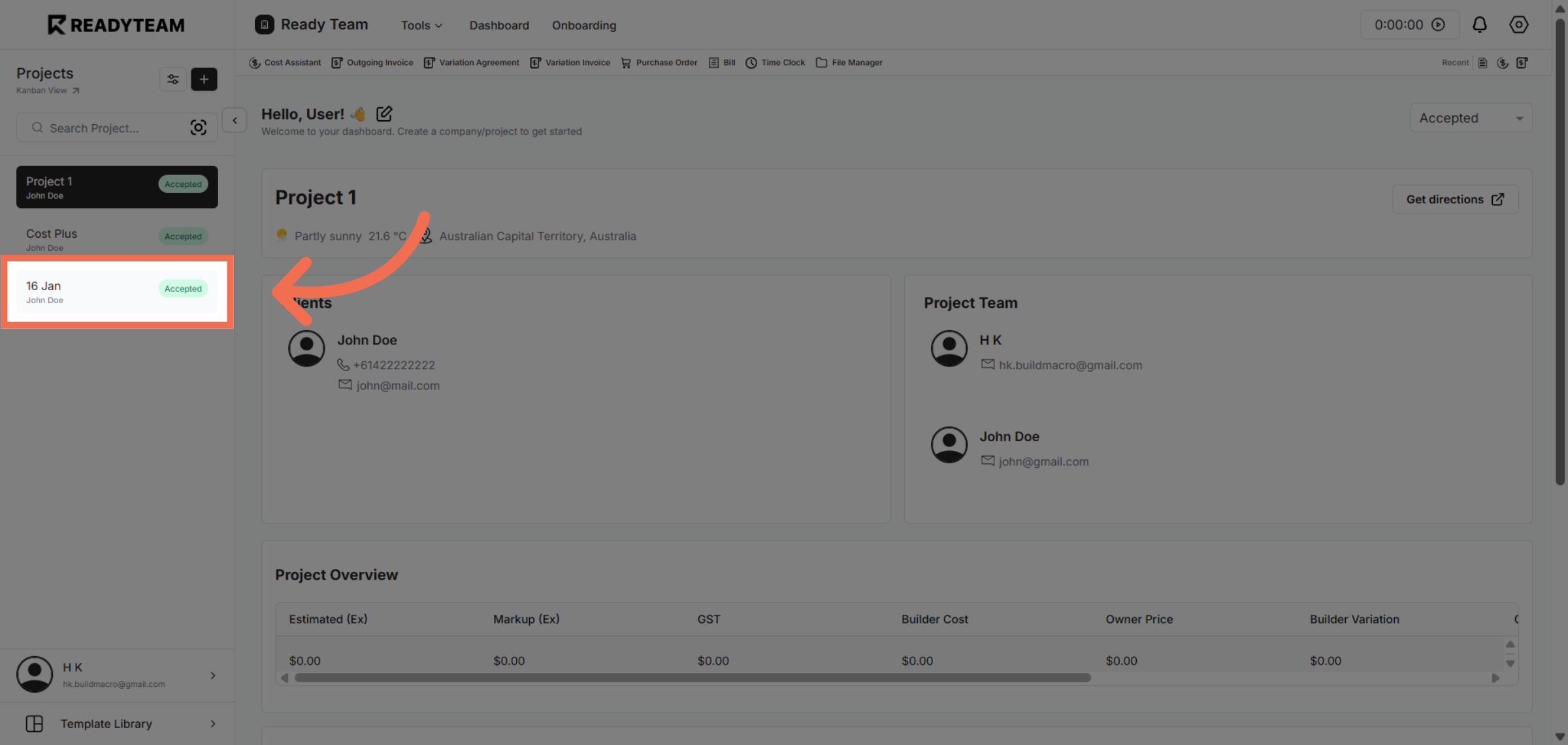
1. Select Specific Project
Select an specific project from the list to begin managing your selections.
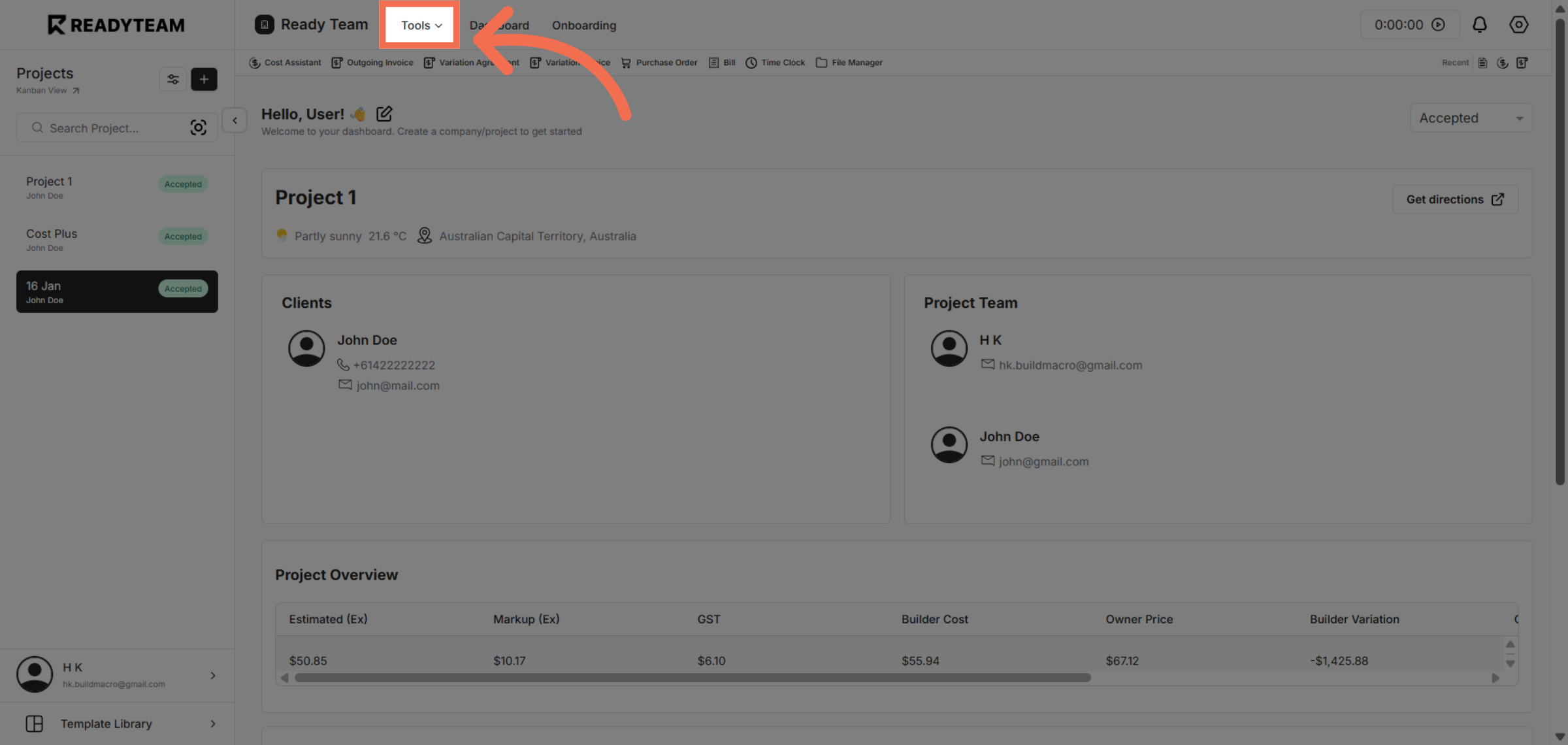
2. Open Tools Menu
Open the selection menu to access available options for further action.
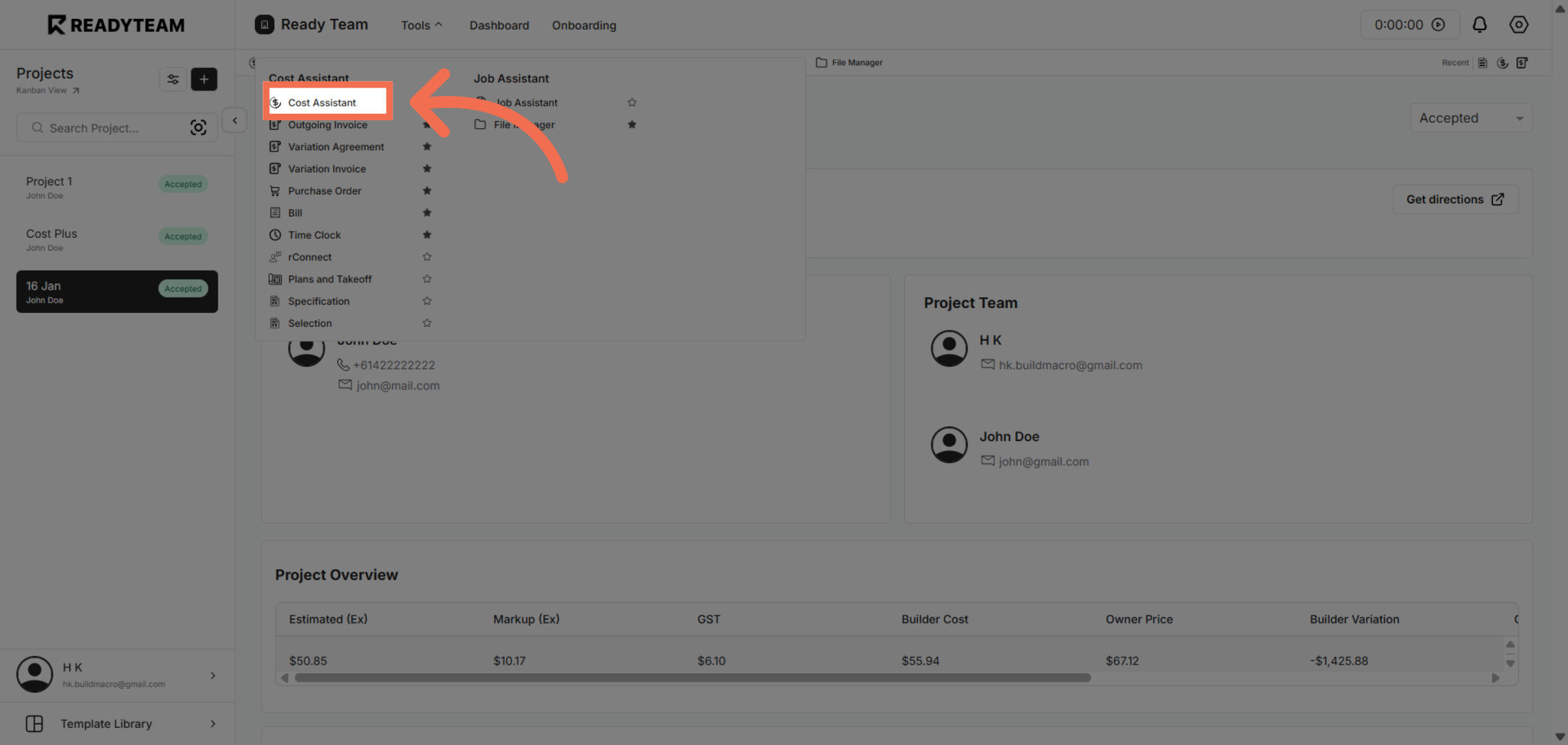
3. Choose Cost Assistant
Choose the Cost Assistant feature to assist with cost-related selections and analysis.
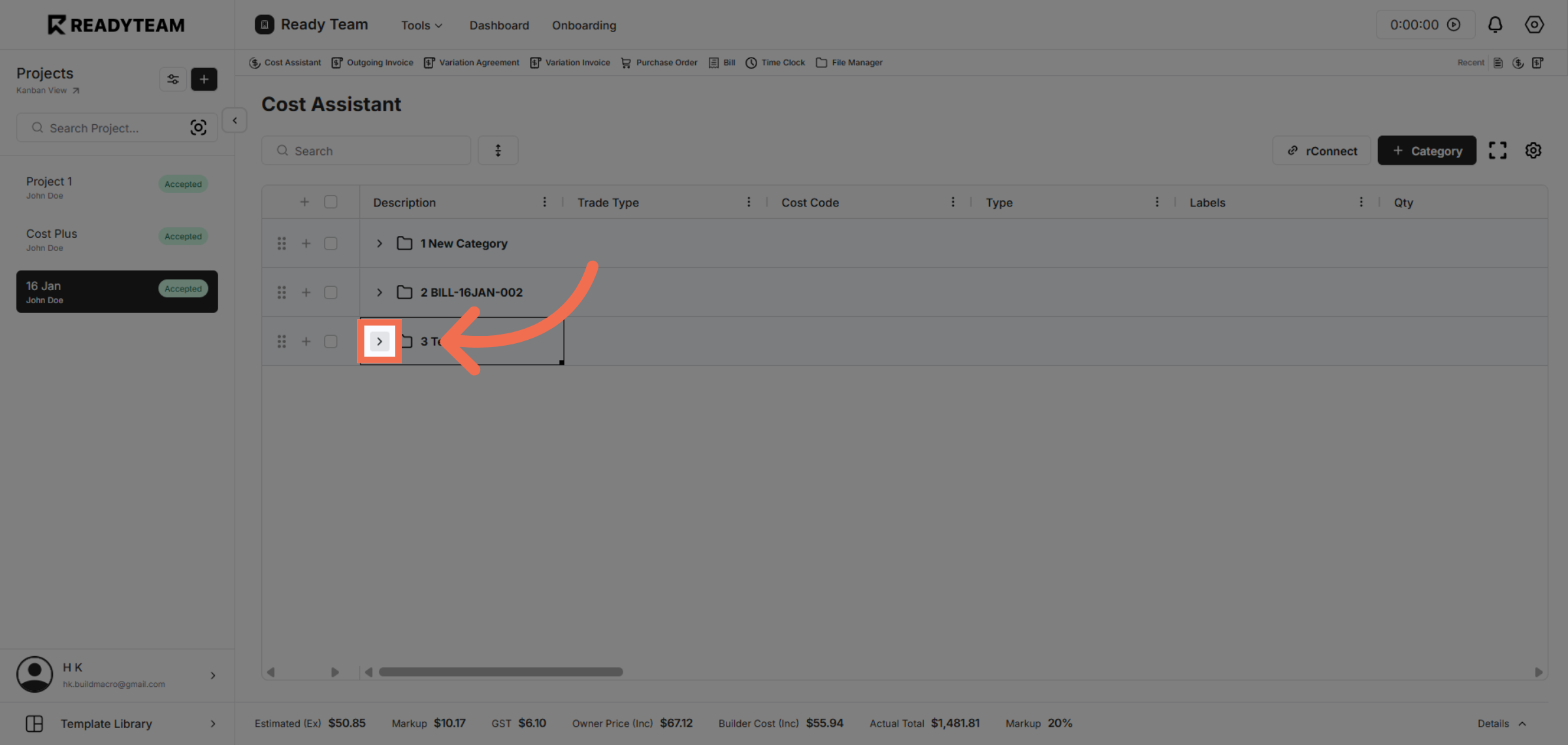
4. Access Additional Options
Access additional options to refine your selection criteria and settings.
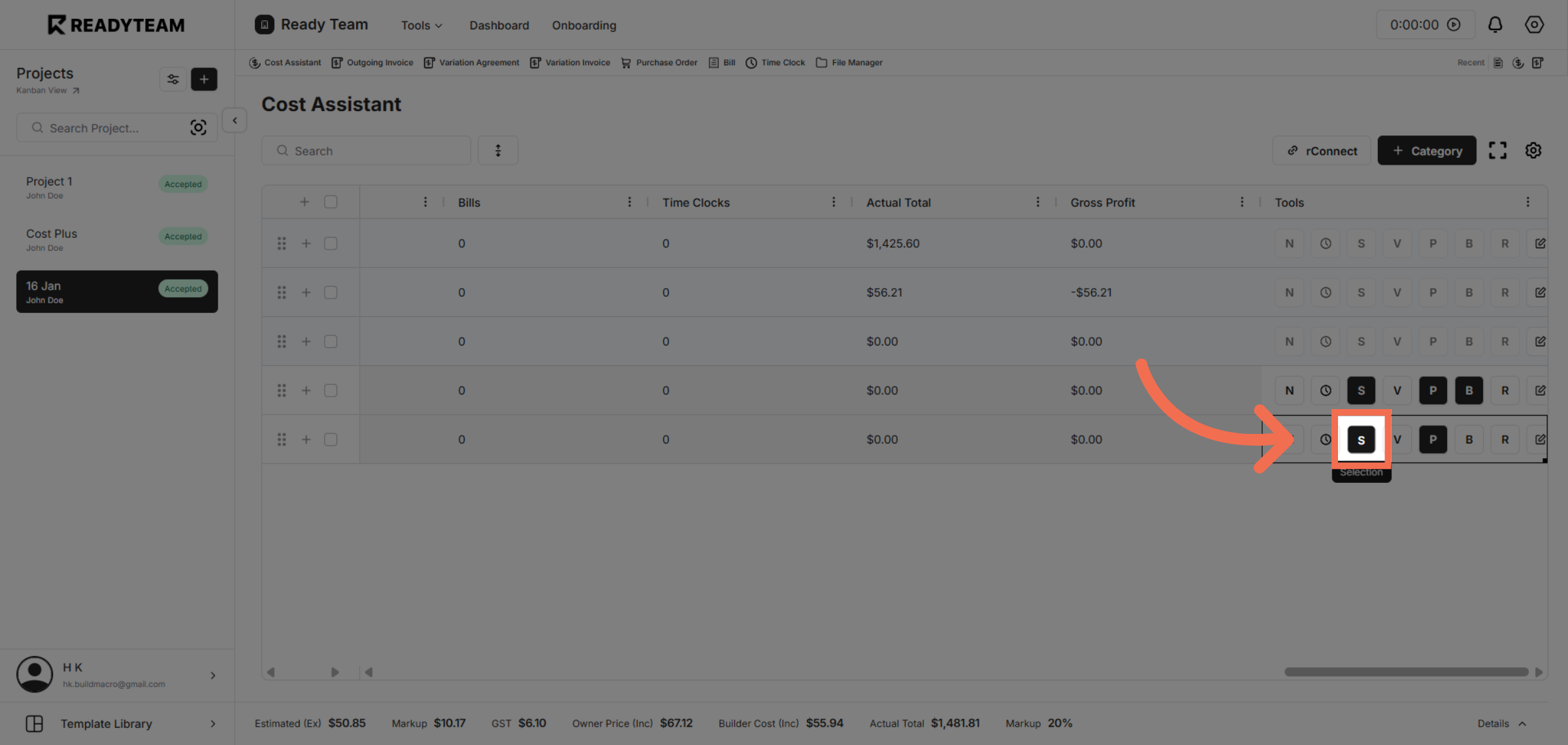
5. Select Selection Tool
Select the selection tool to specify your selection.
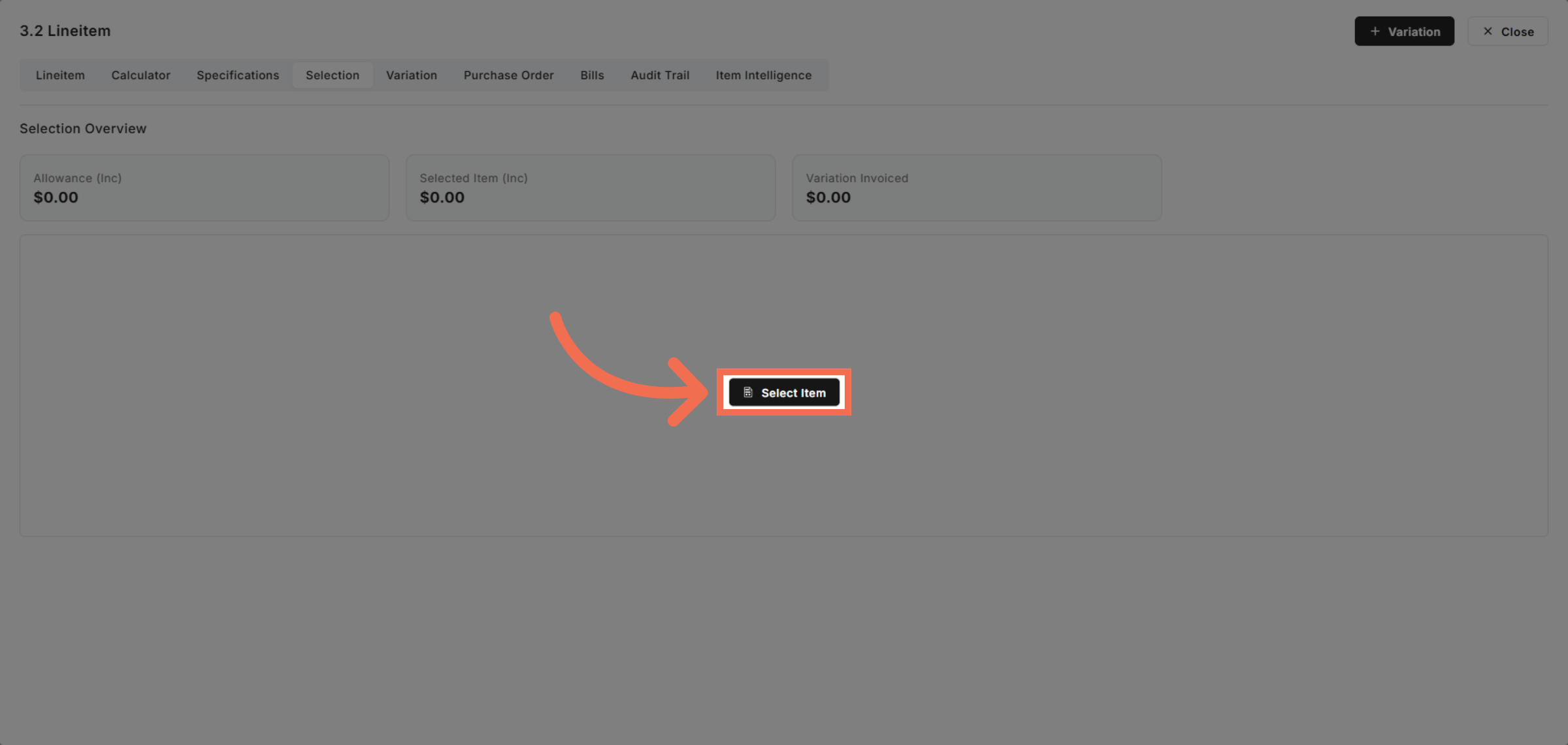
6. Select Item
Select the item you want to include in your selection process for detailed handling.
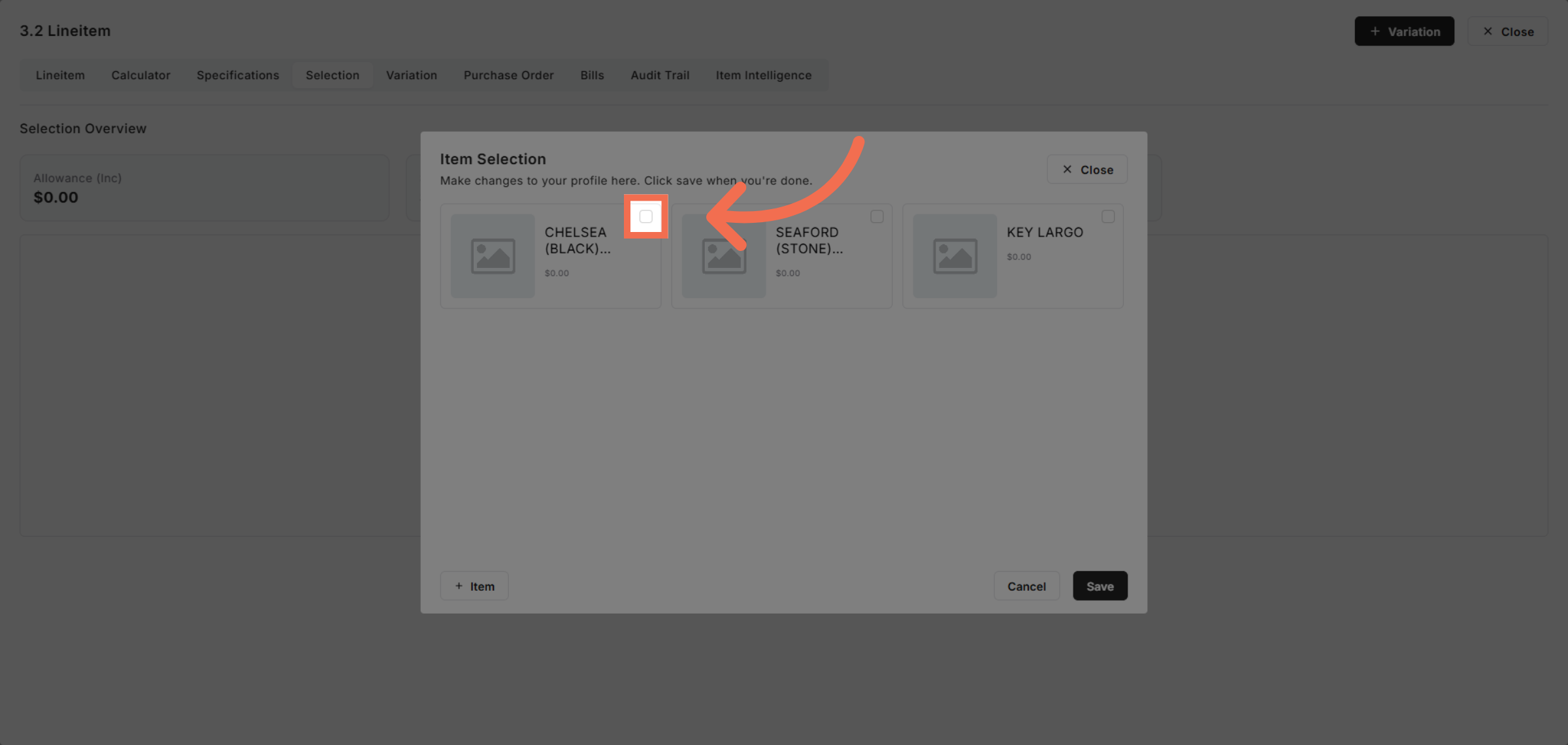
7. Enable Selection Toggle
Enable the selection toggle to activate the chosen item within the system.
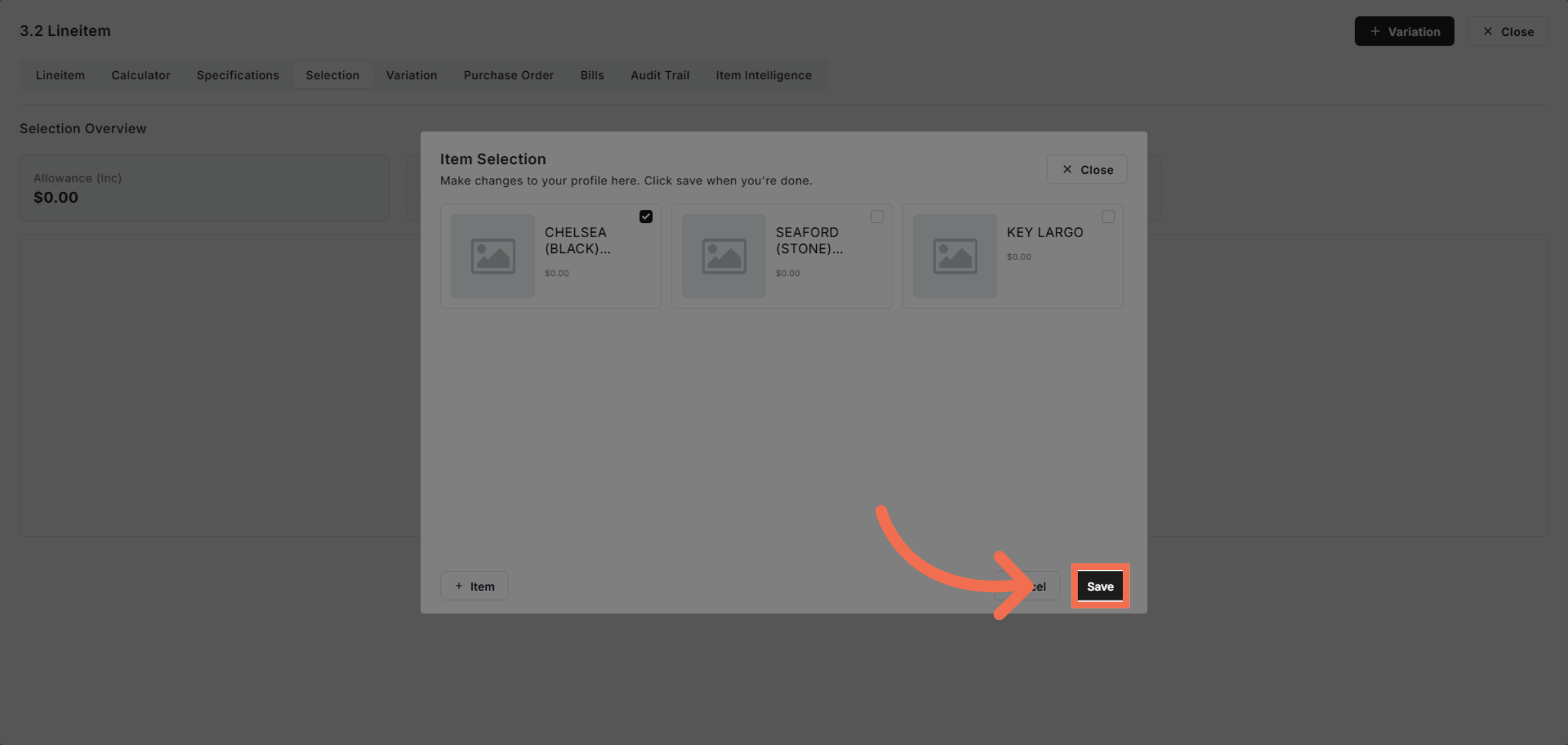
8. Save Your Selection
Save your selection to apply changes and proceed with the updated configuration.
This demo demonstrated how to efficiently perform selections in Readyteam, highlighting key features that simplify your workflow. You can now confidently navigate, choose, and save selections to optimize your tasks.