Create a Bill from Cost Assistant Line Item
This demo showcases how Readyteam simplifies bill management to save you time and reduce errors.
Go to app.readyteam.ai
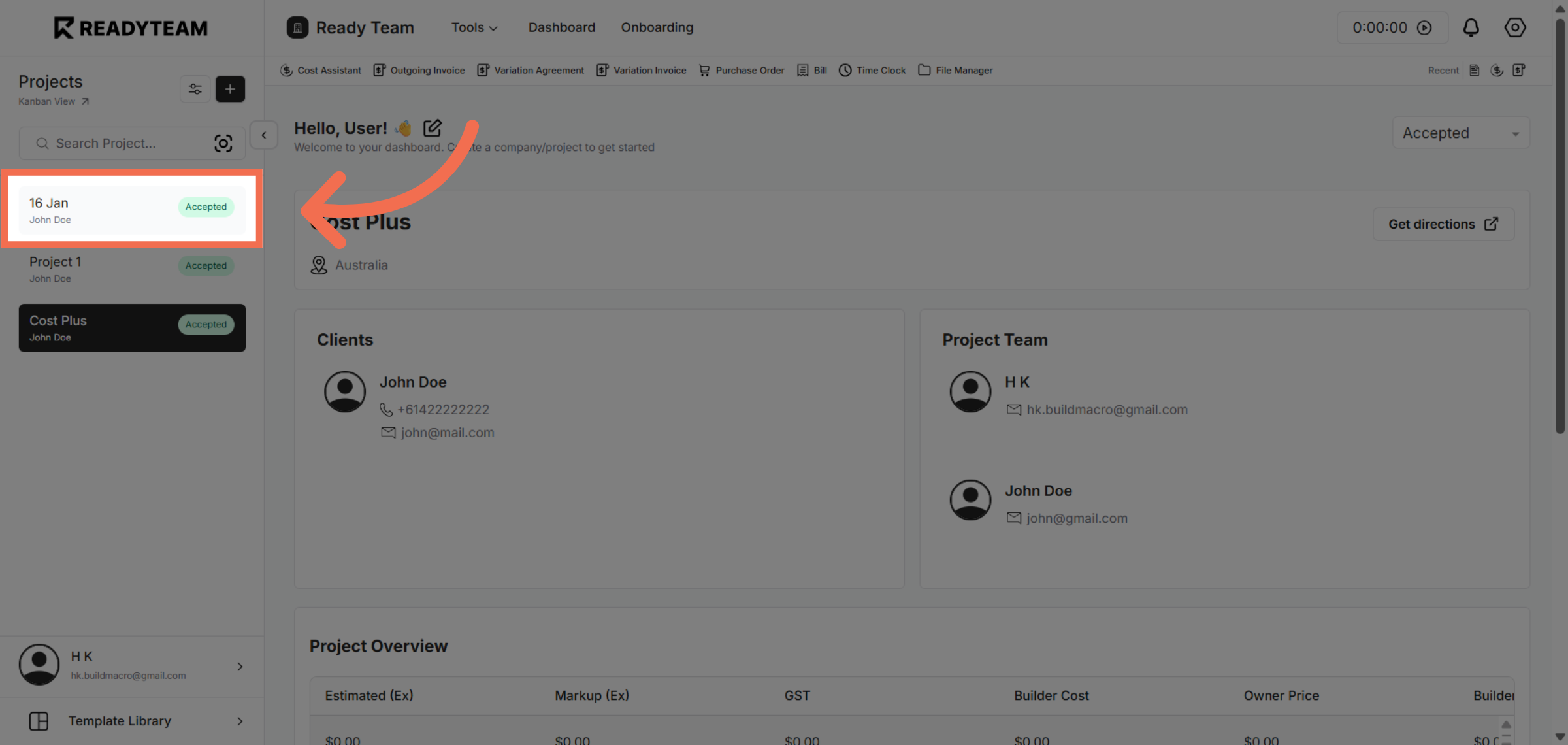
1. Select Specific Project
Select specific project associated with the user to begin managing your billing records.
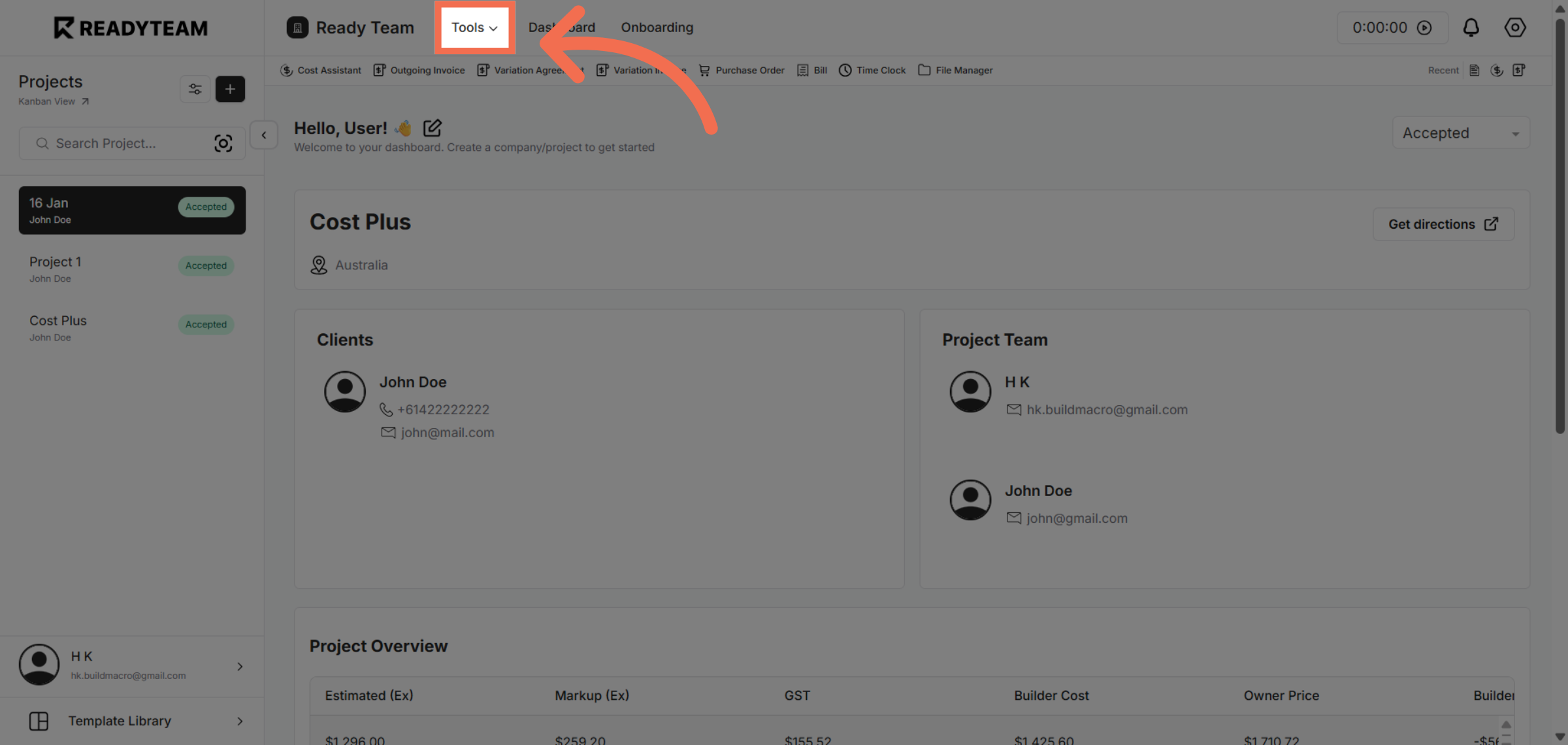
2. Access Tools Menu
Navigate to the Tools menu where you can find various utilities to assist with cost and billing management.
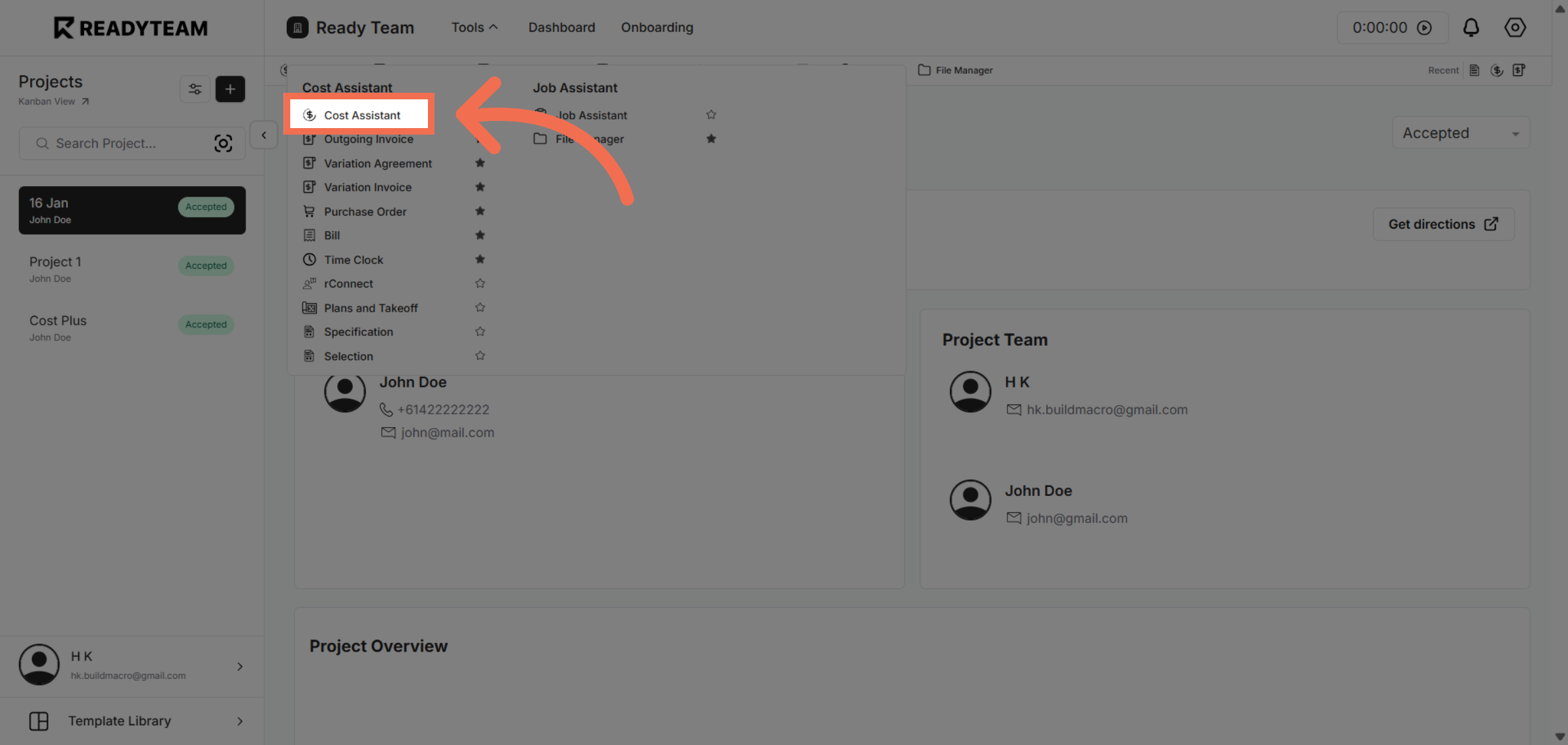
3. Launch Cost Assistant
Open the Cost Assistant feature to analyze and manage your expenses effectively within Readyteam.
4. Initiate New Action
Click the designated area to start a new billing-related action, preparing to input necessary details.
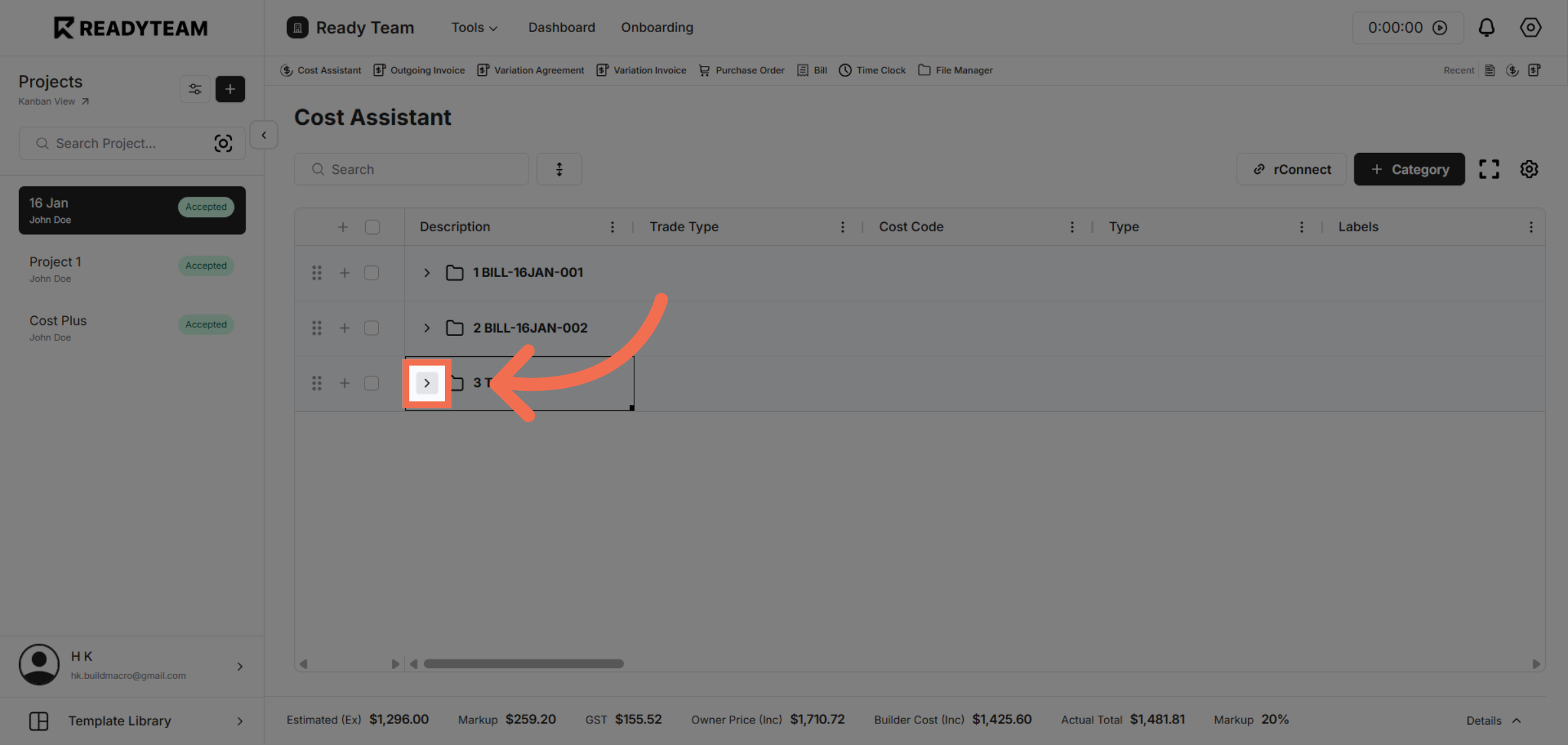
5. Select Tools Option Bill
Choose the Tool labeled 'B' represented bills to classify the billing entry appropriately for accurate tracking.
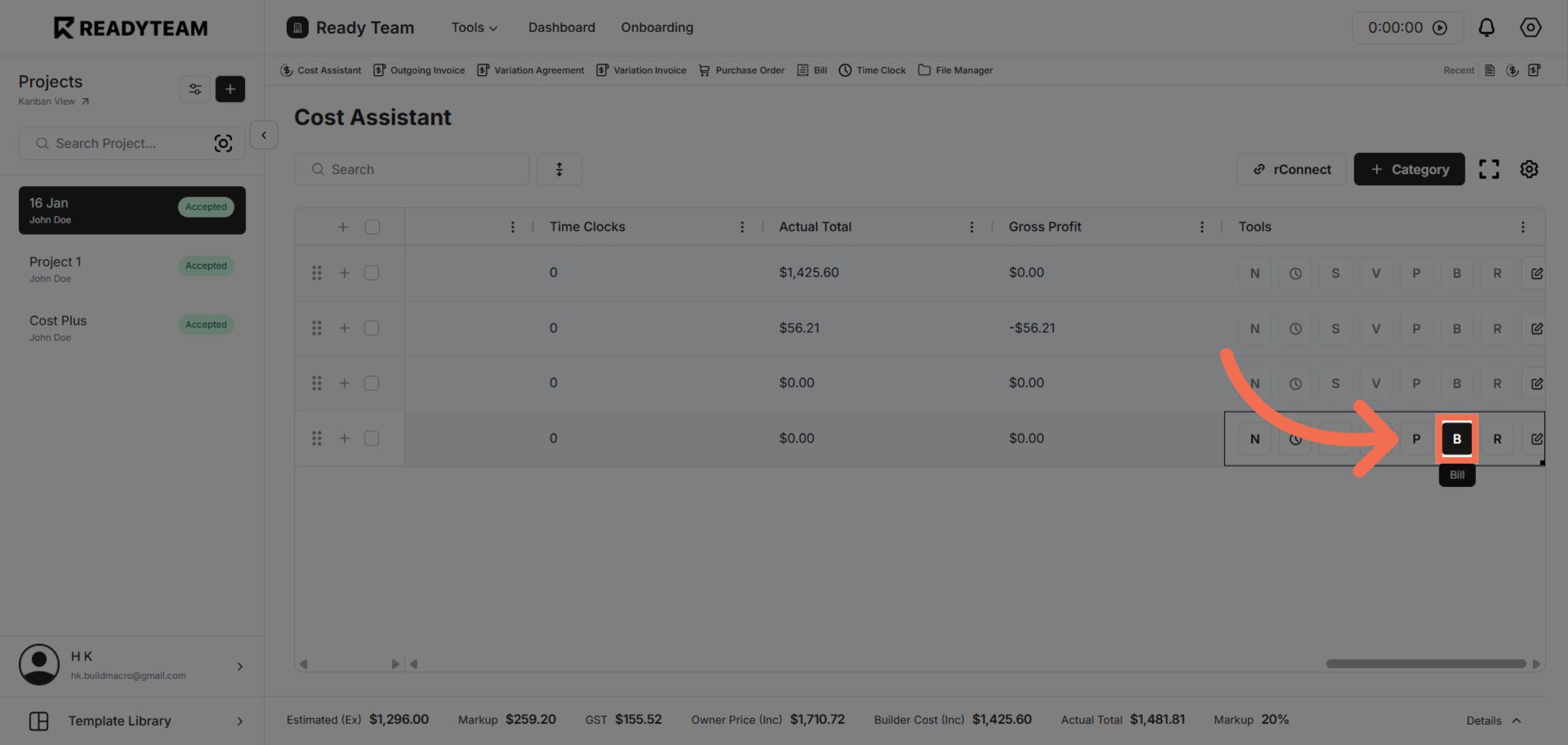
6. Choose Bill Option
Select the 'Bill' option to specify the type of financial document you are creating or managing.
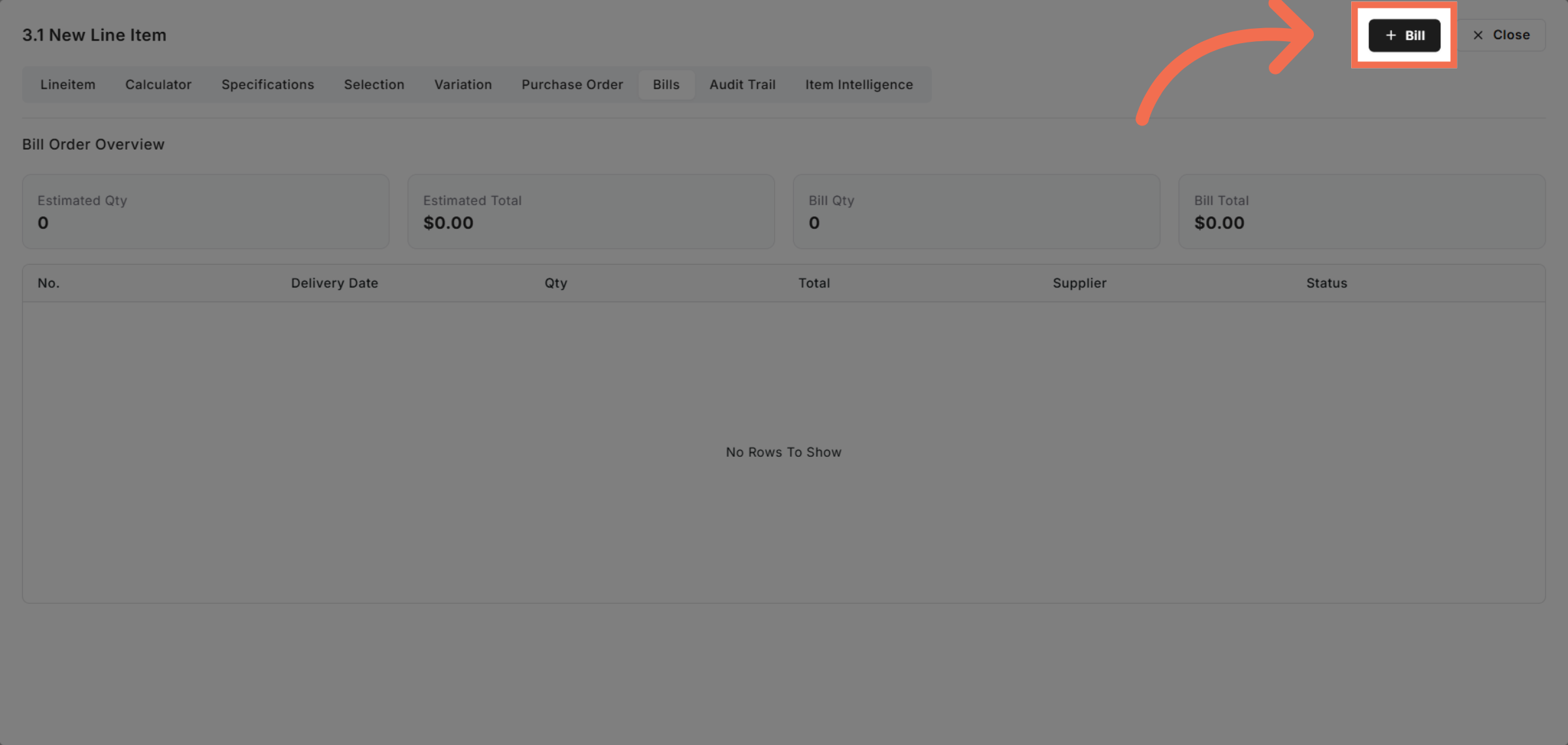
7. Select Specific Date
Choose the date labeled '20' to assign the correct billing date for your record.
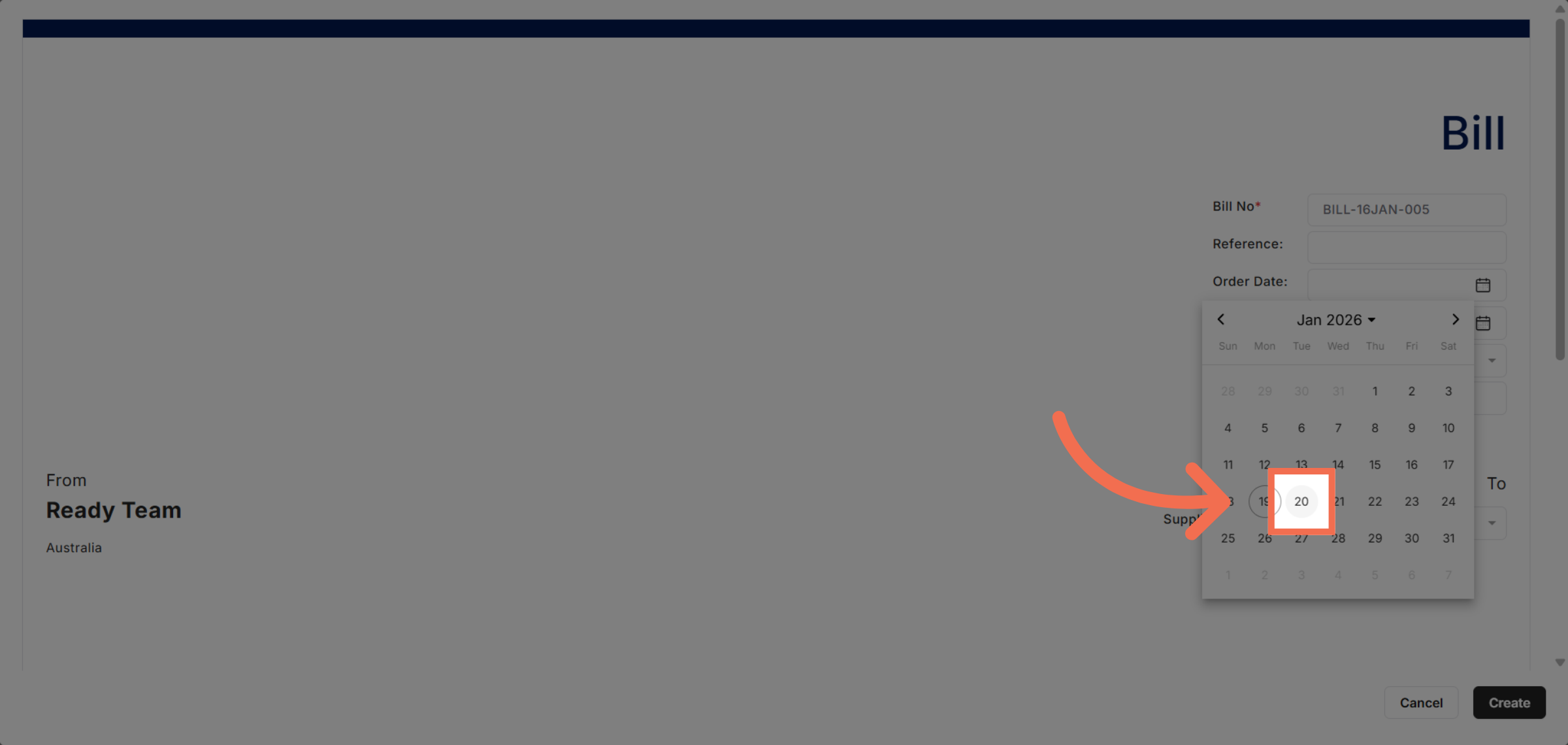
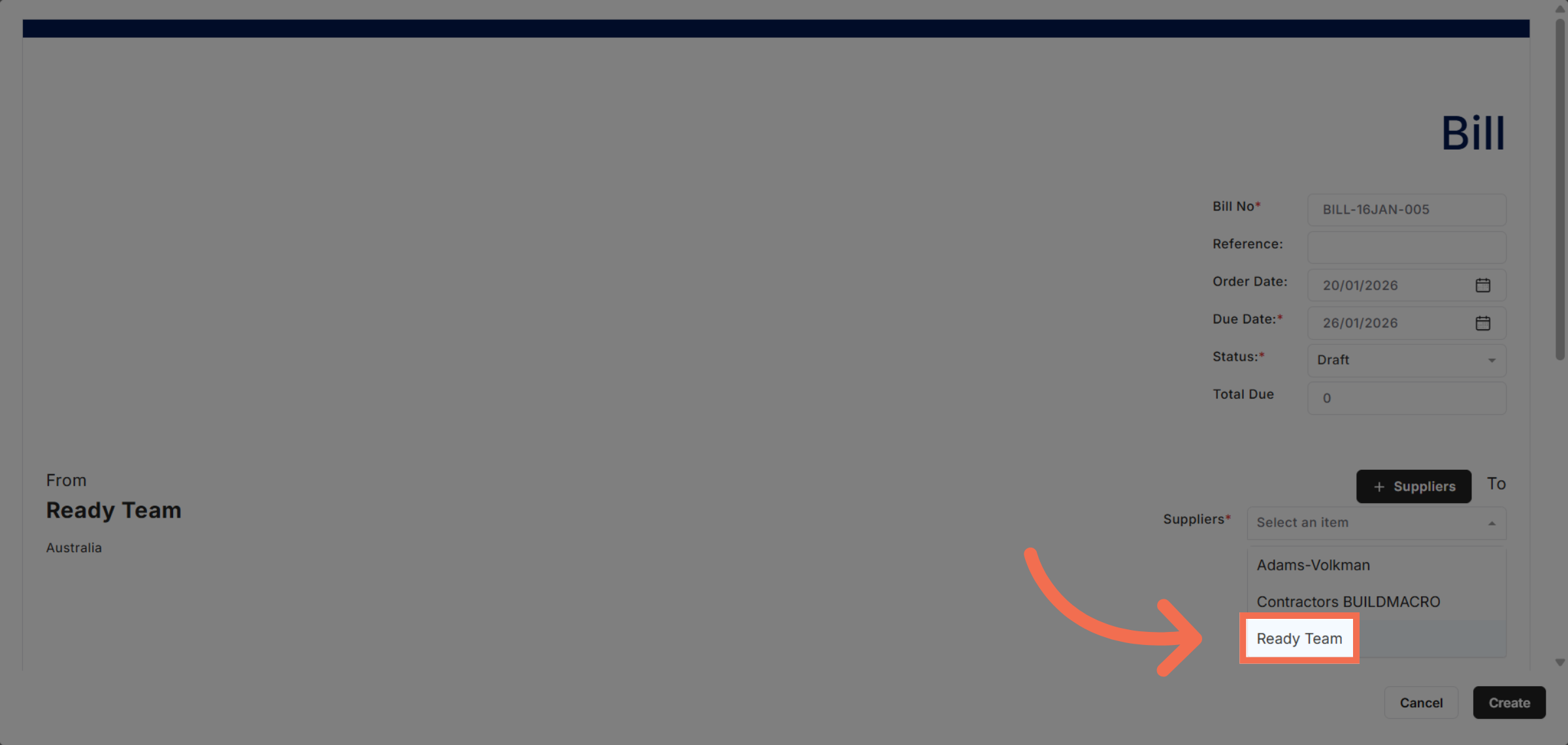
8. Select Suppliers
Select 'Ready Team' to link the bill to the appropriate suppliers.
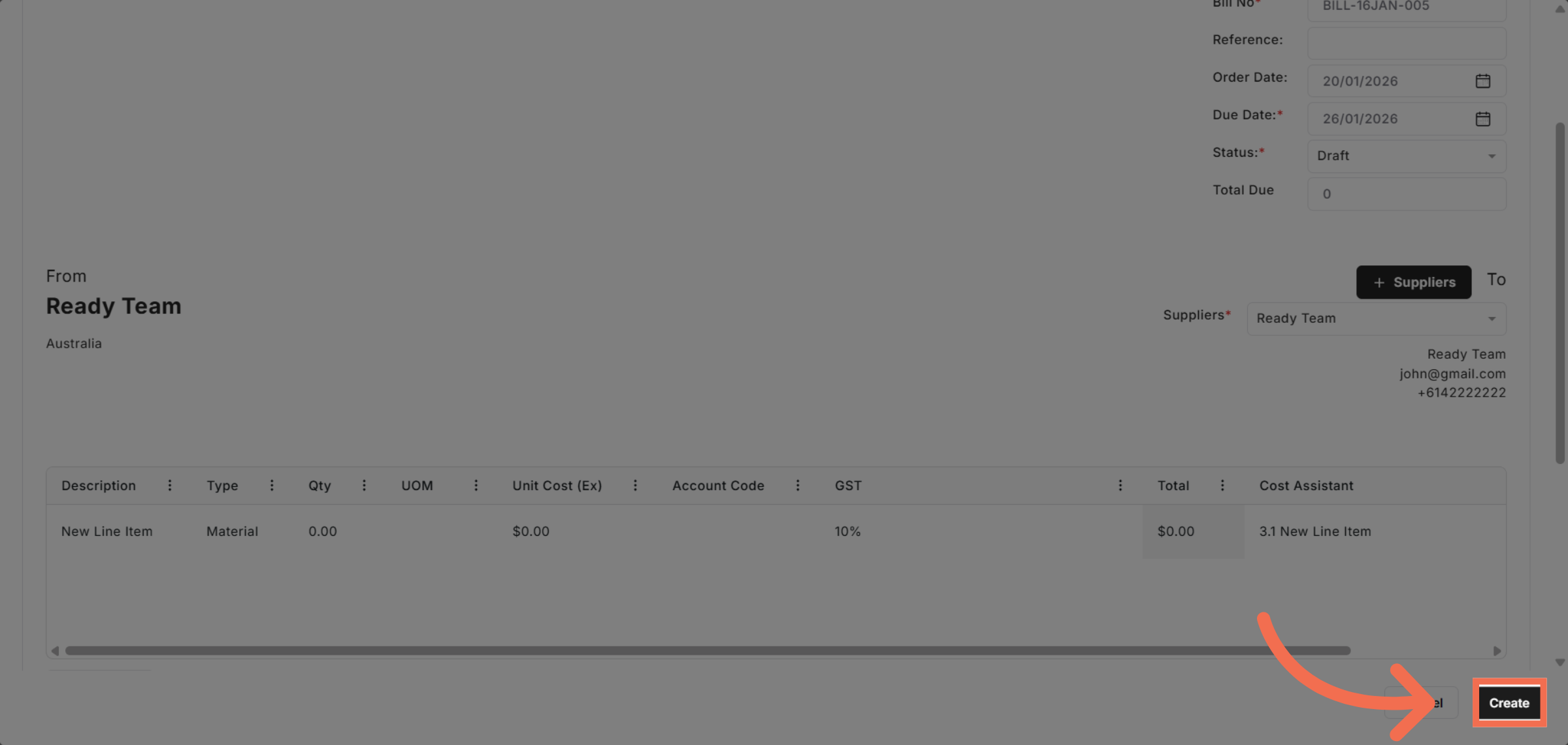
9. Create Bill Record
Click 'Create' to finalize and save the new bill, completing the billing entry process efficiently.
This demo demonstrated how to efficiently manage bills using Readyteam by navigating tools, selecting categories, and creating bill records. You can now streamline your billing process to improve accuracy and save time.