Delete Line Items Efficiently In ReadyTeam
This demo showcases how to delete a line item within Readyteam.
Go to app.readyteam.ai
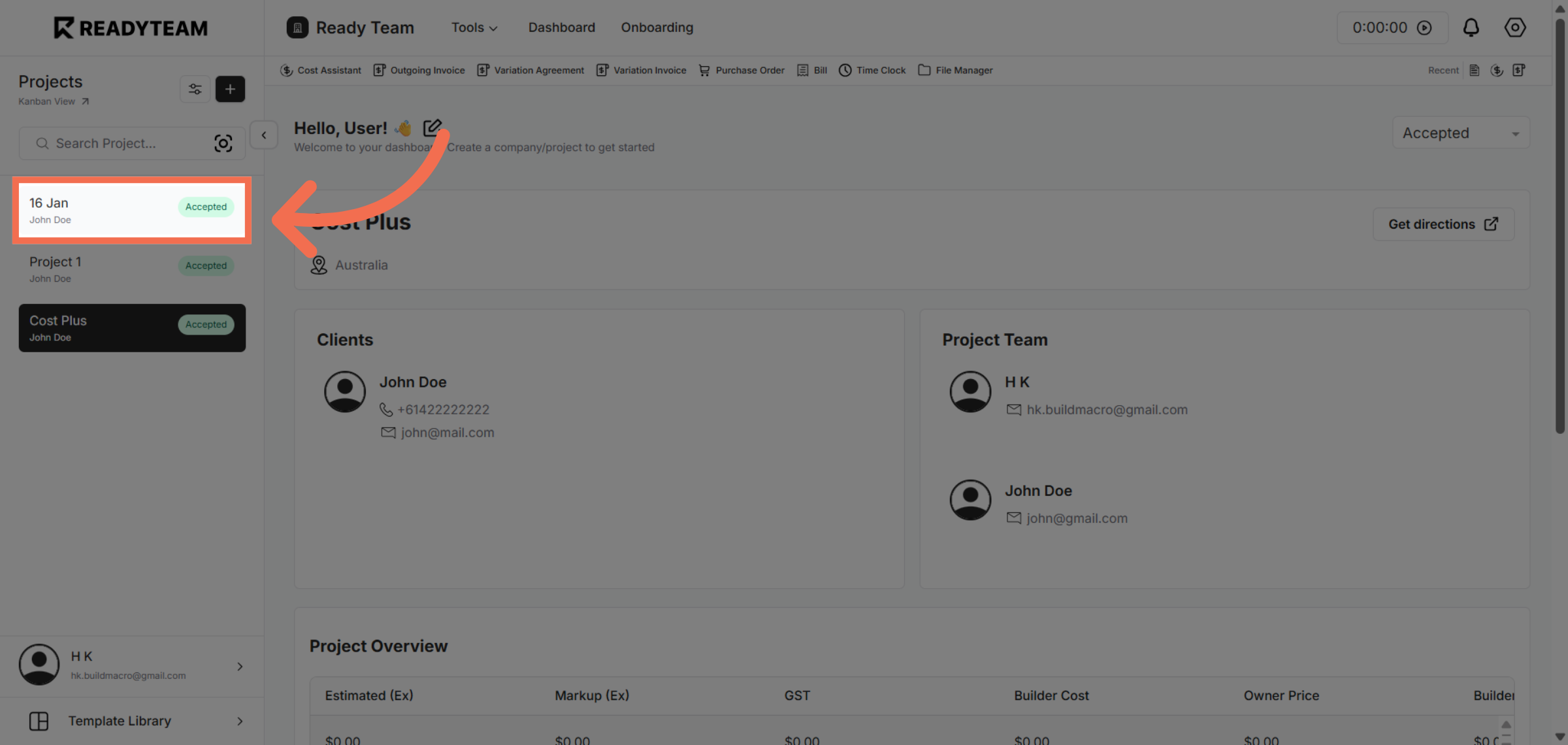
1. Select Specific Project
Select specific project associated with the user to begin the deletion process.
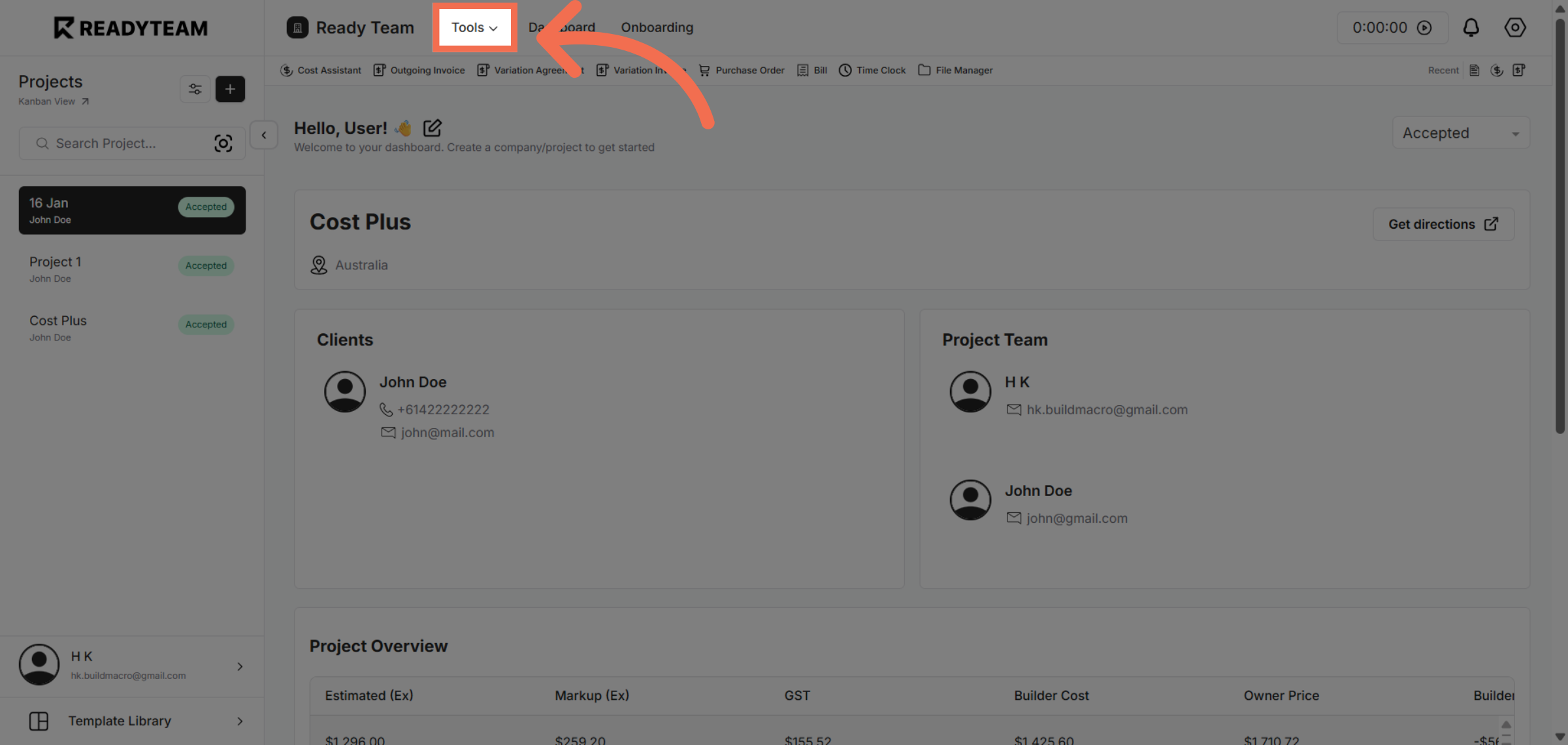
2. Open Tools Menu
Click the designated area to access various Tools.
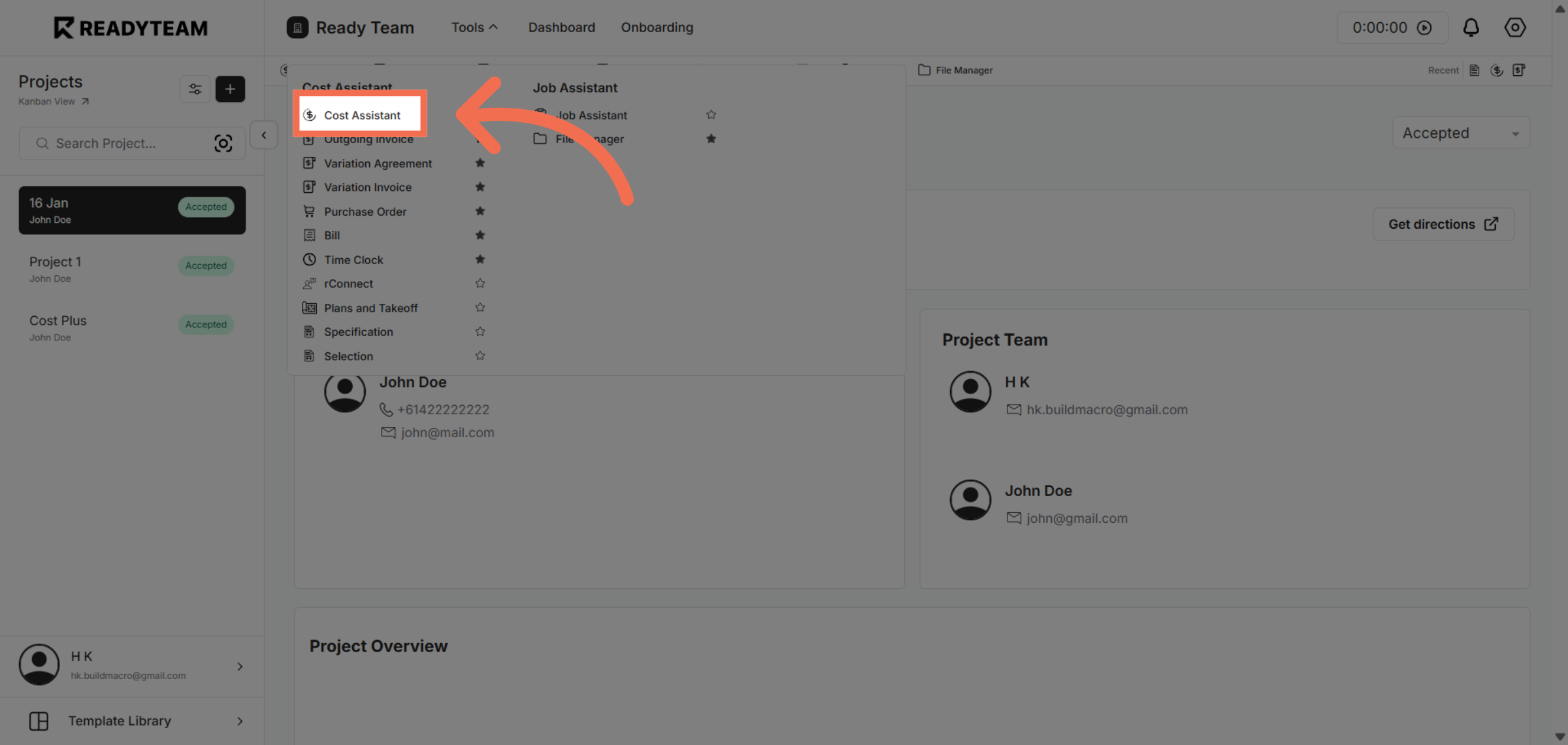
3. Access Cost Assistant Feature
Click the Cost Assistant feature to manage cost-related details for the line item.
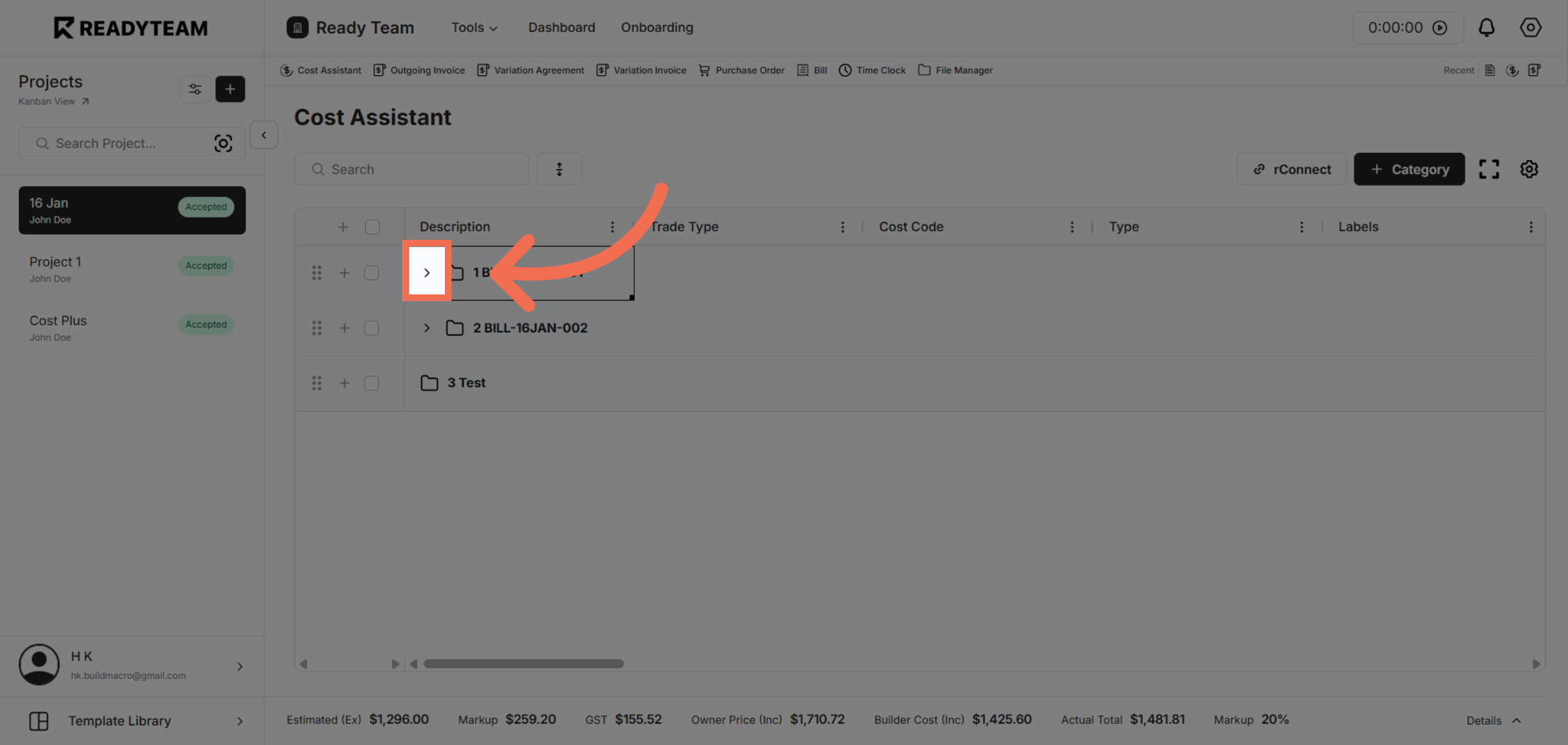
4. Open Additional Settings
Click the indicated area to reveal more settings related to the line item.
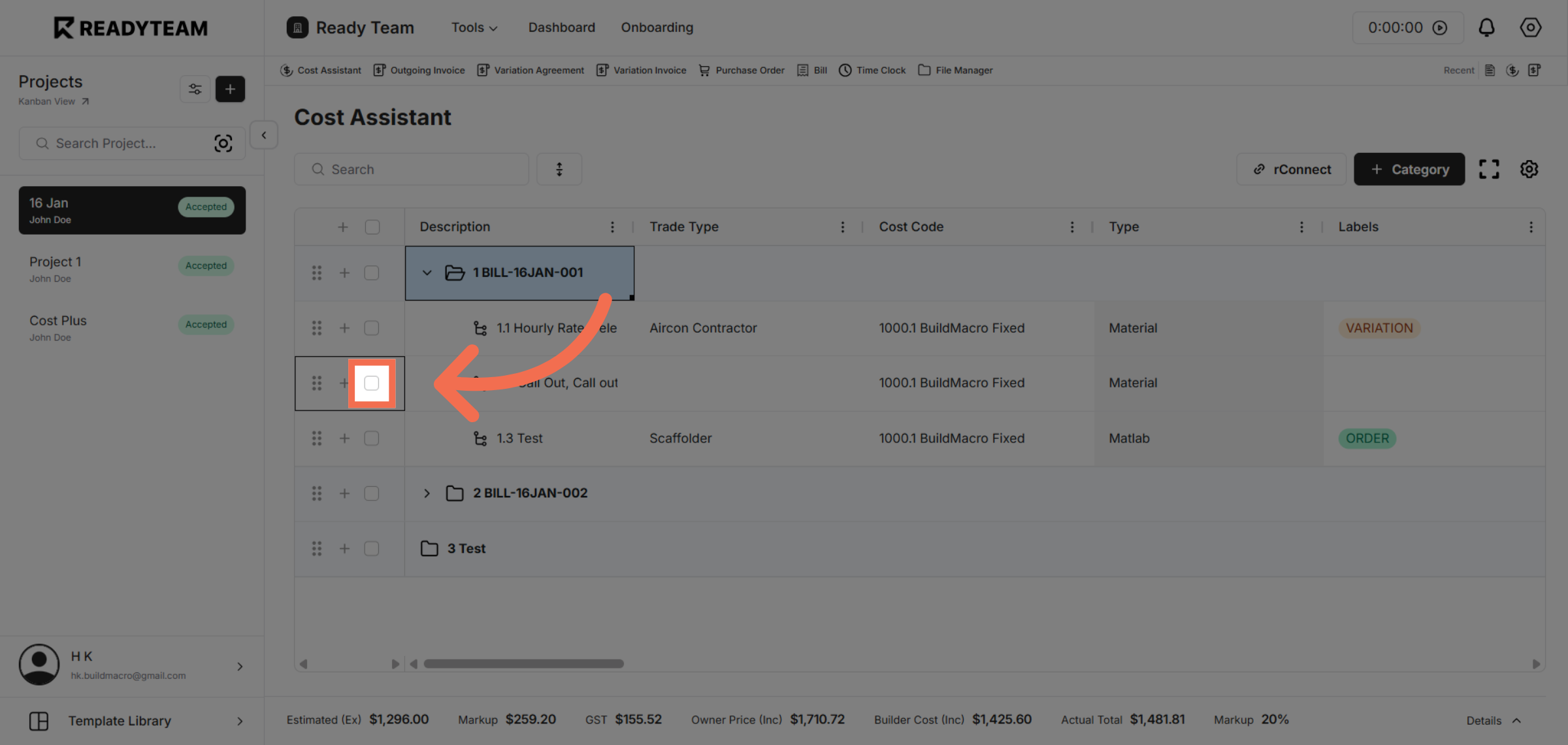
5. Toggle Row Selection
Click to toggle the row selection using the spacebar shortcut, enabling selection of the desired line item.
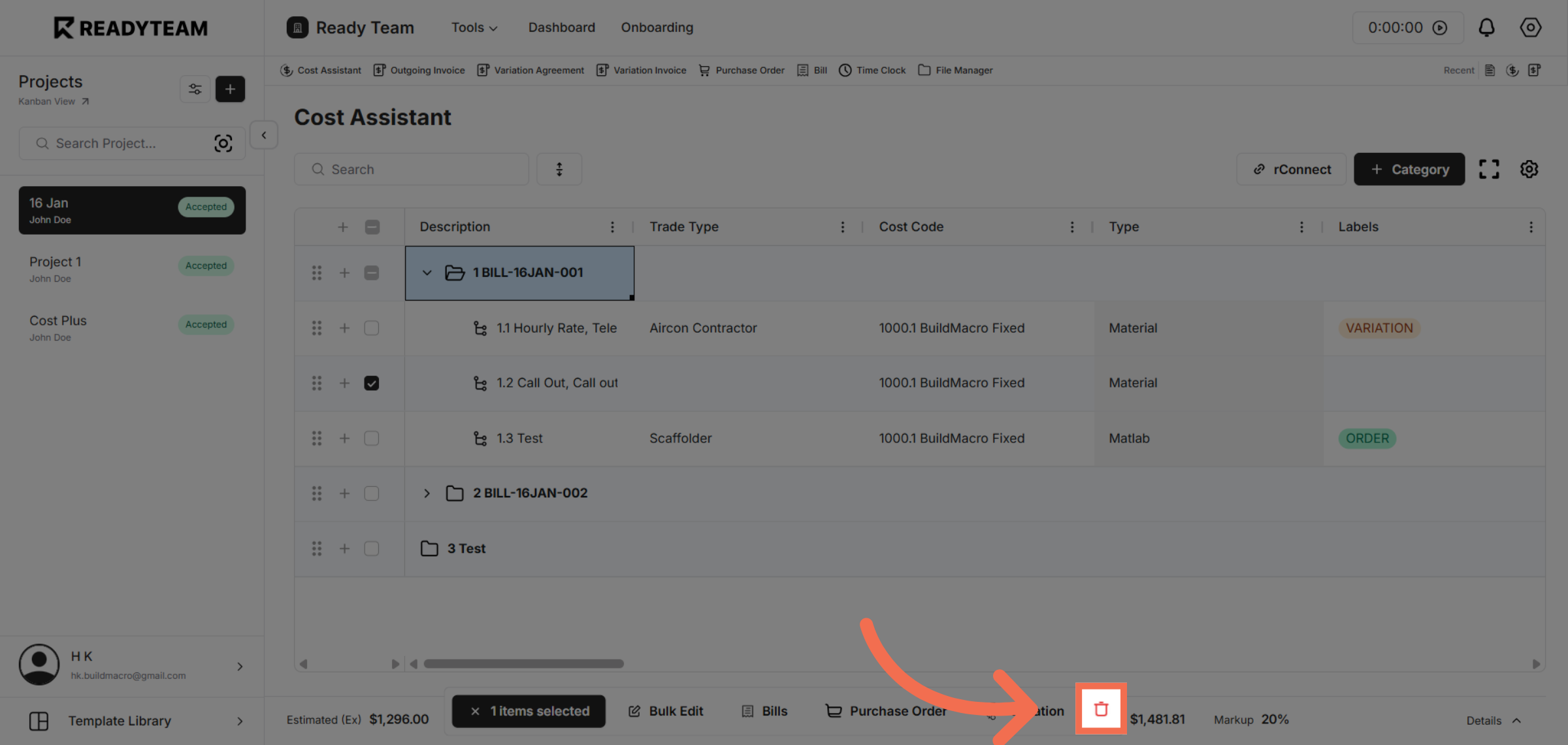
6. Open Action Menu
Click the area to open the action menu where you can perform operations on the selected line item.
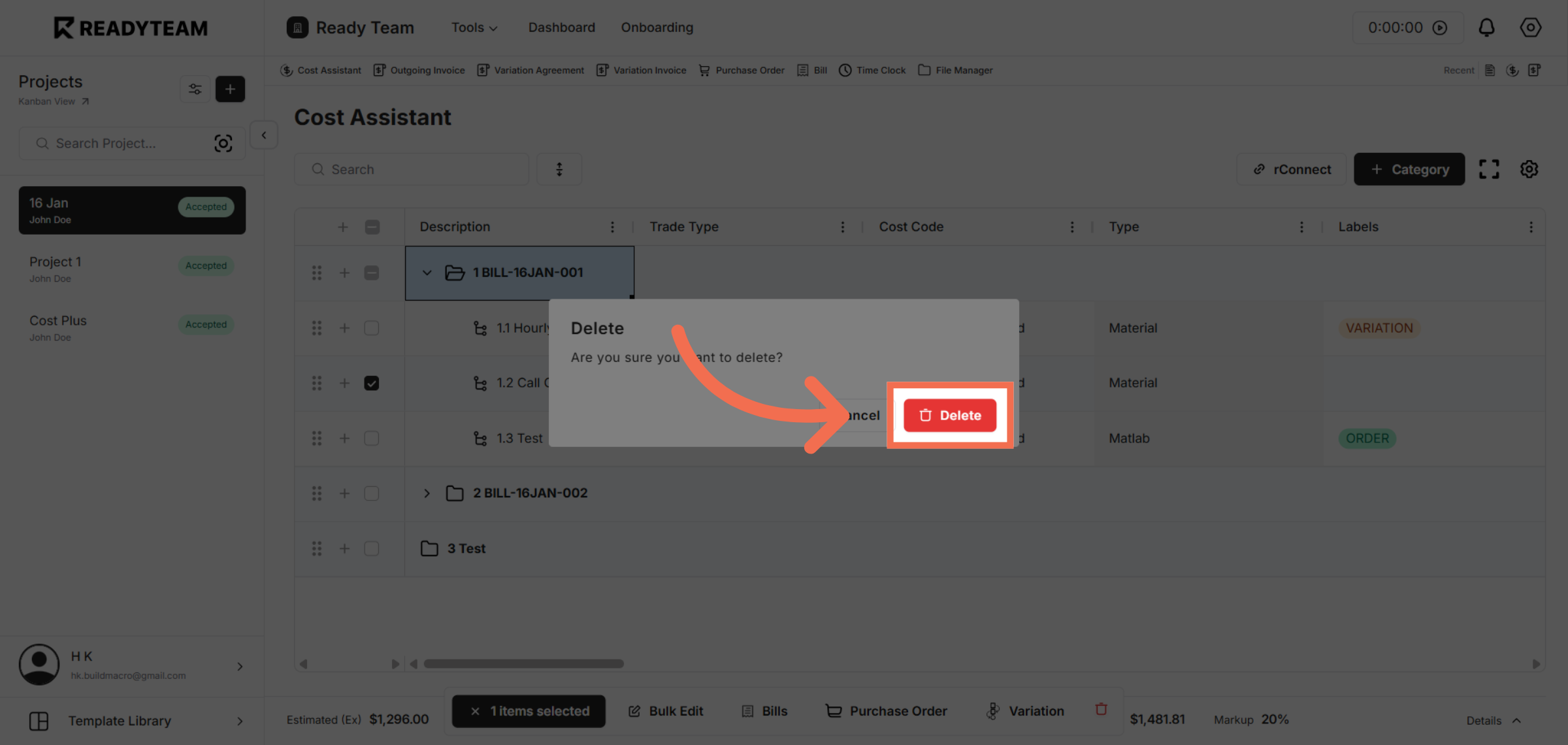
7. Delete Selected Line Item
Click the Delete option to remove the selected line item from the list.
This demo demonstrated how to efficiently delete a line item in Readyteam by selecting, toggling, and confirming deletion. You can now manage your data with greater ease and accuracy.