Create Variations in Cost Assistant Using ReadyTeam
This demo showcases how to create variations within Readyteam to enhance your workflow.
Go to app.readyteam.ai
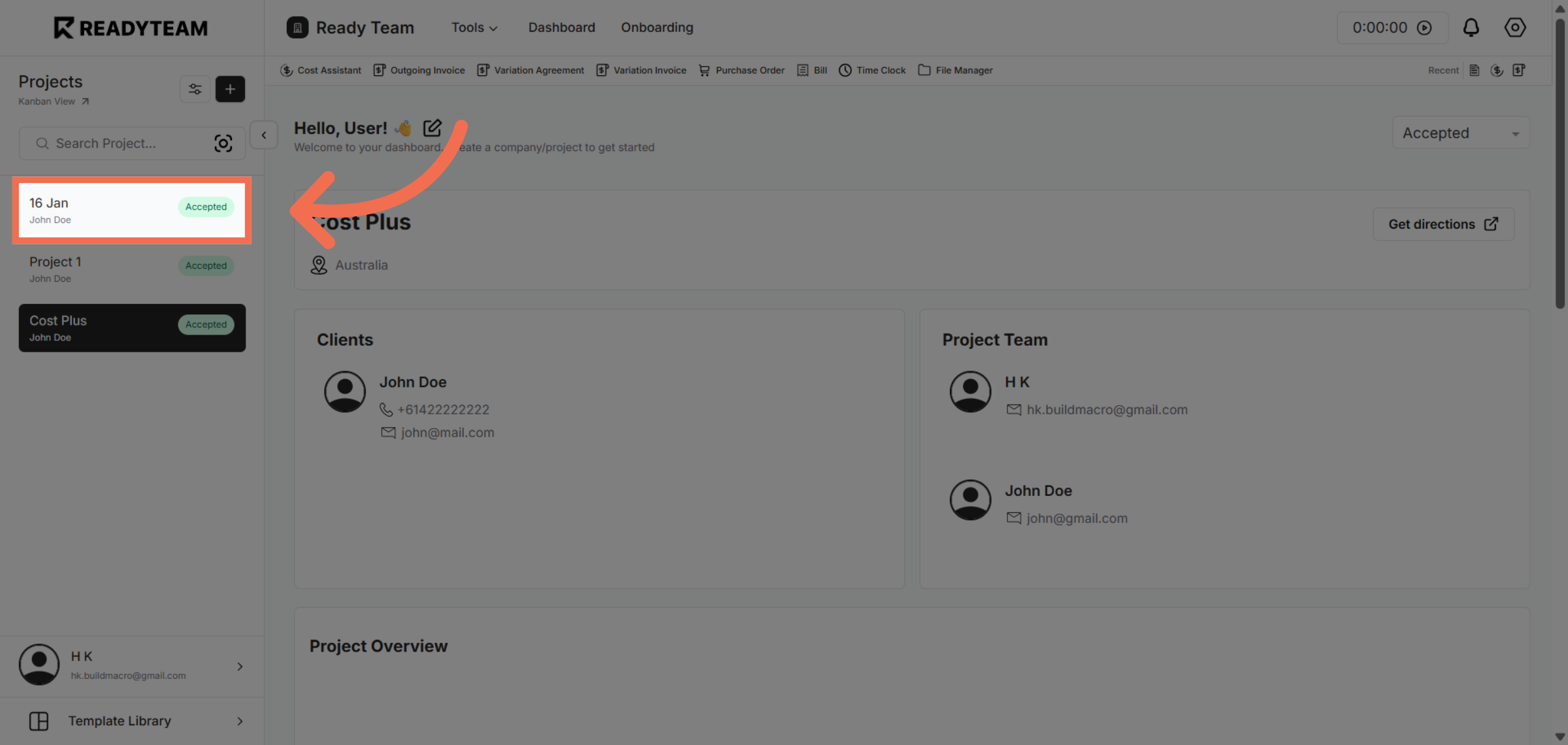
1. Select Specific Project
Select specific project associated with the user to begin managing variations.
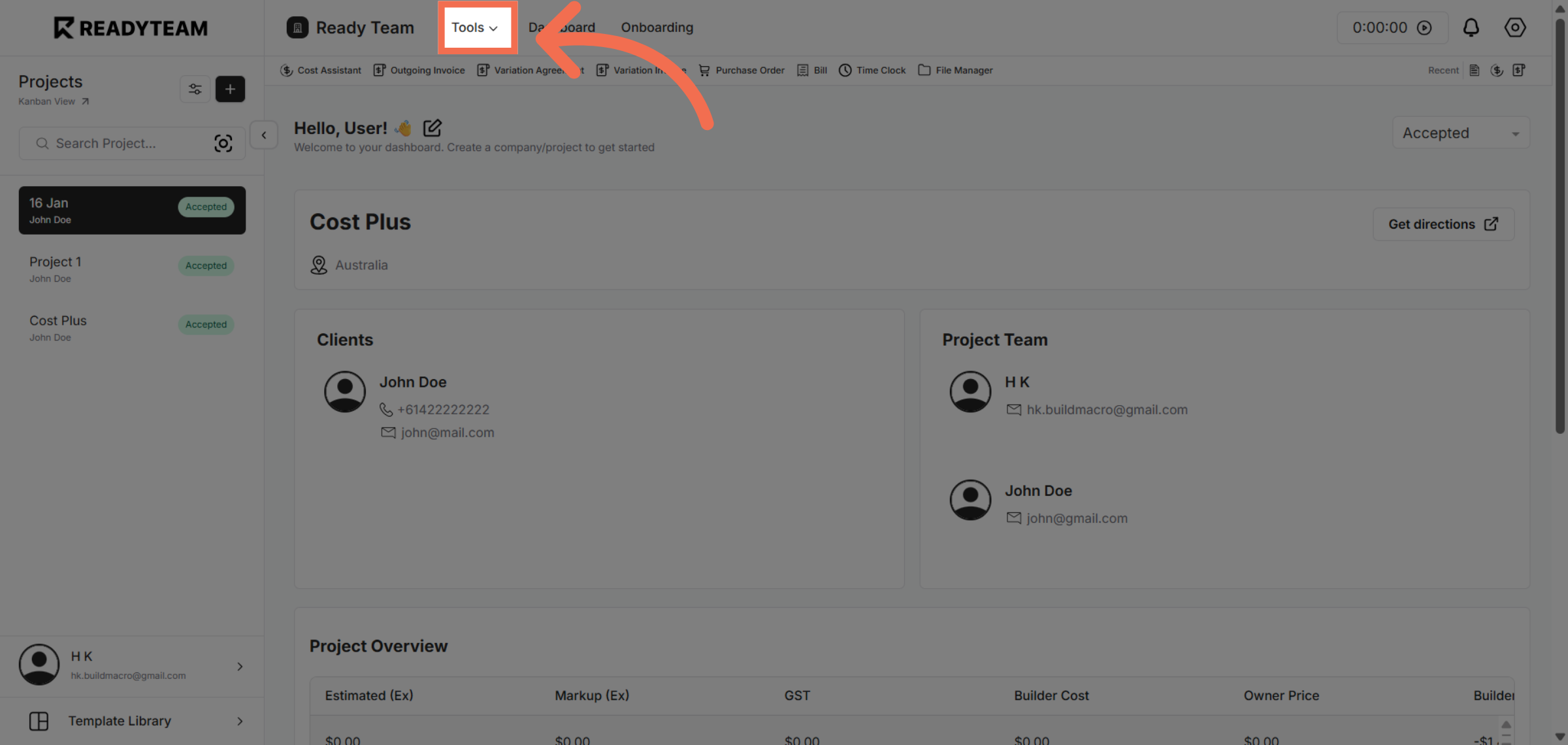
2. Access Tools Menu
Click the designated area to open the tools where variation-related options are available.
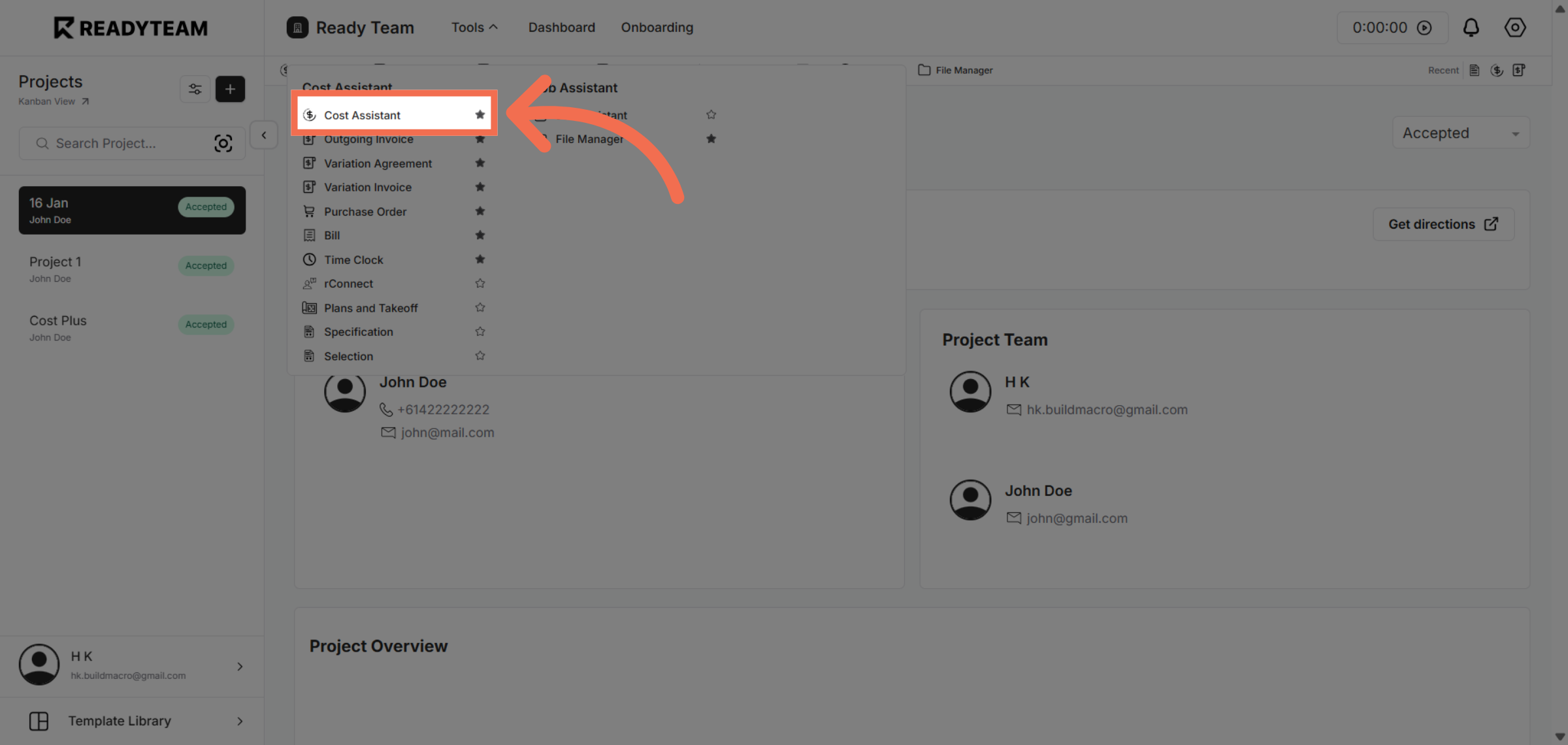
3. Open Cost Assistant Feature
Click the Cost Assistant feature to assist with cost-related aspects of the variation process.
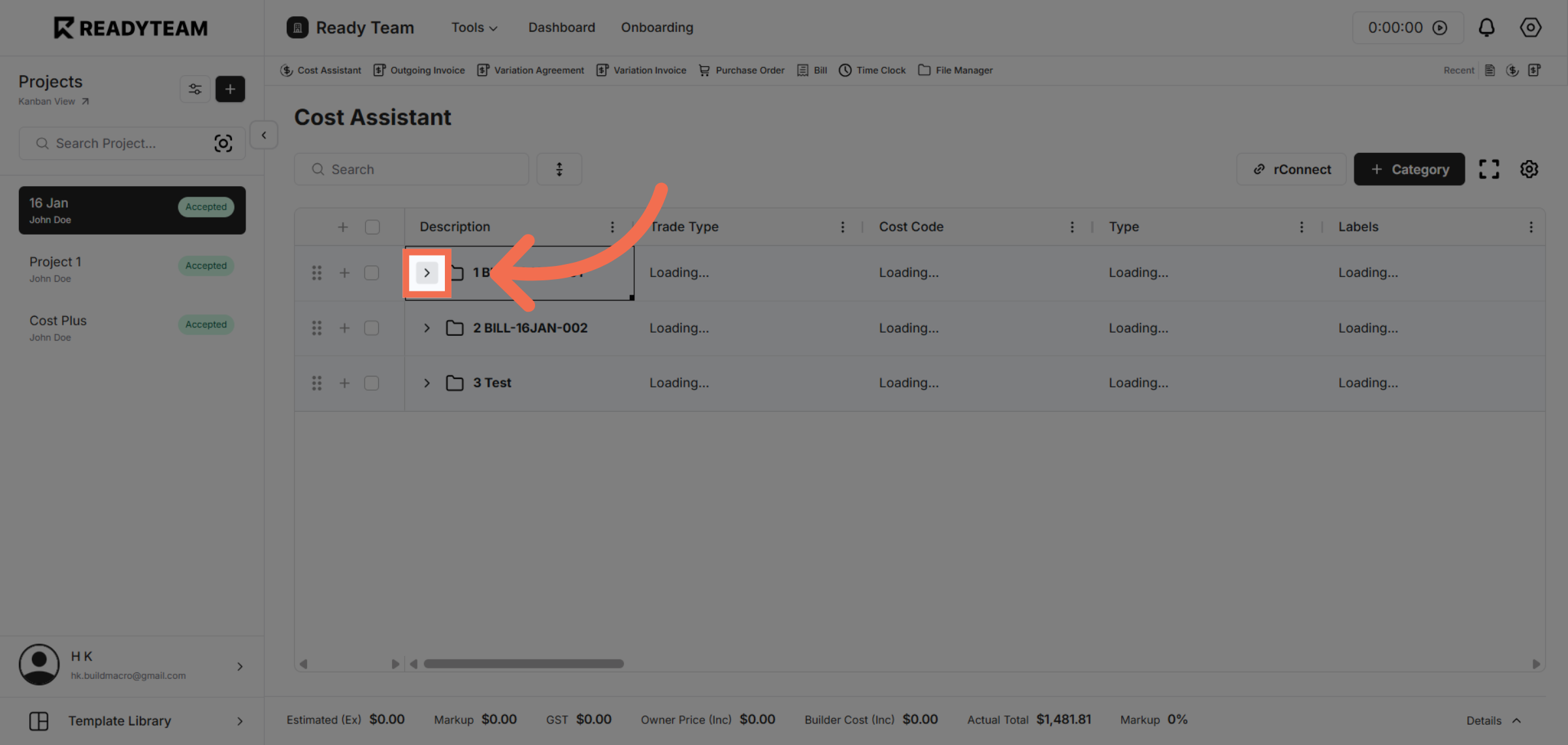
4. Navigate to Variation Settings
Click the indicated area to proceed to the settings where variations can be configured.
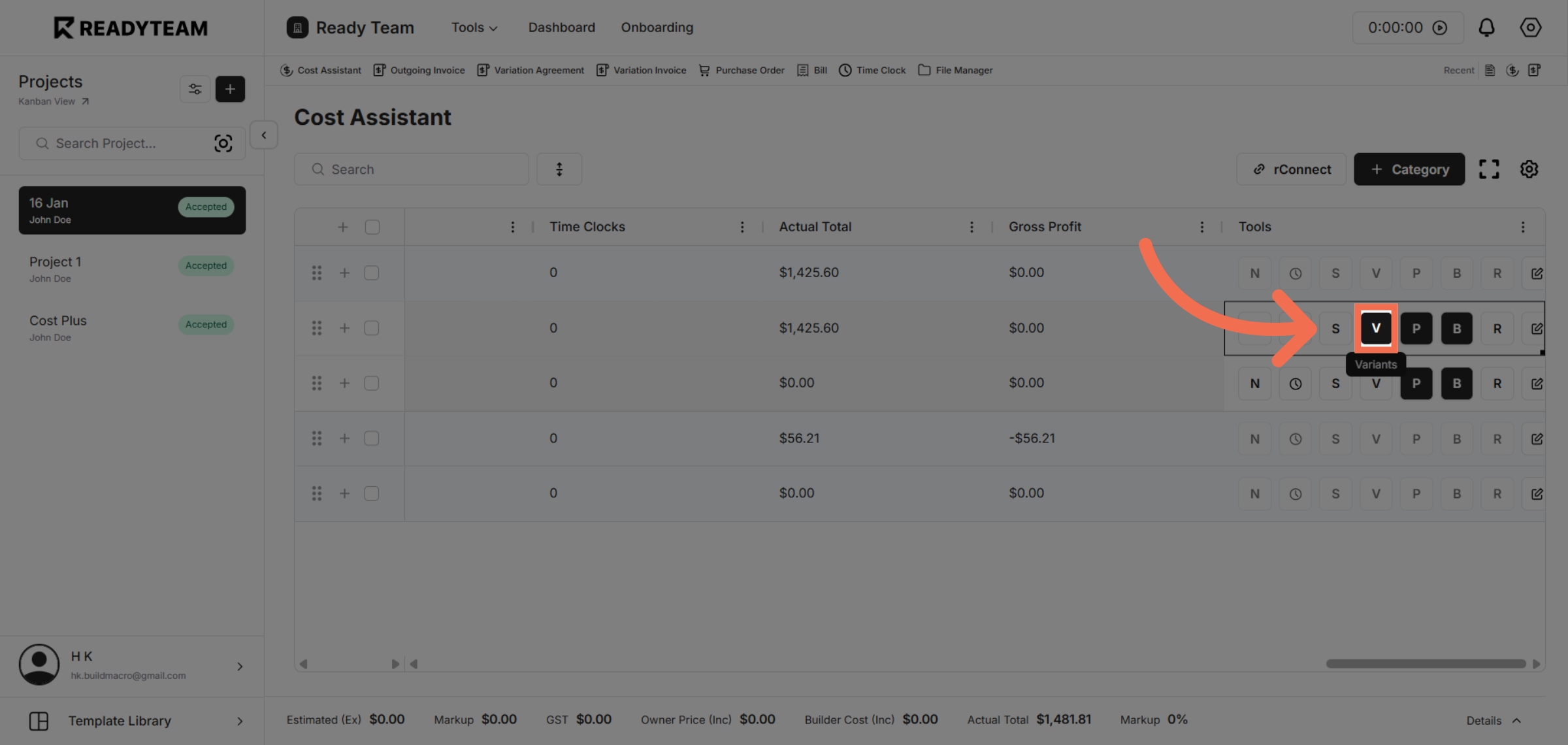
5. Open Variation Tools
Click the dropdown menu labeled with 'V' to view available variation options.
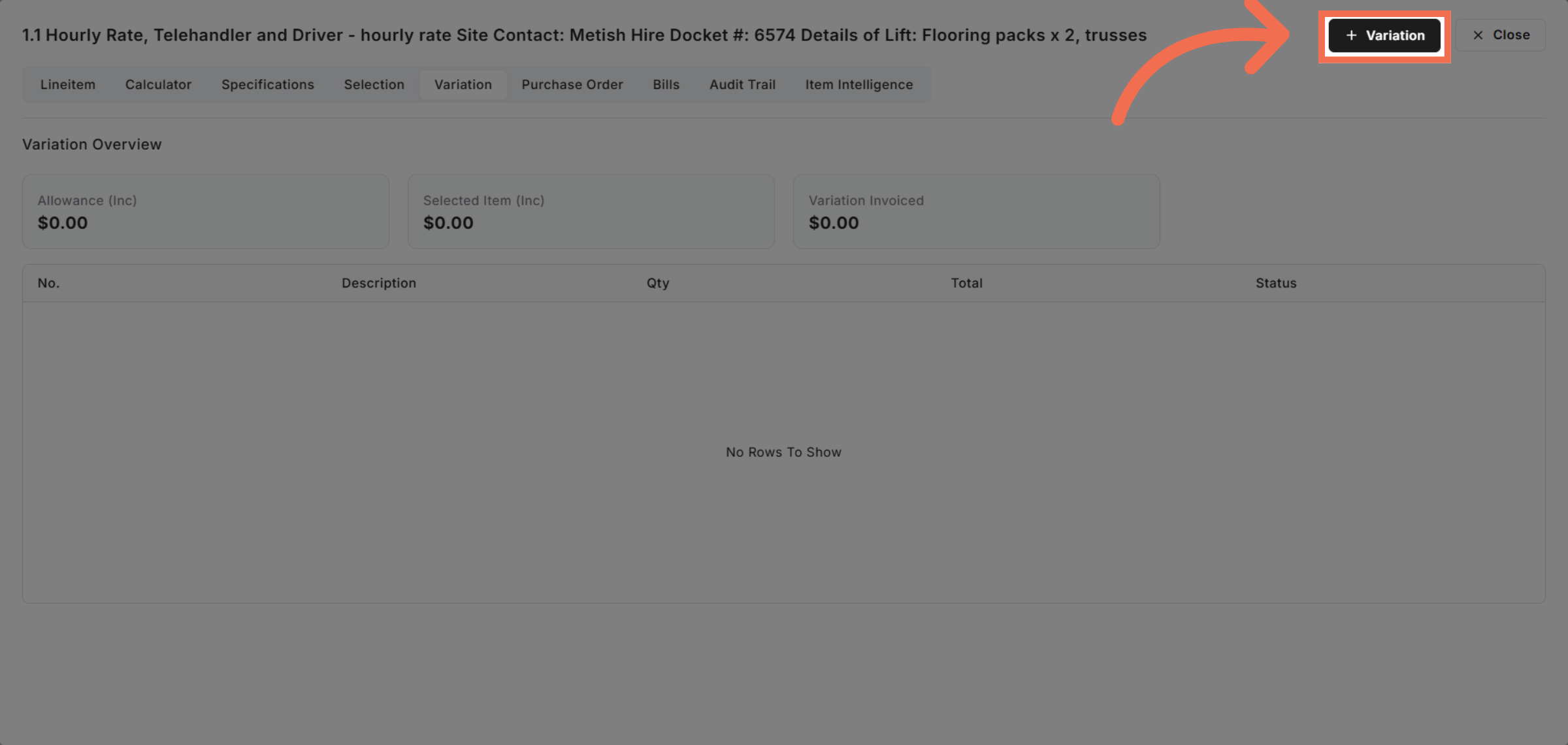
6. Select Variation Option
Click the Variation option to specify the type of variation you want to create.
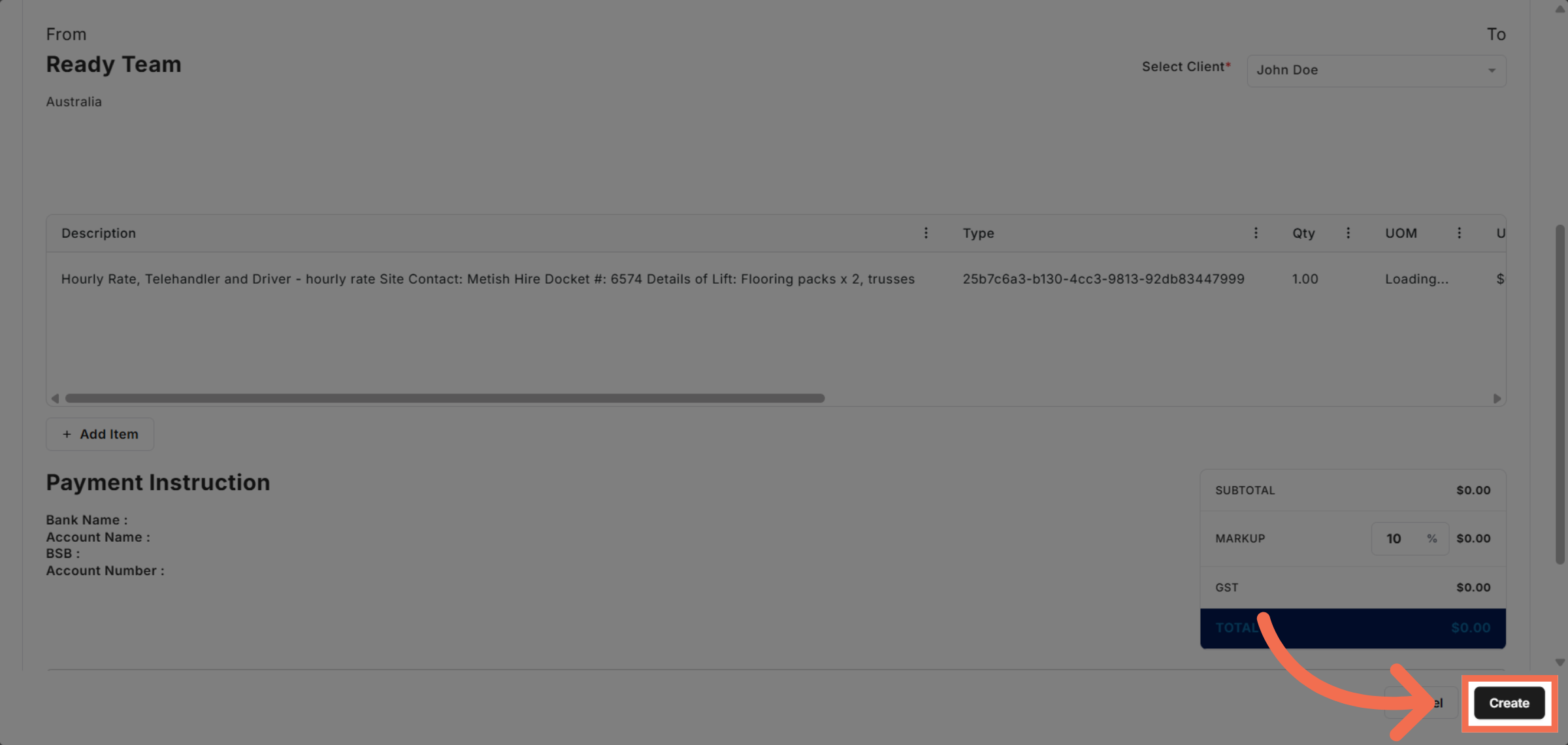
7. Create New Variation
Click the Create button to finalize and add a new variation to your project.
This demo demonstrated how to efficiently create and manage variations in Readyteam, streamlining your workflow and enhancing project customization. Start creating your own variations today to optimize your processes.