How to Rename Cost Assistant Category?

This demo showcases how to rename a category within Readyteam to keep your data organized.
Go to app.readyteam.ai
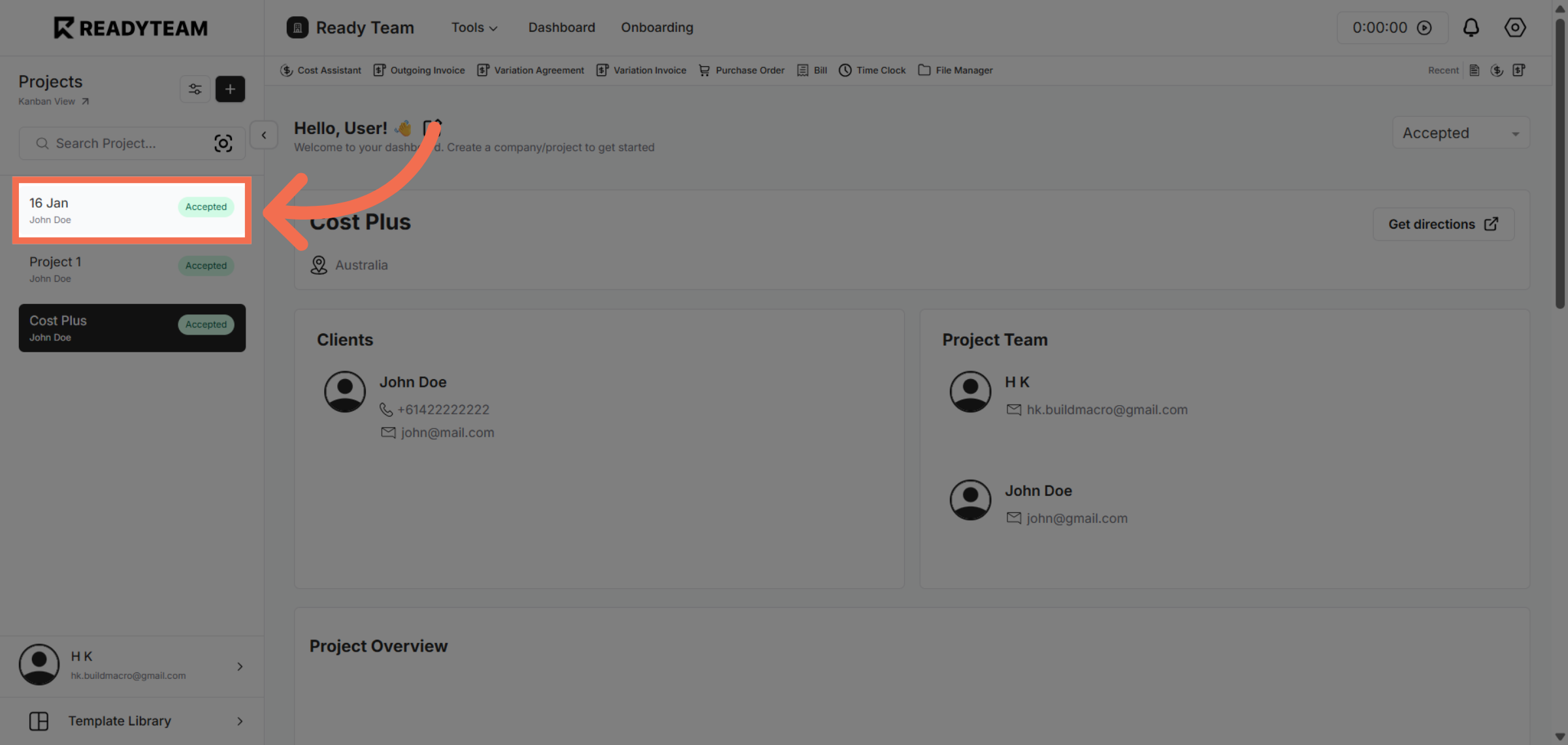
1. Select Specific Project
Click the Specific Project you want to modify.
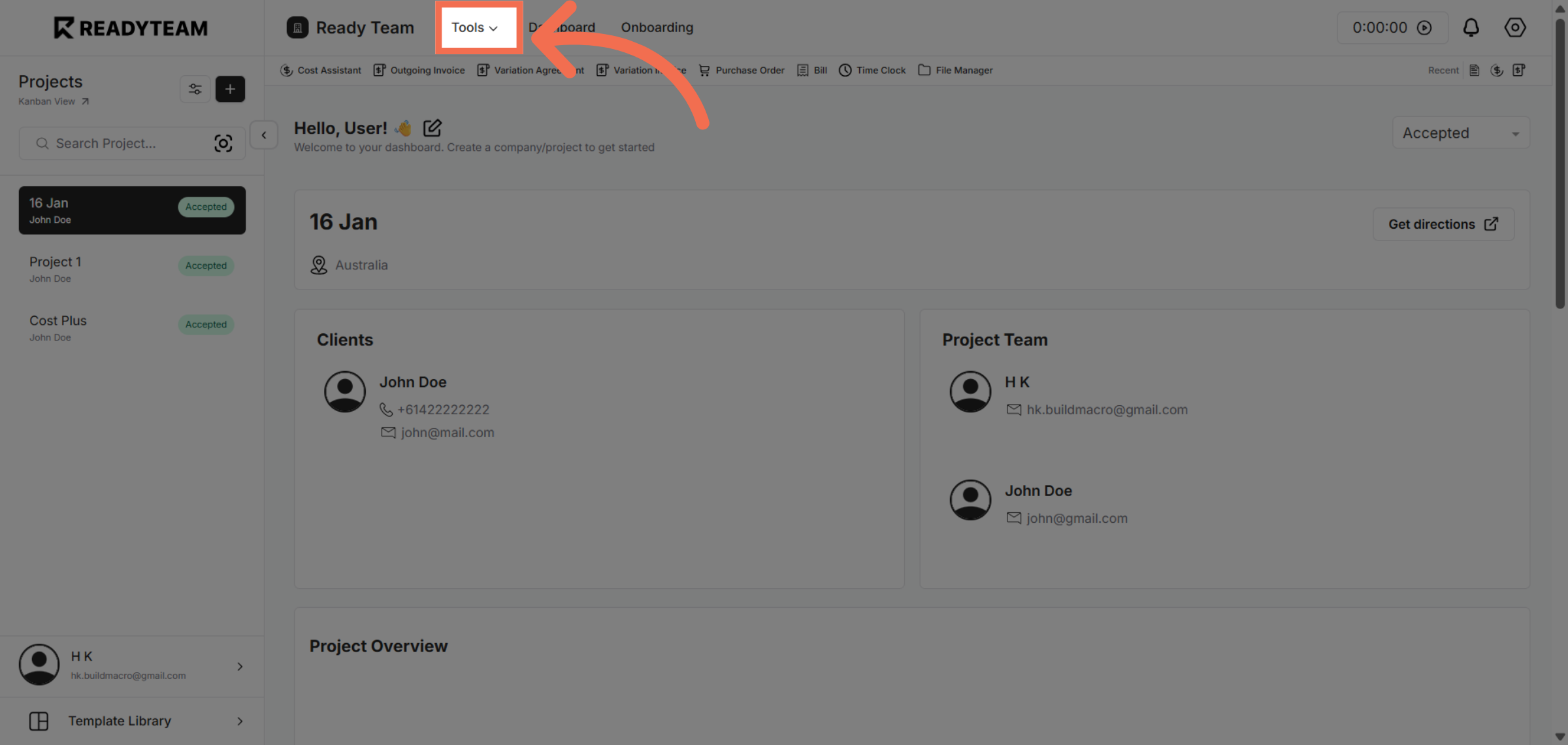
2. Access Tools Menu
Click the Tools menu to reveal additional options for managing your data and settings.
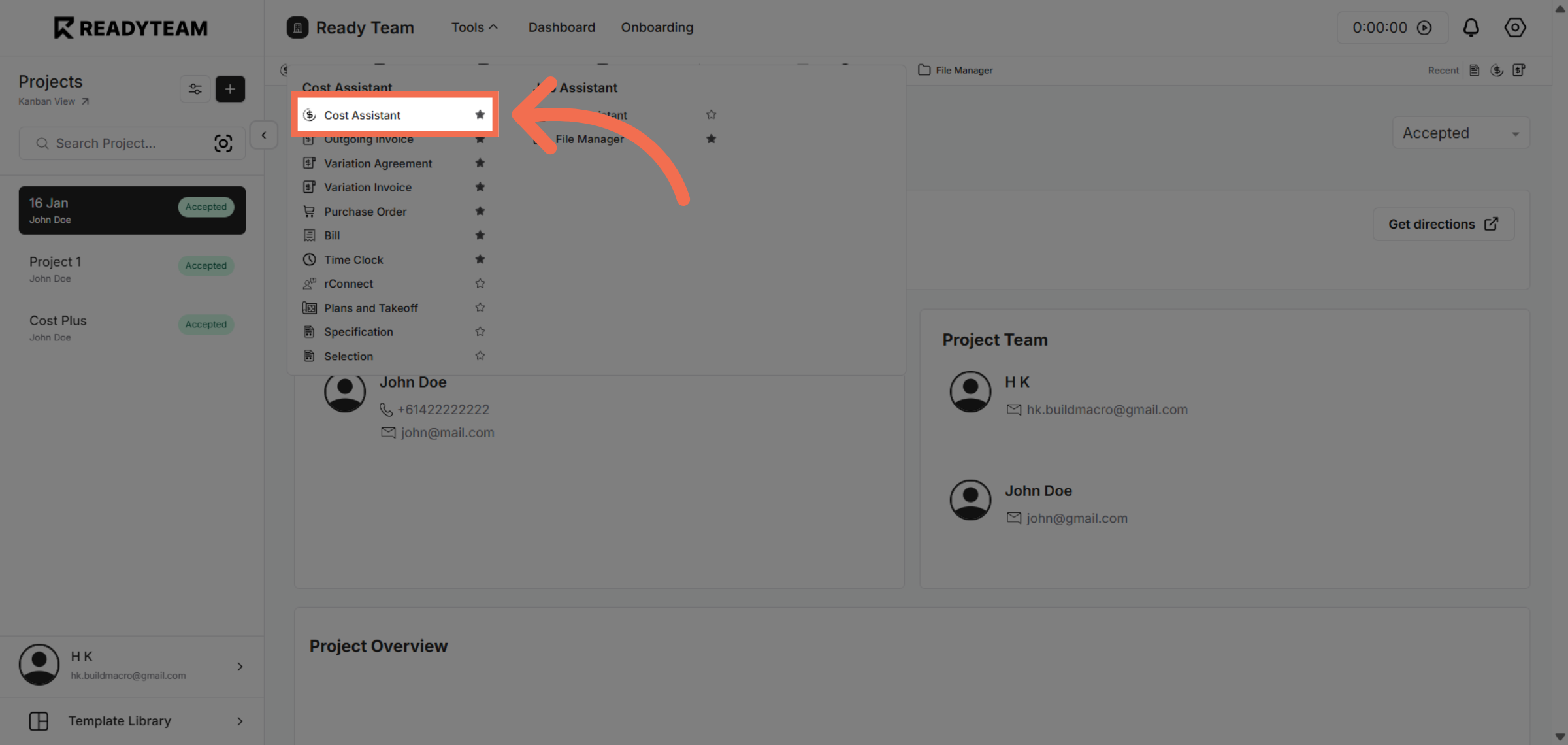
3. Select Cost Assistant
Choose the Cost Assistant feature to work with cost-related categories and details.
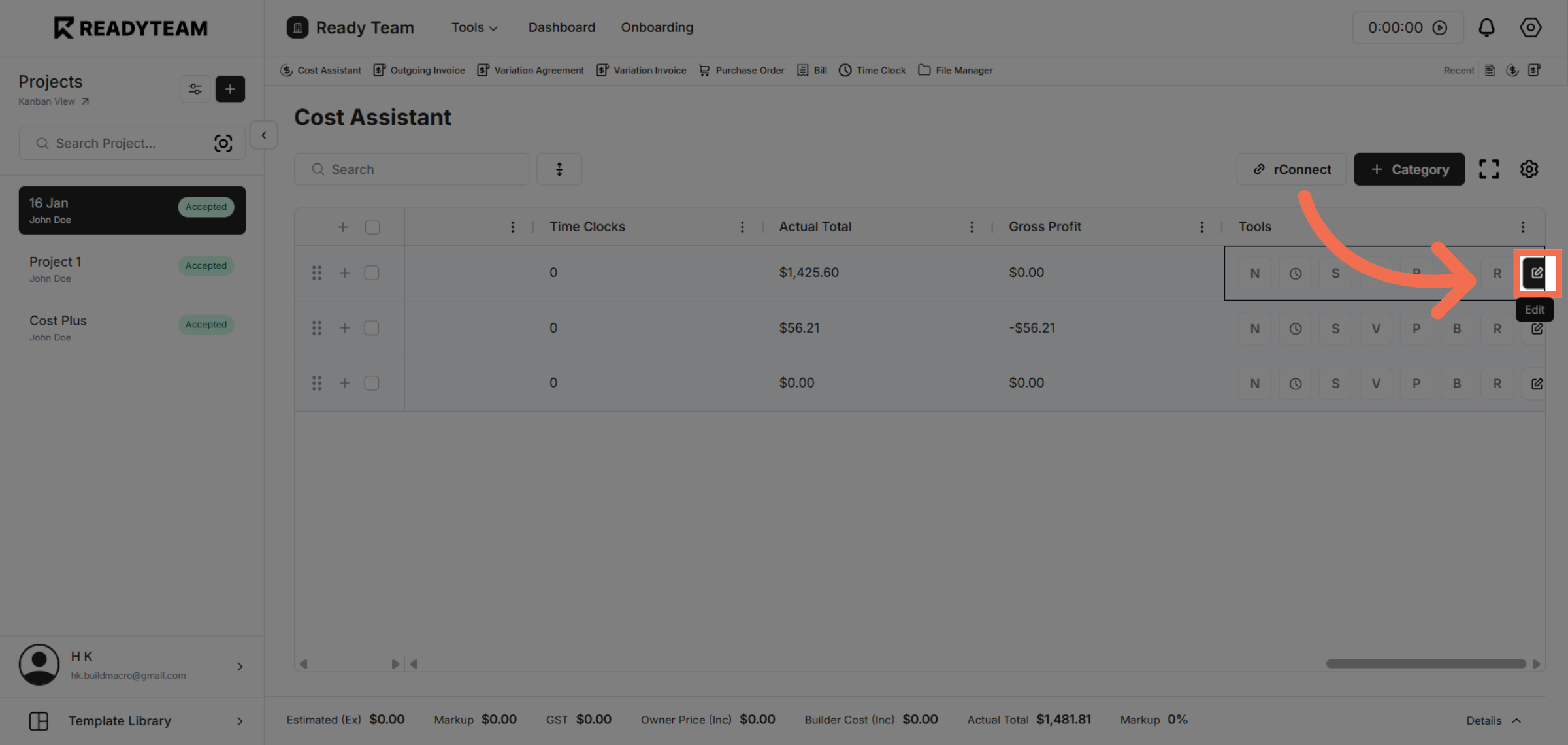
4. Open Edit Options
Click the designated area to open the category options available for editing.
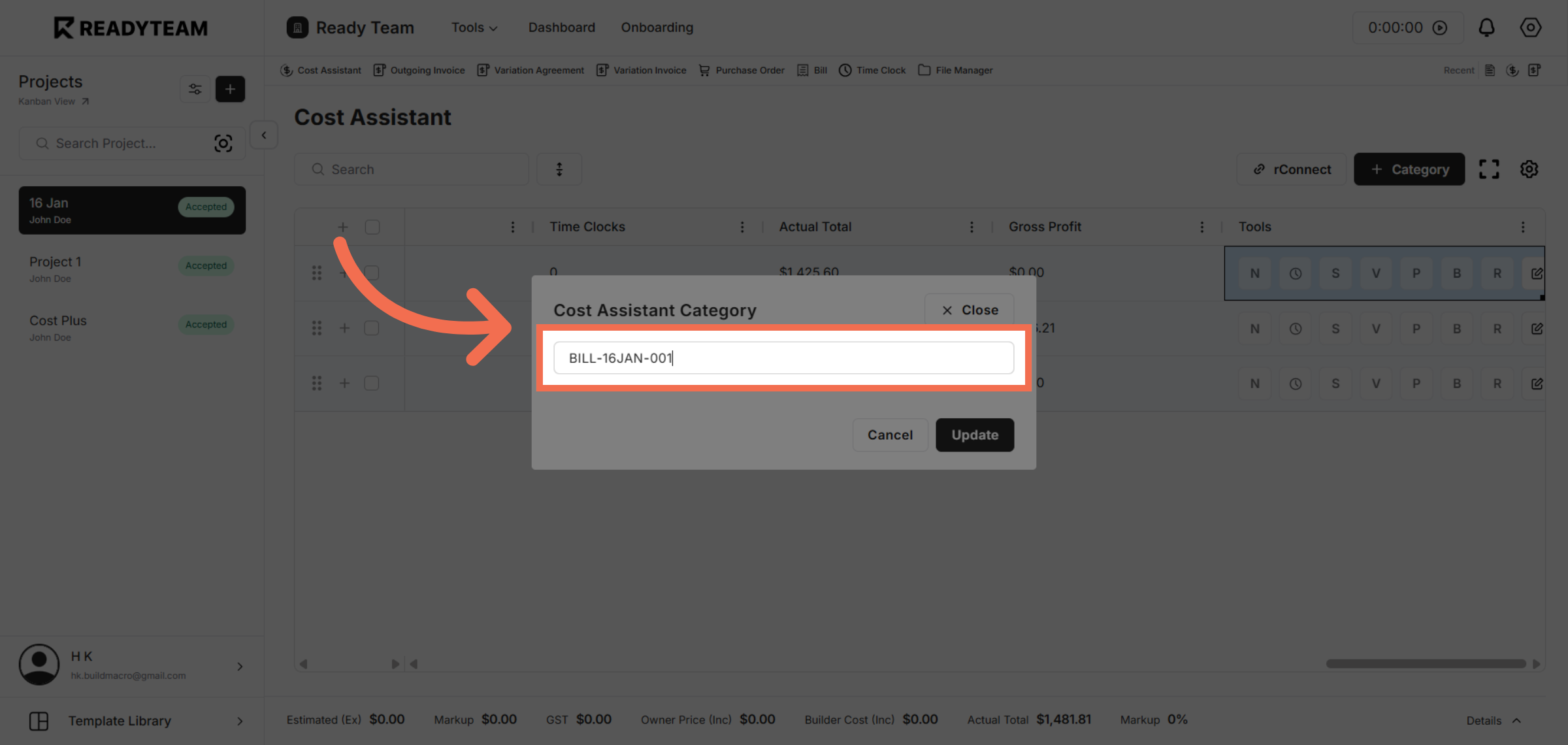
5. Choose Specific Category
Select the category identified by its code to prepare it for renaming.
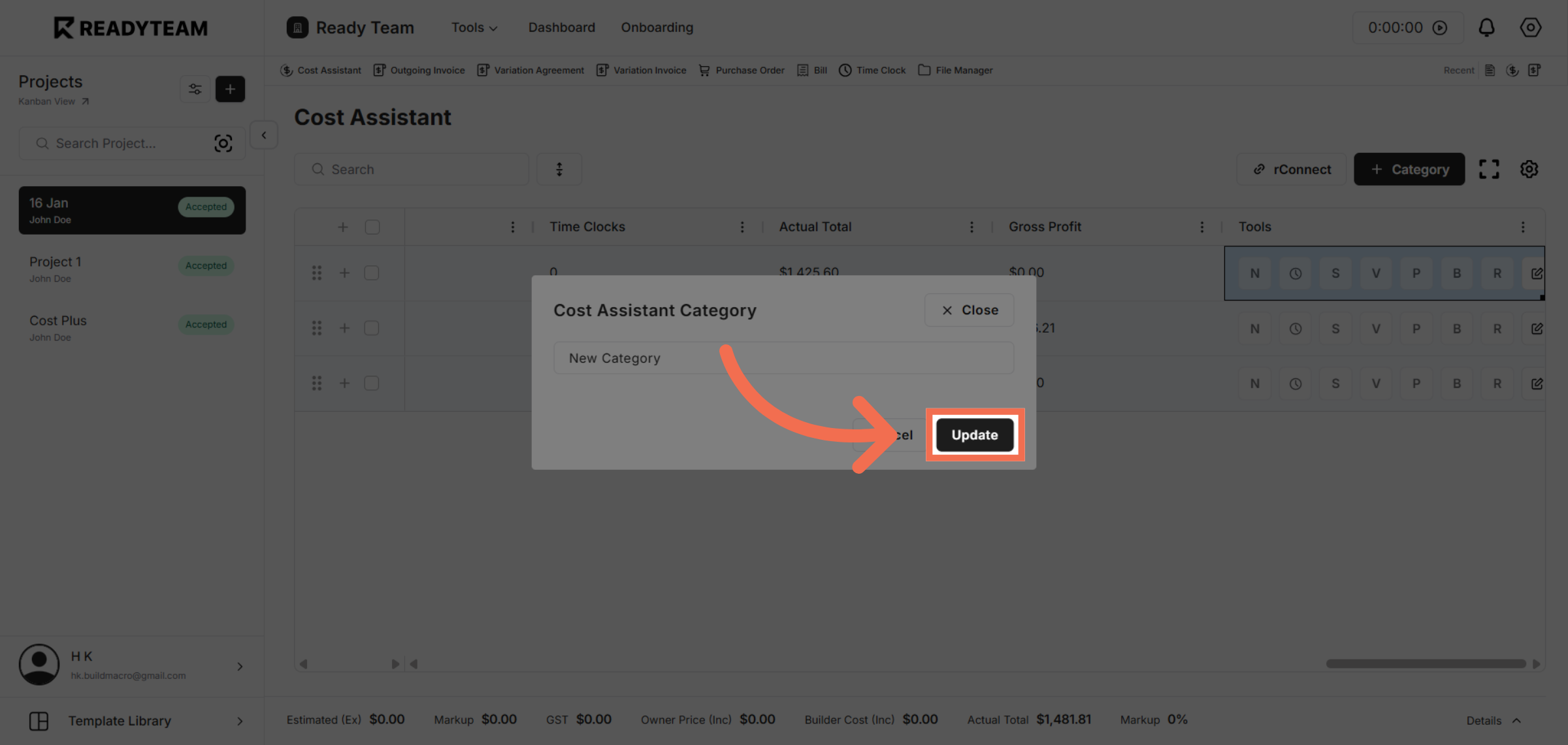
6. Confirm Category Update
Click the Update button to save your changes and apply the new category name.
You have successfully renamed a category in Readyteam, ensuring your data remains organized and up to date. Try this feature now to streamline your category management and improve workflow efficiency.