Create Invoices Efficiently Using ReadyTeam
ReadyTeam streamlines your invoicing process by providing an intuitive interface to manage and create invoices.
Go to app.readyteam.ai
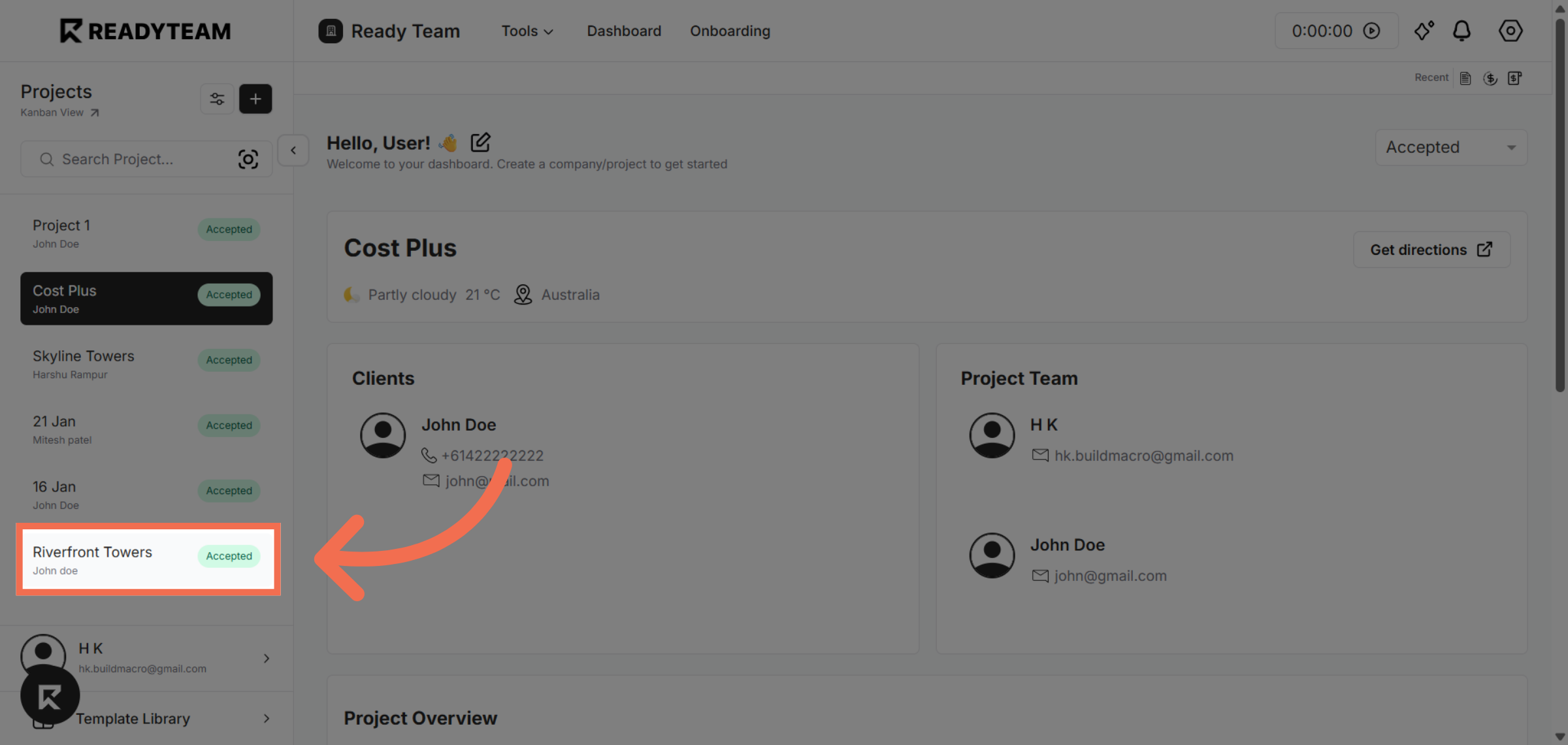
1. Select Project
Select project to access your project settings and invoicing options.
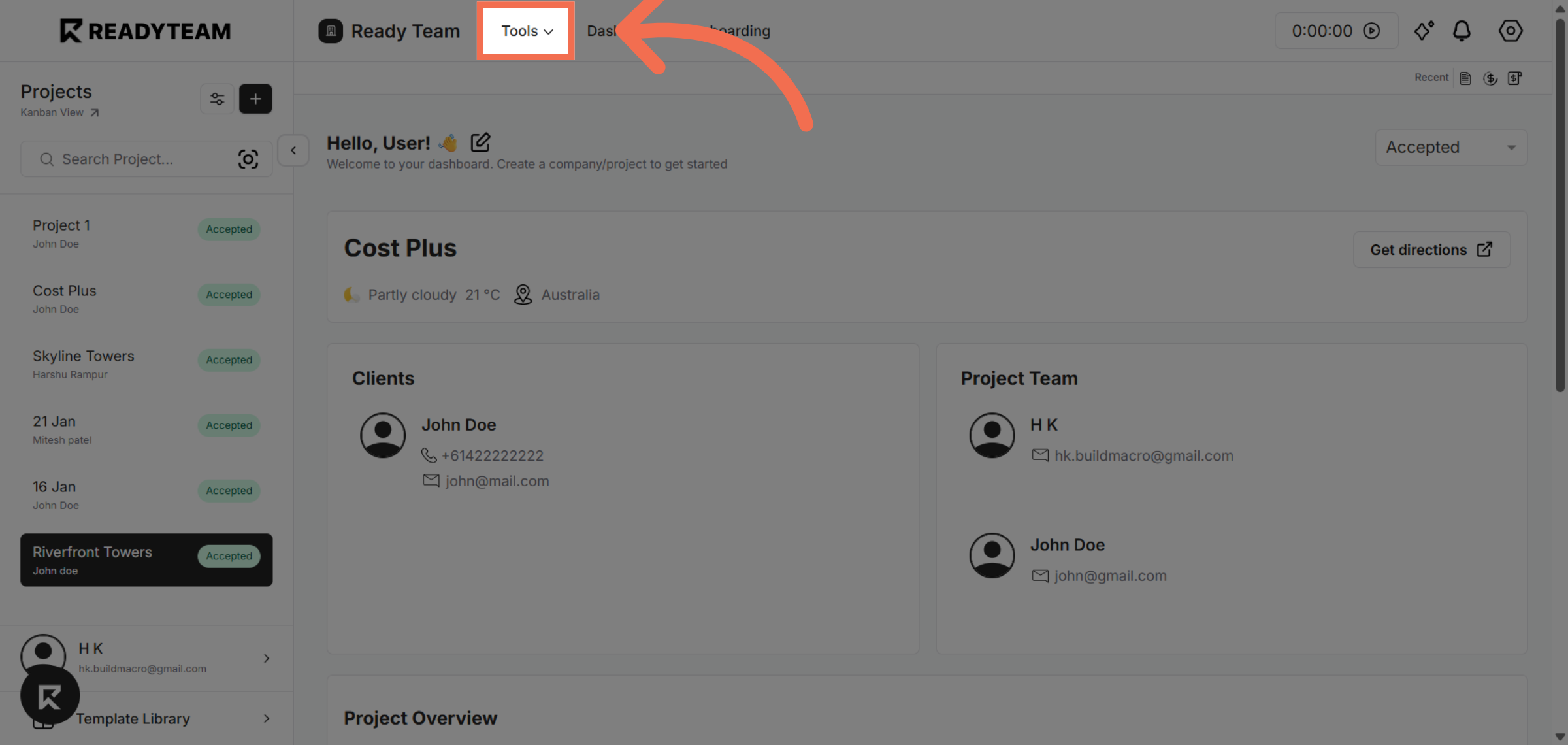
2. Open Tools Menu
Navigate to the tools menu to begin creating a new invoice for your project.
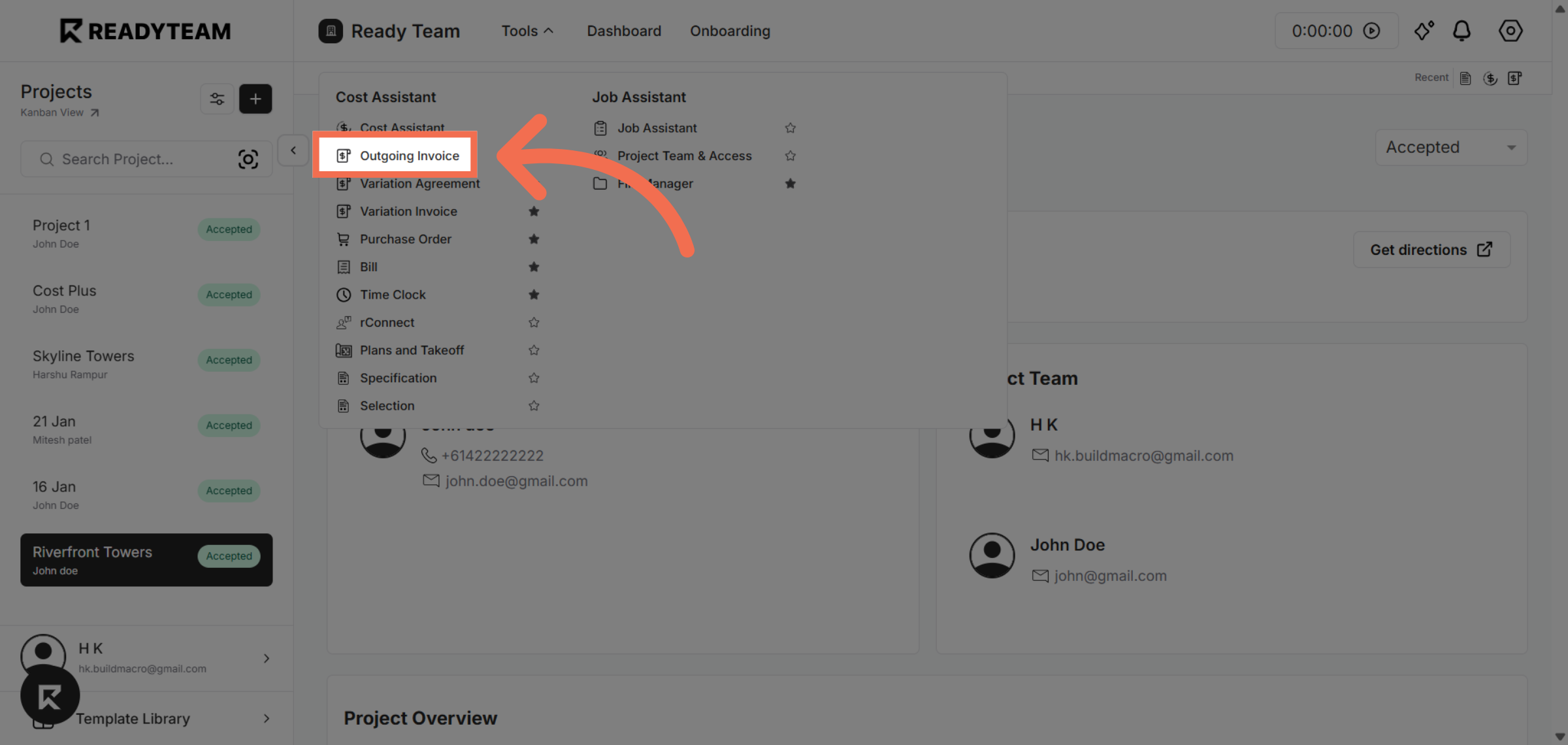
3. Access Outgoing Invoices
Select the outgoing invoice option to view and manage invoices you need to send.
4. Click Add Invoice Option
Click the invoice option to start the process of creating a new invoice.
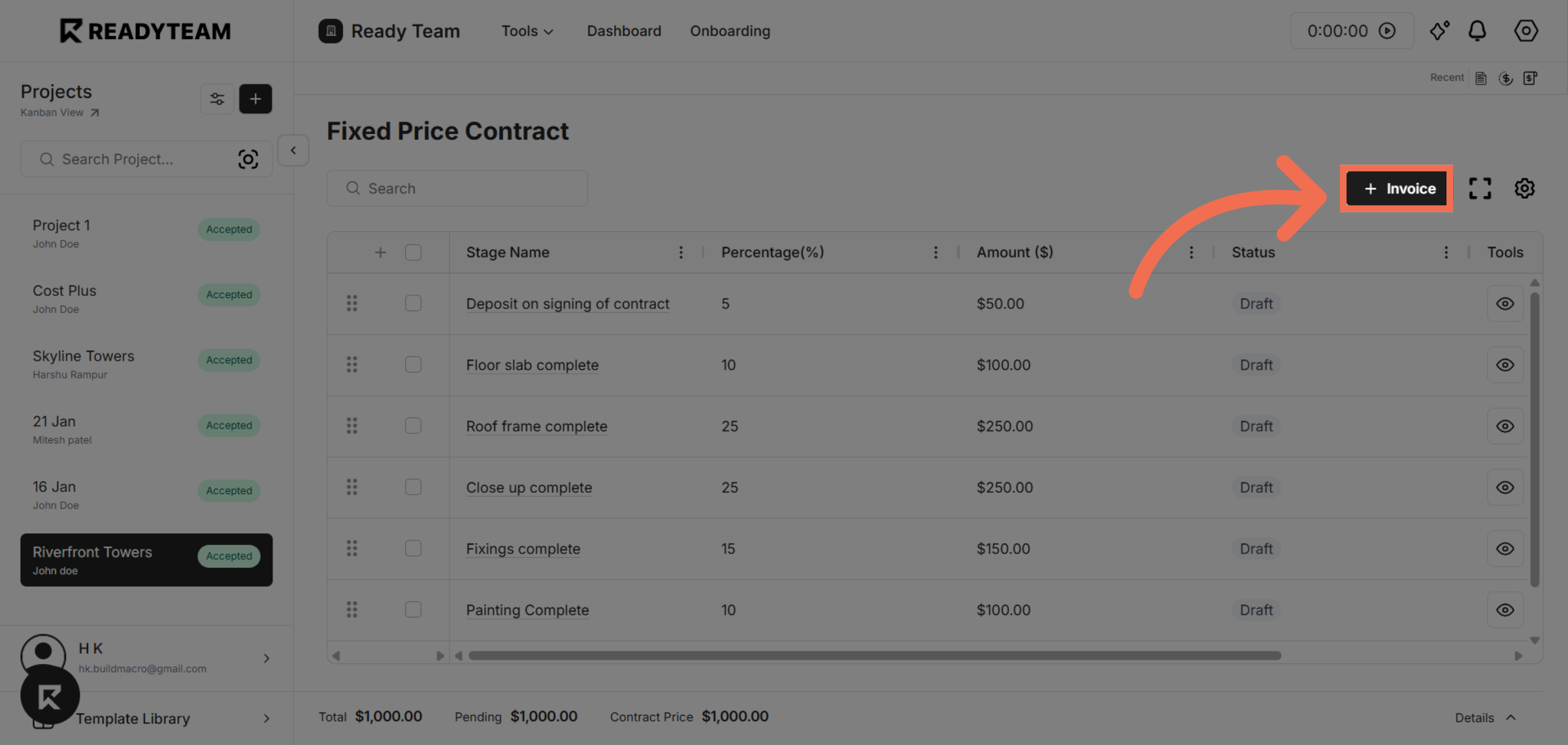
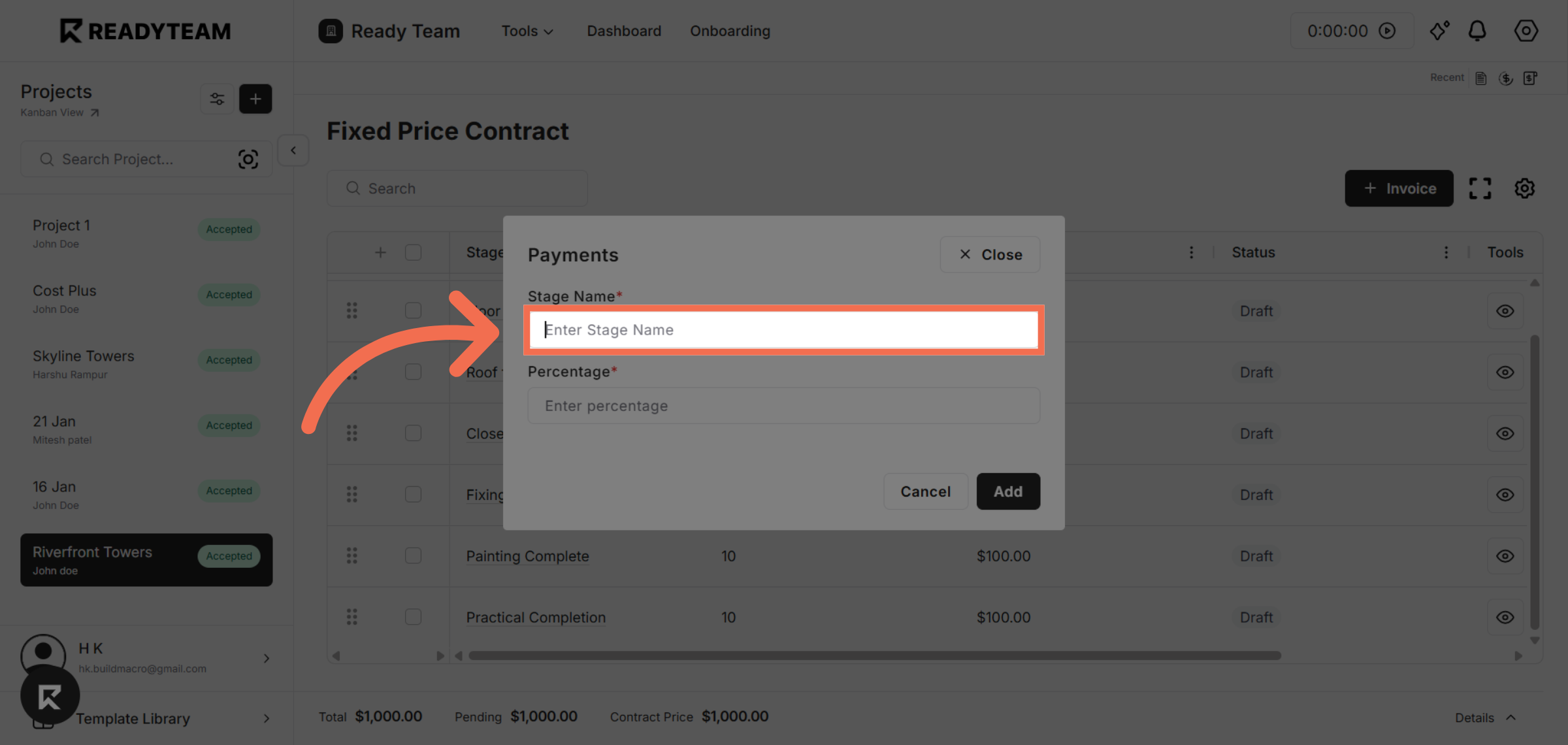
5. Enter Stage Name
Click the stage name field to add project stage information.
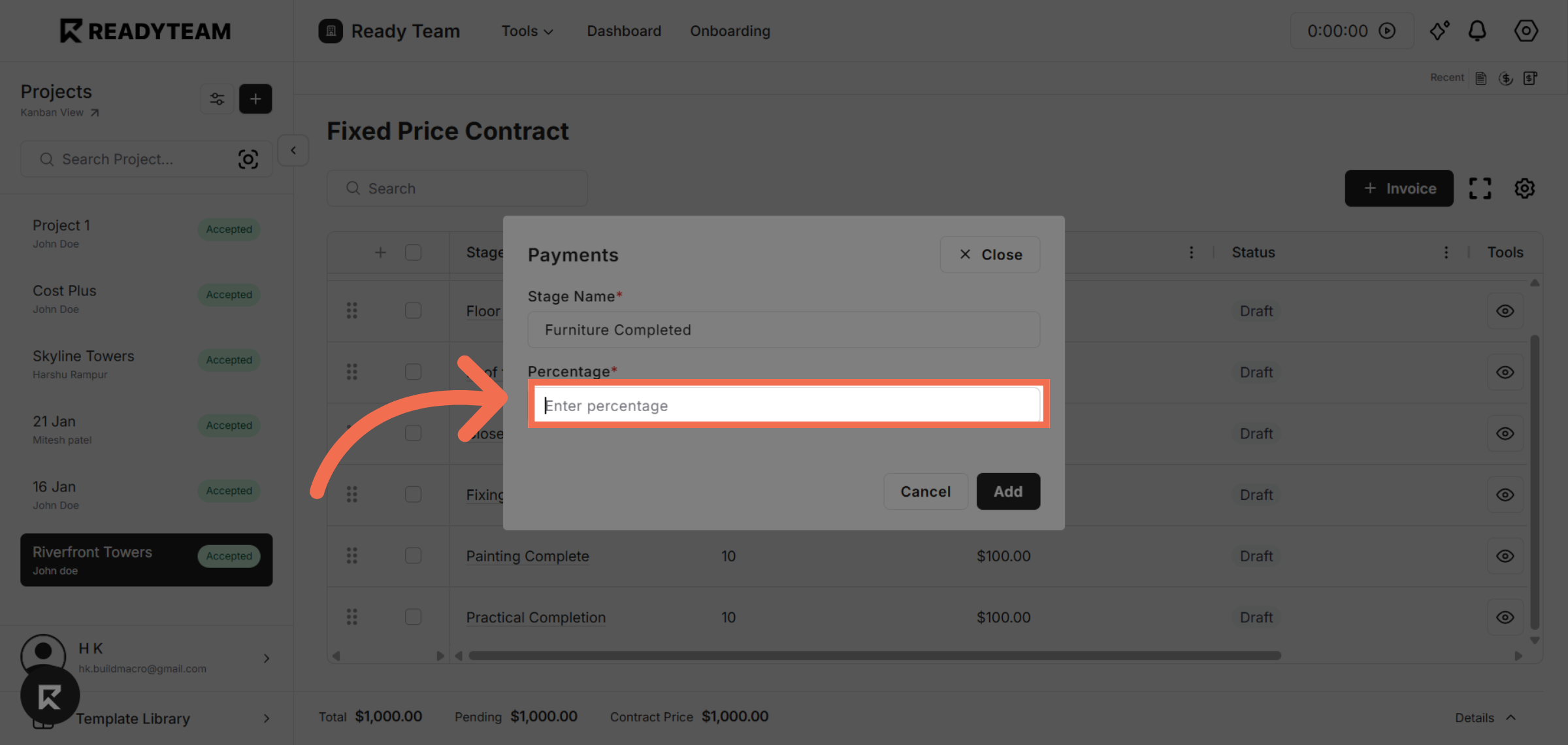
6. Enter Percentage
Click the percentage field to add percentage for the current item.
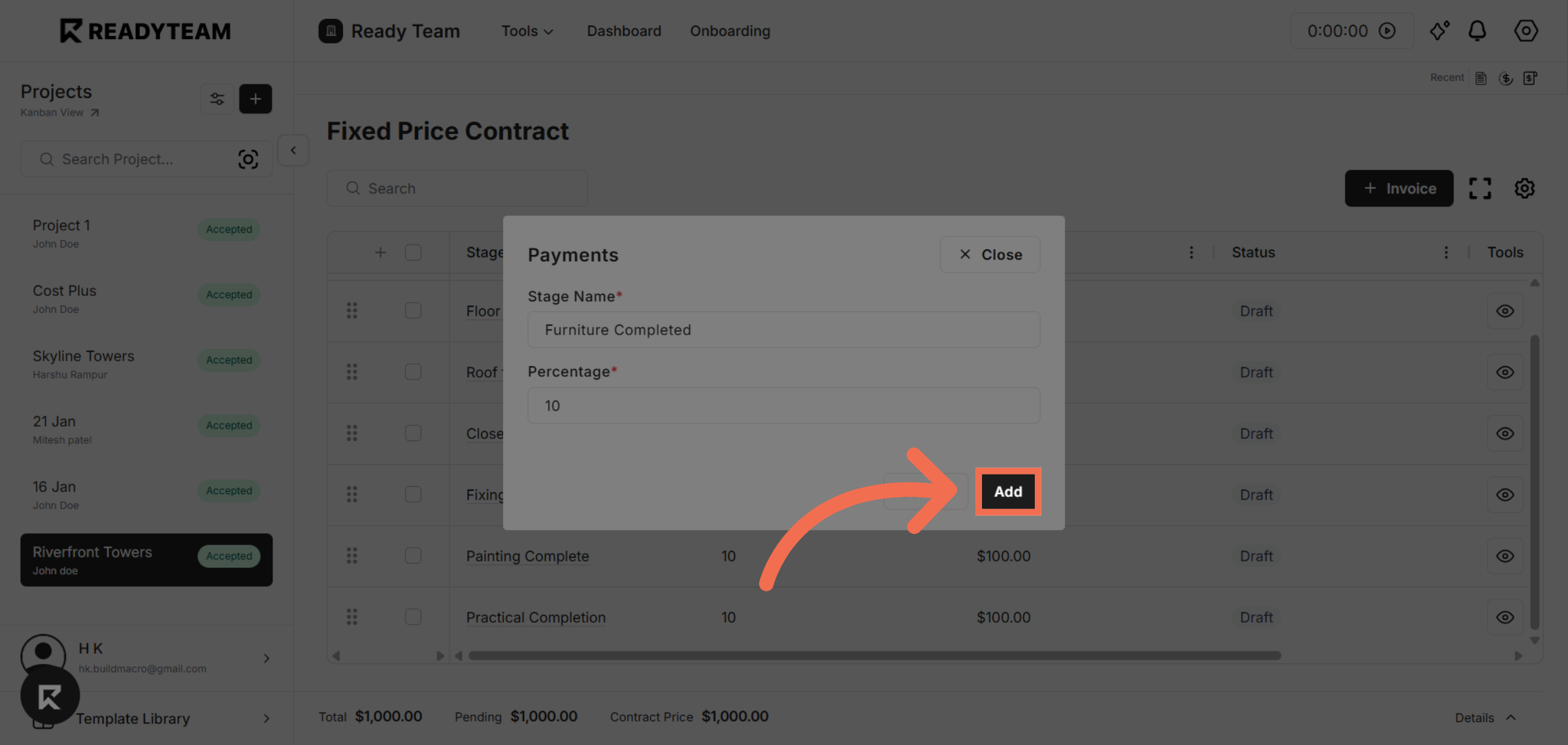
7. Add Invoice Entry
Click add to include the new invoice entry and update your project billing records.
This demo showcased how ReadyTeam simplifies invoice creation by allowing you to efficiently enter project stages, track completion percentages, and export detailed invoice data. Start using ReadyTeam today to streamline your invoicing process and keep your projects financially organized.