Perform Takeoffs Efficiently Using ReadyTeam
This demo showcases how Readyteam streamlines the takeoff process for construction projects.
Go to app.readyteam.ai
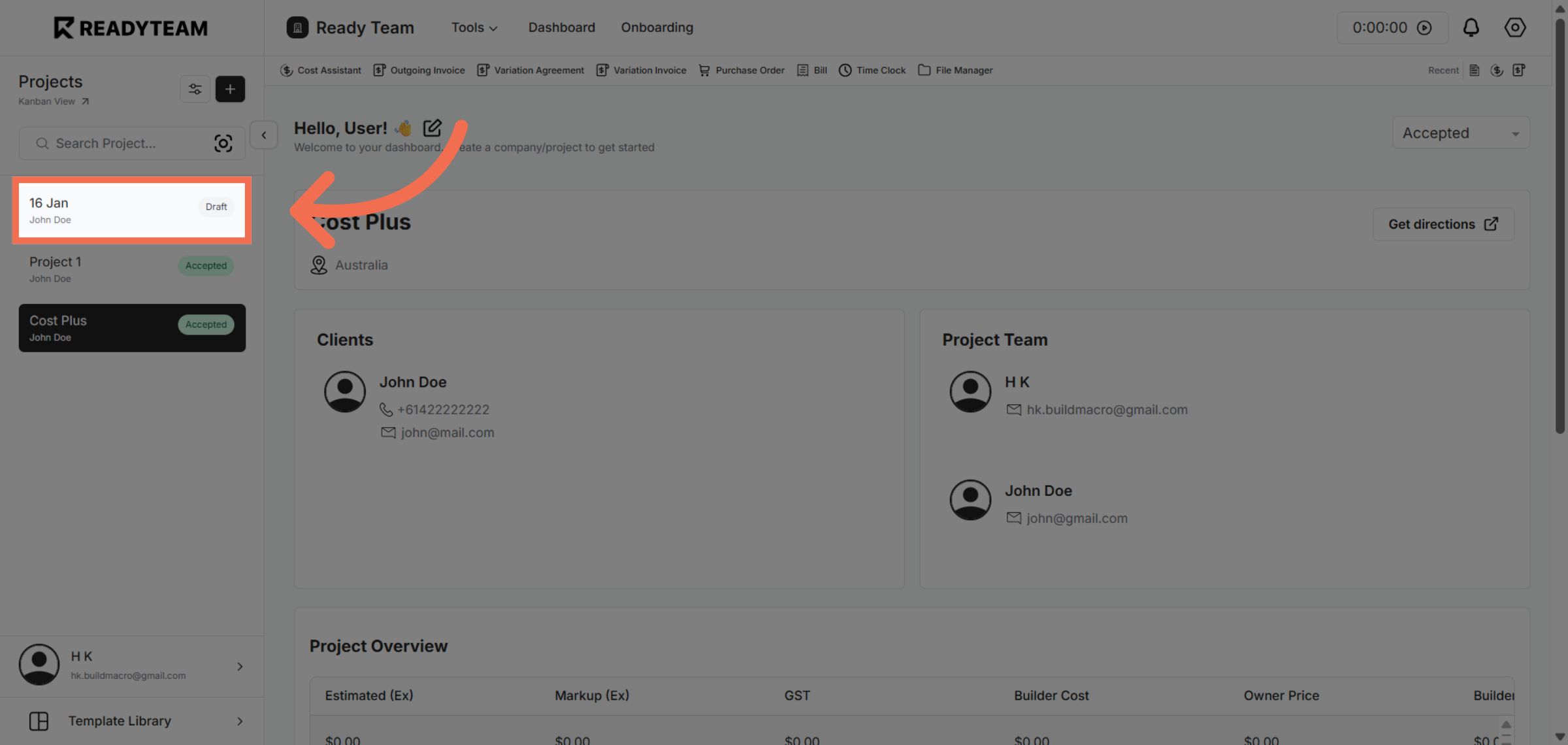
1. Select Specific Project
Click the Specific Project associated with the project owner.
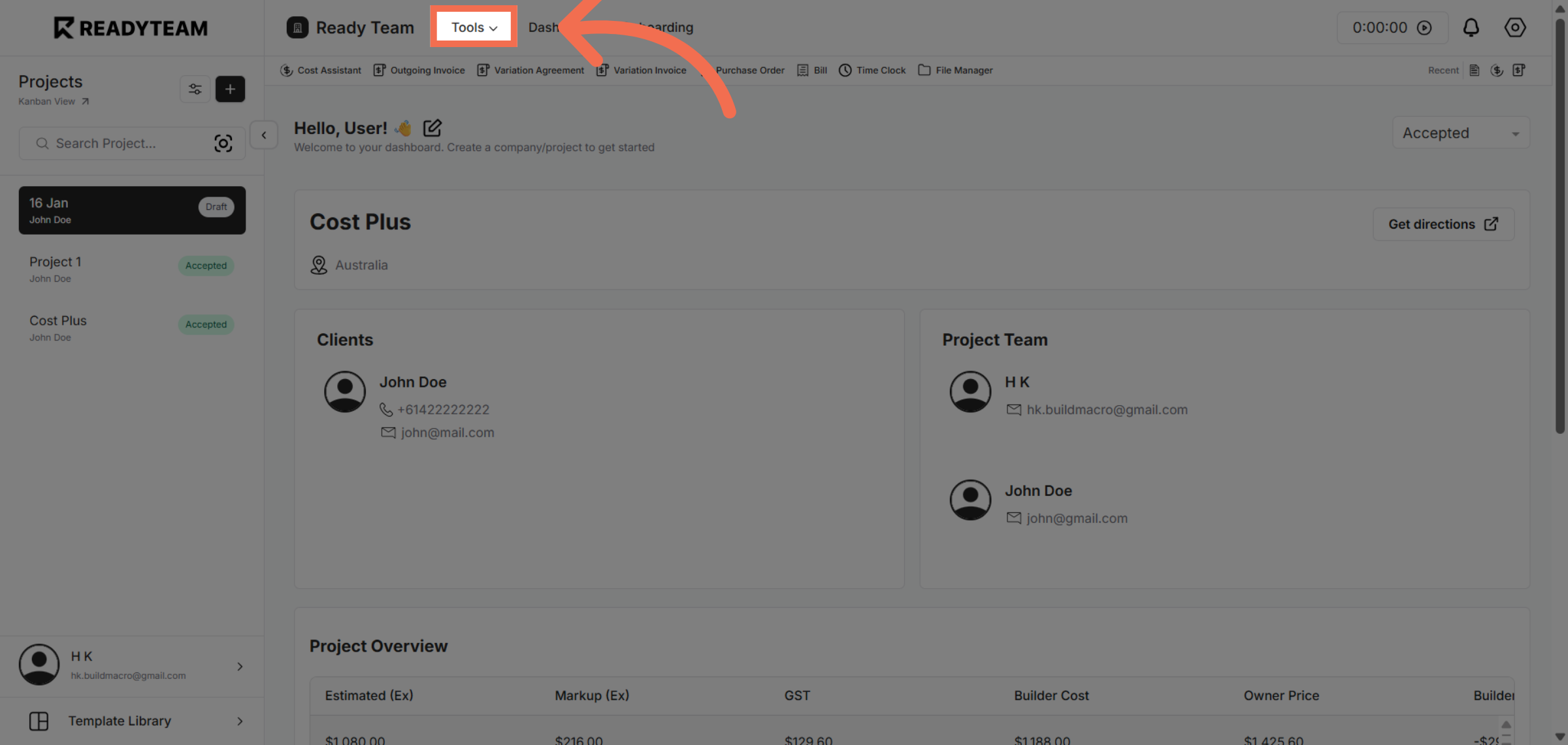
2. Access Tools Menu
Click the indicated area to open the tools menu for further options.
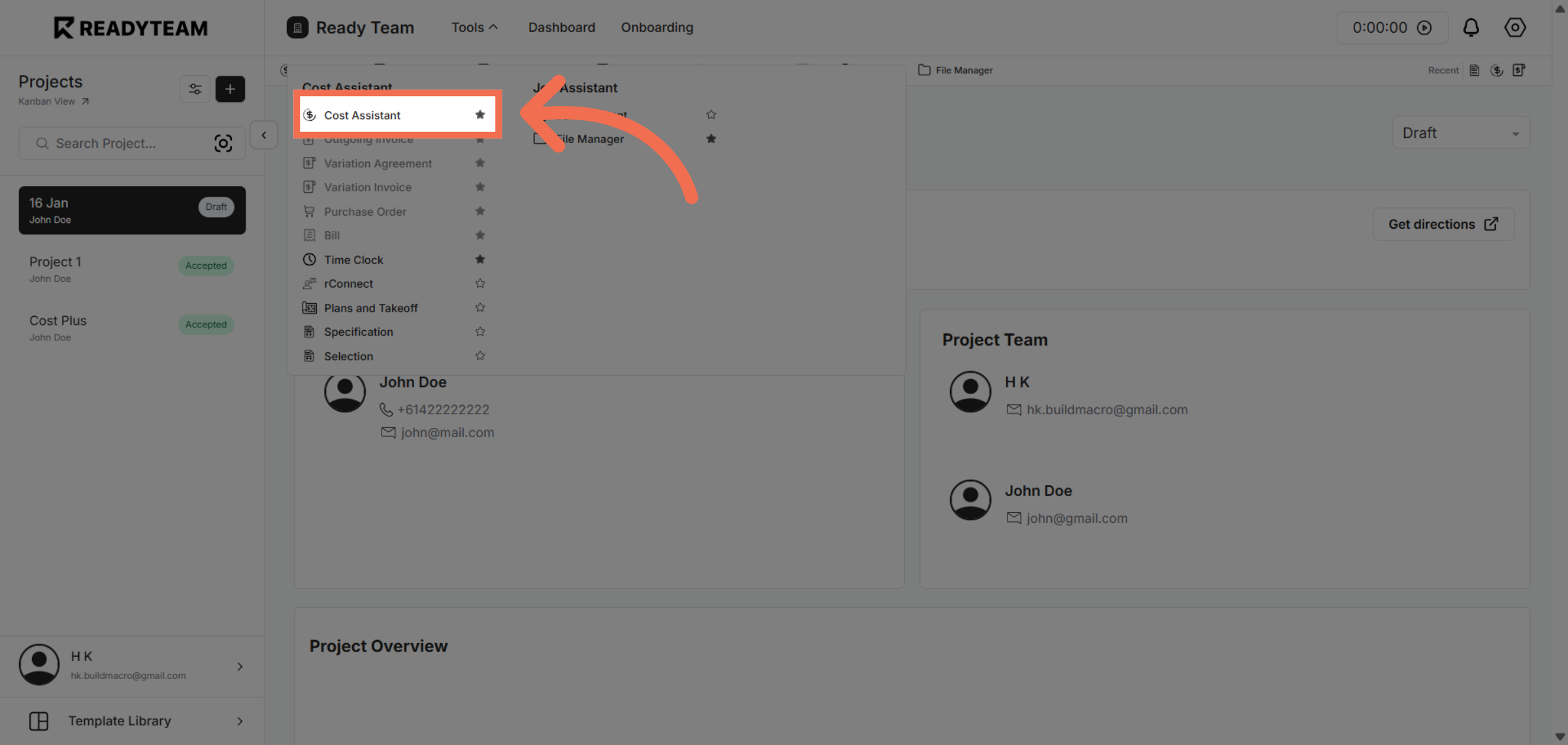
3. Select Cost Assistant Feature
Click the Cost Assistant to begin managing cost-related takeoff details.
4. Open Additional Options
Click the designated area to reveal more feature options within the interface.
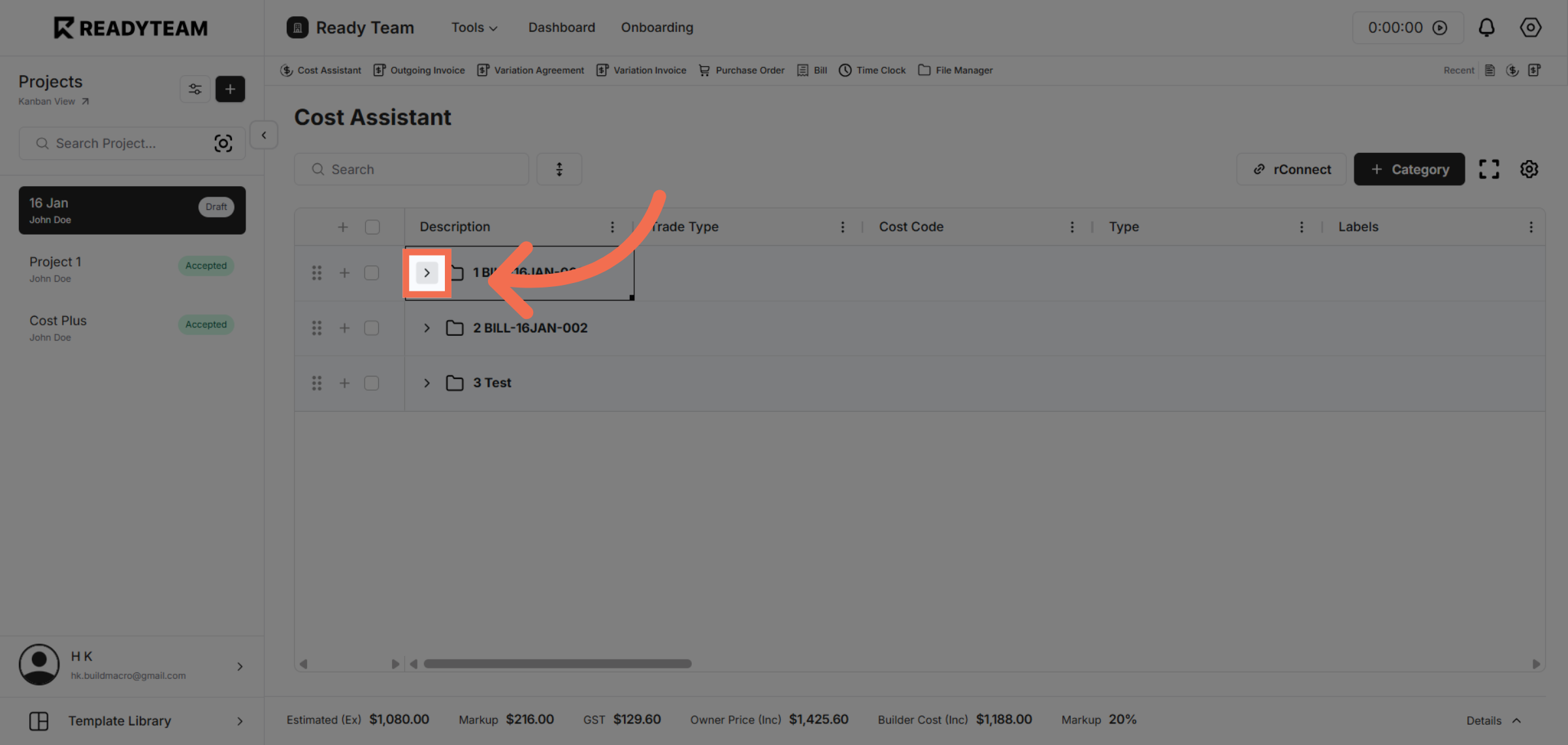
5. Expand Feature Menu
Click here to expand the menu and access advanced takeoff tools.
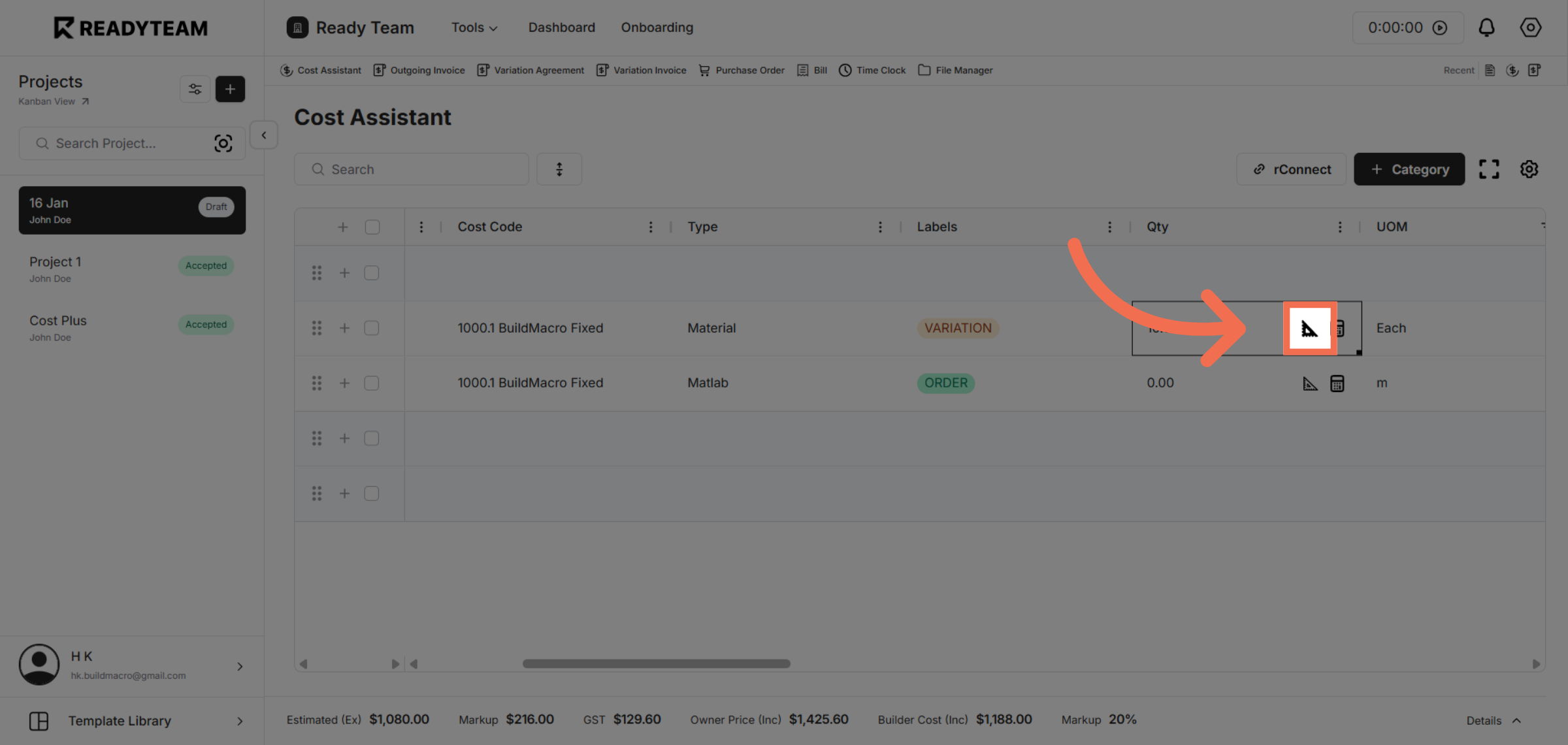
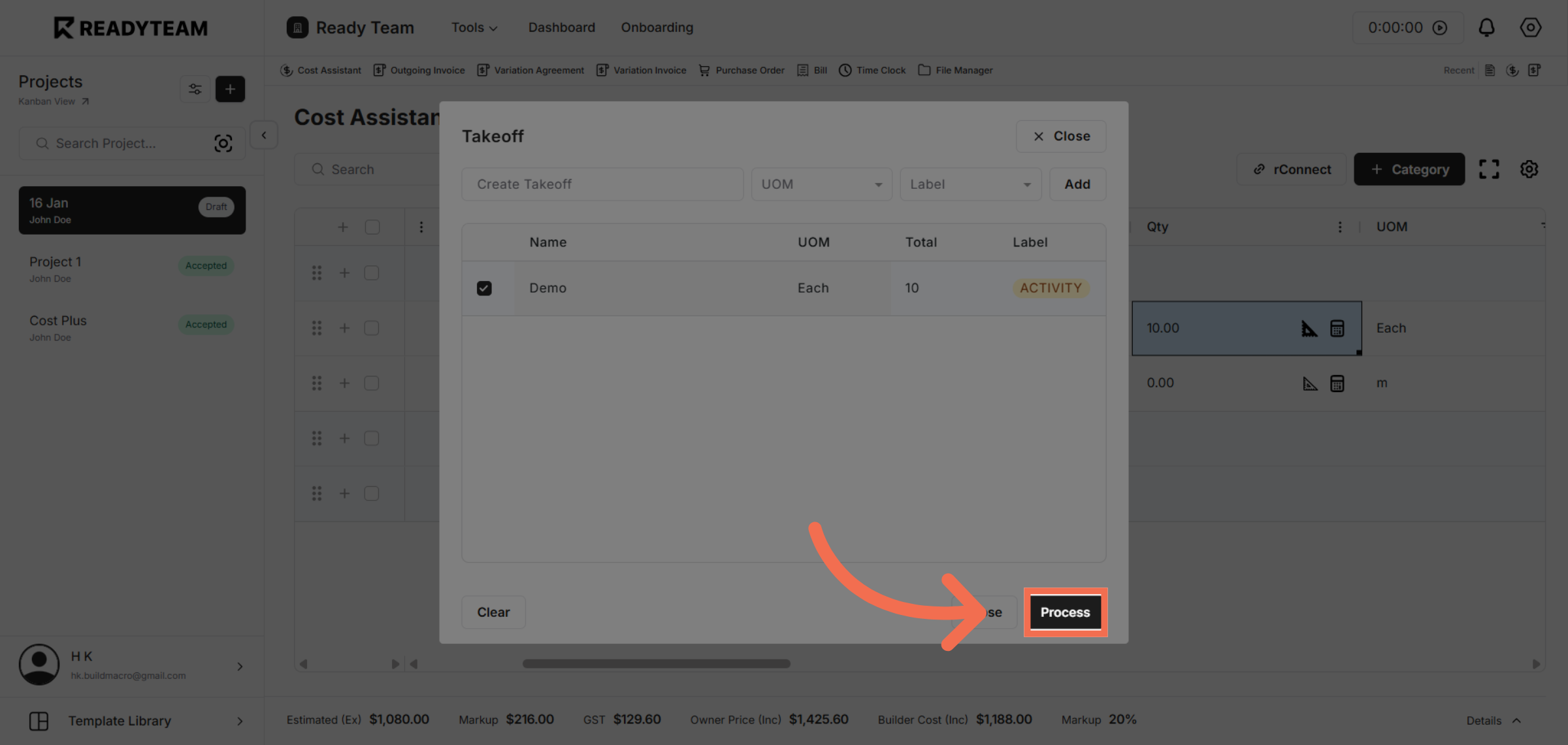
6. Initiate Process Command
Click the Process button to start the automated takeoff calculations.
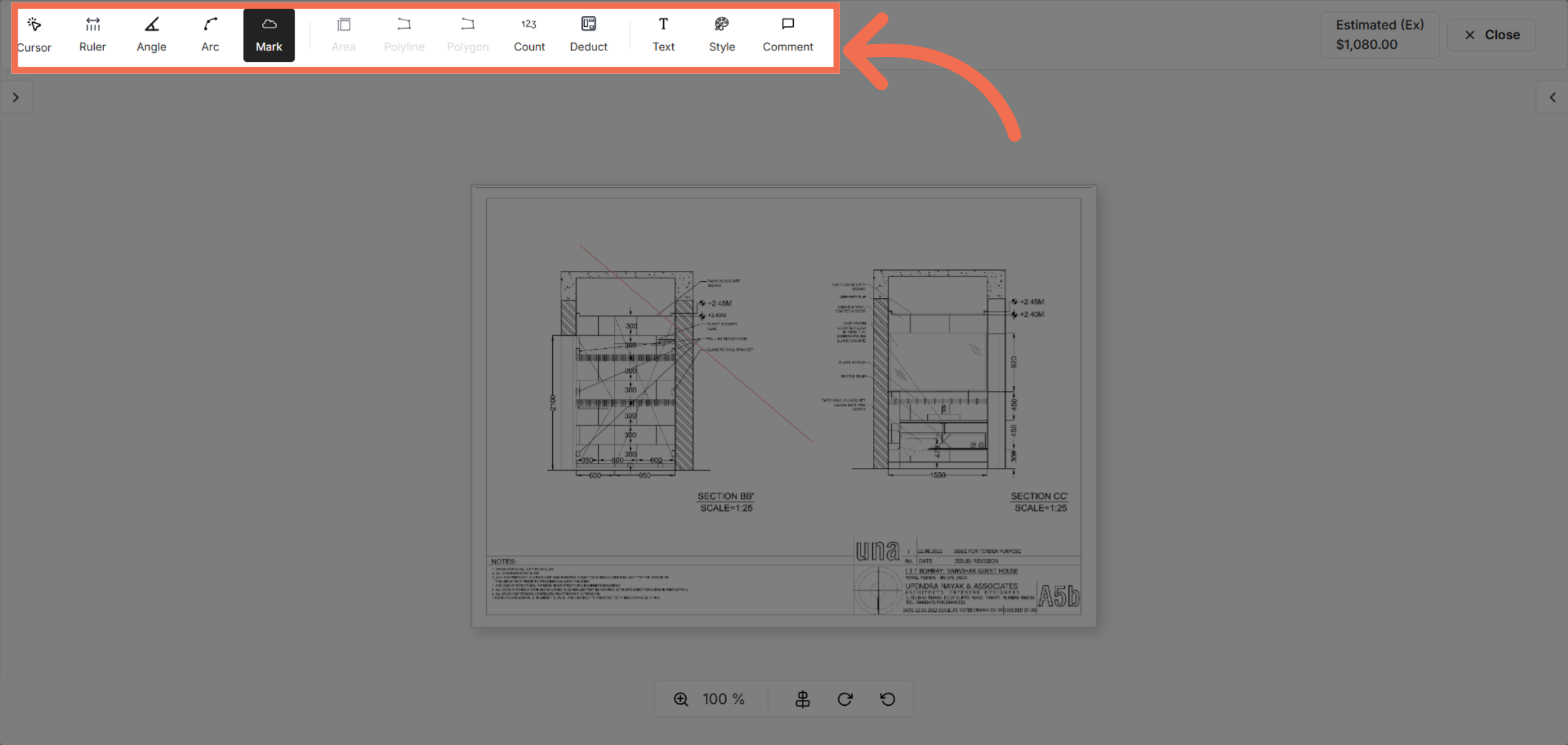
7. Choose Specific Tool from the different Annotation Tools
Click here to access more tools for precise takeoff markings.
8. Draw in Plan
Click the indicated area to move to the review section of your takeoff.
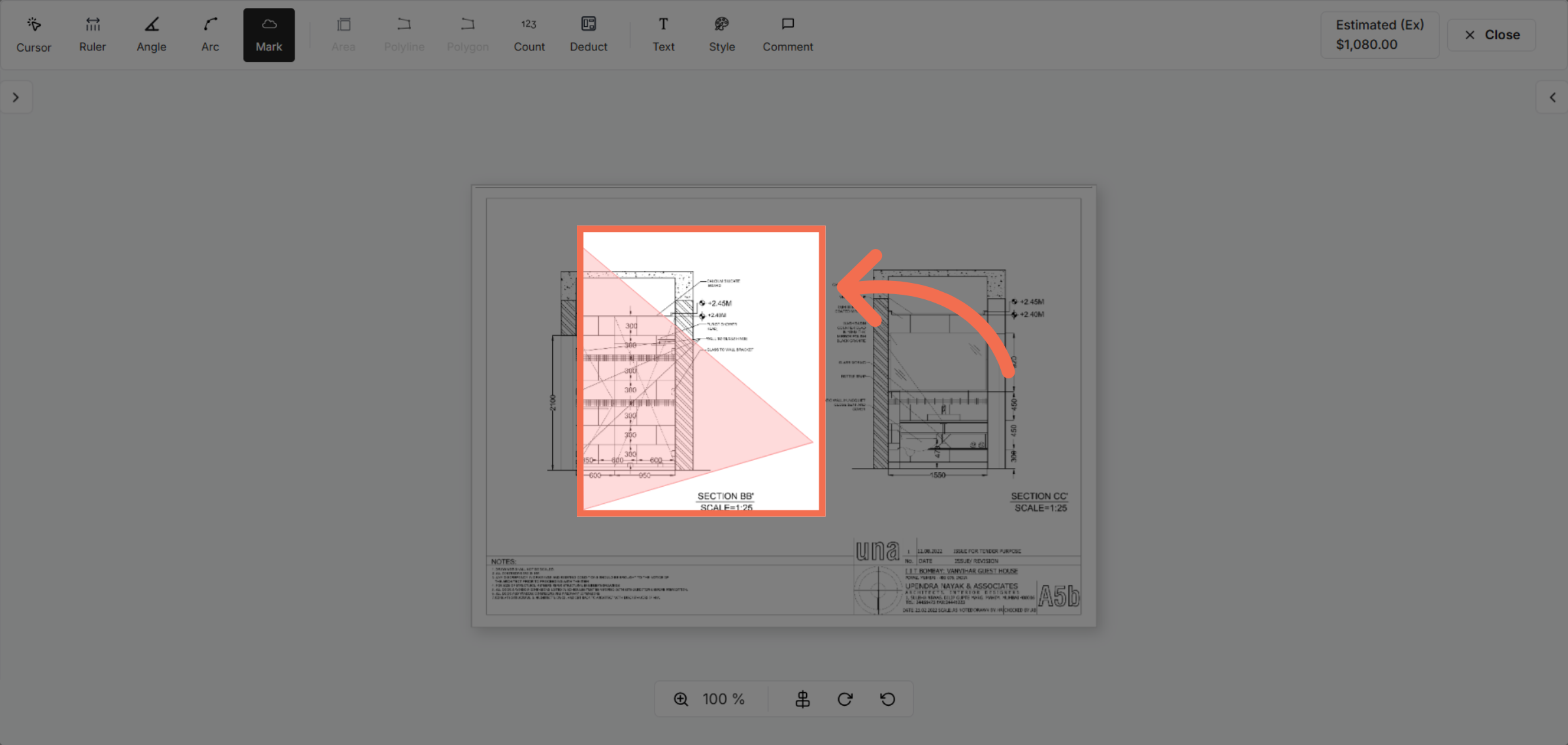
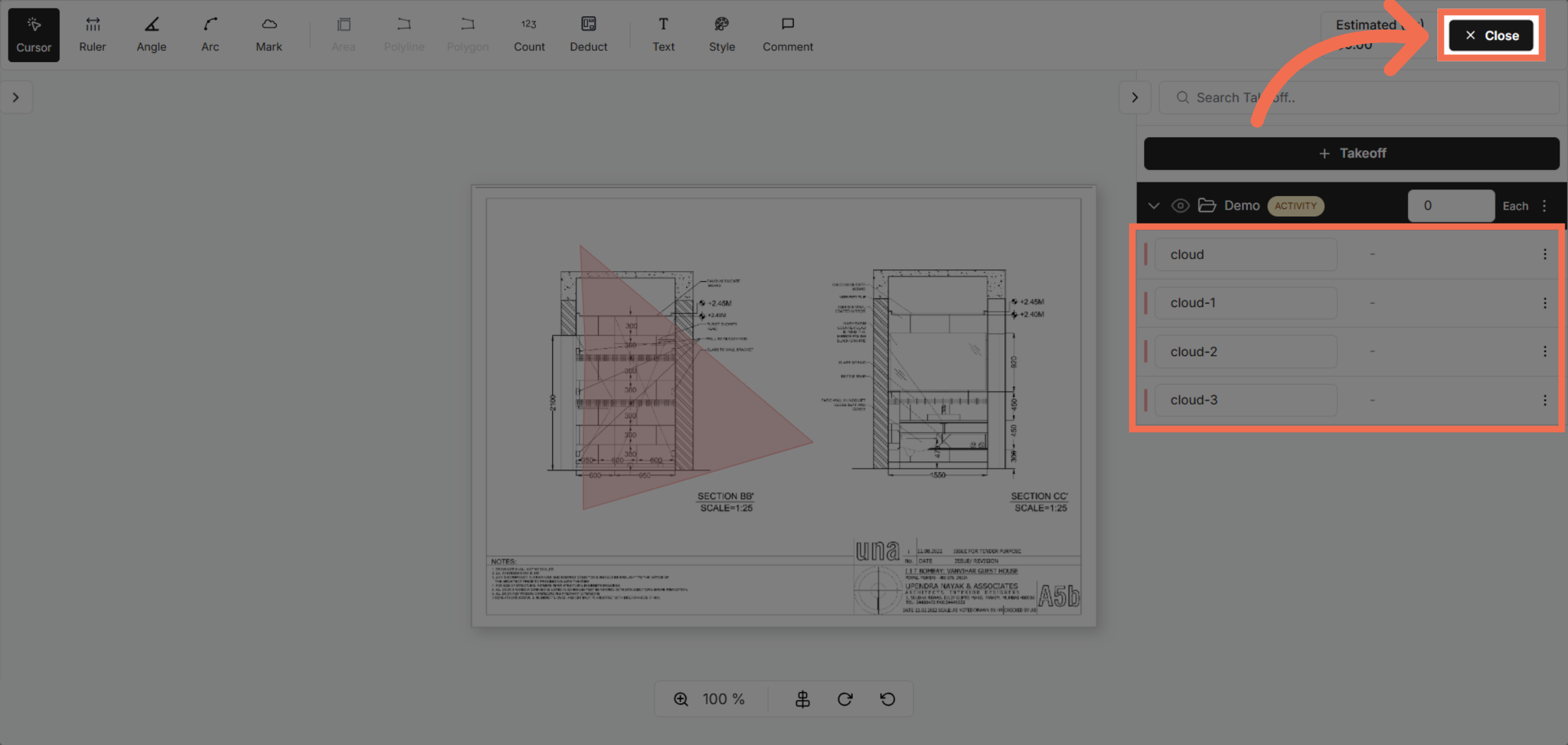
9. Notice your measured area to the right when you are happy save and close
Click Close to exit the takeoff interface and save your progress.
This demo highlighted how Readyteam simplifies takeoffs by guiding you through key features that improve accuracy and efficiency. Start your own project today to experience streamlined cost management and project control.