Set Durations Efficiently In Job Assistant Using ReadyTeam
This demo showcases how to set durations within Readyteam to streamline your scheduling process.
Go to app.readyteam.ai
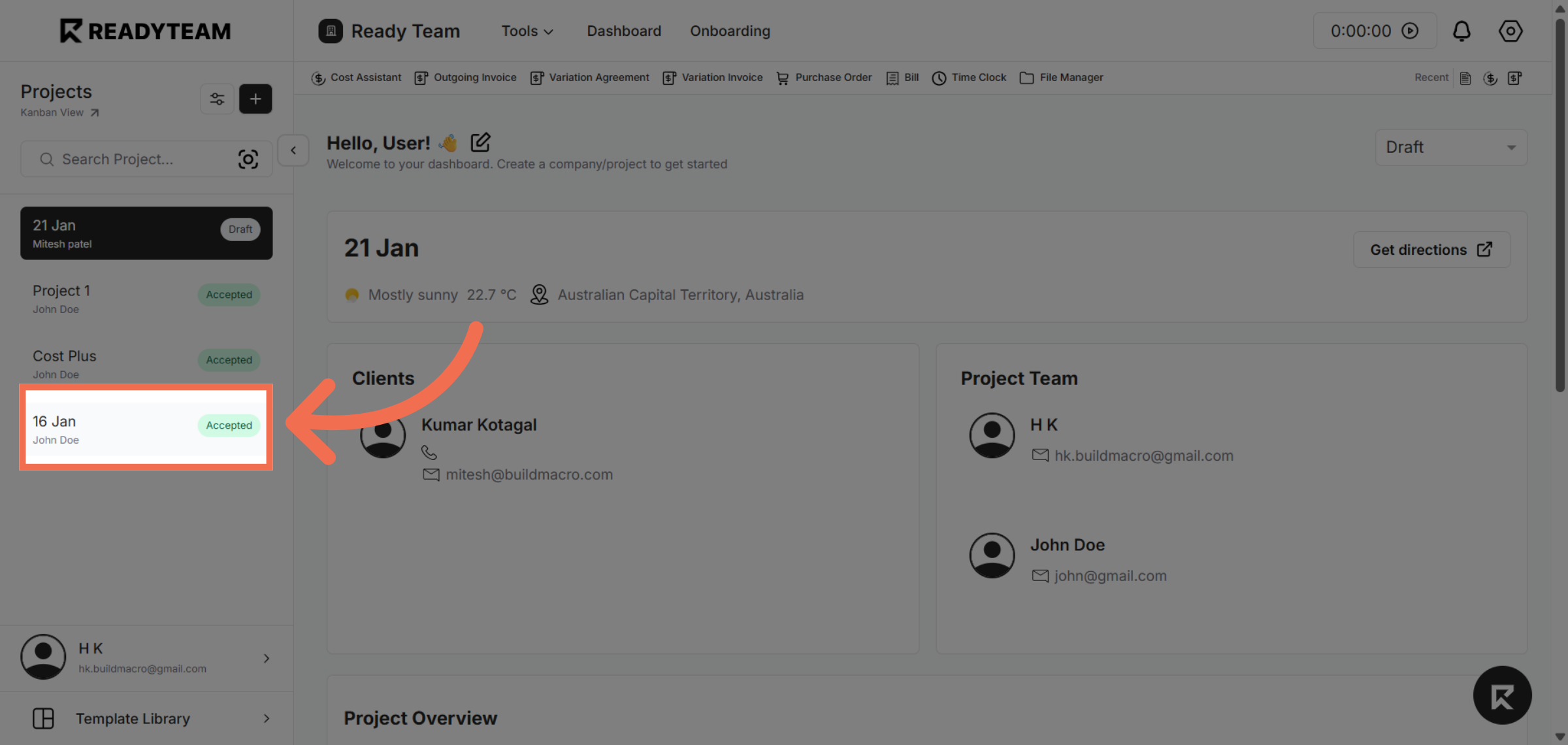
1. Select Project
Select project for which you want to set durations.
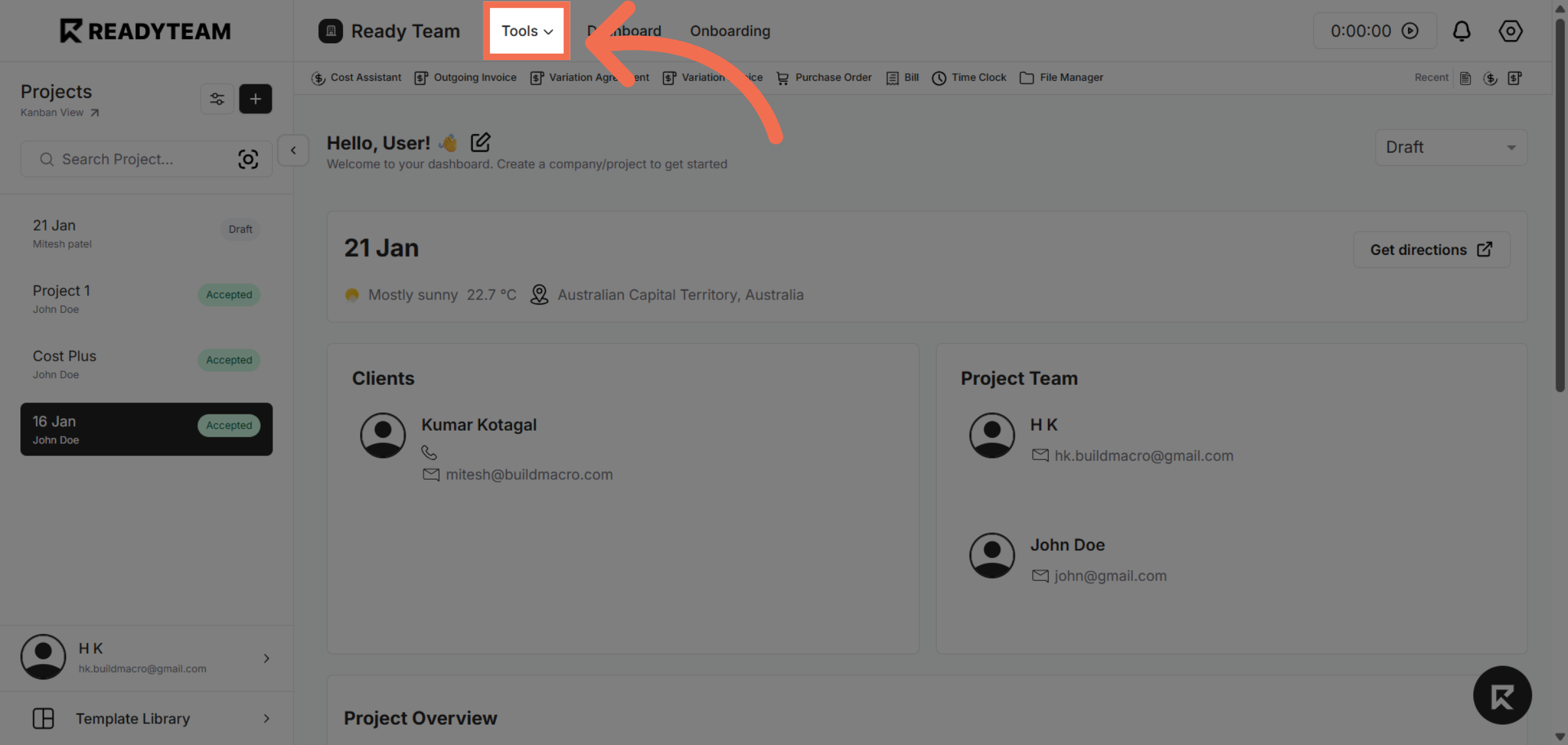
2. Open Tools Menu
Access the Tools menu to find the features needed for managing job durations.
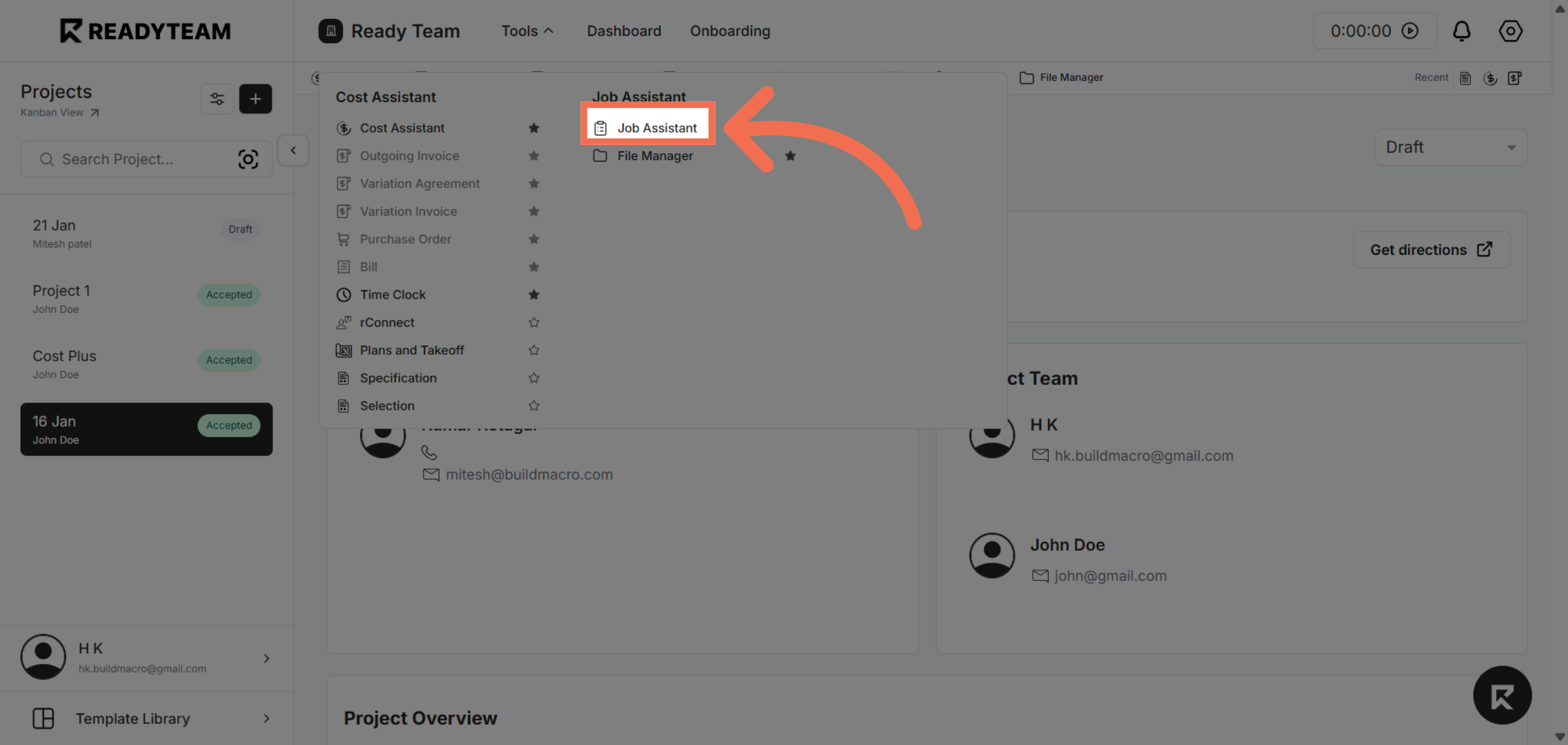
3. Access Job Assistant
Click on Job Assistant to open the module that helps you configure job-related settings.
4. Initiate Duration Setting
Click the designated area to begin setting the duration parameters for the selected job.
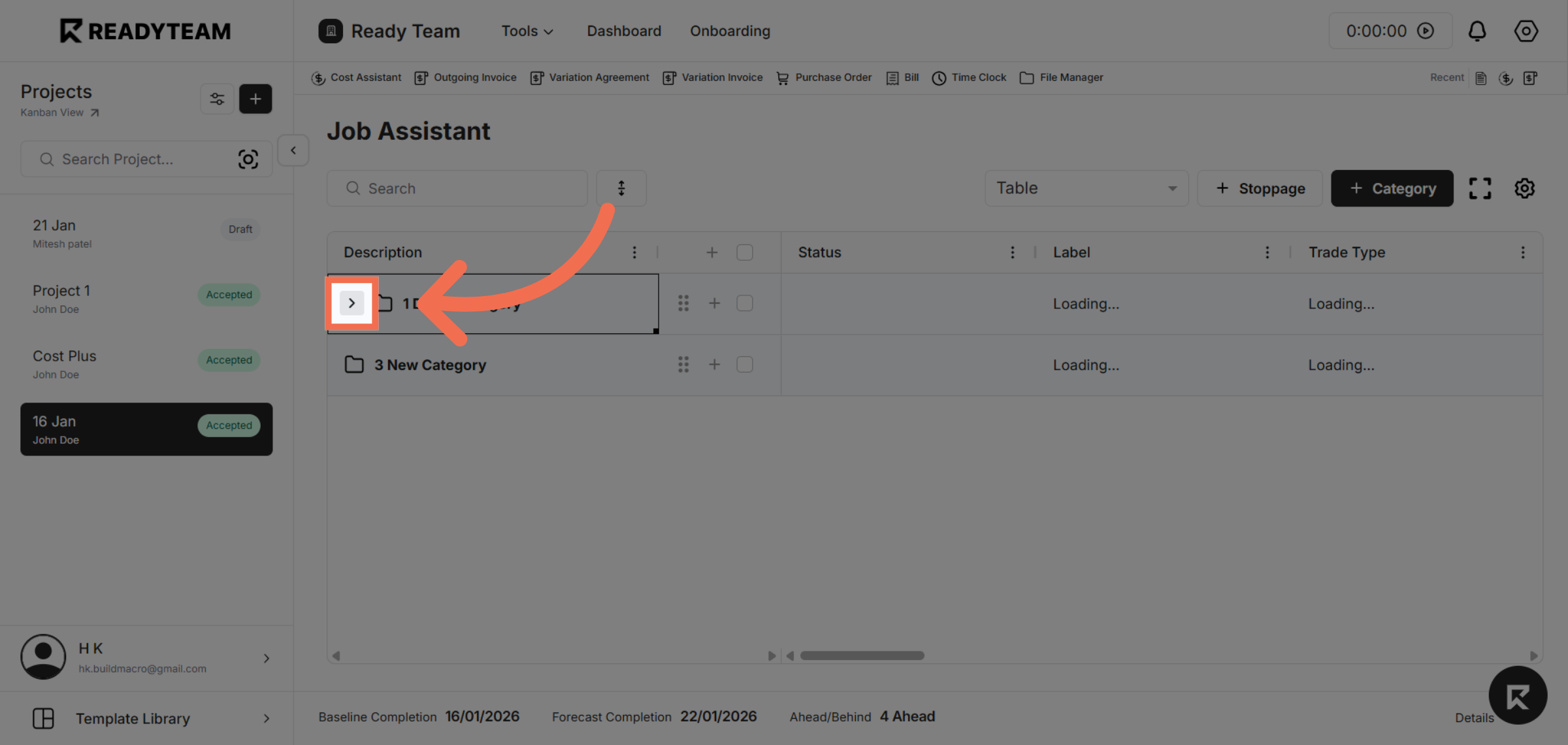
5. Proceed to Duration Options
Click the next interface element to continue adjusting the duration settings.
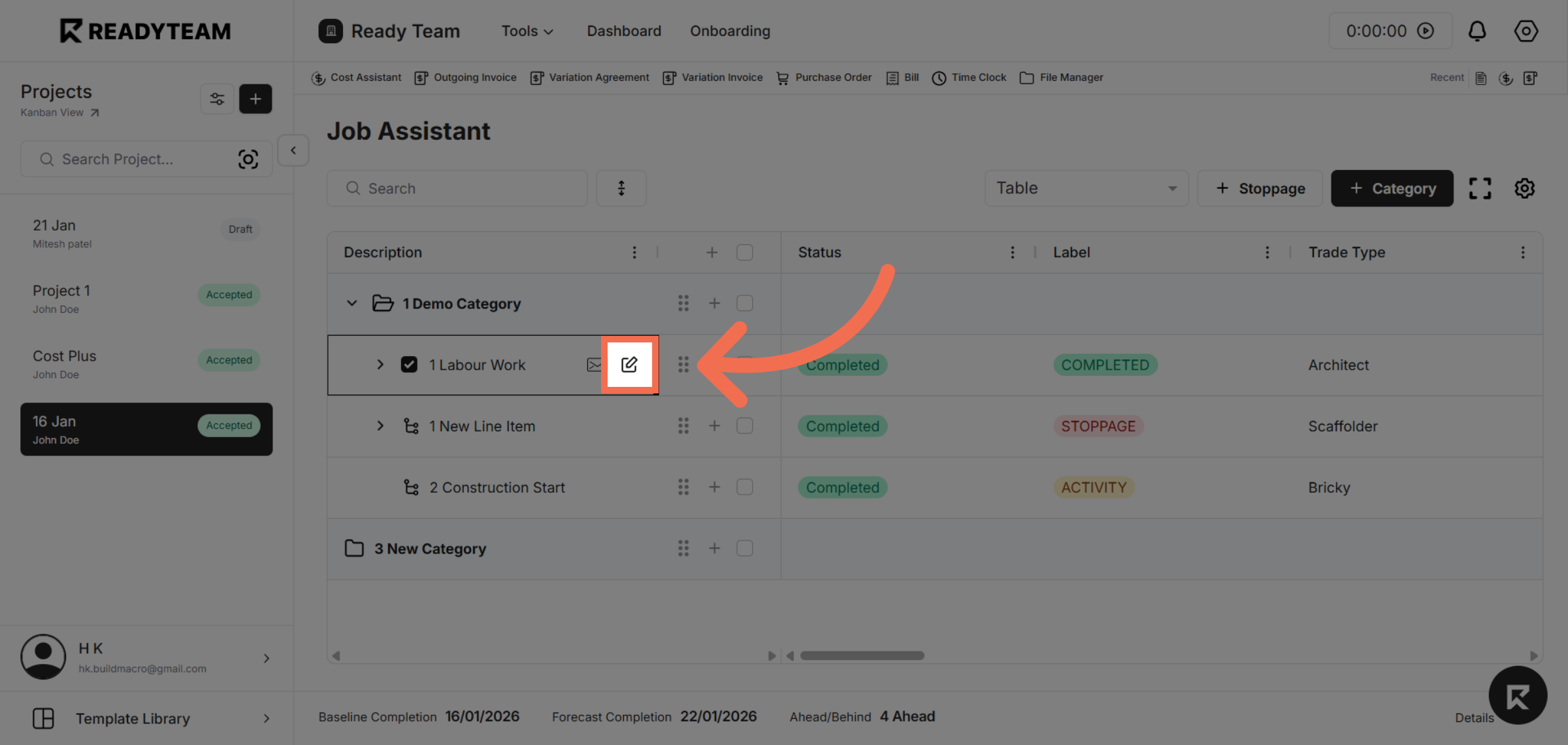
6. Choose Date Field
Click the Date option to specify the date associated with the duration you want to set.
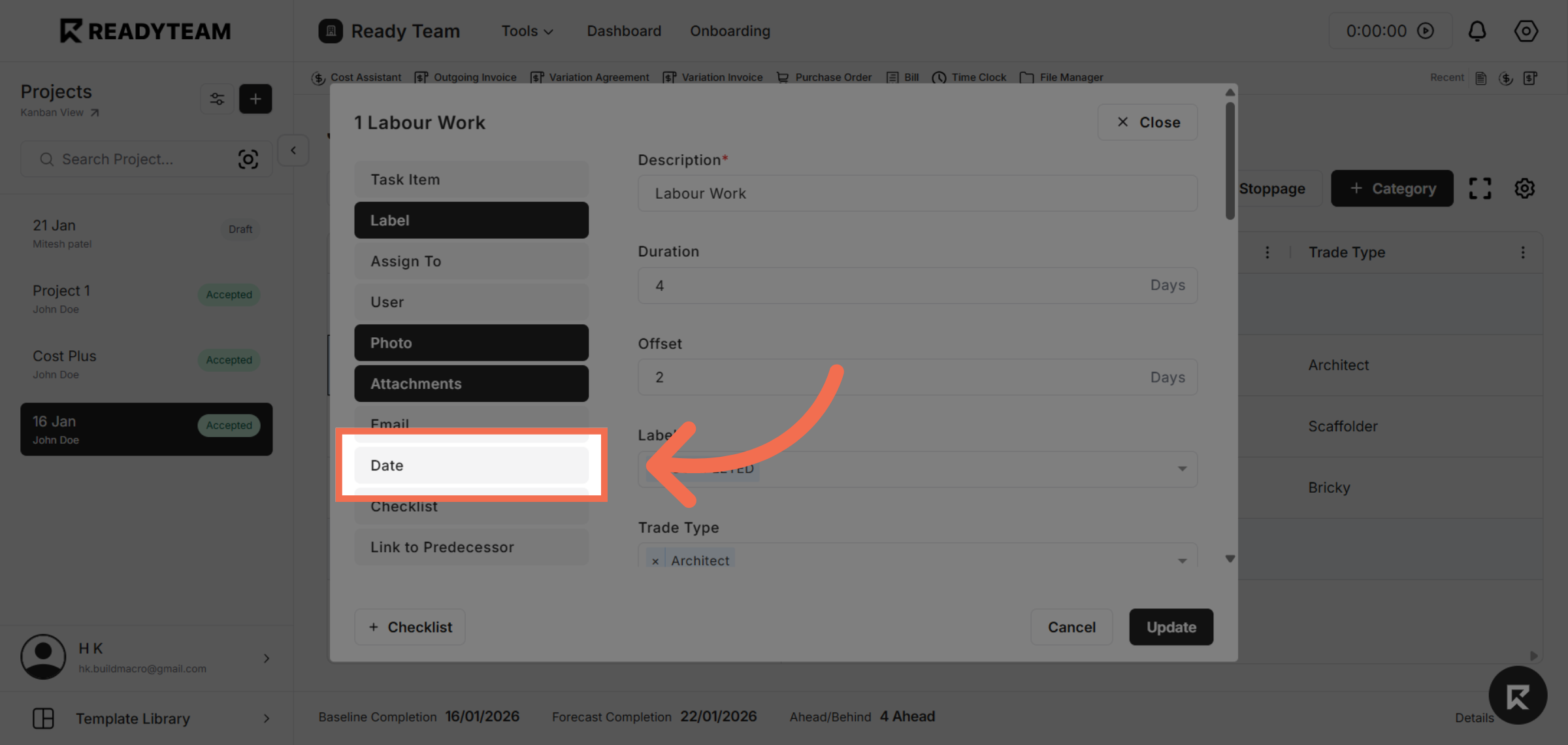
7. Enter Duration Amount
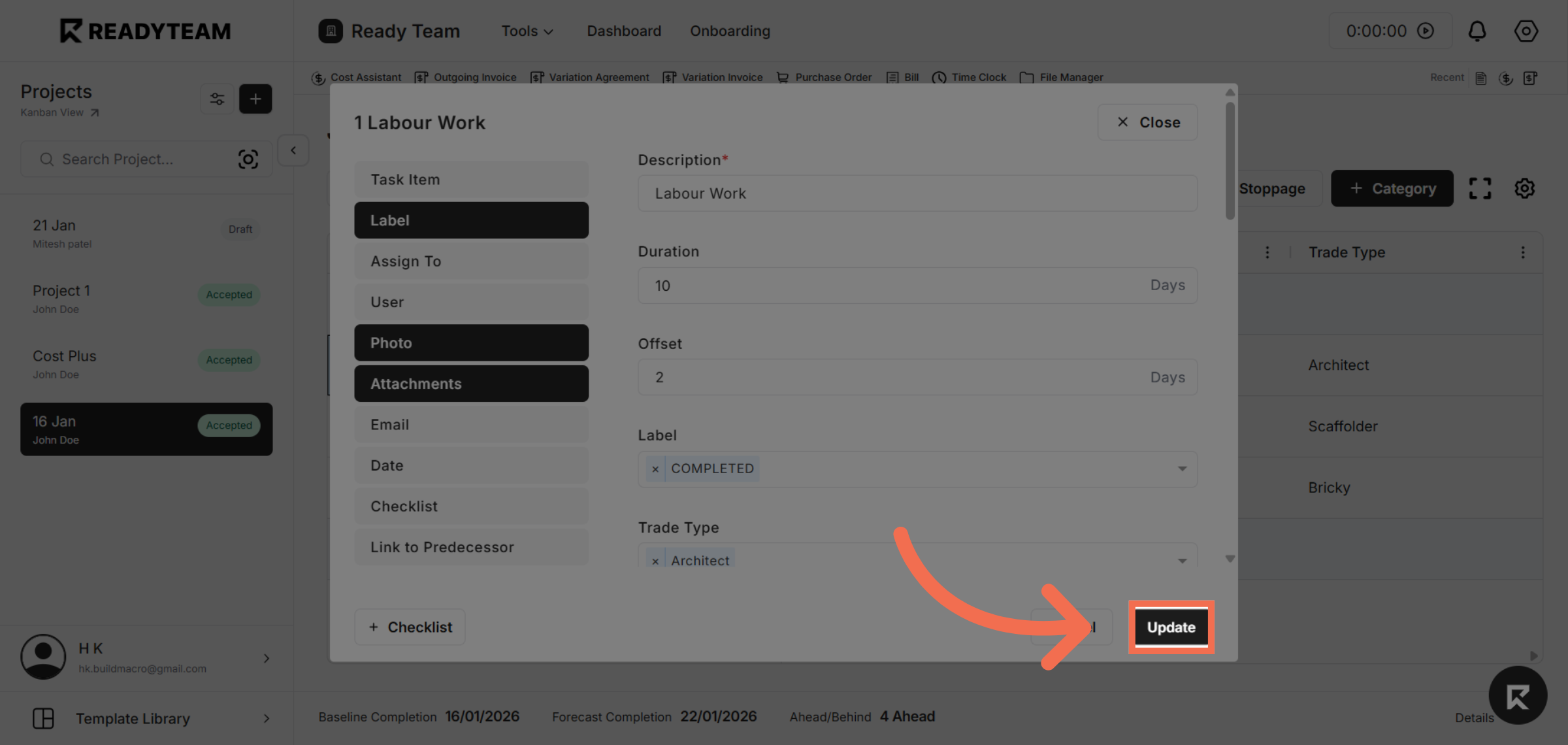
Enter Specific Duration Amount for that line item.
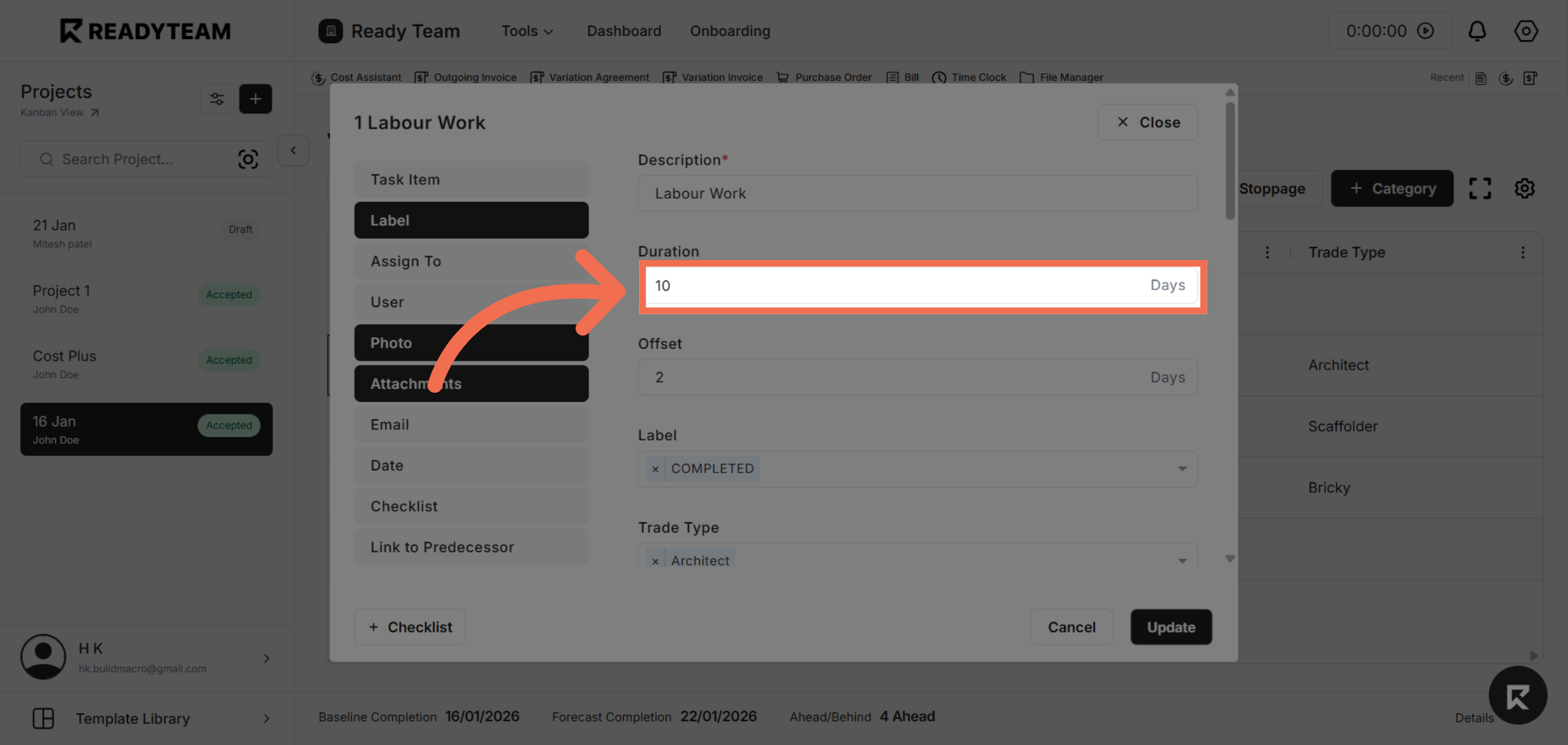
8. Update Duration Settings
Click the Update button to save your changes and apply the new duration settings.
You have successfully set durations in Readyteam by navigating through the tools and updating the relevant fields. This process helps you manage scheduling efficiently and keep your job timelines accurate.