Complete Task Using Job Assistant In ReadyTeam
This demo showcases how to complete a task efficiently using Readyteam's Job Assistant feature.
Go to app.readyteam.ai
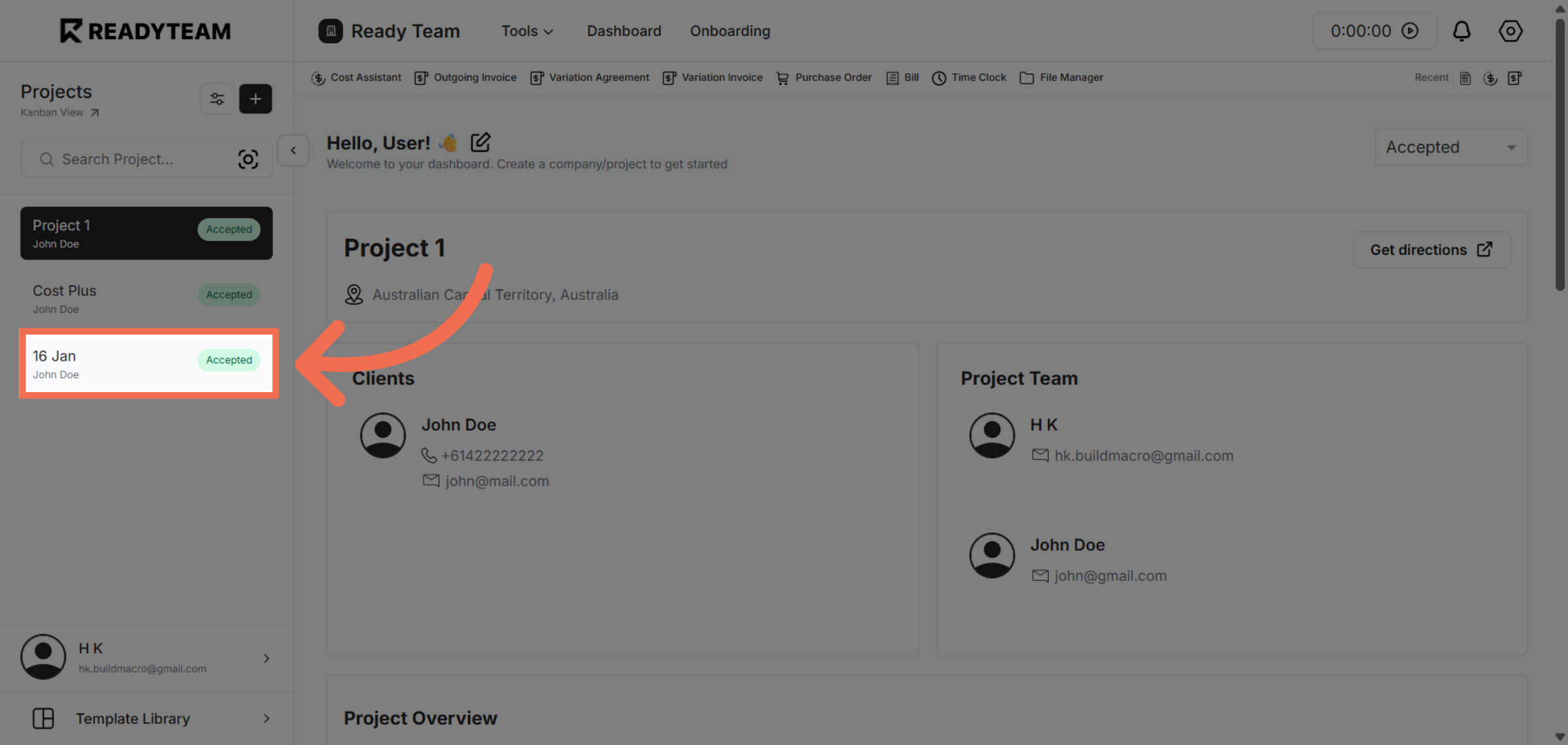
1. Select Specific Project
Select Project from the available Projects
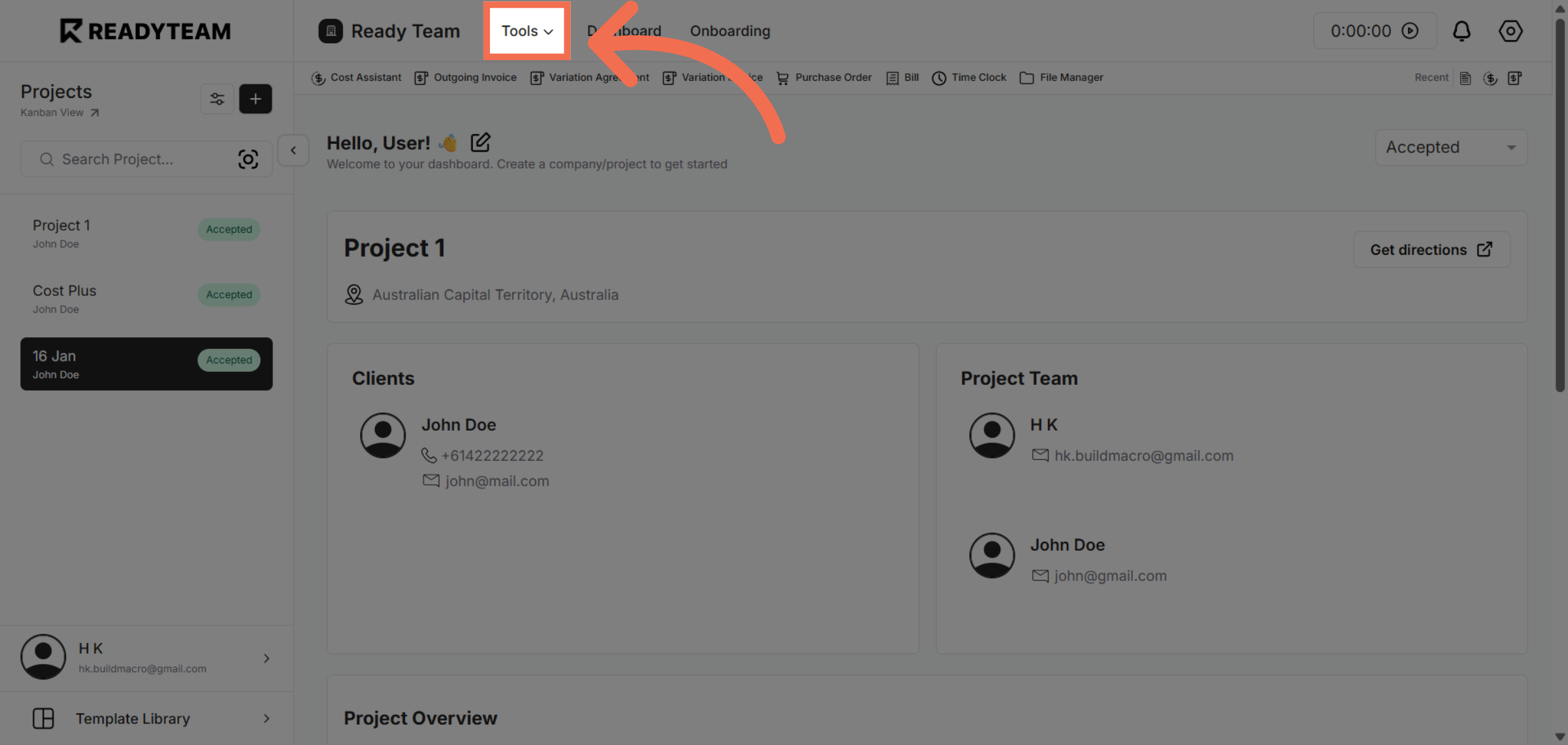
2. Open Tools Menu
Click the Tools menu to access various productivity features within Readyteam.
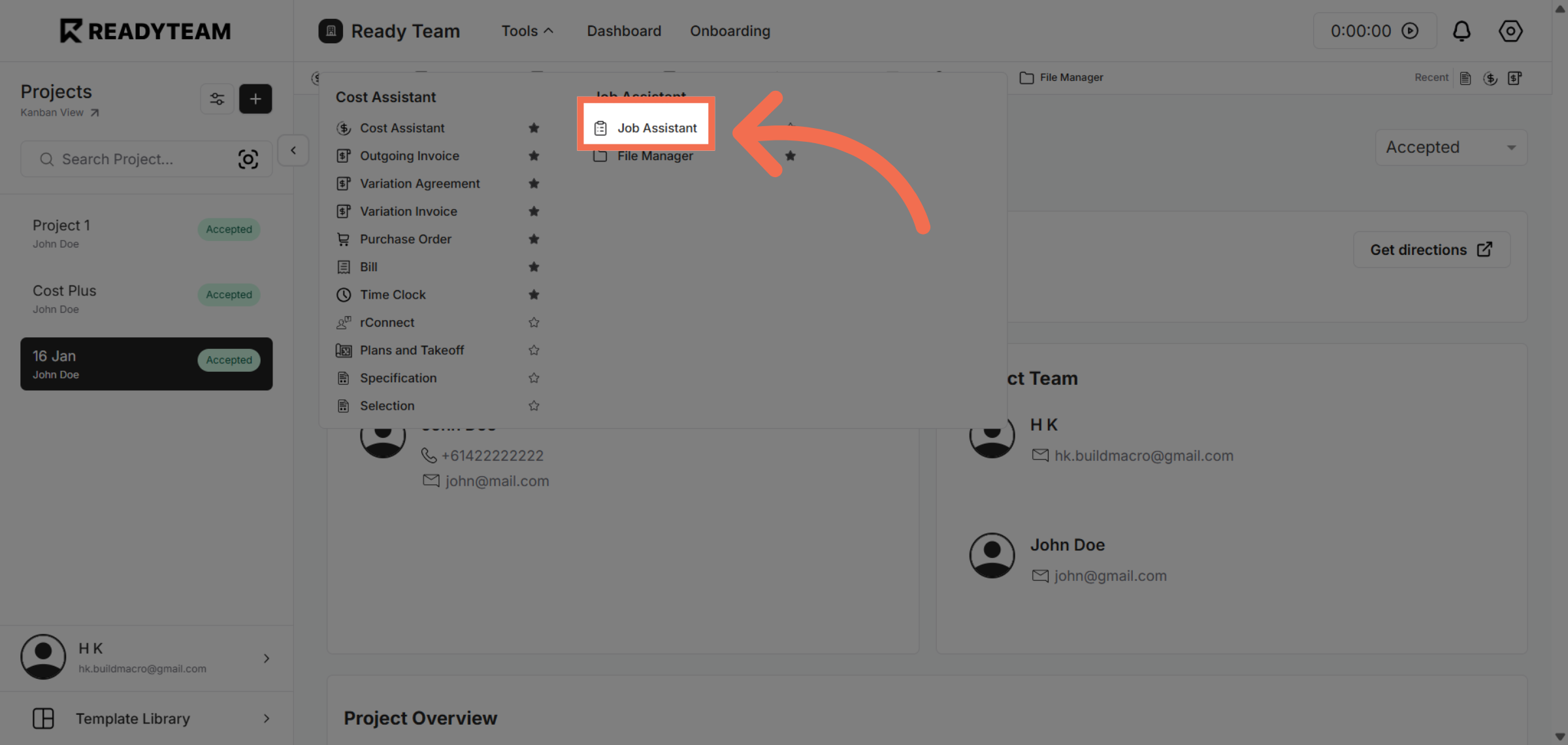
3. Access Job Assistant
Click Job Assistant to open the tool designed to help you manage job-related tasks effectively.
4. Initiate Action
Click the designated area to begin configuring your job assistant settings.
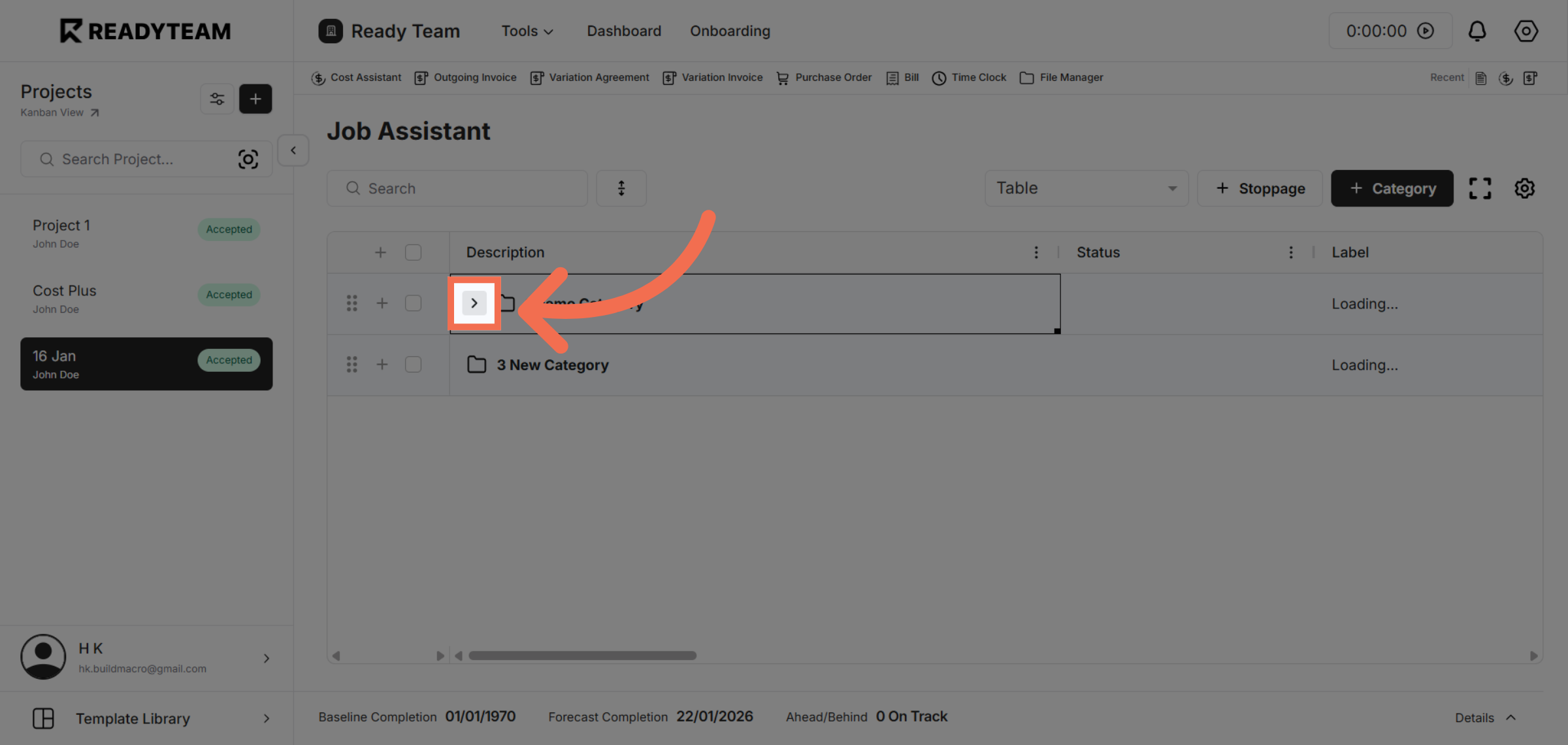
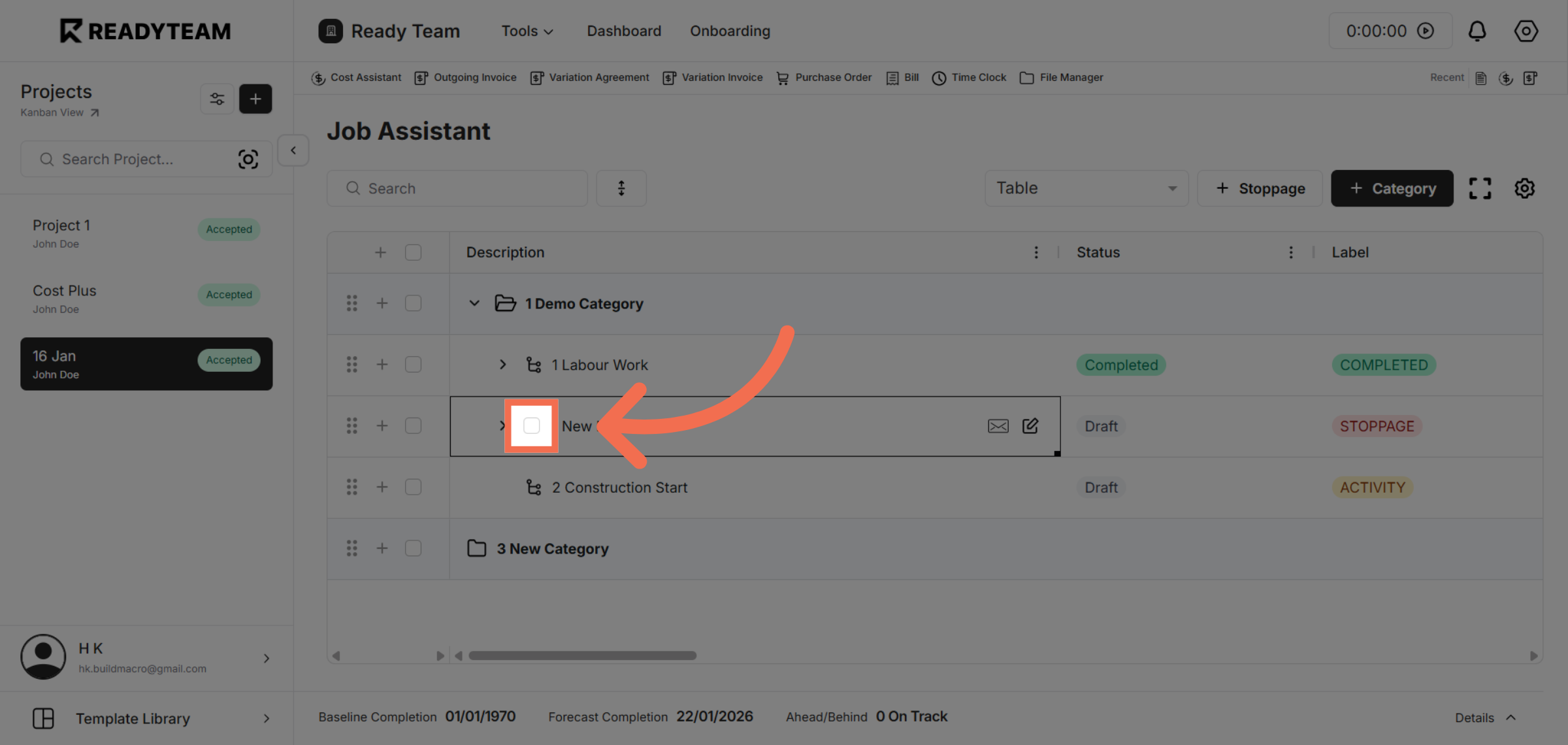
5. Enable Task Completion
Click the toggle to complete Task.
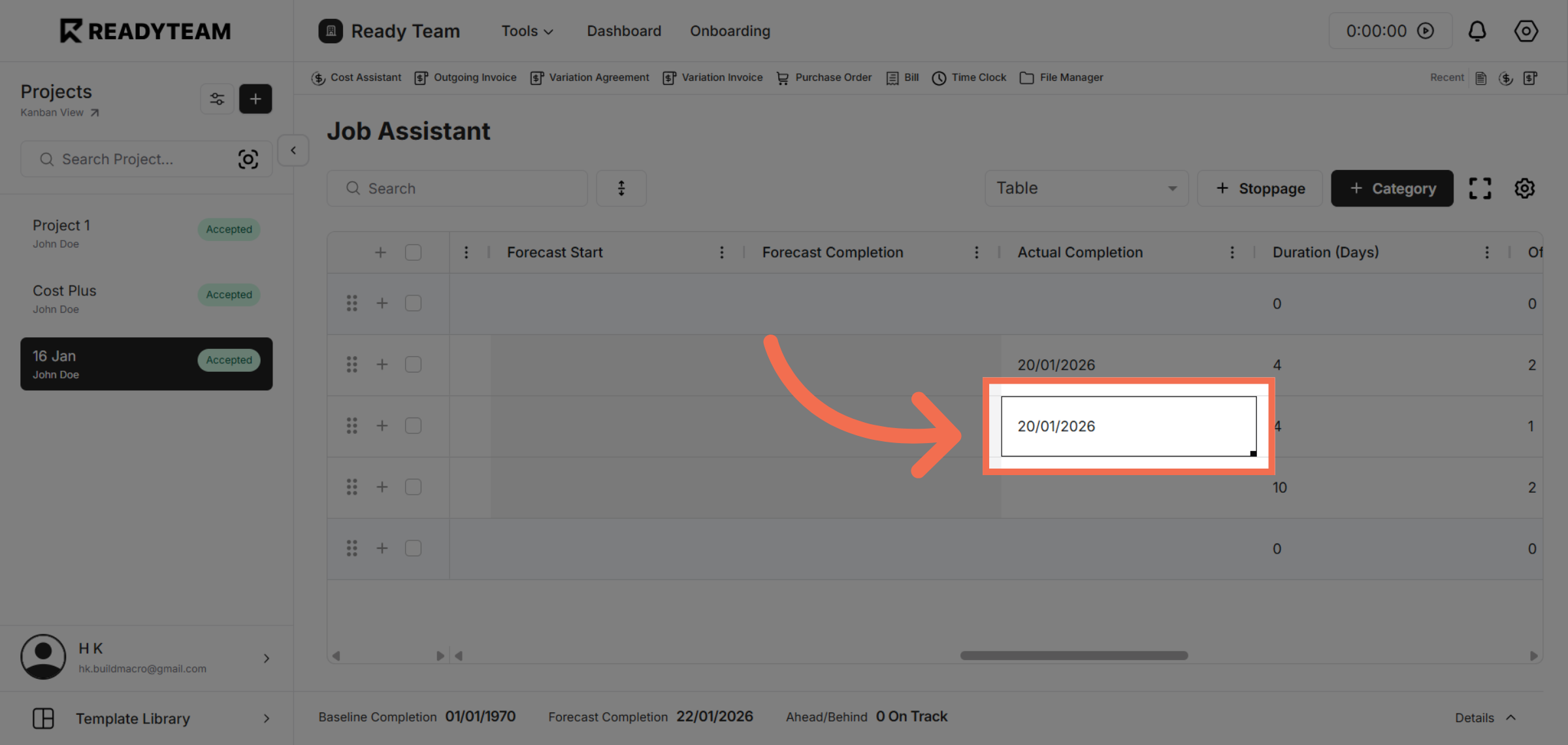
6. Review Actual Completion Date
Review the Actual completion date for your task.
This demo demonstrated how to use Readyteam's Job Assistant to select dates, enable features, and configure settings, helping you complete tasks more efficiently. Try it yourself to experience streamlined task management.