How to Create New Category In Job Assistant?
This demo showcases how to create a new category within the Job Assistant feature of Readyteam.
Go to app.readyteam.ai
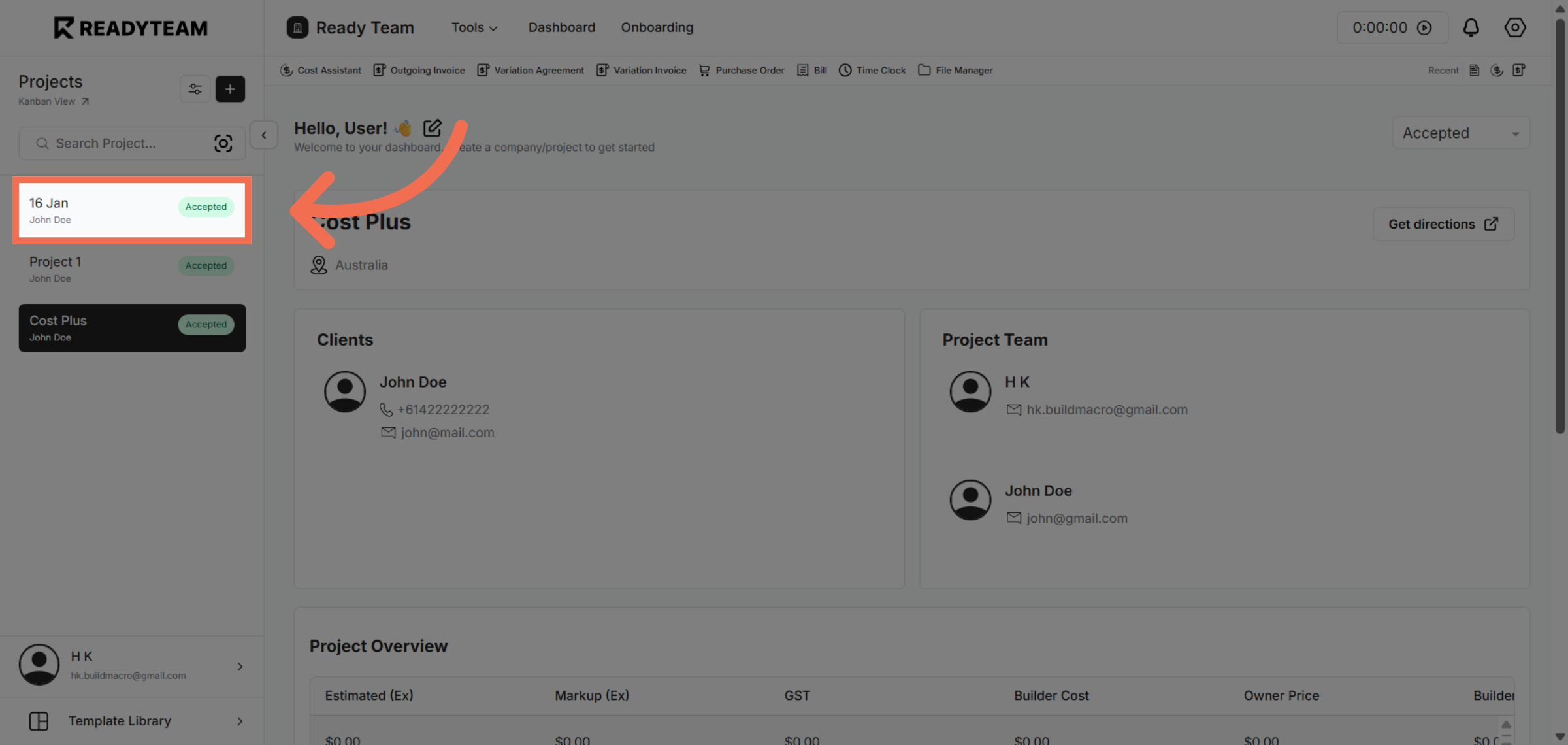
1. Select Project
Click the Select Project to begin managing job categories.
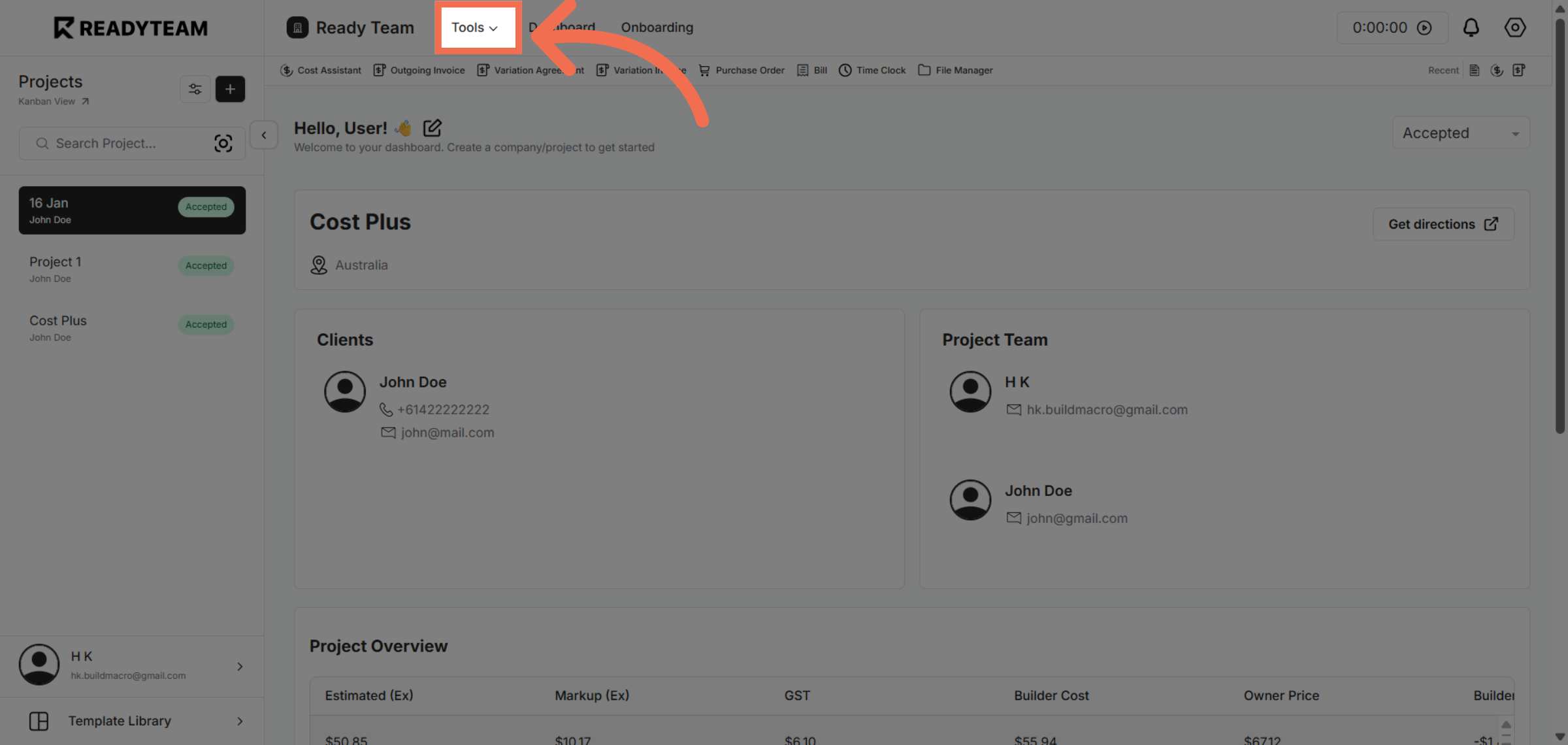
2. Access Tools Menu
Click the indicated area to open the Tools menu for further options.
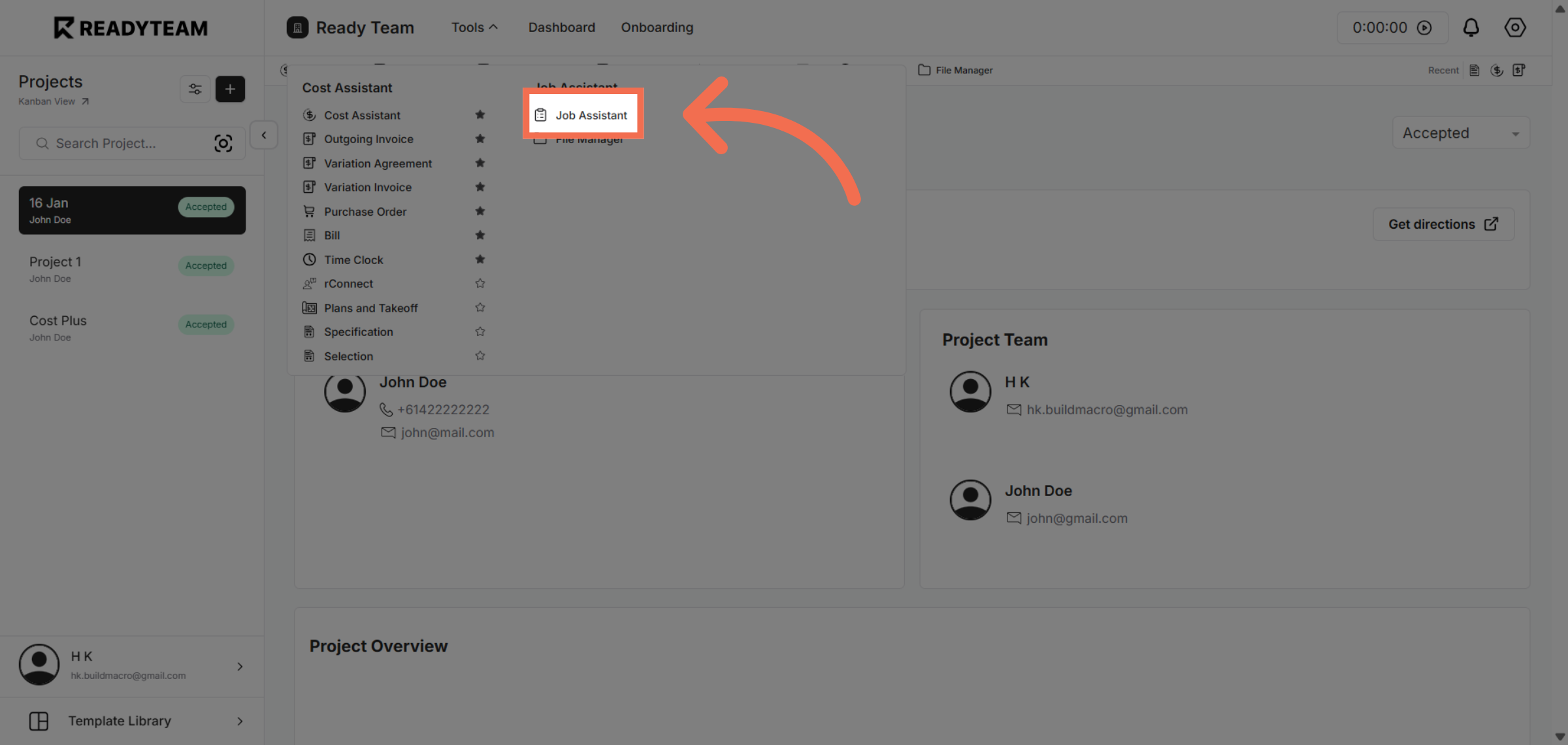
3. Open Job Assistant Feature
Click "Job Assistant" to access the tool designed to streamline job management.
4. Navigate To Category Section
Click "Category" to create job categories within the assistant.
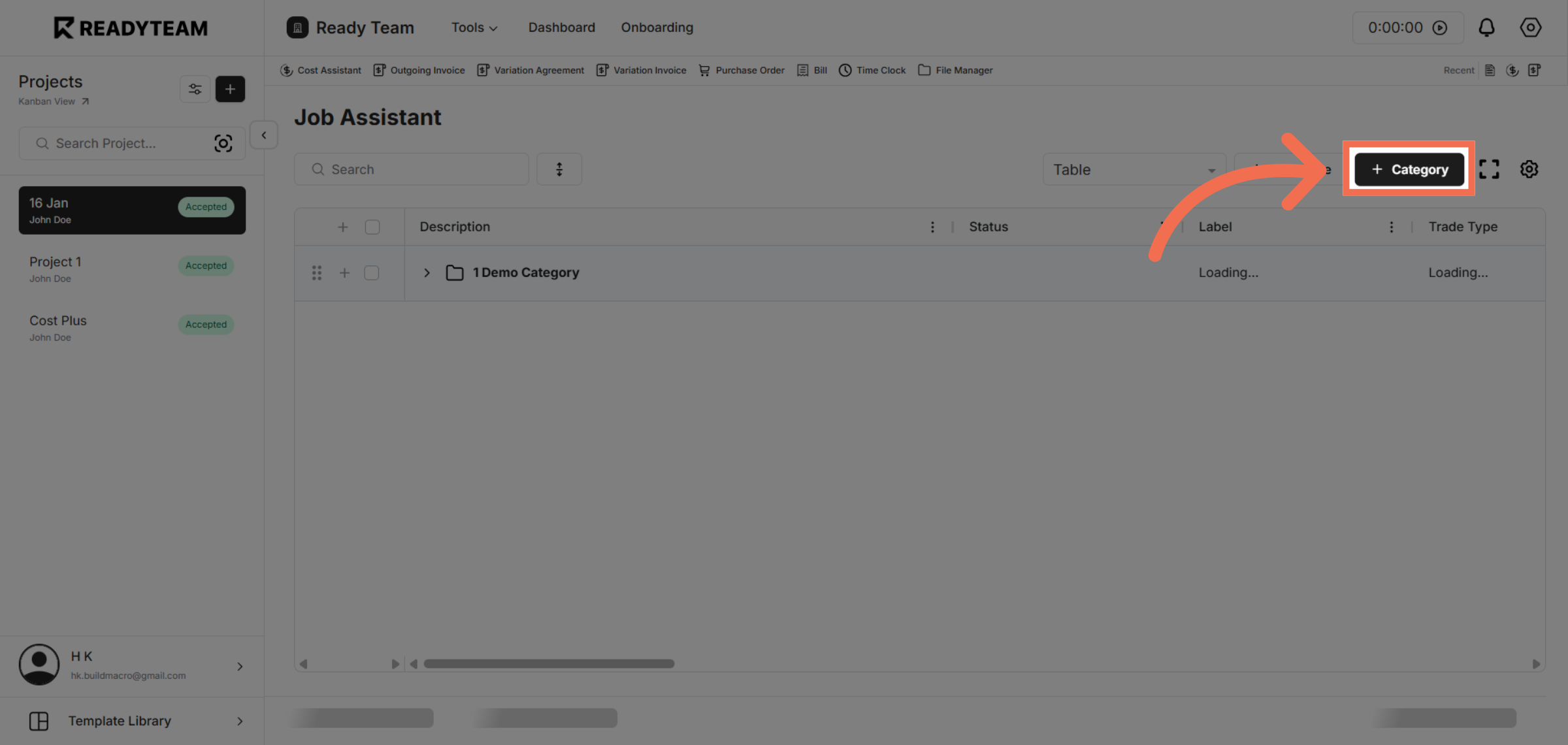
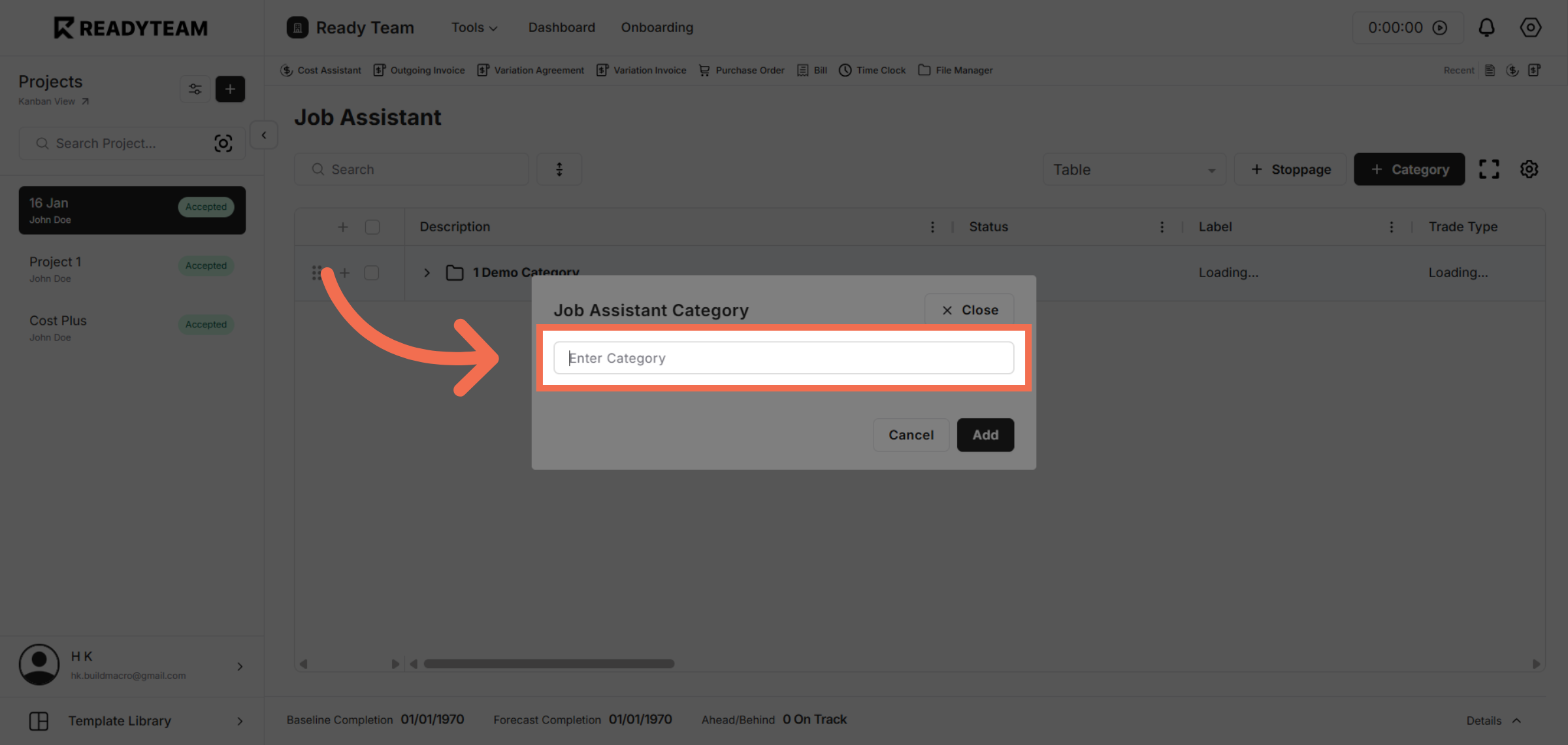
5. Initiate New Category Entry
Click "Enter Category" to start adding a new job category to the system.
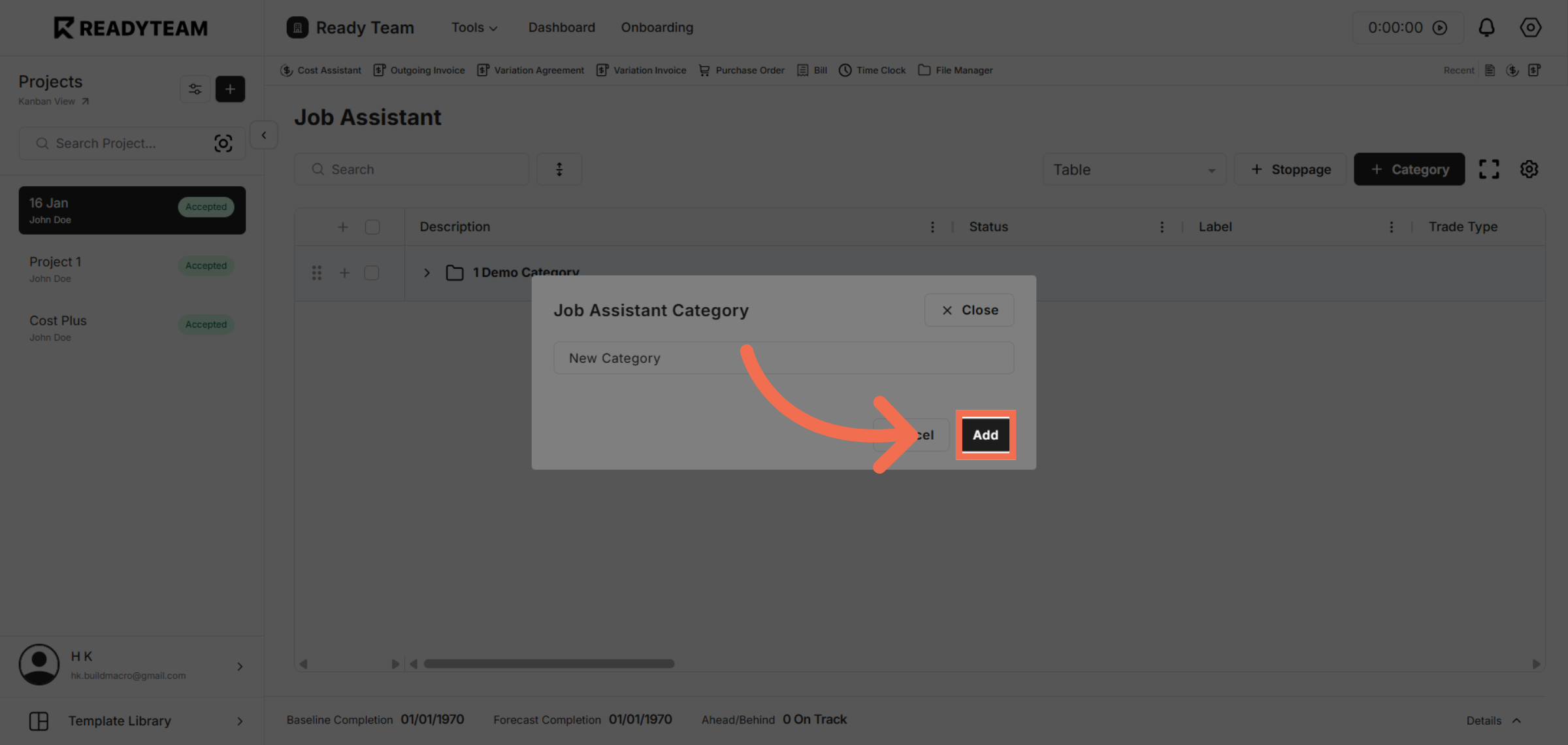
6. Add New Category
Click "Add" to save the new category and update the job assistant's organizational structure.
You have successfully created a new category in the Job Assistant, enhancing your ability to organize and manage job-related tasks efficiently. This streamlined process helps keep your job data structured and accessible for better workflow management.