Add Guides to Tasks Using Job Assistant
This demo showcases how to add a guide to a task using the Job Assistant feature in Readyteam. You'll see how this process helps streamline task management and ensure important steps are clearly documented.
Go to app.readyteam.ai
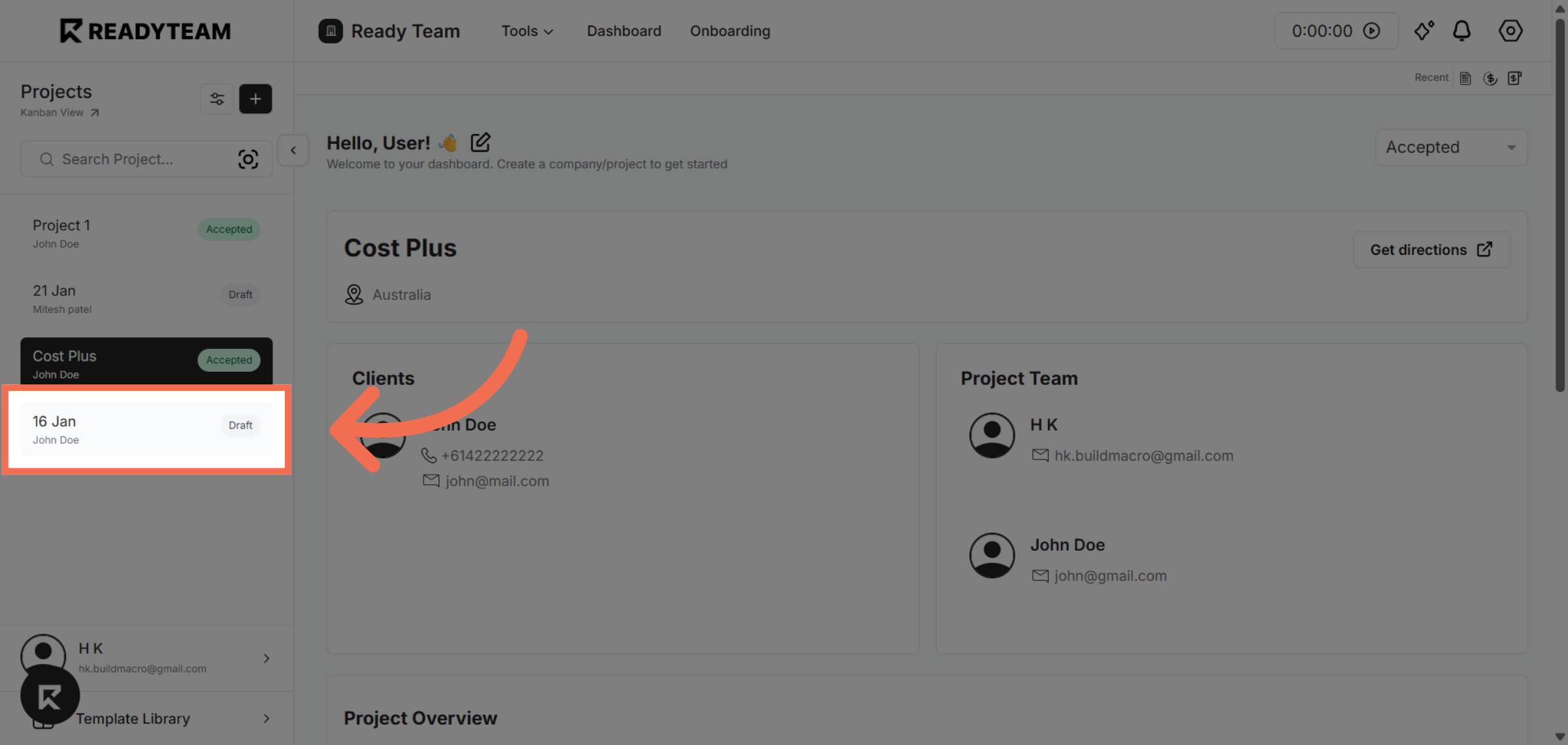
1. Select Project
Select project to begin editing the task details.
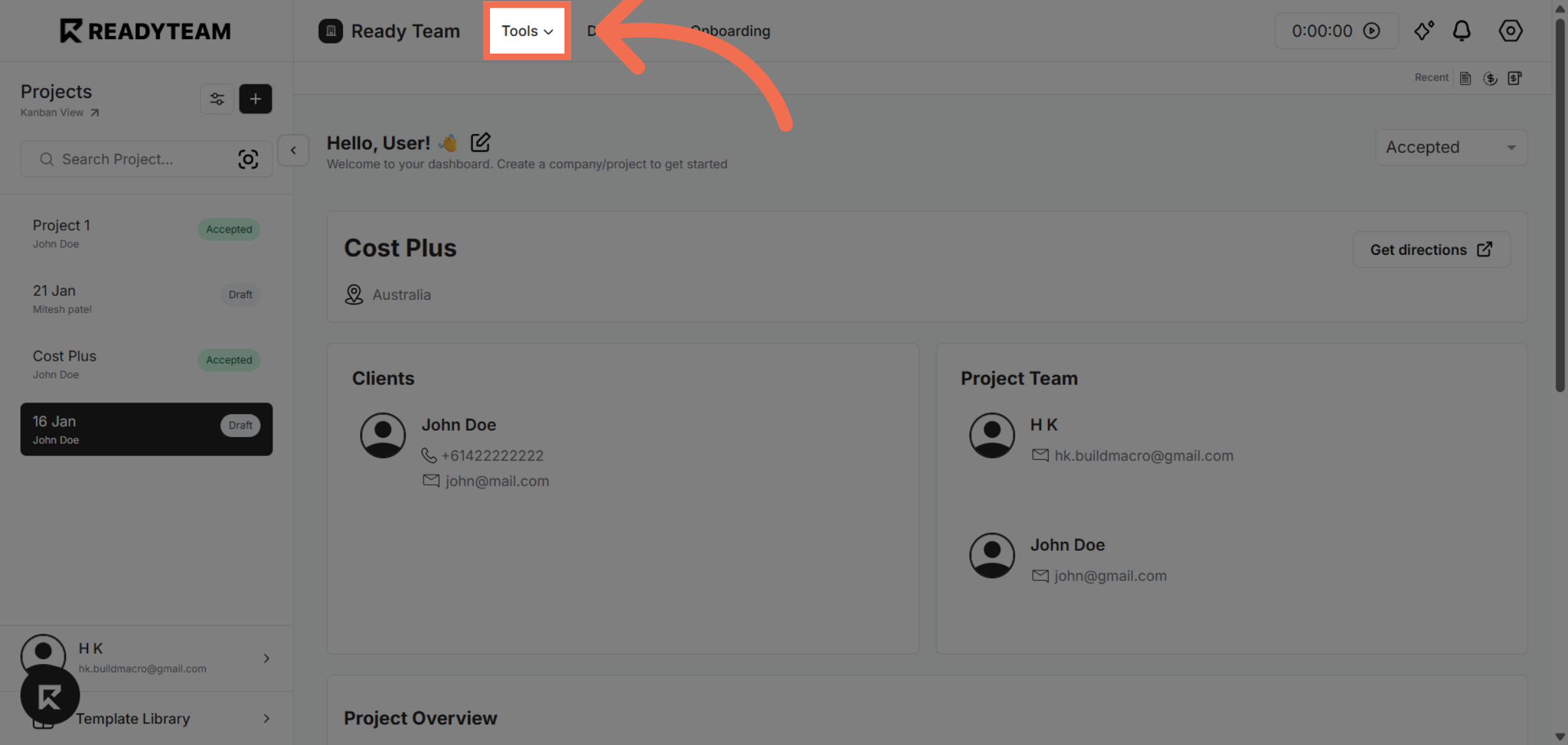
2. Access Tools Menu
Click the Tools menu to reveal tools for managing your task.
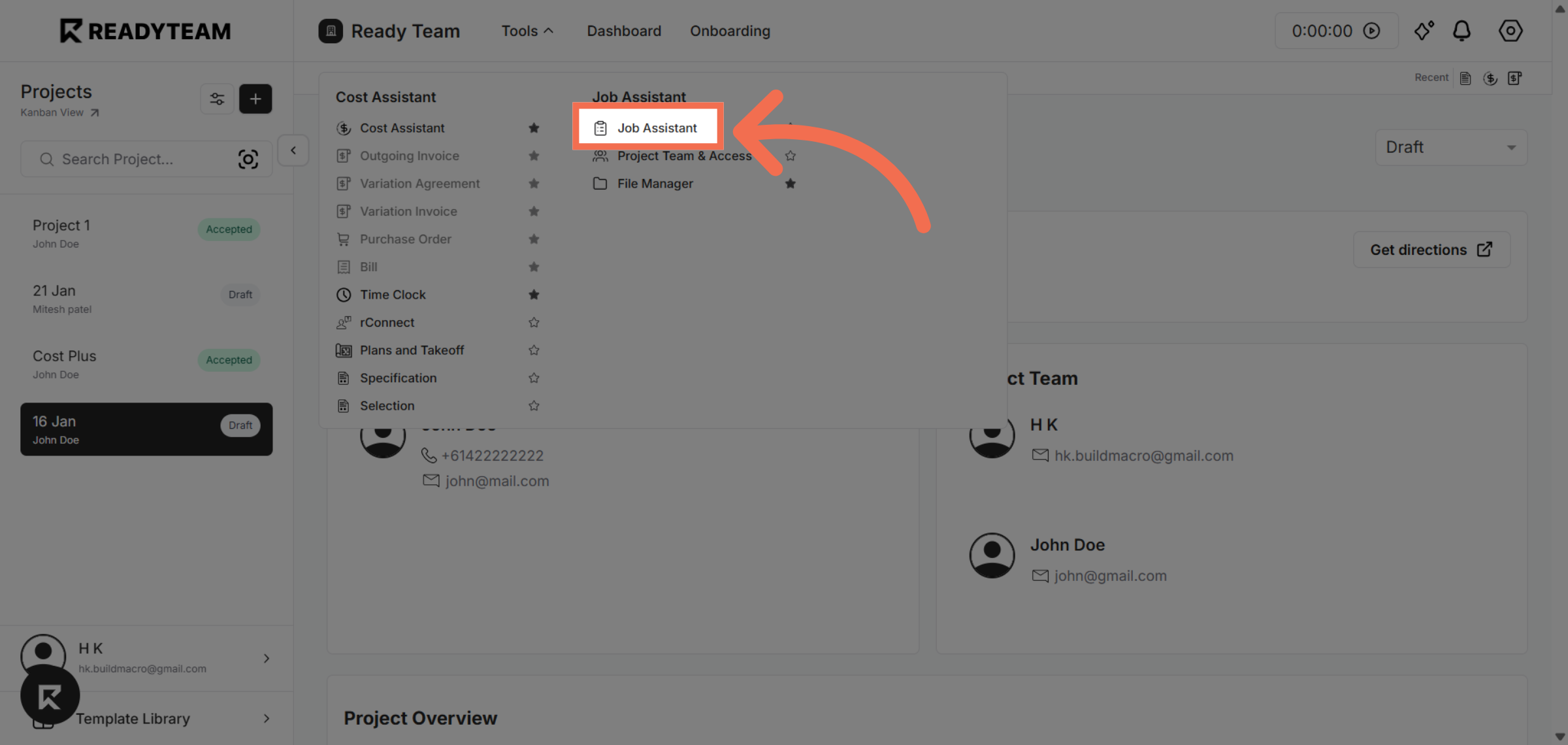
3. Select Job Assistant Tool
Click Job Assistant to open the tool that helps you add structured guidance to your tasks.
4. Initiate Guide Addition
Click the designated area to start adding a new guide to the task using the Job Assistant.
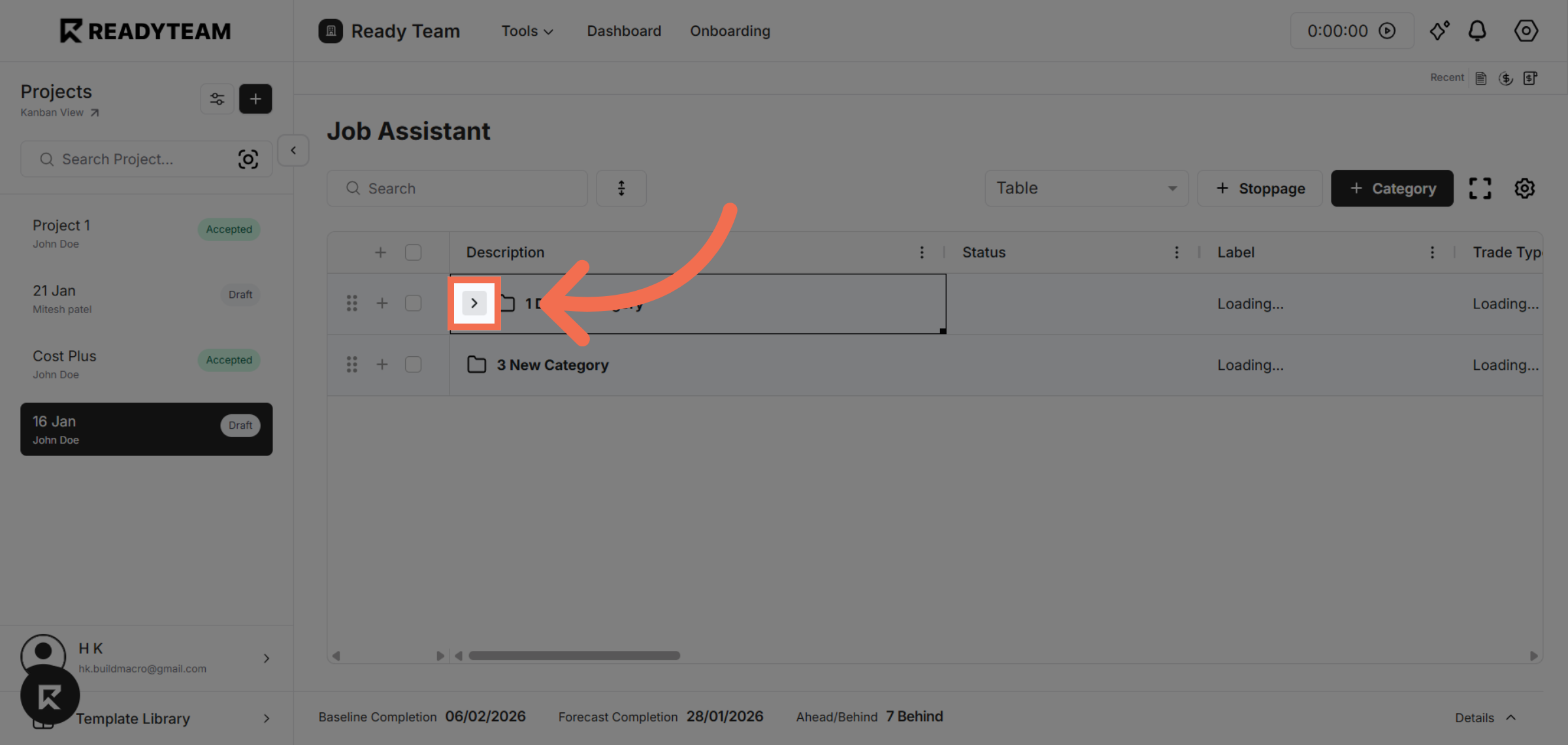
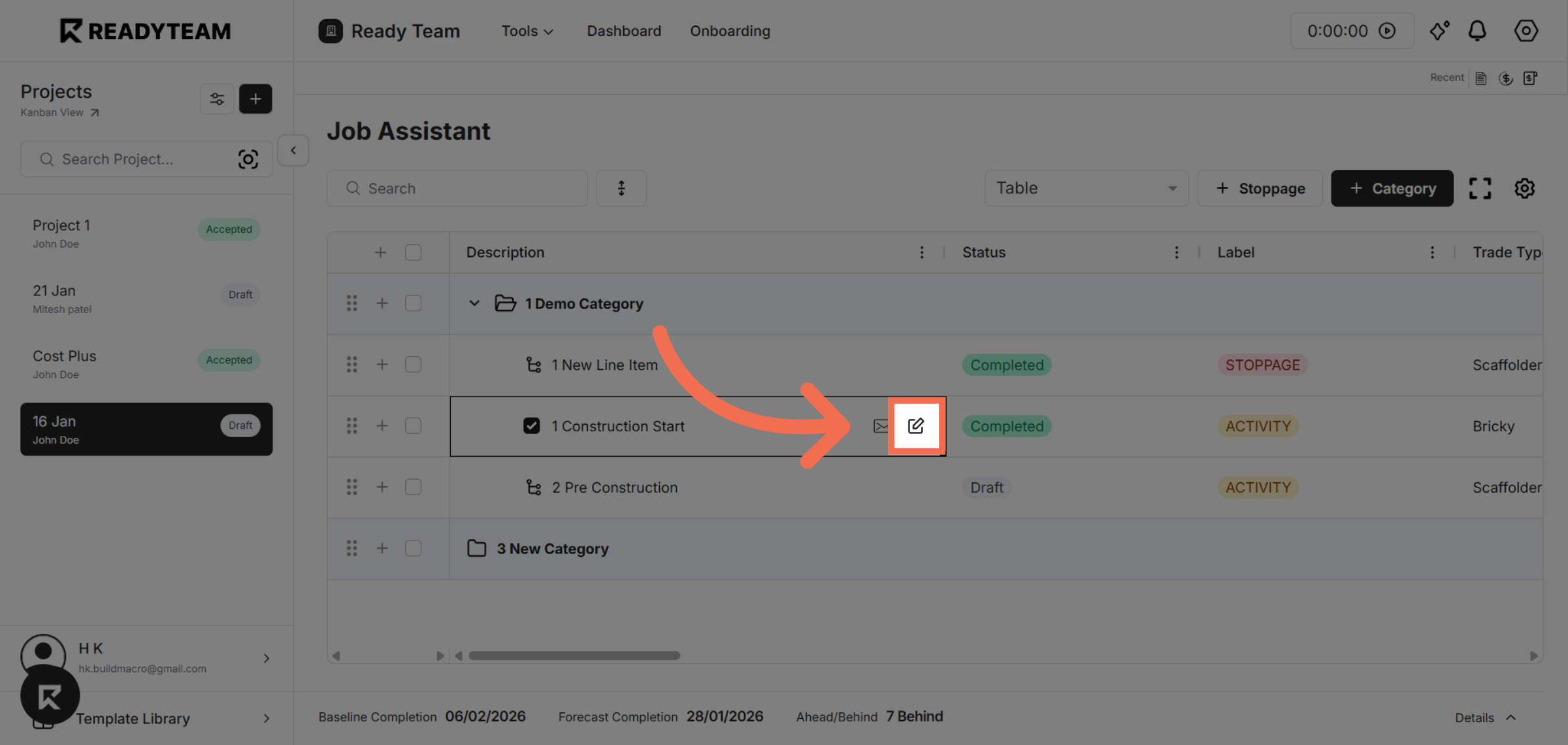
5. Choose Edit Task Option
Click the edit option to continue the guide adding process within the Job Assistant.
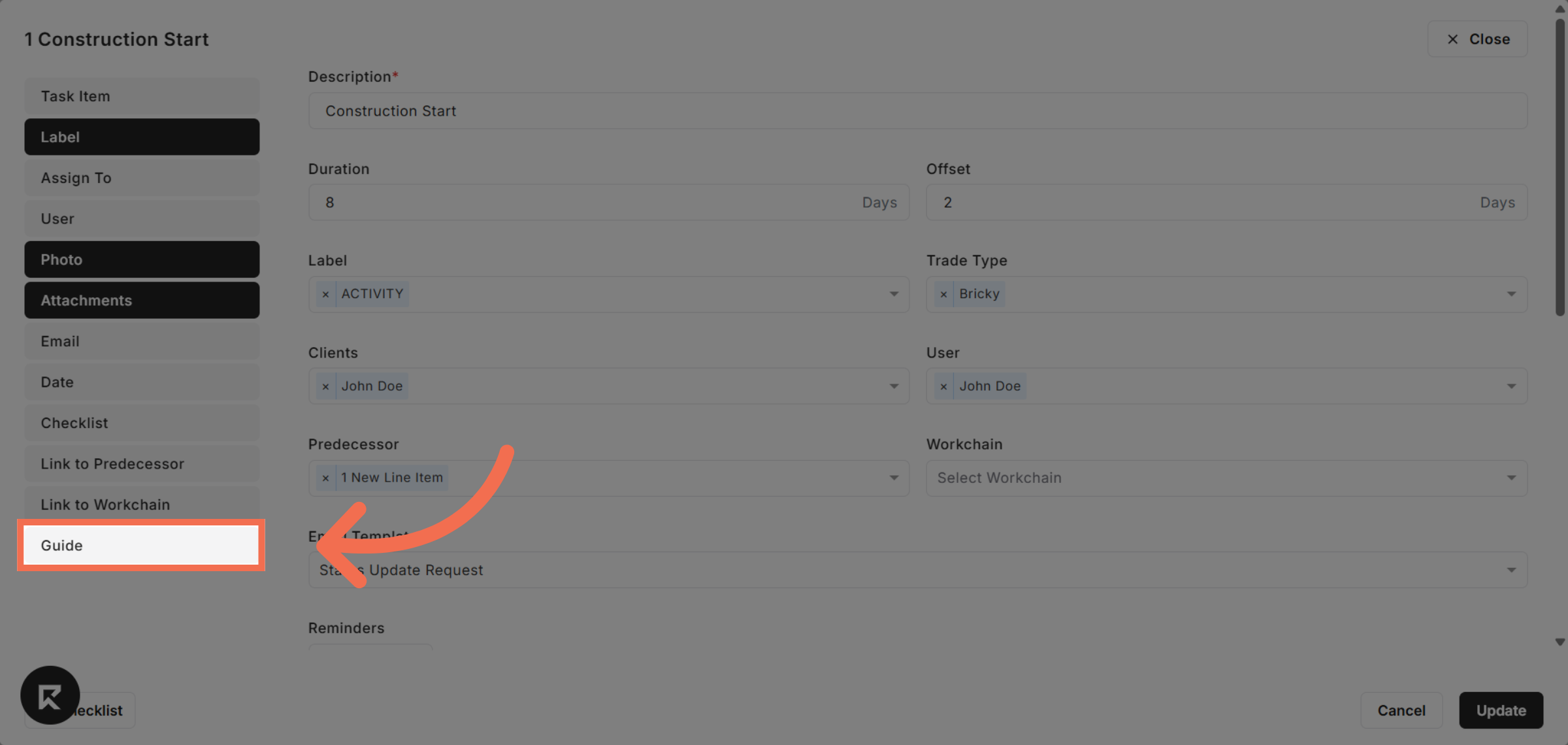
6. Choose Guide Option
Click Guide to specify that you want to add a guide as part of the task instructions.
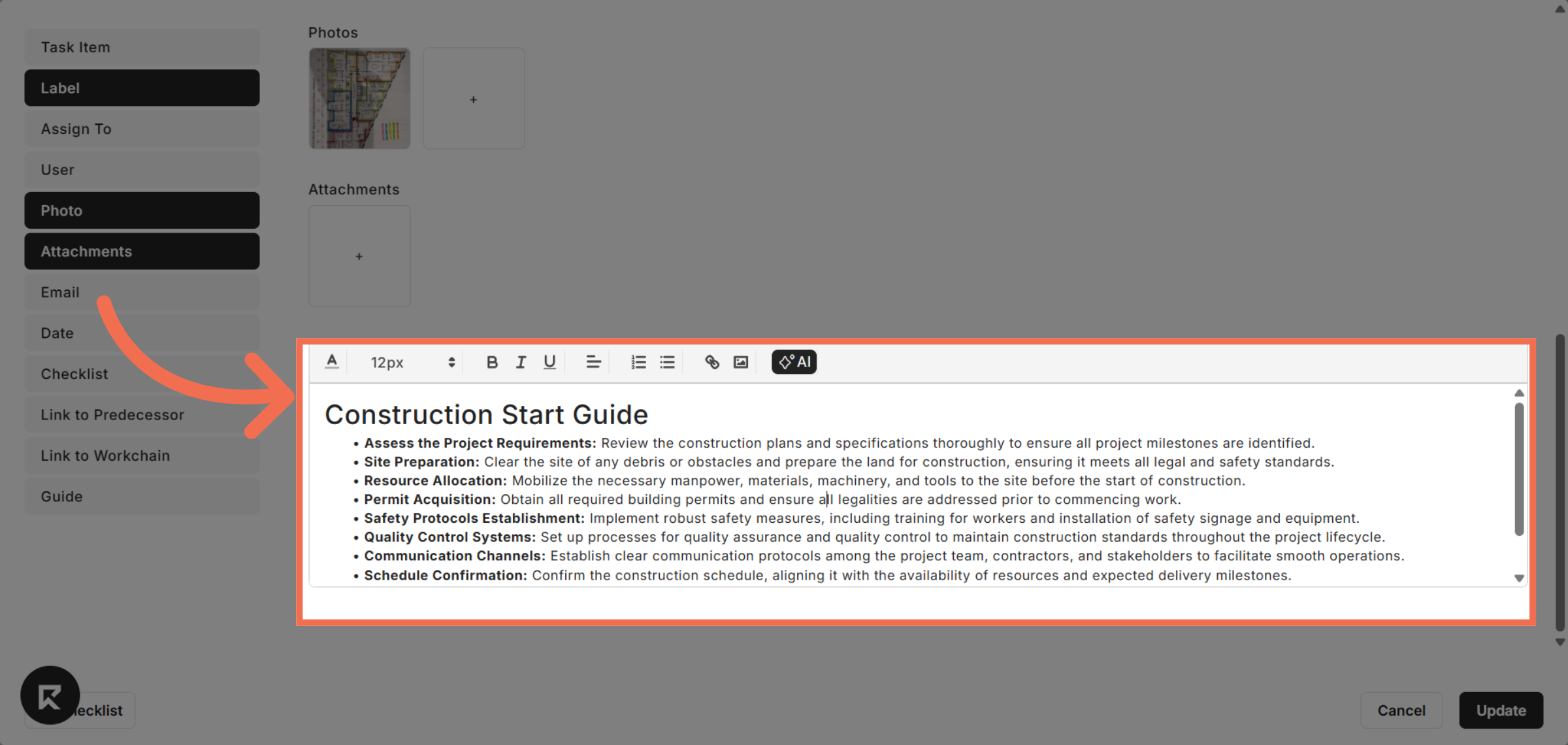
7. Enter Task Guide Text
Type detailed instructions or notes about the task in the Task Guide field.
8. Update Task with Guide
After entering the task guide text, update the task to ensure the guide is attached and visible within the Job Assistant.
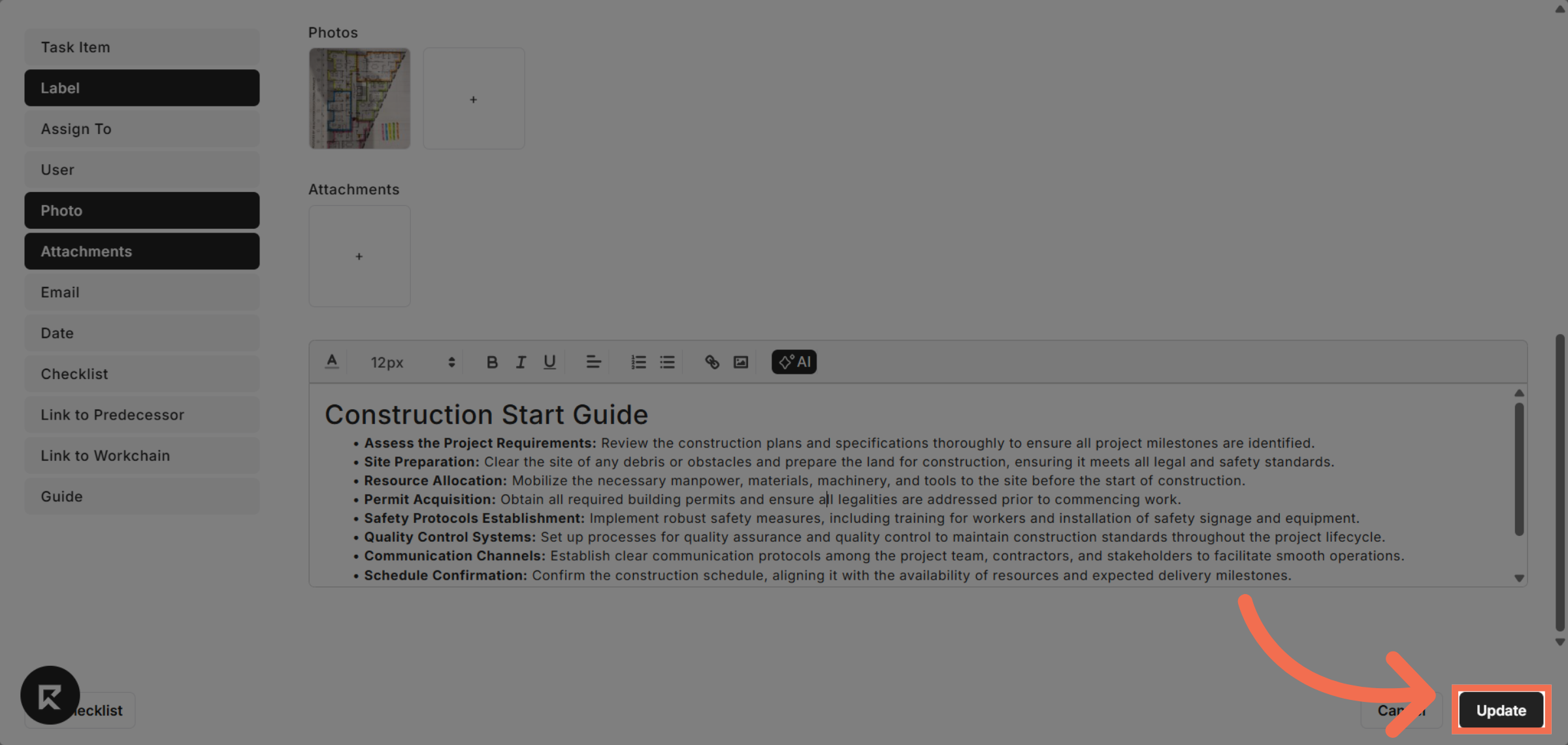
You have successfully added a detailed guide to a task using the Job Assistant in Readyteam. This process helps ensure all necessary steps and legal requirements are clearly outlined for efficient task completion.