Display Gantt Chart In Job Assistant of ReadyTeam
This demo showcases how to access and view the Gantt chart feature within Readyteam.
Go to app.readyteam.ai
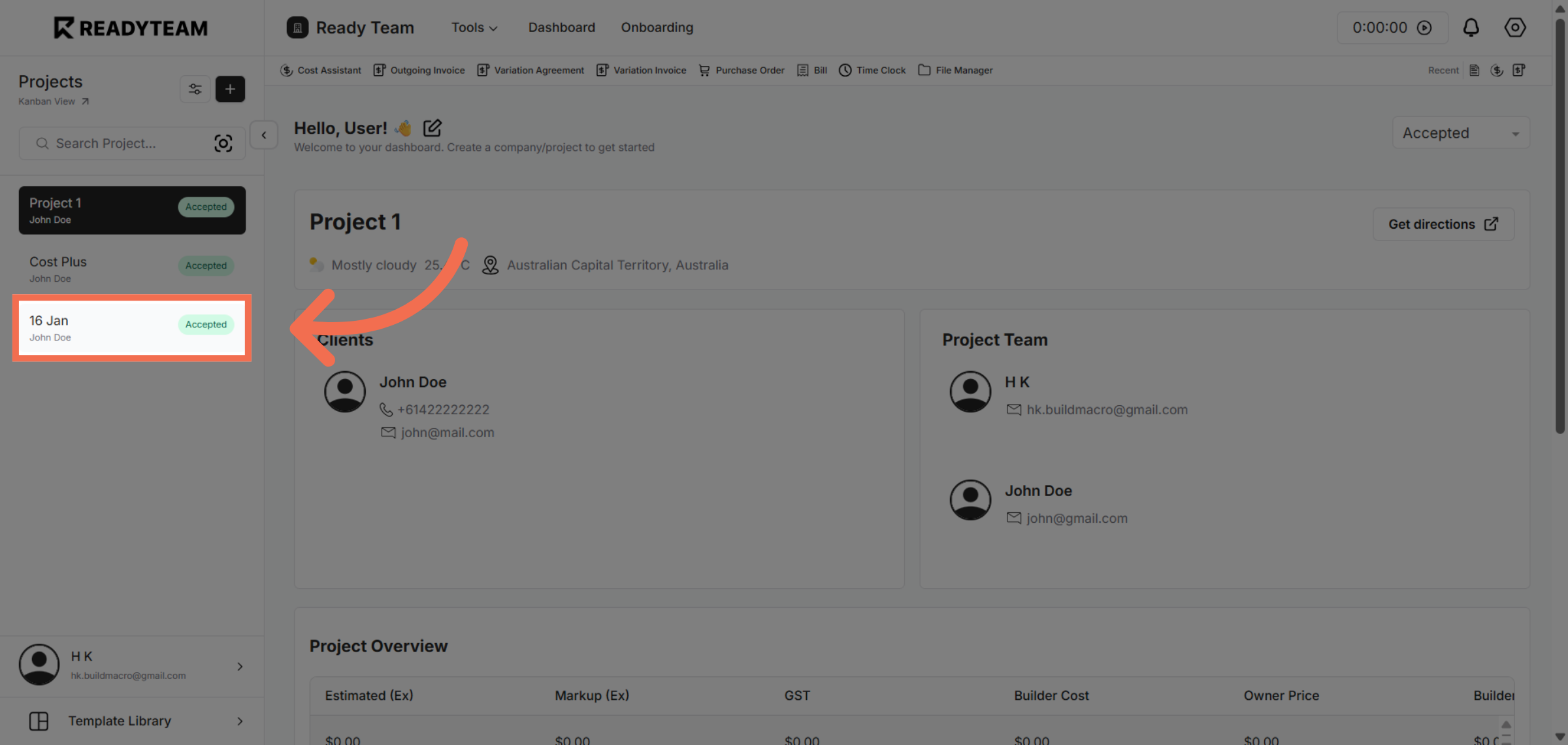
1. Select Project
Select Project to begin accessing detailed project information.
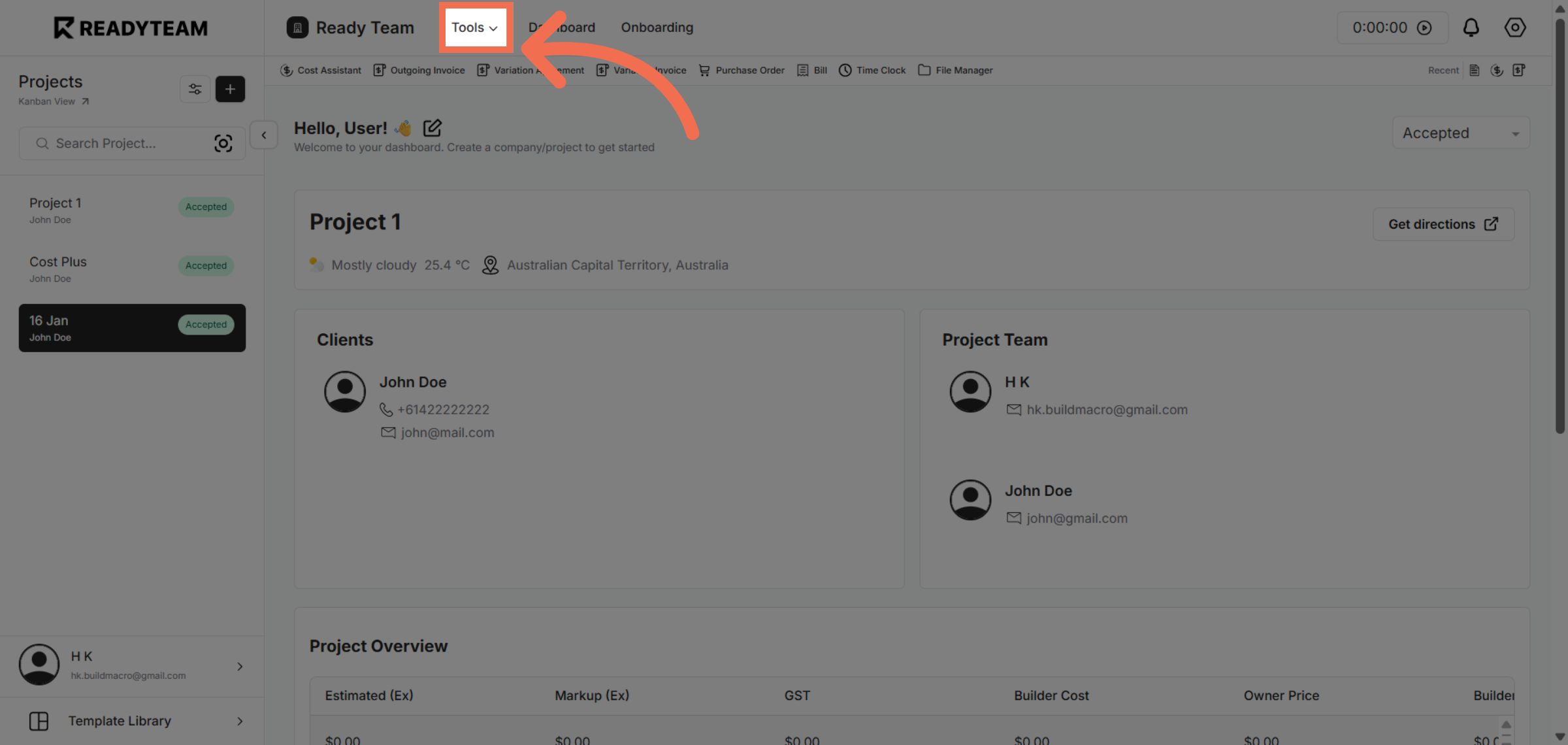
2. Open Tools Menu
Click the designated area to open the job details and explore available options.
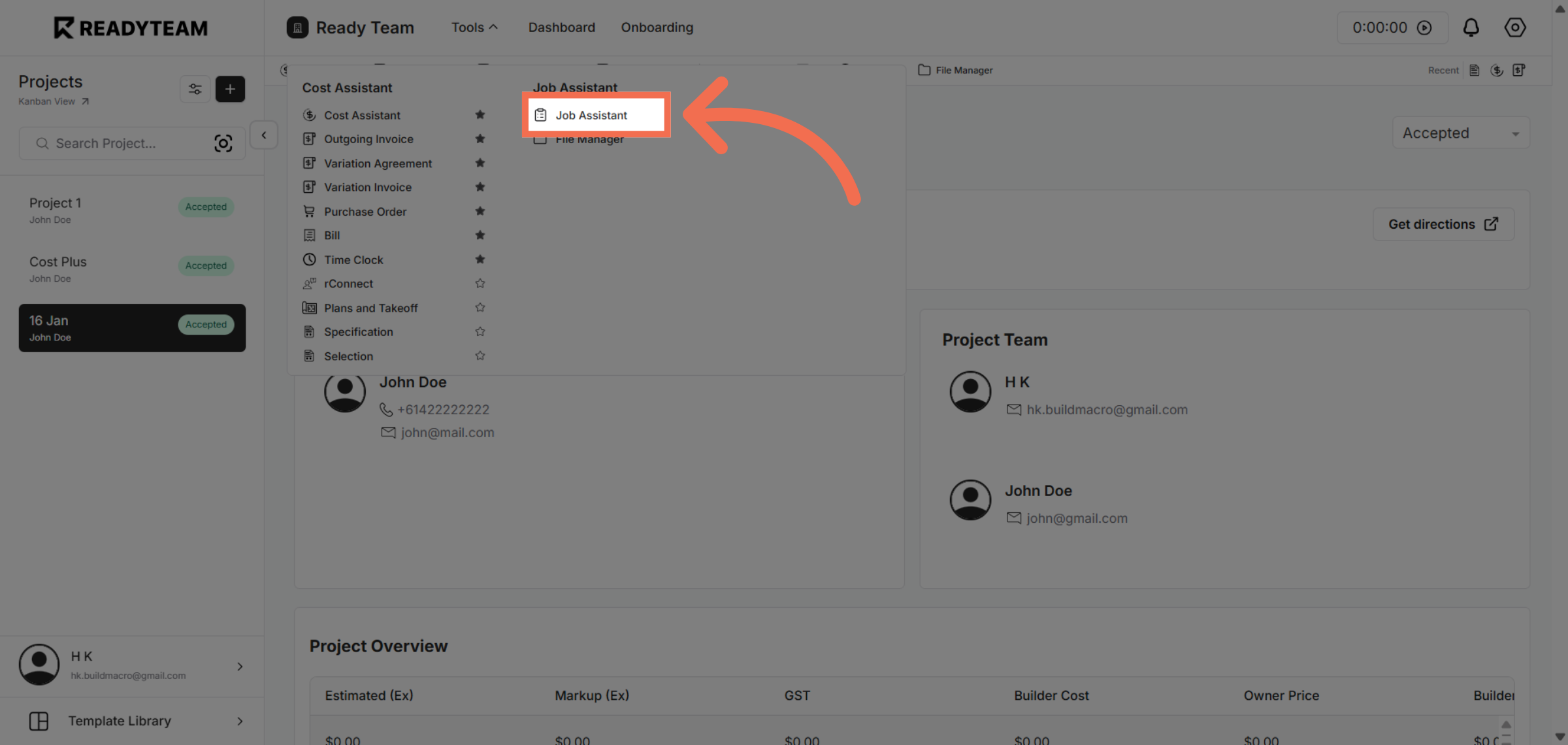
3. Choose Job Assistant Feature
Click the Job Assistant feature to access tools that help manage your job tasks efficiently.
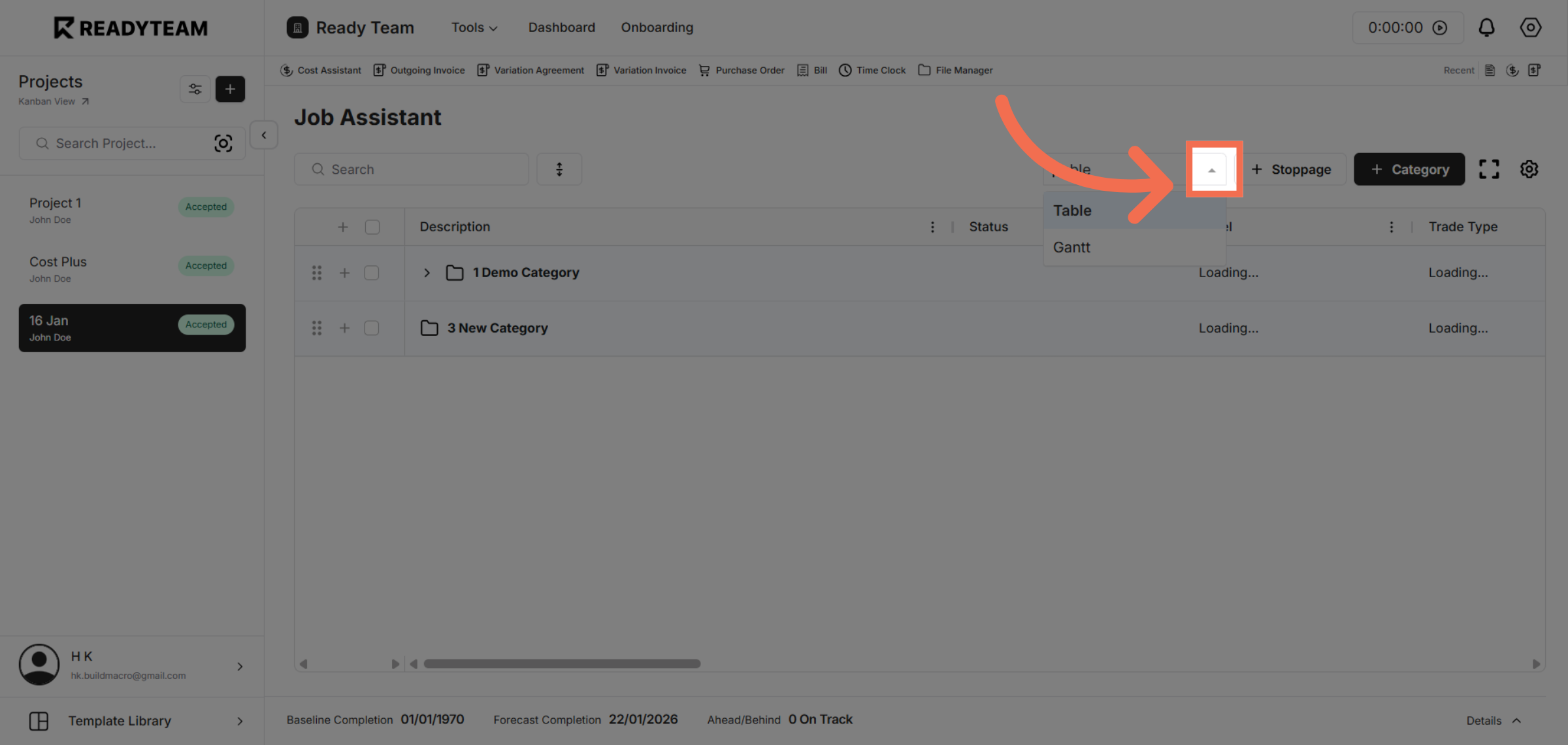
4. Access Job Assistant Data View Options
Click the indicated area to reveal more options related to job management and visualization.
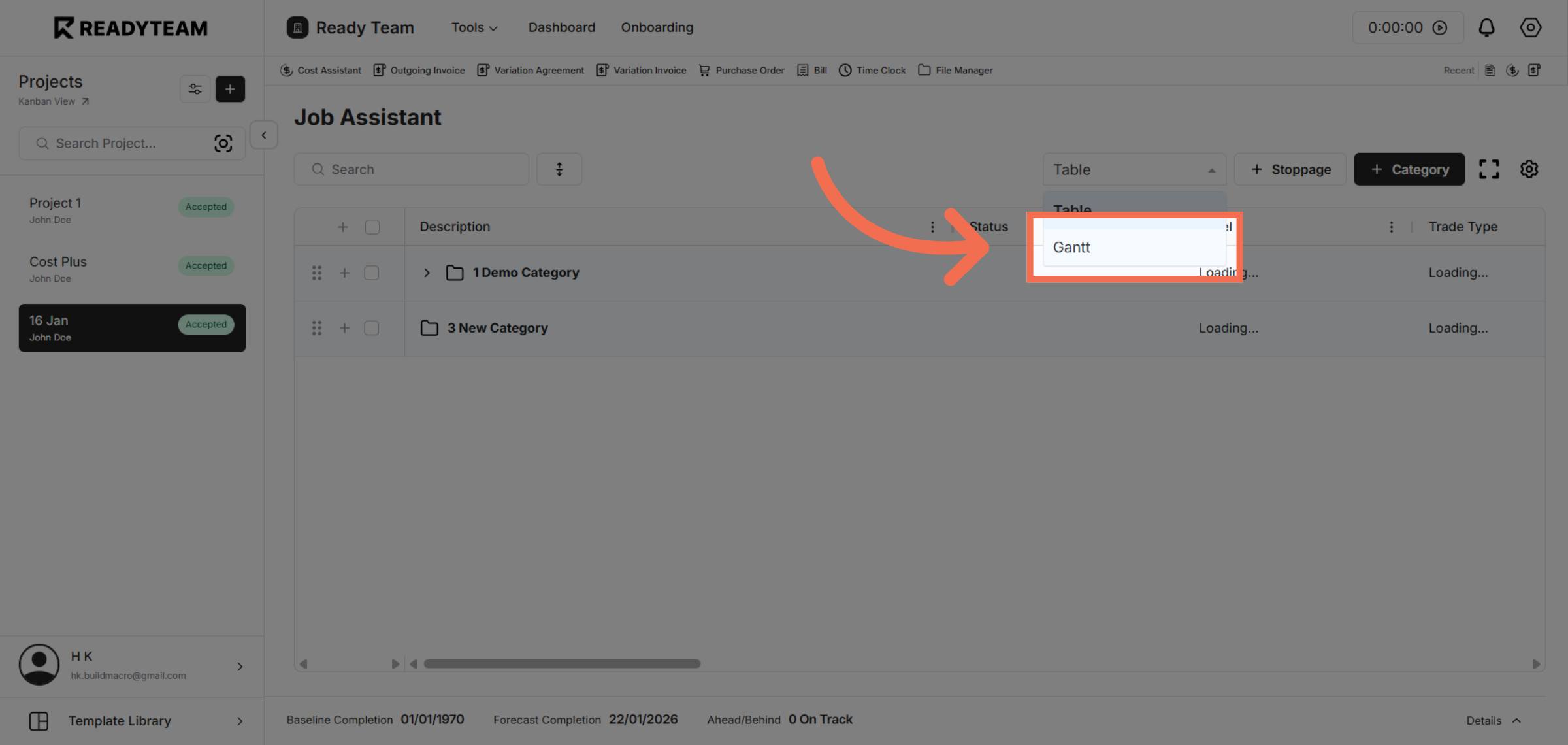
5. Display Gantt Chart View
Click the Gantt option to display the project timeline and task dependencies visually.
You have successfully navigated through Readyteam to display the Gantt chart, enabling clear visualization of project schedules and task progress. This feature helps you manage timelines and resources more effectively.