How to Publish Workflow in Job Assistant?
This demo showcases how to publish a workflow using Readyteam.
Go to app.readyteam.ai
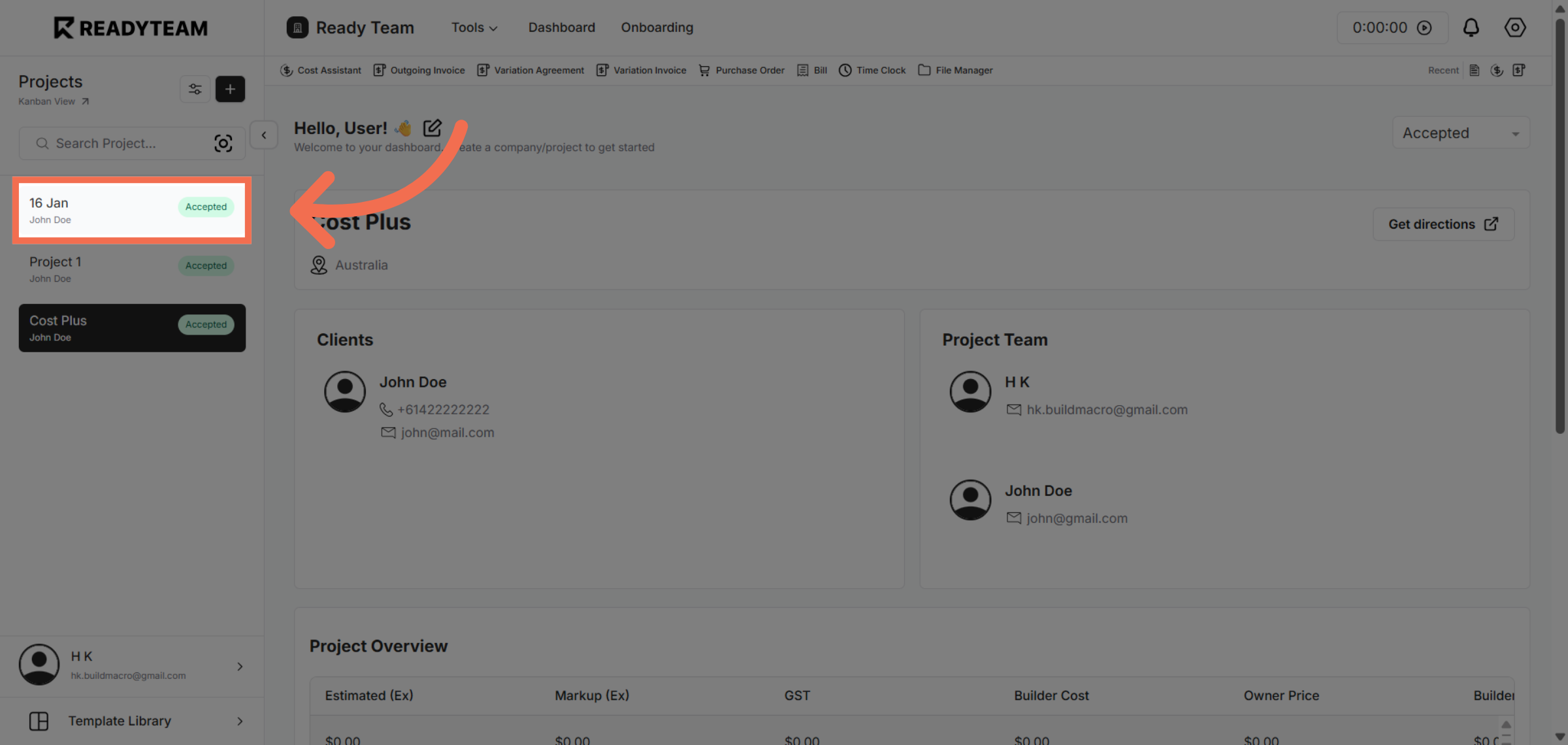
1. Select Project
Select Project to begin the publishing process.
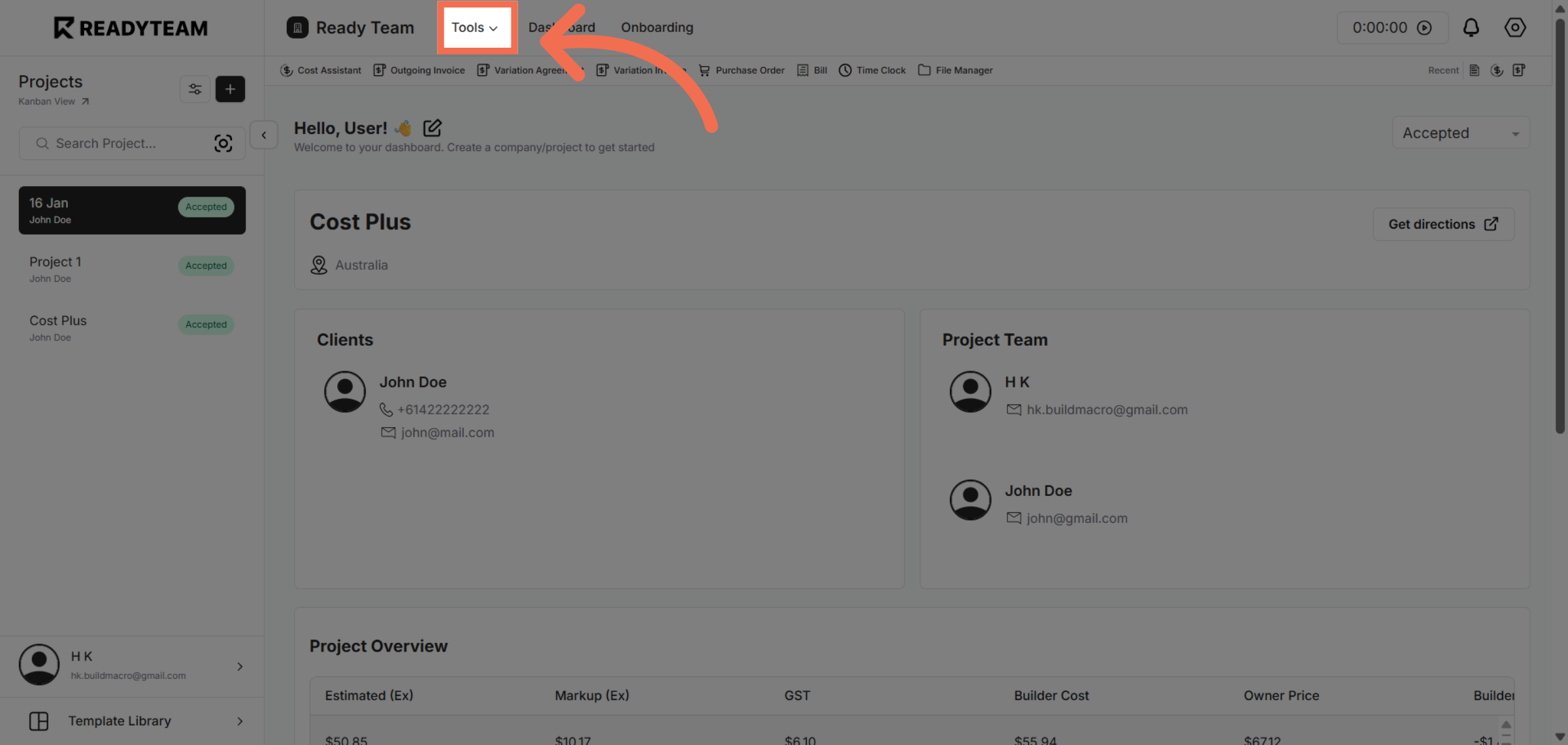
2. Access Tools Menu
Click the designated area to open the workflow options menu for further actions.
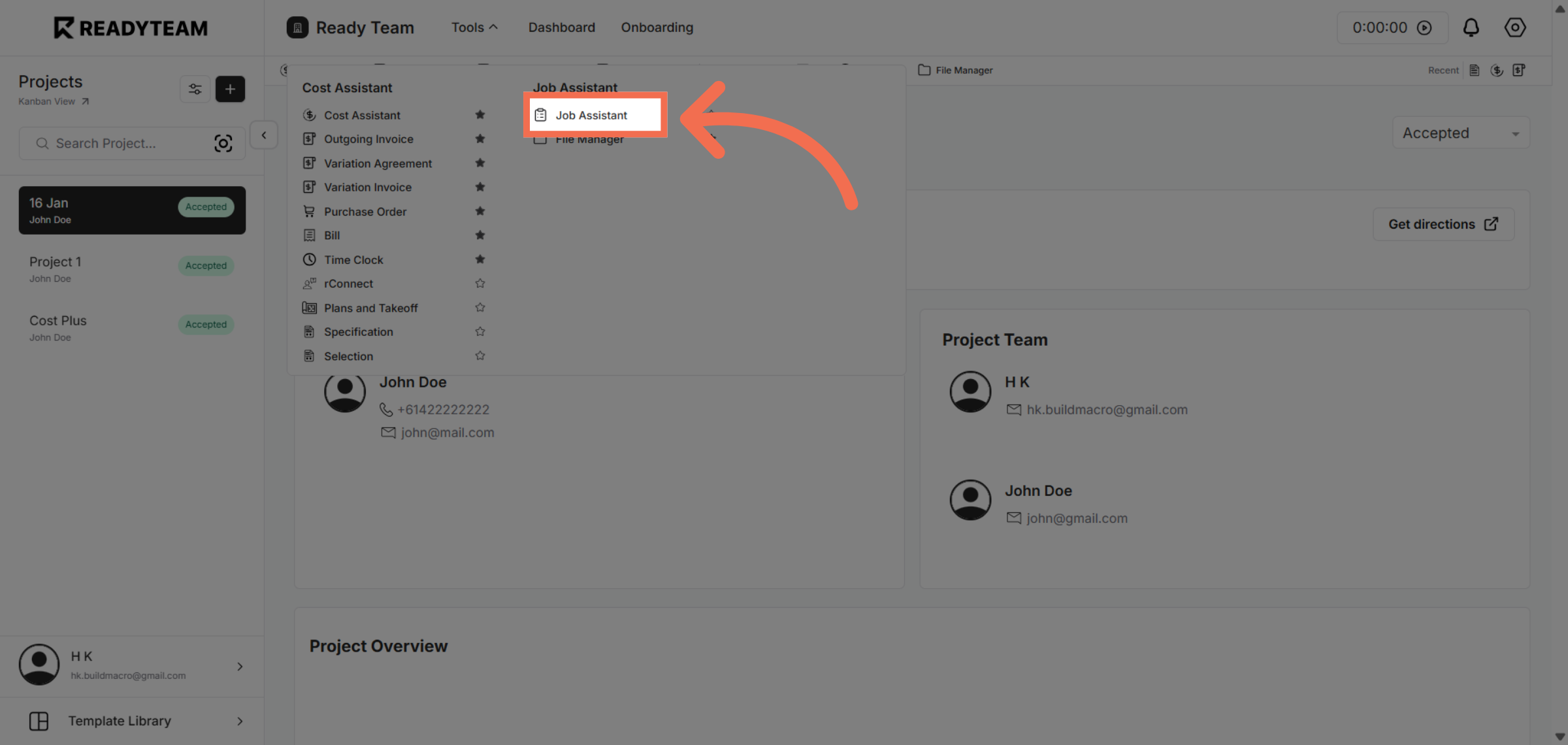
3. Choose Job Assistant Feature
Select the Job Assistant feature to proceed with configuring the workflow settings.
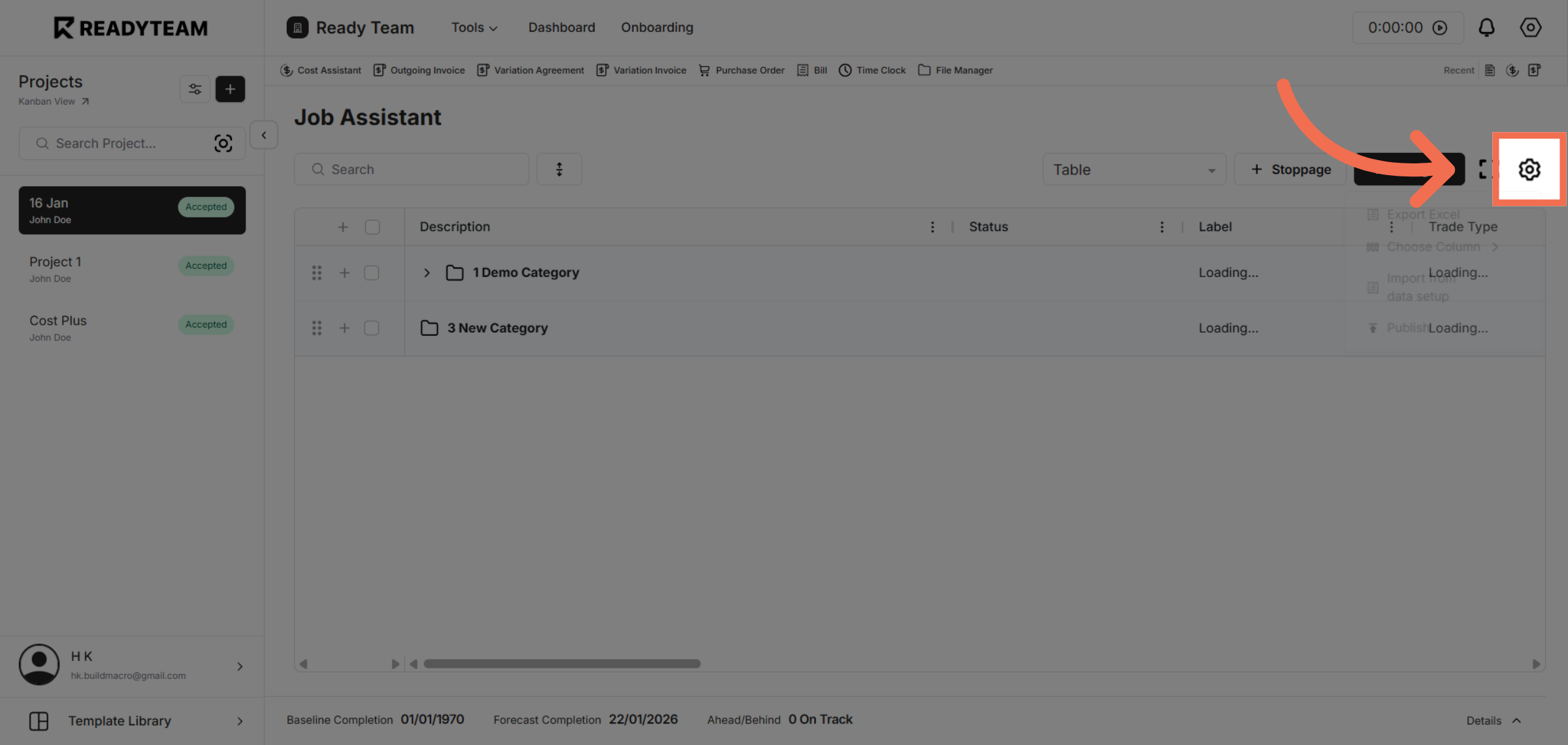
4. Open Settings
Click the indicated control to access the publishing options for the workflow.
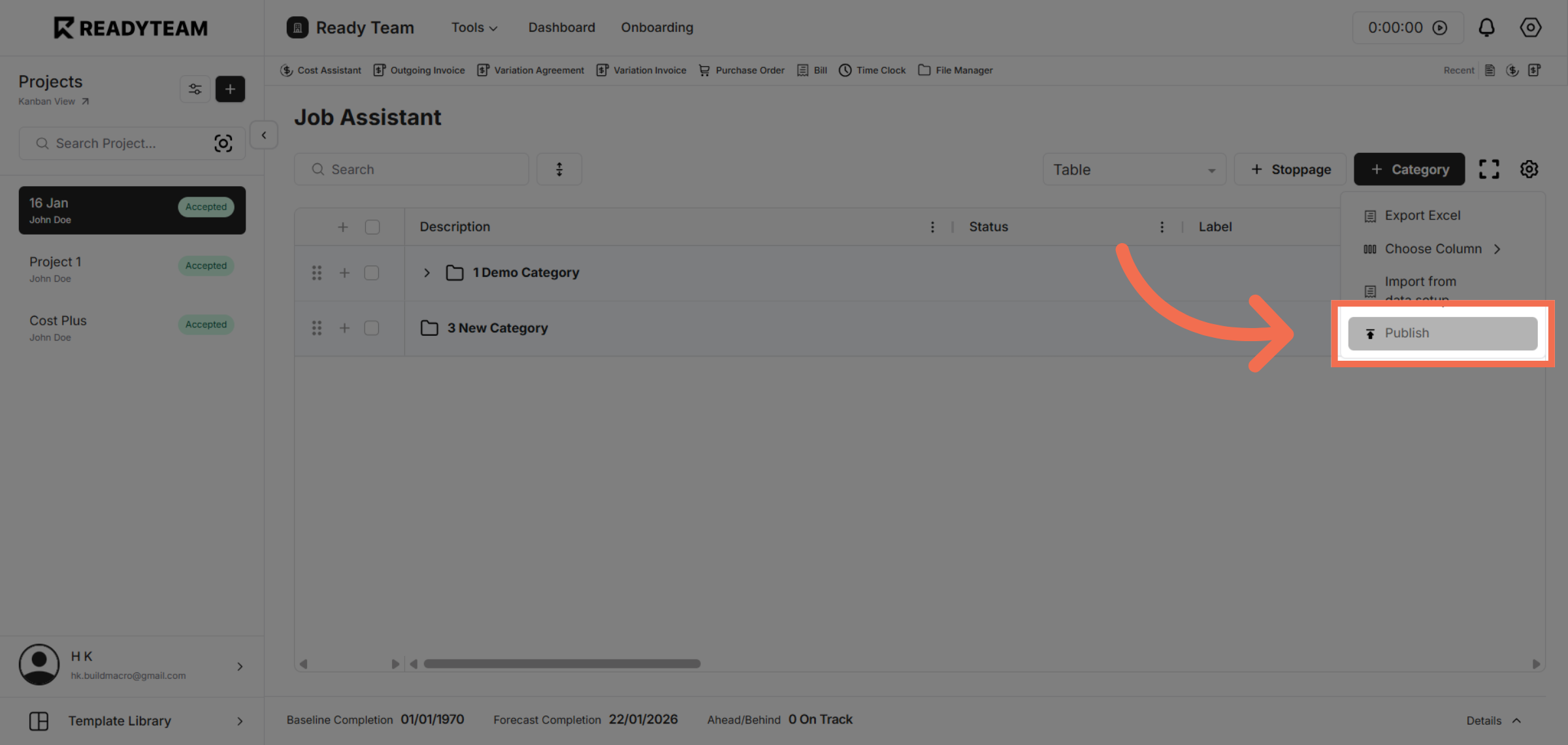
5. Initiate Workflow Publishing
Click the Publish button to start making the workflow available for use.
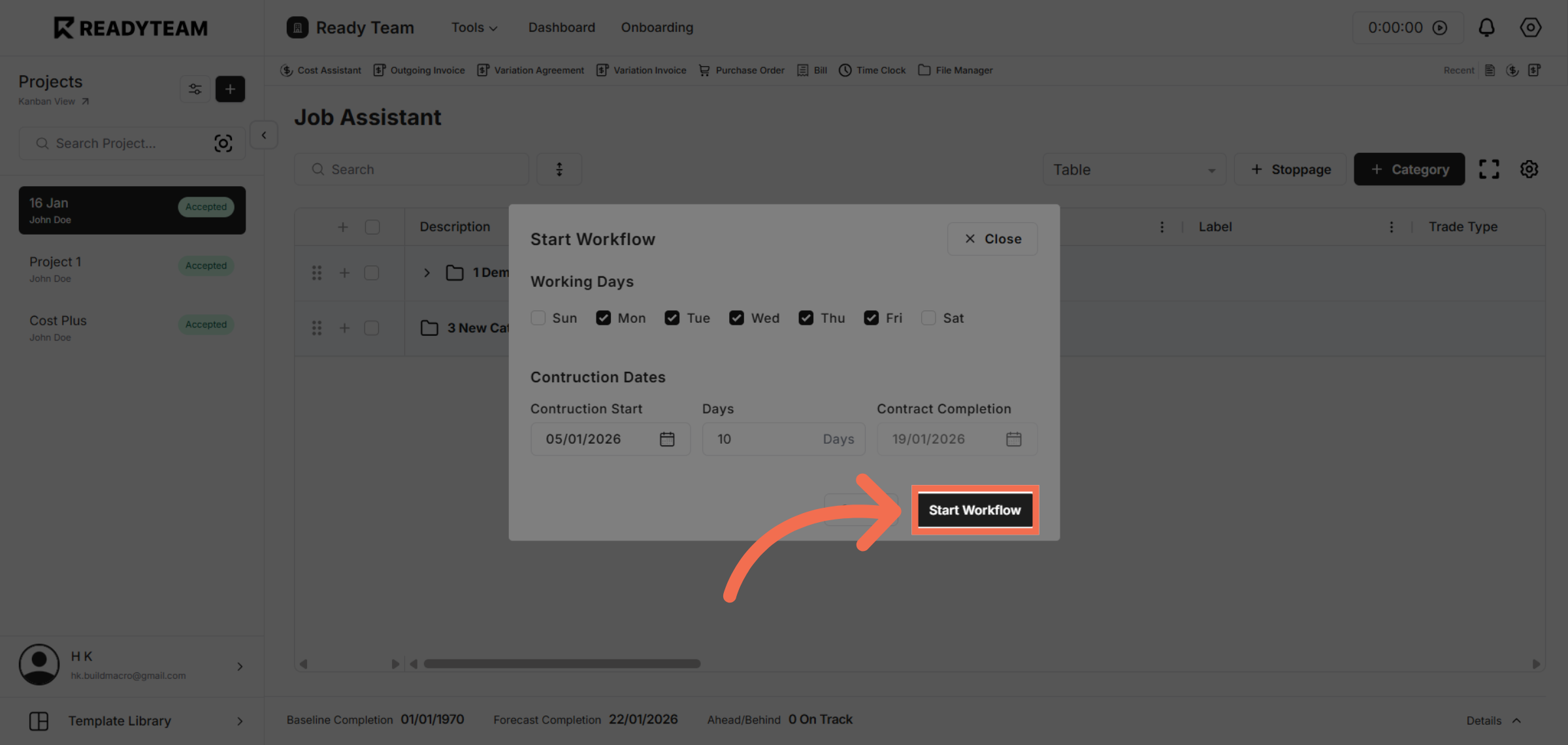
6. Start Workflow Execution
Click Start Workflow to activate the workflow and begin its execution process.
You have successfully published and started a workflow in Readyteam, enabling automated task management and streamlined operations. This process helps you quickly activate workflows to improve productivity.