Add Attachments Efficiently in Job Assistant
This demo showcases how to add attachments within Readyteam to enhance your workflow.
Go to app.readyteam.ai
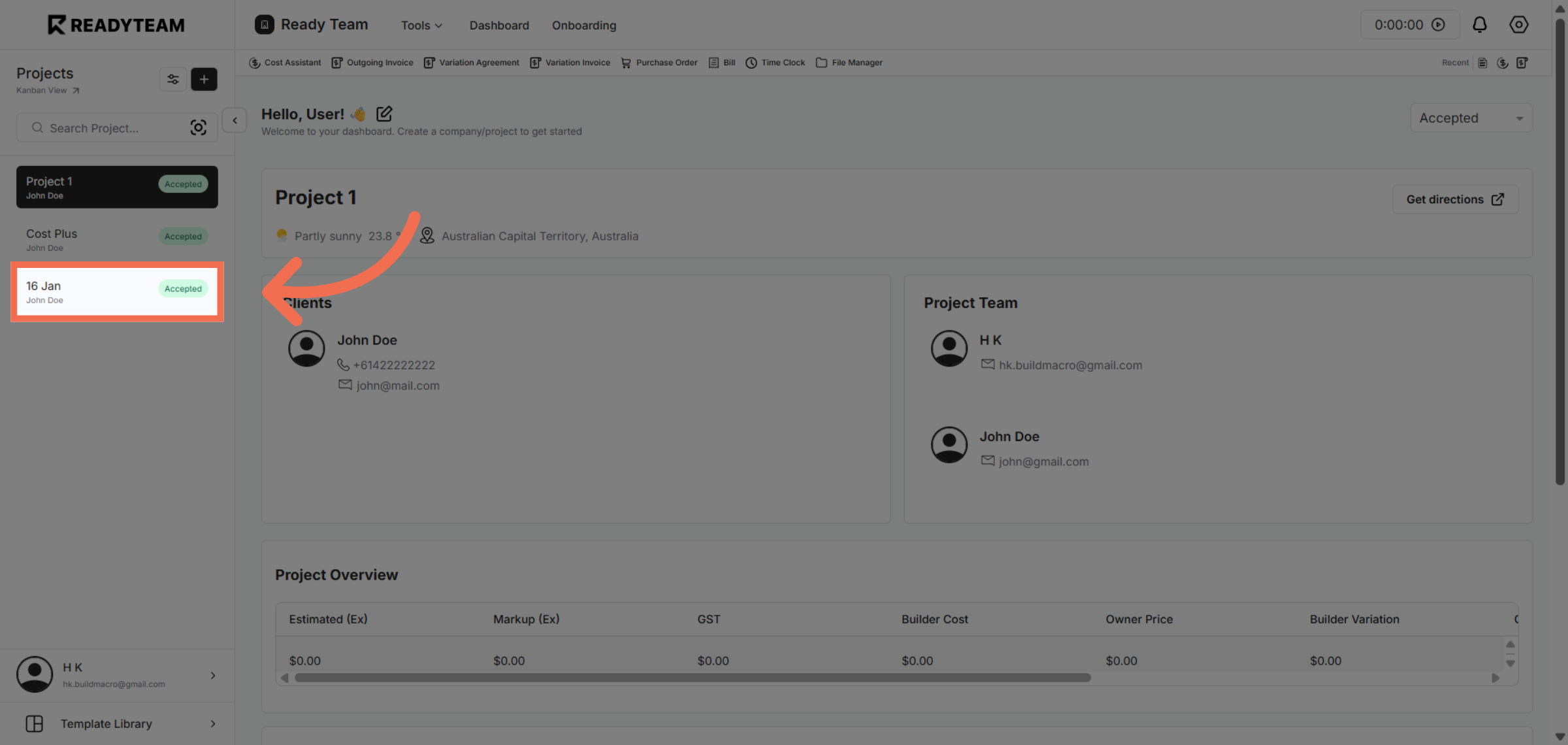
1. Select Project
Select specific project from the available list of projects.
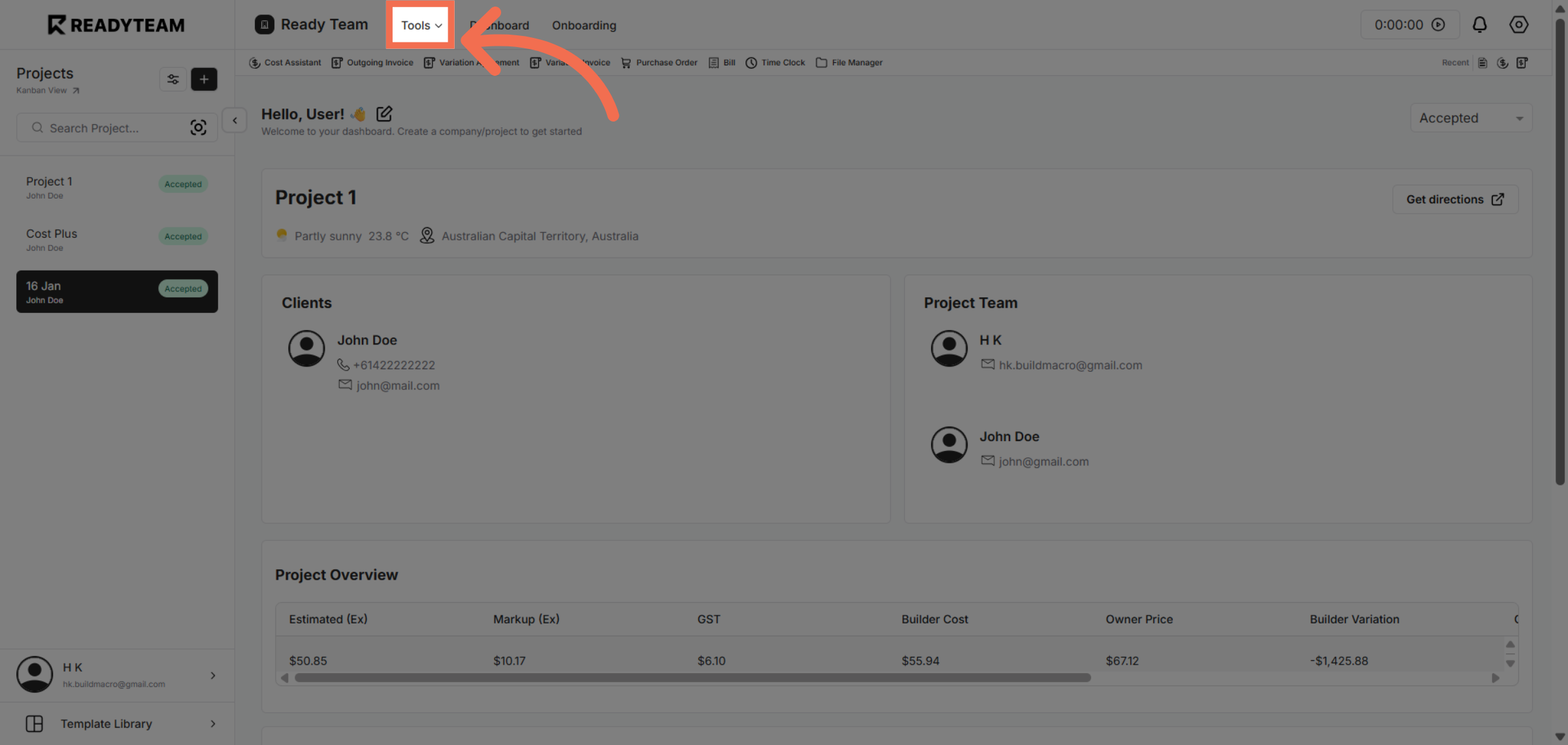
2. Open Tools Menu
Click the Tools menu to access additional features that support your recruitment process.
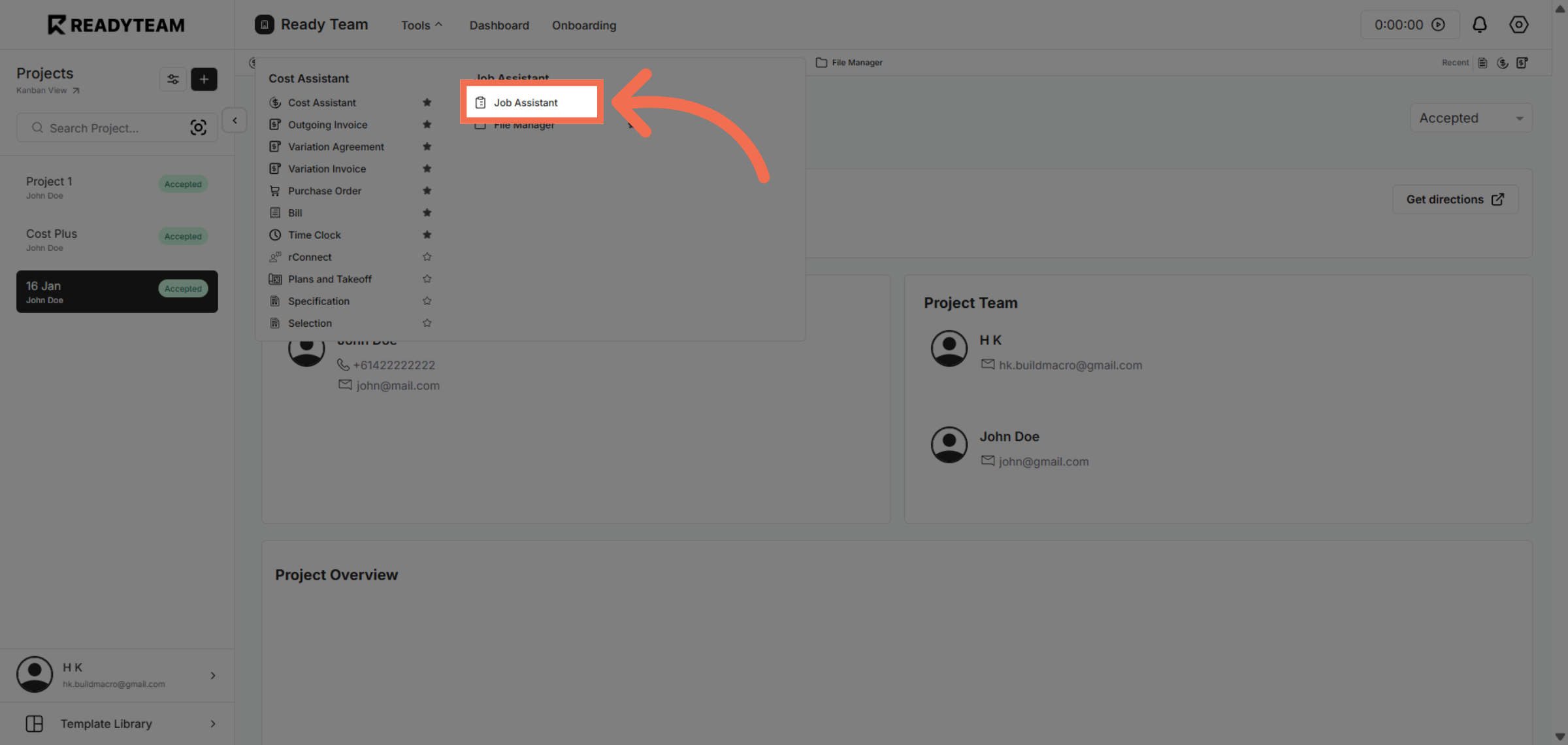
3. Access Job Assistant Feature
Click Job Assistant to open the tool that helps streamline job-related tasks and document management.
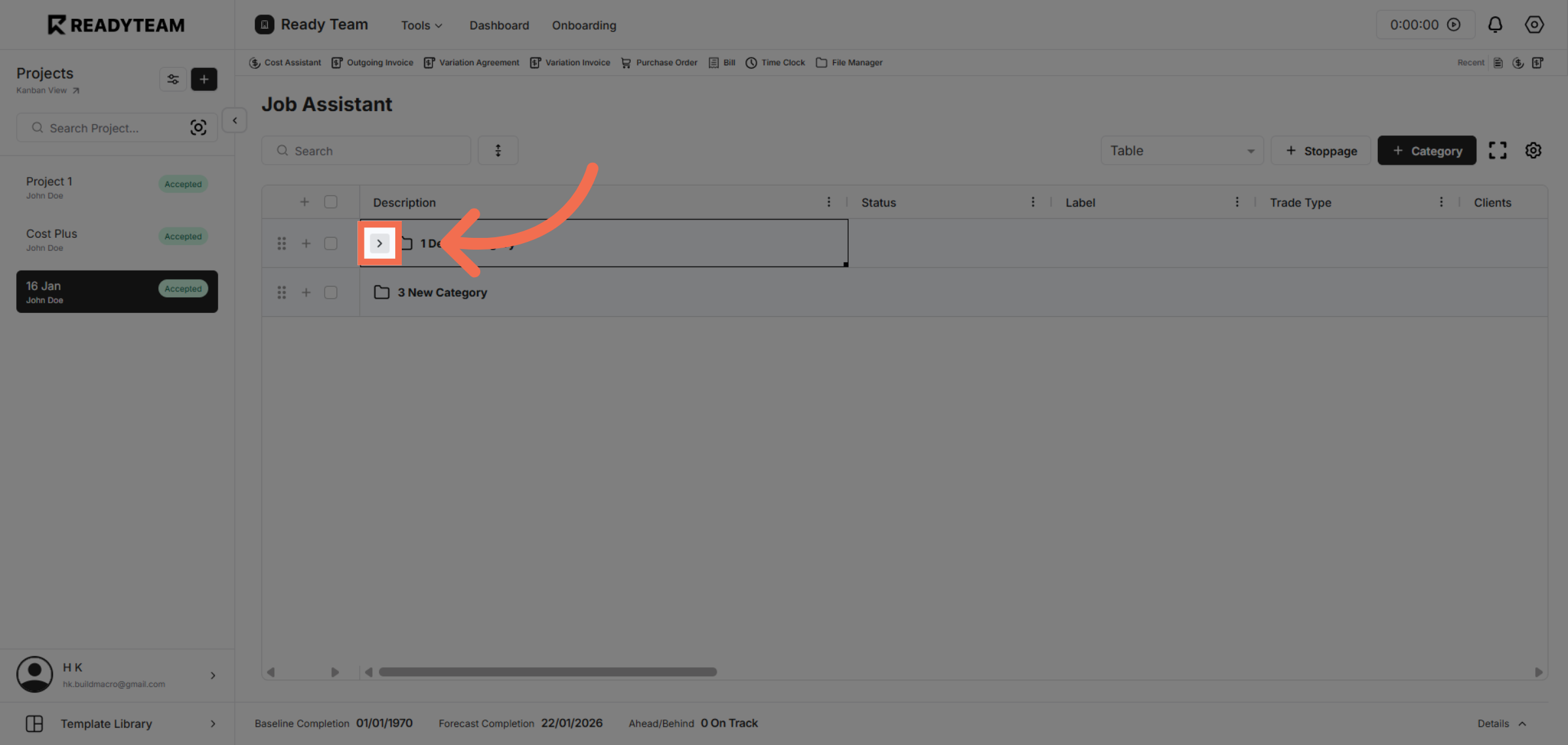
4. Initiate Attachment Process
Click the designated area to start adding attachments to the selected job record.
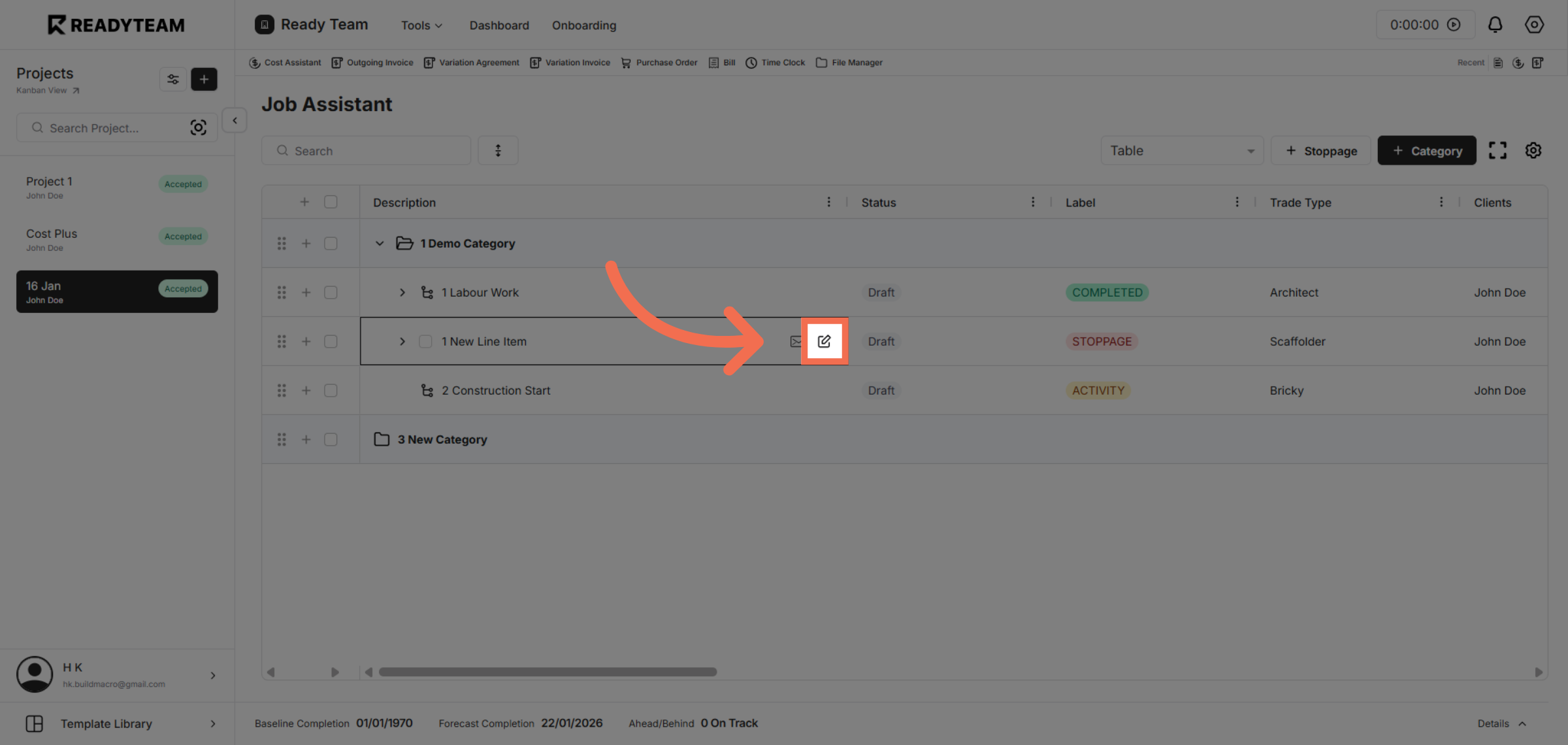
5. Proceed to Edit Options
Click the next interface edit option to continue to the attachments section where you can upload files.
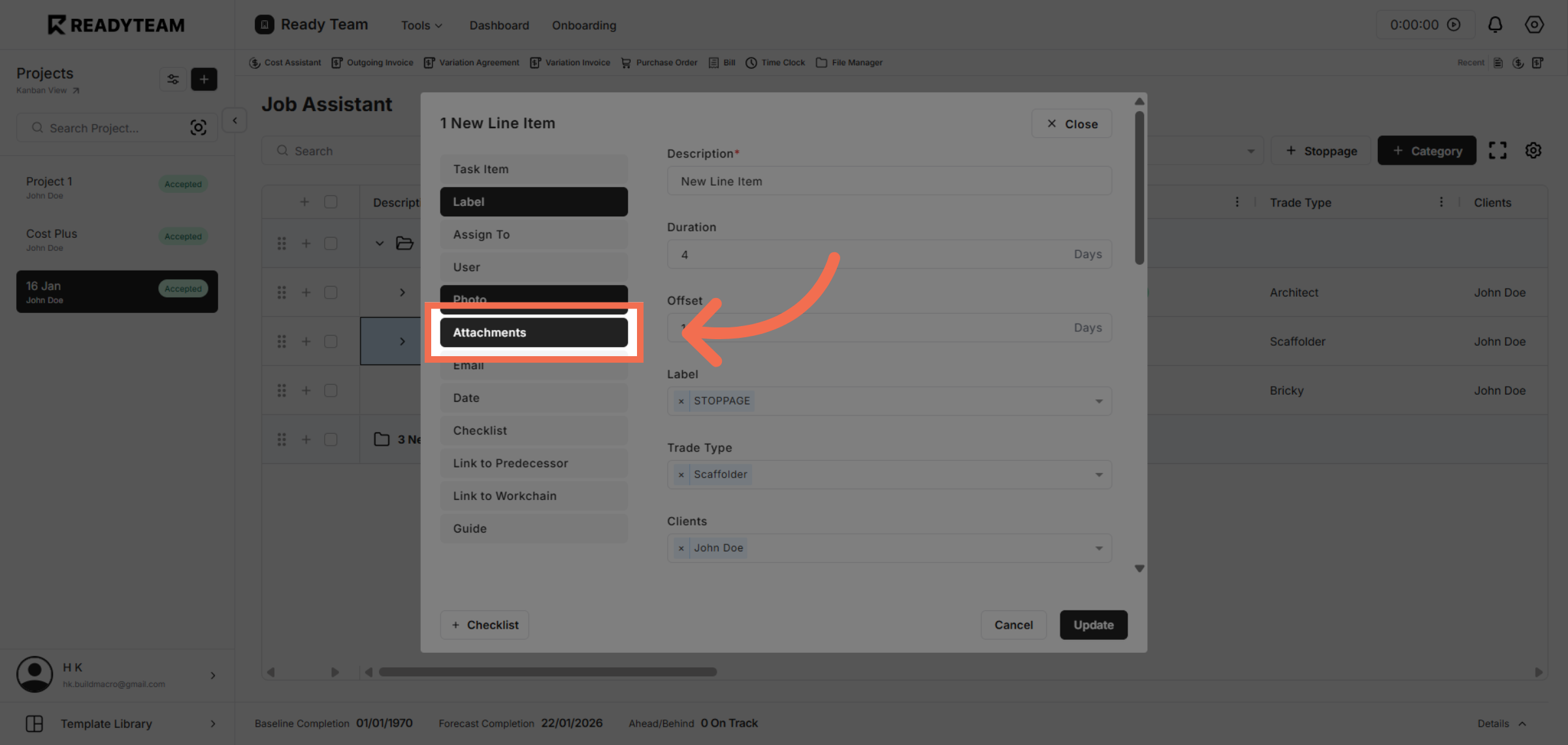
6. Navigate to Attachments Tab
Click the Attachments tab to view and manage all files related to the job posting.
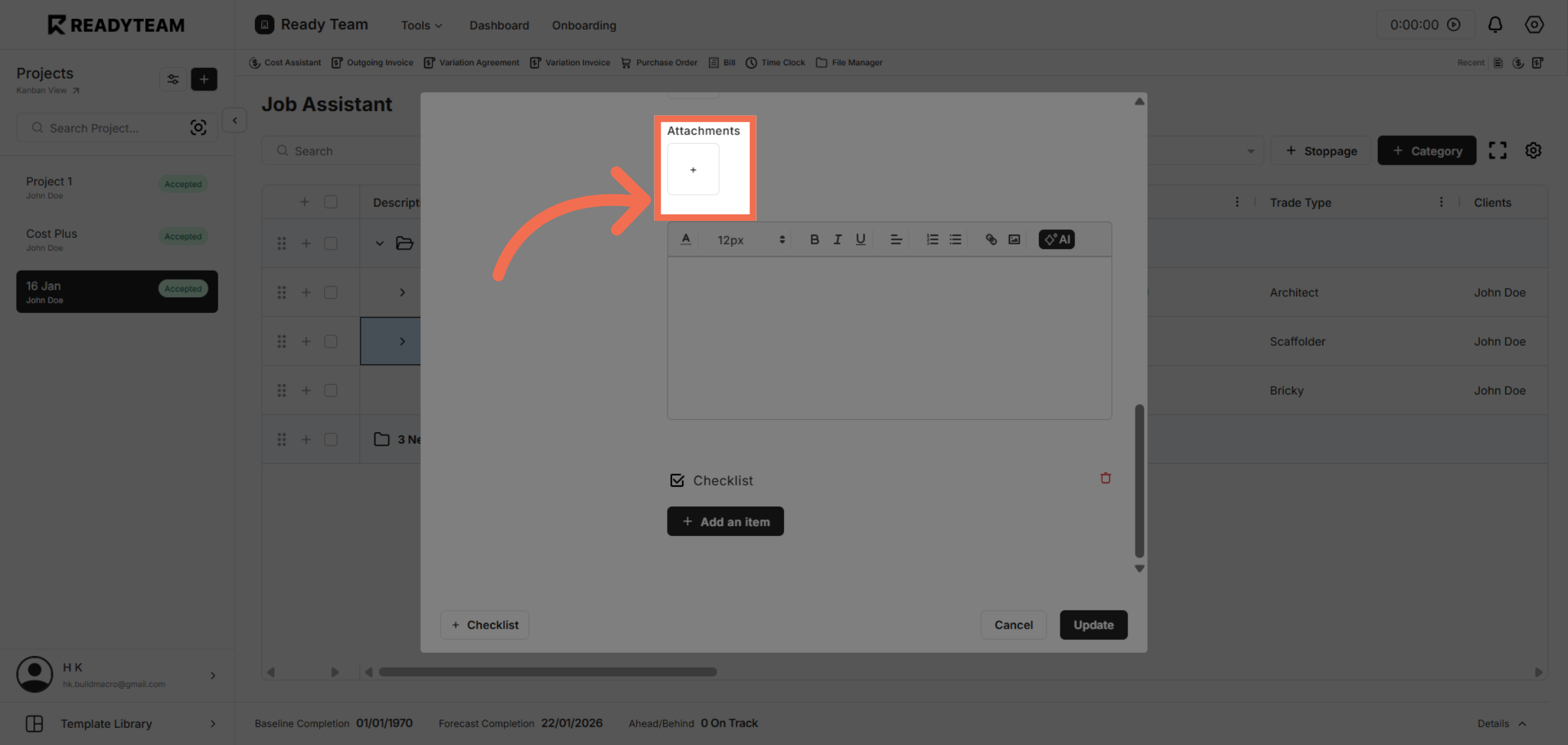
7. Open File Upload Dialog
Click the upload area to select files from your device for attachment.
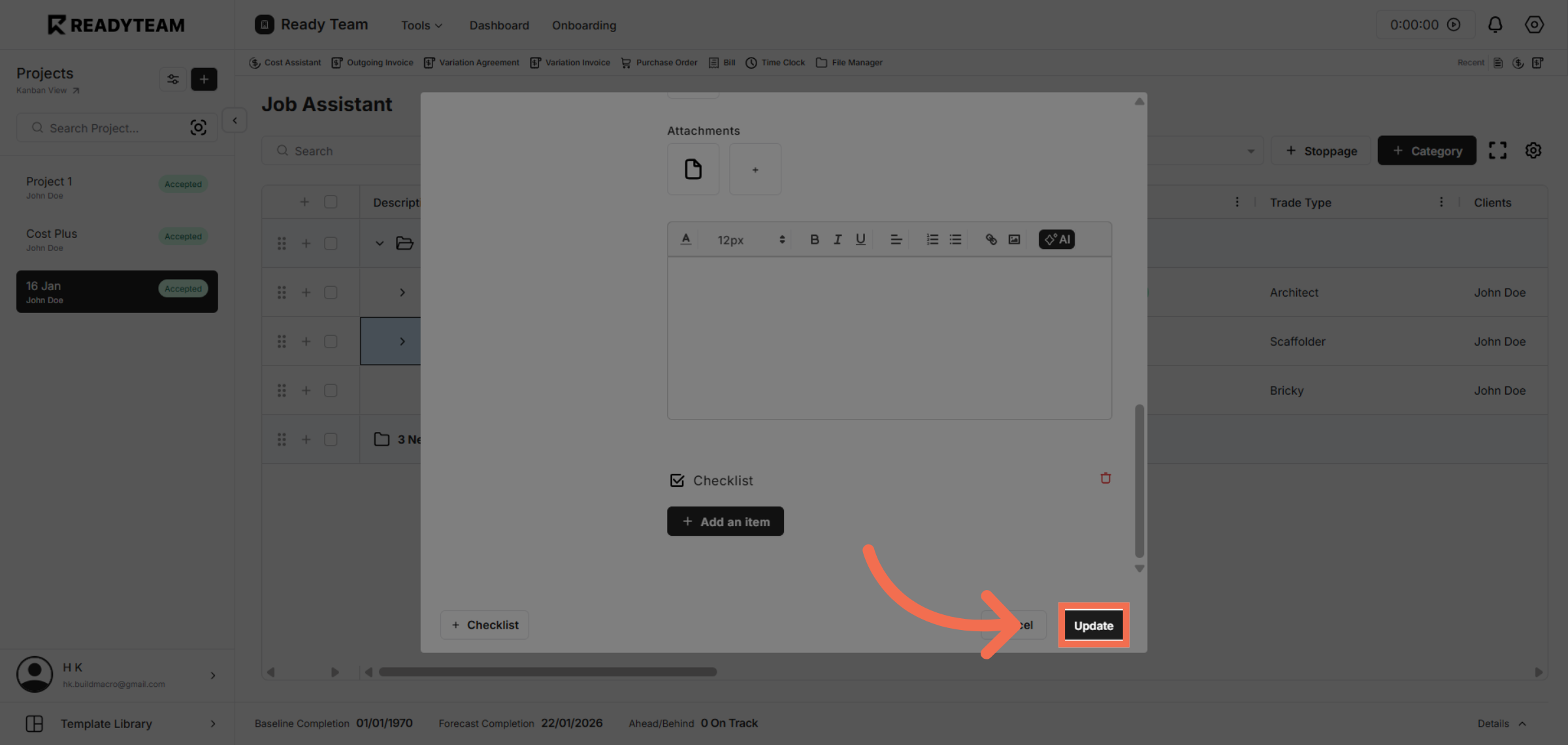
8. Confirm Attachment Upload
Click the Update button to save the attachment and finalize the addition to the job entry.
This demo demonstrated how to efficiently add attachments in Readyteam, streamlining document management for your recruitment tasks. Start enhancing your workflow by adding important files today.