Add Service Providers In Job Assistant Using ReadyTeam

This demo showcases how to add service providers efficiently using Readyteam.
Go to app.readyteam.ai
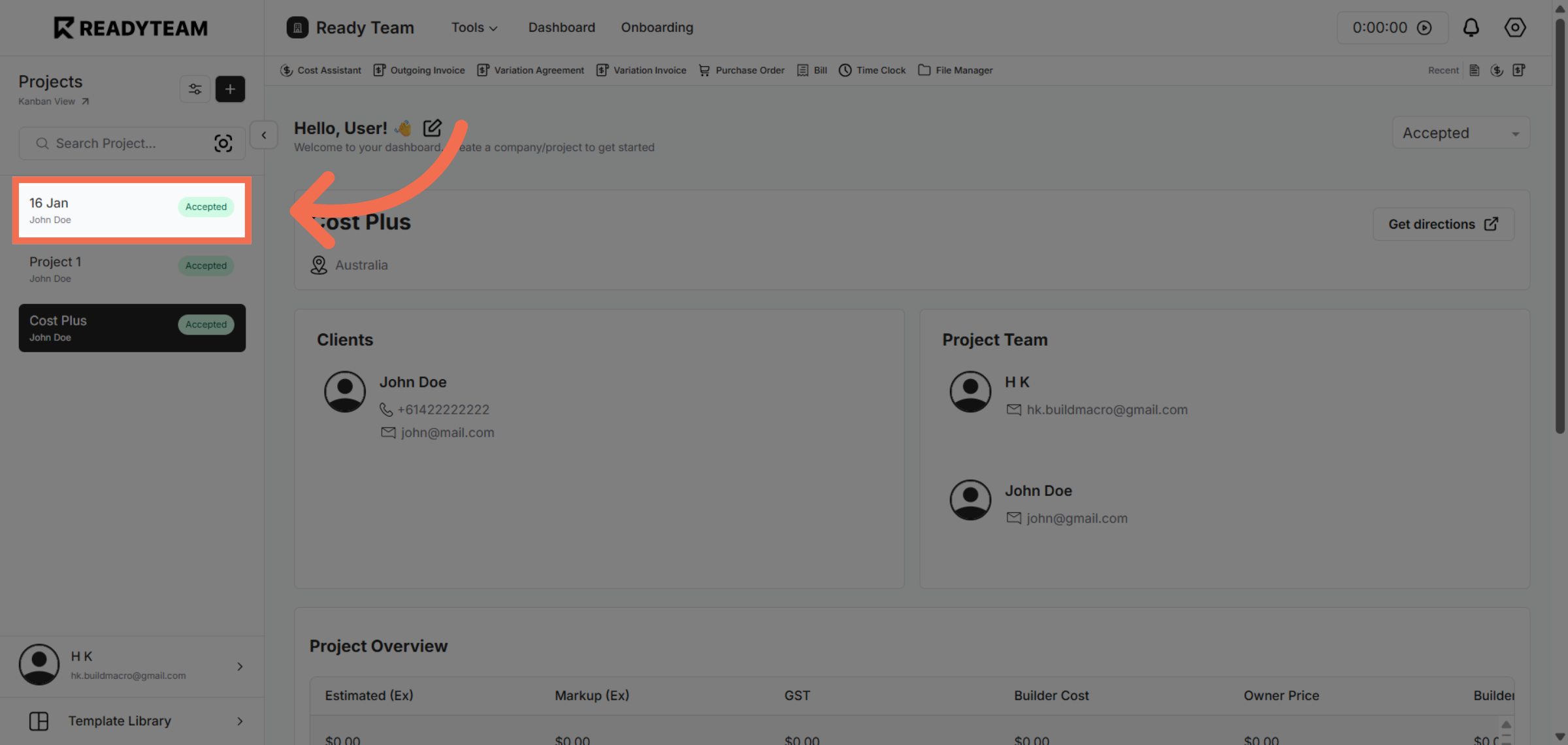
1. Select Project
Click the Specific Project the provider to begin managing service providers.
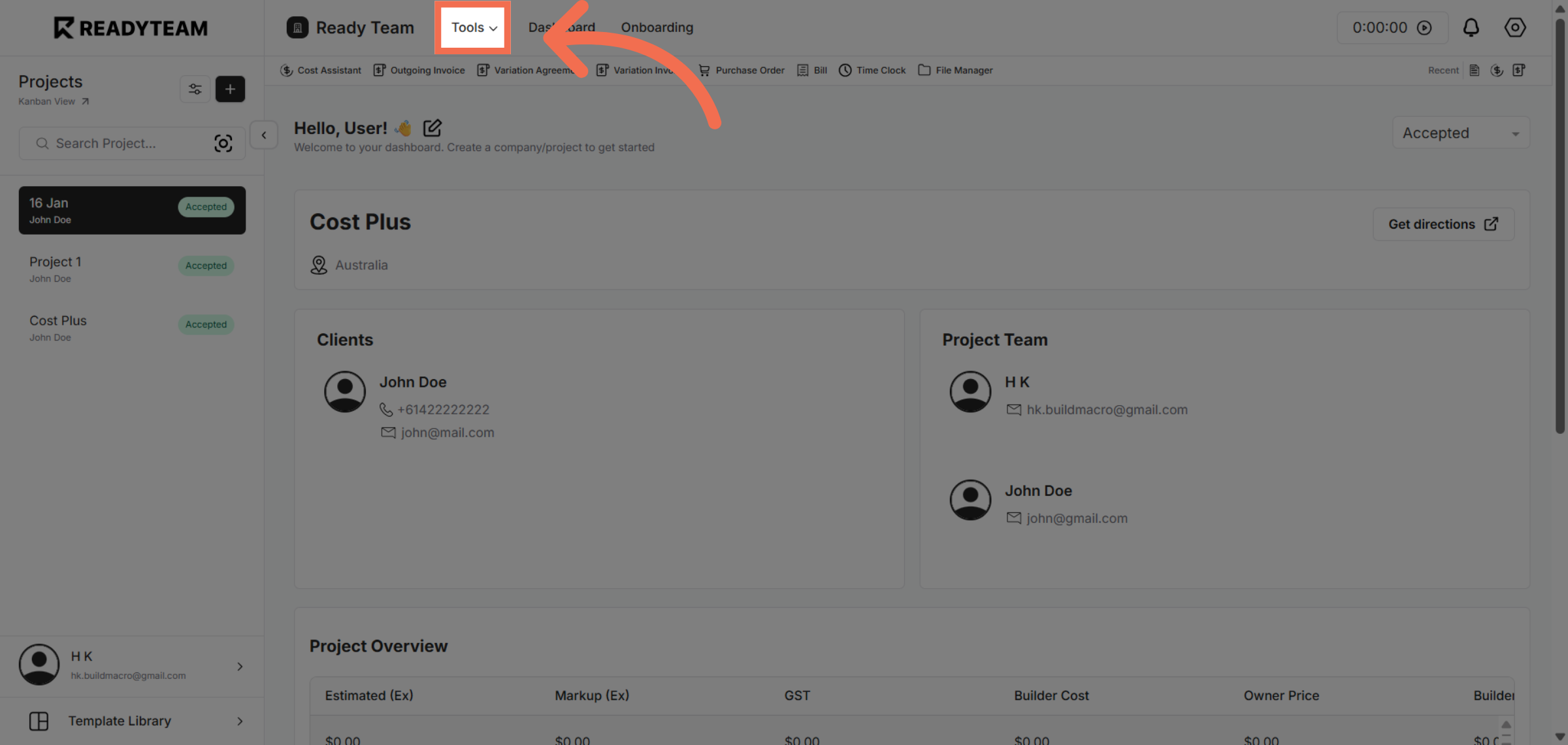
2. Open Tools Menu
Click the Tools menu to access additional features that support service provider management.
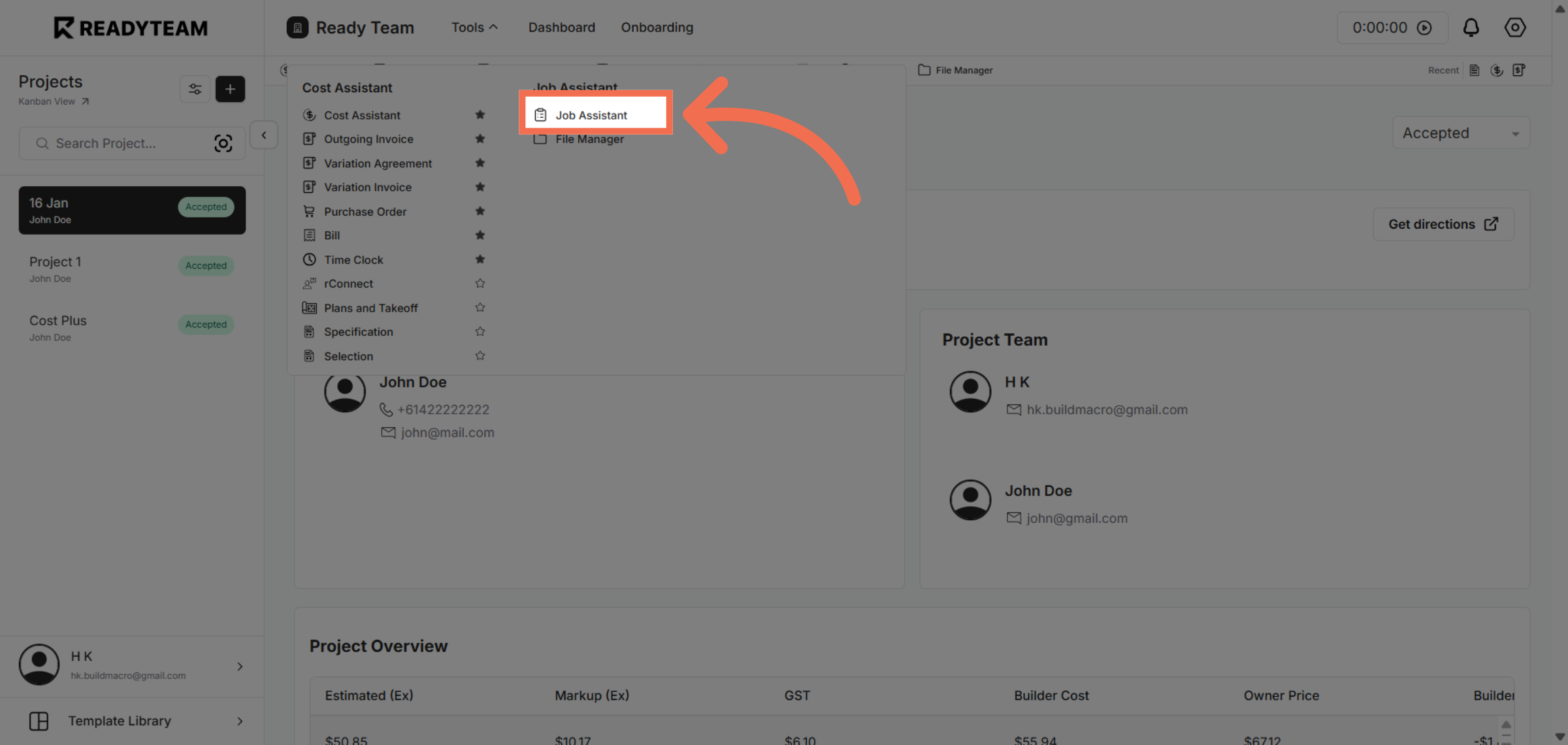
3. Access Job Assistant Feature
Click Job Assistant to utilize the tool designed to simplify adding and managing service providers.
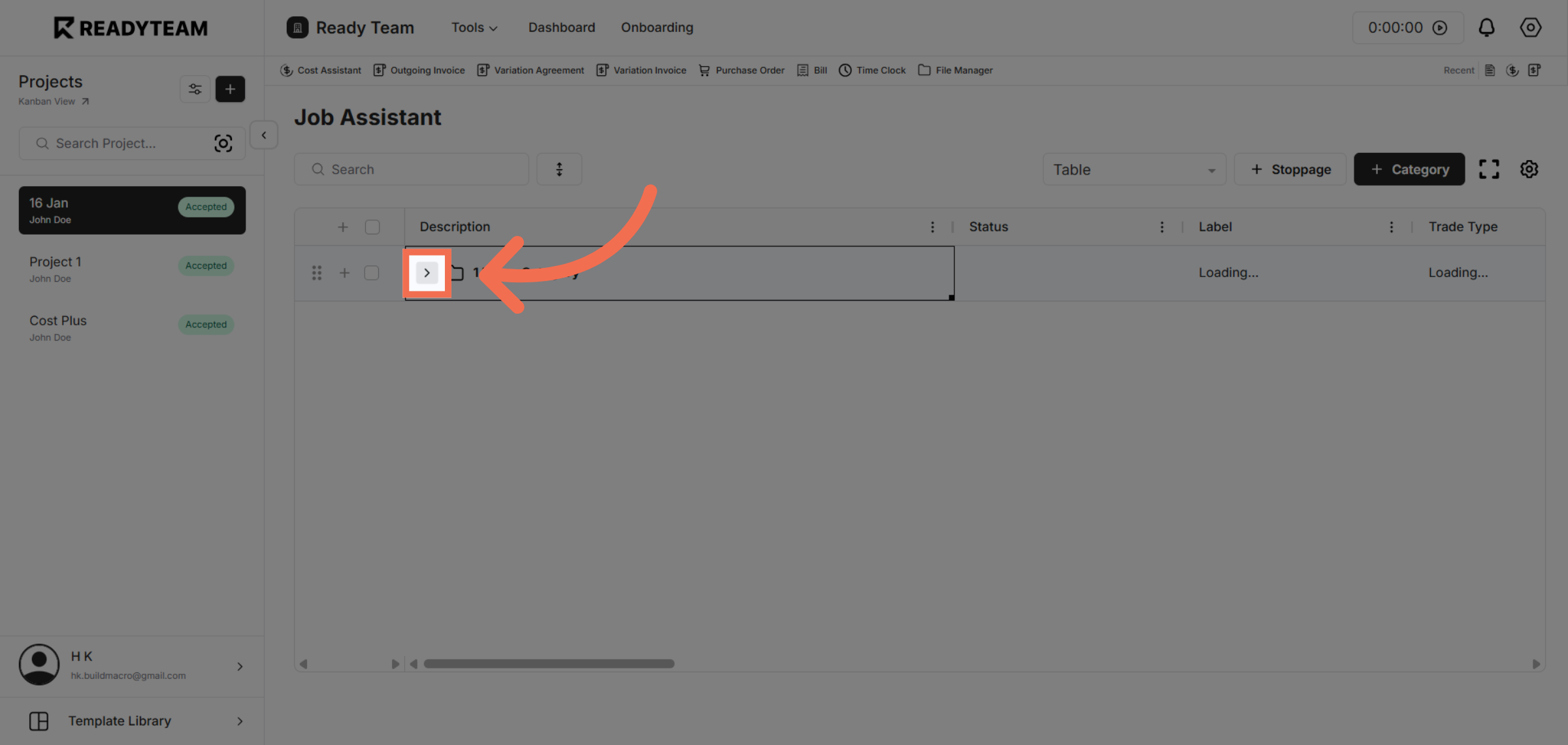
4. Initiate Service Provider Addition
Click the designated area to start the process of adding a new service provider within the Job Assistant.
5. Proceed to Next Step
Click the next interface element to continue through the service provider addition workflow.
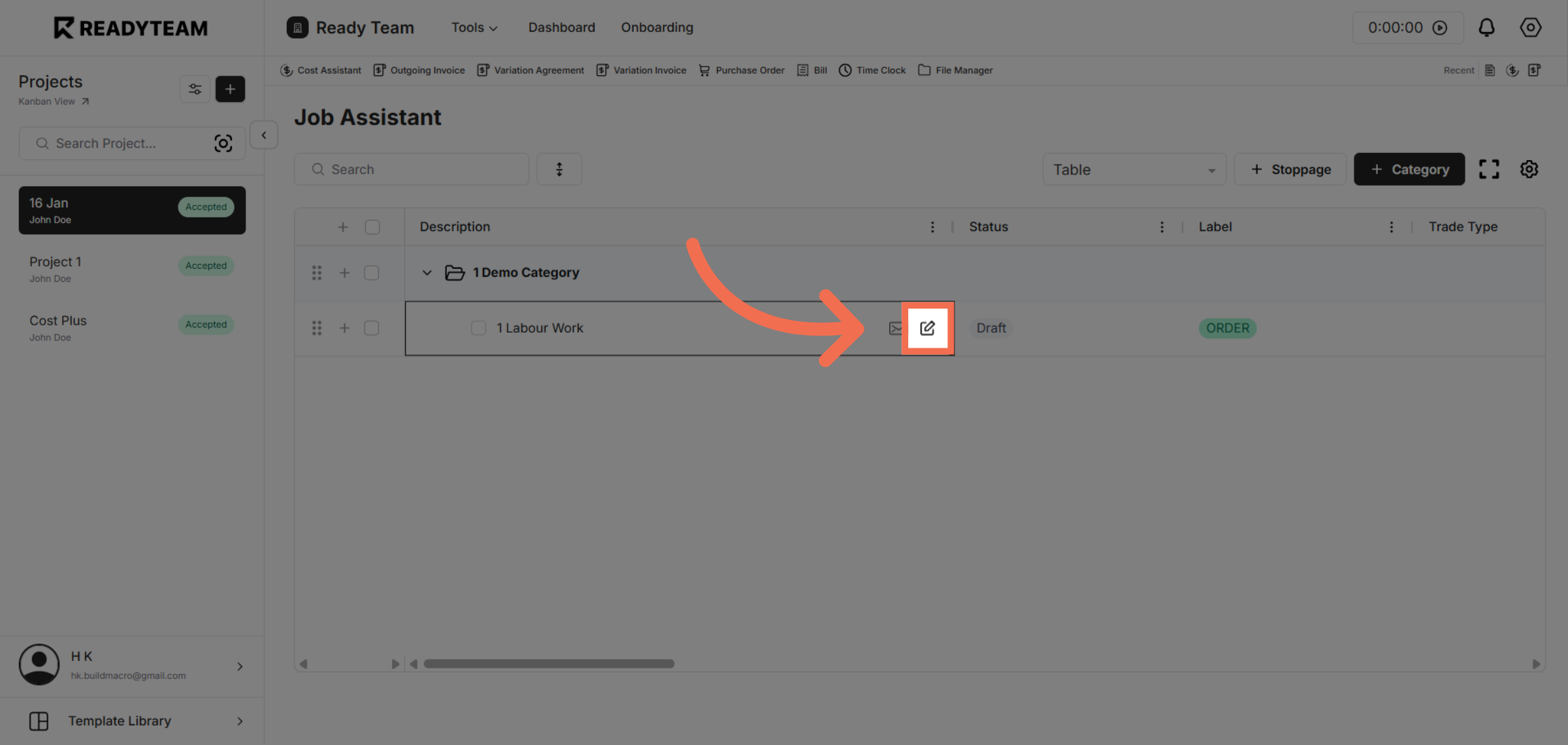
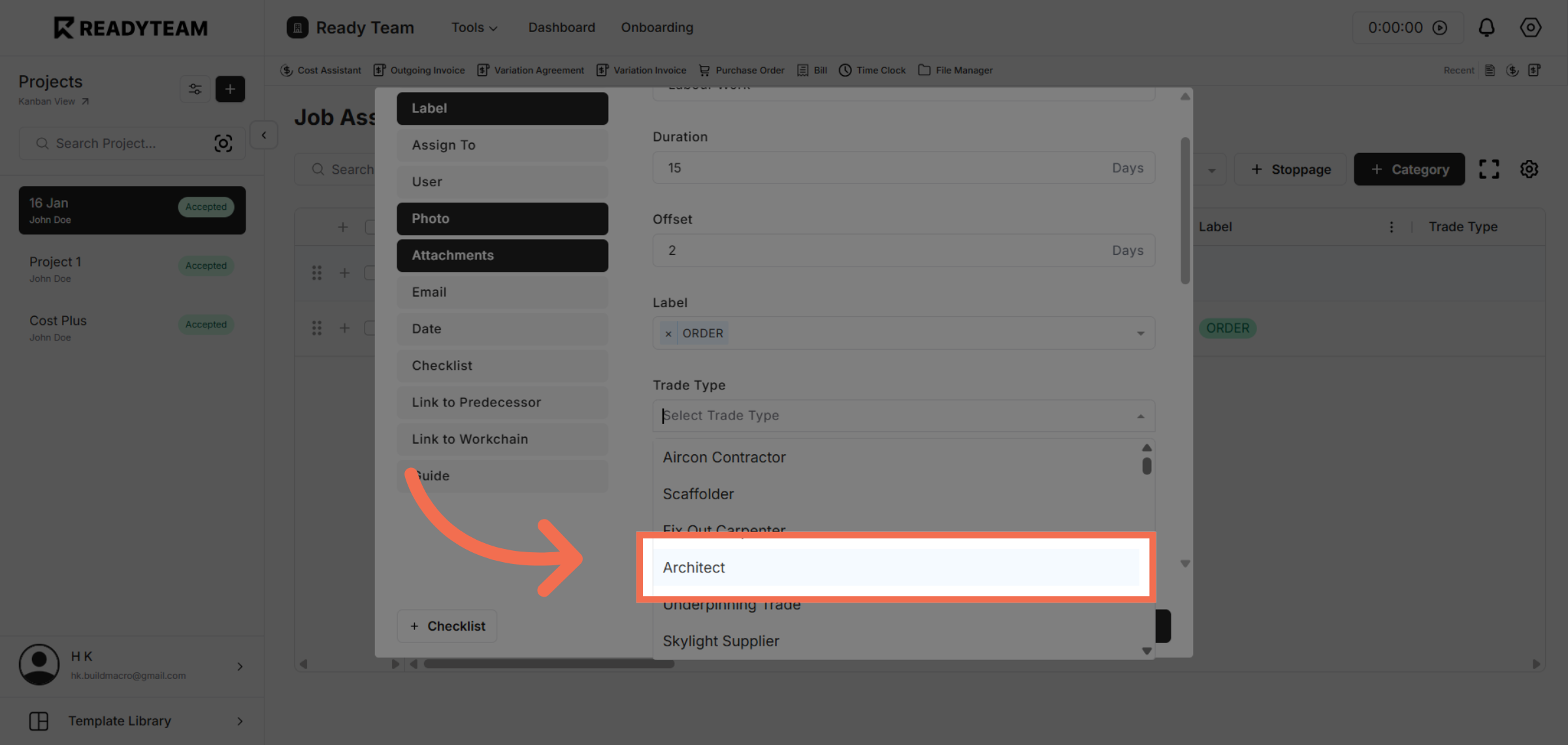
6. Select Trade Type
Click the Architect role to assign the appropriate service provider category during the addition process.
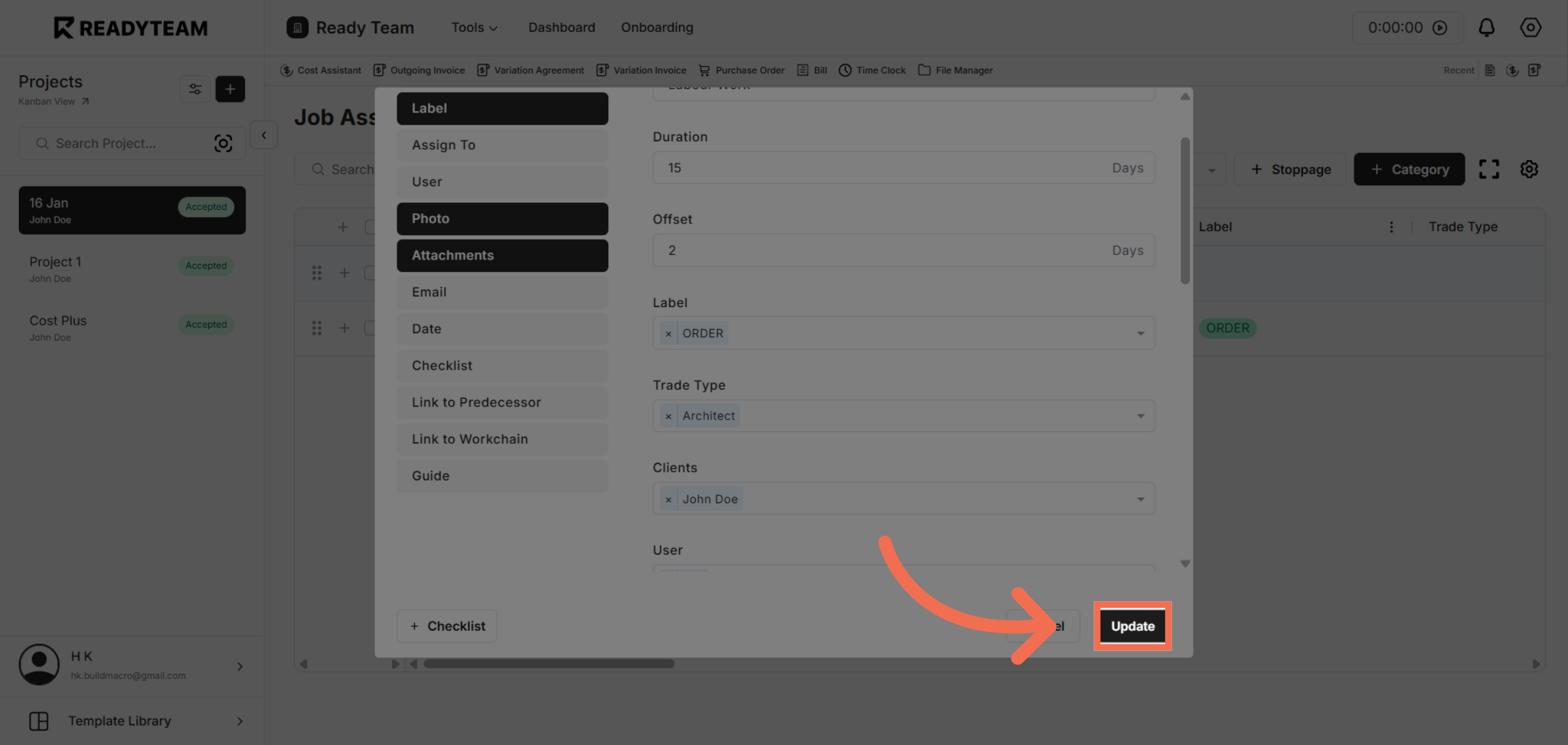
7. Confirm and Update Provider
Click Update to save the new service provider information and complete the addition process.
This demo demonstrated how to efficiently add service providers using Readyteam's Job Assistant, highlighting key steps to streamline your workflow. You can now easily manage and update service providers to enhance your project coordination.