Import Trade Type Lists Using Readyteam Platform
This demo showcases how to efficiently update trade type lists within the Readyteam platform.
Go to app.readyteam.ai
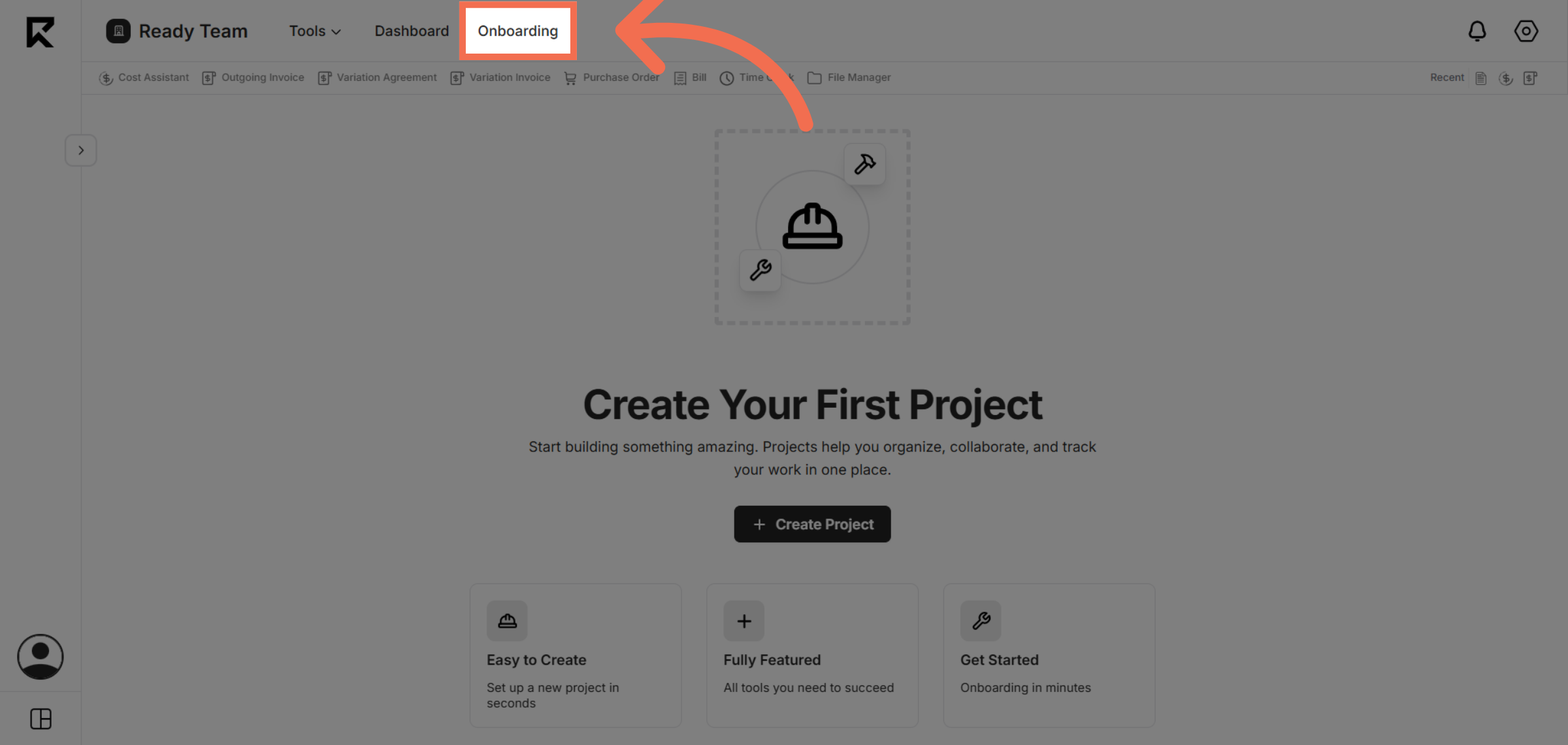
1. Navigate to Onboarding Section
Access the Onboarding section in Readyteam to begin managing your trade type lists.
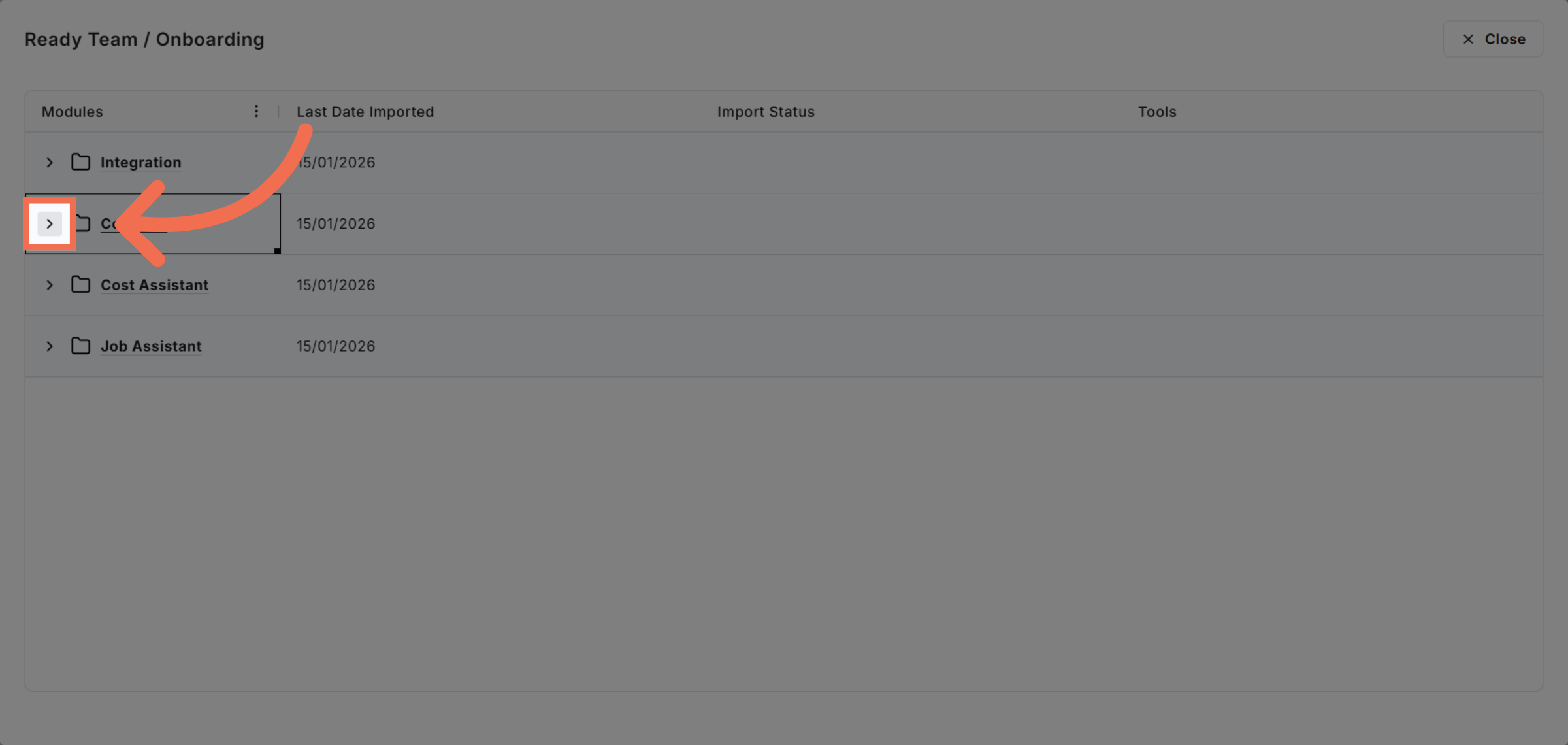
2. Open Contacts
Proceed to the area where trade types are managed to prepare for updates.
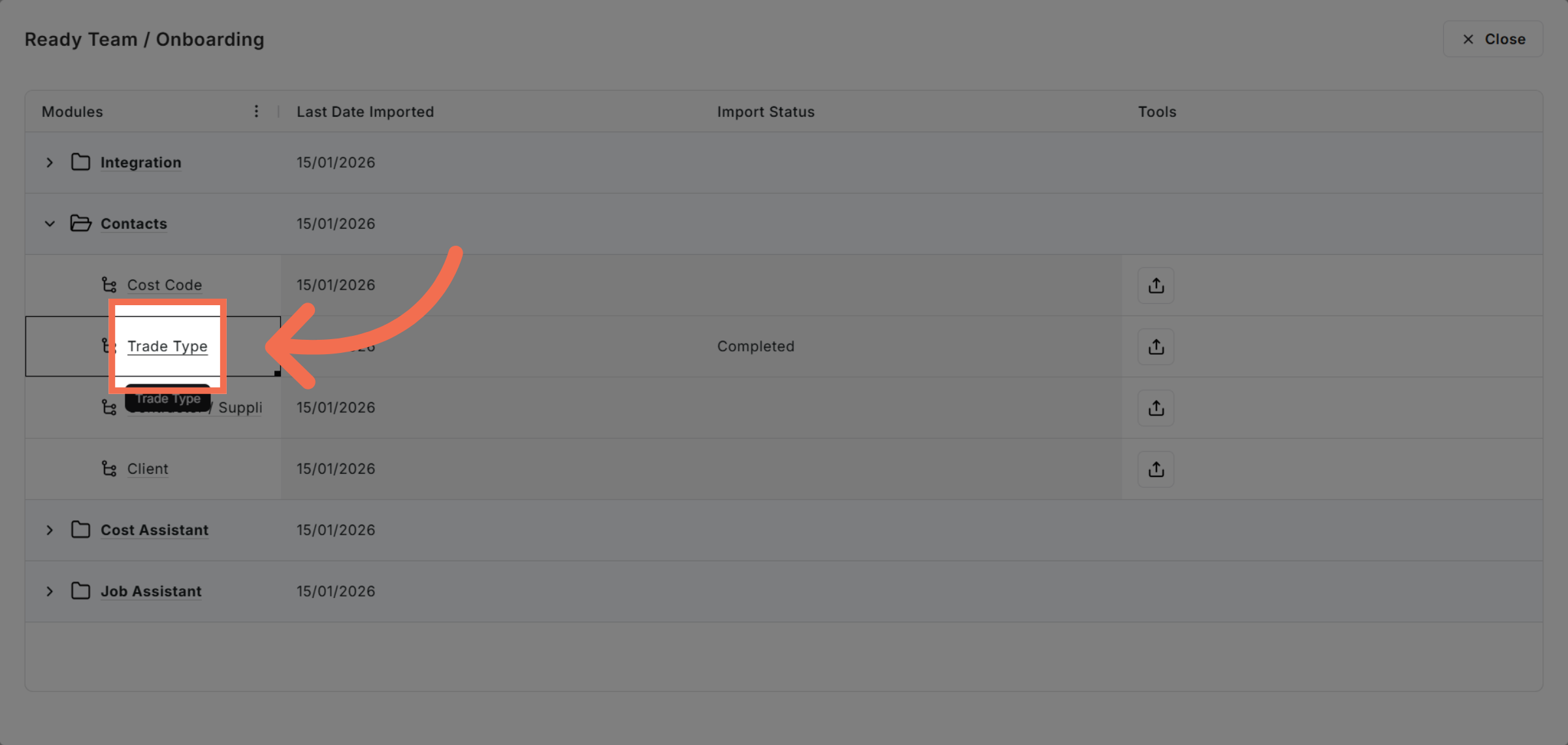
3. Select Trade Type Option
Choose the Trade Type option to view and modify existing trade type entries.
4. Initiate Excel File Upload
Click the Upload Excel file button to start importing new trade type data.
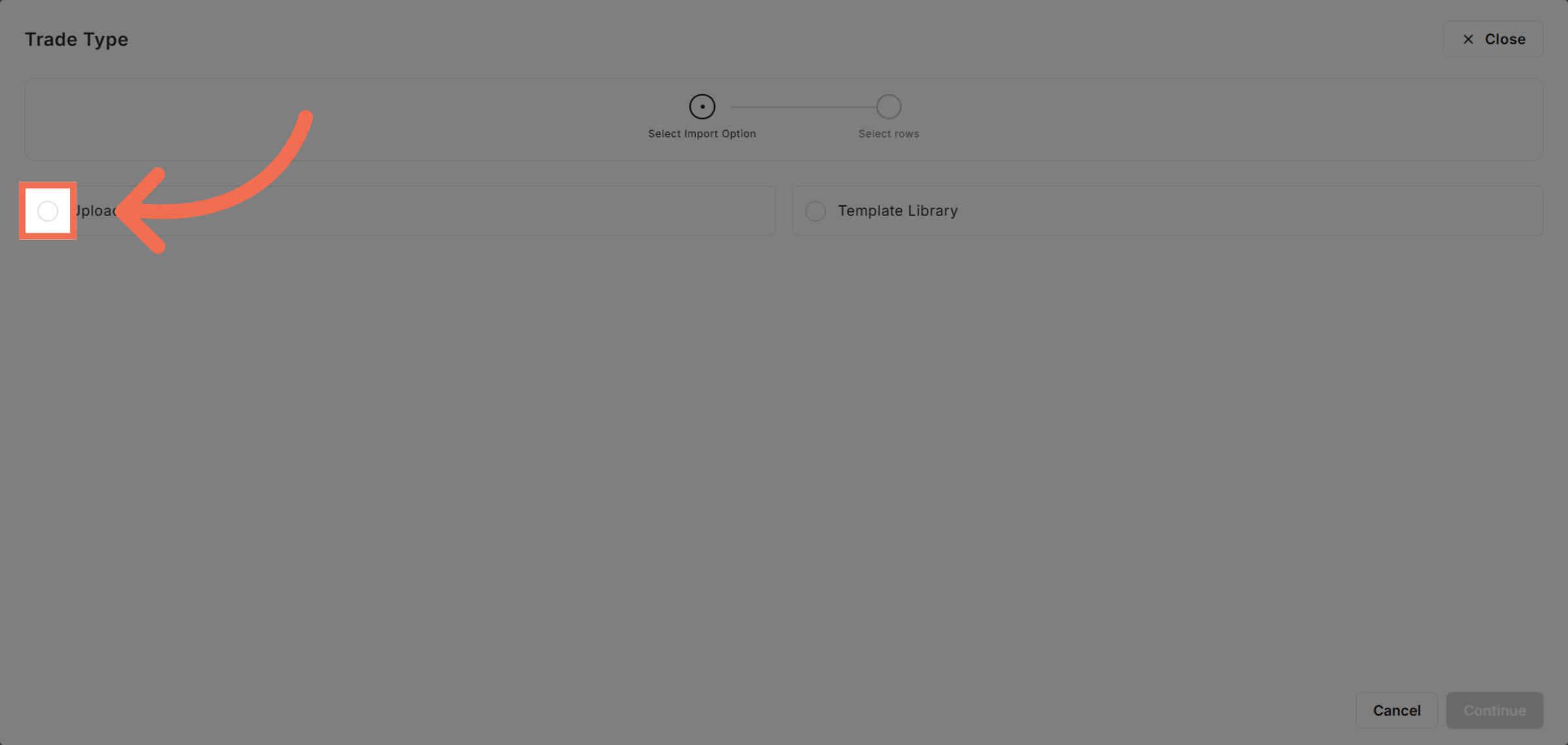
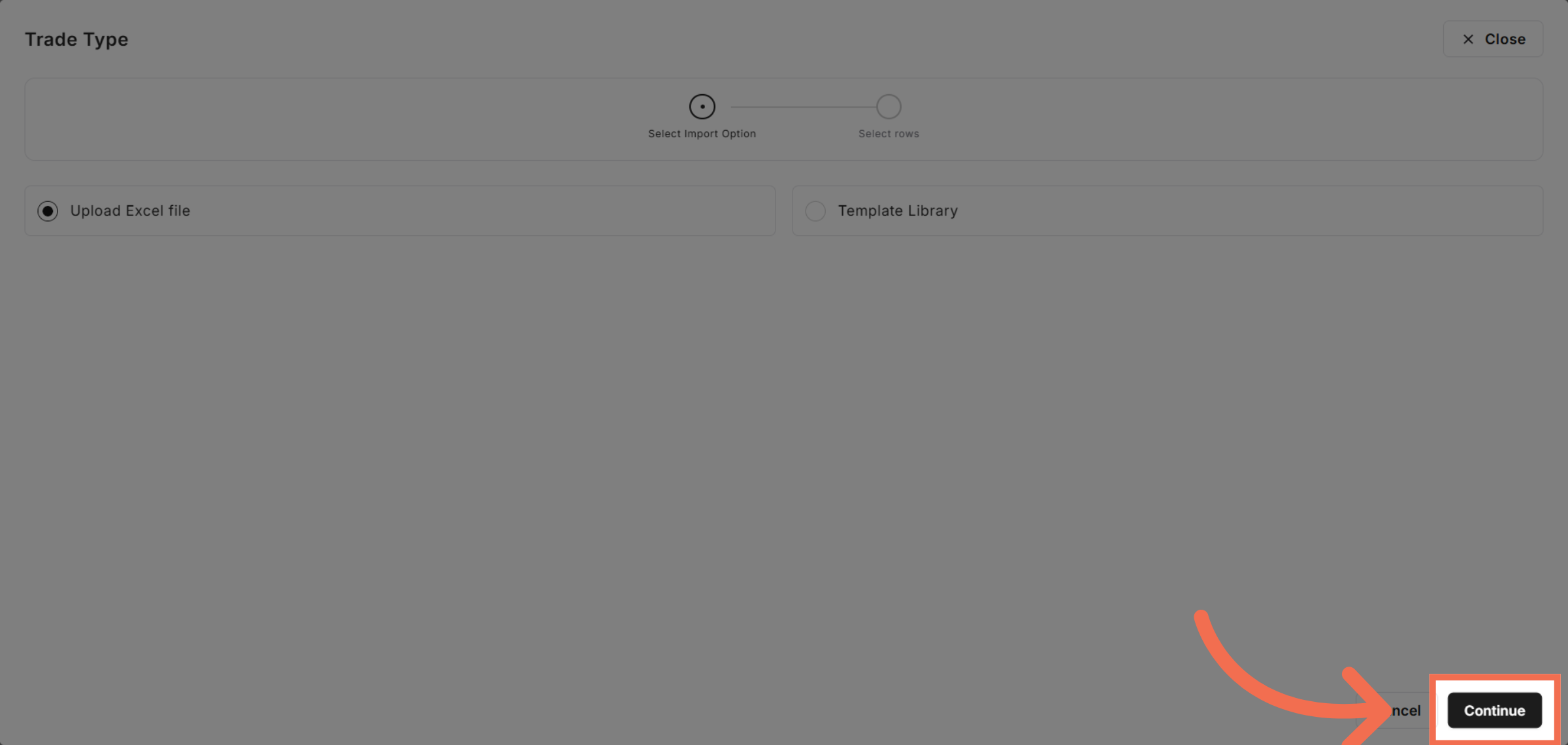
5. Continue to Next Step
Click Continue to proceed with the file upload process.
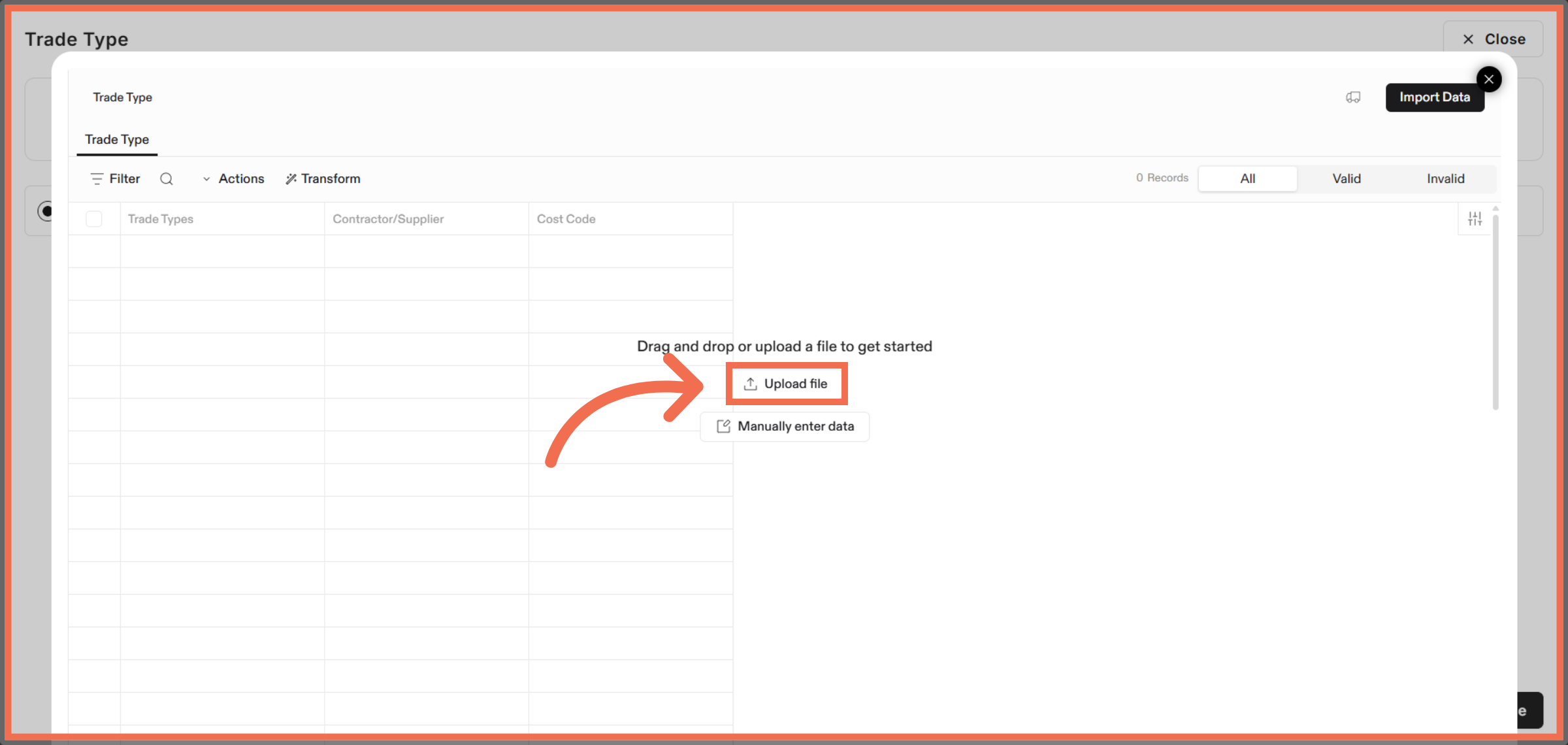
6. Upload File in Flatfile
Click Upload file to import your data.
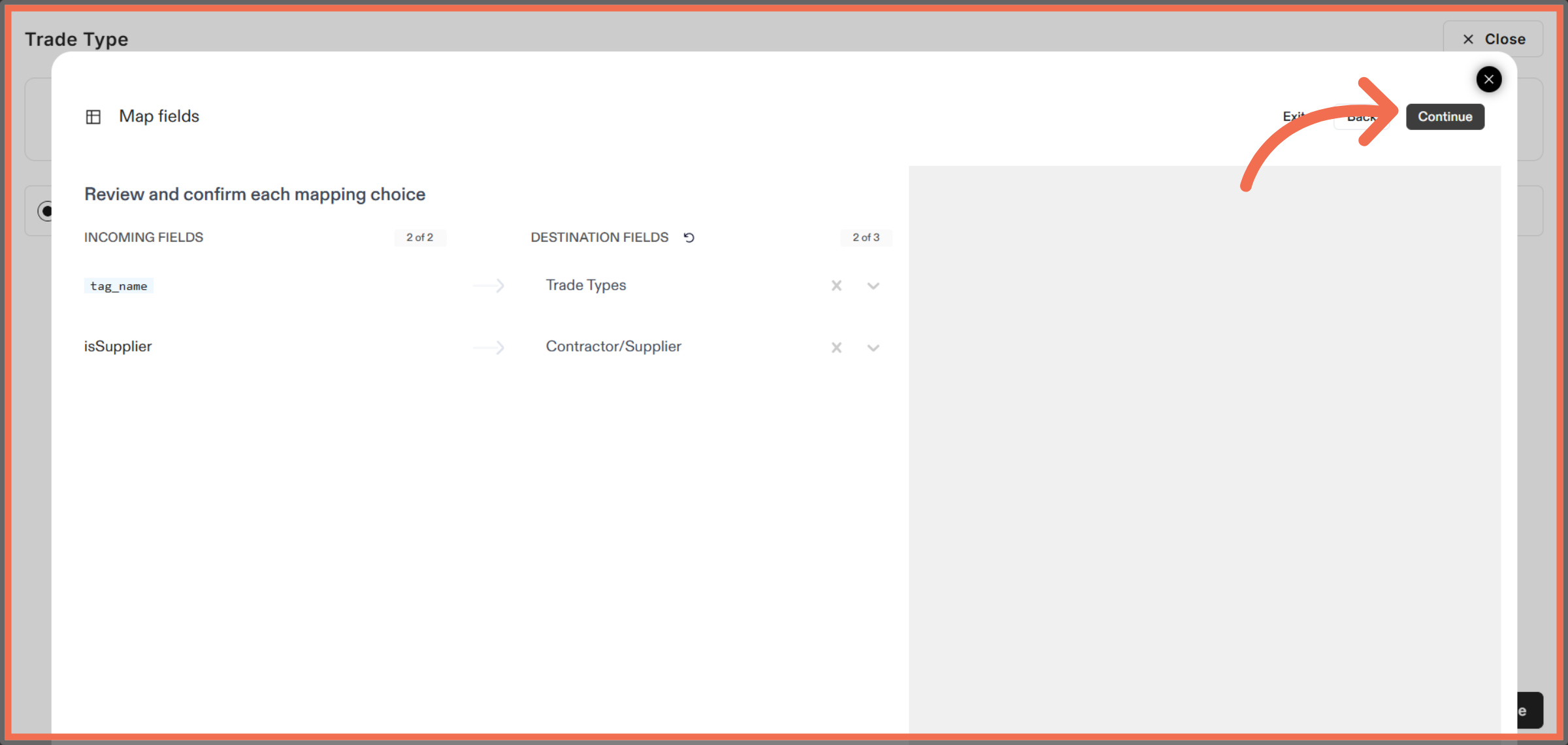
7. Review Mapping and Continue Import Process
Click Continue to move forward with the data import.
8. Advance Import Steps
Click Continue again to confirm the import settings and prepare for finalization.
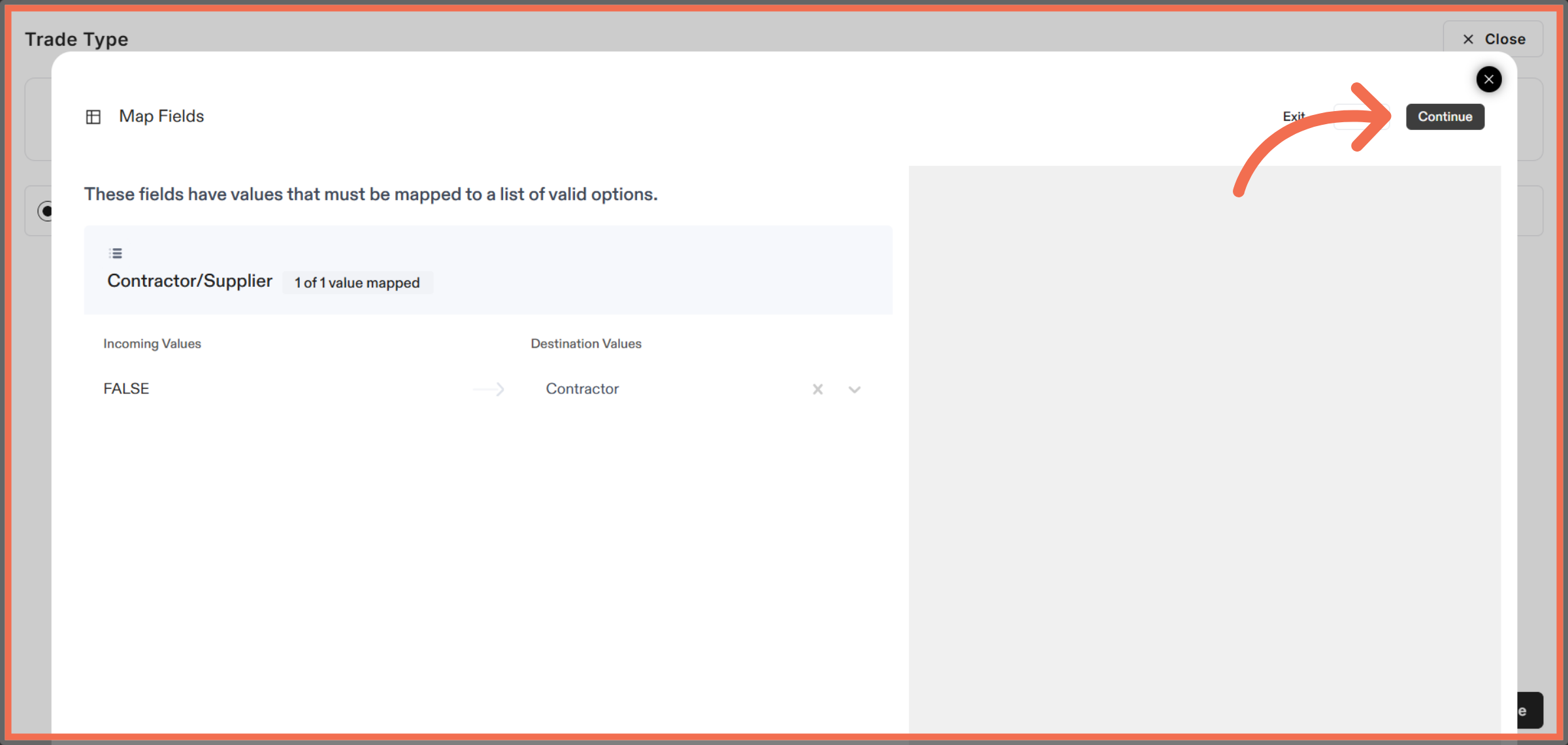
9. Manually Enter Data
Click here to open additional settings related to your import process.
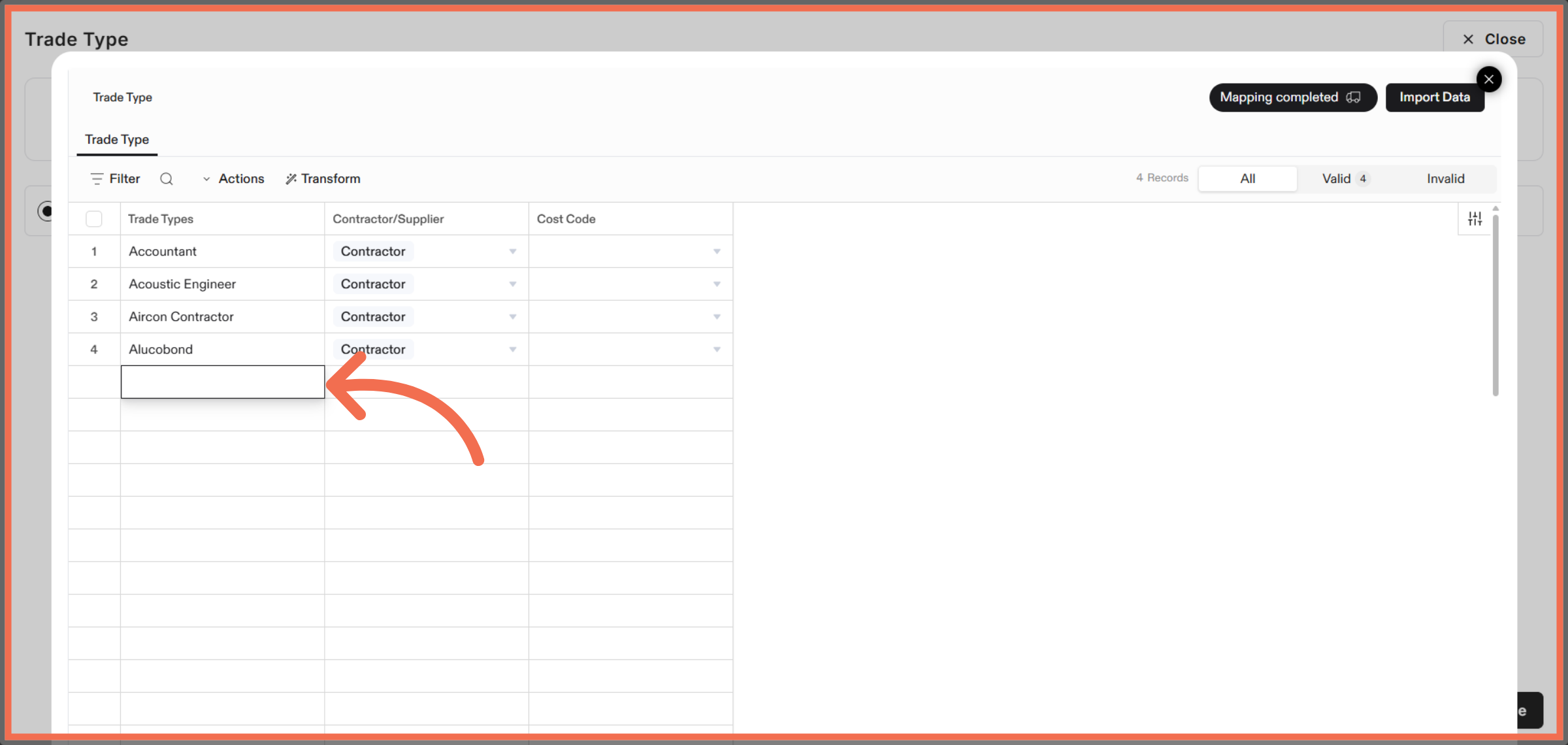
10. Enter Trade Types
Enter the required data details to complete the import configuration.
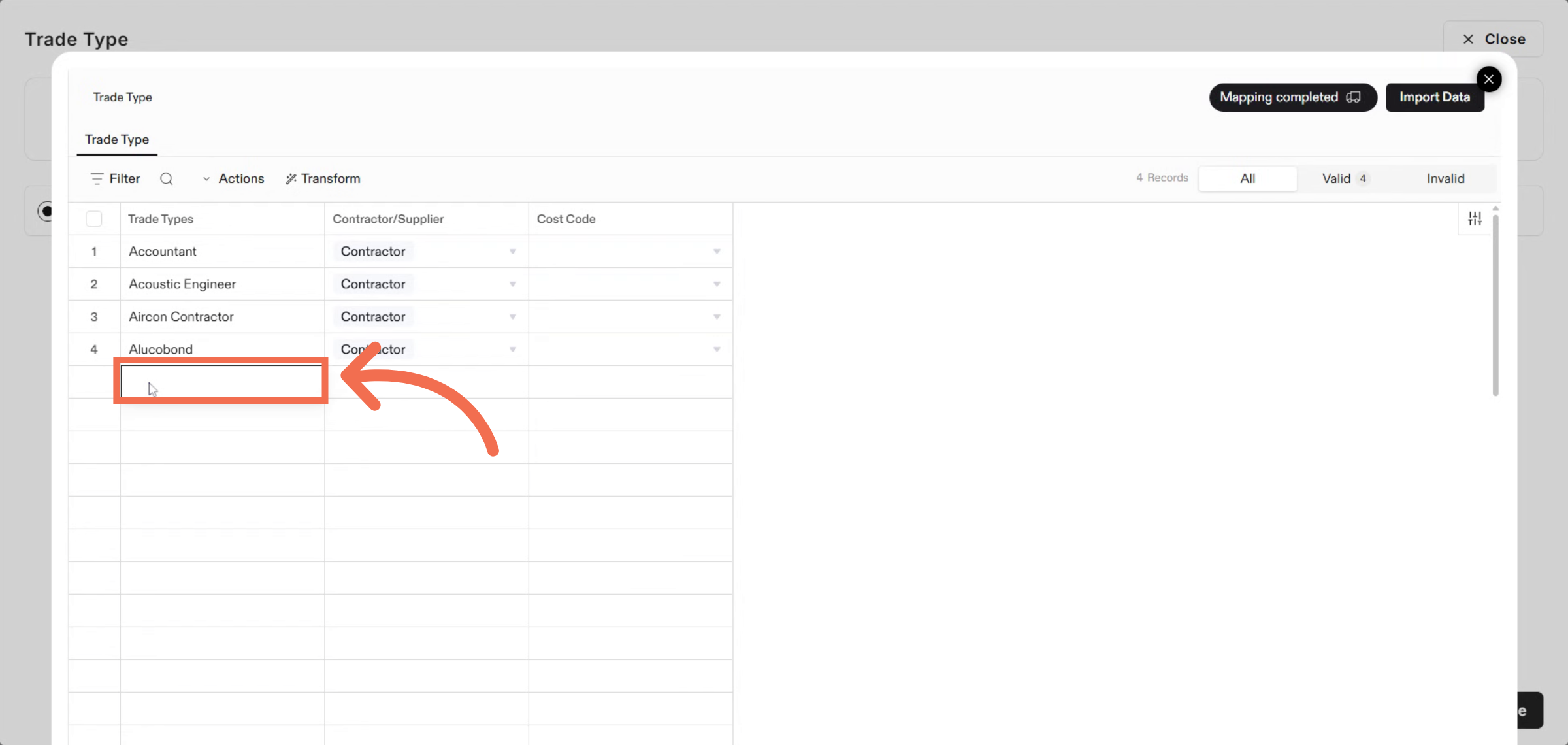
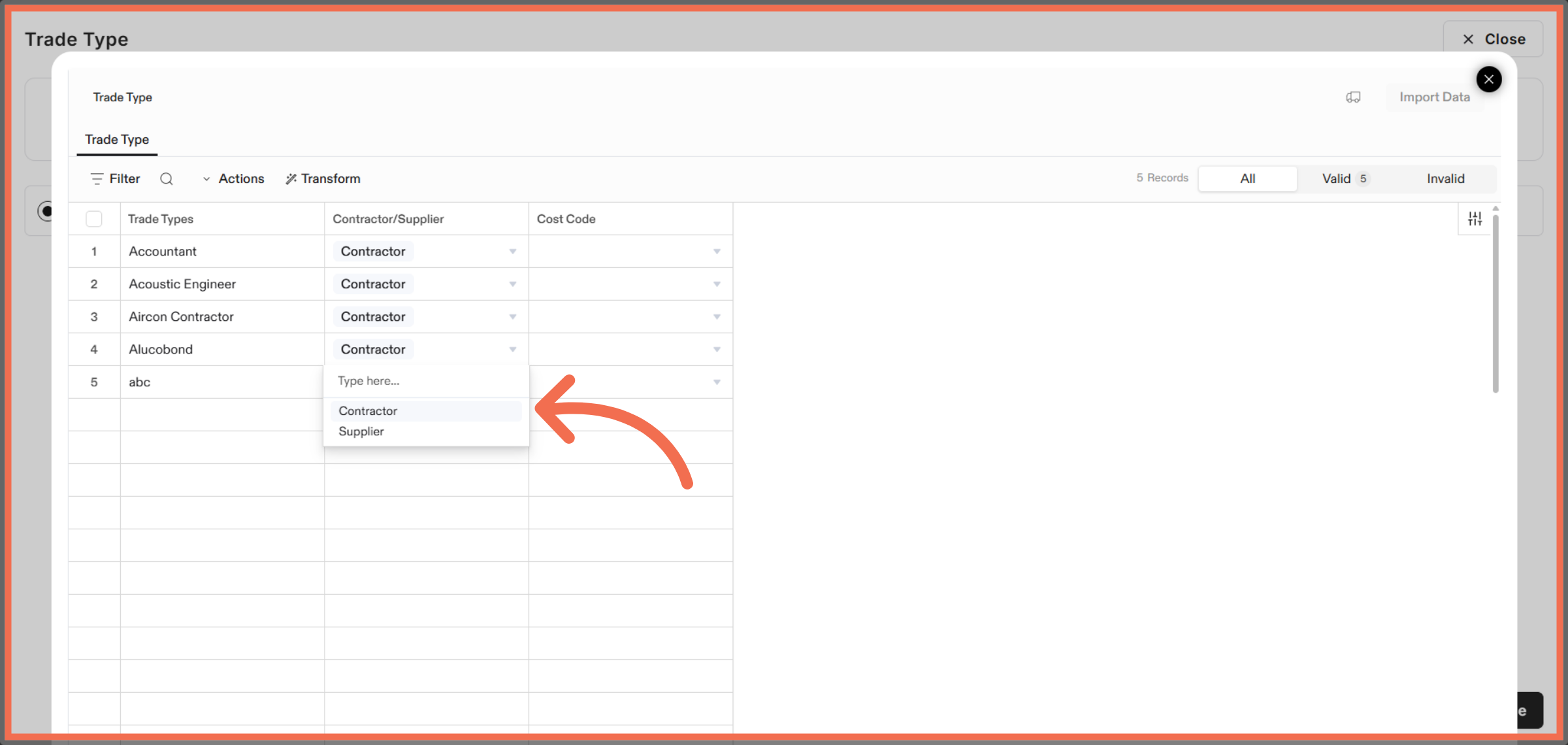
11. Open Contractor/Supplier Options
Click here to proceed to the next configuration step.
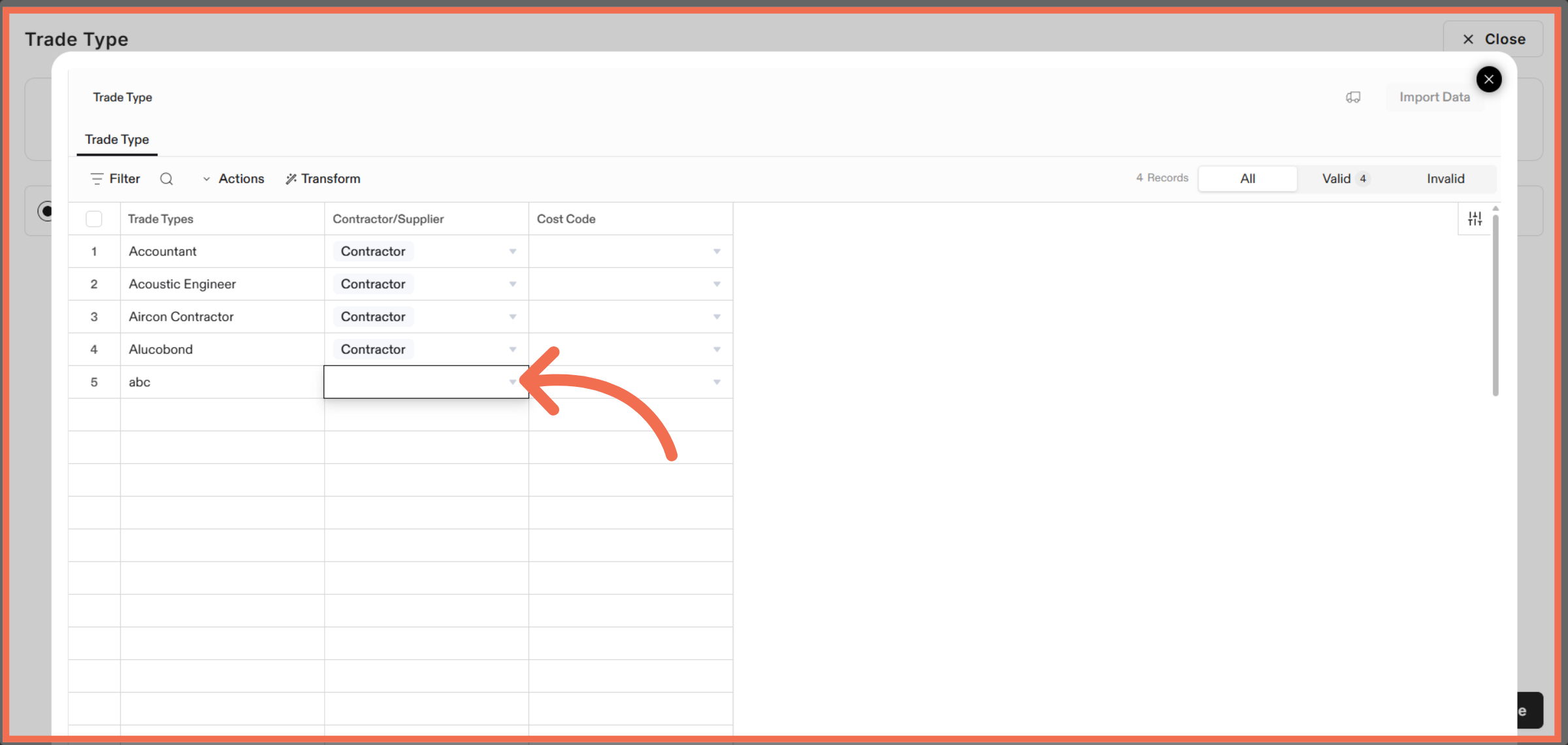
12. Select Contractor or Supplier
Select the Contractor or Supplier to classify the trade types appropriately.
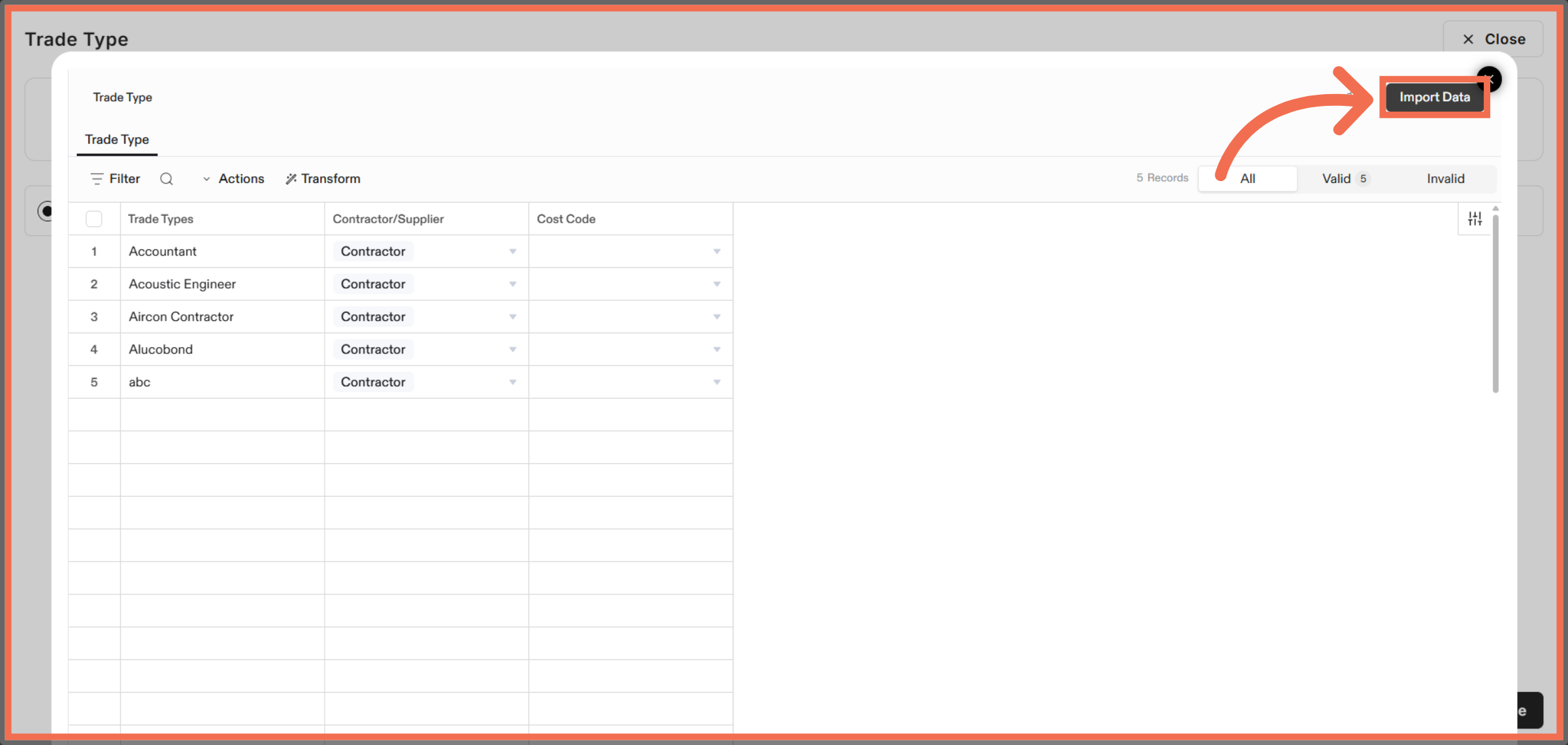
13. Import Trade Type Data
Click Import Data to complete the update of your trade type lists.
This demo demonstrated how to update trade type lists by uploading and importing data through Readyteam and Flatfile. You can now efficiently manage and keep your trade types up to date with ease.