How to Hide or Show Columns in AG Grid?
This demo showcases how to efficiently hide or show columns within AG Grid using Readyteam.
Go to app.readyteam.ai
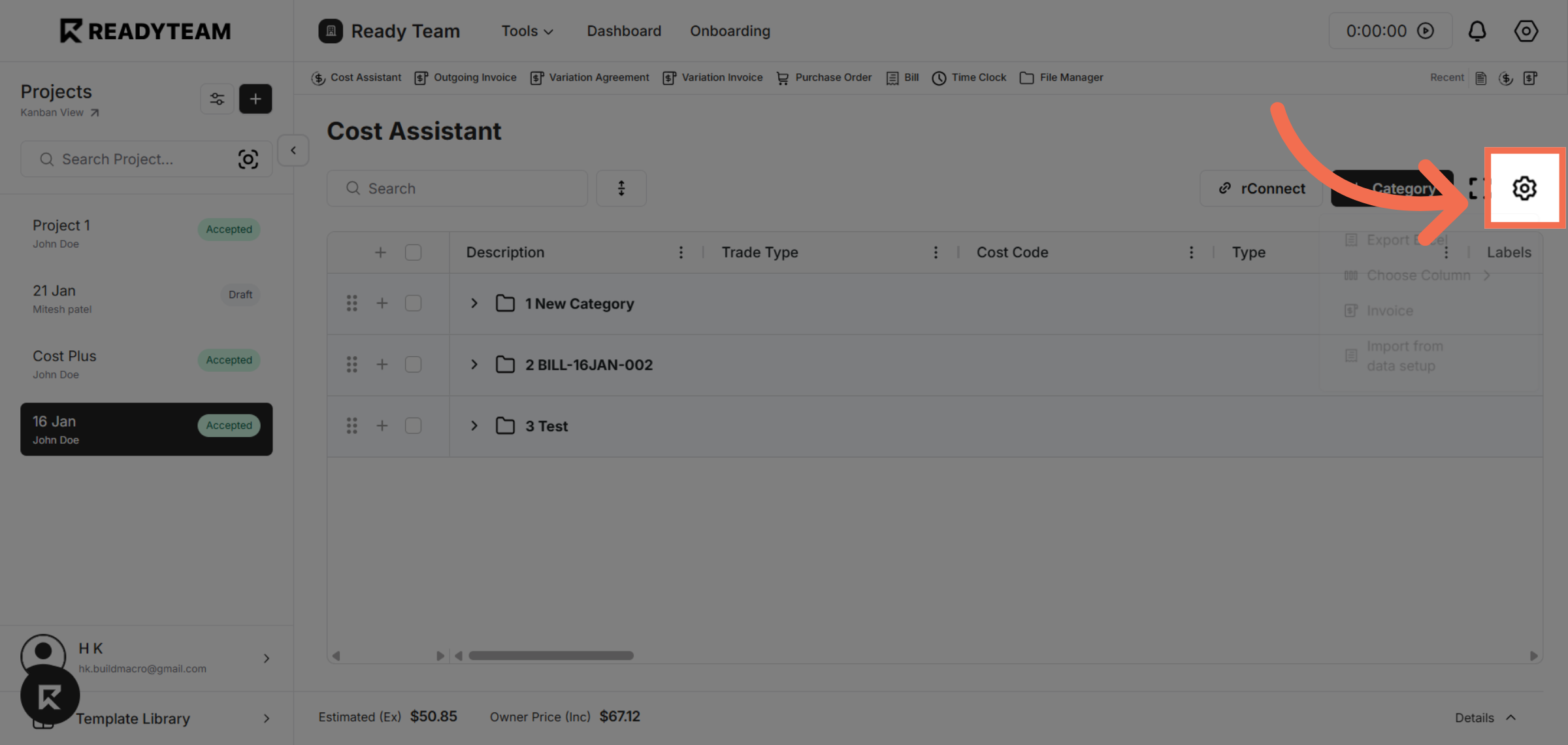
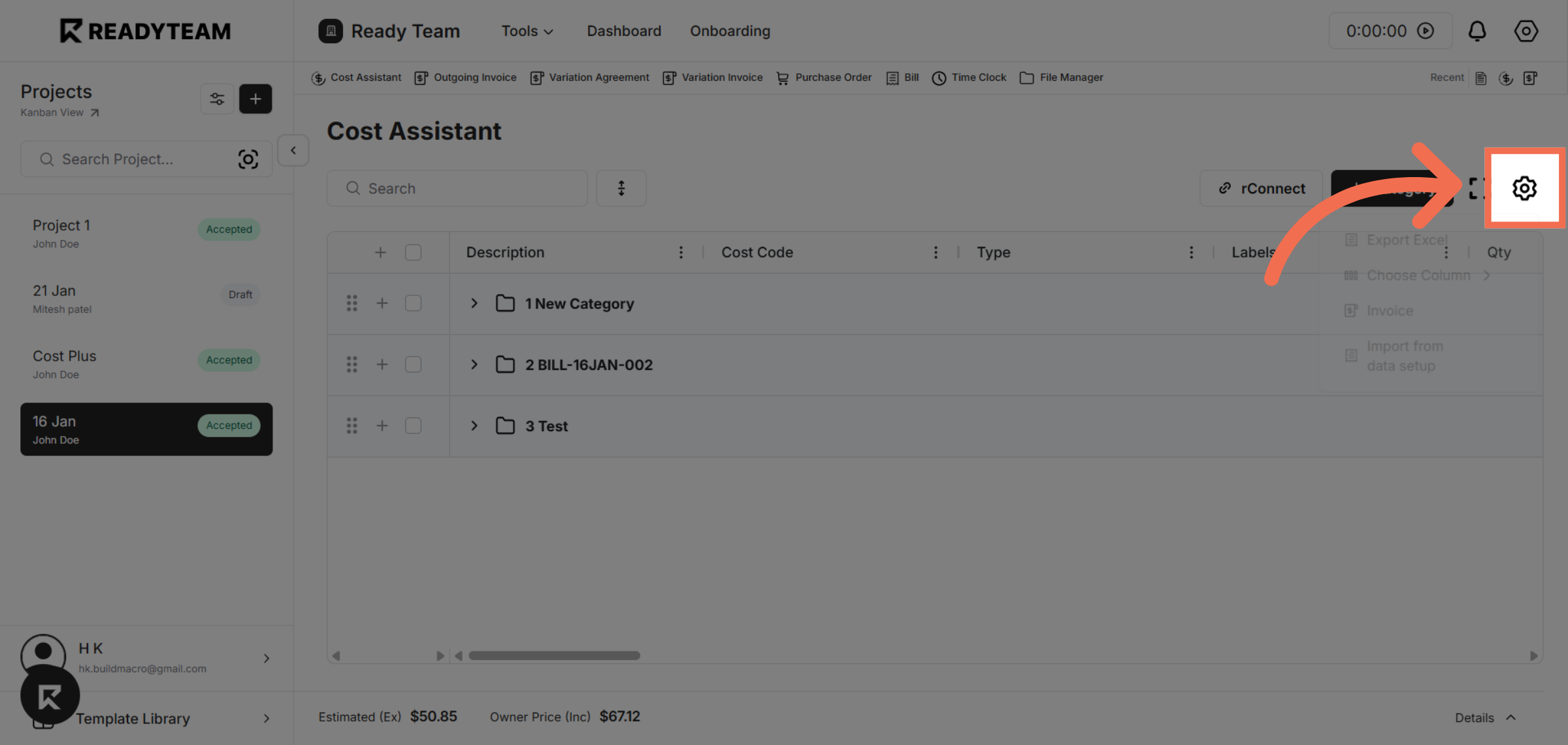
1. Open Column Settings
Click the button above the any ag-grid table to open the column settings menu where you can manage which columns are visible.
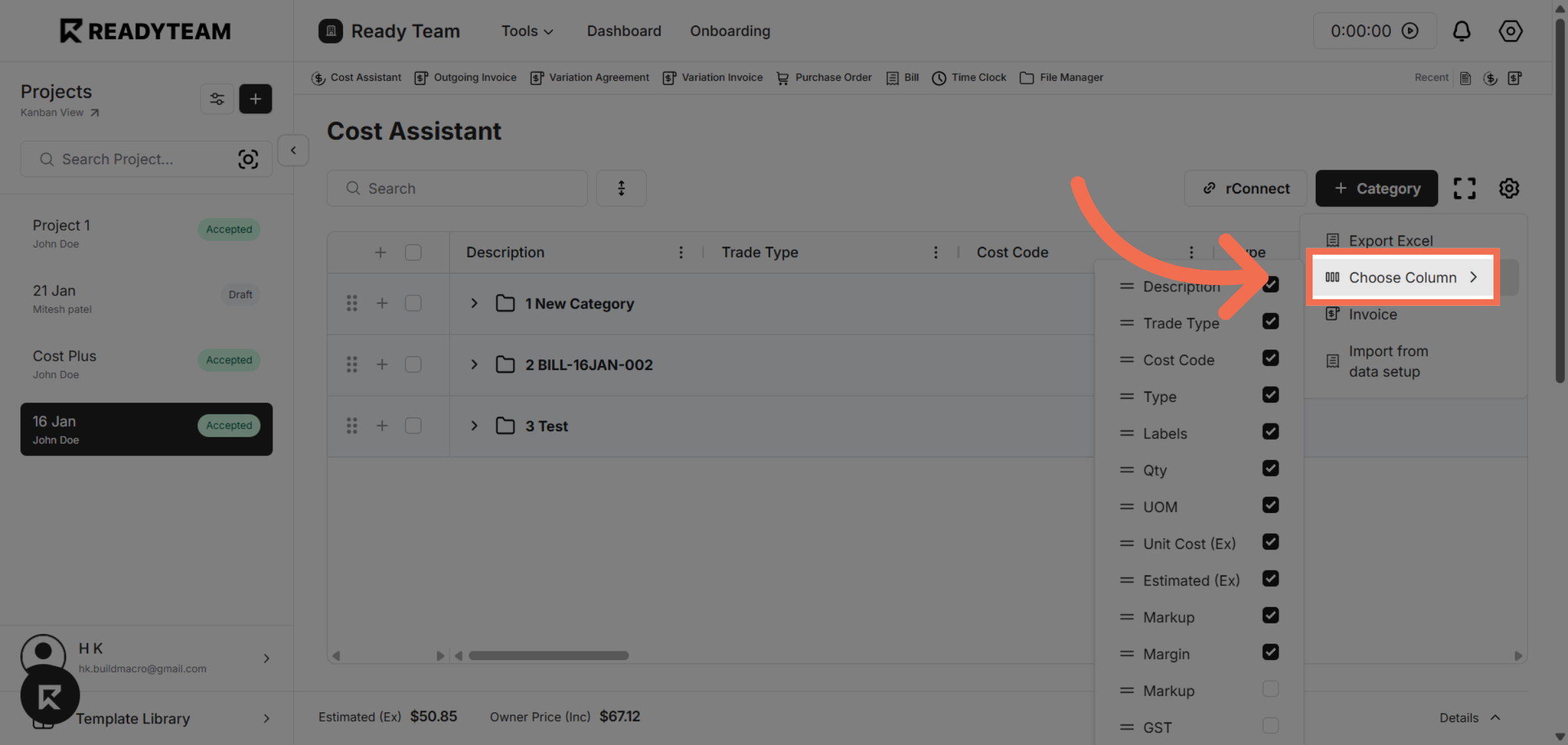
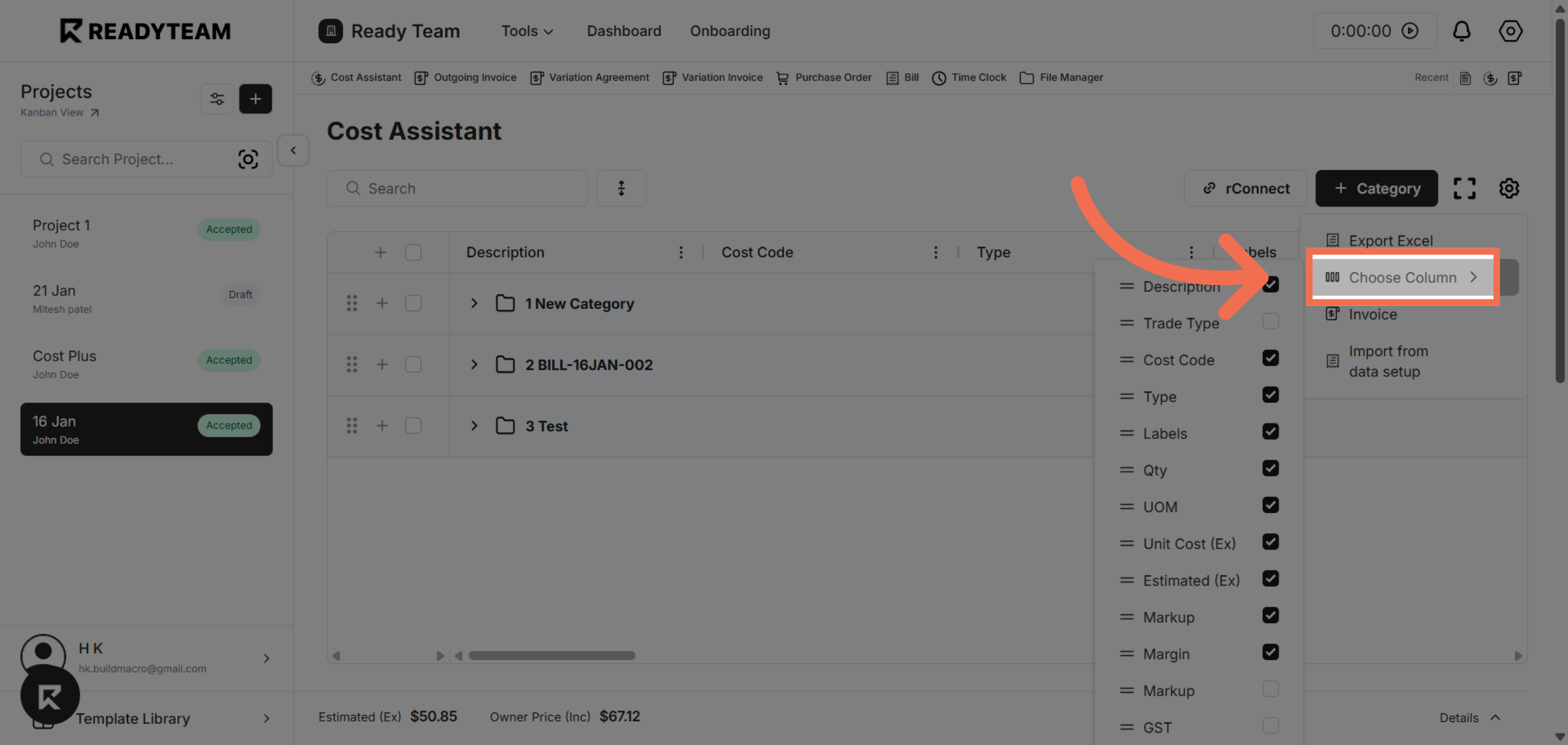
2. Access Choose Column Option
Click "Choose Column" to view the list of available columns for customization.
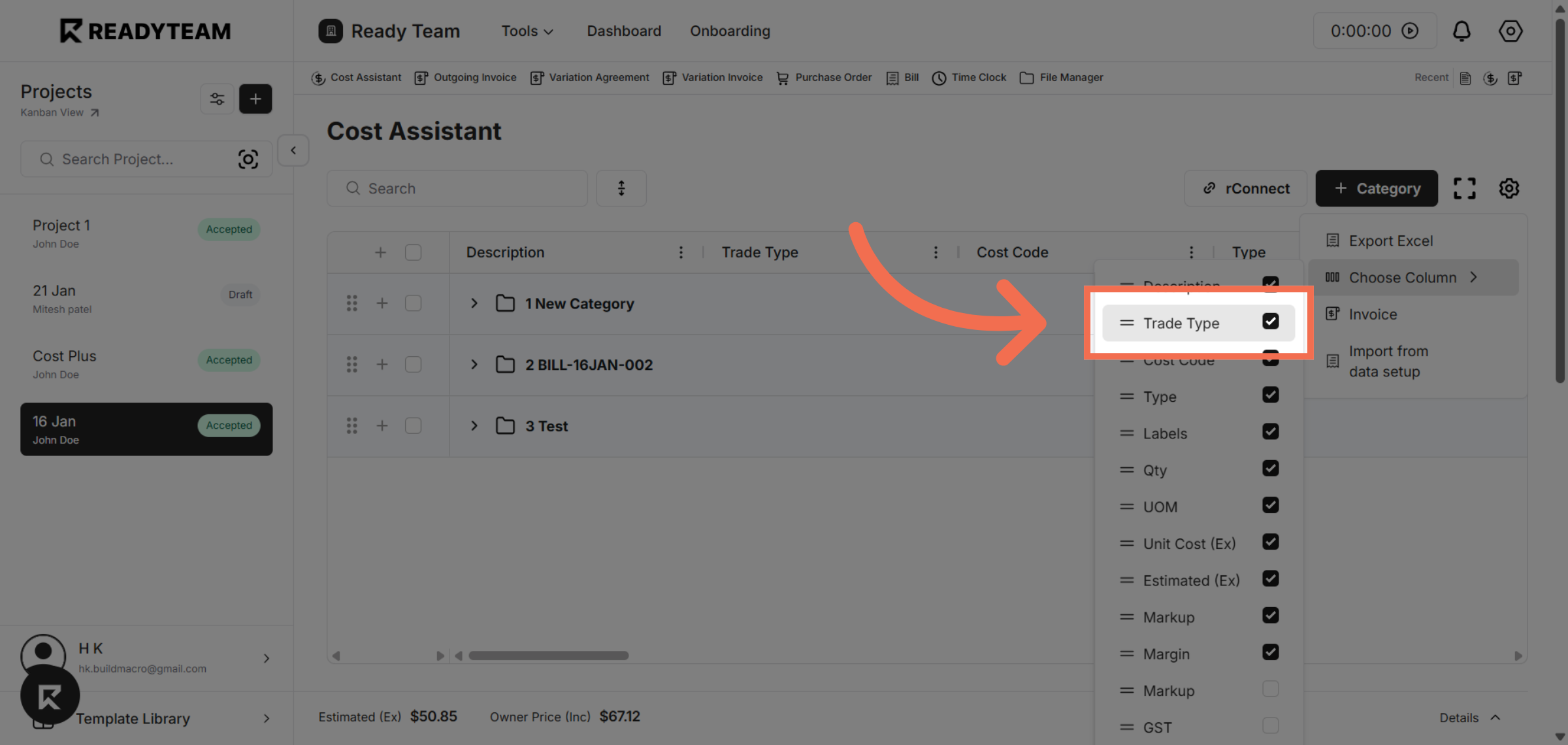
3. Select Column
Select the "Trade Type" column to adjust its visibility settings.
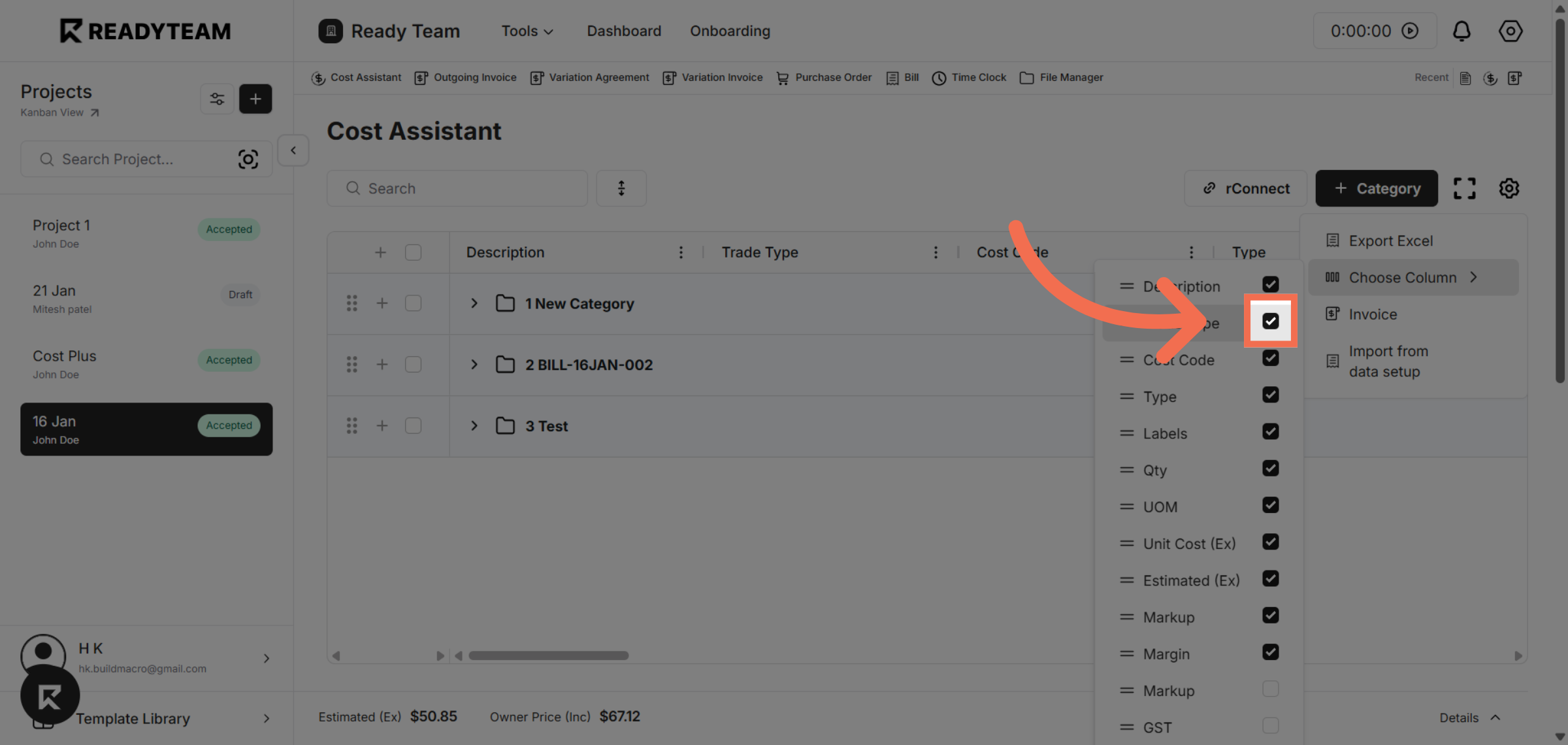
4. Off Column Visibility
Click the toggle to turn the column visibility off.
5. Reopen Column Settings
Click the button again to reopen the column options menu for further adjustments.
6. Open Choose Column Again
Click "Choose Column" to access the column list once more.
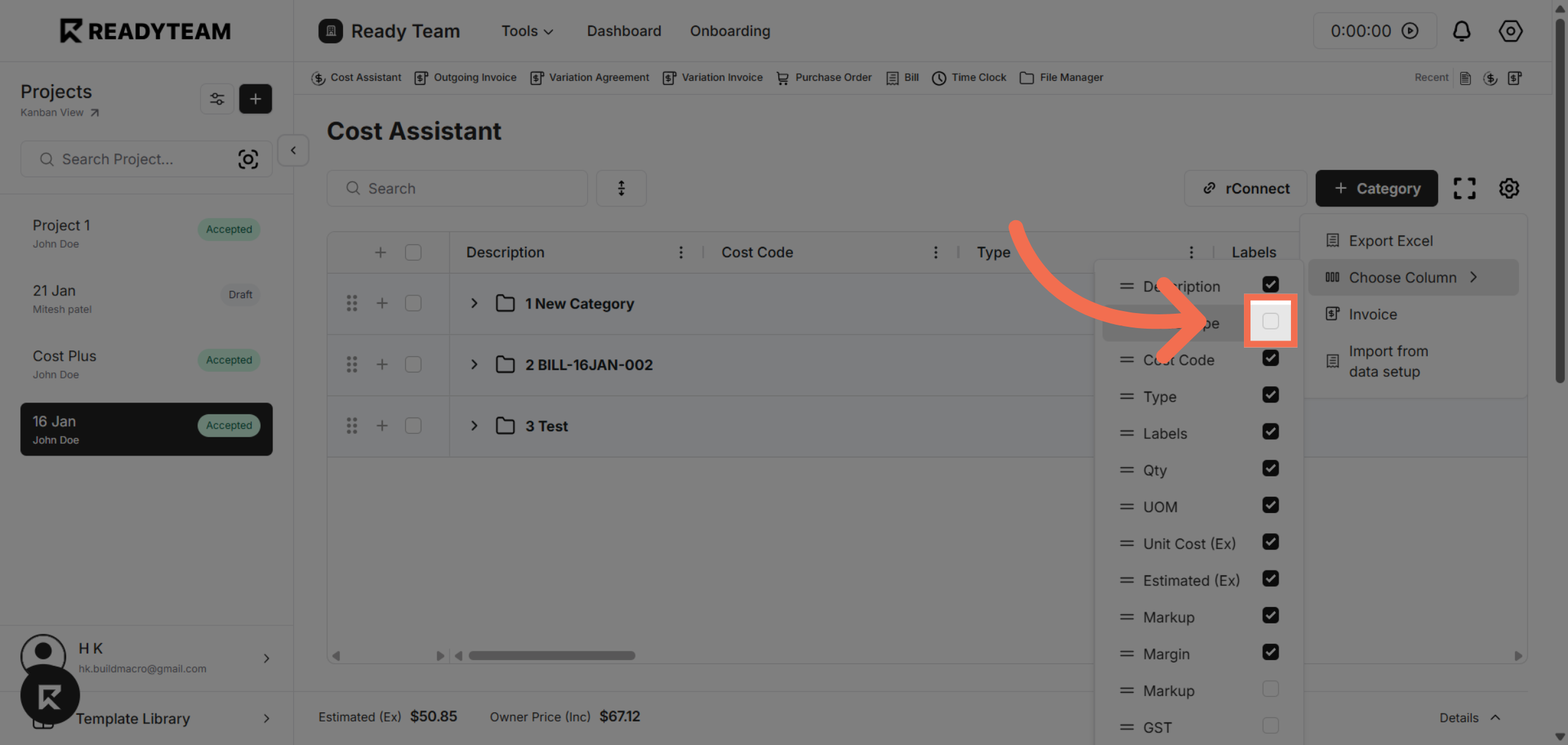
7. Select Visibility Toggle
Click the toggle to set the column visibility on.
This demo highlights how Readyteam enables you to quickly customize your AG Grid view by hiding or showing columns. Start optimizing your data display today by trying Readyteam's intuitive column management features.