How to Drag Rows in AG Grid?

AG Grid enables you to easily reorder rows by dragging them to your desired position.
Go to app.readyteam.ai
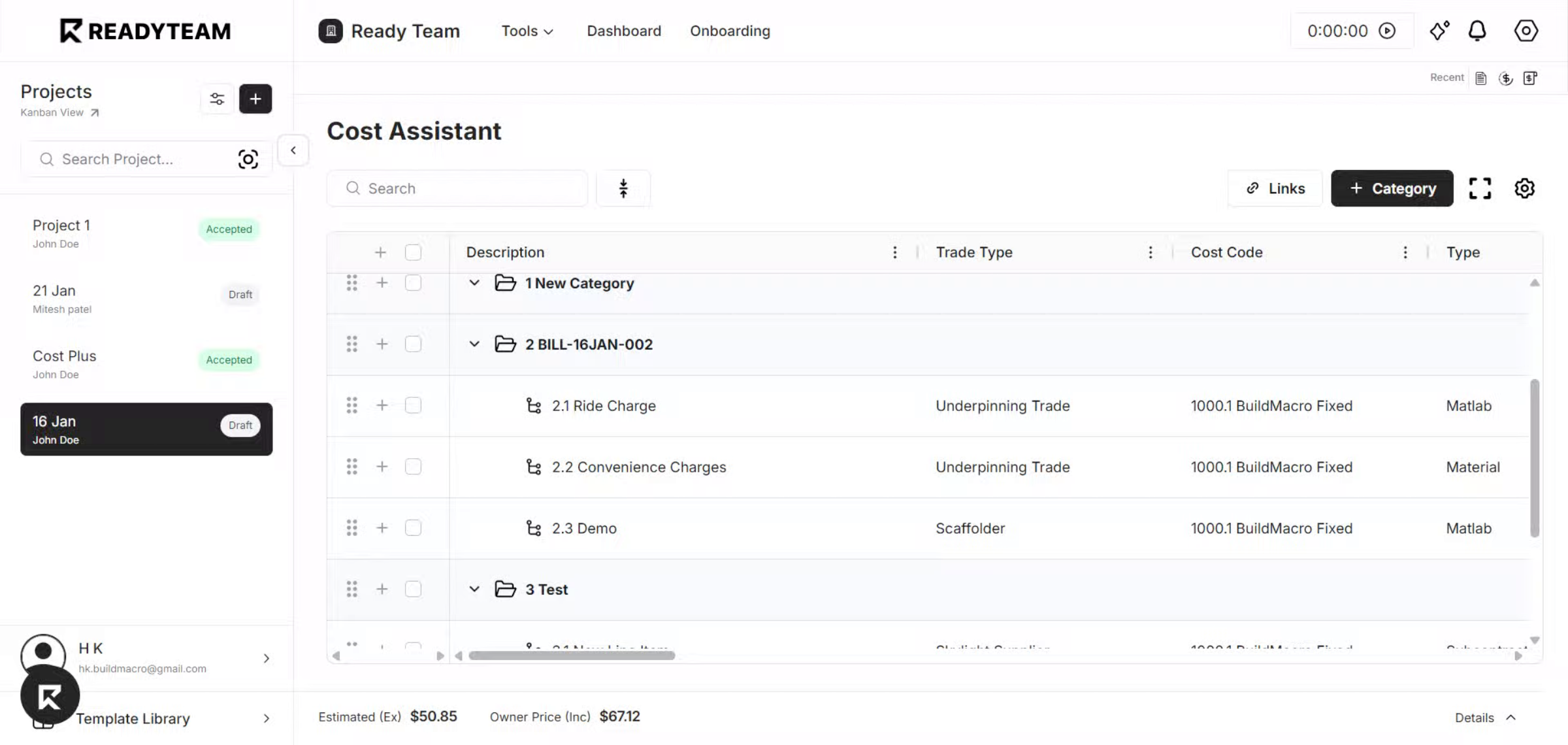
1. Open an AG Grid Table
Start by opening any AG Grid table where you want to drag and reorder rows.
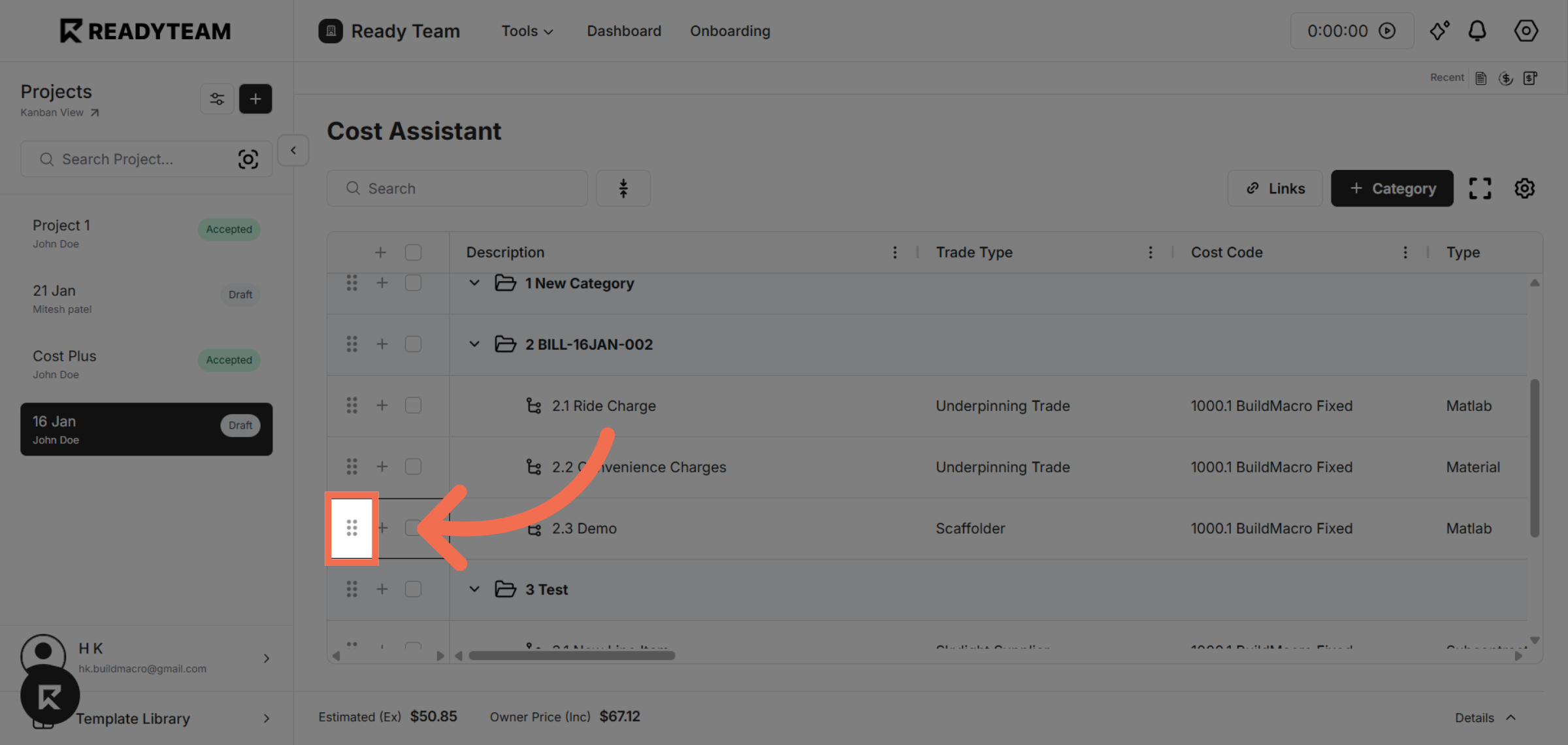
2. Grab the Row to Move
Hover over the row you want to move, then click and hold the drag handle to start dragging.
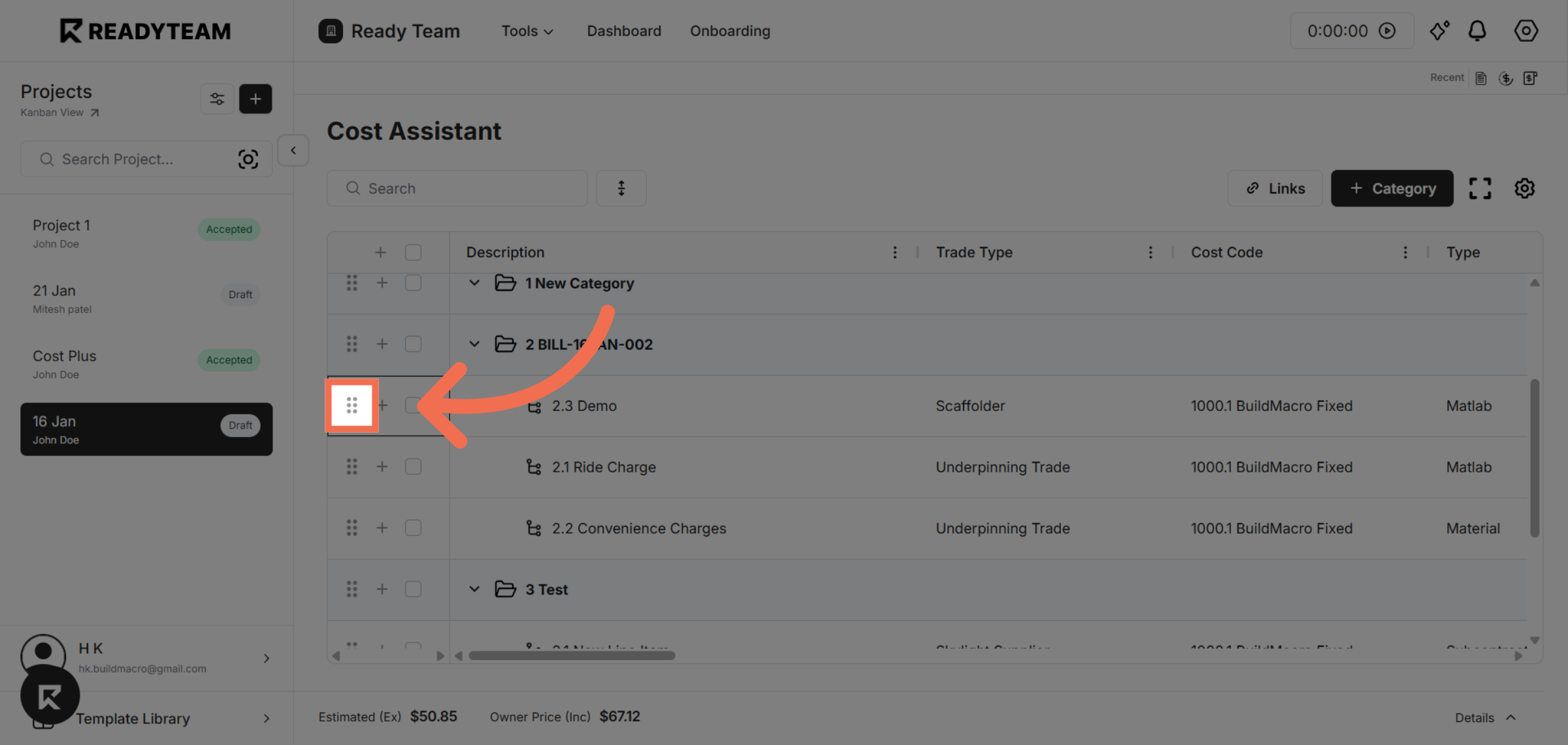
3. Drop the Row in Place
Drag the row to the desired position and release the mouse button to place it there.
You have seen how to drag and reorder rows in AG Grid, making data management faster and more intuitive. Try this feature now to enhance your grid interactions and improve productivity.