How to Sign Up on ReadyTeam ?

This demo showcases how to quickly create an account on ReadyTeam.
Go to app.readyteam.ai
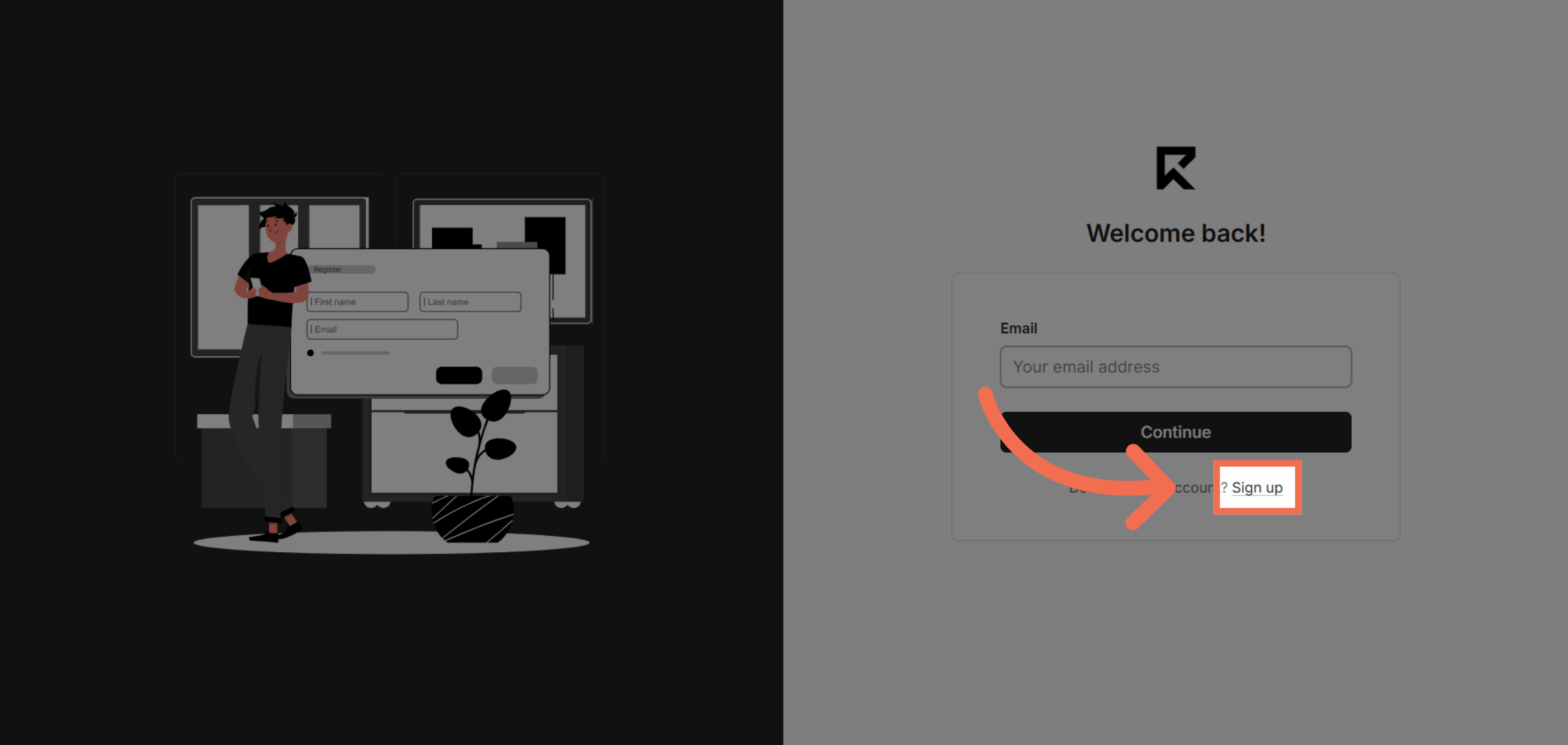
1. Click Sign Up Button
Click the Sign Up button to begin creating your ReadyTeam account.
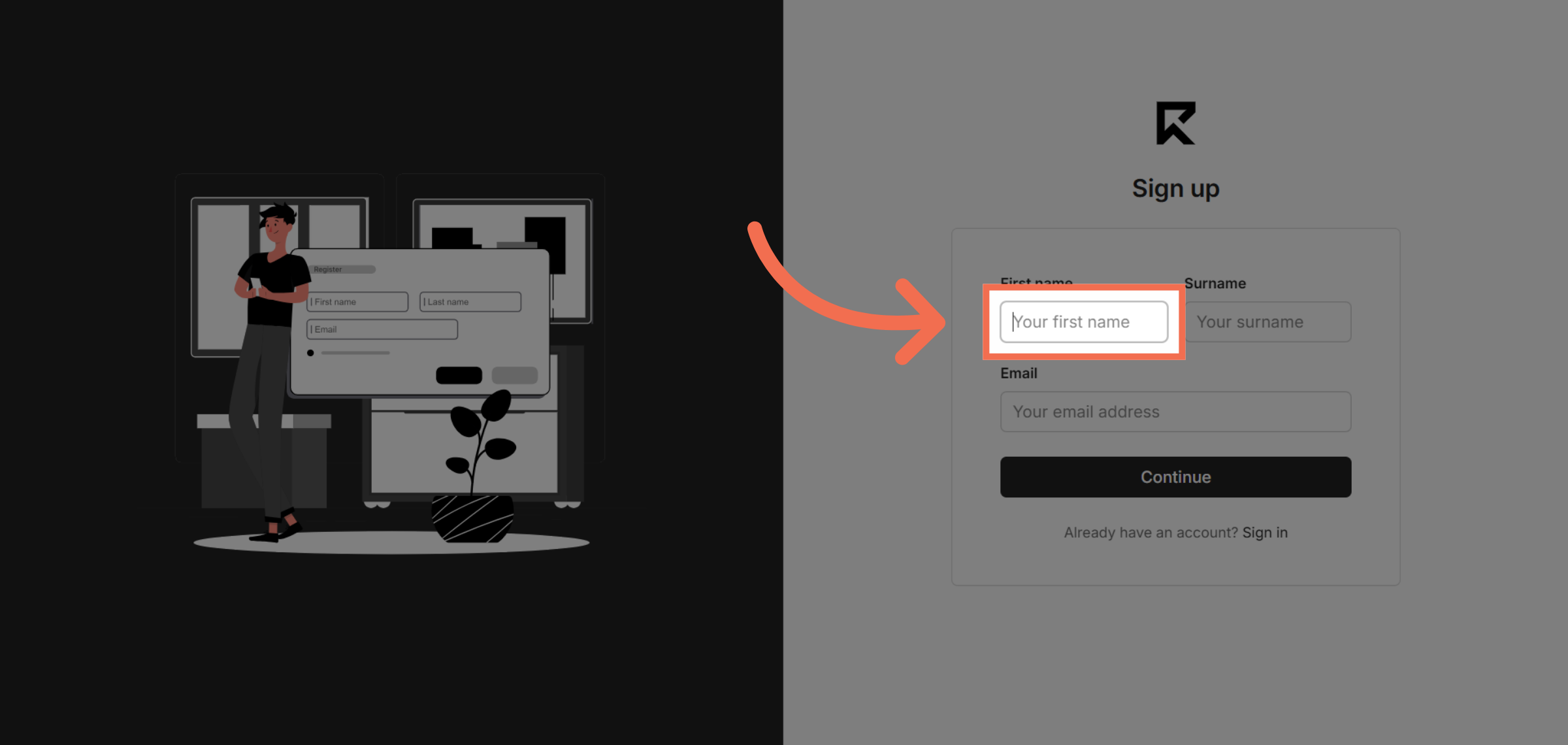
2. Enter First Name
Click the First Name field to enter your personal information.
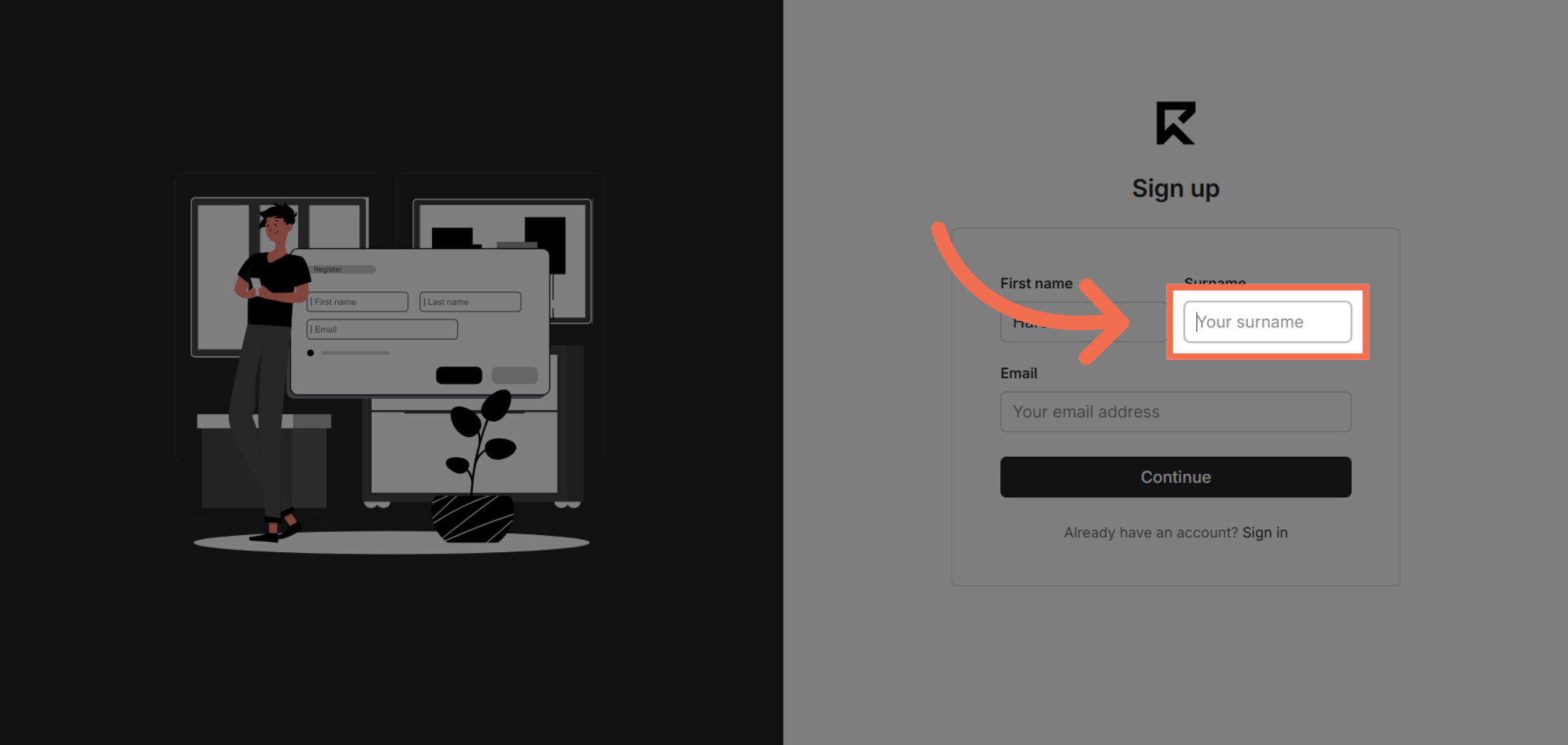
3. Enter Surname
Click the Surname field to provide your last name.
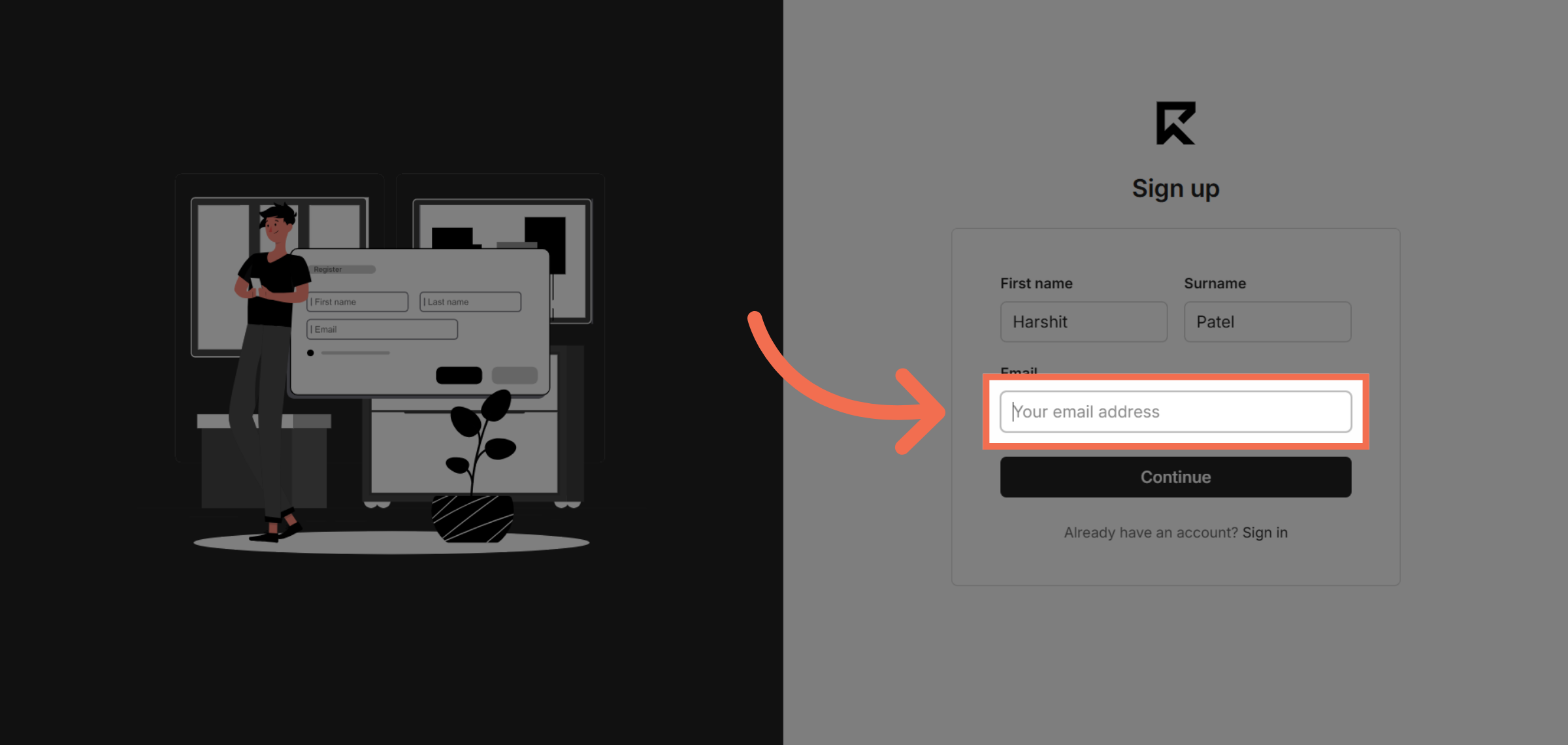
4. Enter Email Field
Click the Email field to input your email address for account communication.
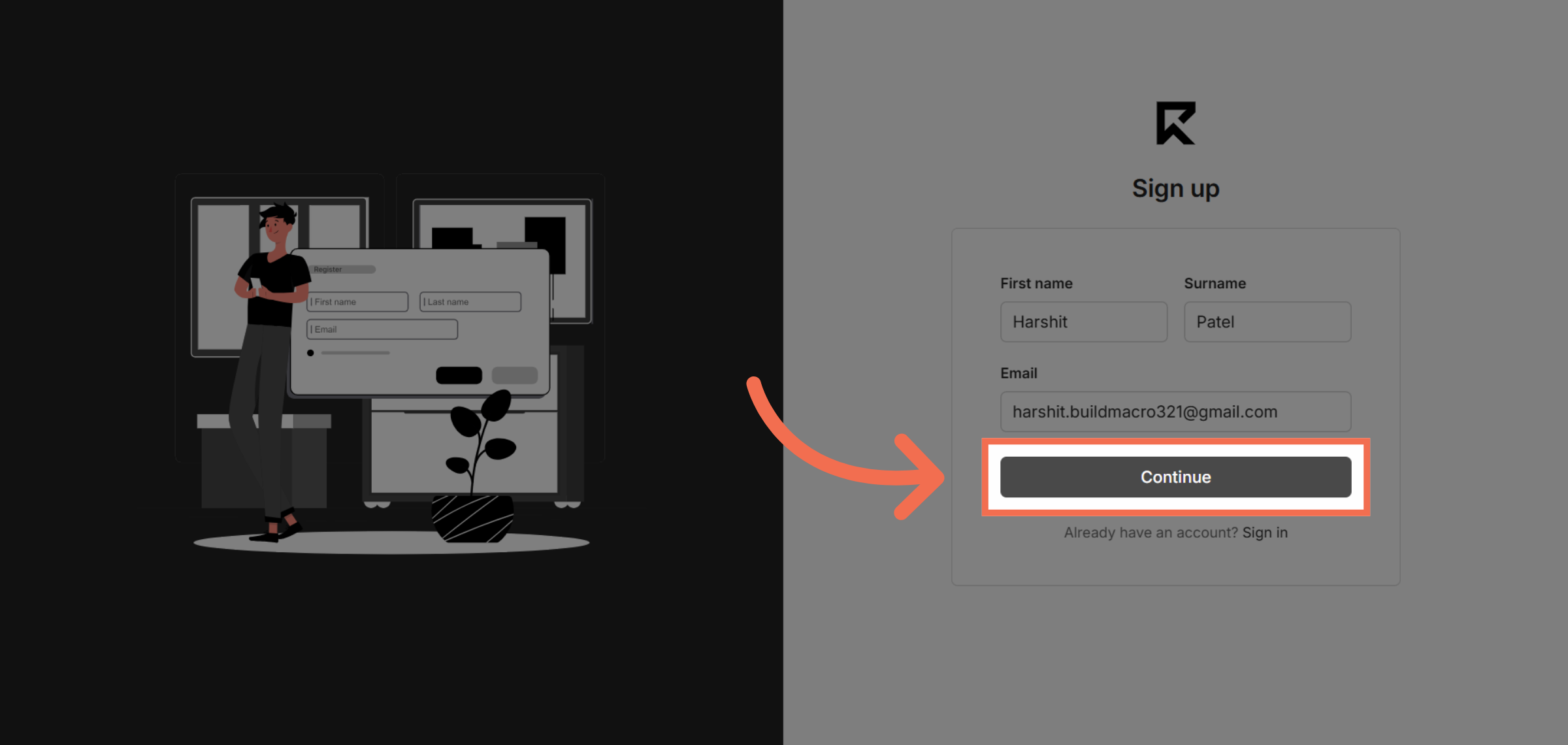
5. Click Initial Sign Up
Click the sign-up button to proceed to the next step of registration.
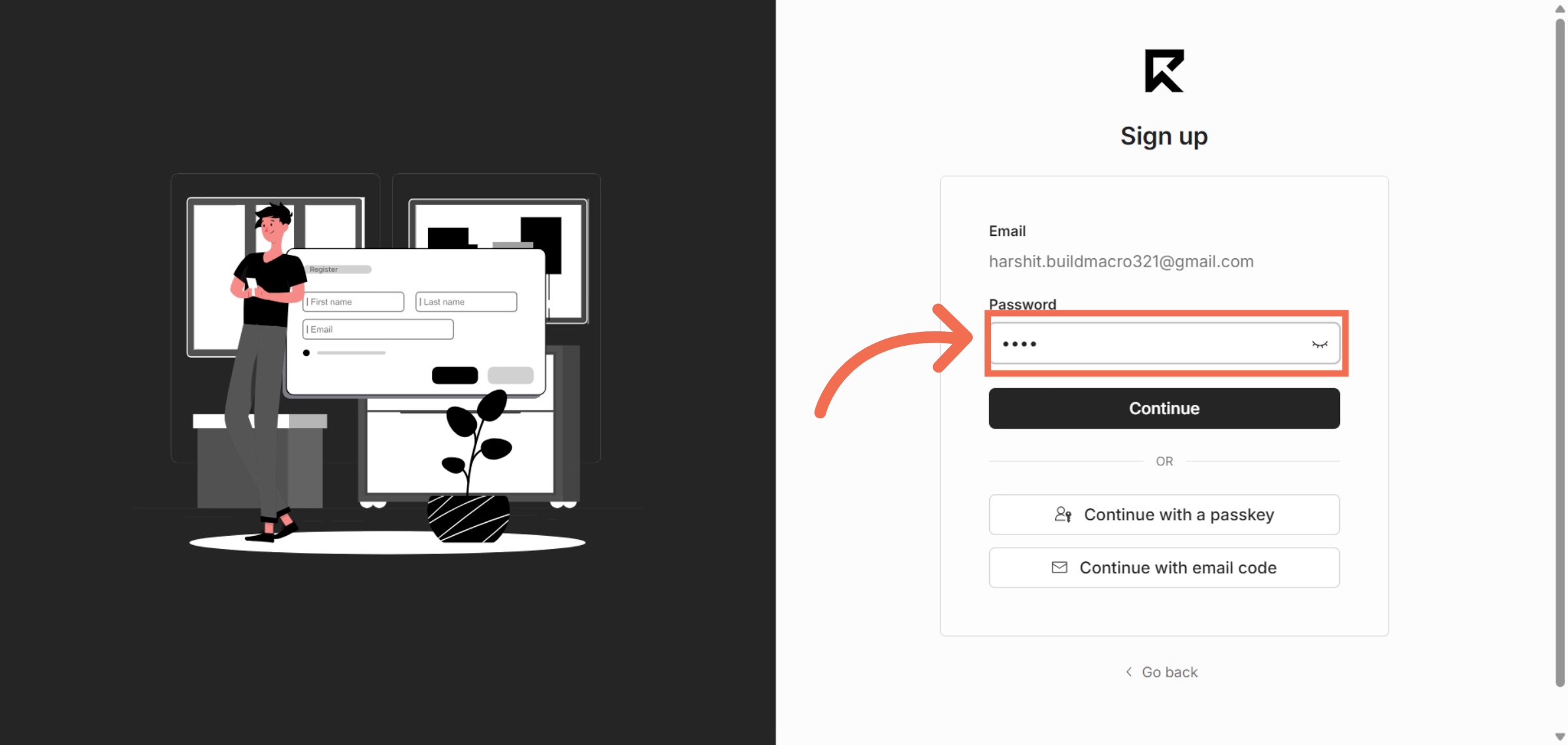
6. Create Your Password
Enter your password to secure your ReadyTeam account.
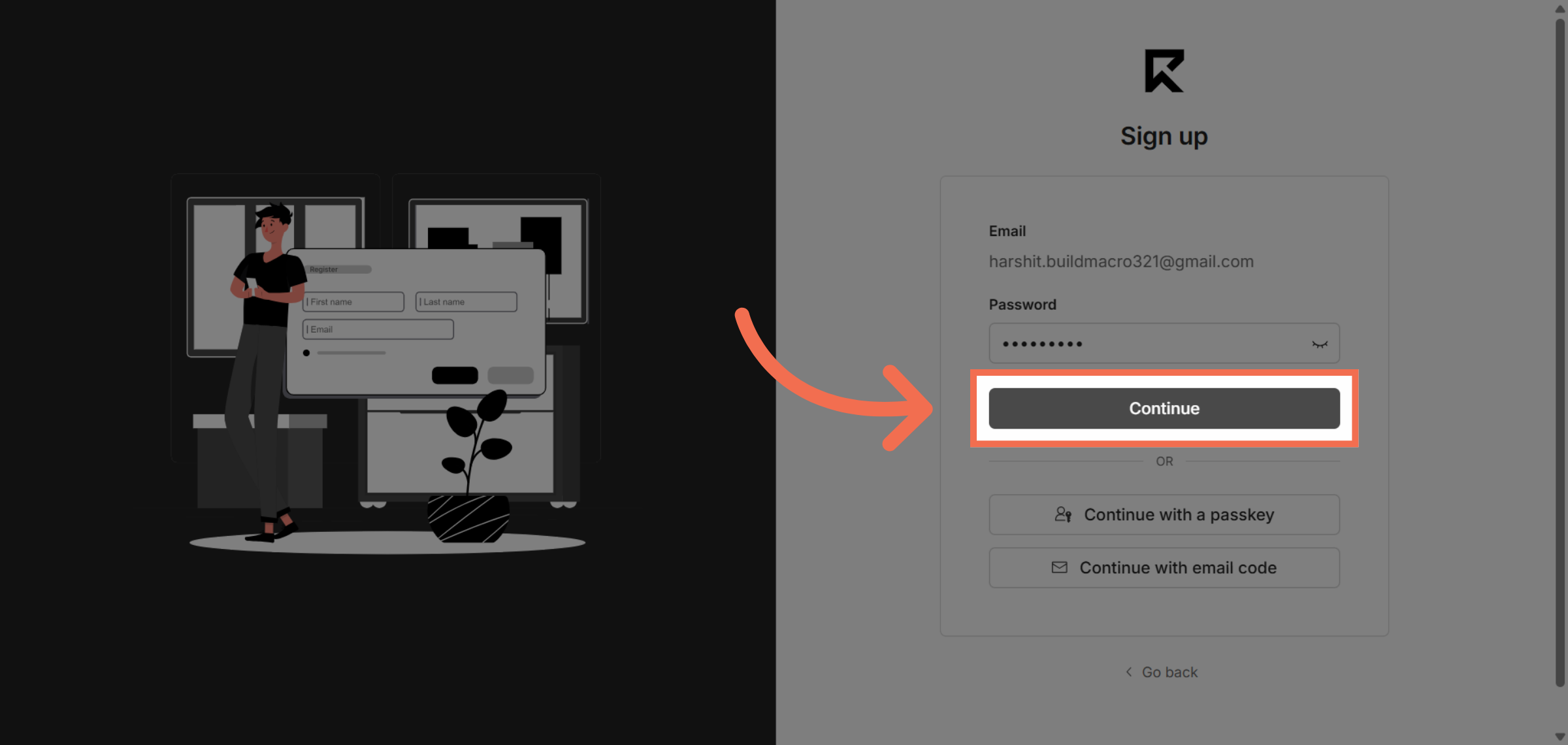
7. Continue
Click the sign-up button again to submit your password and continue.
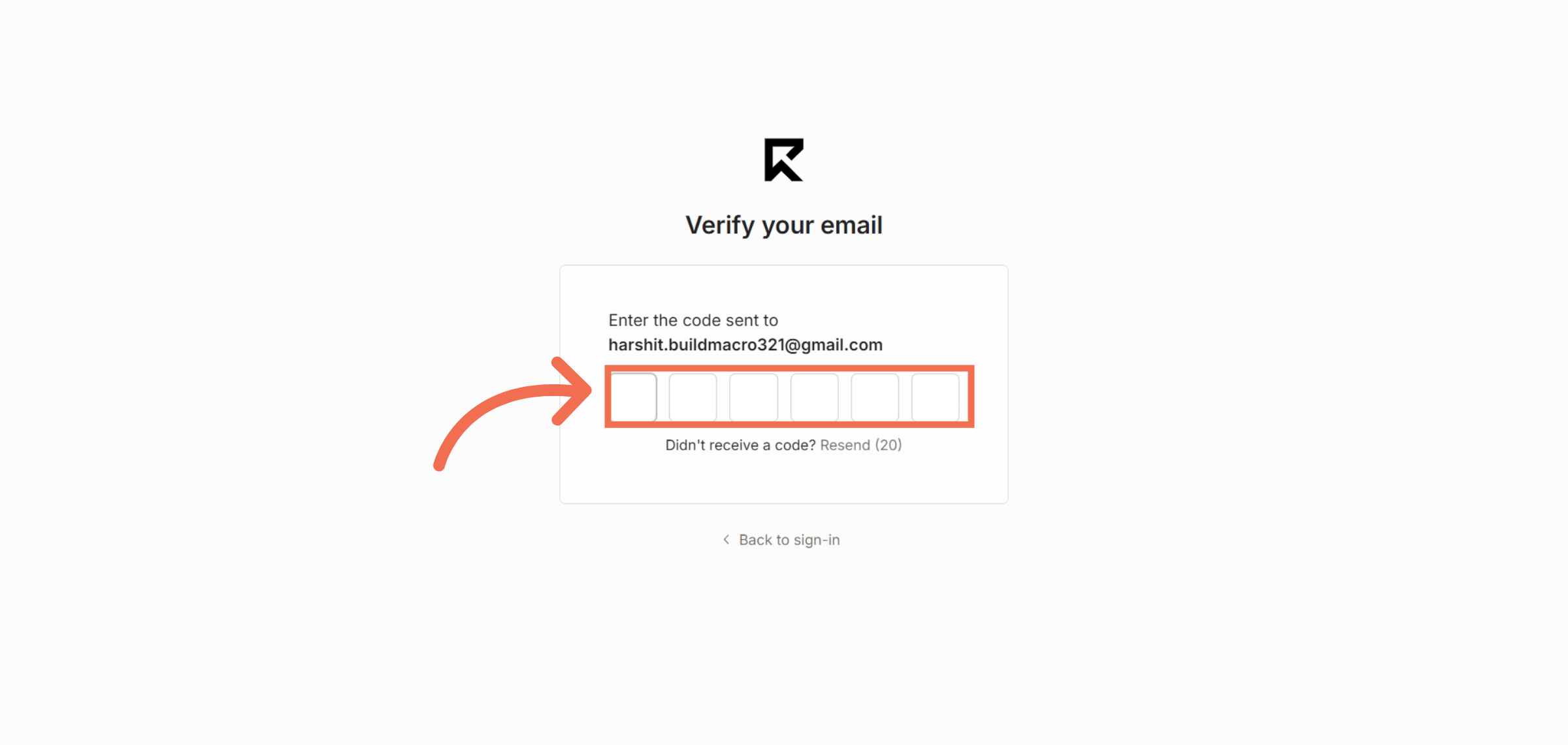
8. Enter Verification Code
Enter the verification code sent to your email to confirm your identity.
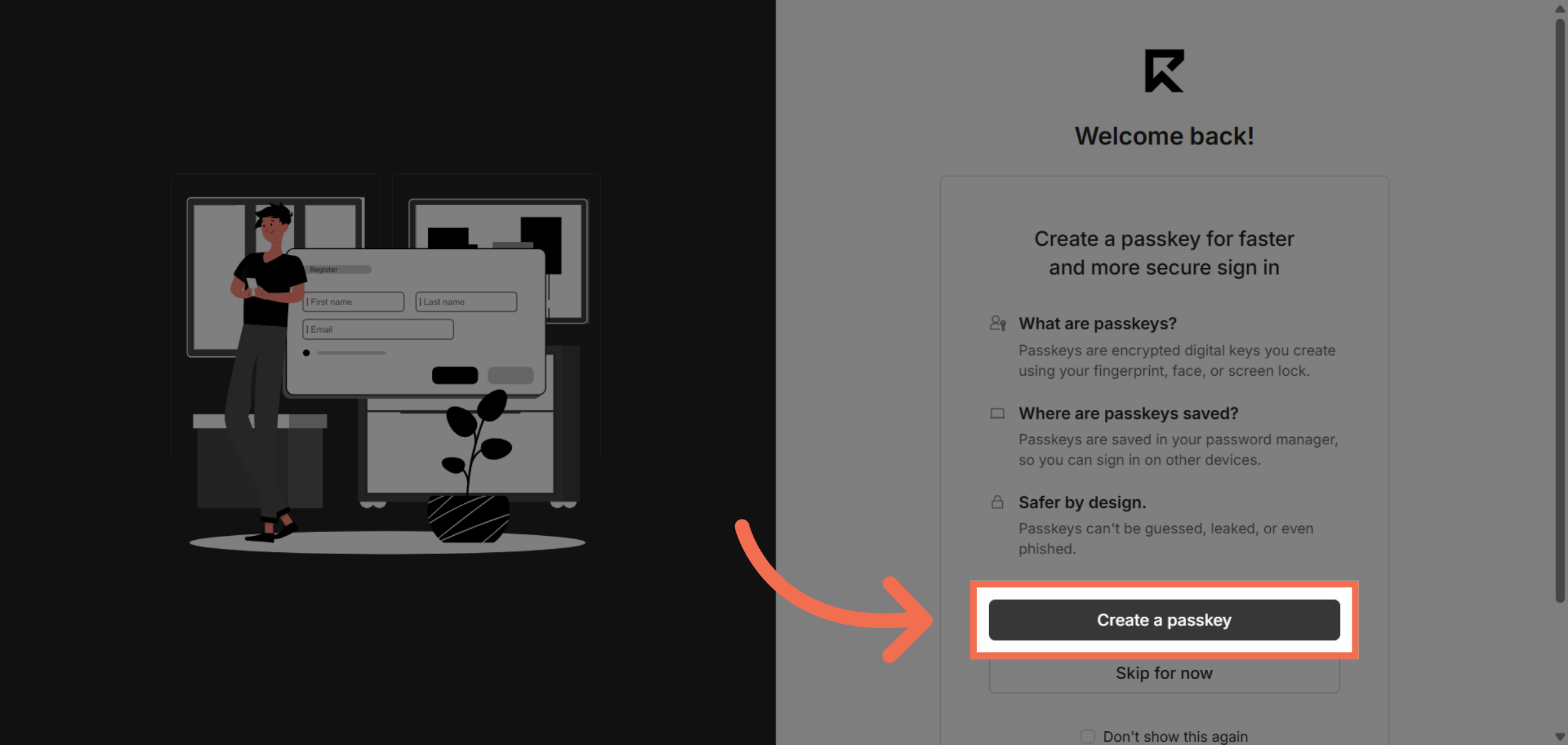
9. Create a Passkey Option
Create a Passkey Option so that you can also sign in into ReadyTeam using the Passkey
10. You are Successfully Completed Signup Process
Switch to the ReadyTeam application to begin using your new account.
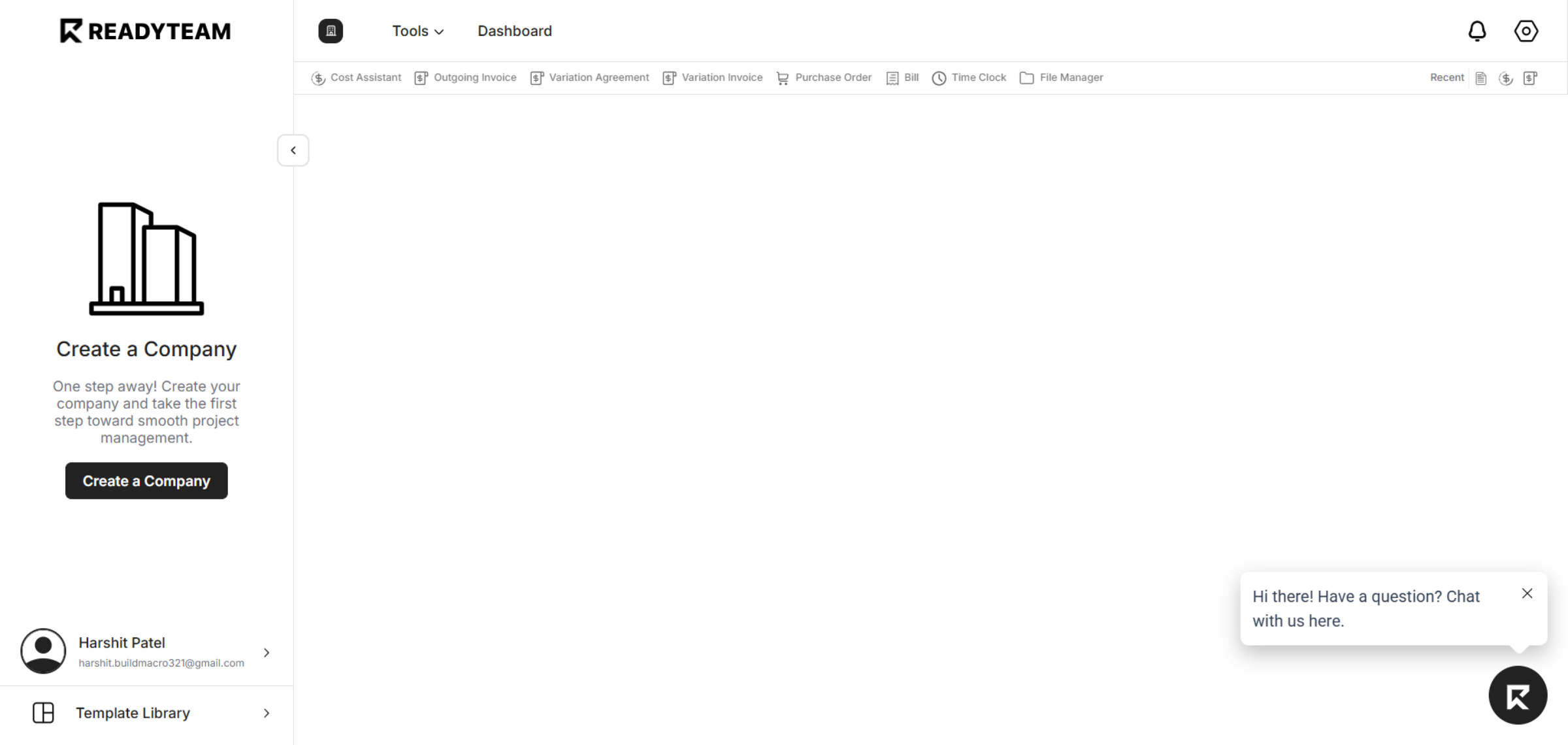
You have successfully completed the sign-up process on ReadyTeam, enabling full access to its project management tools. Start exploring the platform now to streamline your workflows and enhance productivity.