Create New Projects Efficiently With Readyteam
This demo showcases how Readyteam simplifies project creation to help you get started quickly.
Go to app.readyteam.ai
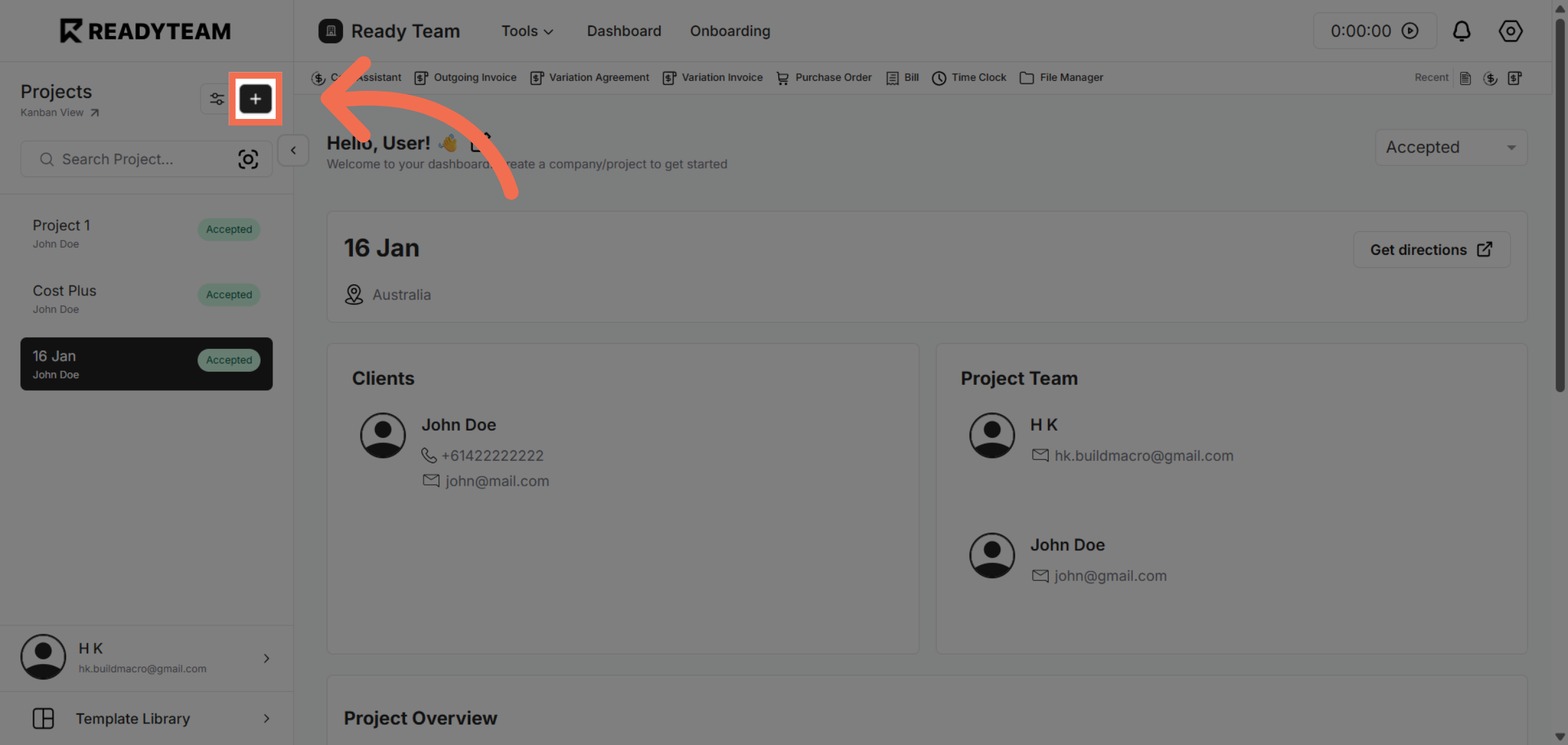
1. Open Project Creation
Click the button to start creating a new project in Readyteam.
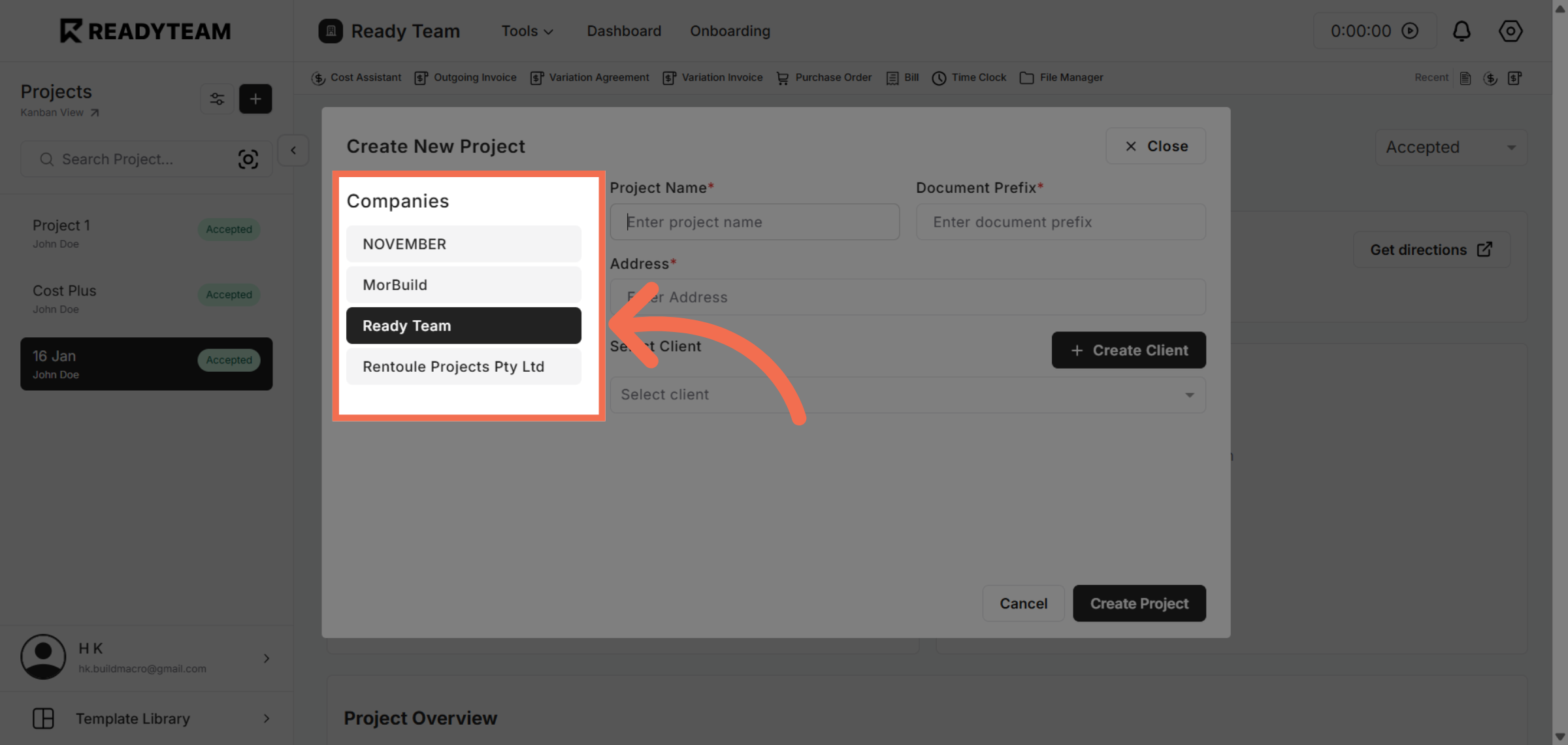
2. Select Company
Select Company in which you want to create a new Project from the list of Companies
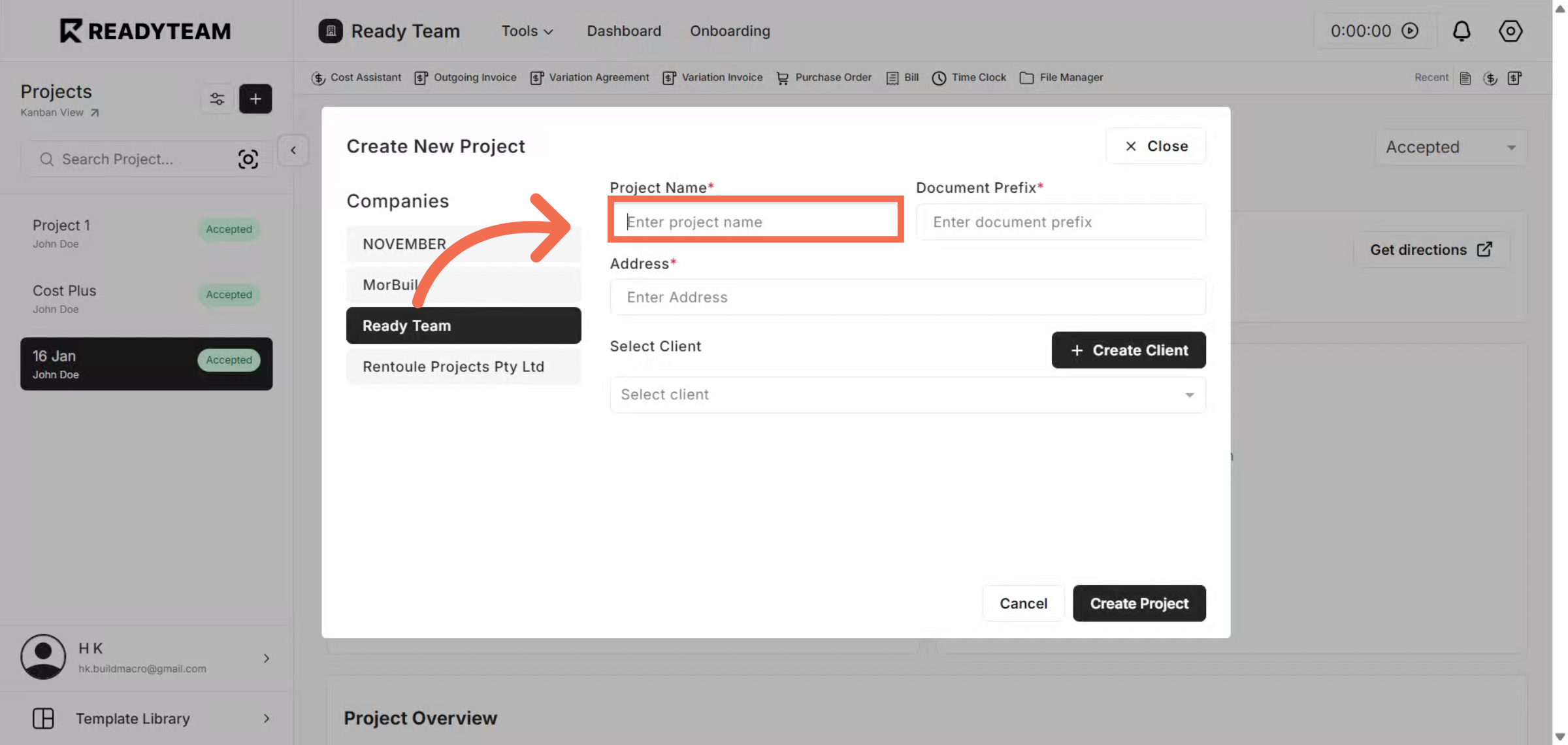
3. Enter Project Name
Enter your project name to identify it clearly within the system.
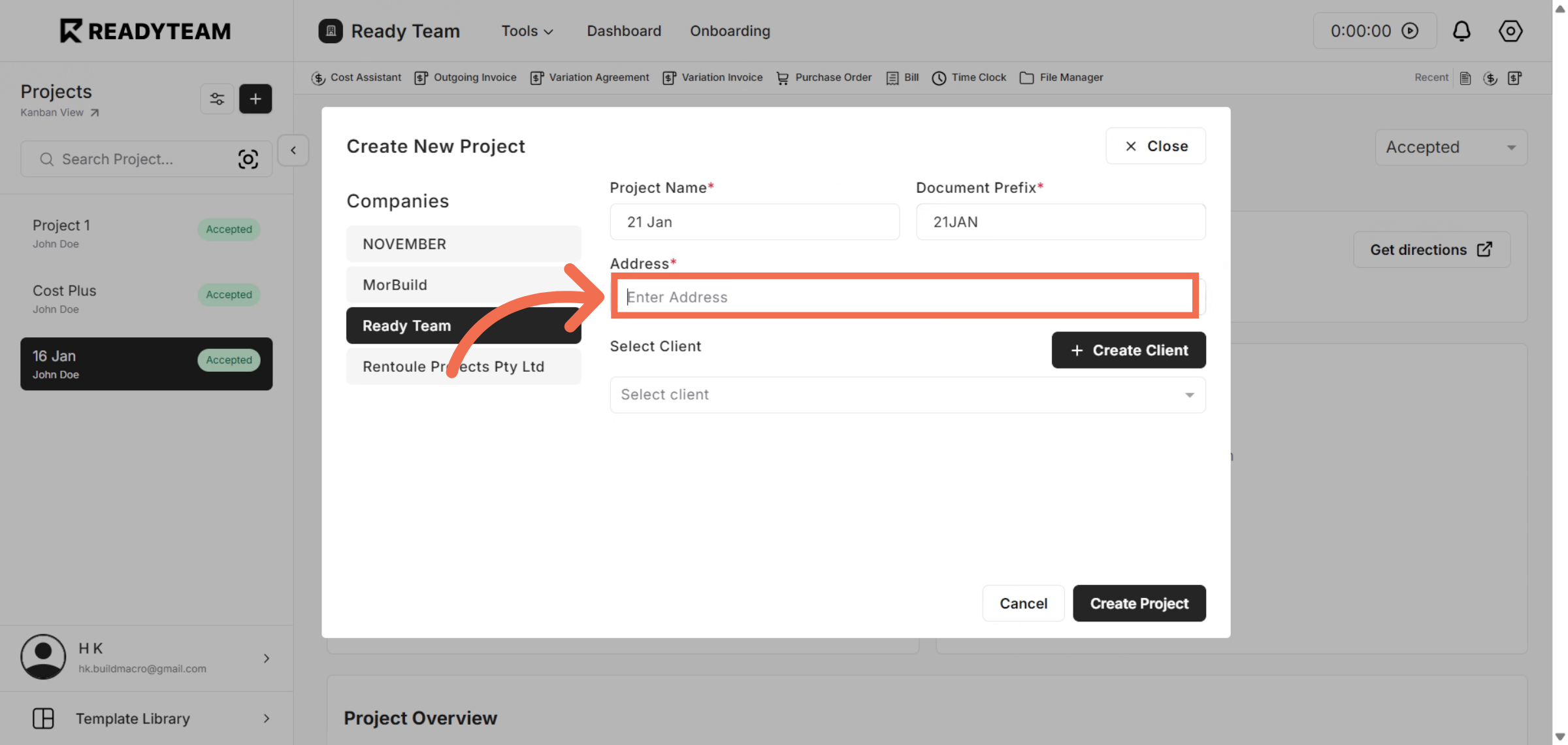
4. Enter Project Location
Enter your project location to ensure accurate geographic information.
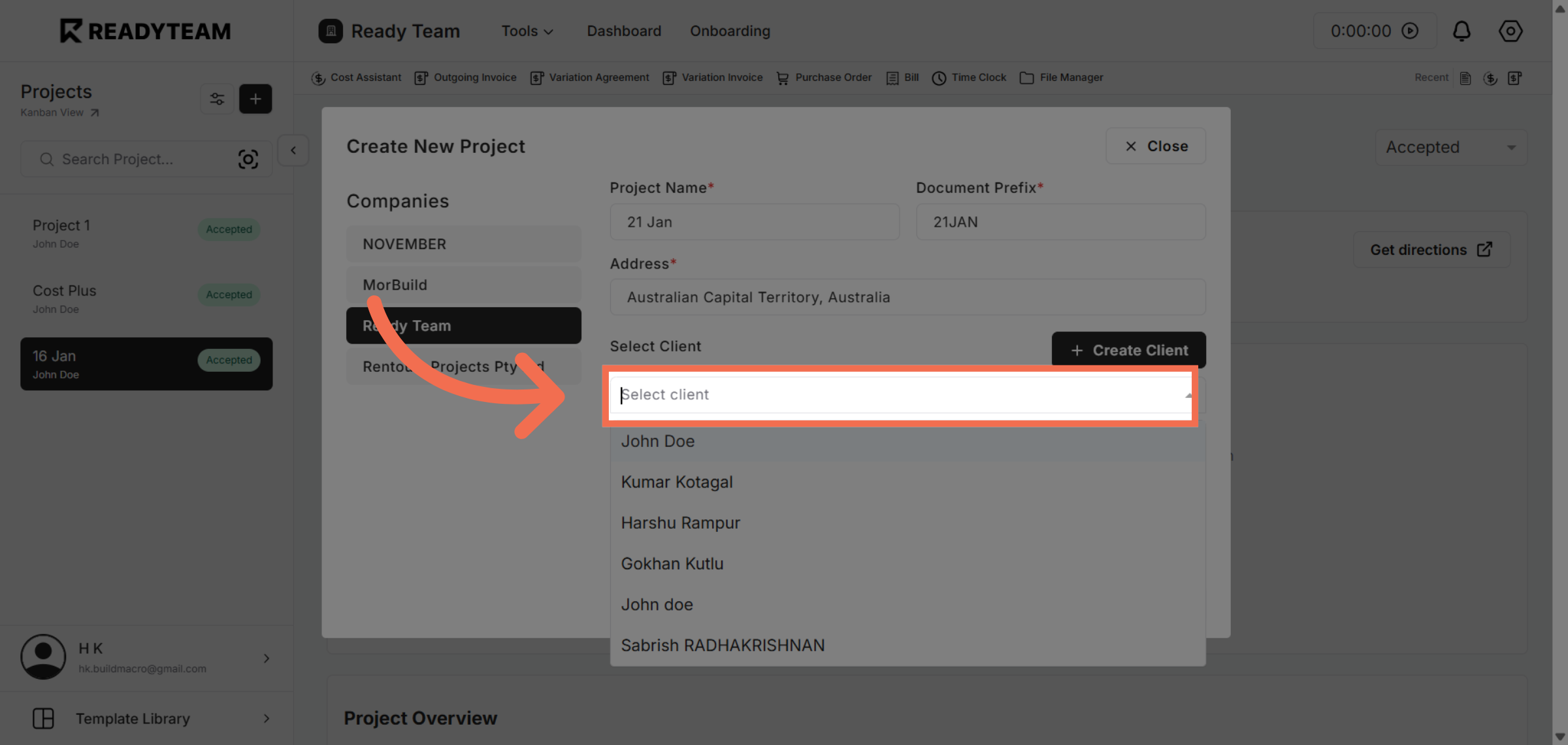
5. Select Client
Click to open the list of Clients available for project assignment.
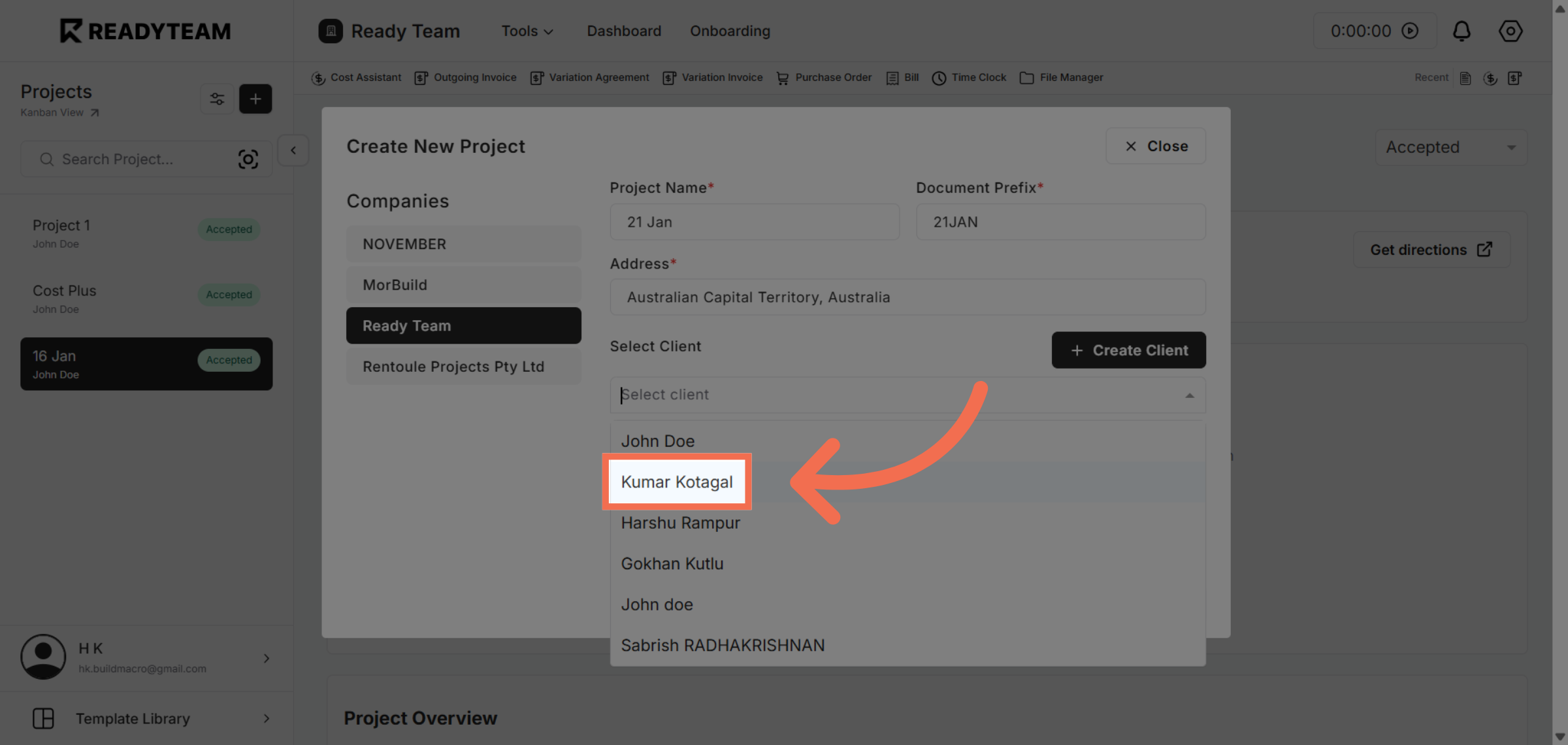
6. Choose Client
Select a client to link them to the new project.
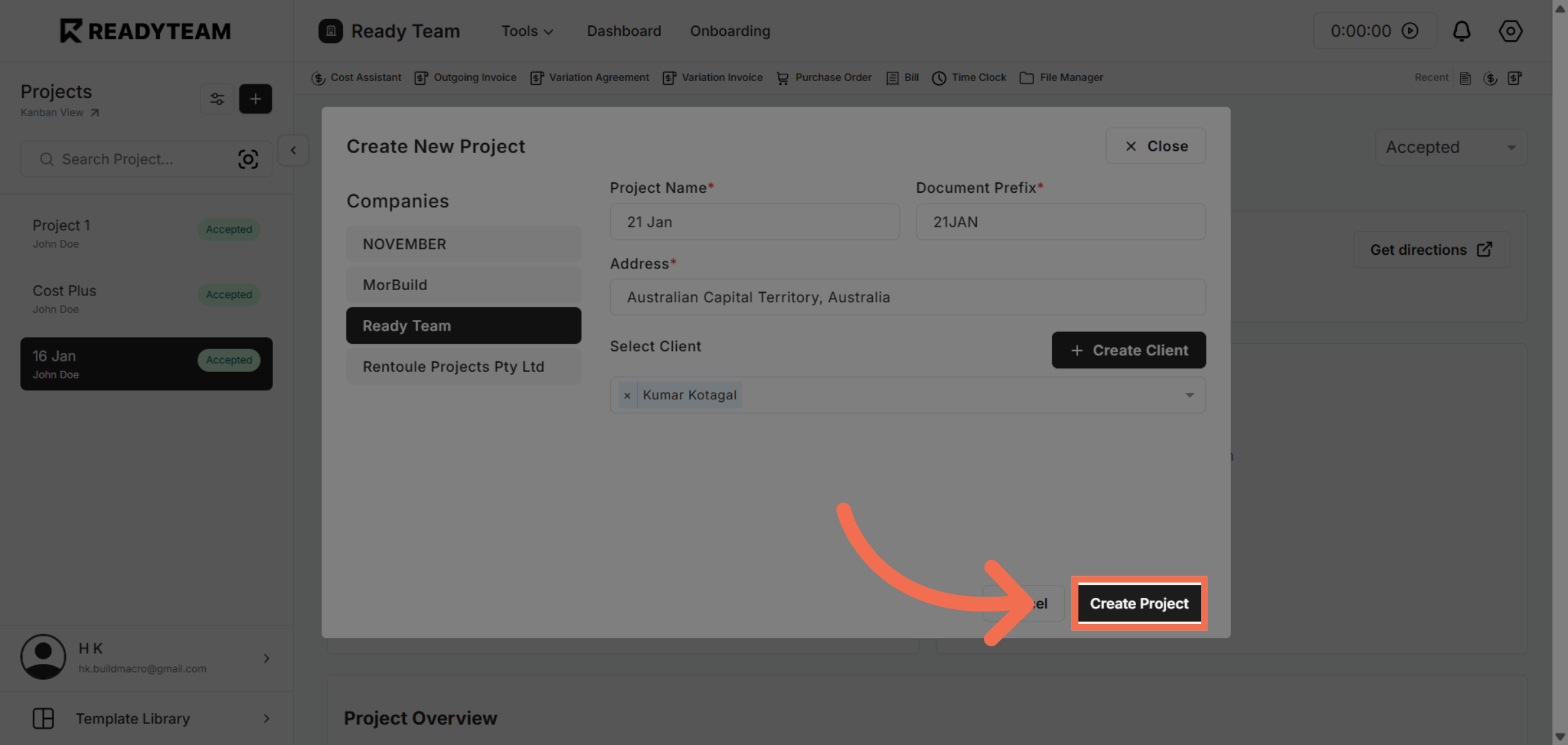
7. Create Project
Click the Create Project button to finalize and save your new project.
You have successfully created a new project in Readyteam by entering key details and assigning team members. Start managing your projects efficiently with these simple steps today.