How to Sign-in ReadyTeam using Passkey ?
This demo showcases how to sign in to ReadyTeam using a passkey for enhanced security.
Go to app.readyteam.ai
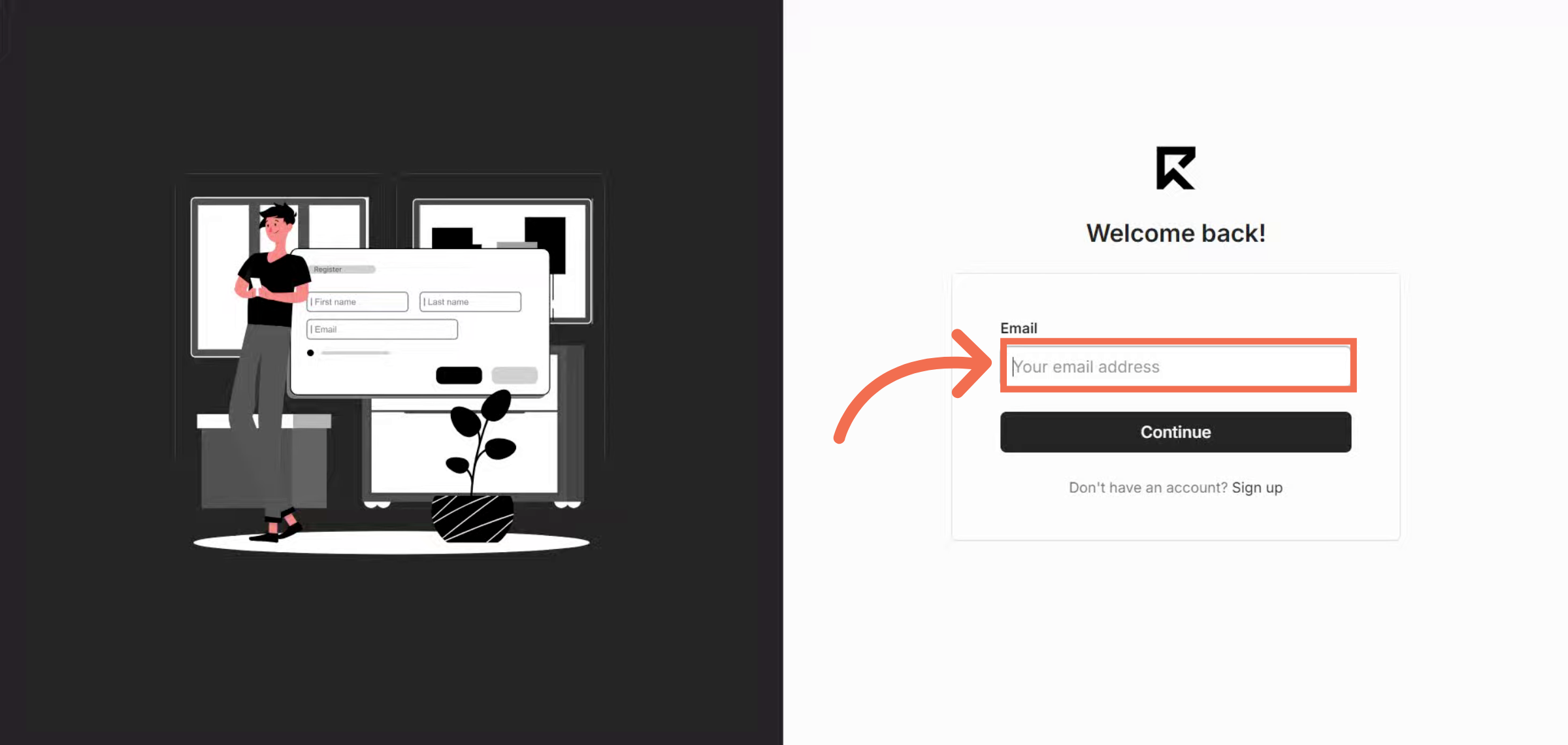
1. Enter Your Email Address
Enter your email address to begin the sign-in process.
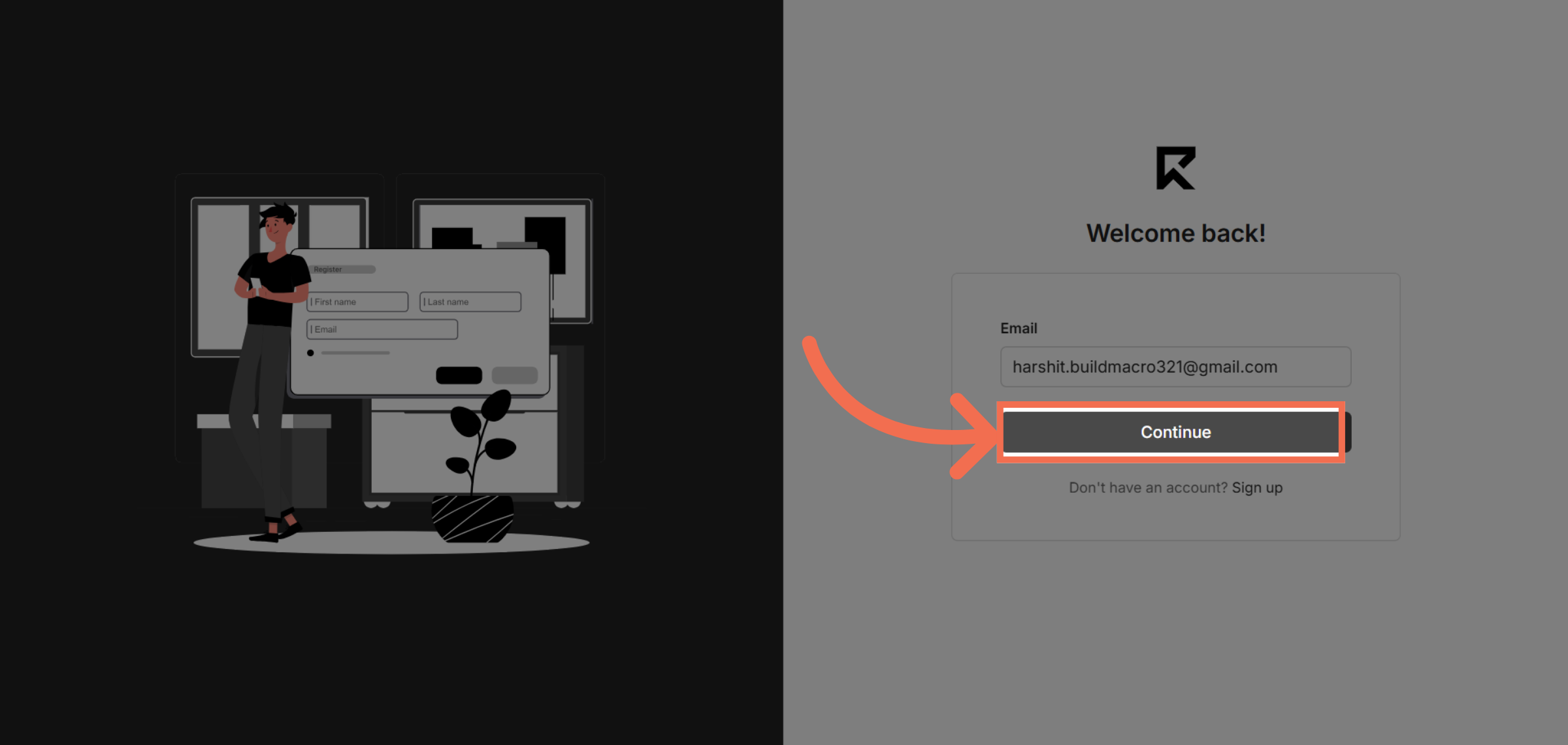
2. Click Continue Button
Click the Continue button to proceed to the next step of authentication.
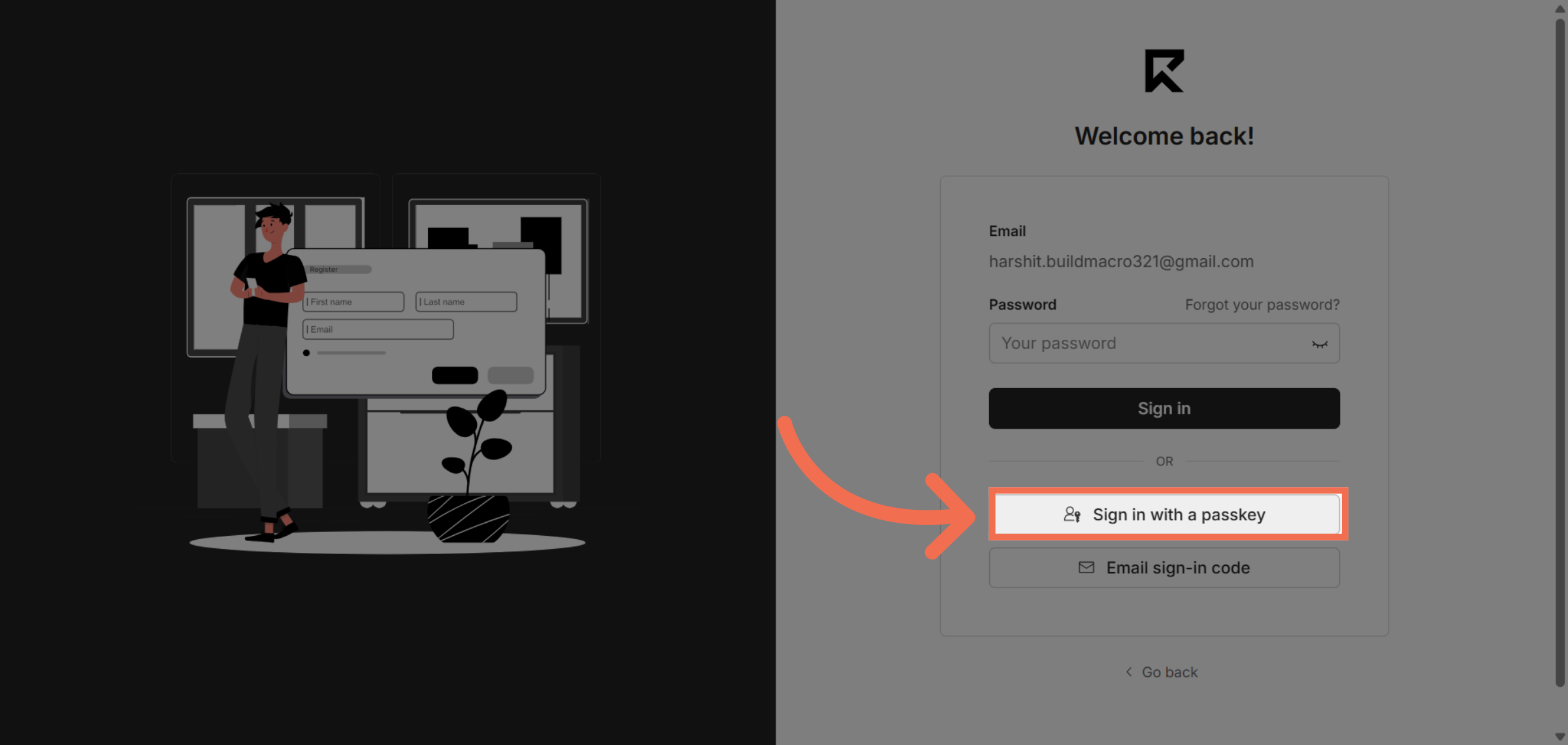
3. Select Passkey Sign-In Option
Select the option to sign in with a passkey for secure access.
4. After Entering Your Passkey, You are Successfully logged into ReadyTeam
Switch to the ReadyTeam application to complete your sign-in and access your workspace.
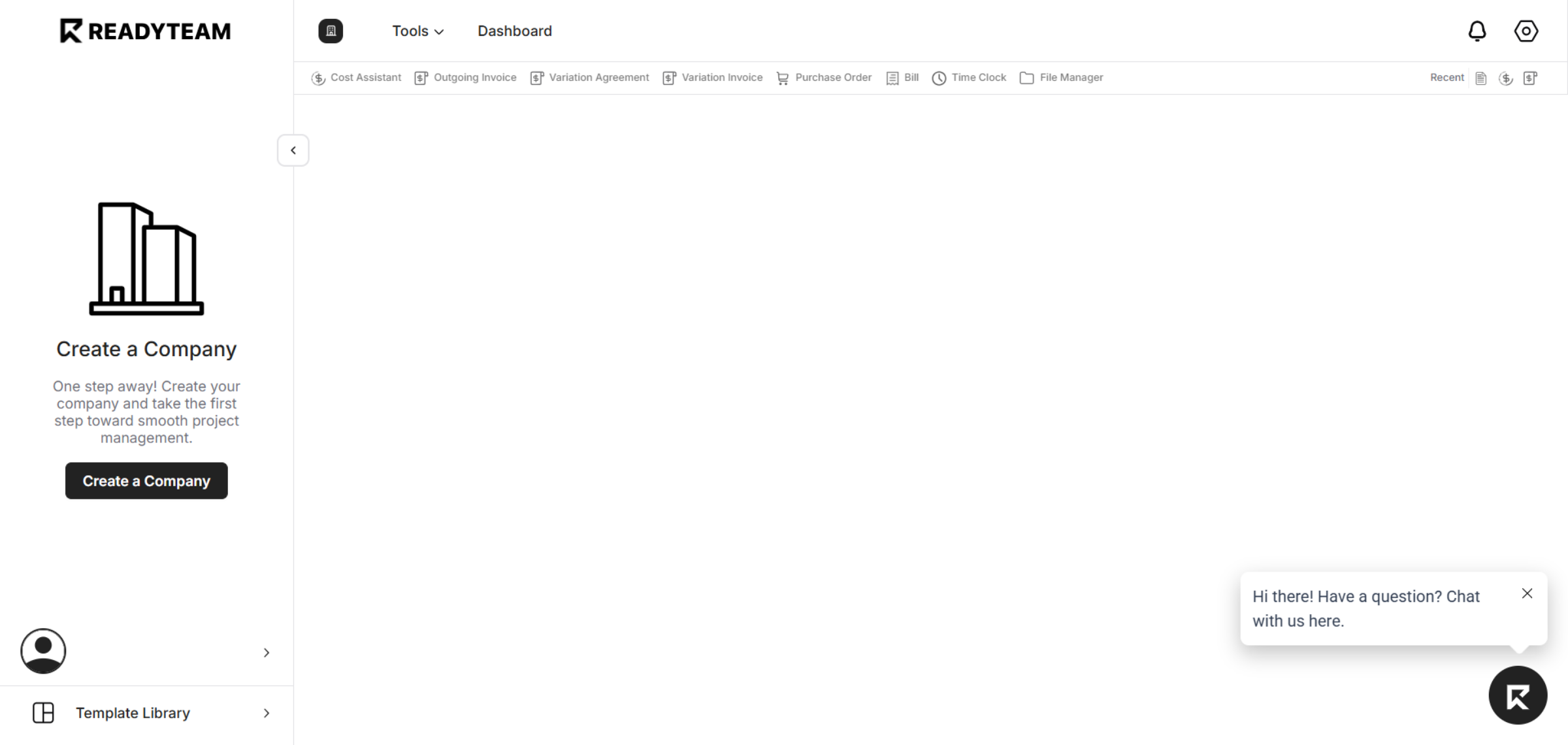
You have successfully signed in to ReadyTeam using a passkey, enabling secure and efficient access to your dashboard. Explore the available tools and manage your company with ease.