Create a Company Using ReadyTeam Platform
This demo showcases how to create a company within the Readyteam platform.
Go to app.readyteam.ai
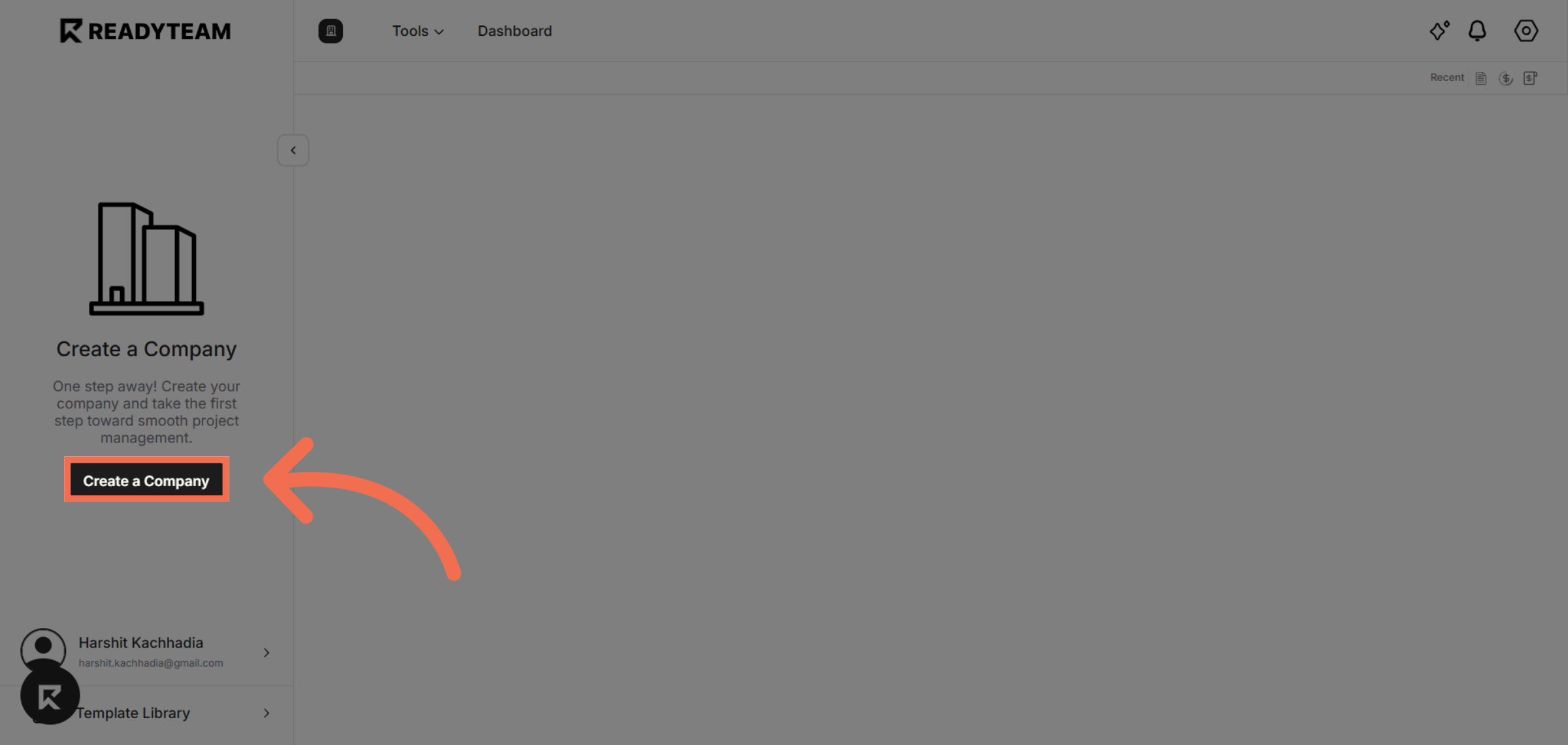
1. Click Create a Company
Click the Create a Company button to start setting up your new company profile in Readyteam.
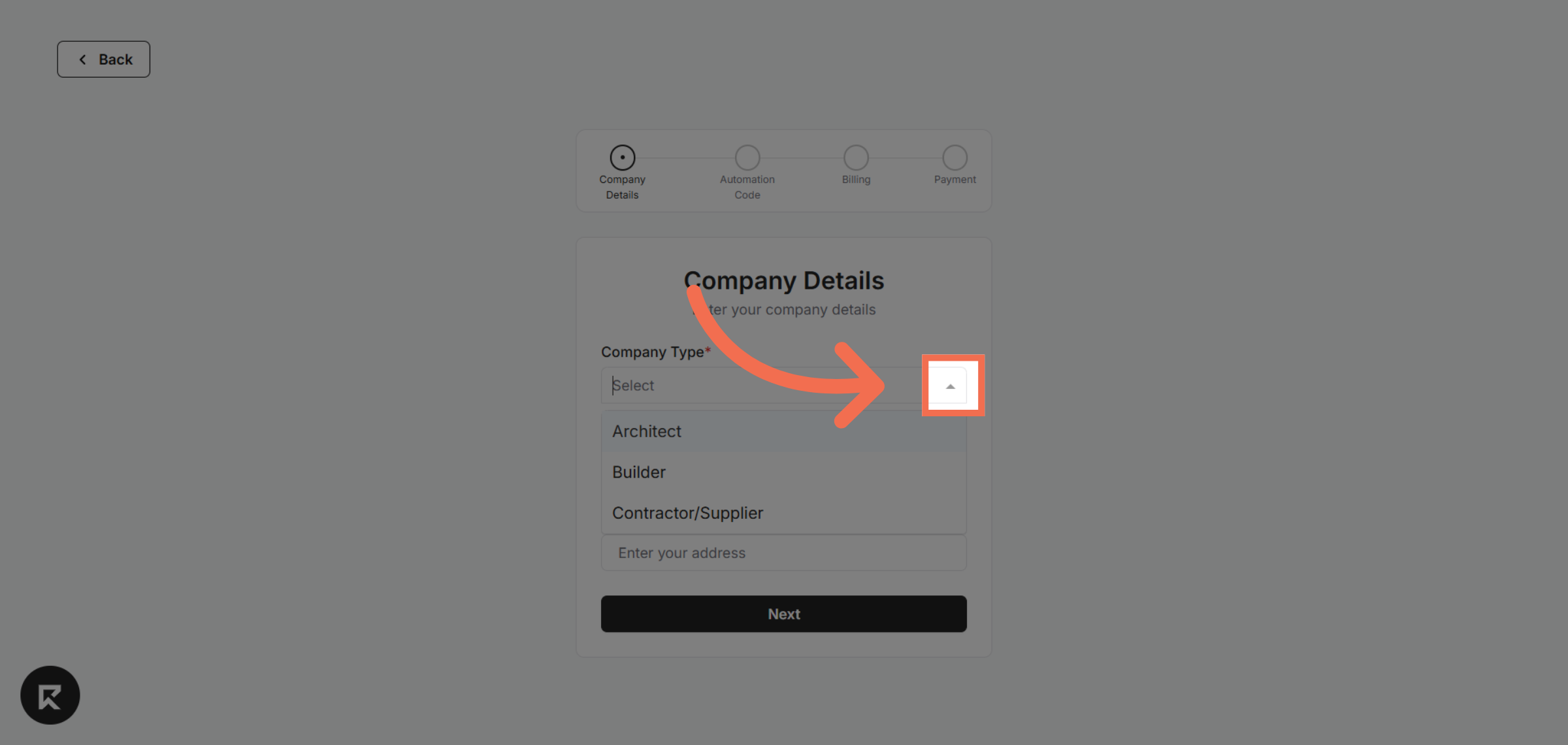
2. Access Company Type Options
Click here to access the company type options and begin entering your company details.
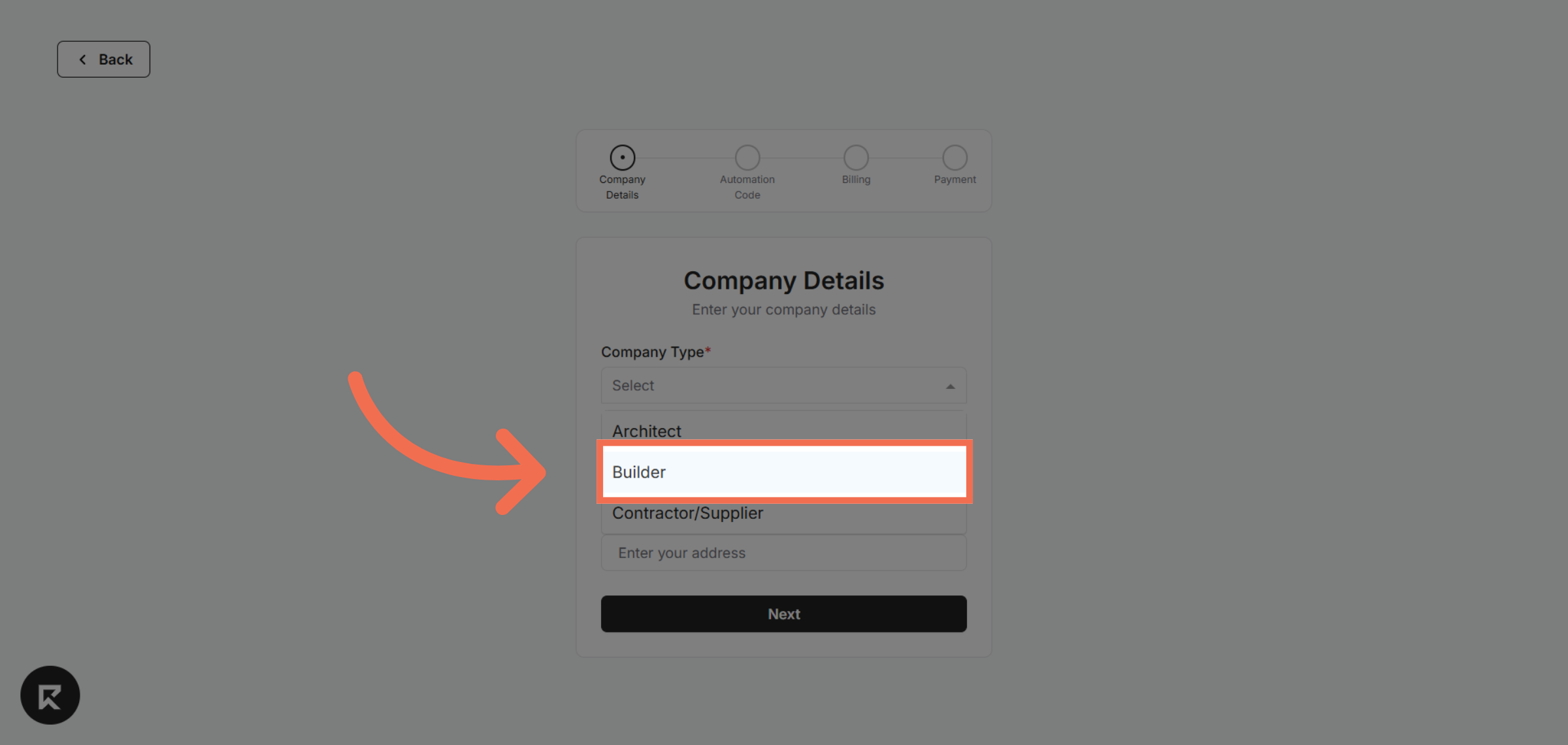
3. Select Company Type
Click Builder to use the intuitive interface for entering your company information and customizing your setup.
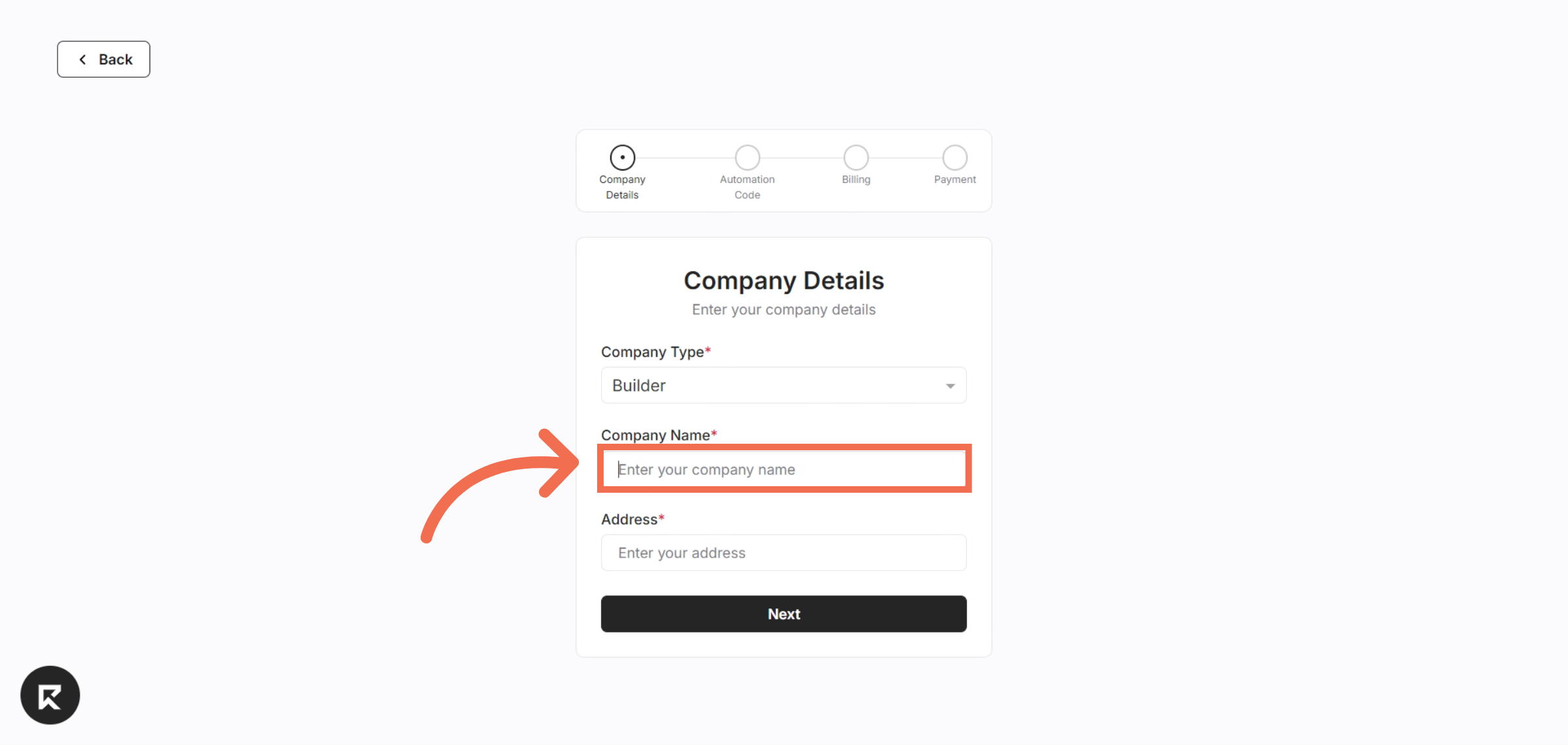
4. Enter Company Name
Enter your company name to identify your business within the platform.
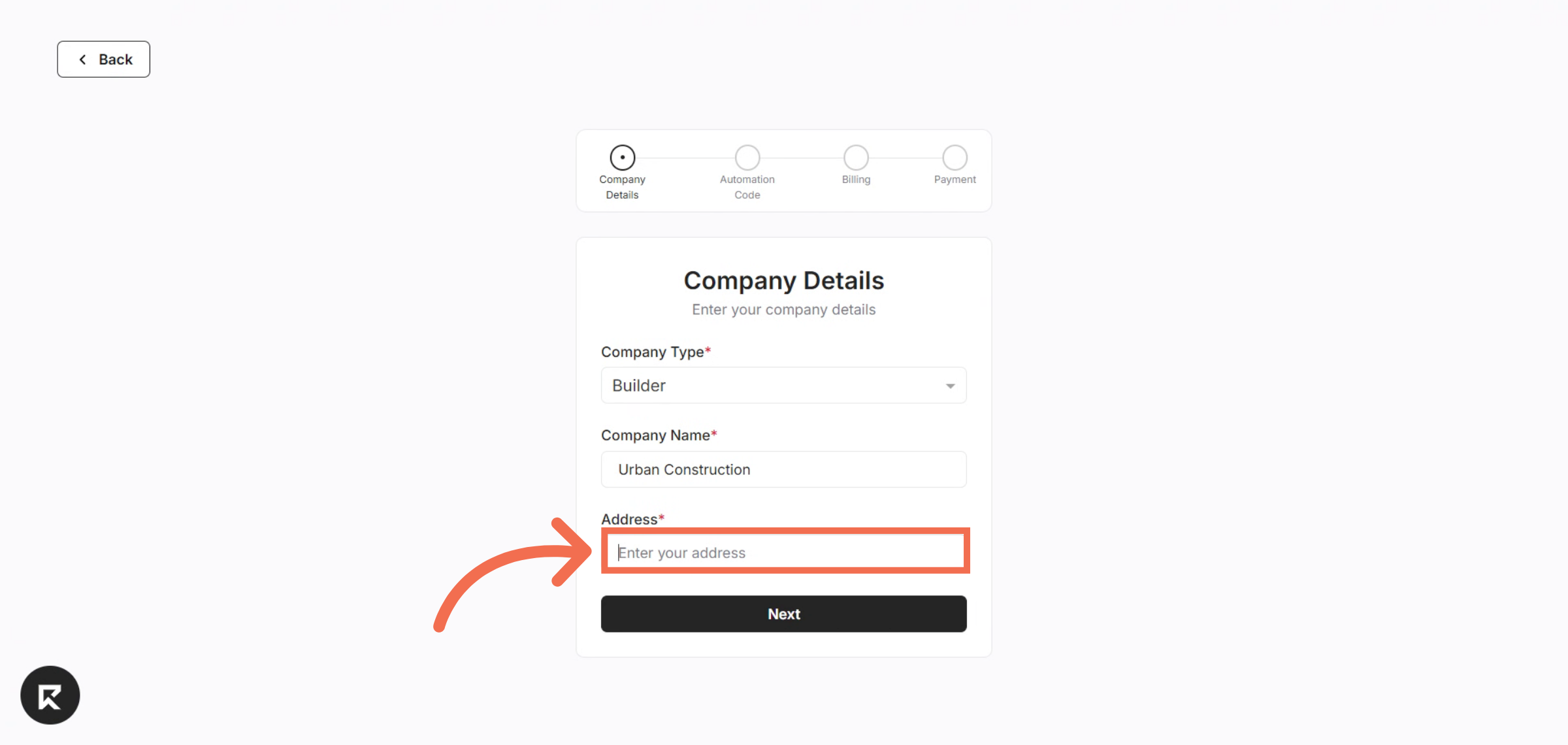
5. Enter Company Address
Enter your company address to specify your company's geographic region.
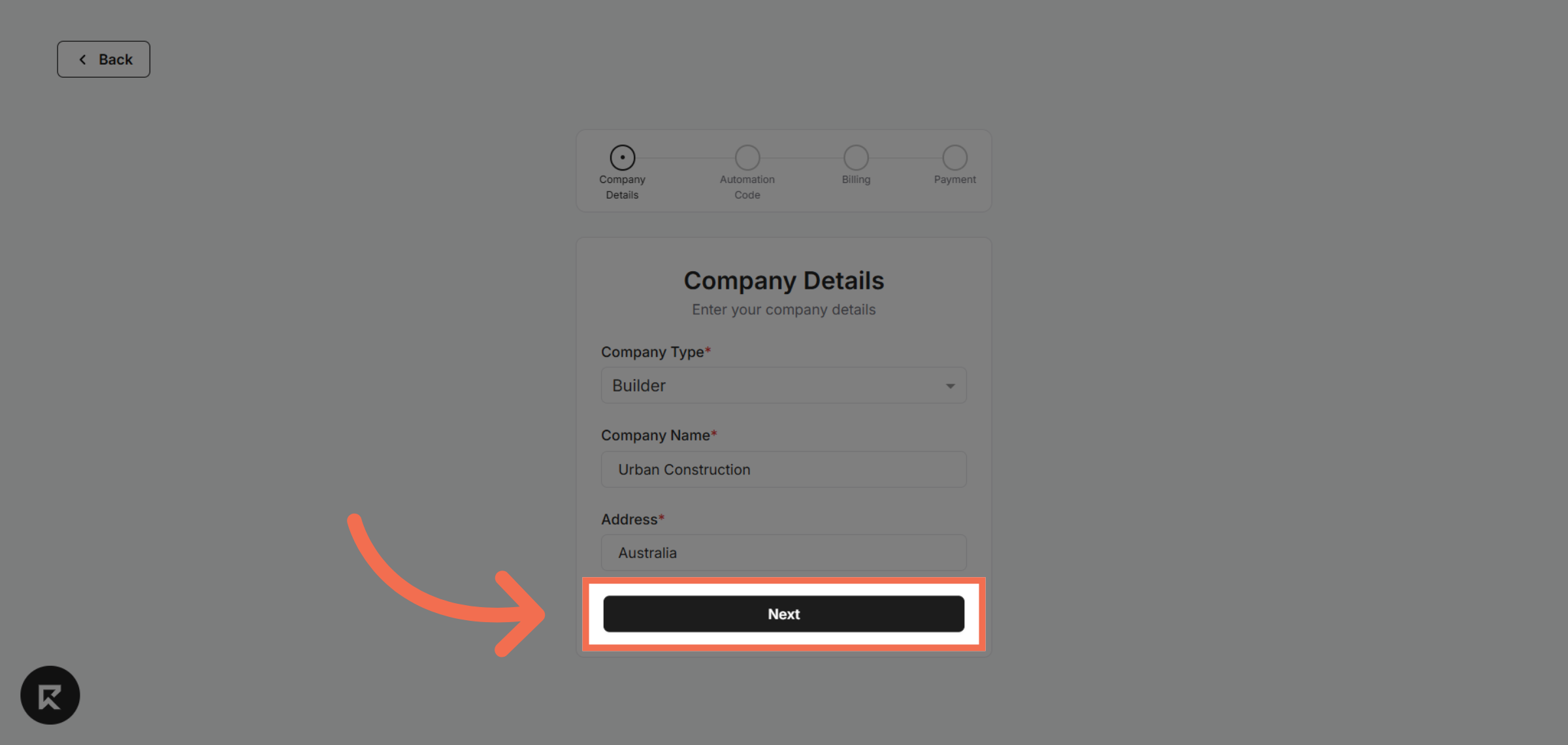
6. Proceed to Next Step
Click Next to continue to the following stage of the company creation process.
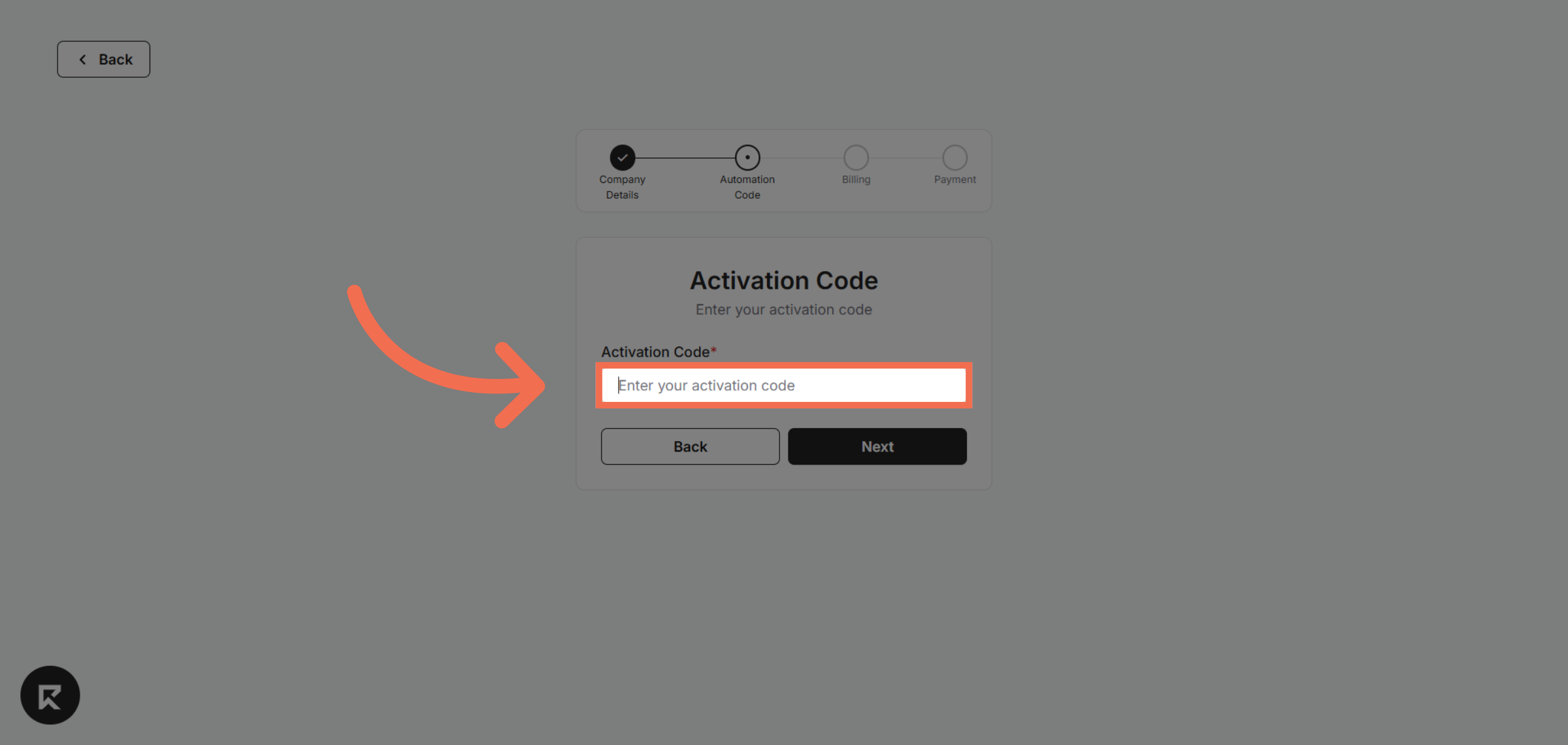
7. Enter Activation Code
Click the field labeled Enter your activation code to input your unique code for account activation.
8. Continue to Next Step
Click Next to proceed after entering your activation code and confirm your details.
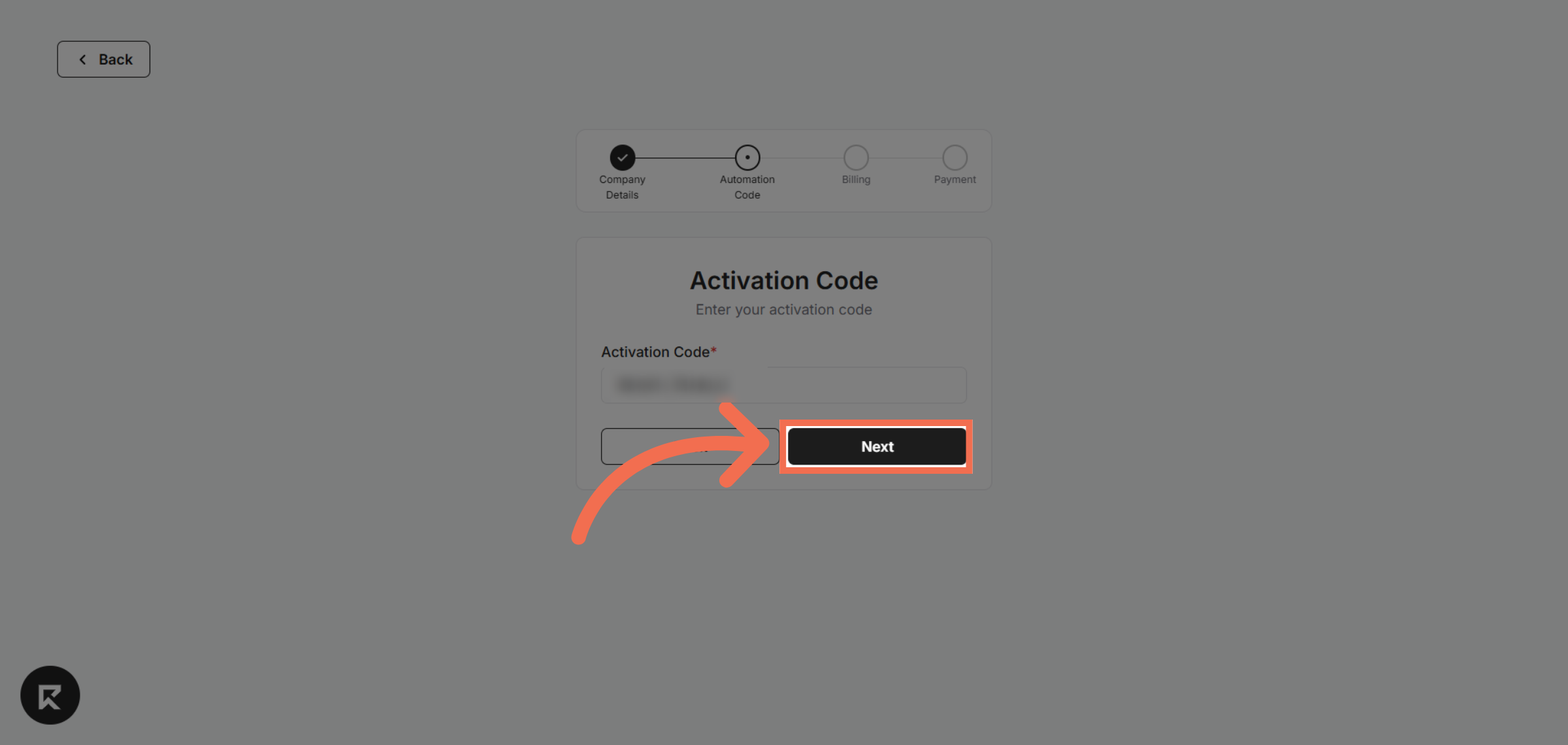
9. Advance to Next Screen
Click Next to move forward in the setup process and finalize your company information.
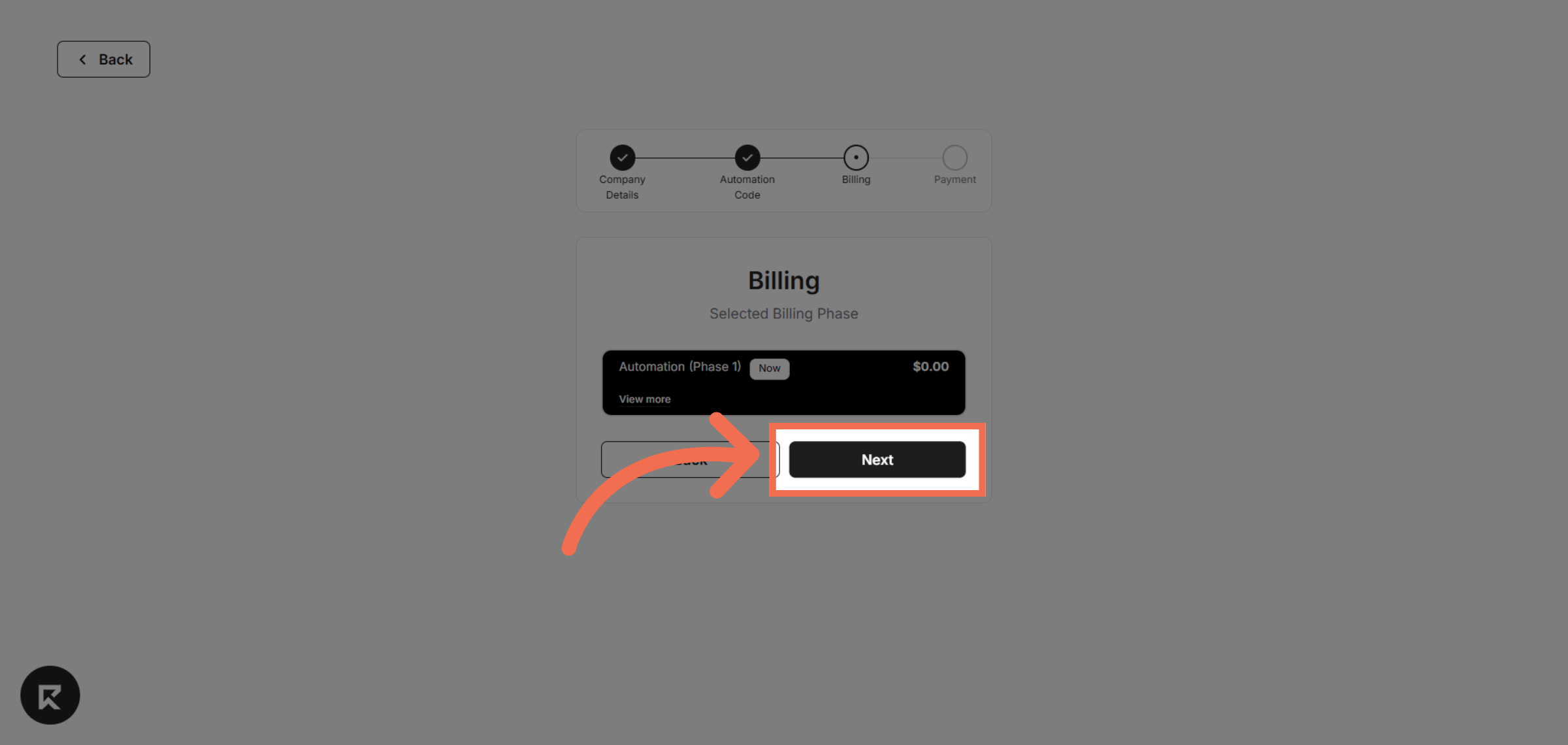
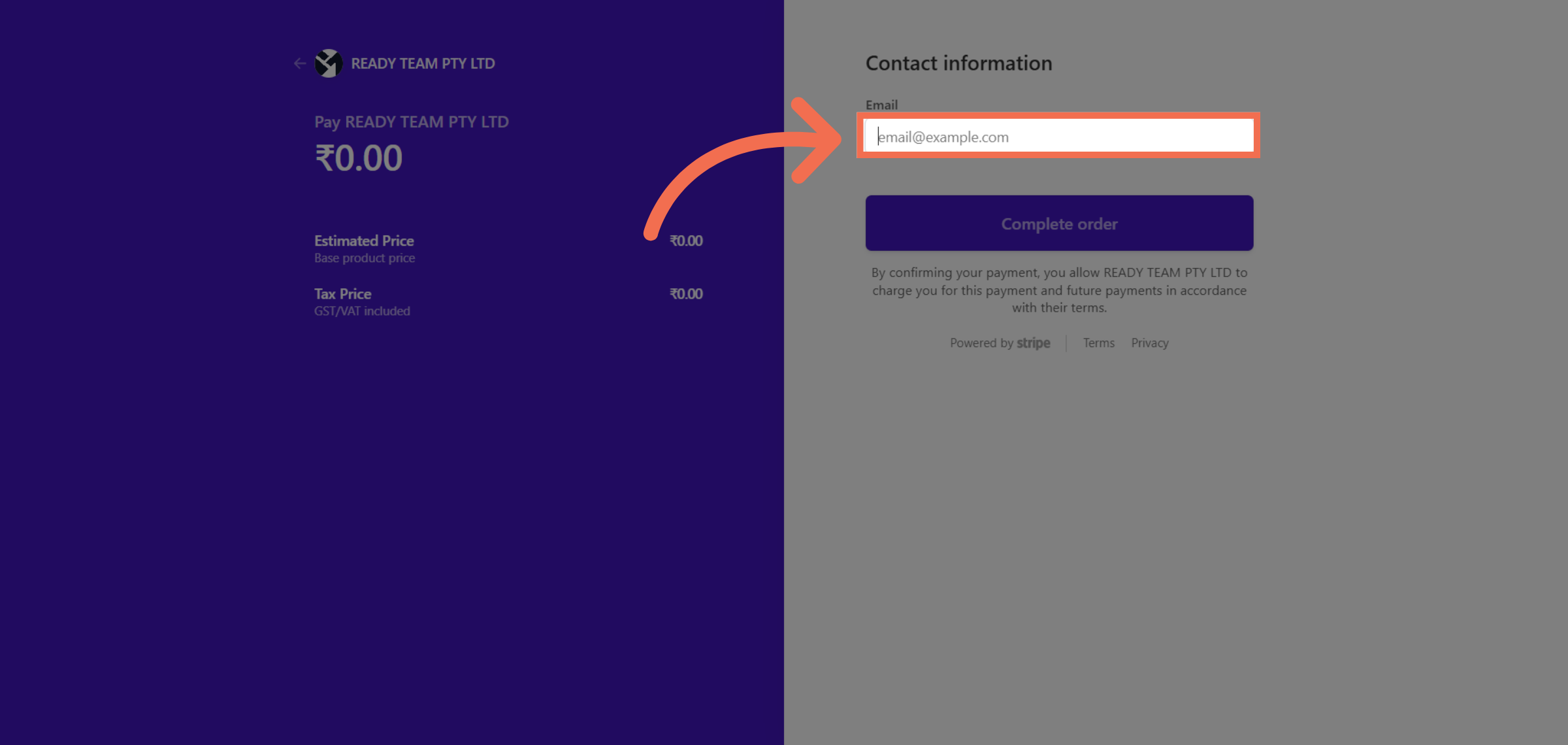
10. Enter Email Address
Click the Email field to enter your contact email for billing and communication purposes.
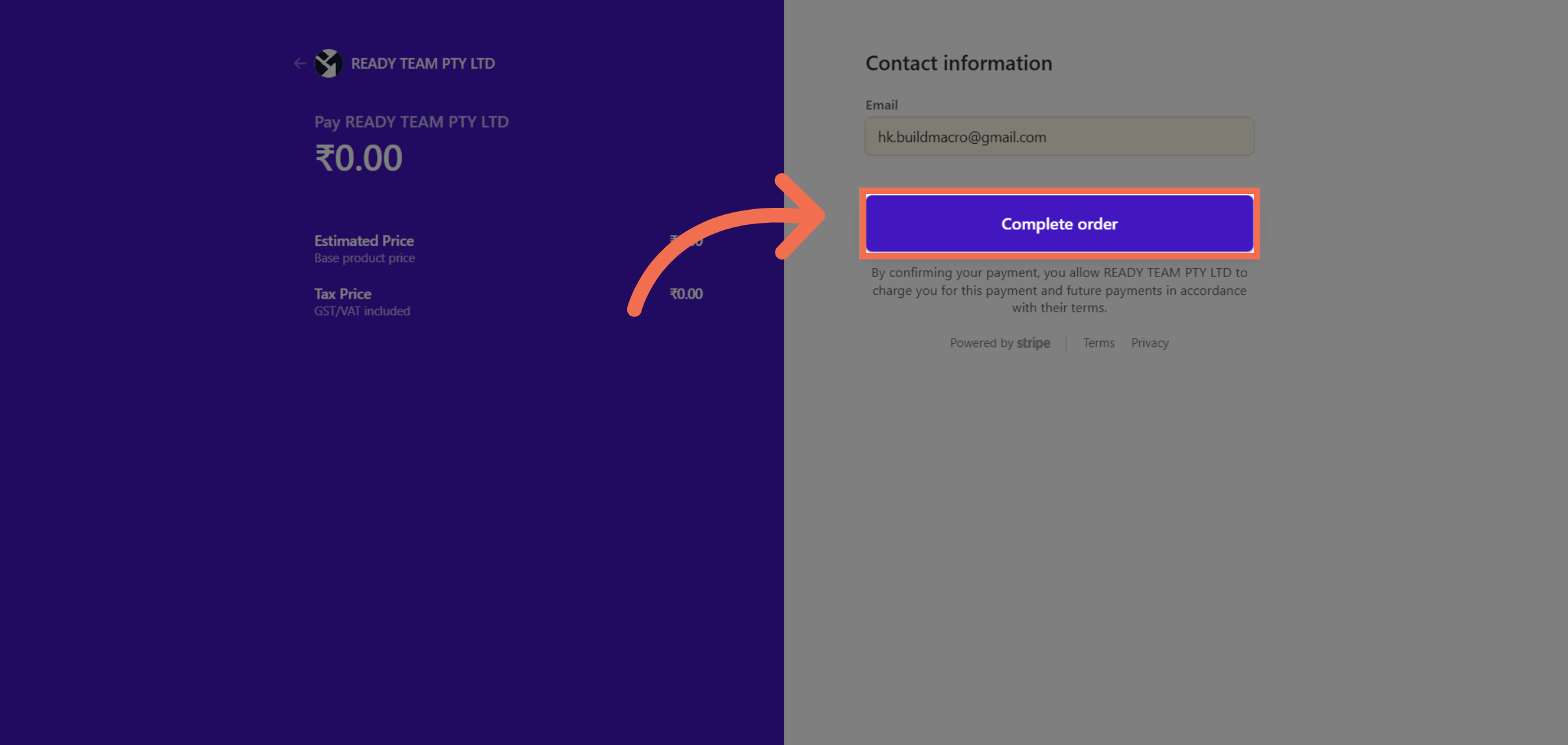
11. Confirm Payment Details
Click here to confirm your payment details and proceed with the transaction securely.
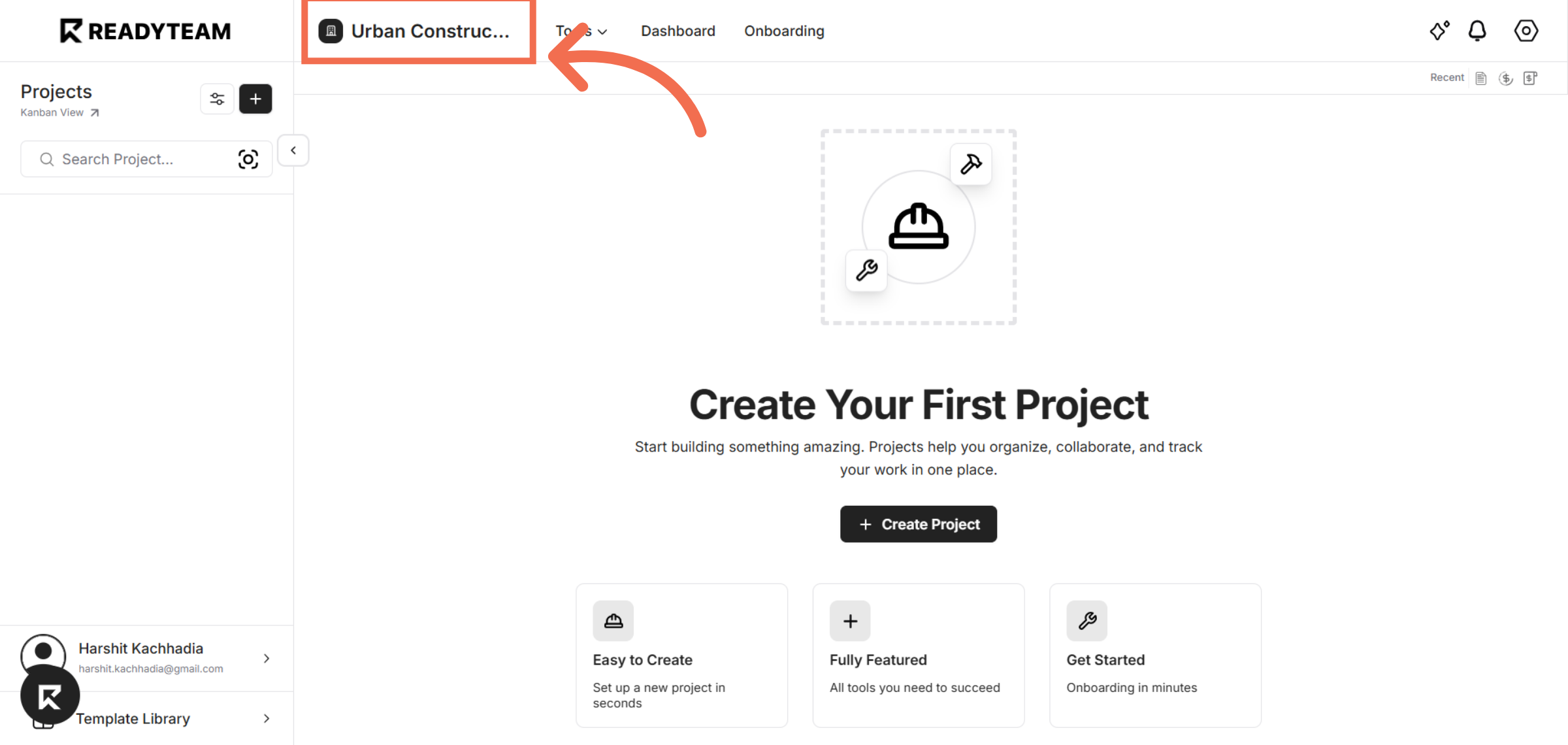
12. Notice that Company is Created
Switch back to the Readyteam application to continue setting up your company environment.
This demo demonstrated how to efficiently create a company profile in Readyteam, from entering company details to completing payment and starting your first project. Begin your journey with Readyteam today to streamline your business setup and collaboration.