How to Sign In to ReadyTeam Using an Email Sign-In Code ?

This demo shows how to sign in to ReadyTeam using an email sign-in code.
Go to app.readyteam.ai
1. Select Email Sign-In Option
Click the Email option to start the sign-in process using your email address.
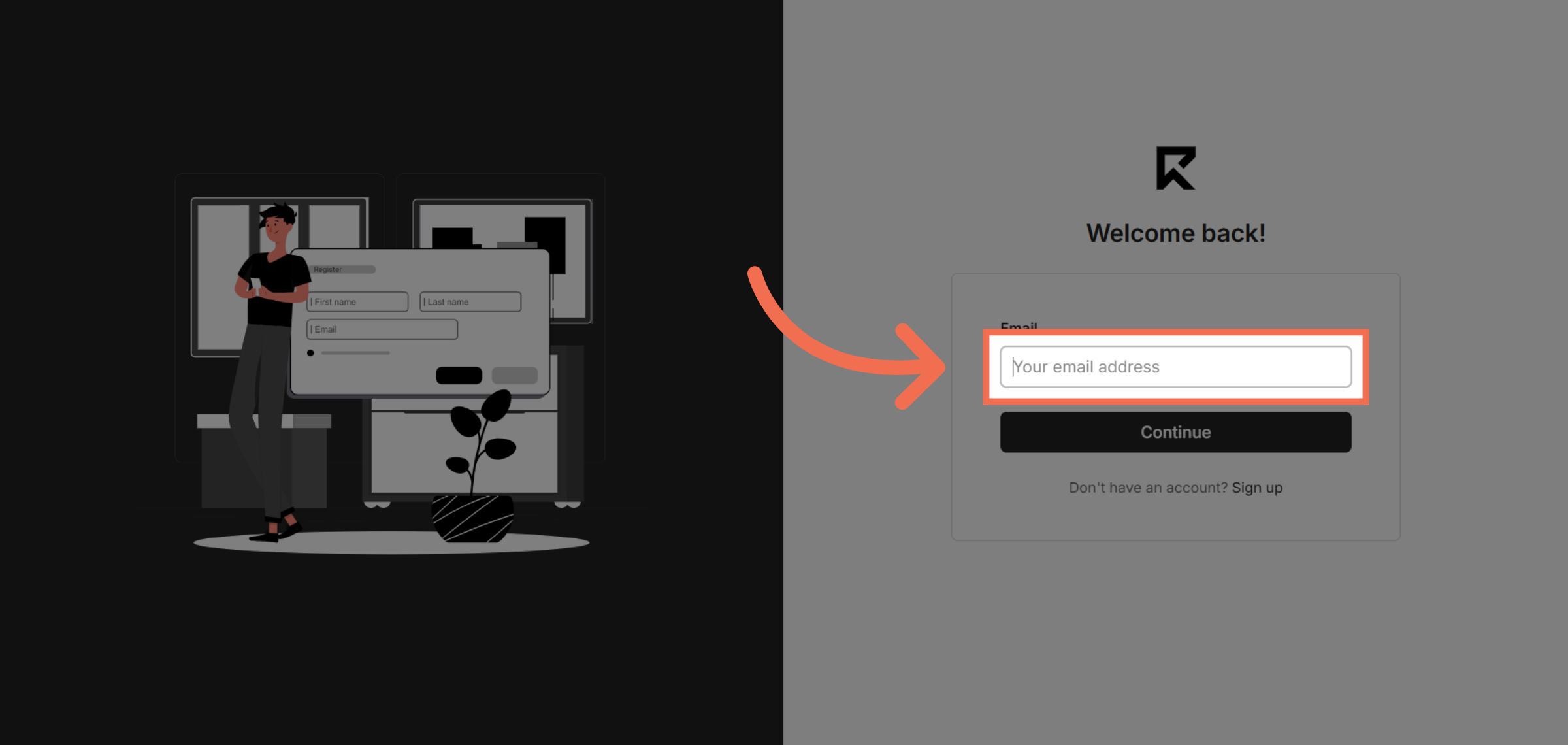
2. Enter Your Email Address
Enter your email address to receive a sign-in code for secure access.
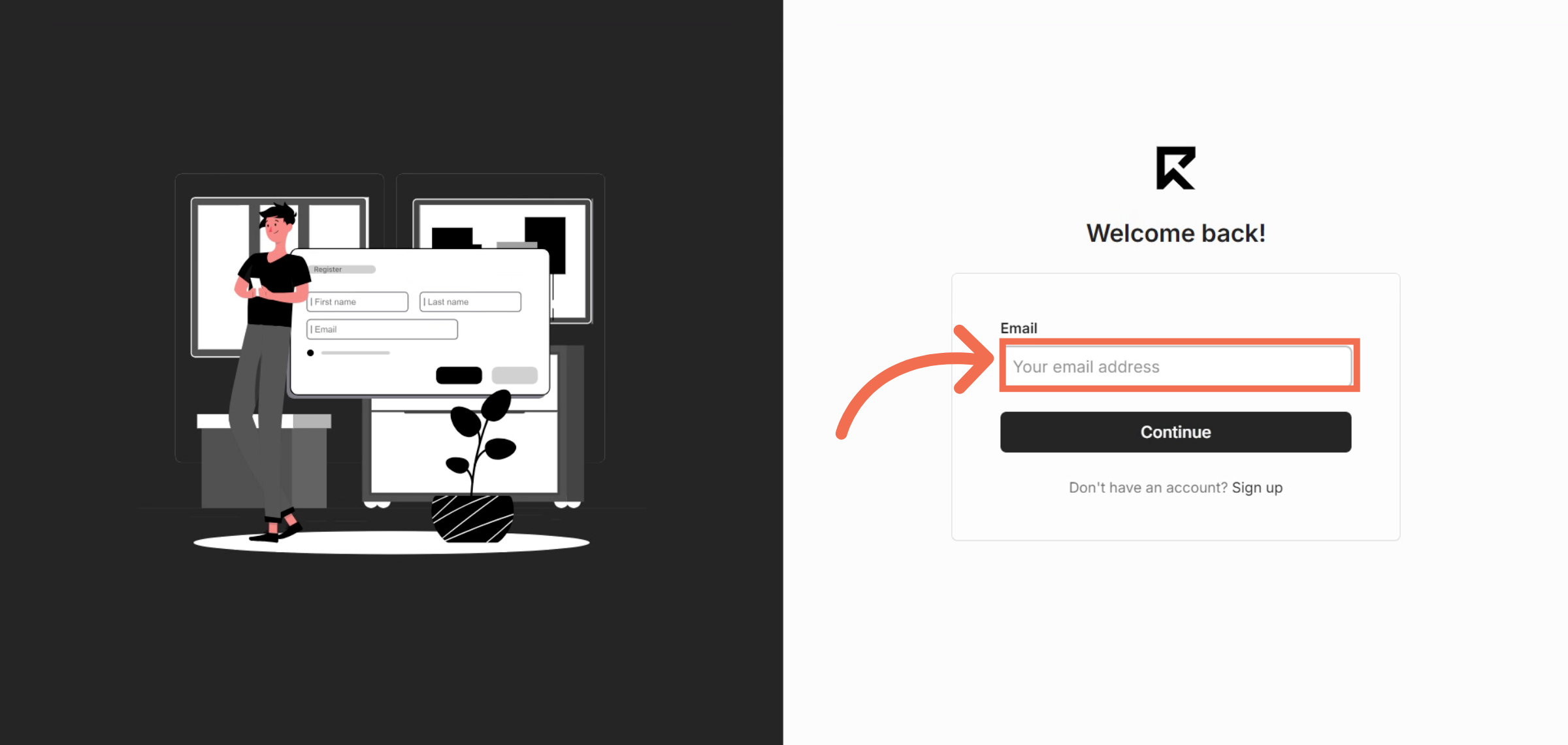
3. Proceed With Continue Button
Click the Continue button to move forward and request your email sign-in code.
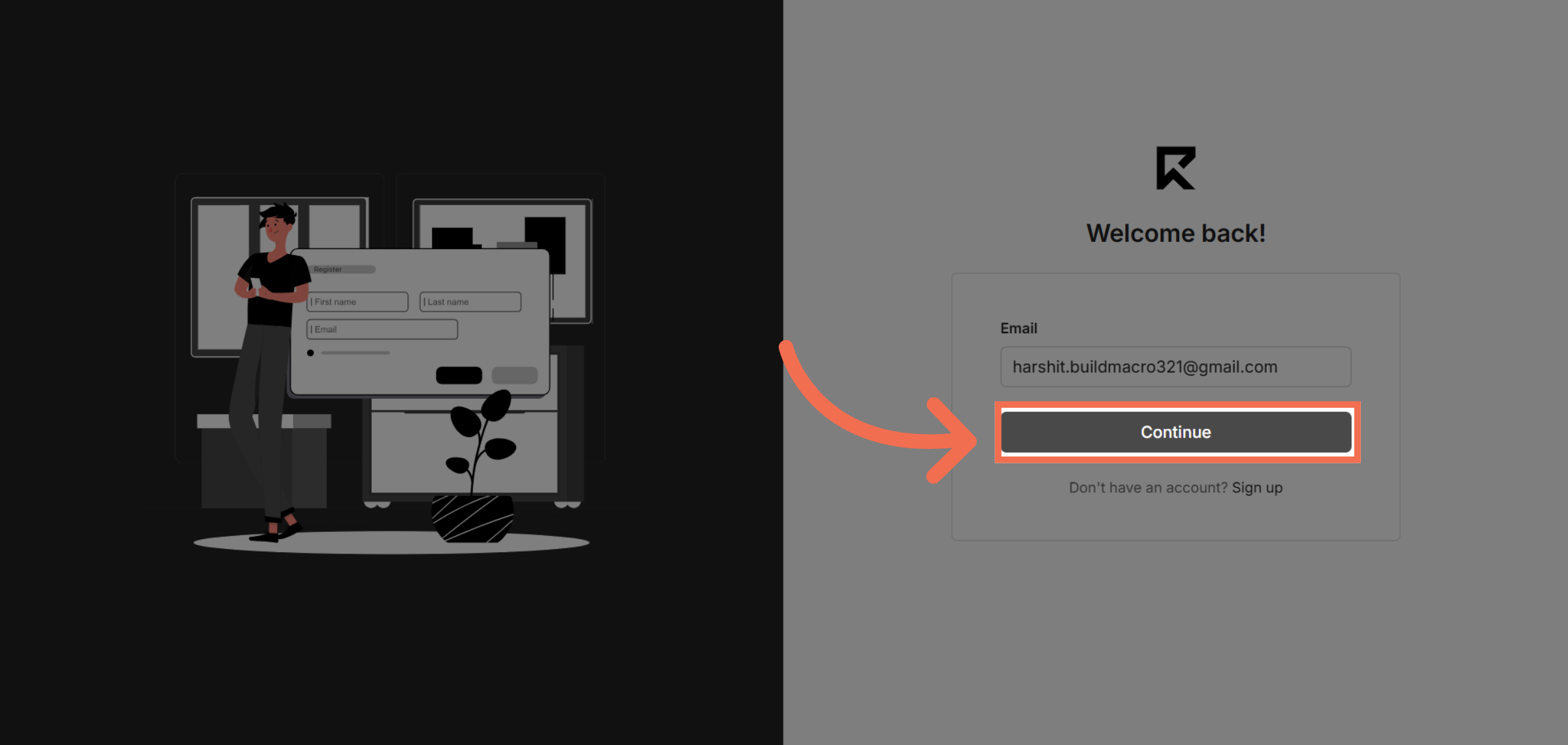
4. Choose Email Sign-In Code
Select the Email sign-in code option to receive a code via email for authentication.
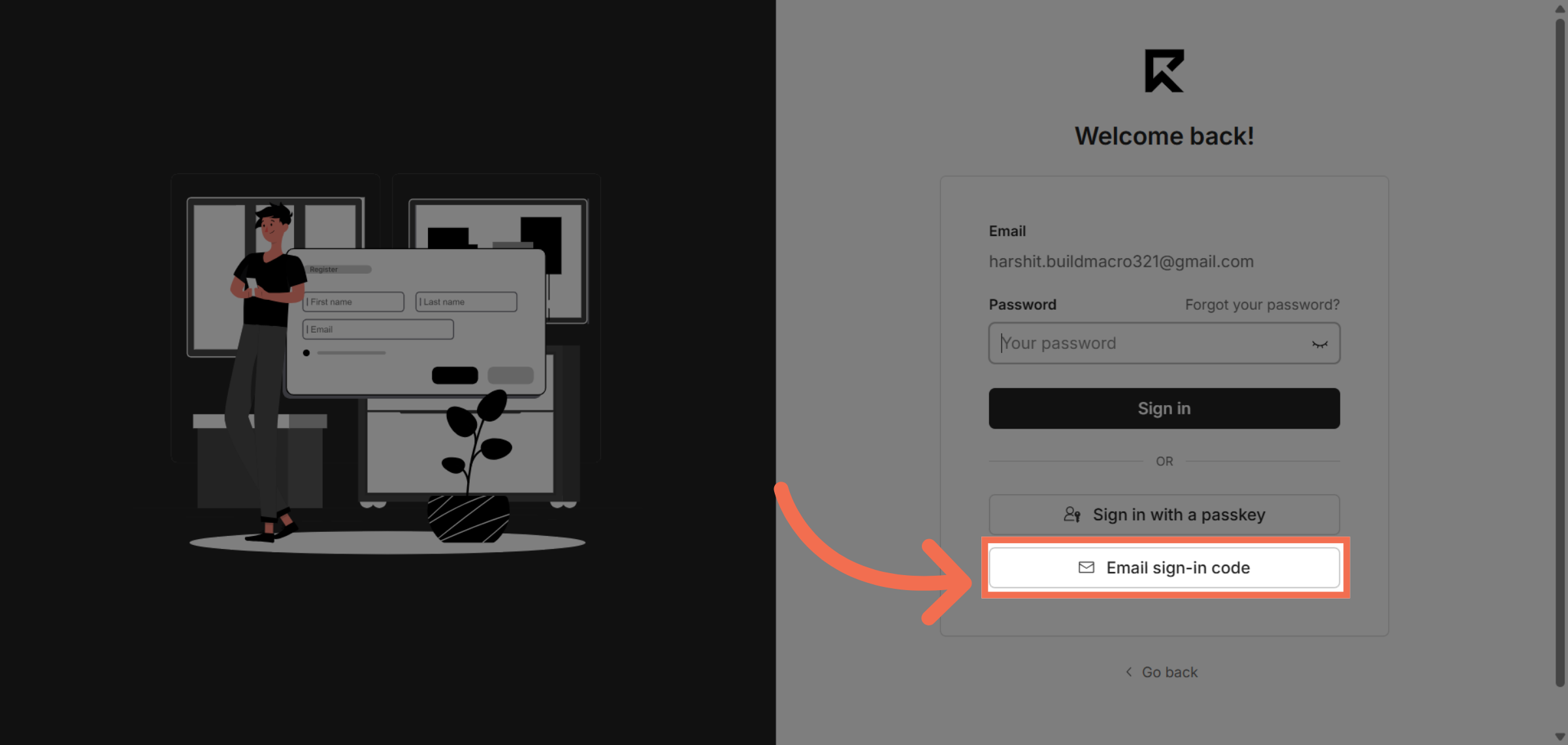
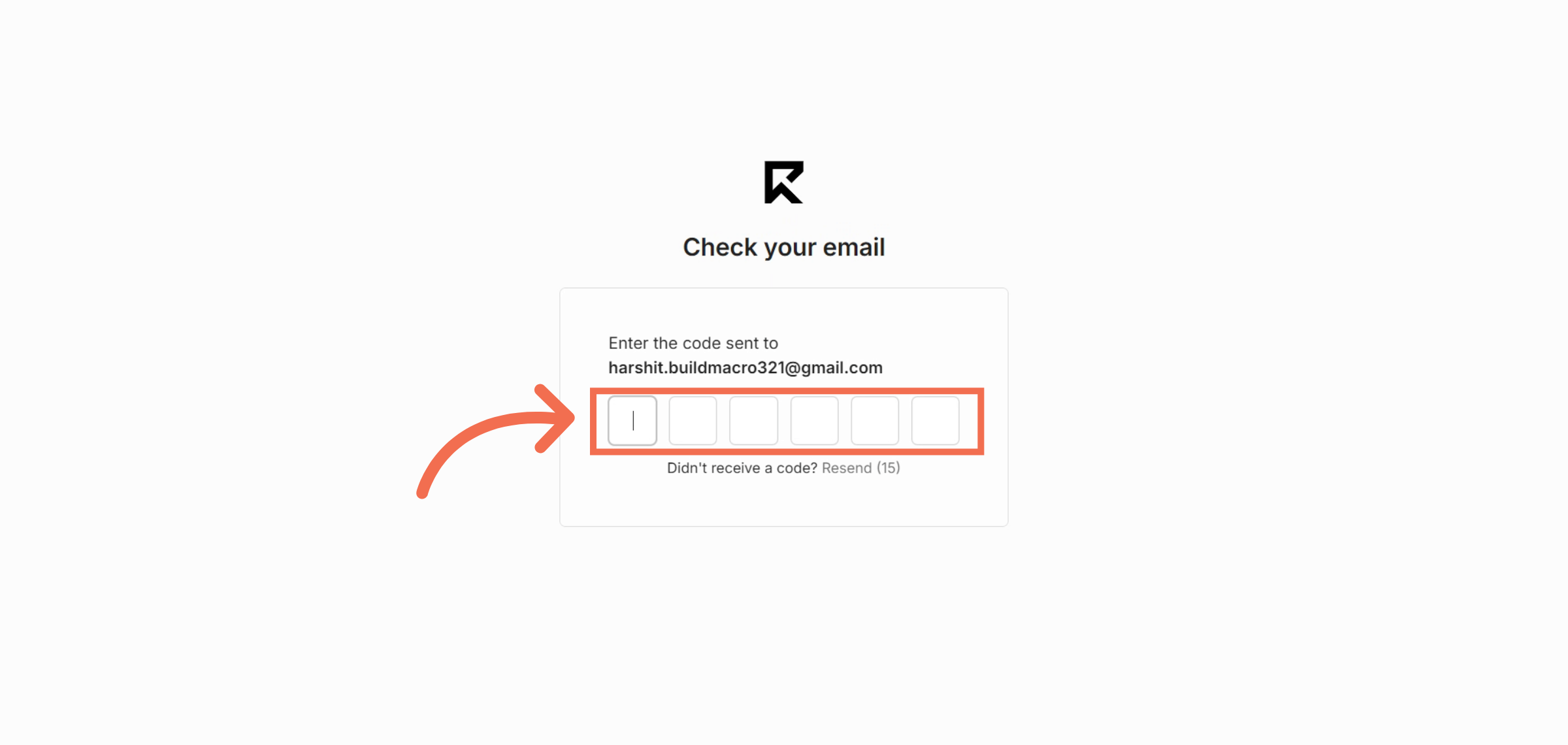
5. Input Sign-In Code
Enter the sign-in code you received in your email to verify your identity.
6. You are Successfully logged into ReadyTeam
Switch to the ReadyTeam application to continue after successful code verification.
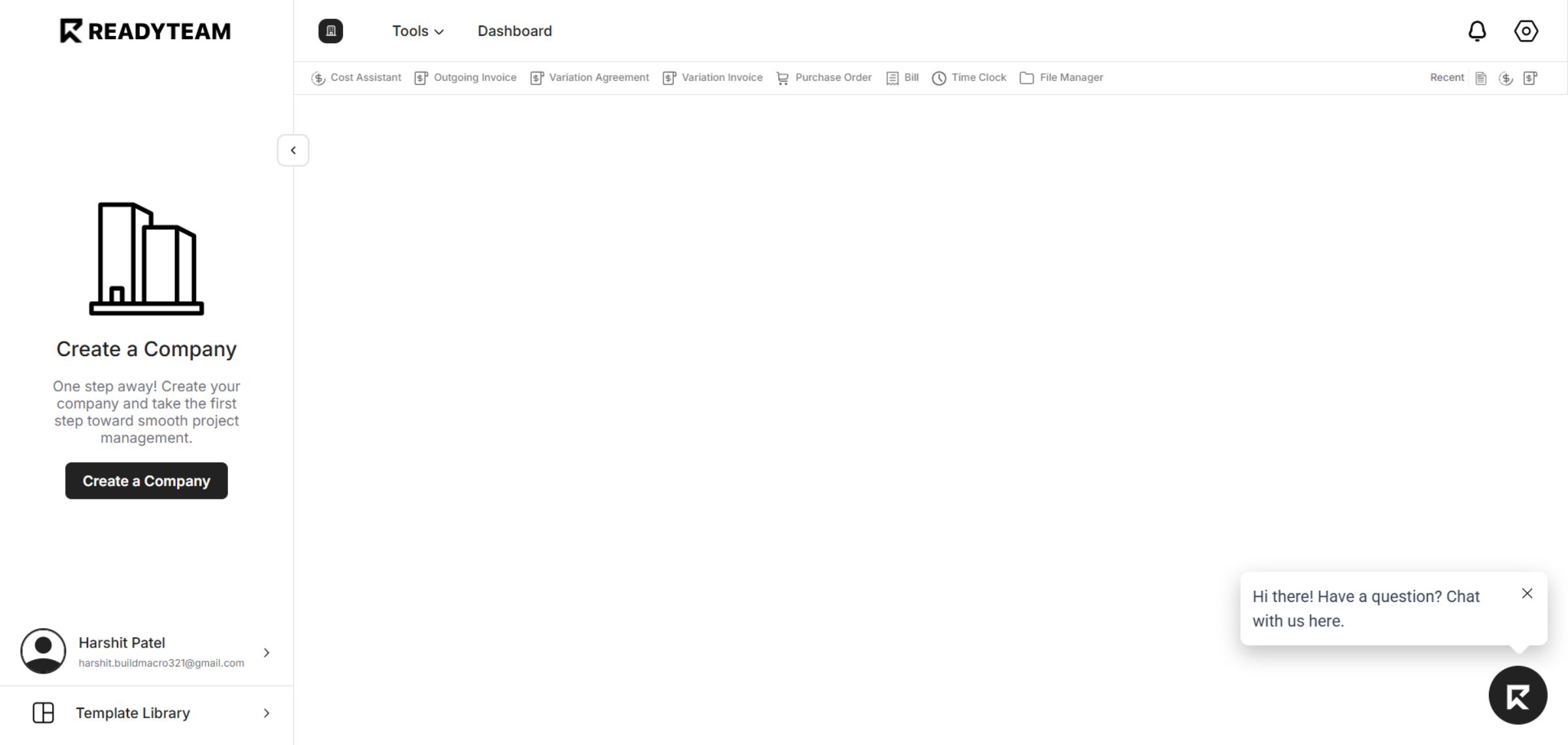
This demo demonstrated how to securely sign in to ReadyTeam using an email sign-in code and begin managing your projects efficiently. Start your ReadyTeam experience today by creating your company profile and exploring the dashboard.