How to Sign In to ReadyTeam Using a Password ?
This demo showcases how to sign in to ReadyTeam using your password.
Go to app.readyteam.ai
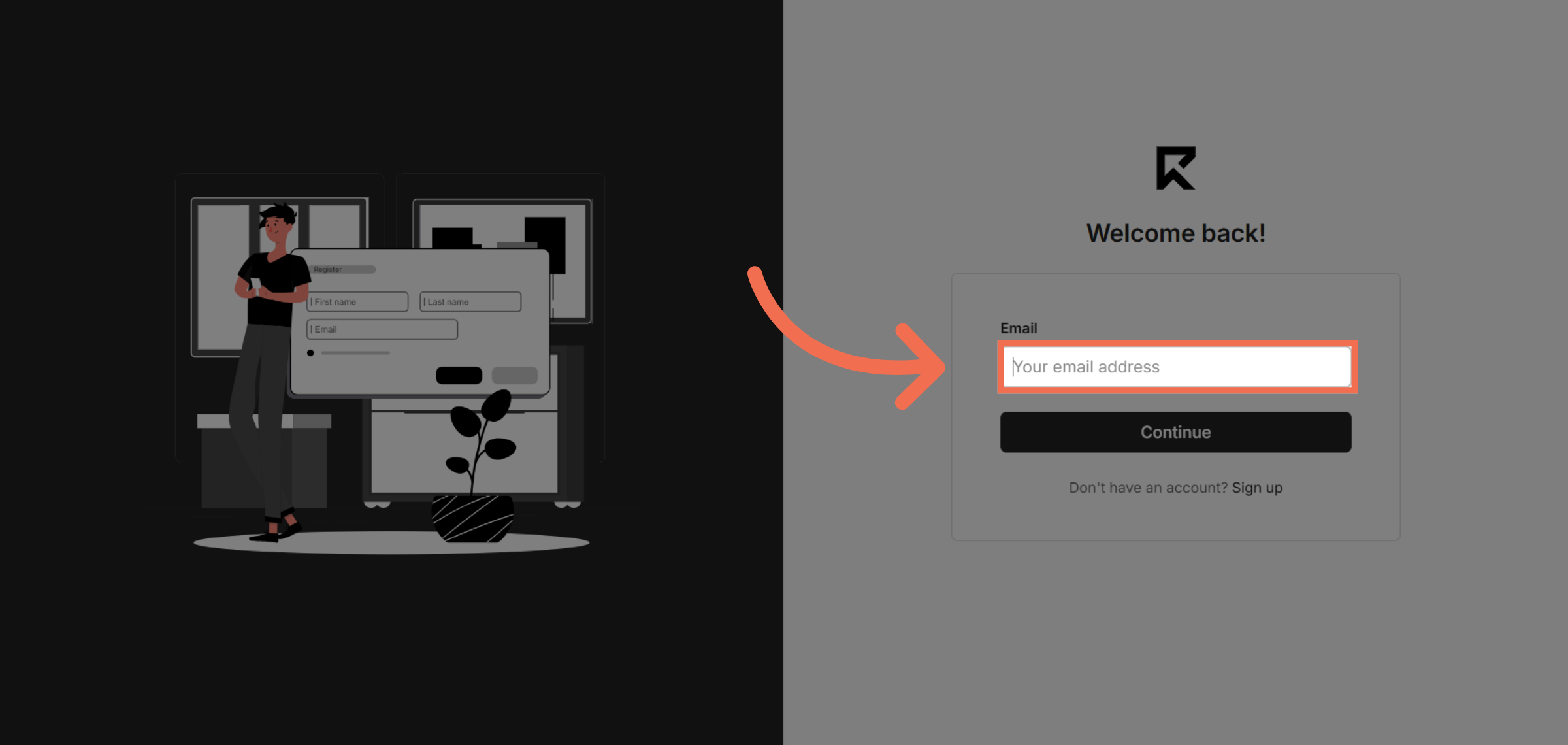
1. Enter Your Email Address
Enter the Email field to begin the sign-in process.
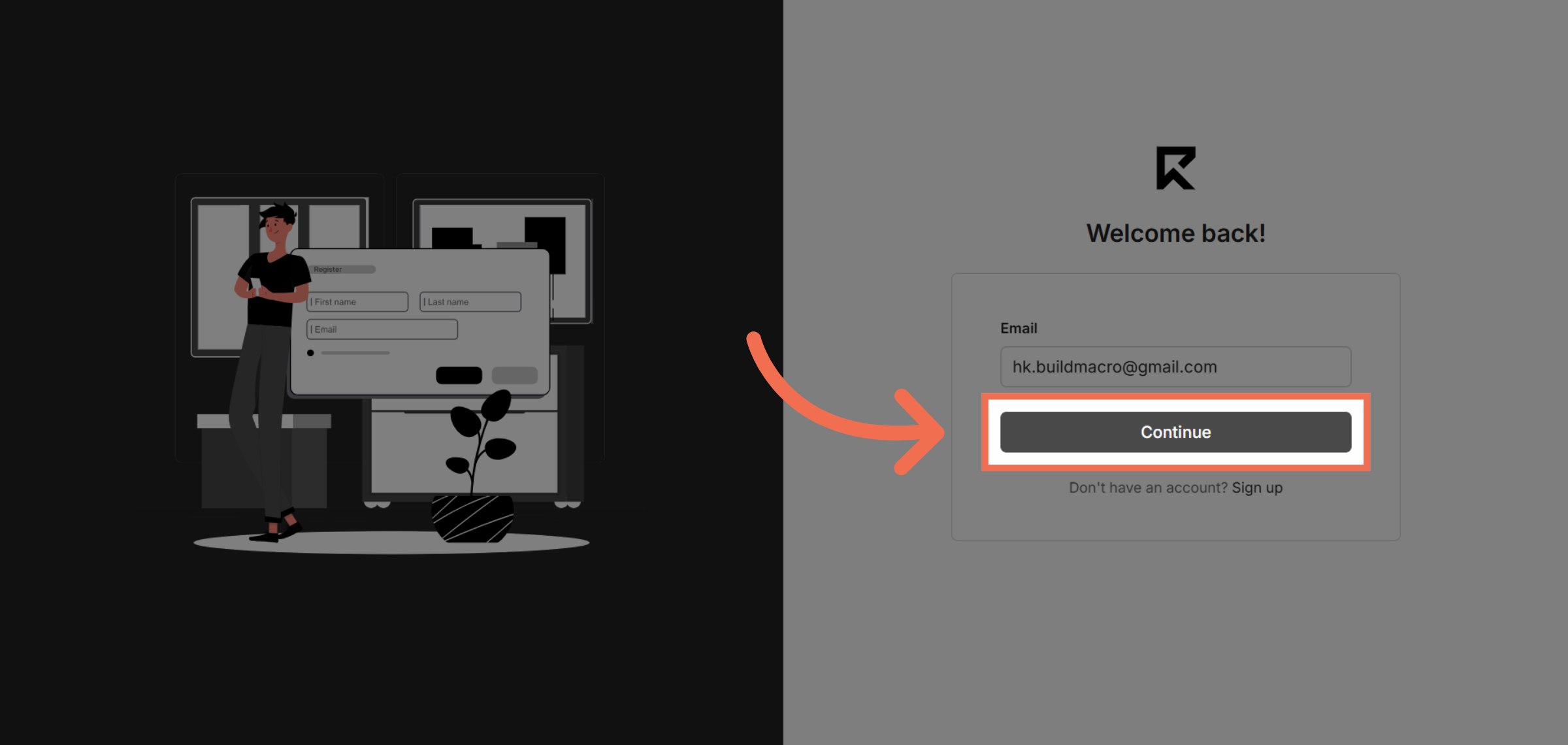
2. Click Continue Button
Click the Continue button to move to the password entry step.
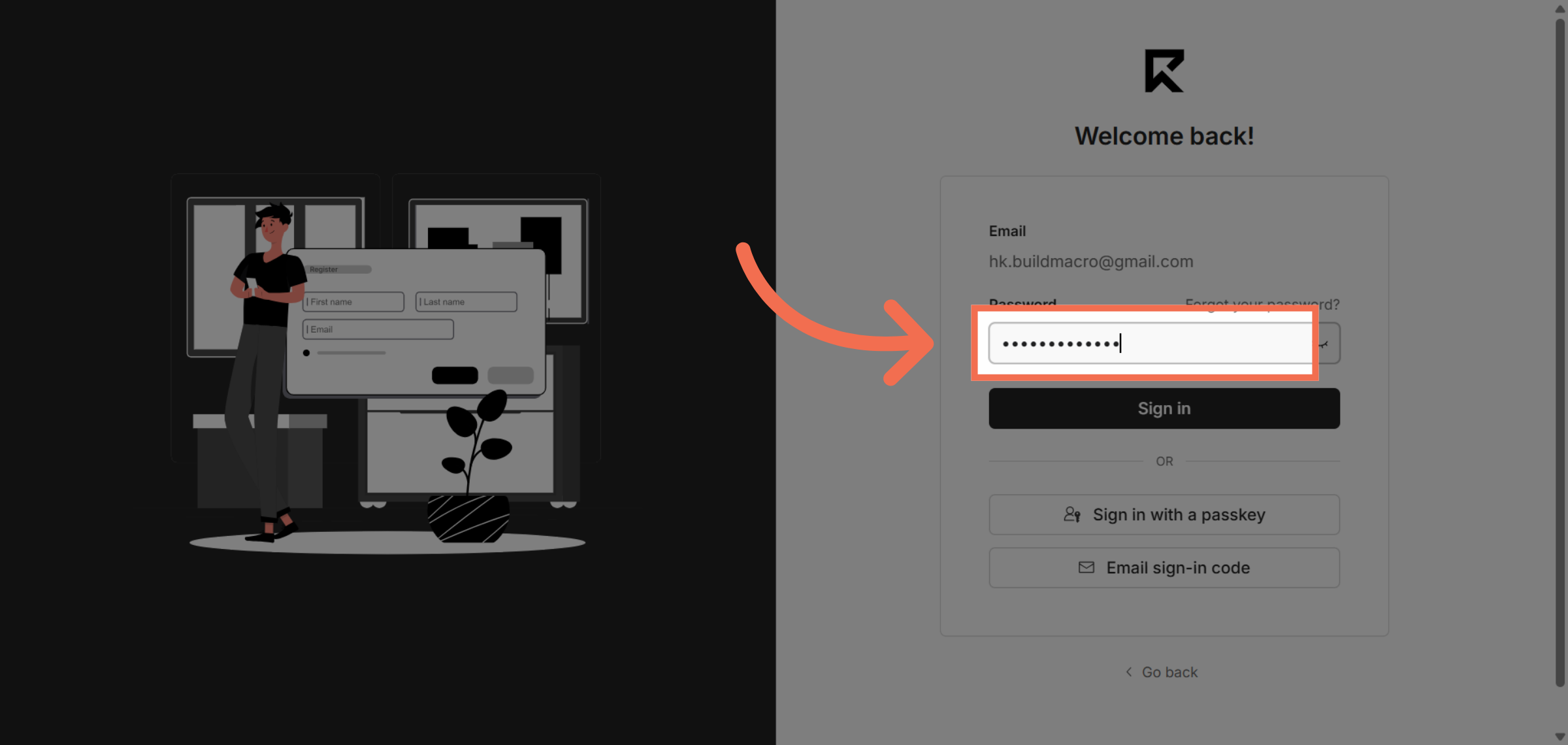
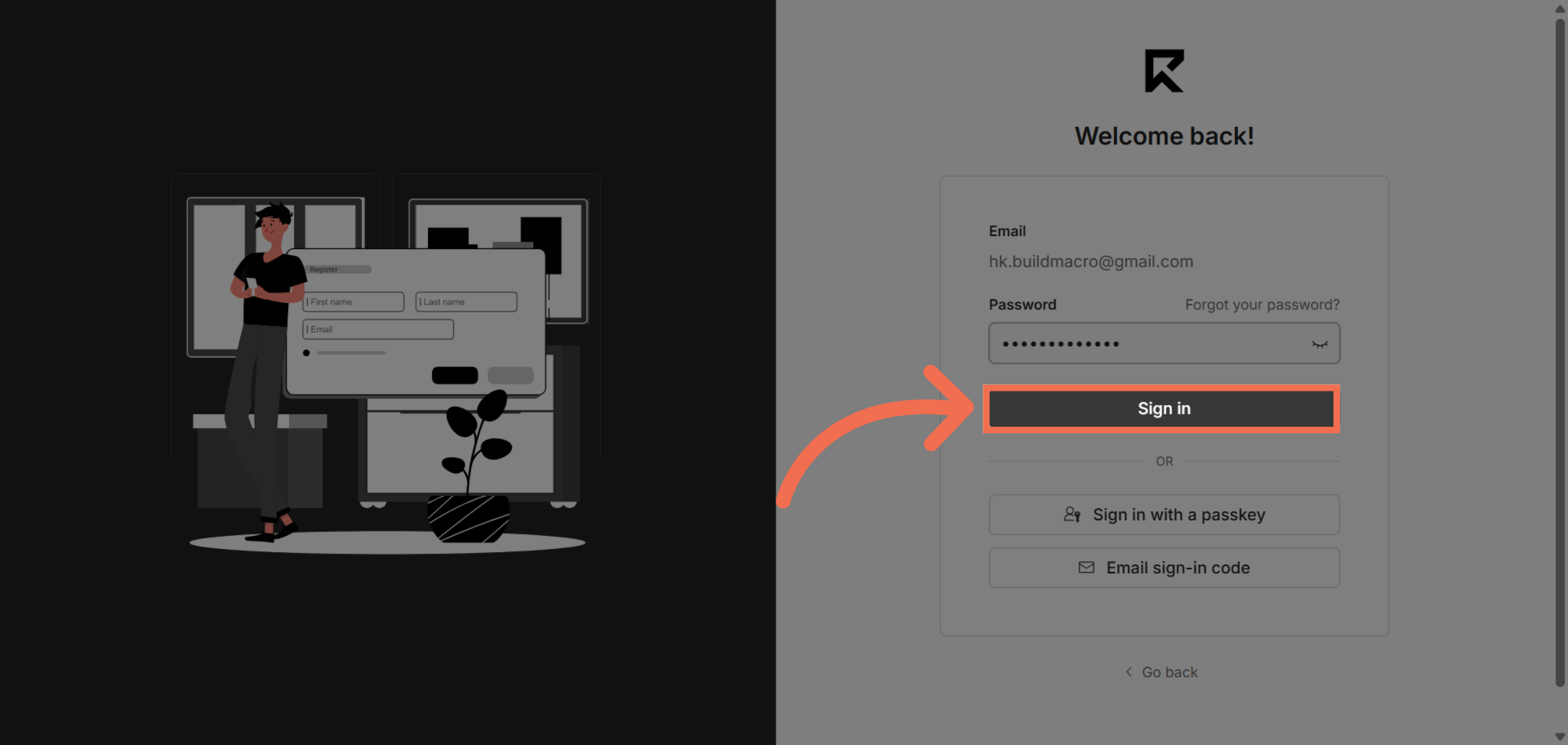
3. Enter Password
Enter the Password of your ReadyTeam account
4. Click Sign In Button
Click the Sign In button to submit your credentials and access your account.
5. You are Successfully logged into ReadyTeam
You are Successfully logged into ReadyTeam Application, Now you can begin using its features.
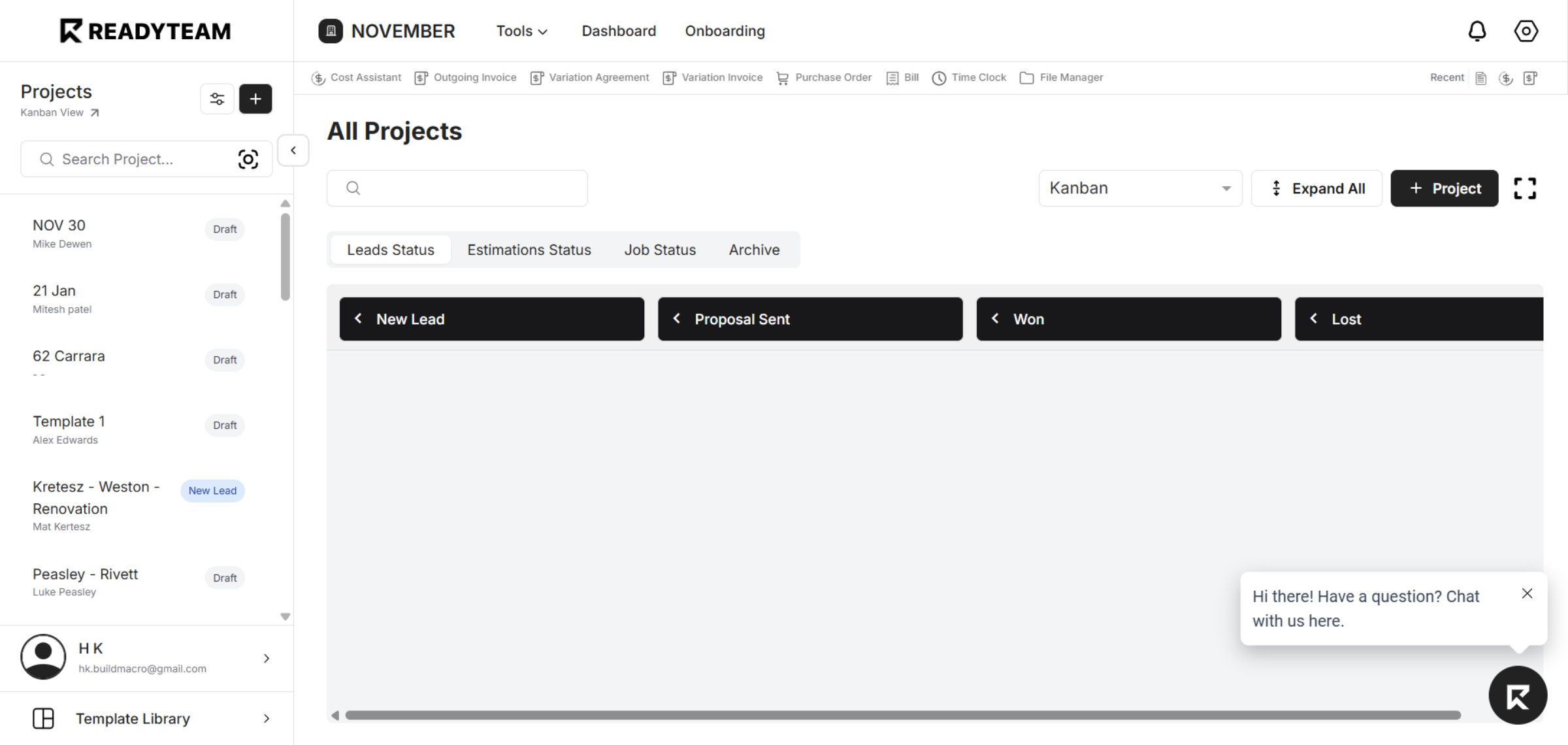
This demo demonstrated how to securely sign in to ReadyTeam using your email and password. After signing in, you can access your dashboard to manage leads and track proposals efficiently.