Change Data Efficiently In AG Grid Table

This demo showcases how to update data within an AG Grid table effectively.
Go to app.readyteam.ai
1. Introduction
You'll see how to interact with various table elements to modify entries seamlessly.
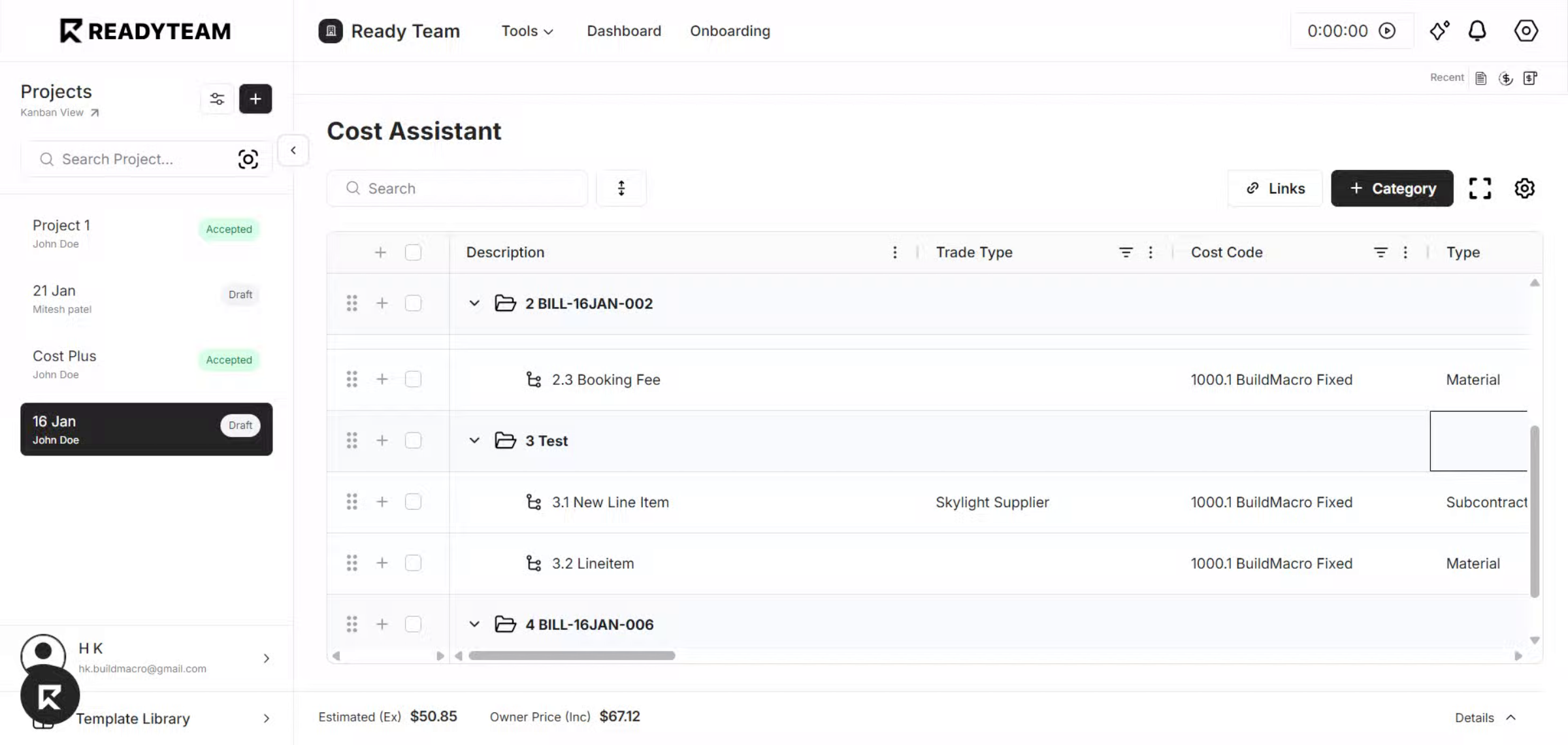
2. Select Cell to Modify
Double-click the cell you want to change, then enter the new value. This is a quick way to update a single cell.
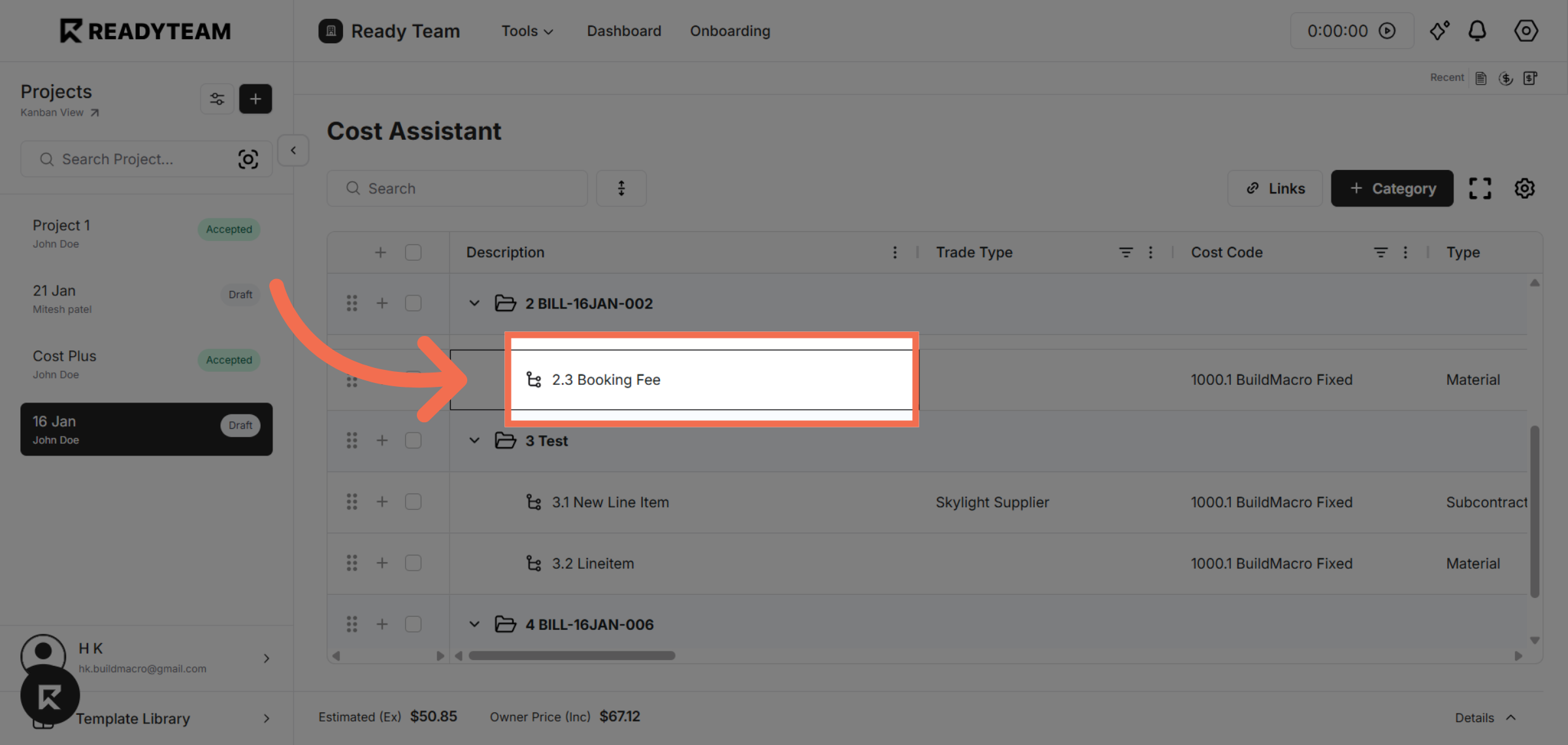
3. Enter the Updated Value
Type the value you want and press Enter to apply the change.
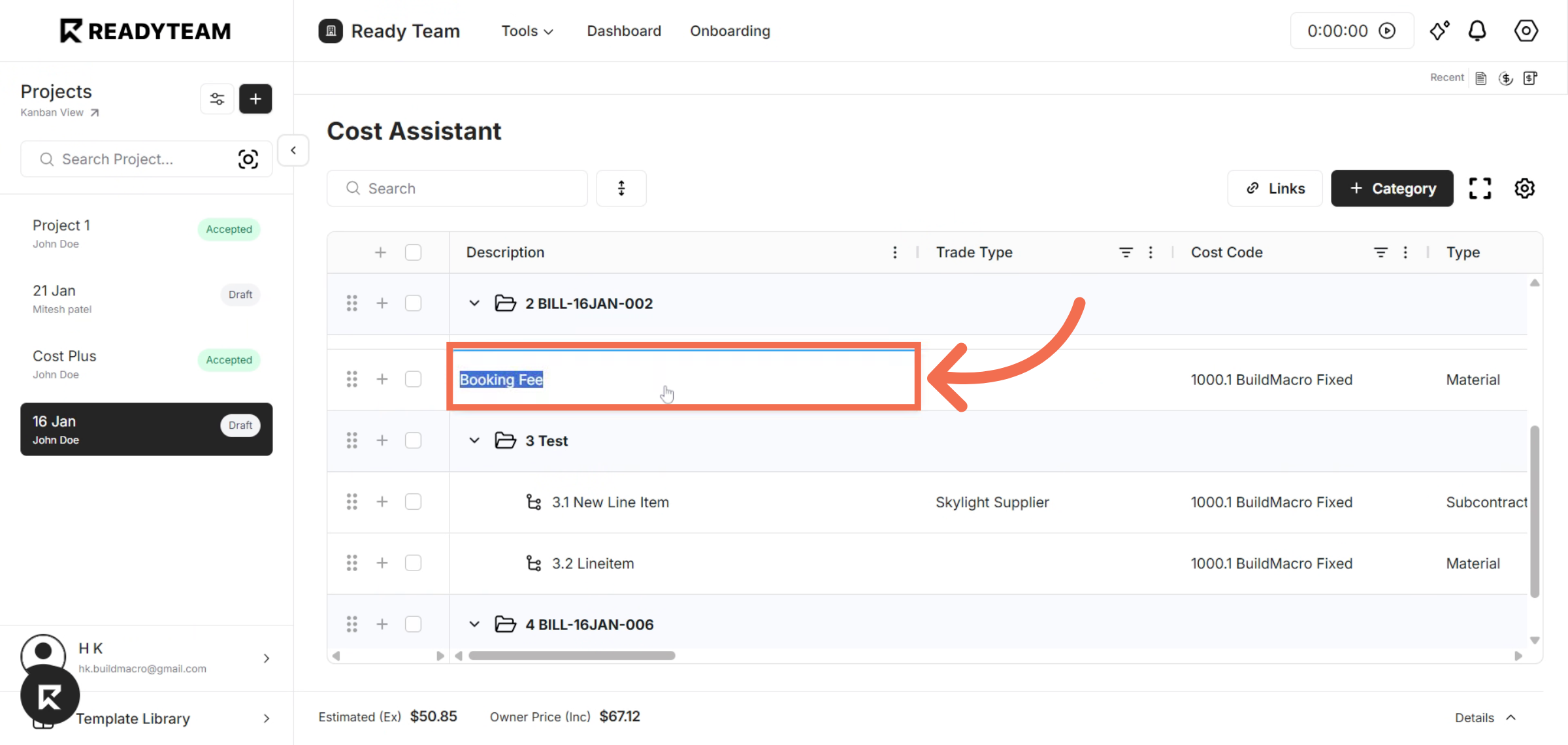
4. Select a Dropdown Cell
Another way to change data is using a single-select dropdown — click the cell to view the available options.
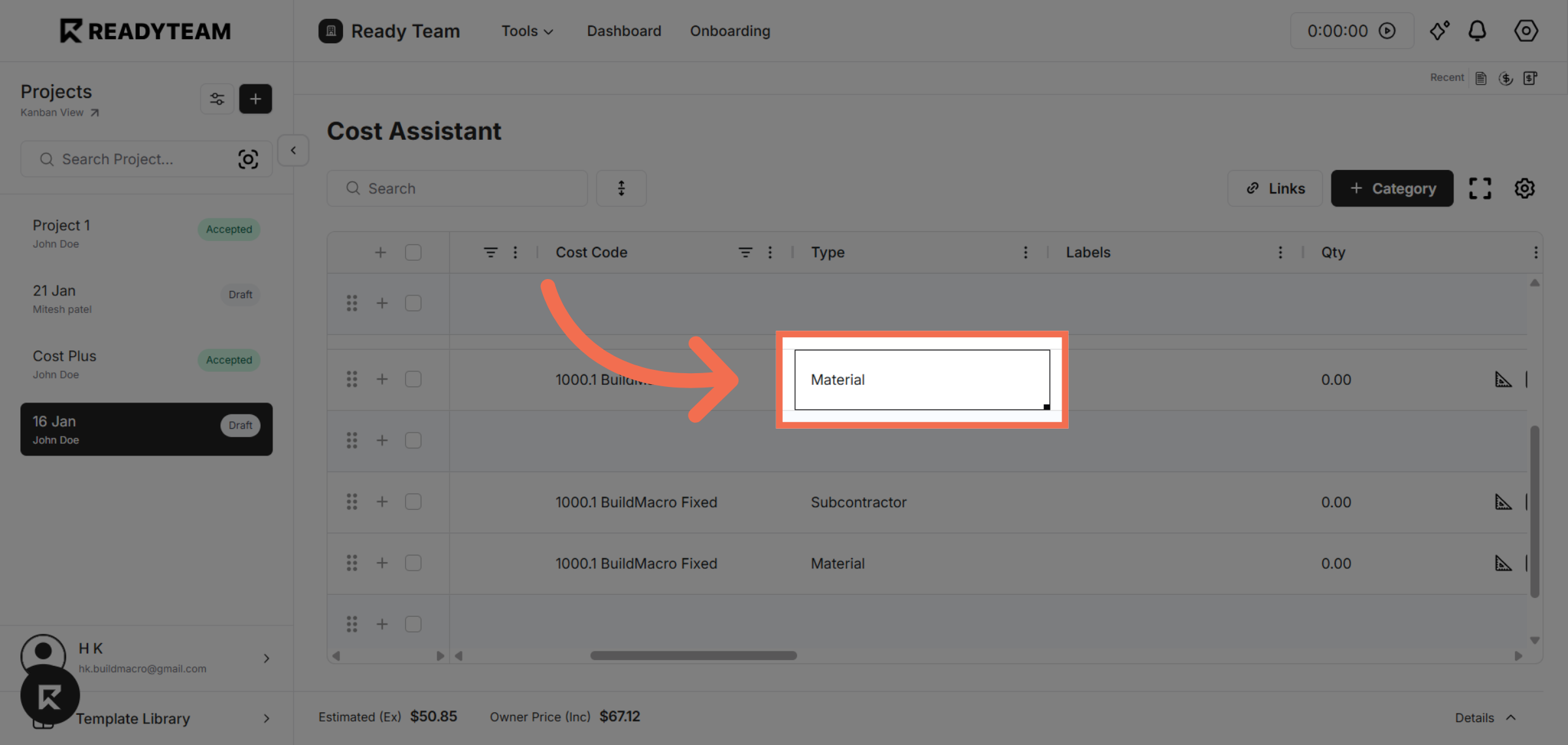
5. Choose a Value from the Dropdown
Pick the value you want from the dropdown list to update the cell.
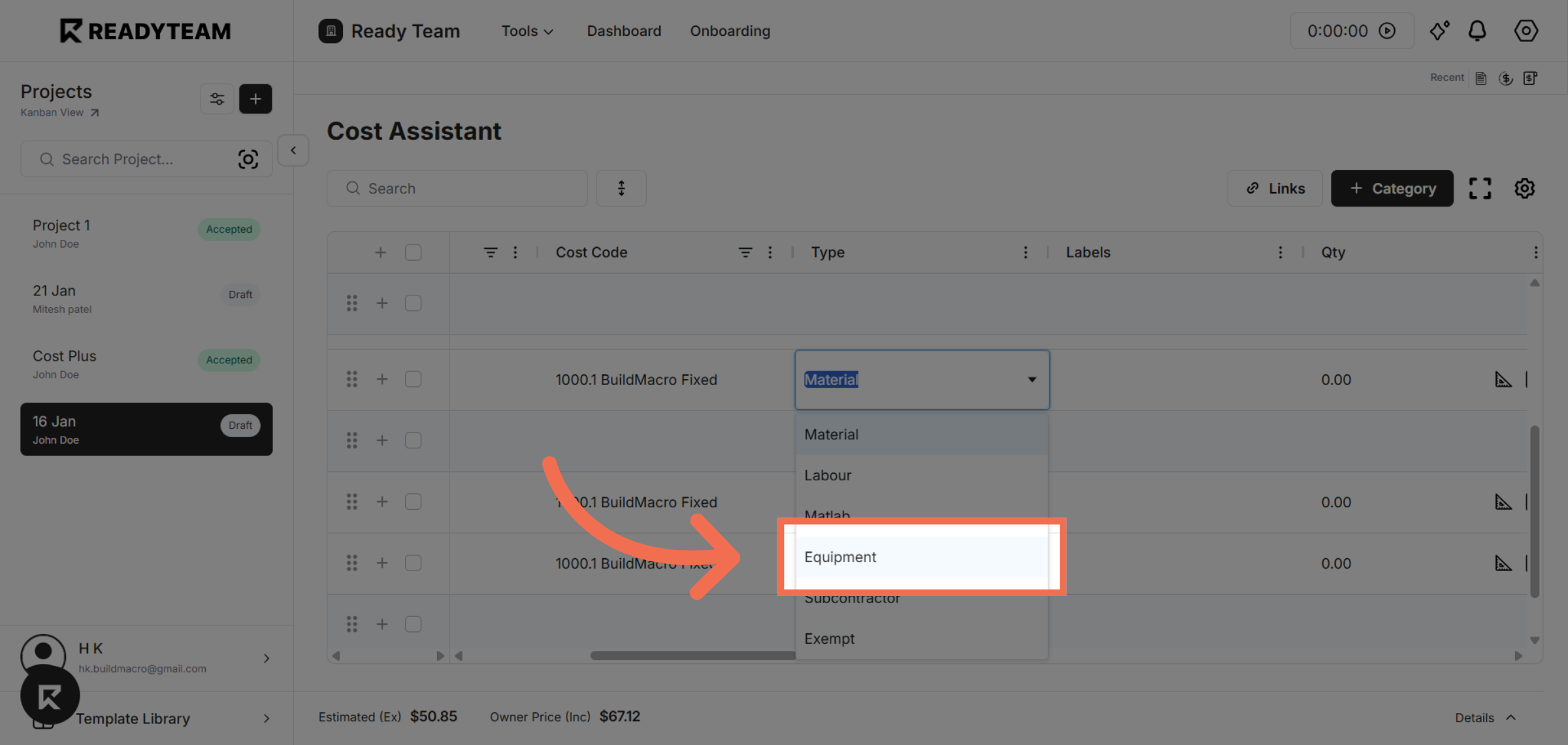
6. Select a Multi-Select Dropdown Cell
To select multiple values at once, click a cell with a multi-select dropdown to start choosing options.
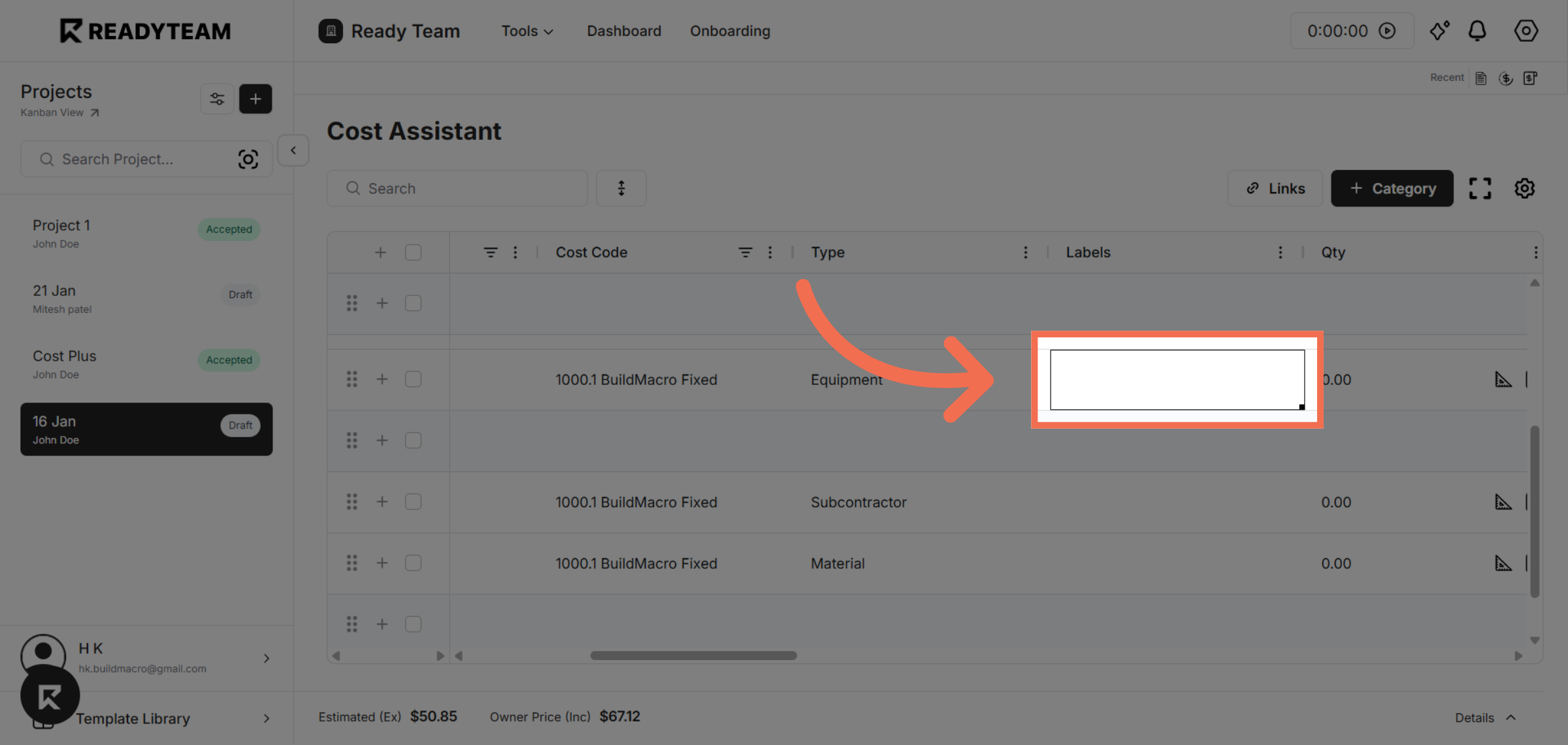
7. Select the First Value
Choose the first option from the multi-select list.
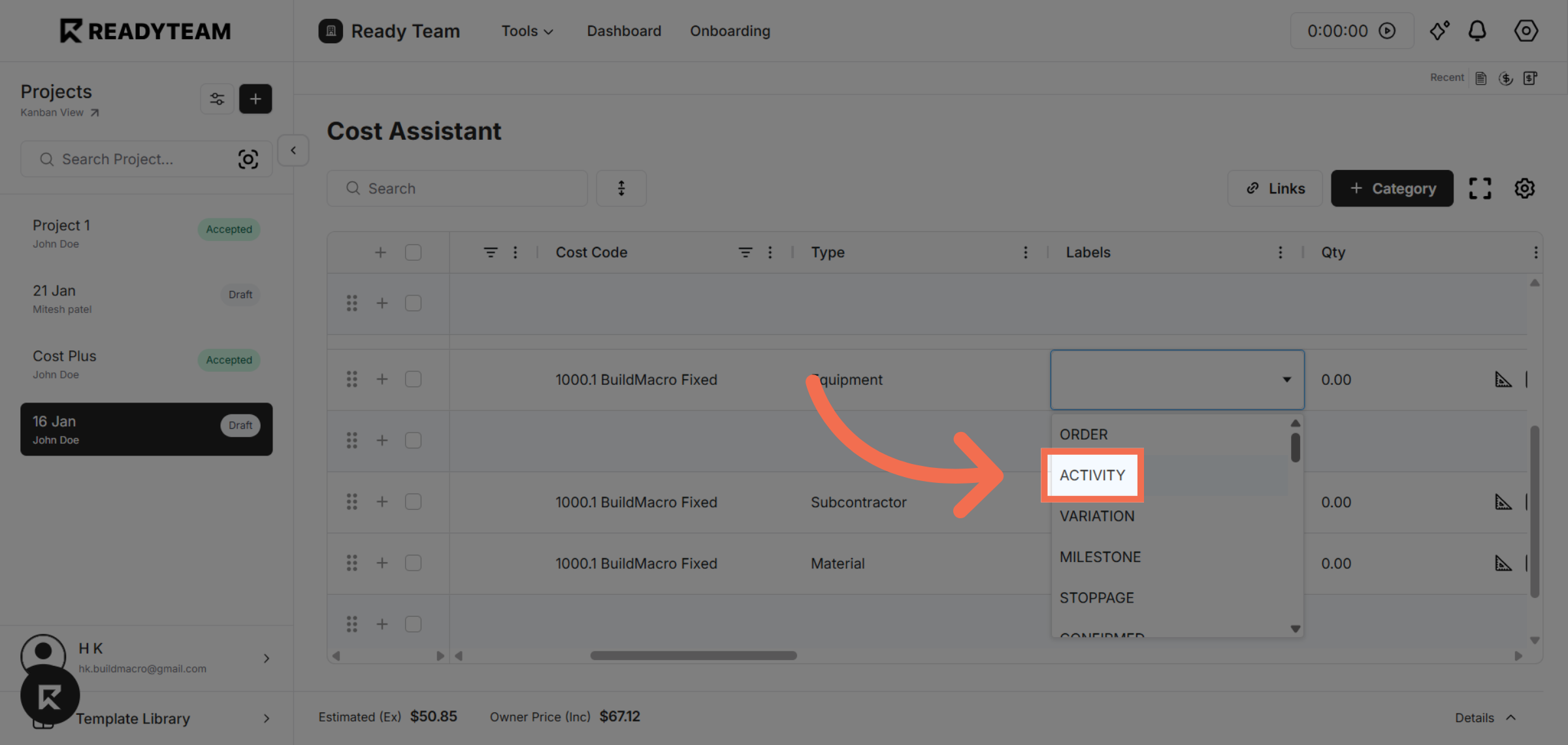
8. Select the Second Value
Pick another option to add it to your selection.
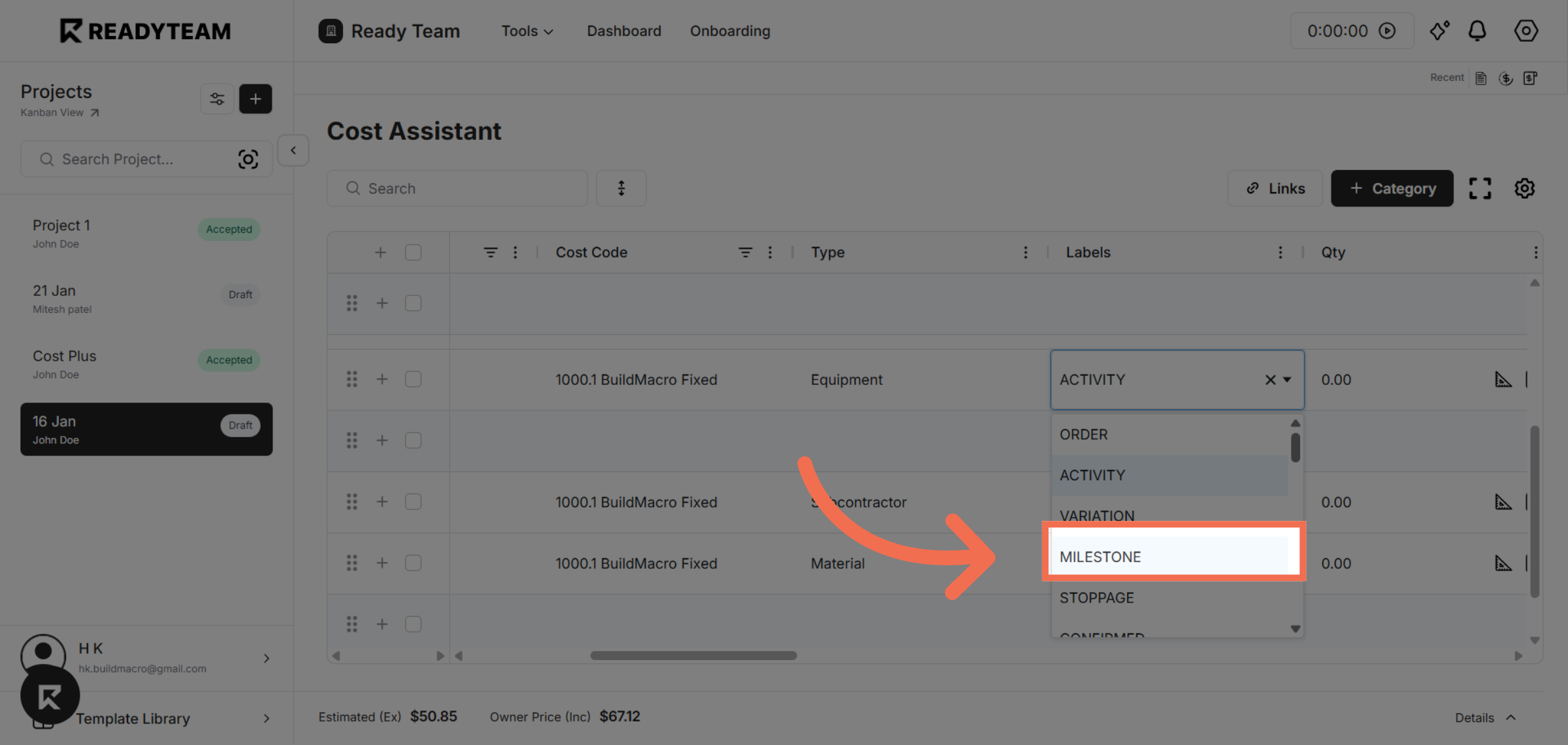
This demo demonstrated how to efficiently change data within an AG Grid table by interacting with various columns and cells. You can now confidently update your table entries to keep your data accurate and up to date.