How to Copy Data in AG Grid (Excel Style)?

This demo showcases how to copy data within AG Grid using Excel-style interactions.
Go to app.readyteam.ai
1. Introduction
You'll see how to select and copy cell values quickly to streamline your workflow.
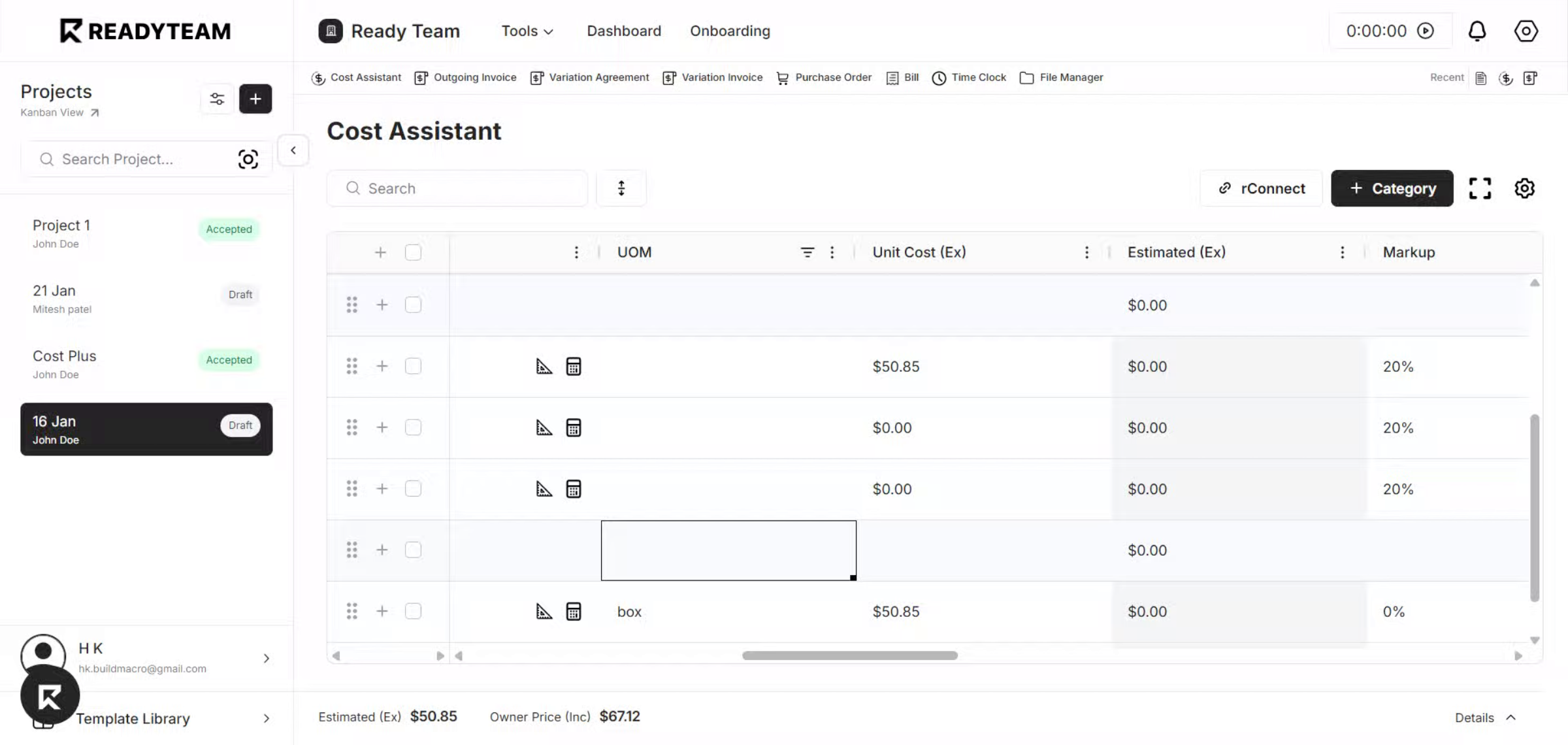
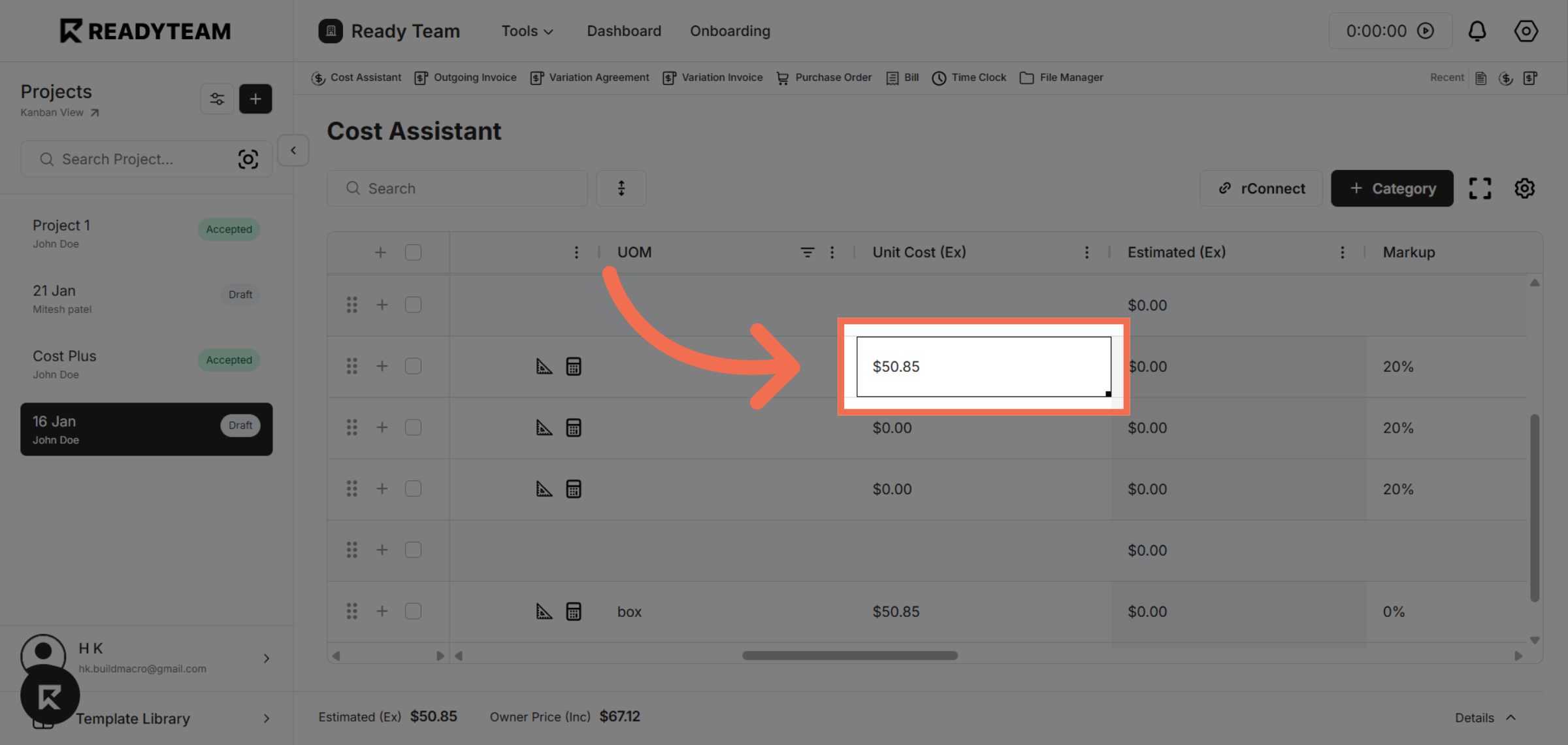
2. Select Cell Value
Click the cell value to select it for copying.
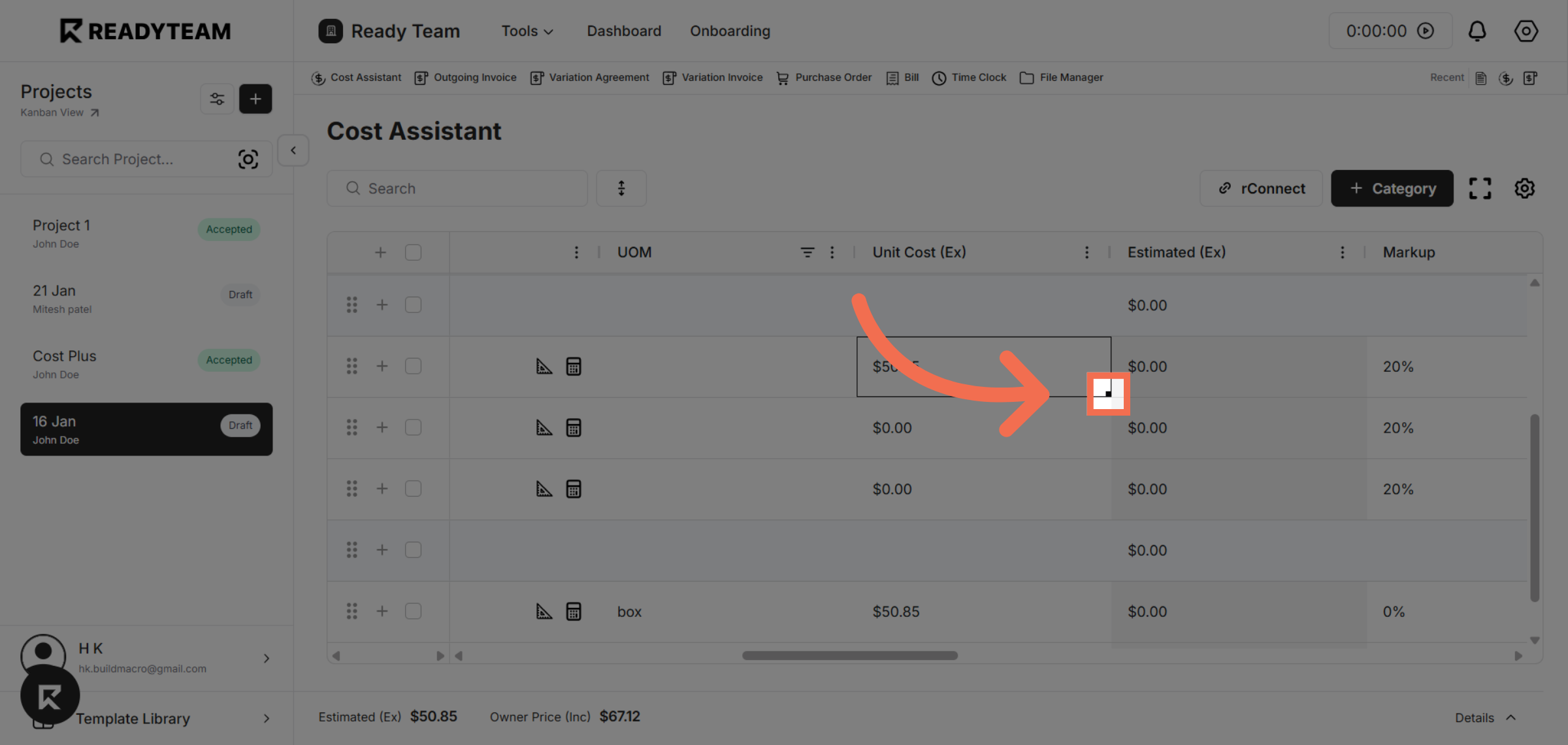
3. Drag the Fill Handle
Click on the small square at the bottom-right corner of the selected cell (fill handle), then drag it across adjacent cells to copy the same value or pattern—similar to Excel’s drag-to-fill behavior.
4. Complete Data Copy
Click the final target location to paste the copied data within the grid.
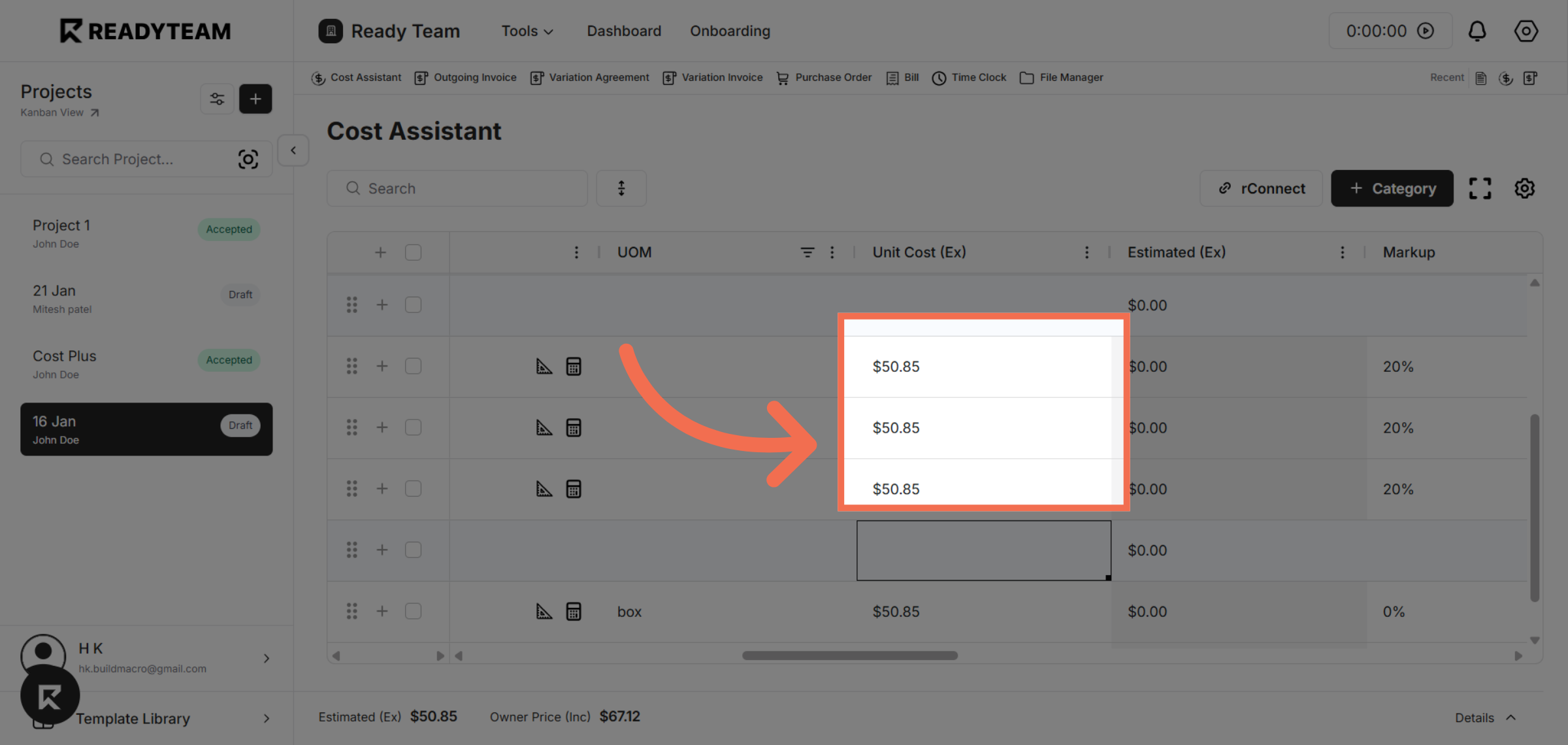
You have learned how to efficiently copy data in AG Grid using Excel-style selection and paste actions, saving time and improving data management.