Import Cost Assistant Data Using Template
This demo showcases how to import cost data efficiently using Readyteam's Cost Assistant feature.
Go to app.readyteam.ai
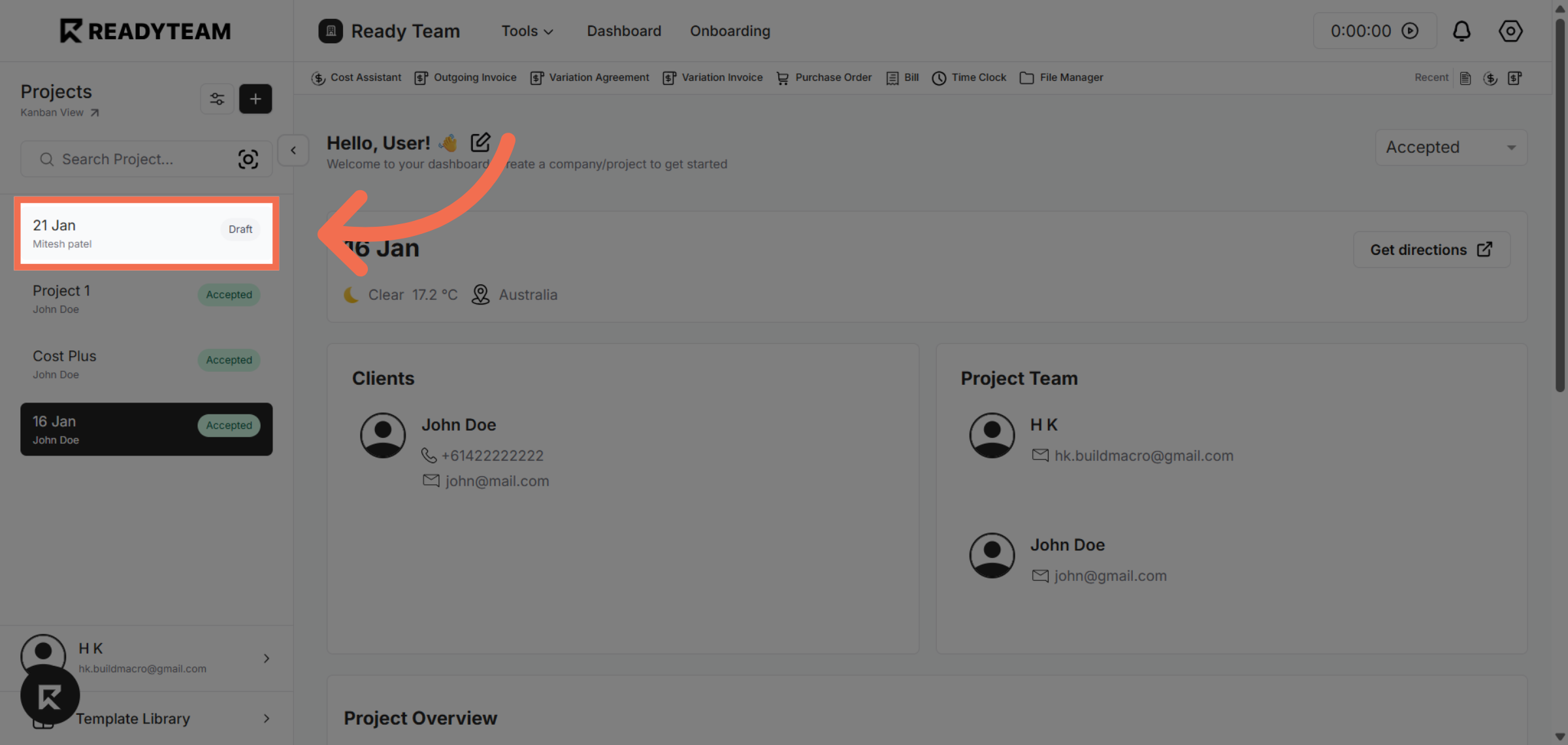
1. Select Specific Project
Click the Specific Project to begin importing your cost data.
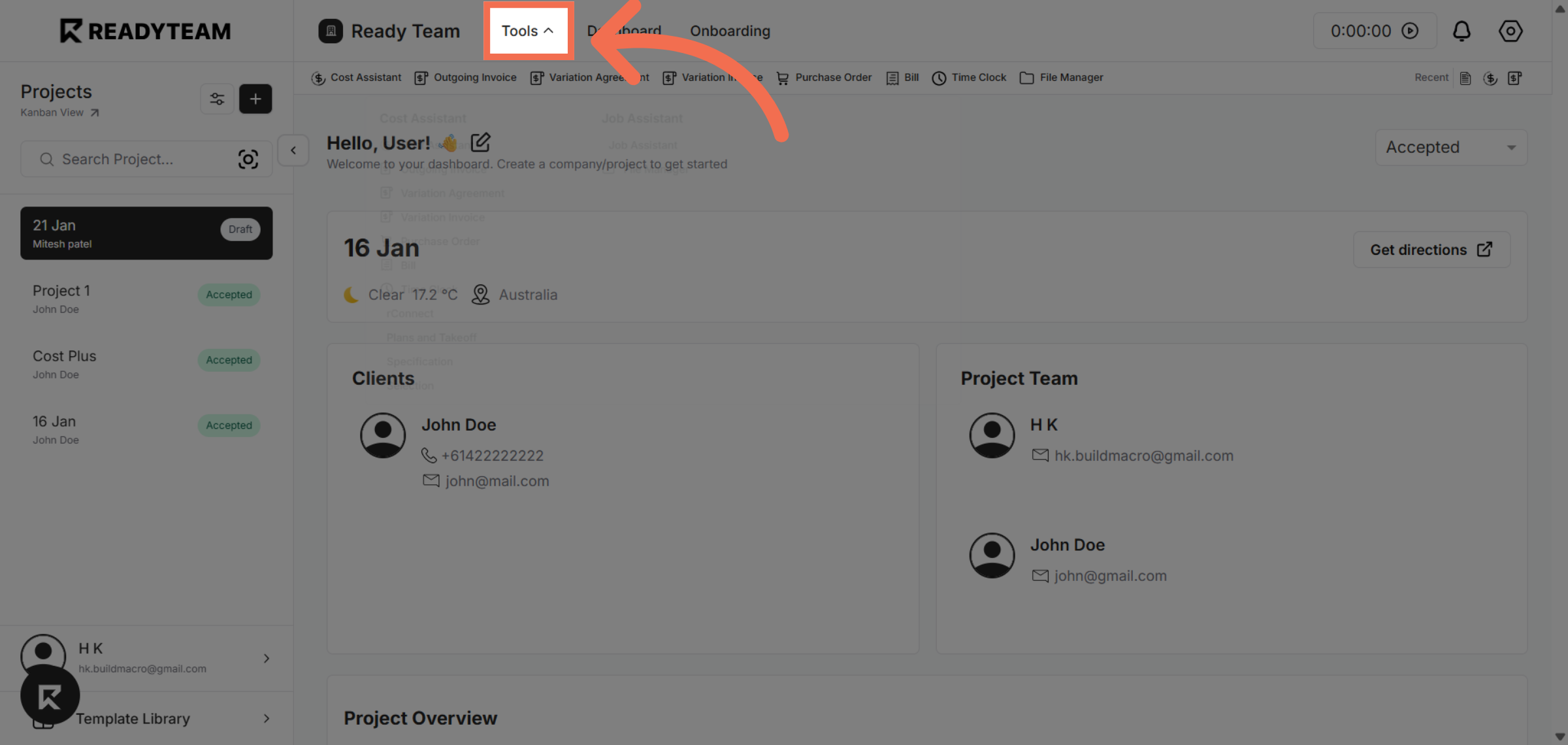
2. Access Tools Menu
Click the "Tools" menu to access various project management utilities within Readyteam.
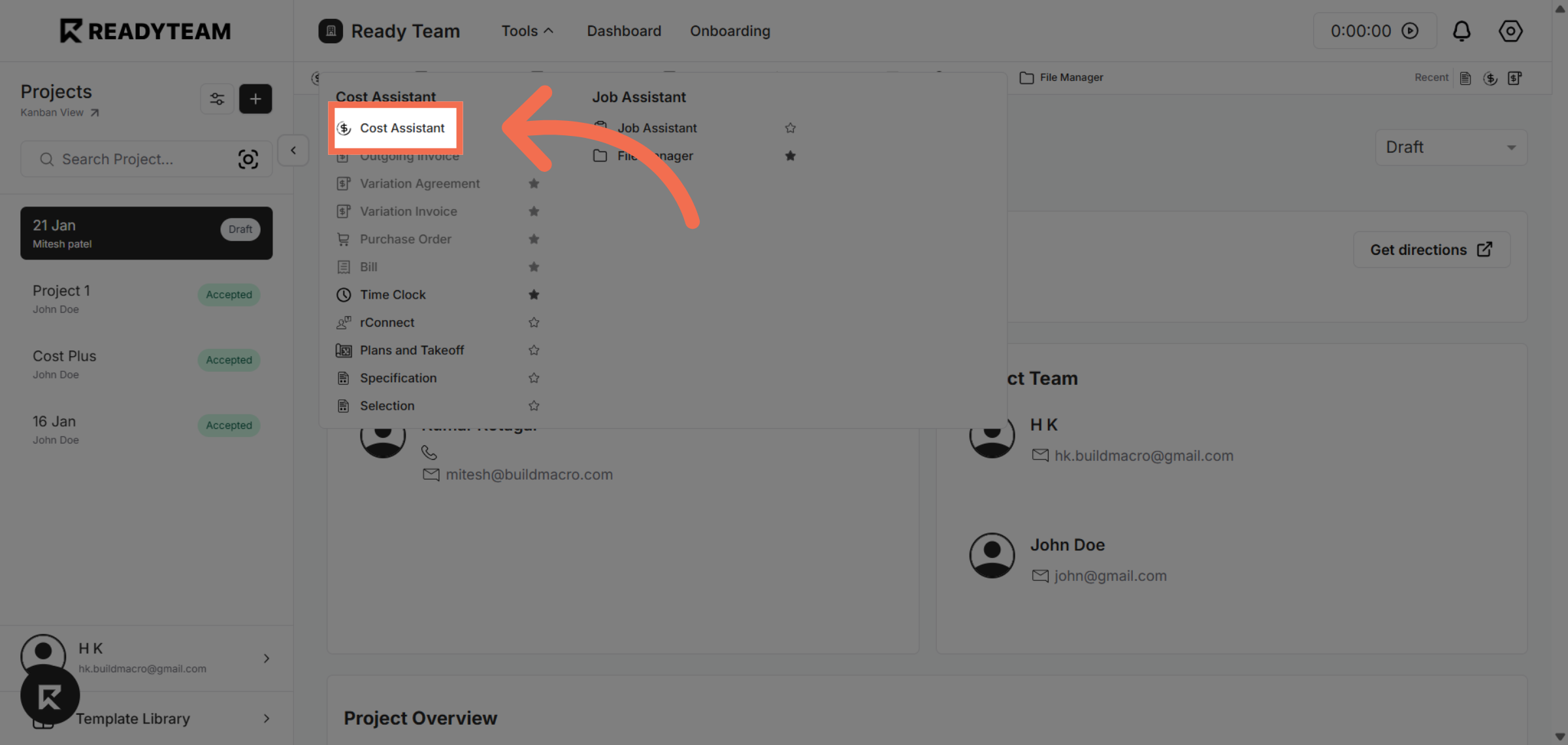
3. Select Cost Assistant Feature
Click "Cost Assistant" to open the tool designed for managing and importing cost-related data.
4. Initiate Import Process
Click the designated area to start the import process for your cost data template.
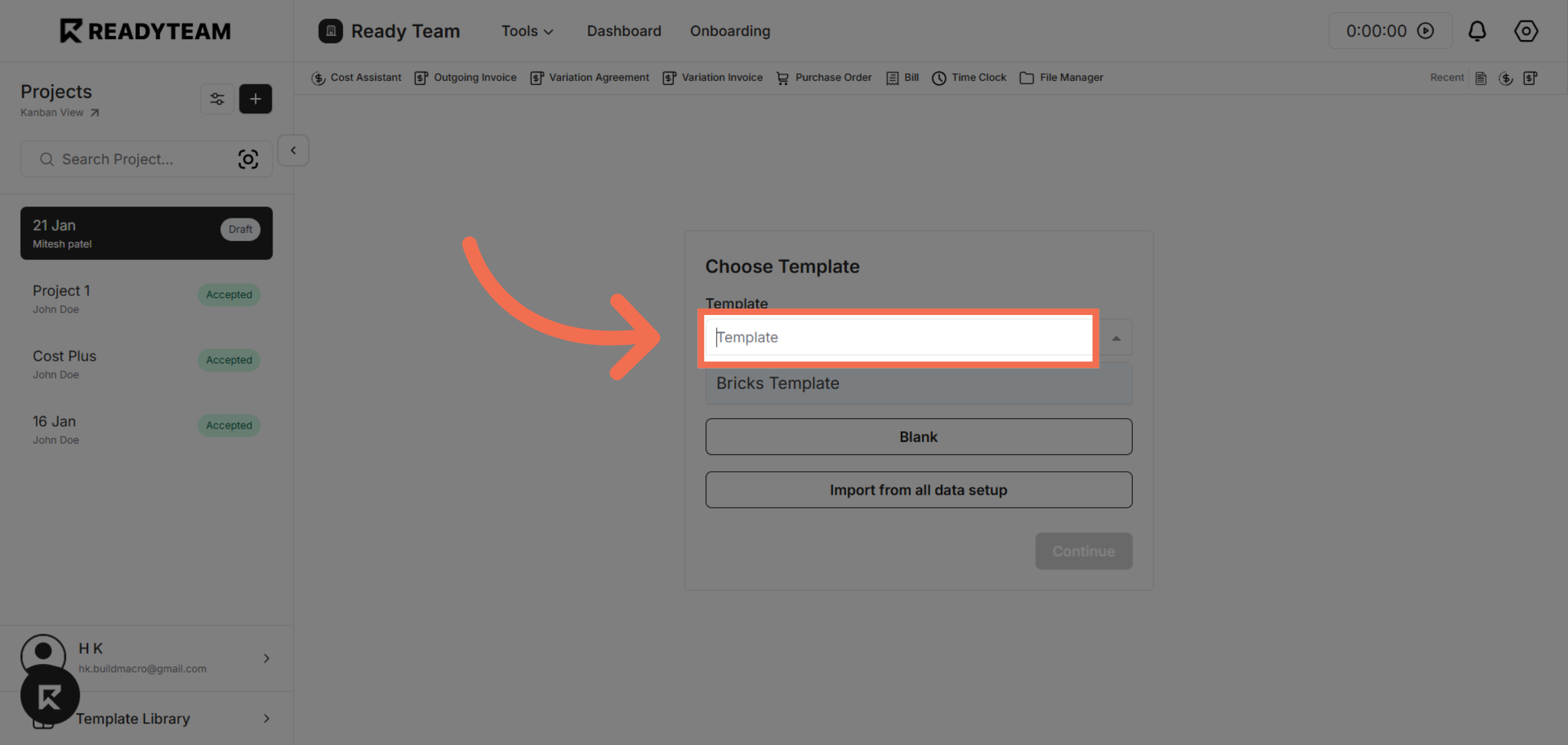
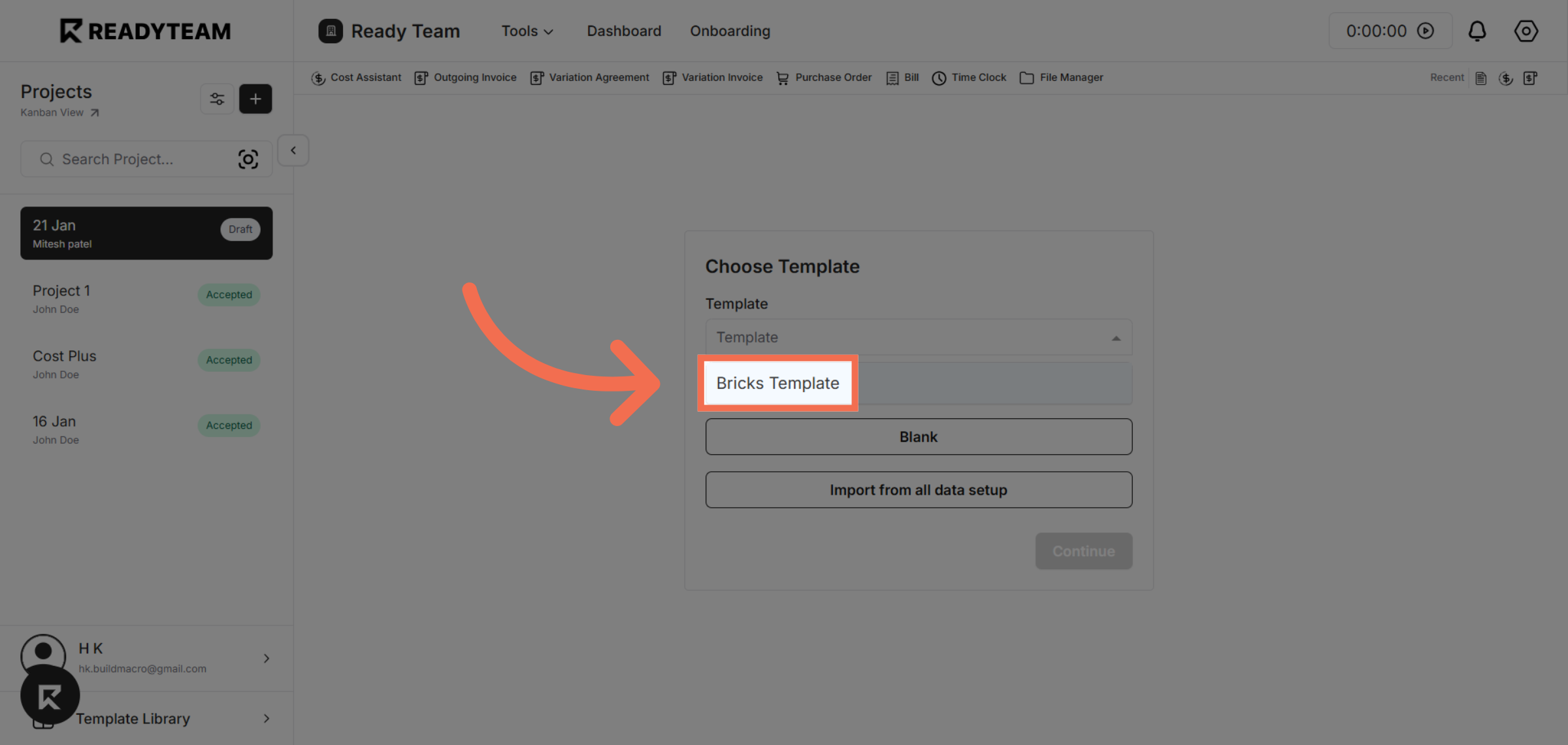
5. Choose Specific Template
Click "Bricks Template" to select the predefined template that structures your cost data import.
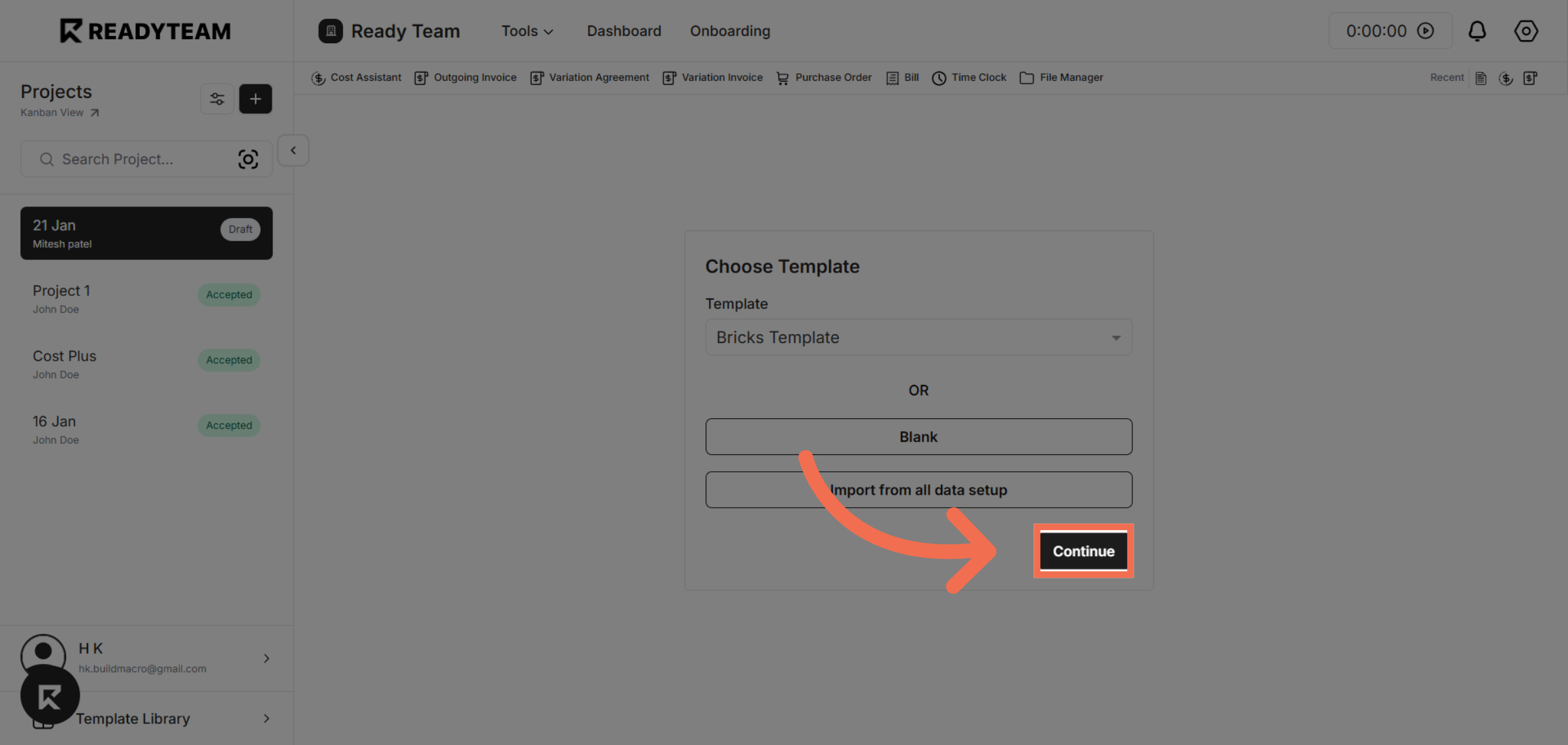
6. Proceed with Import
Click "Continue" to confirm your template selection and move forward with the import.
This demo demonstrated how to efficiently import cost data using Readyteam's Cost Assistant and templates, helping you streamline project budgeting. Start using these features today to save time and improve cost management accuracy.