How to Select Cost Assistant Data from Data Setup ?

This demo showcases how to select Cost Assistant data within the Template Setup feature of Readyteam.
Go to app.readyteam.ai
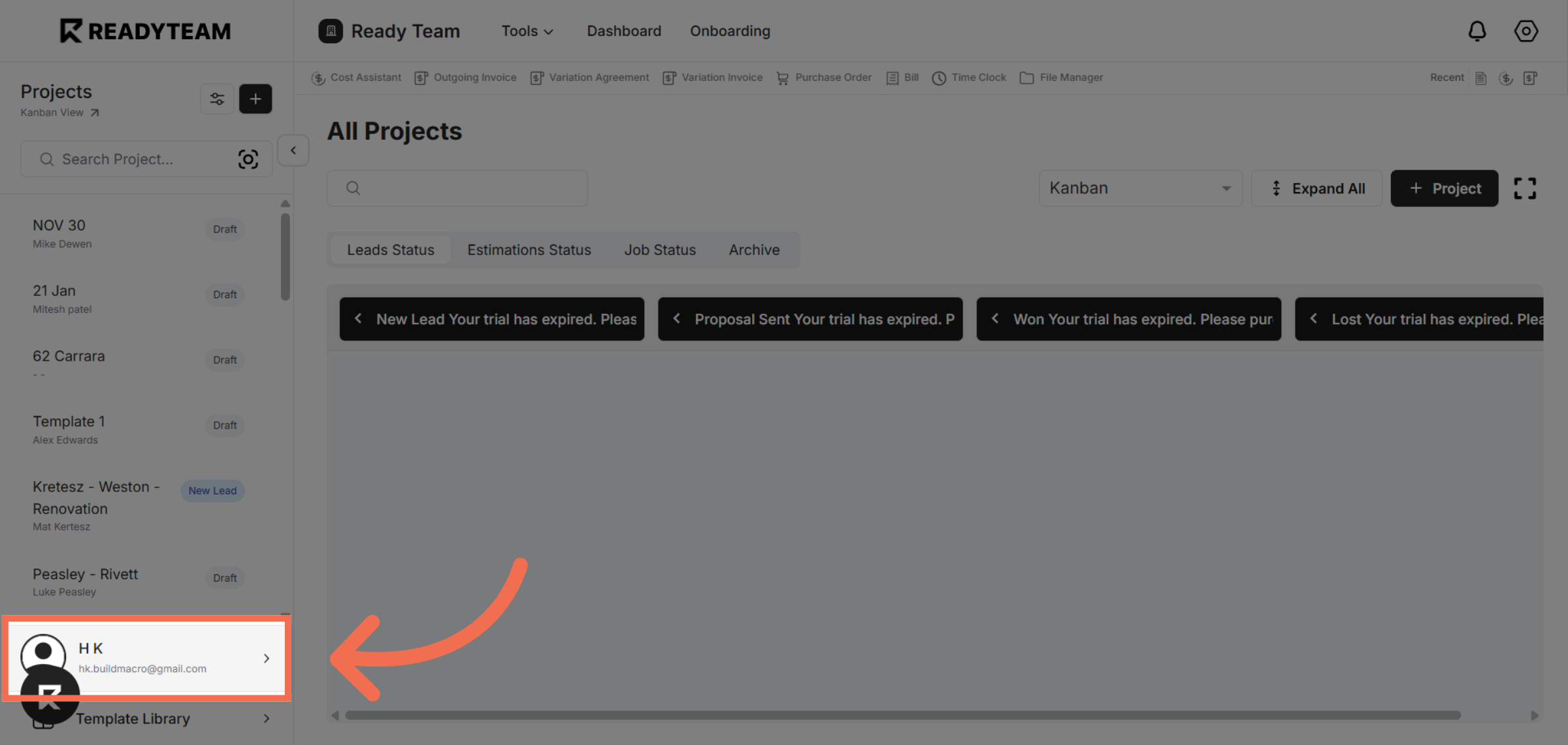
1. Access User Section
Click the user account to begin configuring your settings.
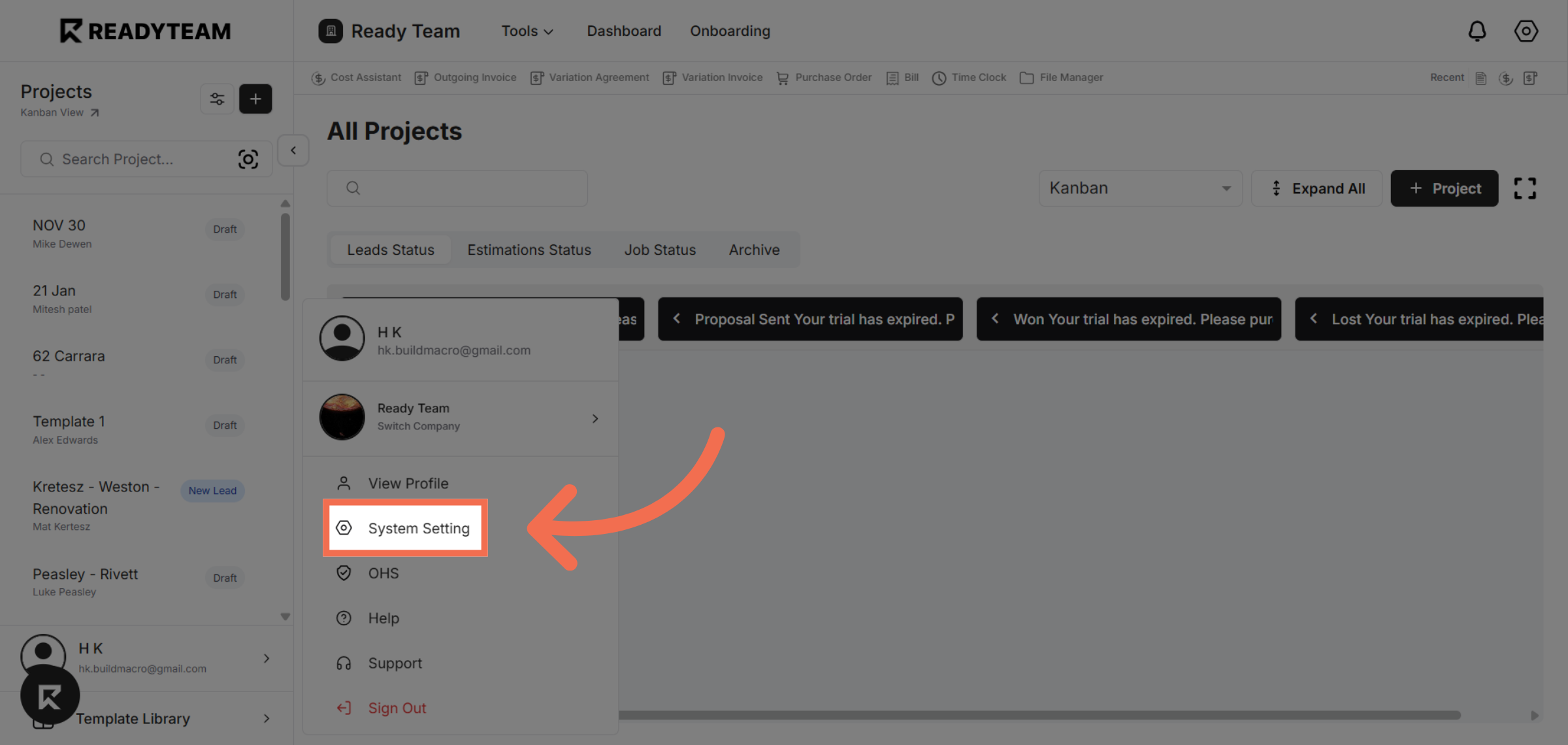
2. Open System Settings
Click System Setting to access the configuration options for your account.
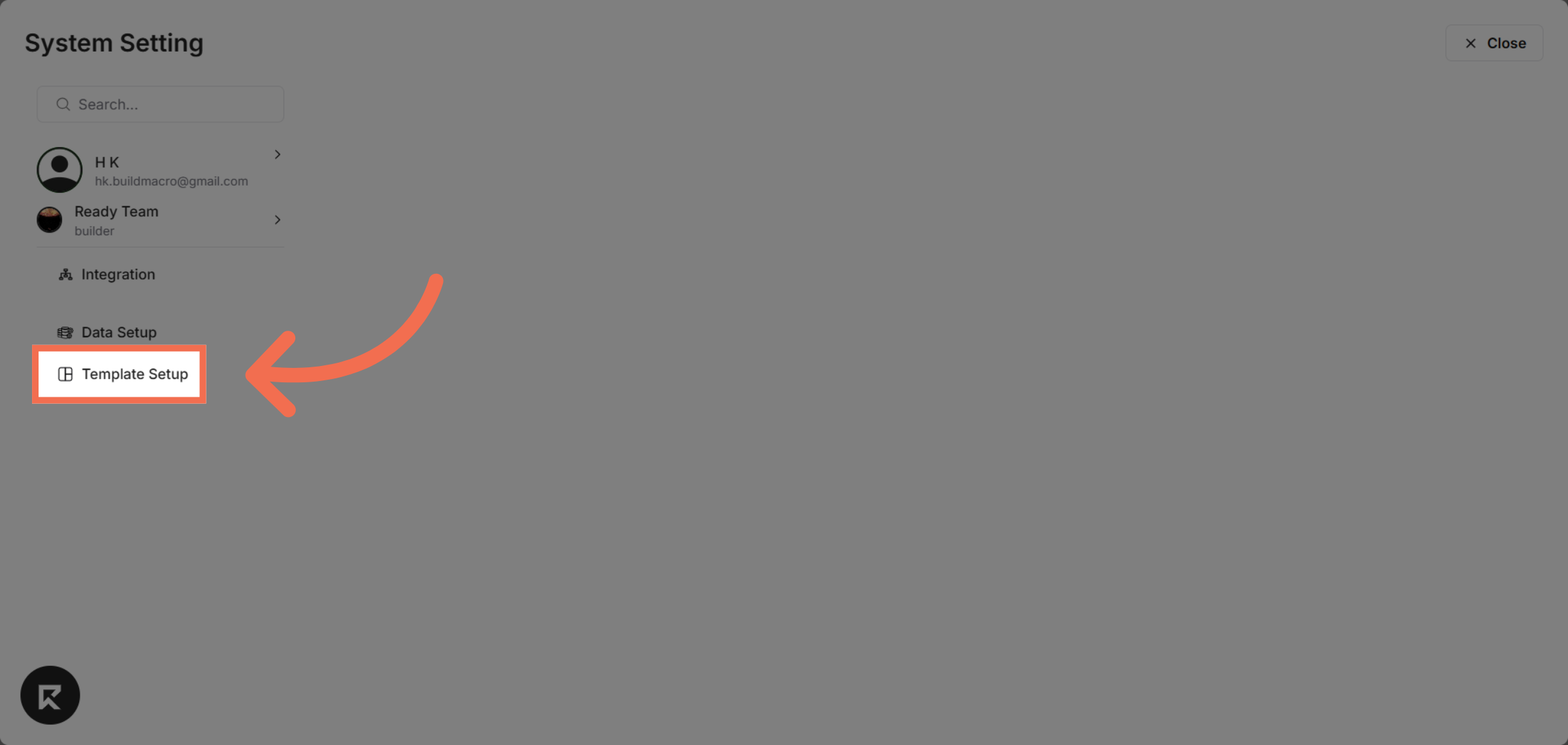
3. Navigate to Template Setup
Click Template Setup to manage and customize your templates.
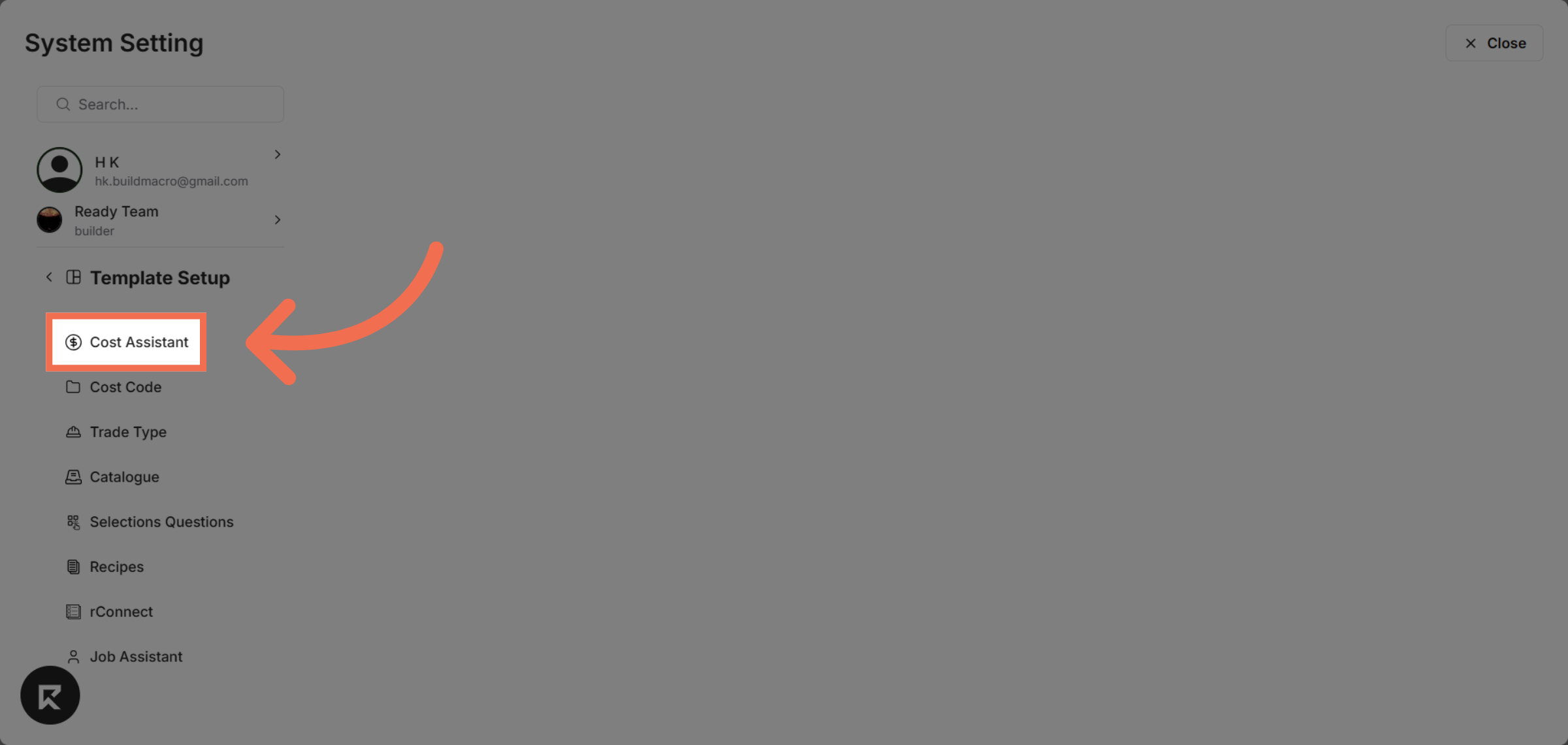
4. Select Cost Assistant Feature
Click Cost Assistant to configure cost-related data within your templates.
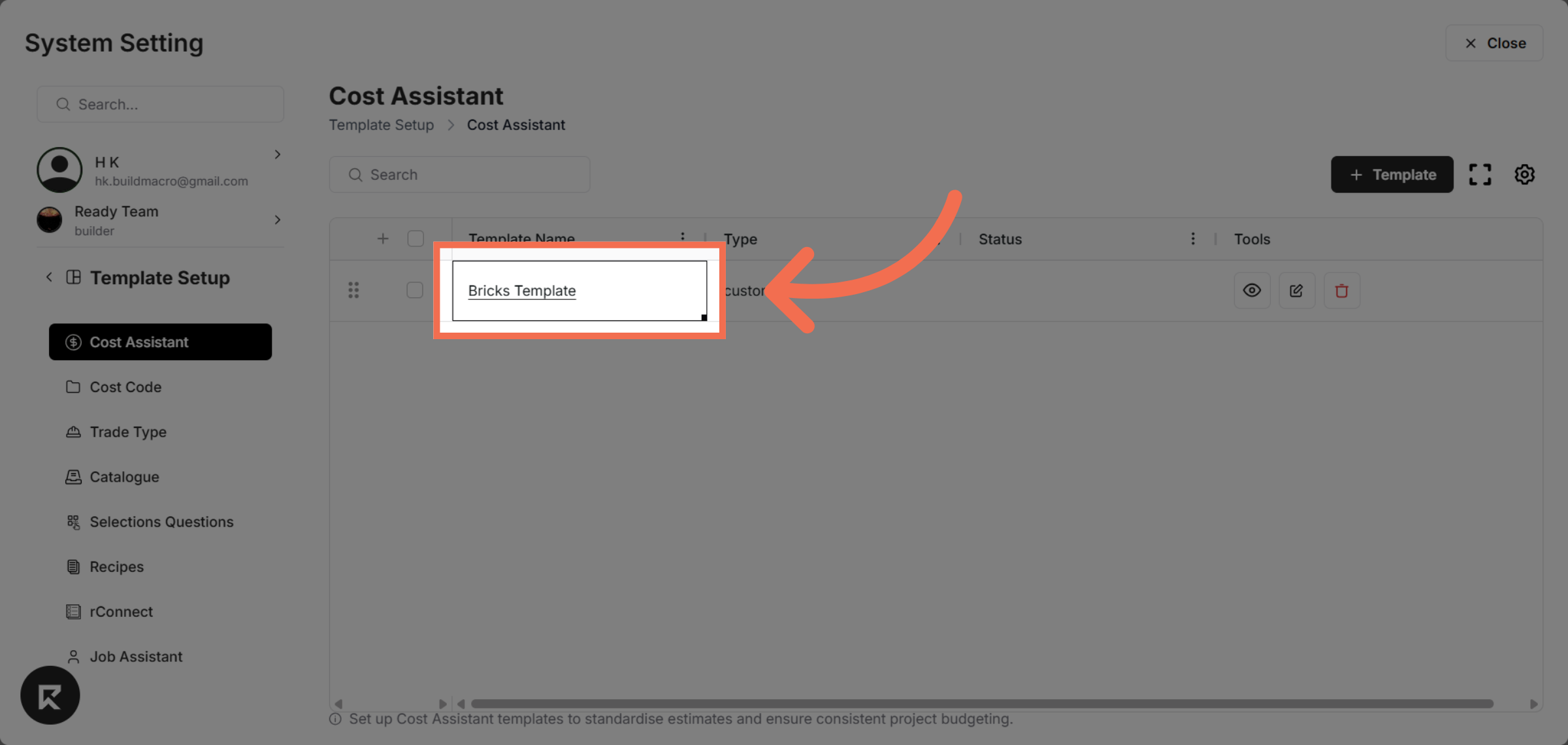
5. Choose Specific Template
Click Bricks Template to specify the template you want to work with.
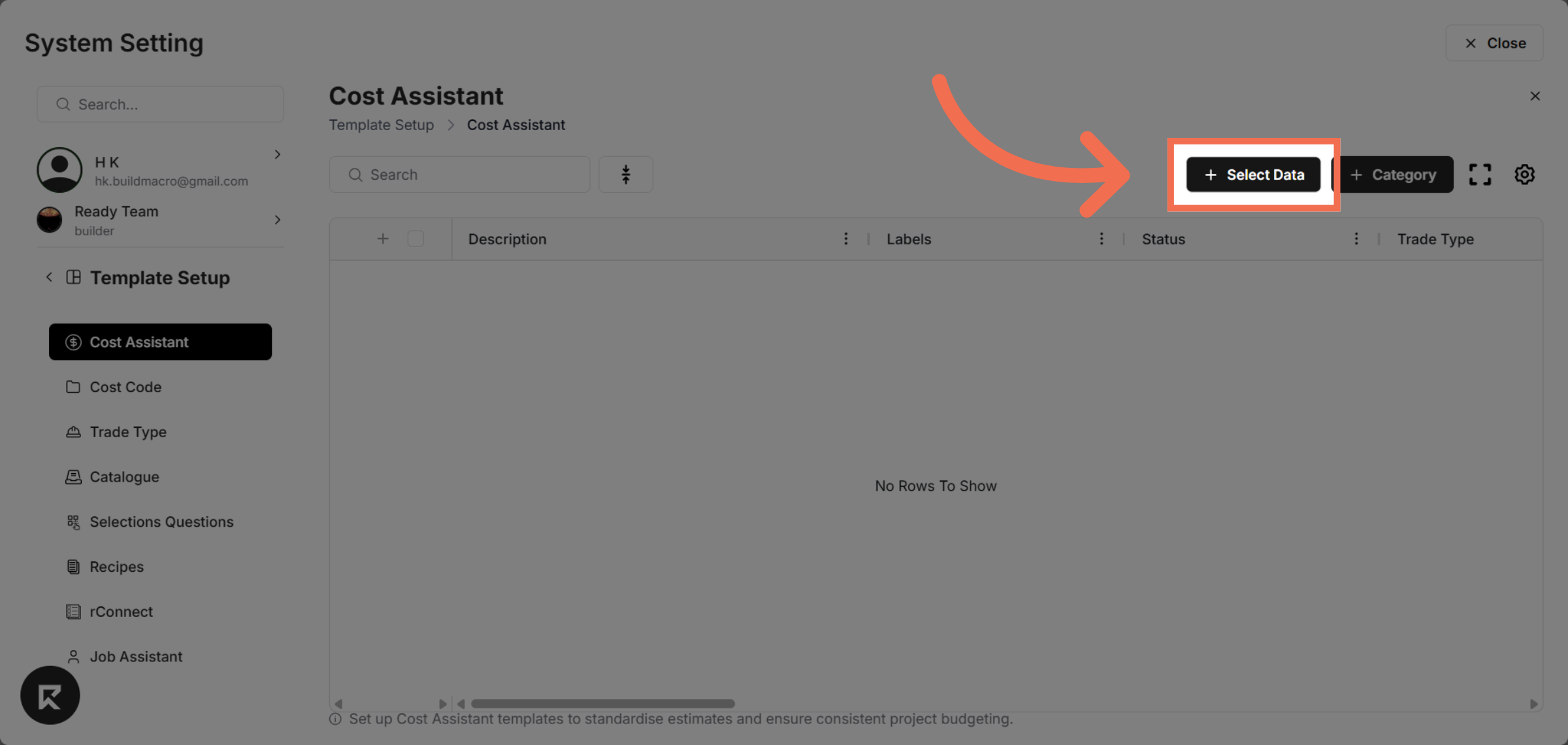
6. Initiate Data Selection
Click Select Data to begin choosing the data fields for your template.
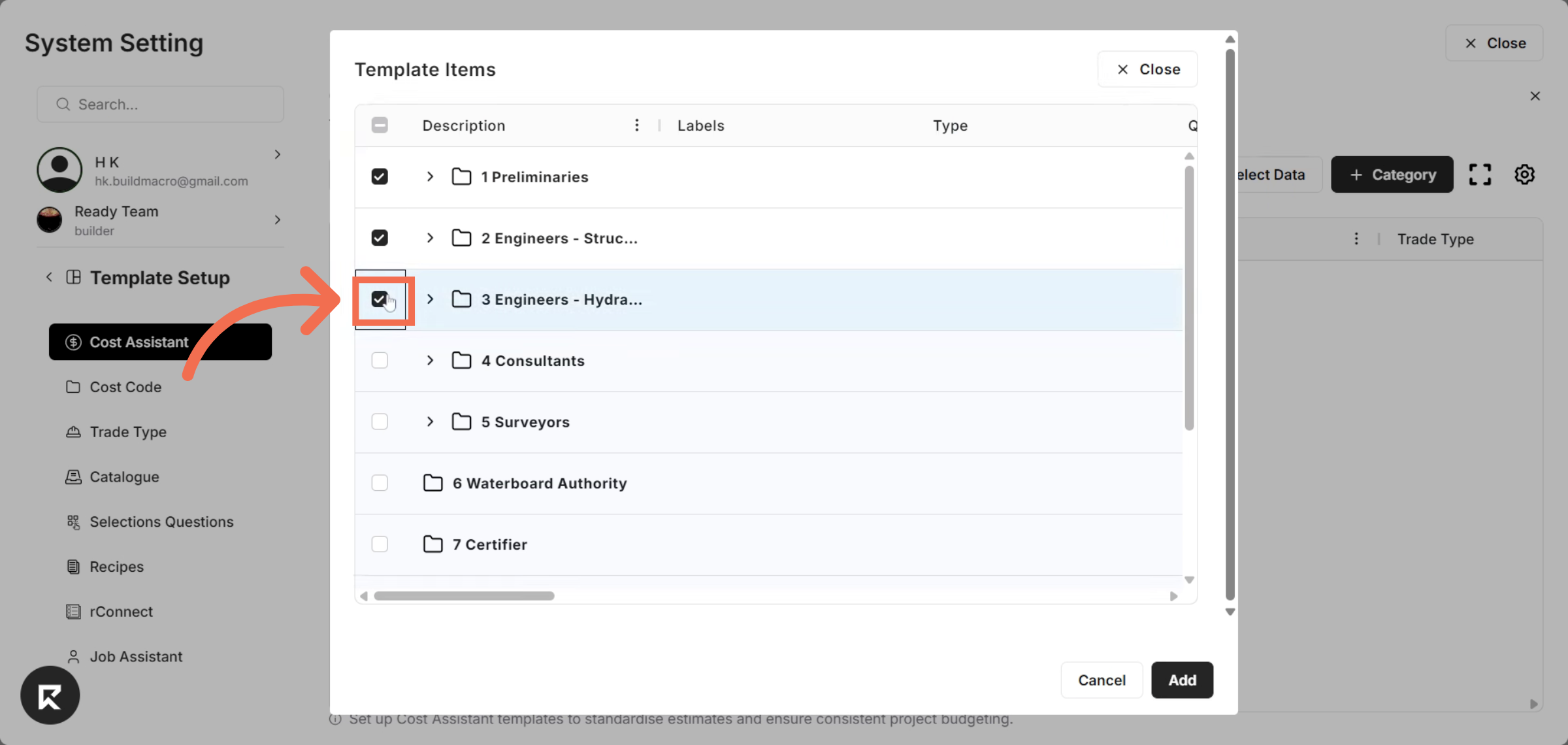
7. Select Data Rows You want add into Template
Enter on to activate selection for this row.
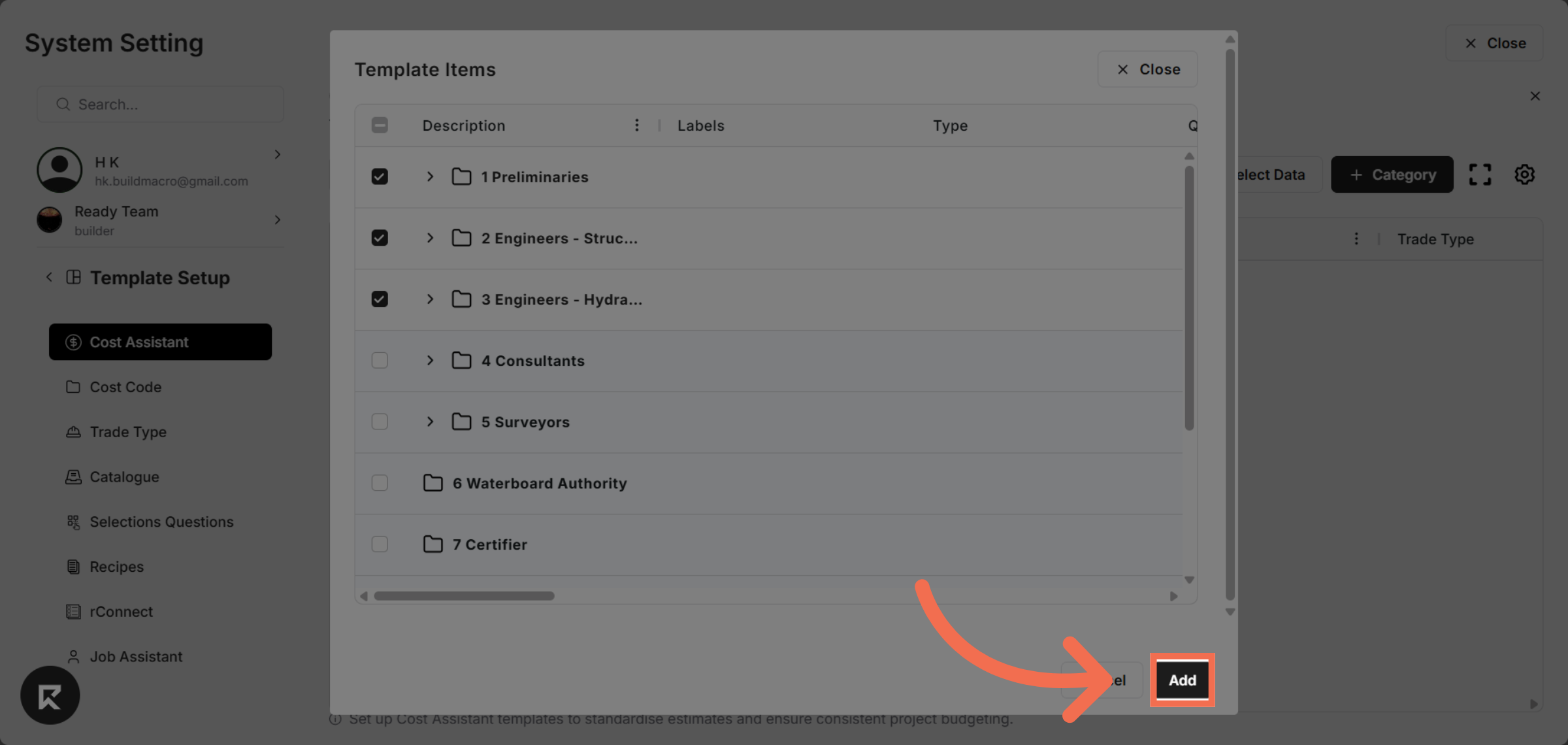
8. Add Selected Data
Click Add to include the selected data into your template configuration.
This demo demonstrated how to efficiently select Cost Assistant data within Readyteam's Template Setup. You can now configure your templates to include the necessary cost data for streamlined project management.