Upload Cover Page Image Efficiently In rConnect

This demo showcases how to upload a cover page within the rConnect platform.
Go to app.readyteam.ai
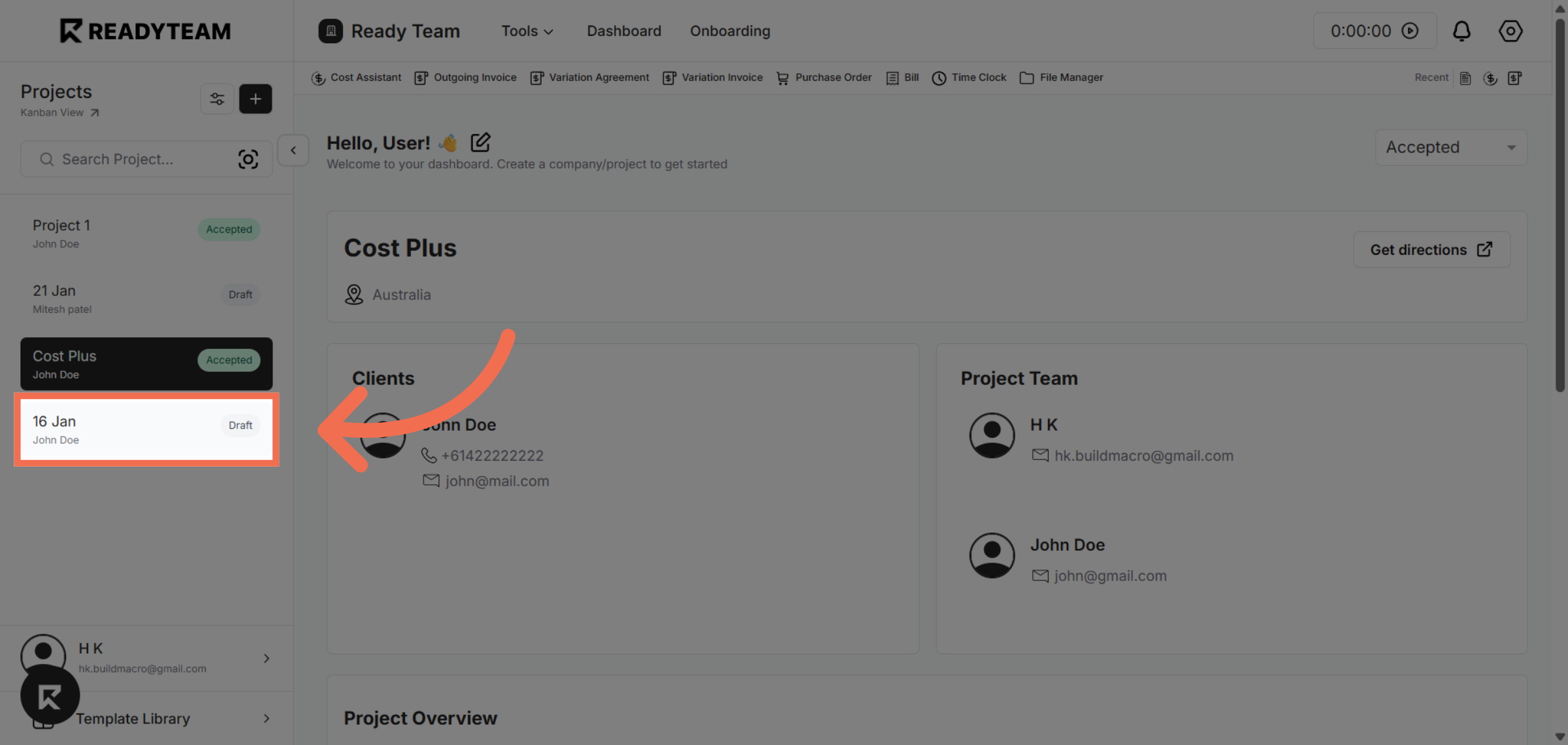
1. Select Project
Select project from the list of available projects.
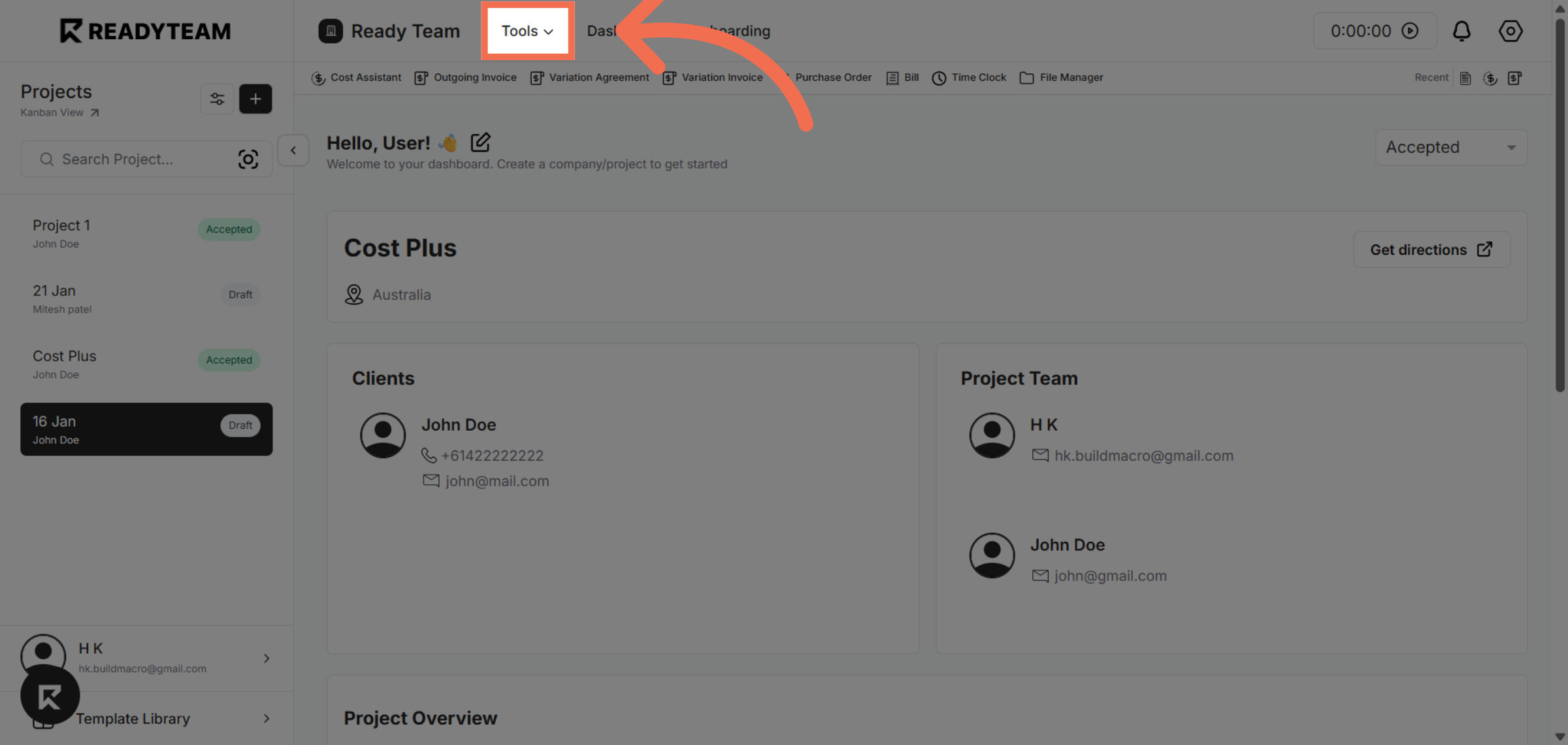
2. Access Tools Menu
Click the indicated area to open the tools menu for further actions.
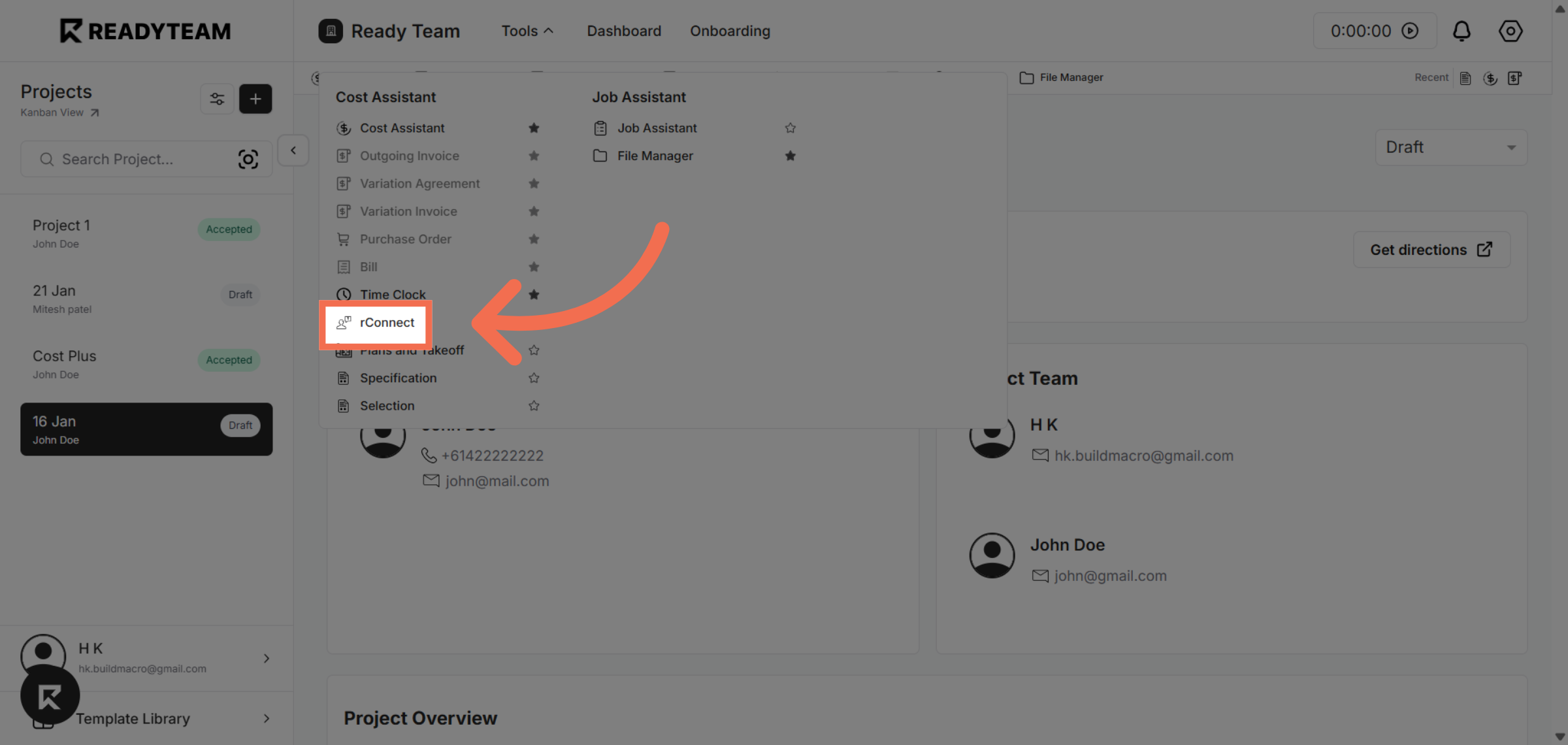
3. Select rConnect Tool
Click the rConnect tool to access related project documents and settings.
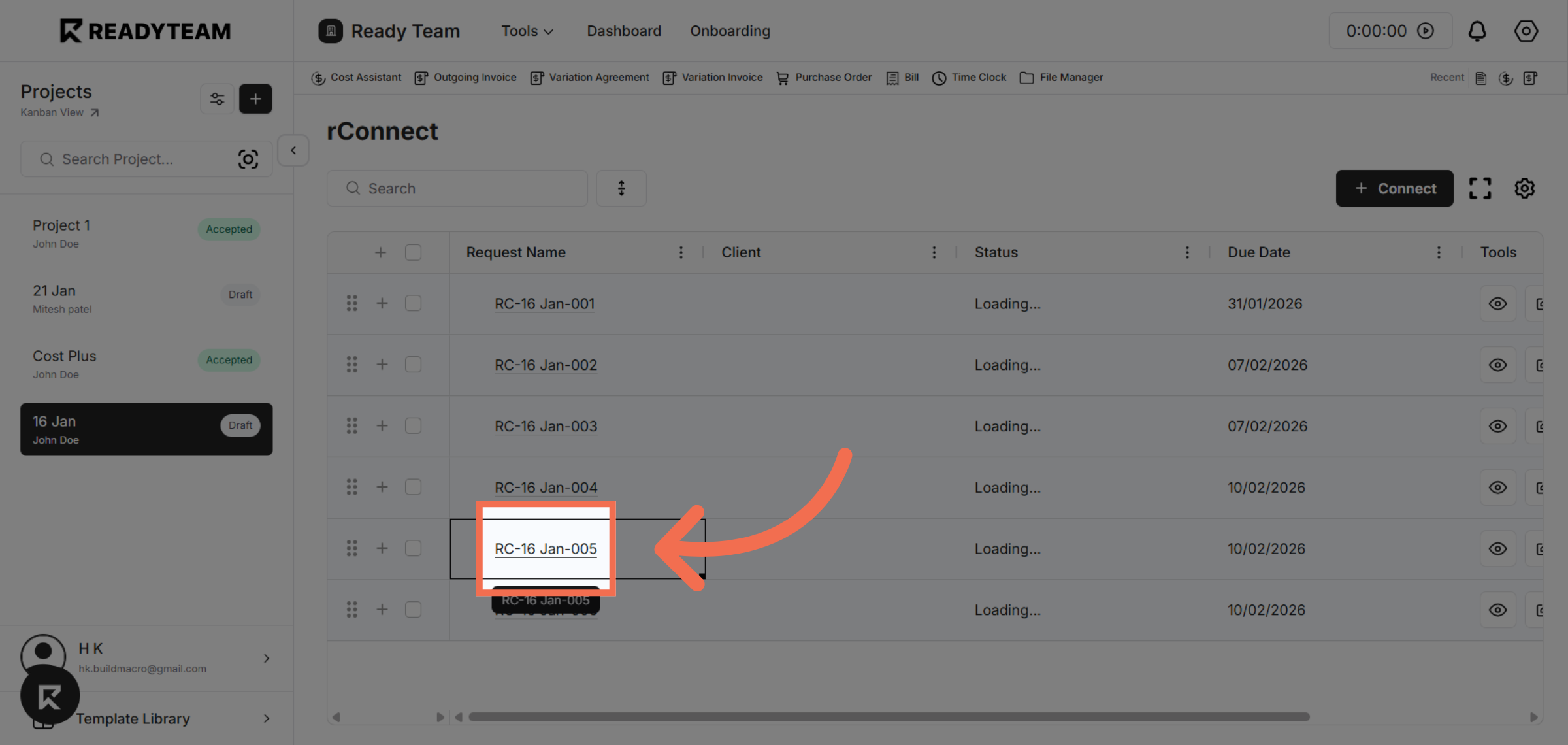
4. Select Request
Click the request to proceed.
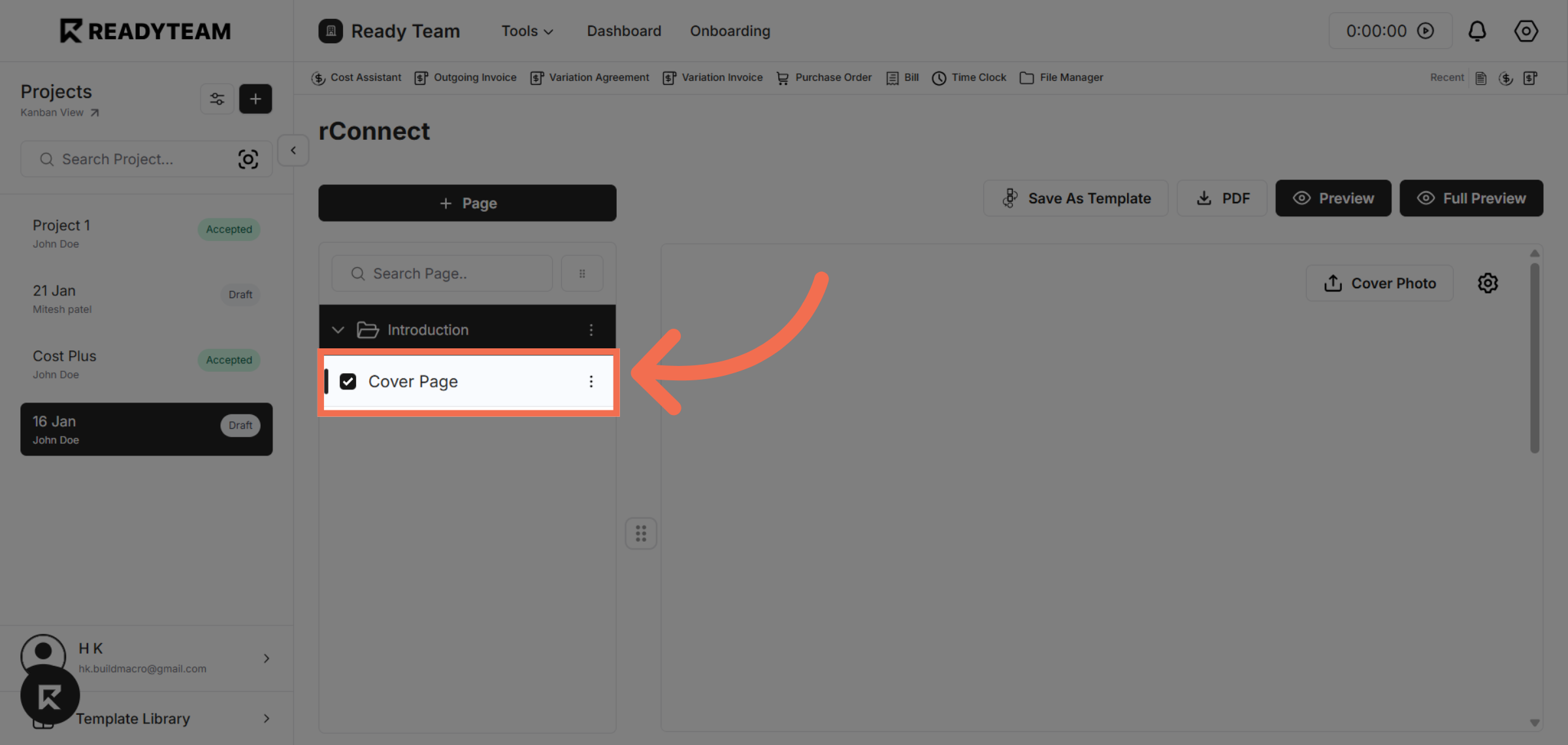
5. Navigate To Cover Page
Click the Cover Page section to prepare for uploading a new cover image.
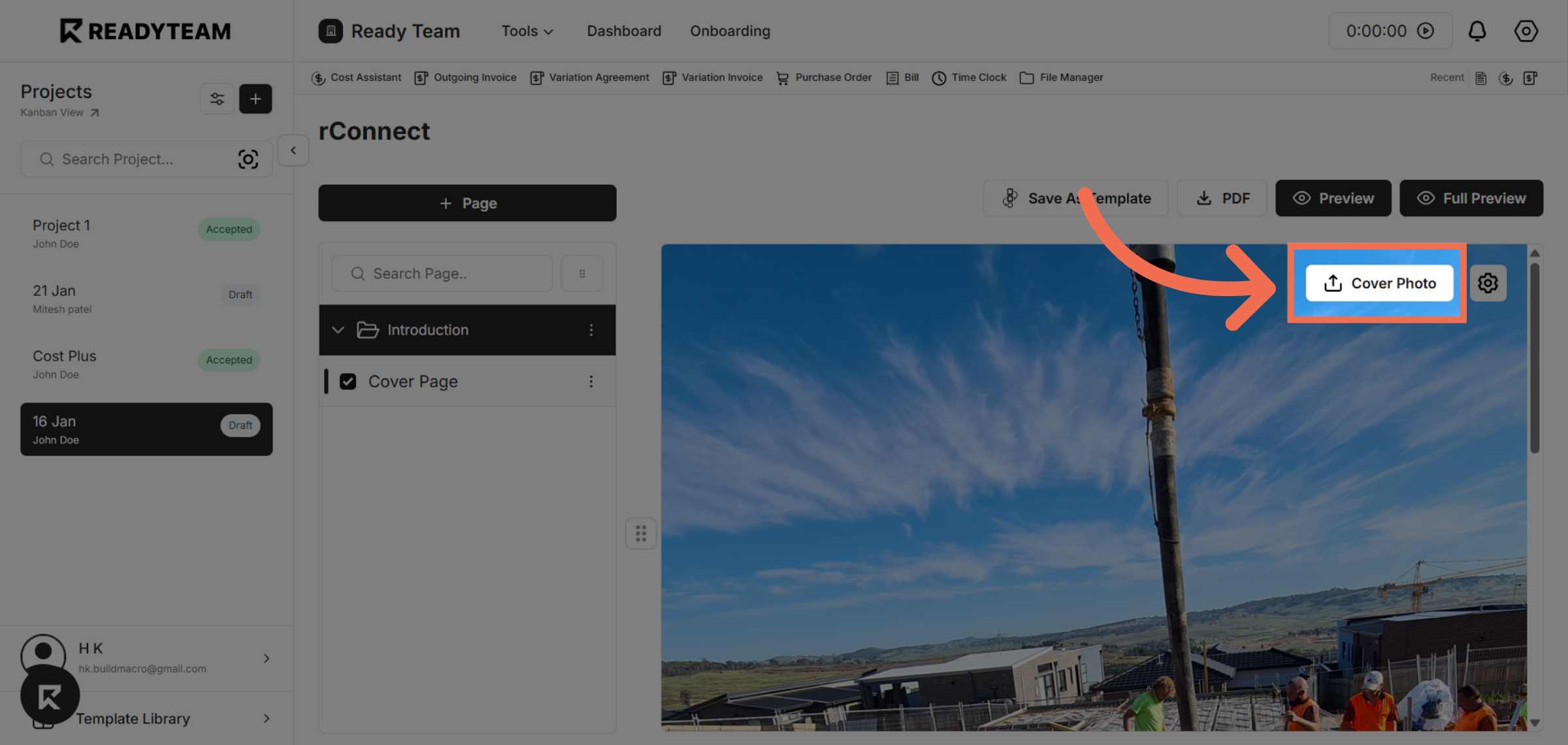
6. Upload Cover Image
Click the upload area to select a cover photo file from your device.
This demo demonstrated how to efficiently upload a cover page in rConnect, enhancing your project documents with customized visuals. Start using this feature today to improve your document presentation and client engagement.