Create a New Page Category In rConnect
This demo showcases how to create a new page category within Readyteam.
Go to app.readyteam.ai
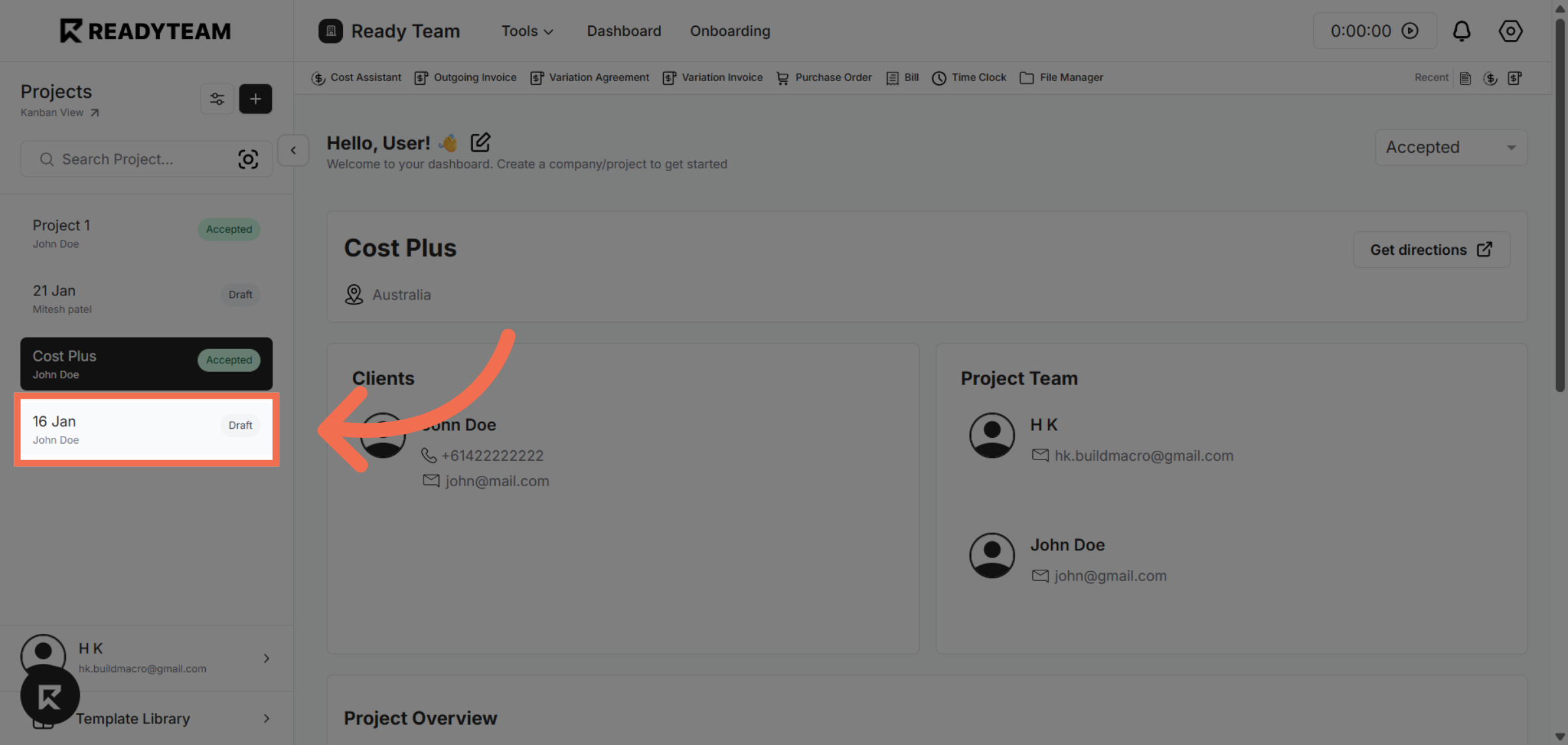
1. Select Project
Select project from the list of projects.
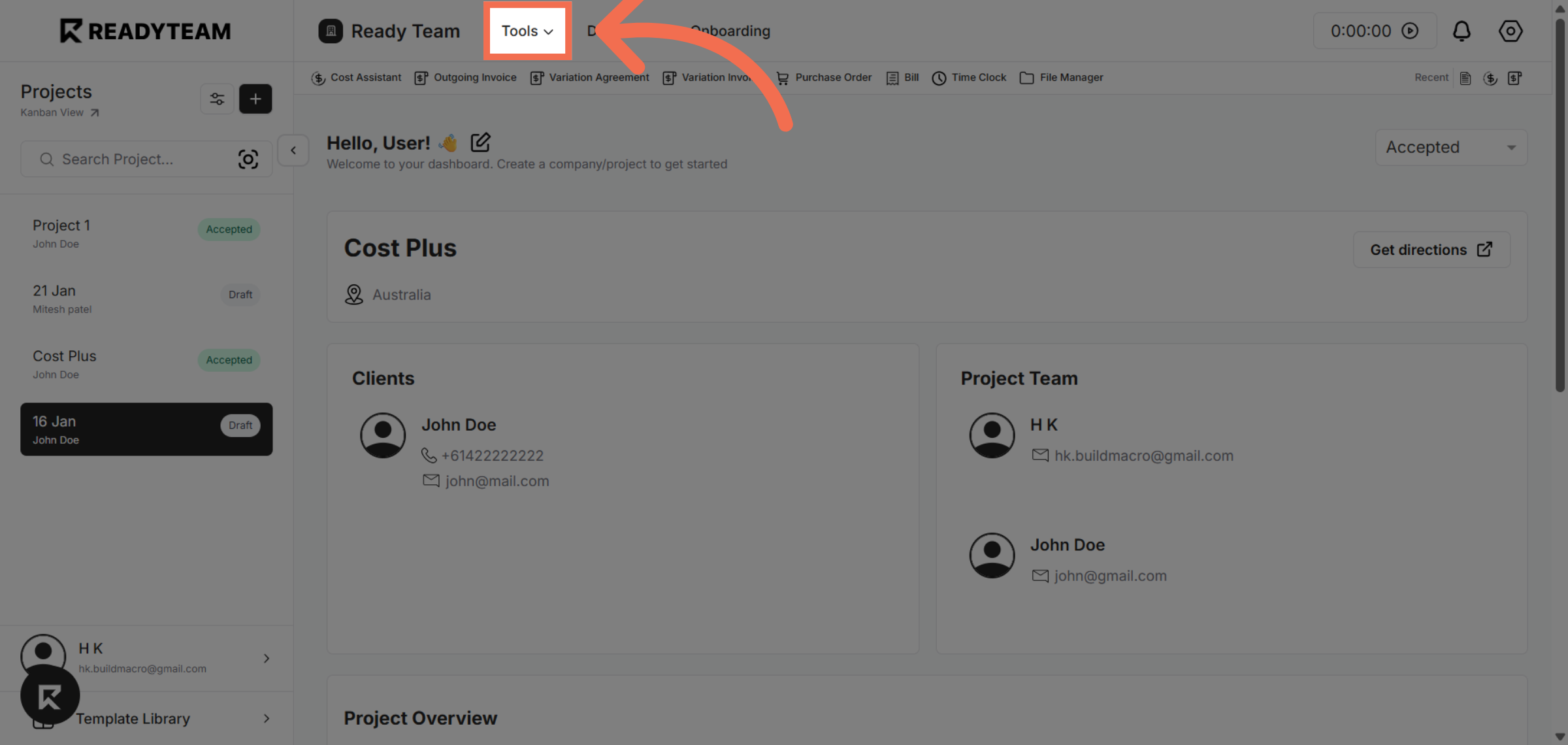
2. Access Tools Menu
Click the Tools menu to access additional features and integrations.
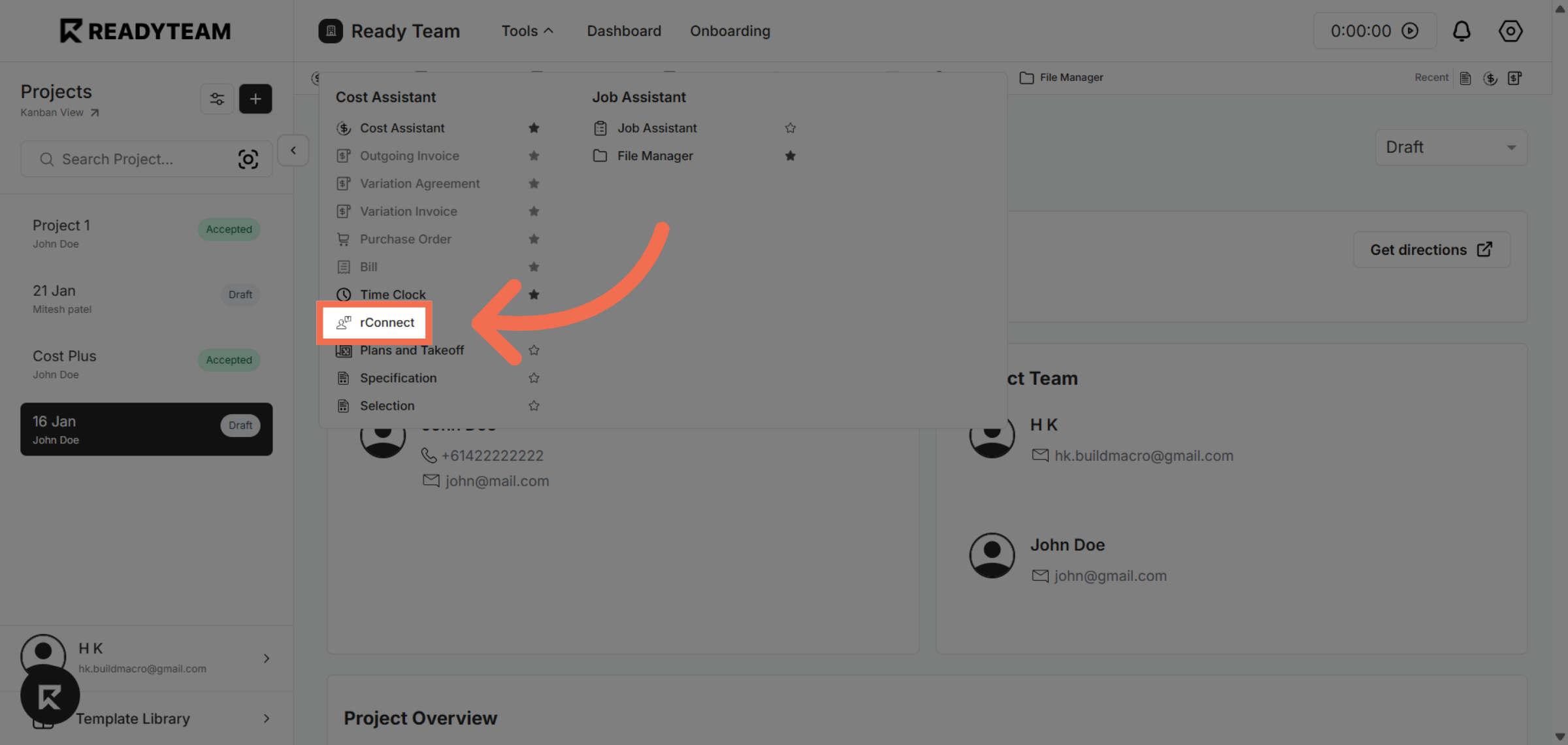
3. Select rConnect Tool
Click rConnect to open the integration options available within Readyteam.
4. Choose Specific Row
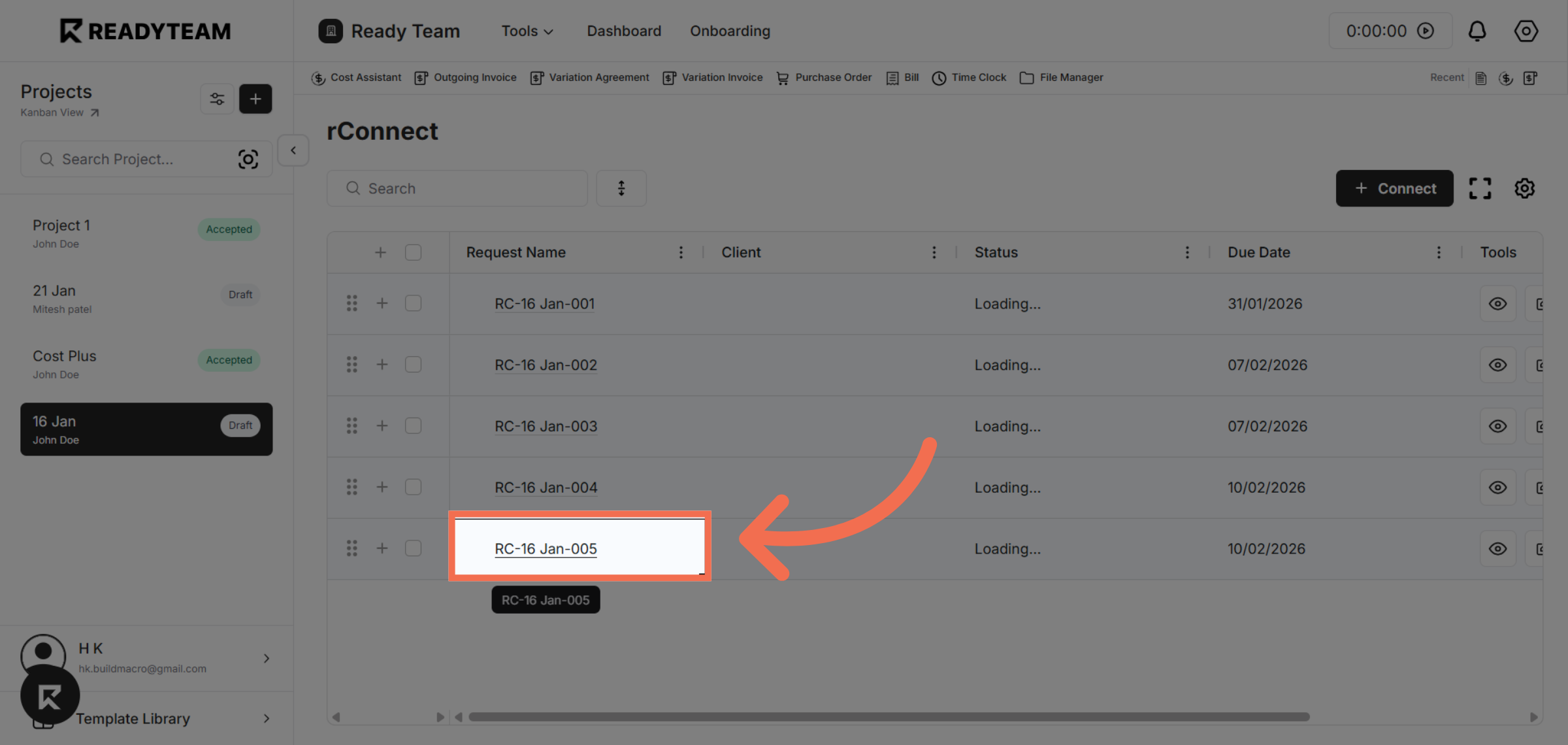
Click the record labeled RC-16 Jan-005 to view its details.
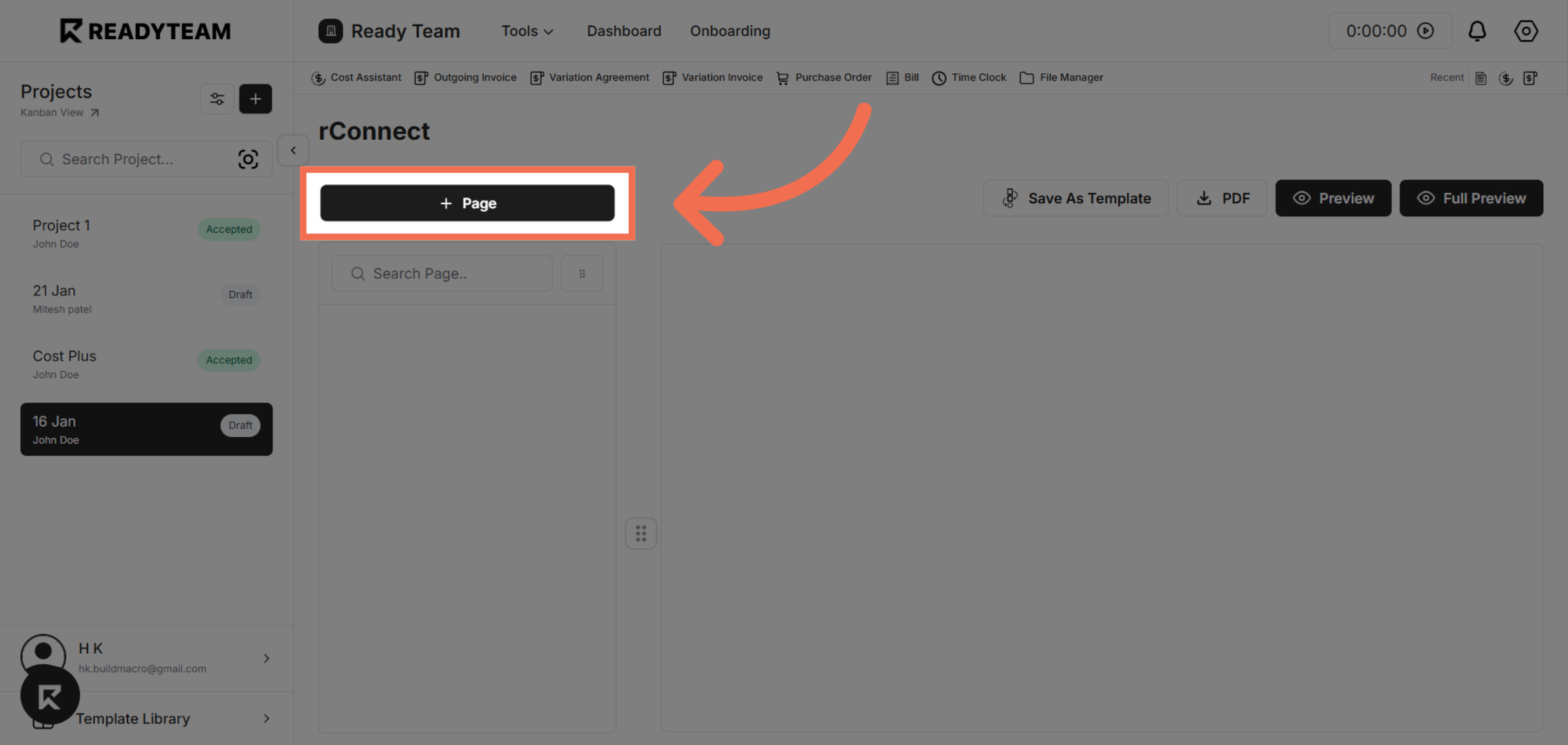
5. Navigate to Page Section
Click the Page tab to add page-related configurations.
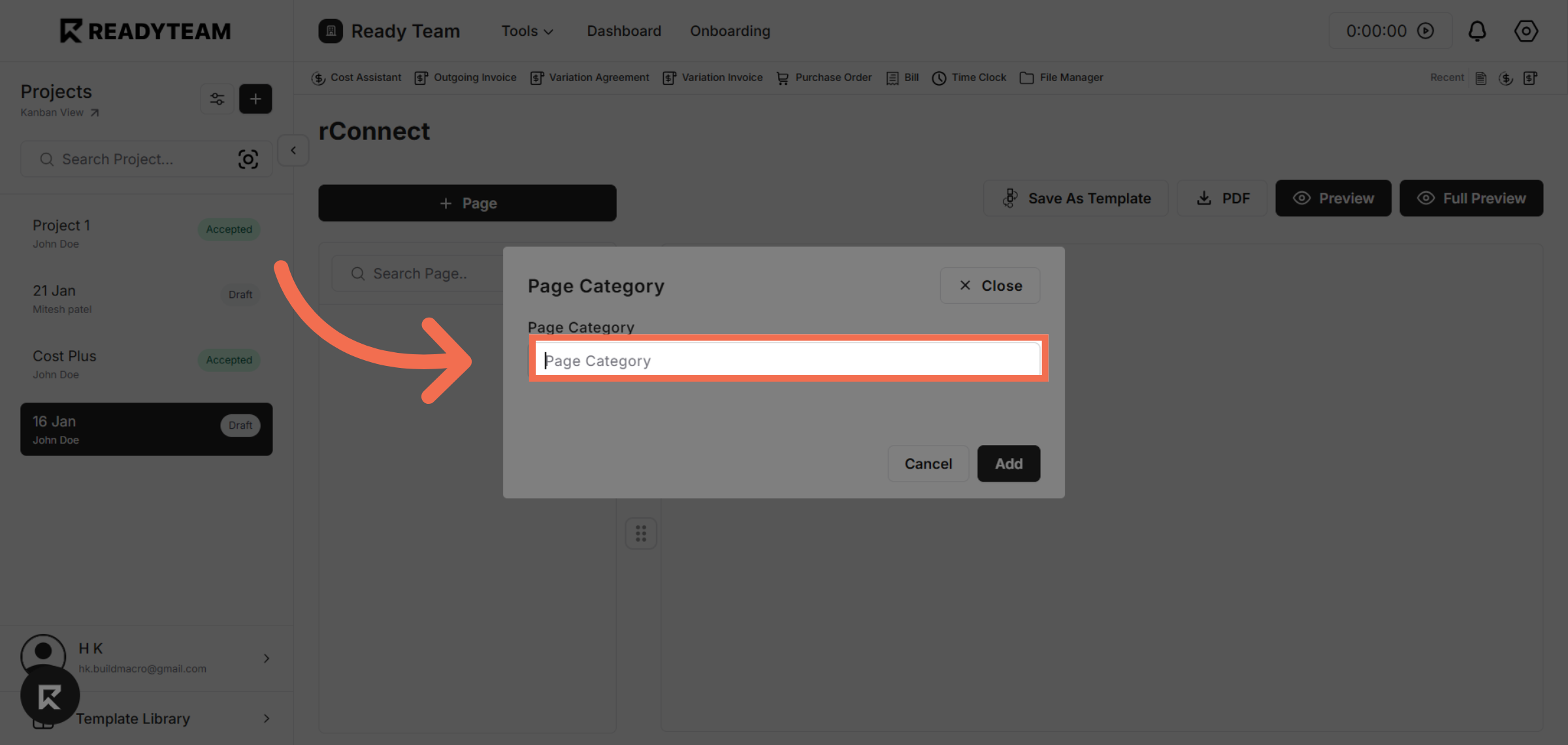
6. Enter Page Category
Enter Page Category to begin creating a new category for your pages.
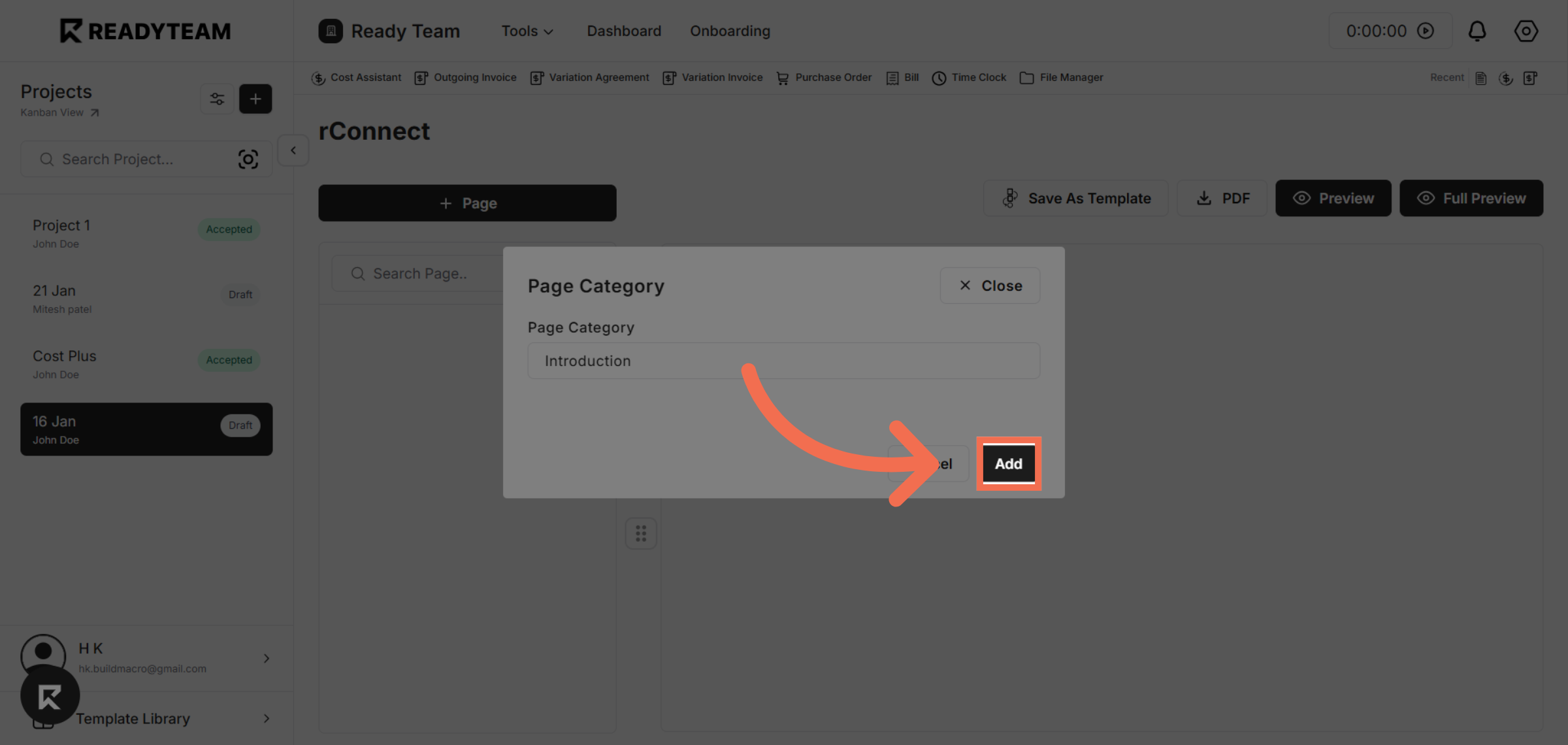
7. Add New Category
Click Add to save the new page category and apply it to your project.
You have successfully created a new page category in Readyteam, enabling better organization of your content. Start using this feature to streamline your page management today.