Upload Contact Us Page Design In rConnect
This demo showcases how to upload the Contact Us last page design within Readyteam.
Go to app.readyteam.ai
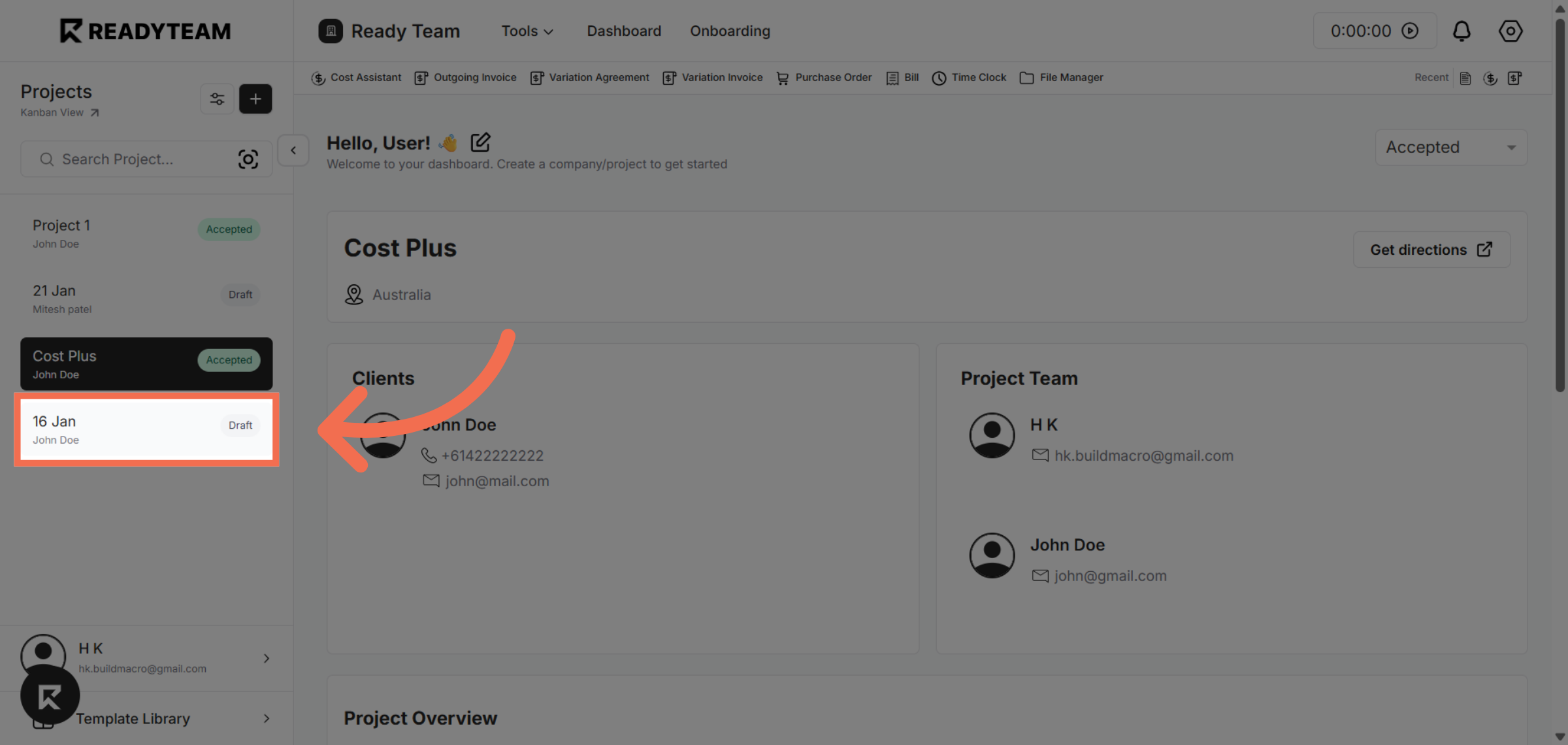
1. Select Project
Select project to begin editing your project.
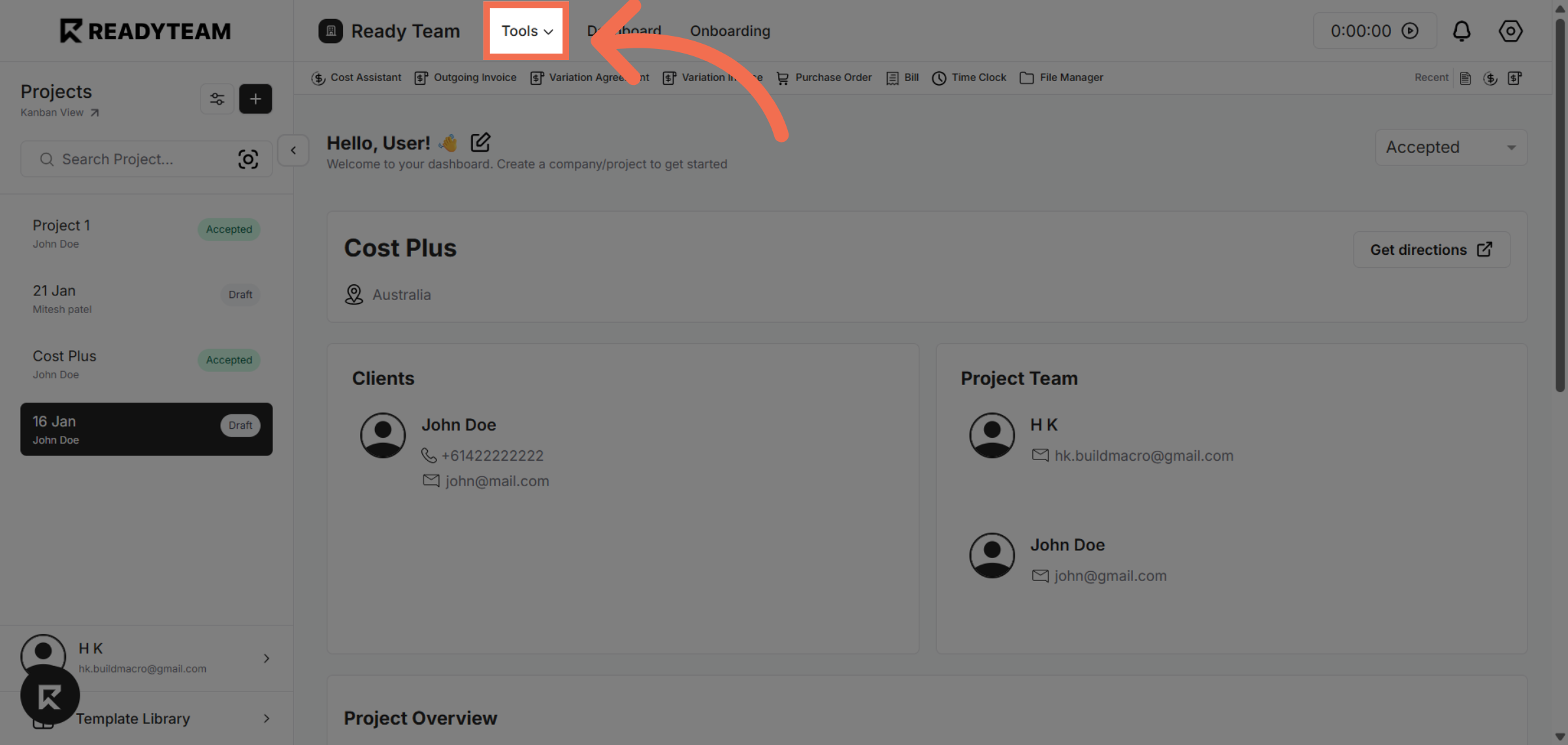
2. Access Tools Menu
Click the Tools menu to access additional features and integrations available in Readyteam.
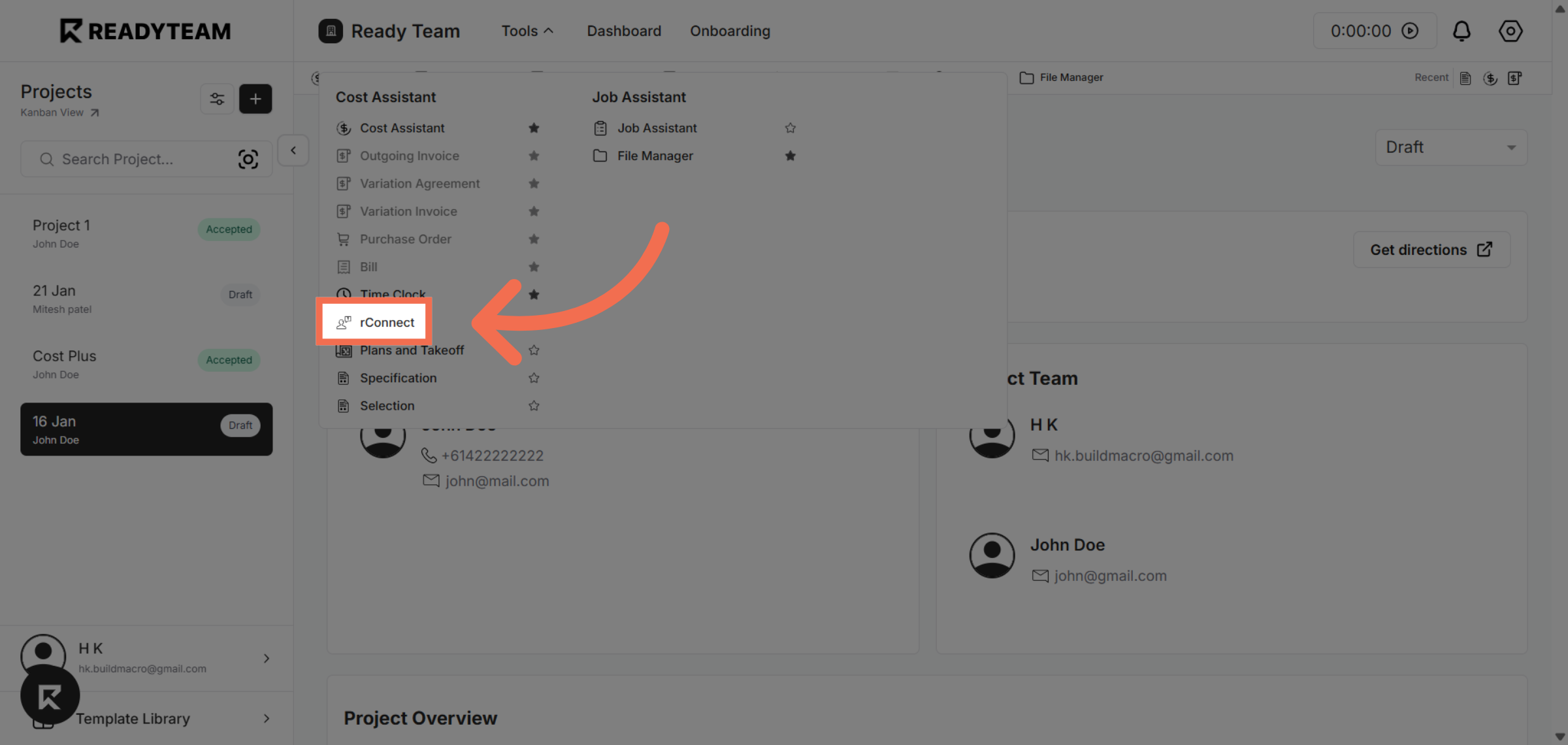
3. Select rConnect Tool
Click rConnect to open the integration tool that allows you to manage connected resources.
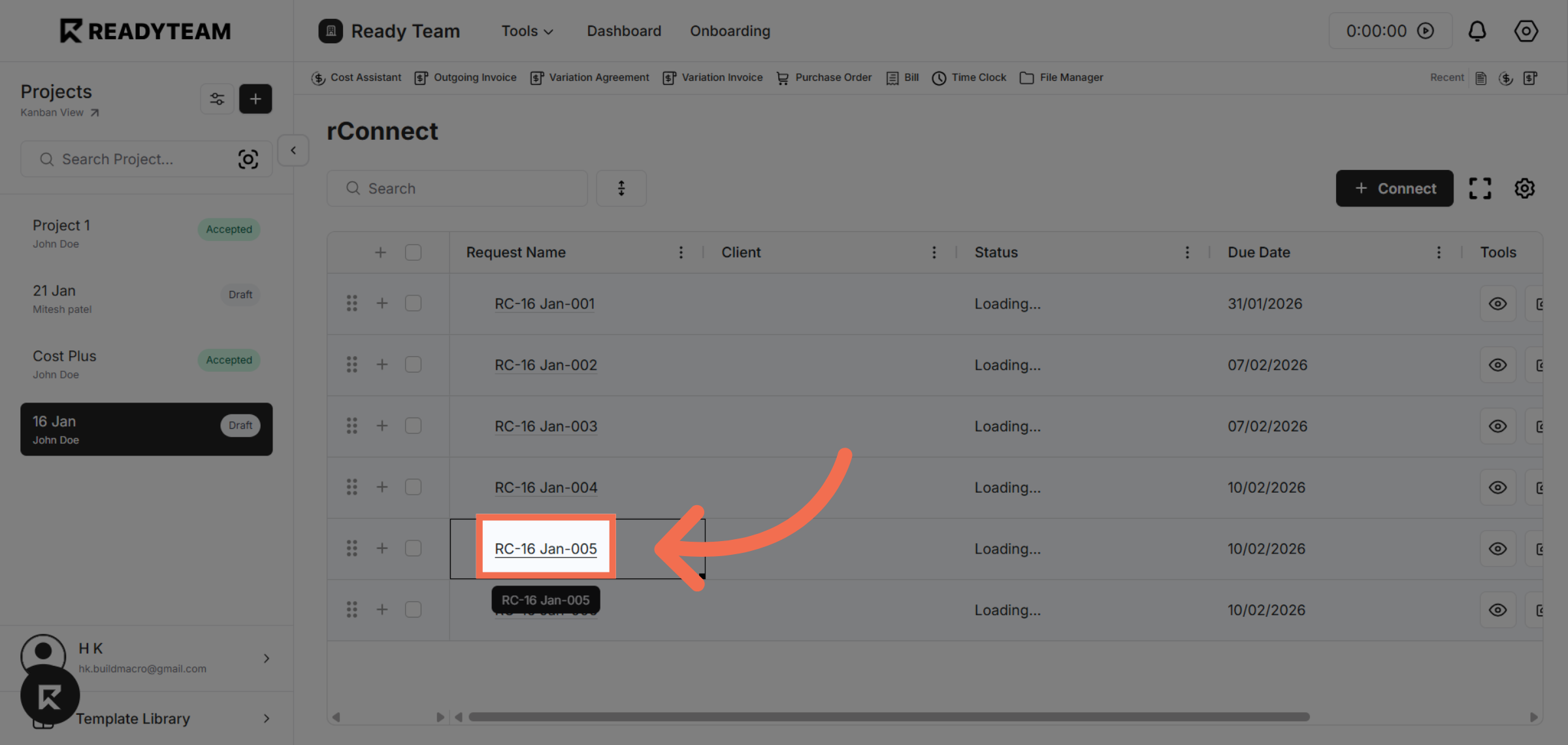
4. Choose Specific Record
Click the record labeled RC-16 Jan-005 to open the relevant details for editing.
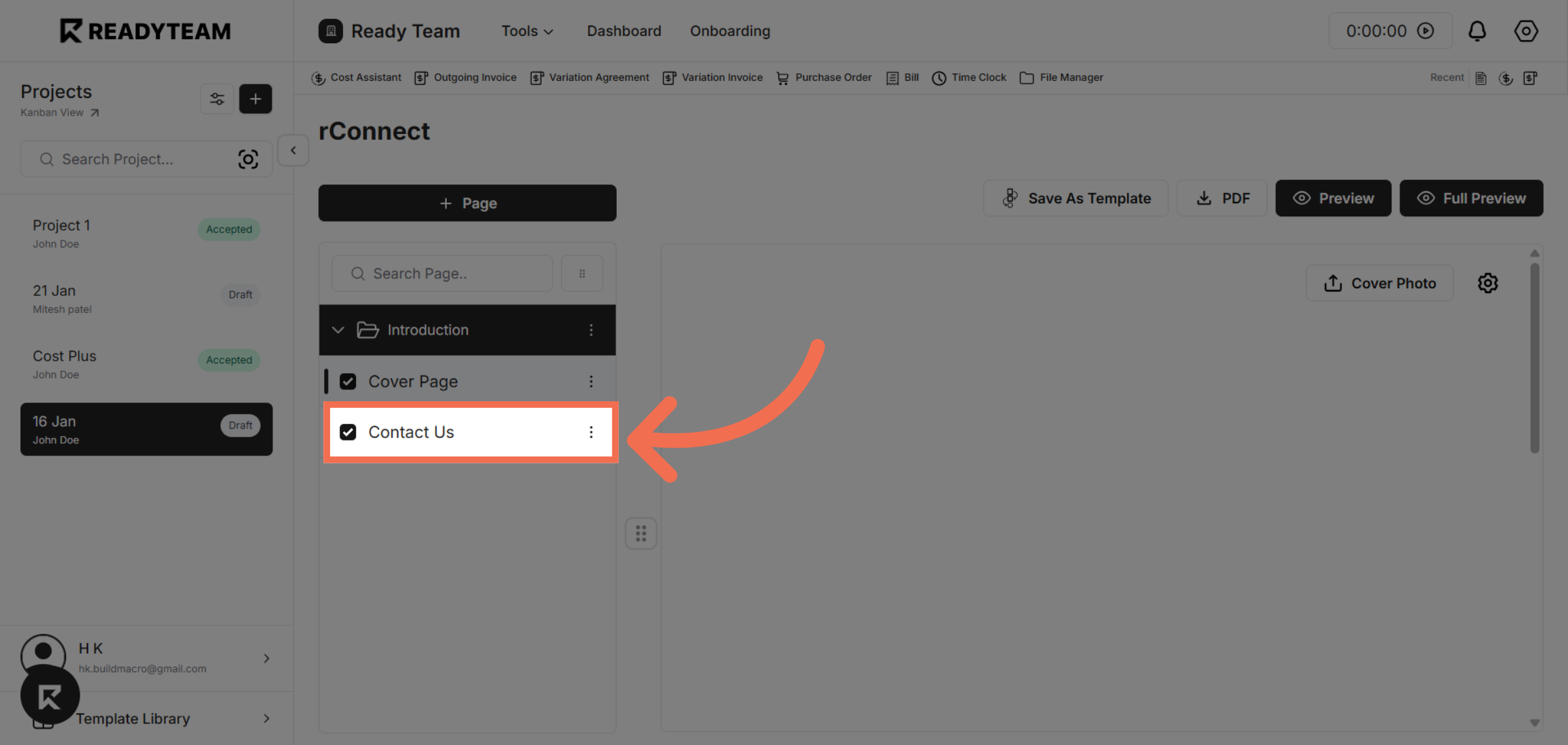
5. Navigate to Contact Us Section
Click Contact Us to access the section where you will upload the last page design.
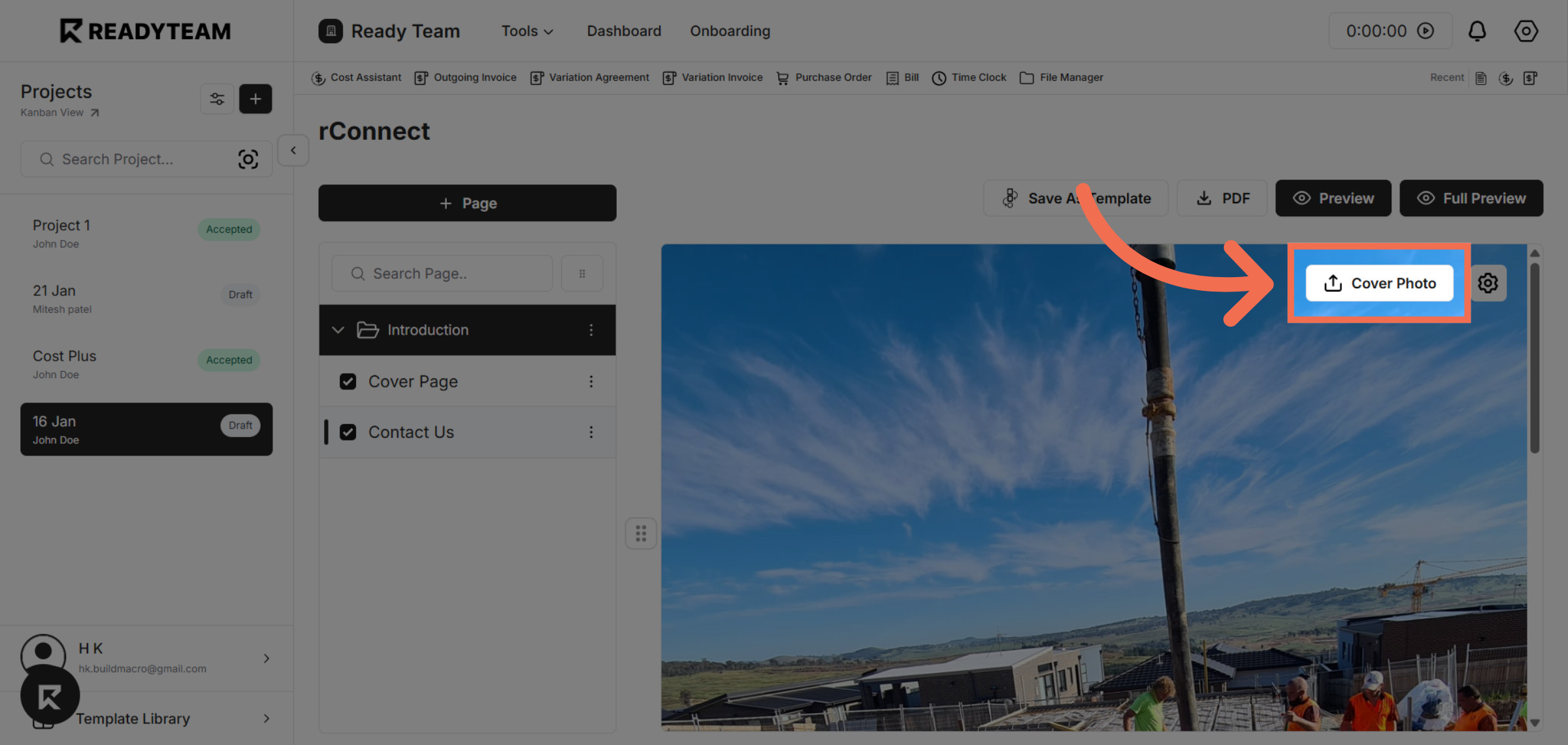
6. Upload File
Click the designated area to start the process of uploading your design file.
This demo demonstrated how to efficiently upload the Contact Us last page design using Readyteam. You can now easily manage and update your project visuals through the platform.