Create New Request Efficiently In rConnect
This demo showcases how to create a new request using rConnect within the Readyteam platform.
Go to app.readyteam.ai
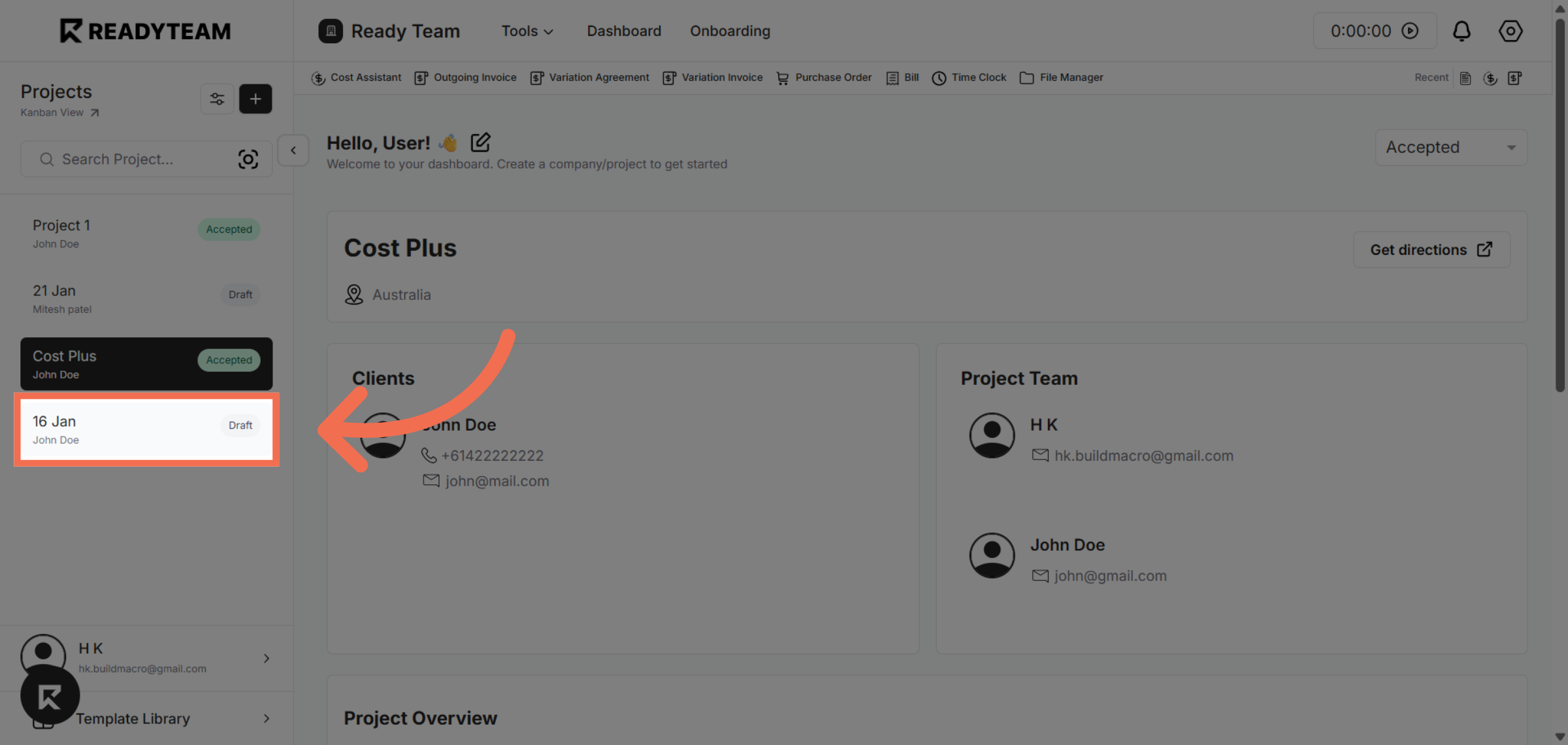
1. Select Project
Select project begin creating a new request.
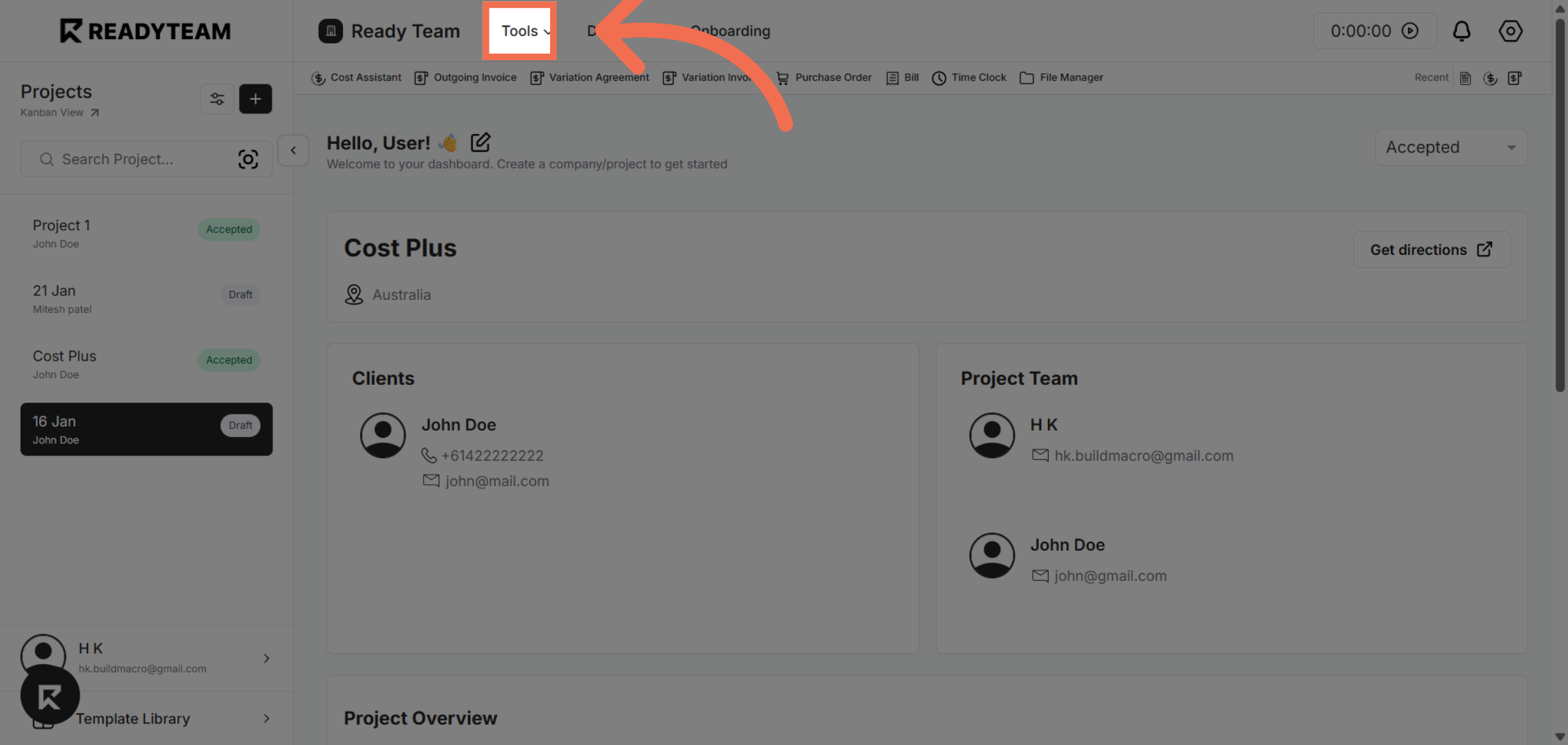
2. Access Tools Menu
Click the Tools menu to access additional features available in Readyteam.
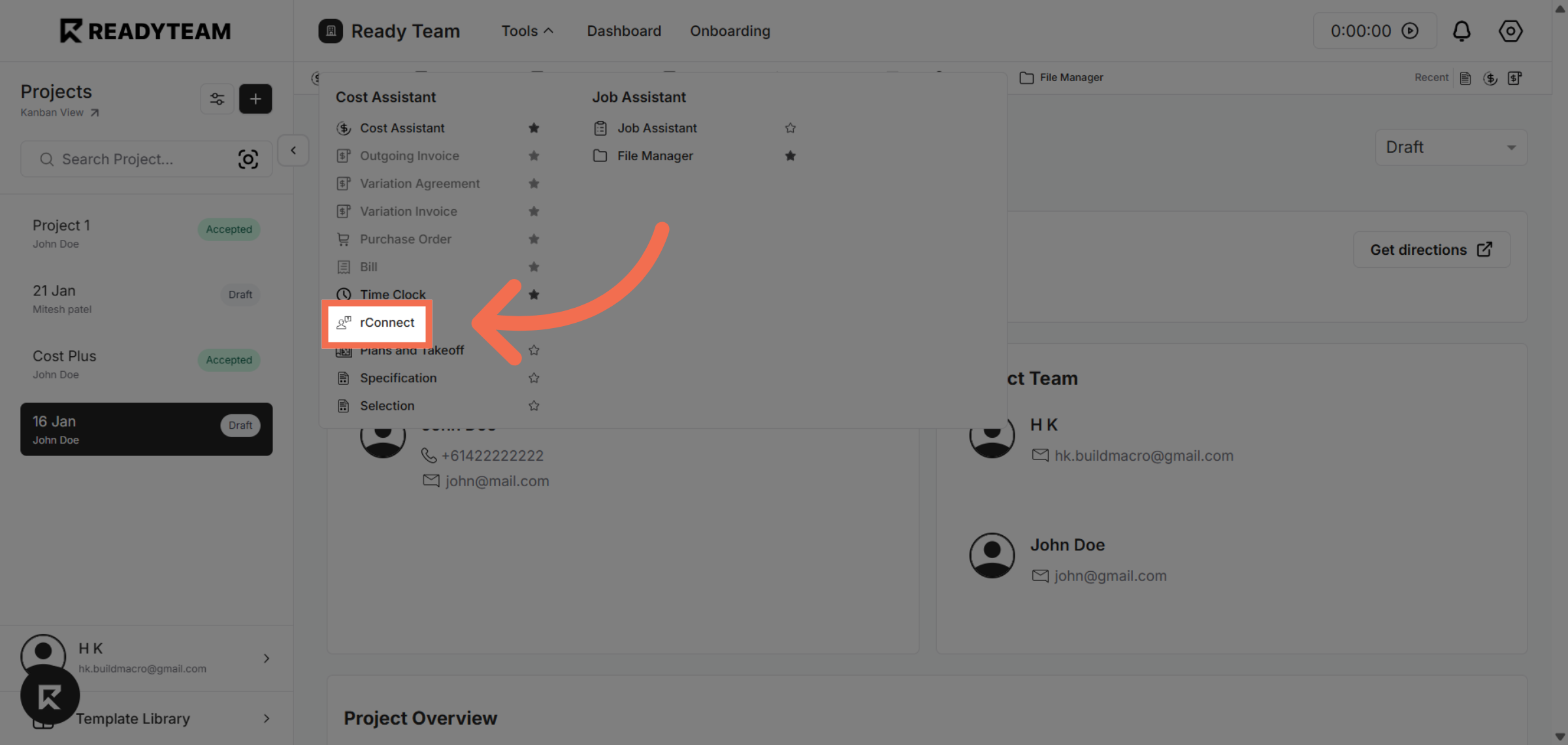
3. Select rConnect Feature
Click rConnect to open the integration that facilitates request management.
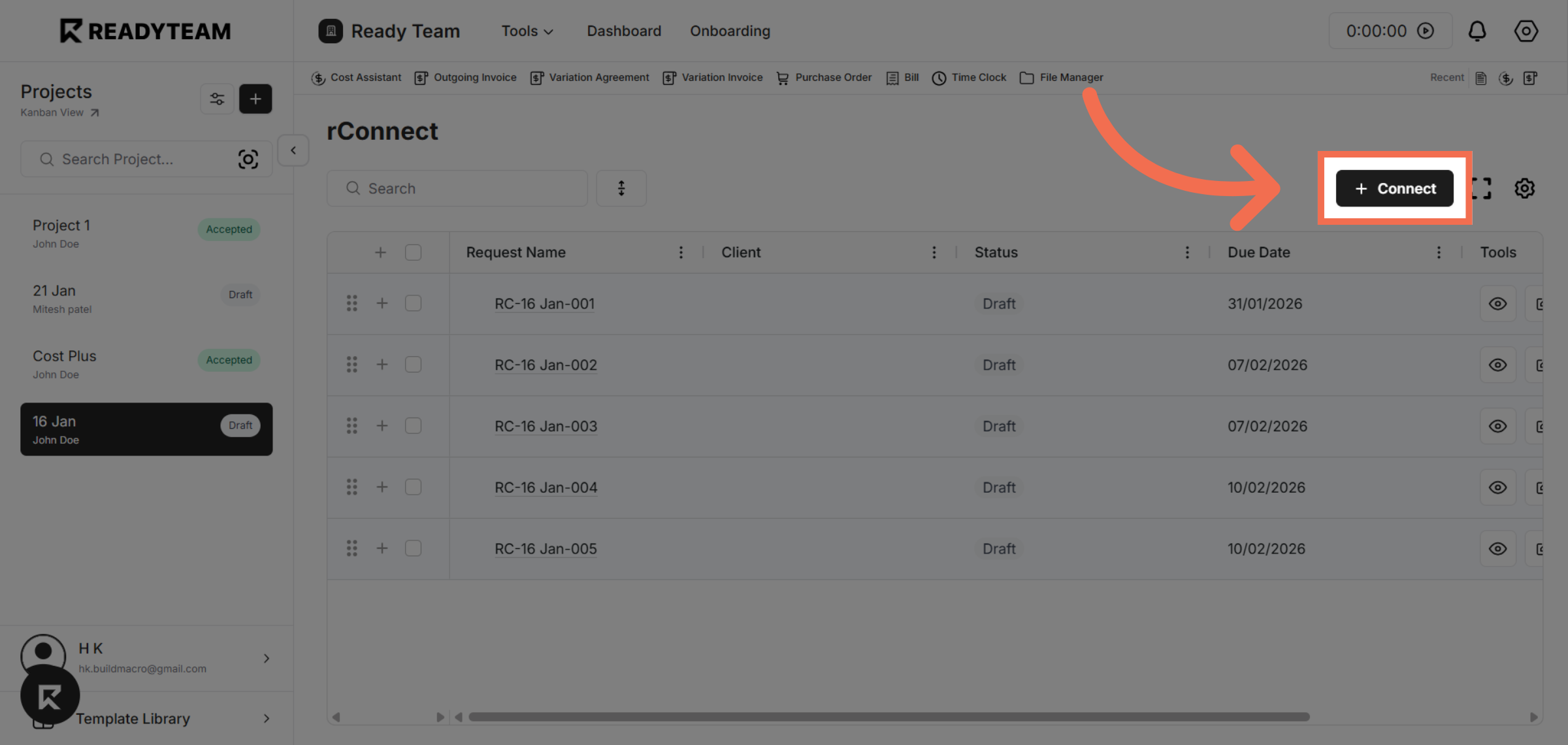
4. Initiate Connection
Click Connect to start linking your request with rConnect services.
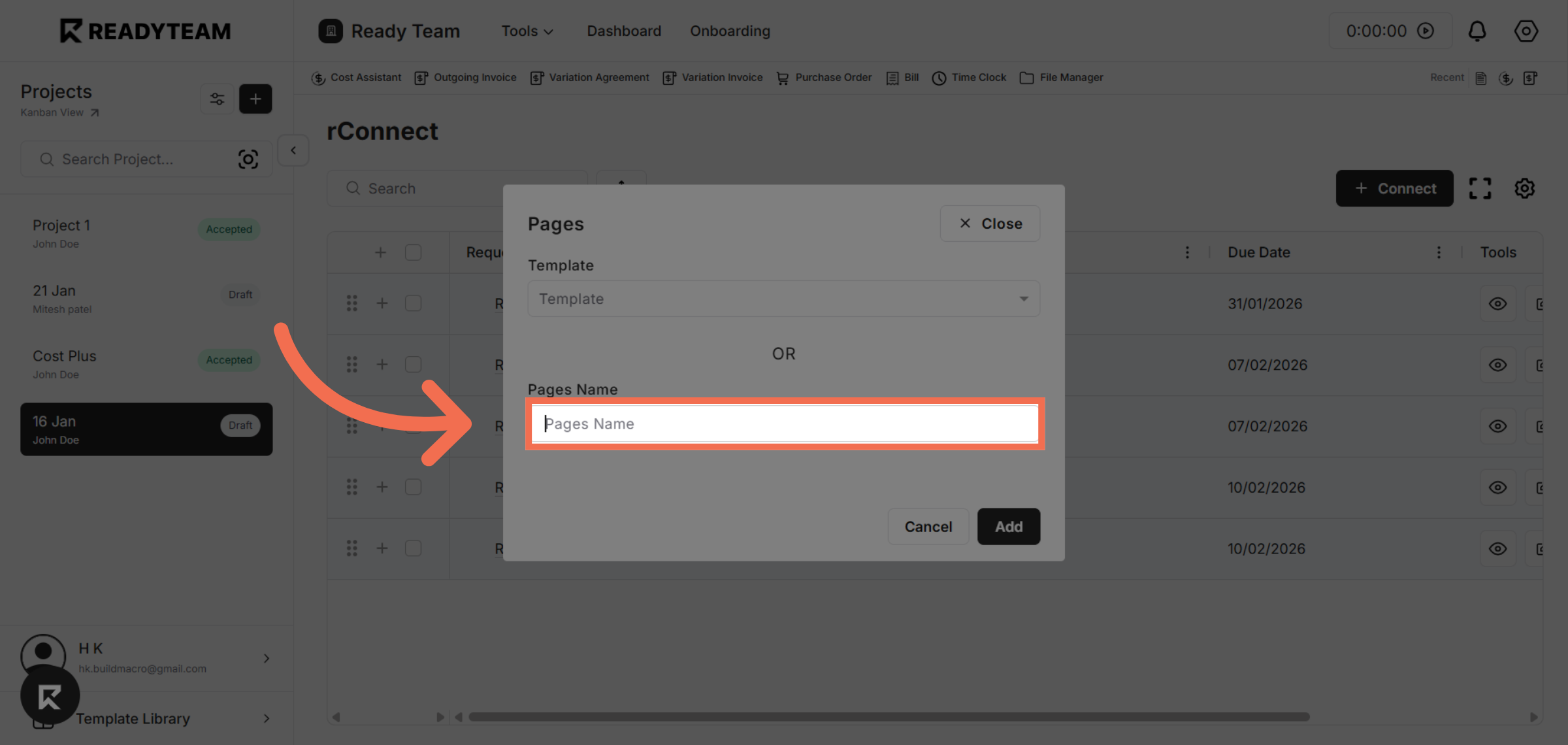
5. Enter the Name
Enter the page name field to specify the destination or category for your request.
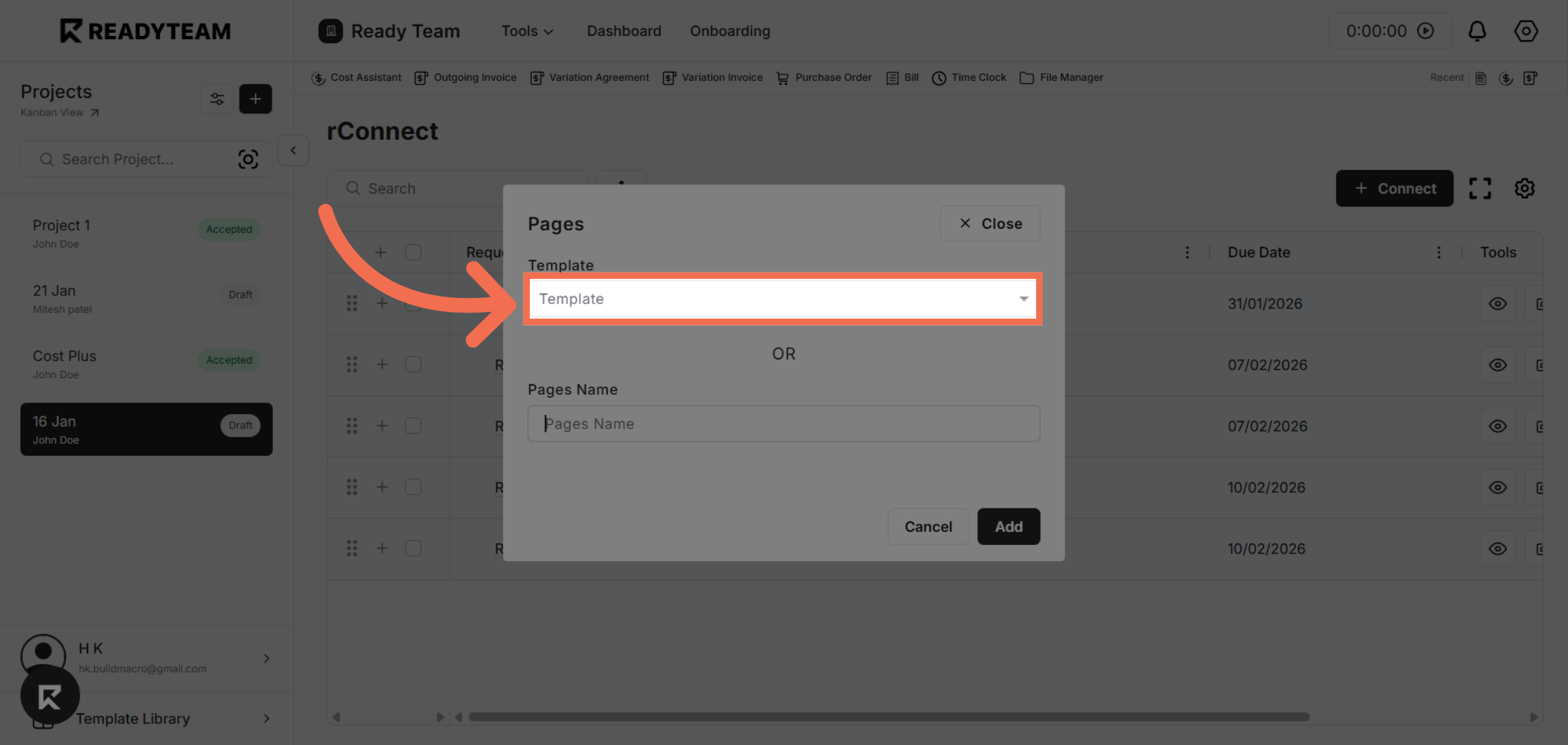
6. You can also Use Template
You can also use a template to import existing data and create the page more quickly.
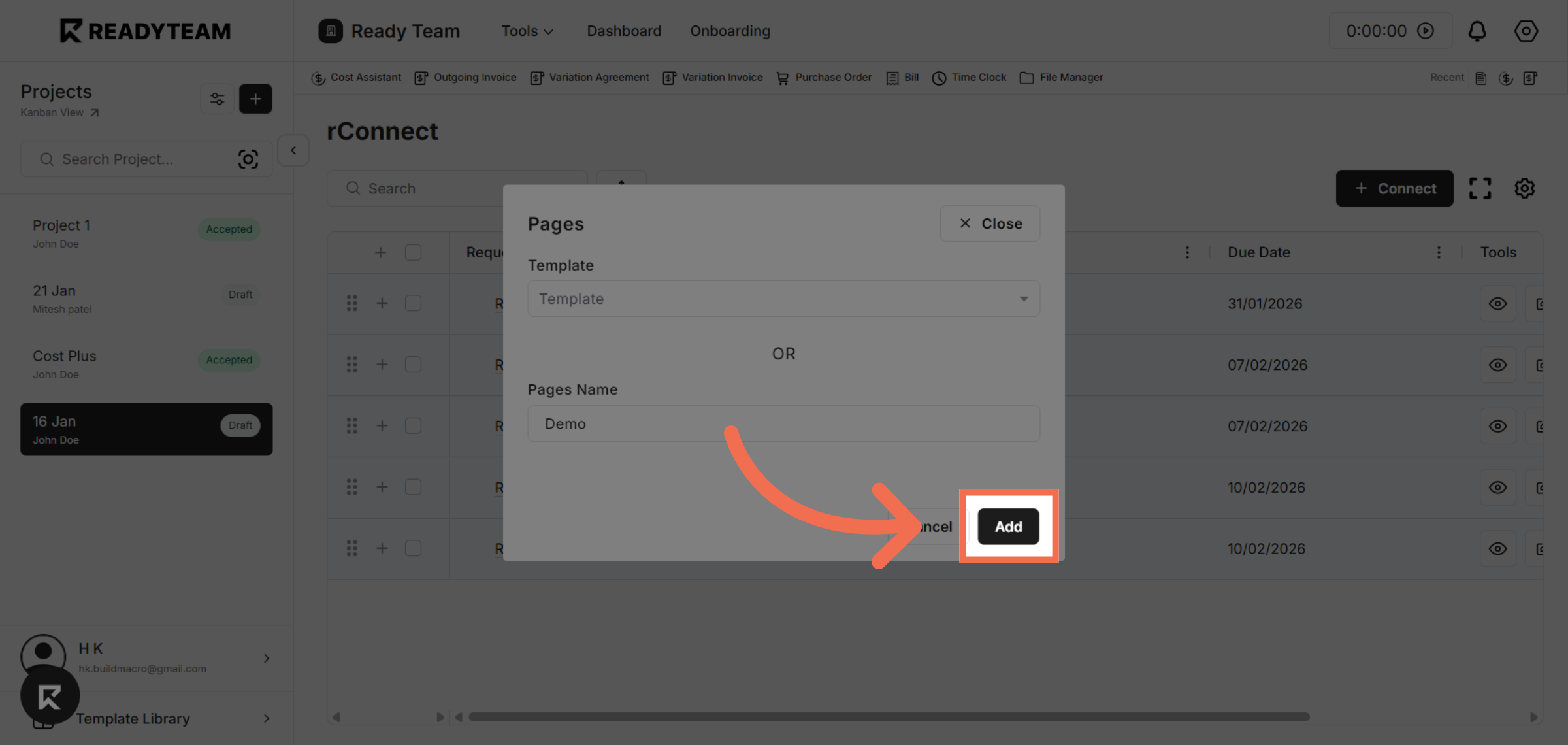
7. Add New Request
Click Add to finalize and submit your new request in rConnect.
This demo demonstrated how to efficiently create a new request in rConnect by navigating through Readyteam, selecting the appropriate options, and submitting the request. You can now streamline your workflow by using these steps to manage requests effectively.