How to Select Selection Questions from Data Setup ?
This demo showcases how to select selection questions data within the Readyteam data setup.
Go to app.readyteam.ai
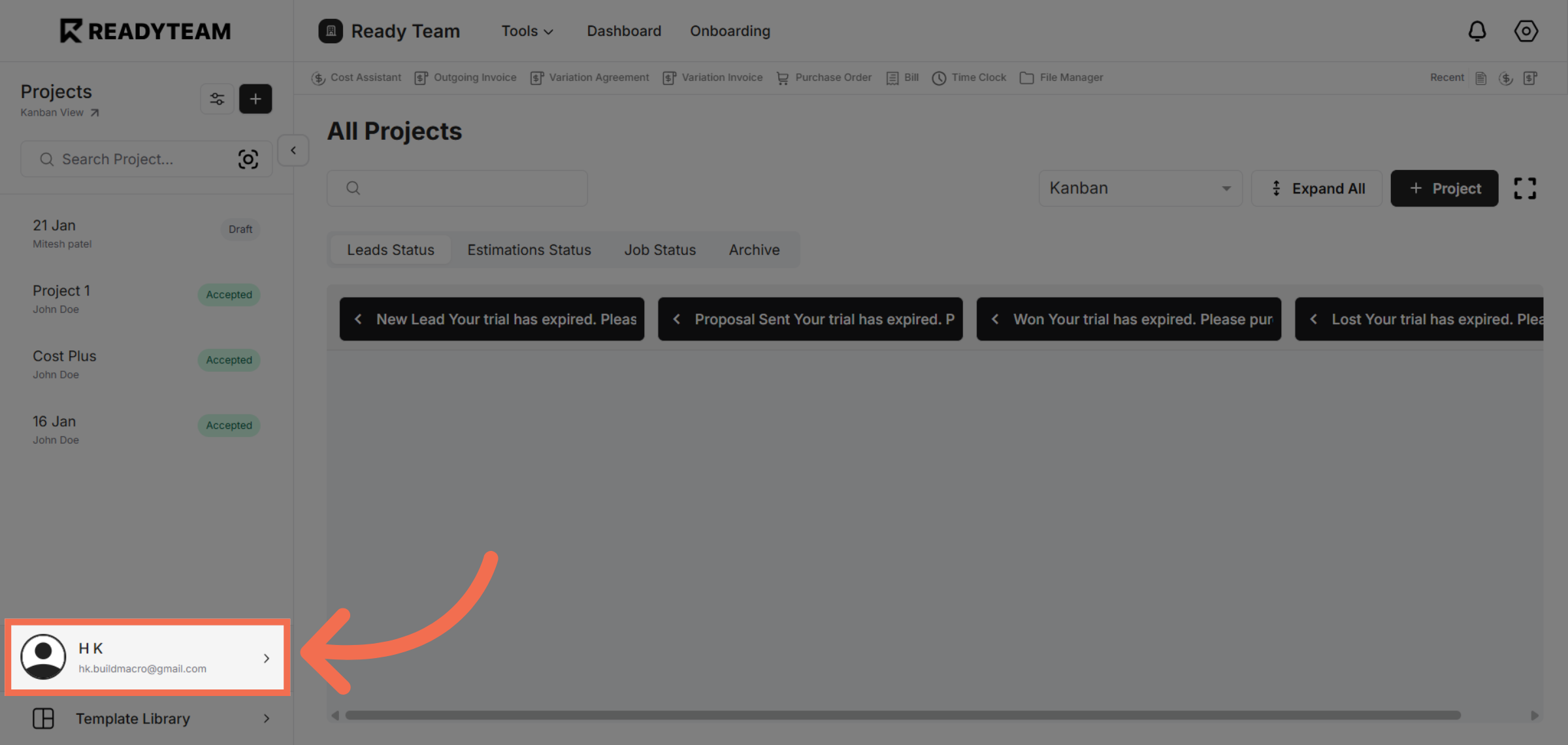
1. Access User Section
Click the user section to begin accessing system settings.
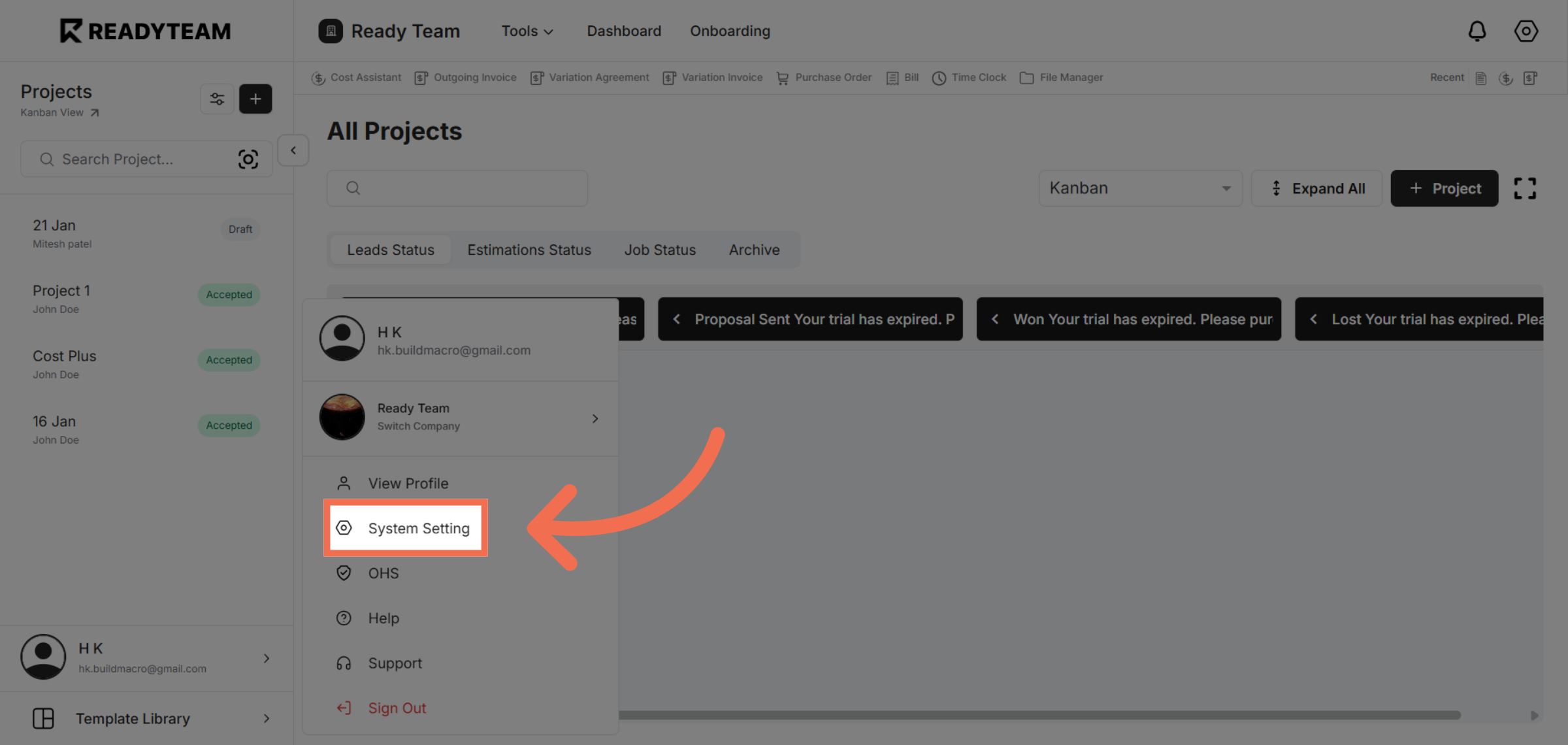
2. Open System Settings
Click System Setting to access configuration options for your account.
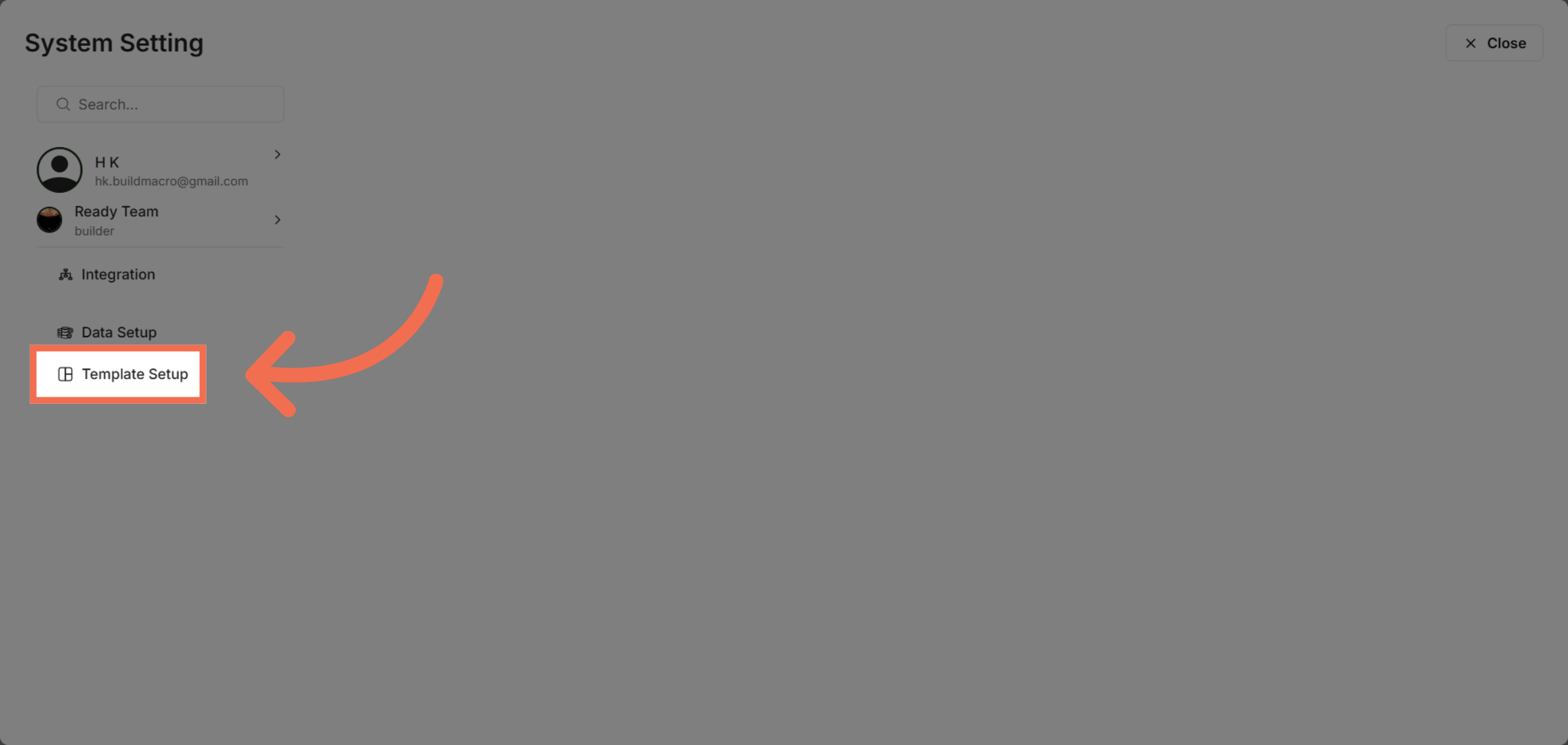
3. Navigate to Template Setup
Click Template Setup to manage templates related to your data setup.
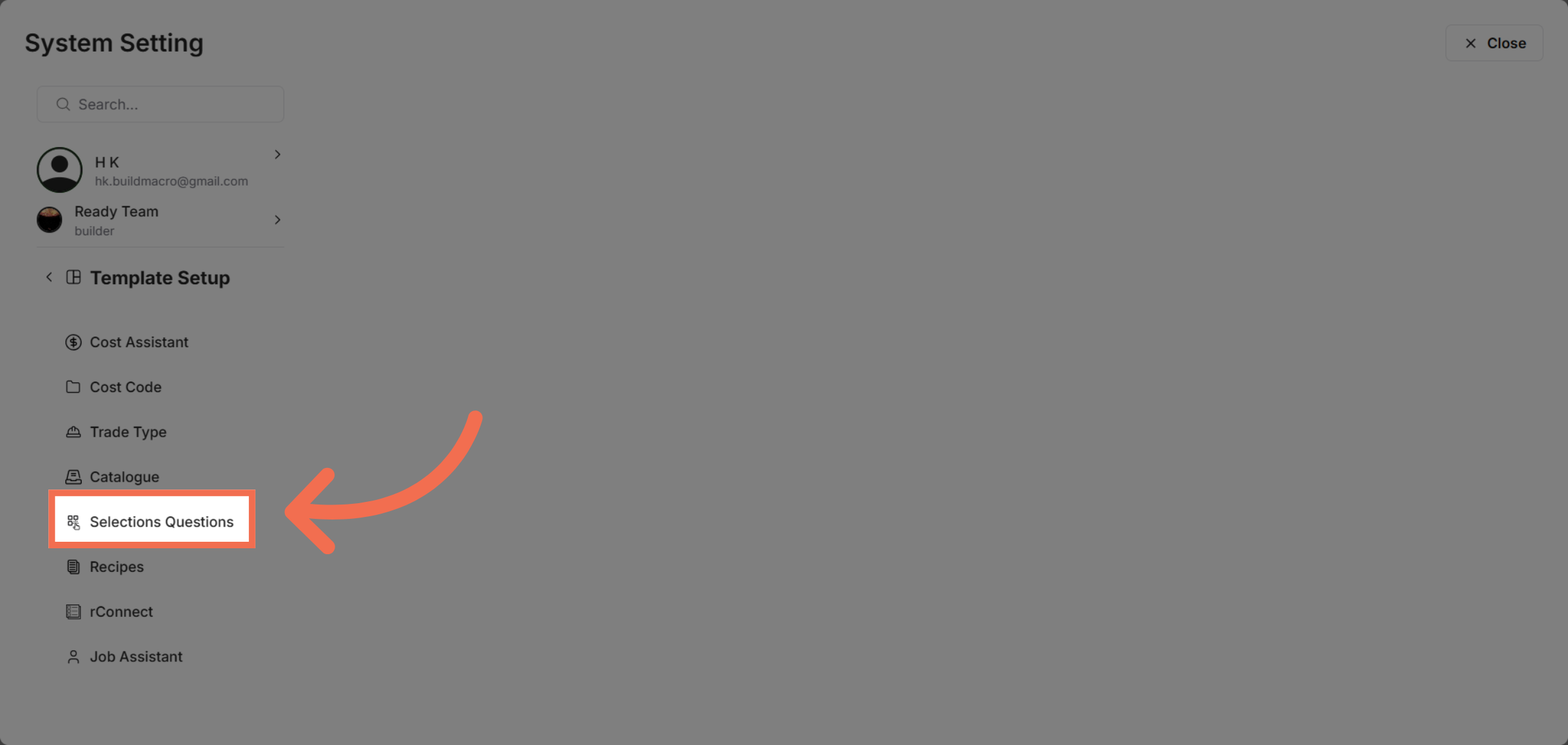
4. Select Selection Questions
Click Selections Questions to view and configure question templates.
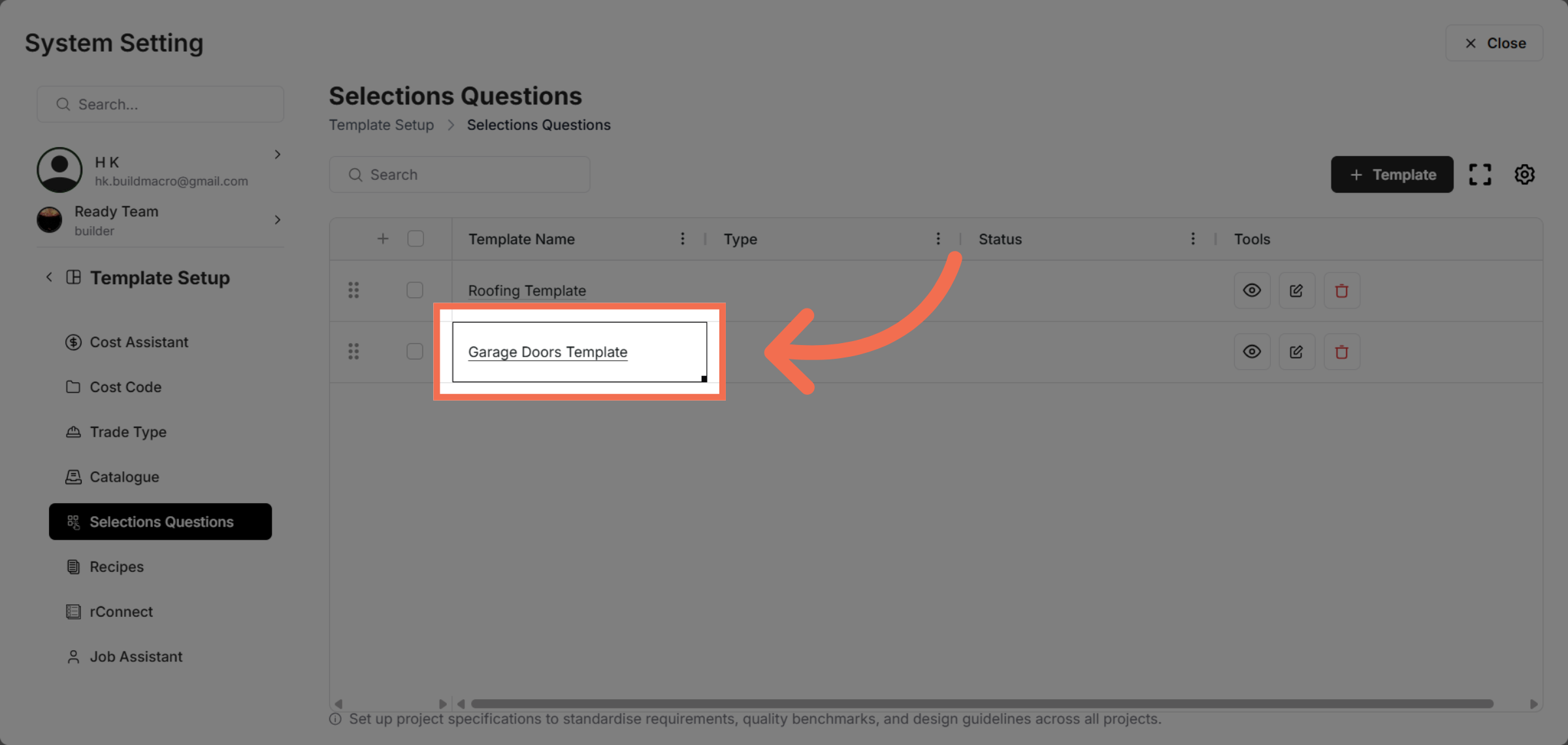
5. Choose Template
Click the Garage Doors Template to work with its selection questions.
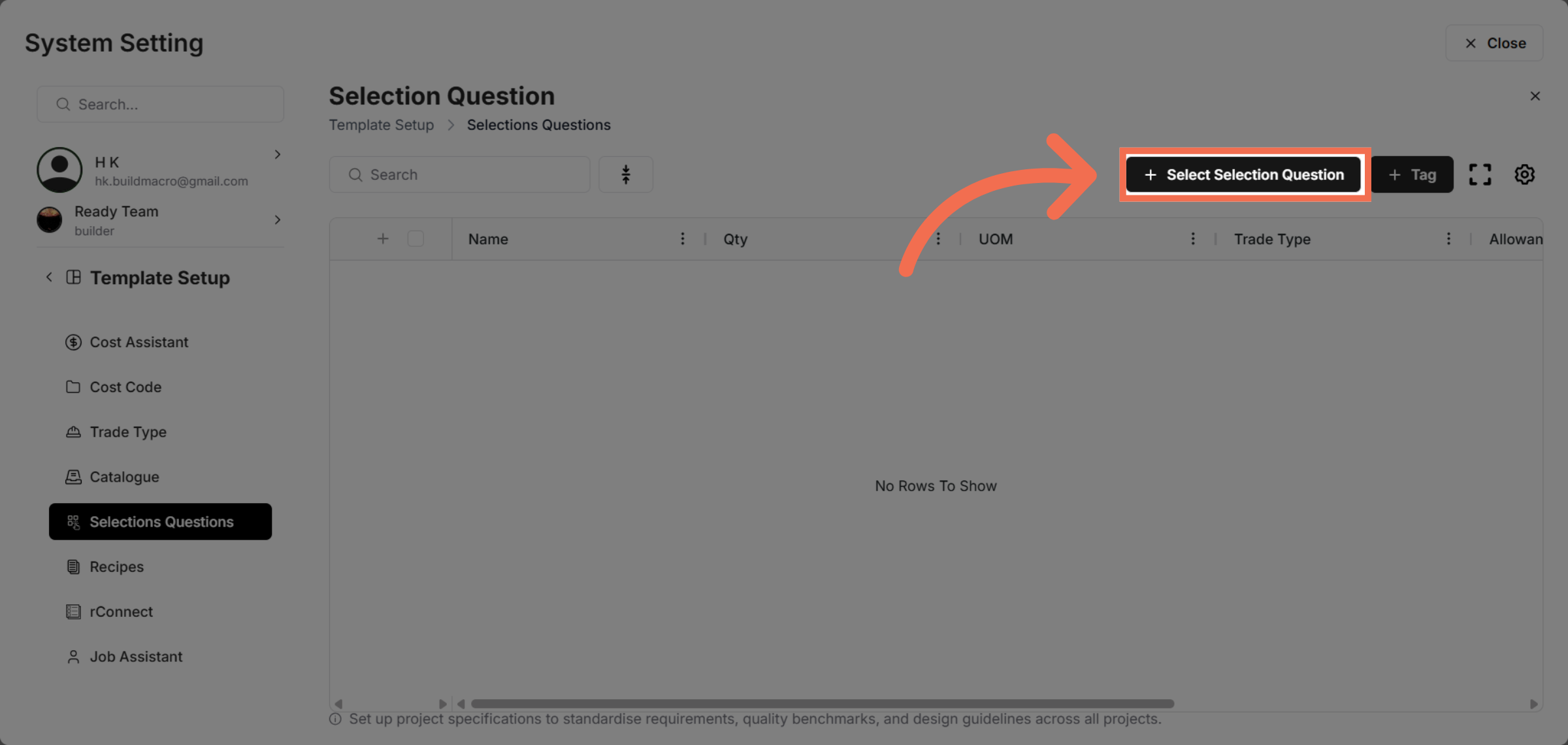
6. Click "Select Selection Question"
Click Select Selection Question to begin choosing specific questions.
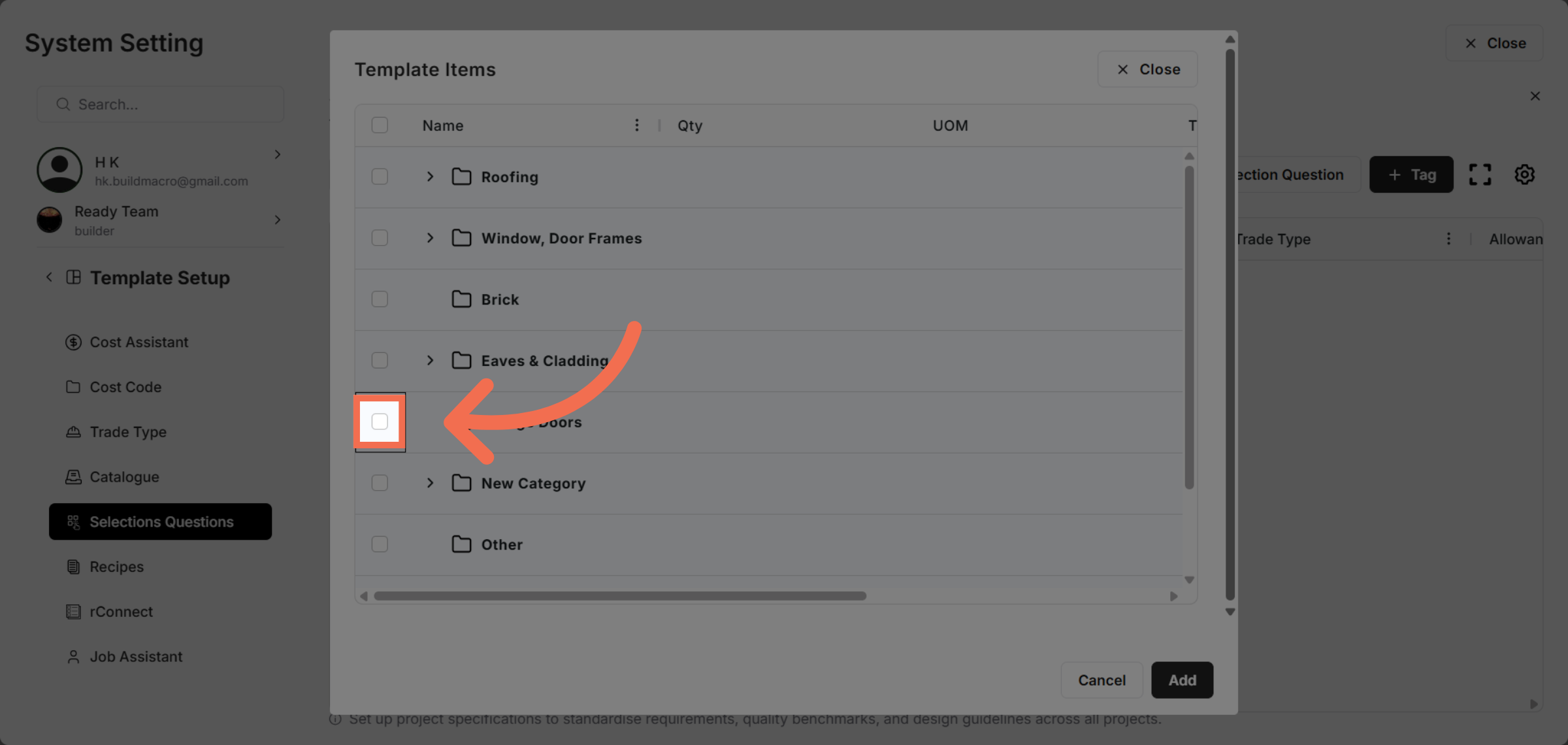
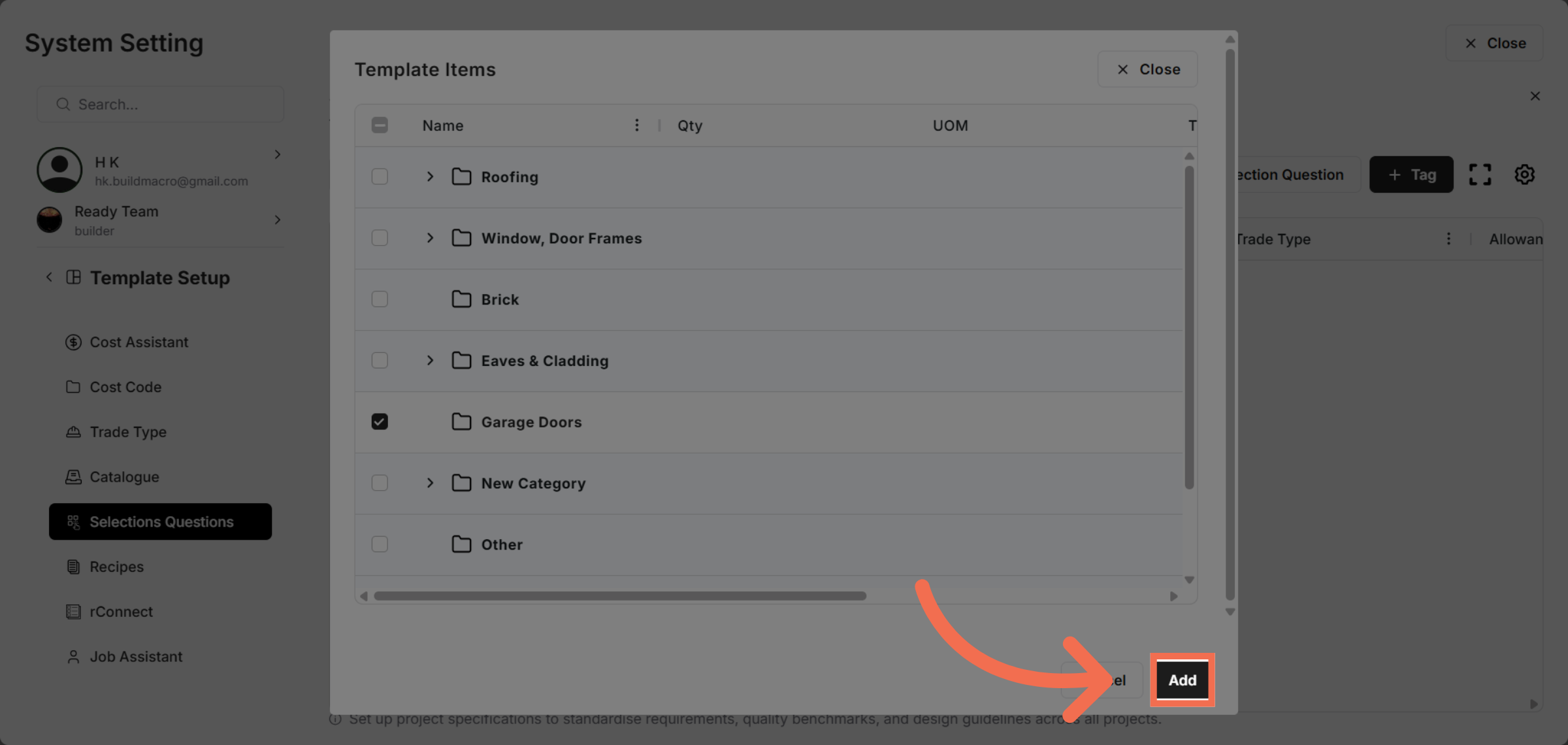
7. Select Rows
Click to toggle row selection, enabling or disabling the selection as needed.
8. Add Selection Question
Click Add to finalize and save the selection question to the template.
You have successfully selected and configured selection questions data within Readyteam's data setup. This process streamlines your template management and improves data accuracy for your projects.