How to Use Template in rConnect ?
This demo showcases how to add a template within the rConnect feature of Readyteam.
Go to app.readyteam.ai
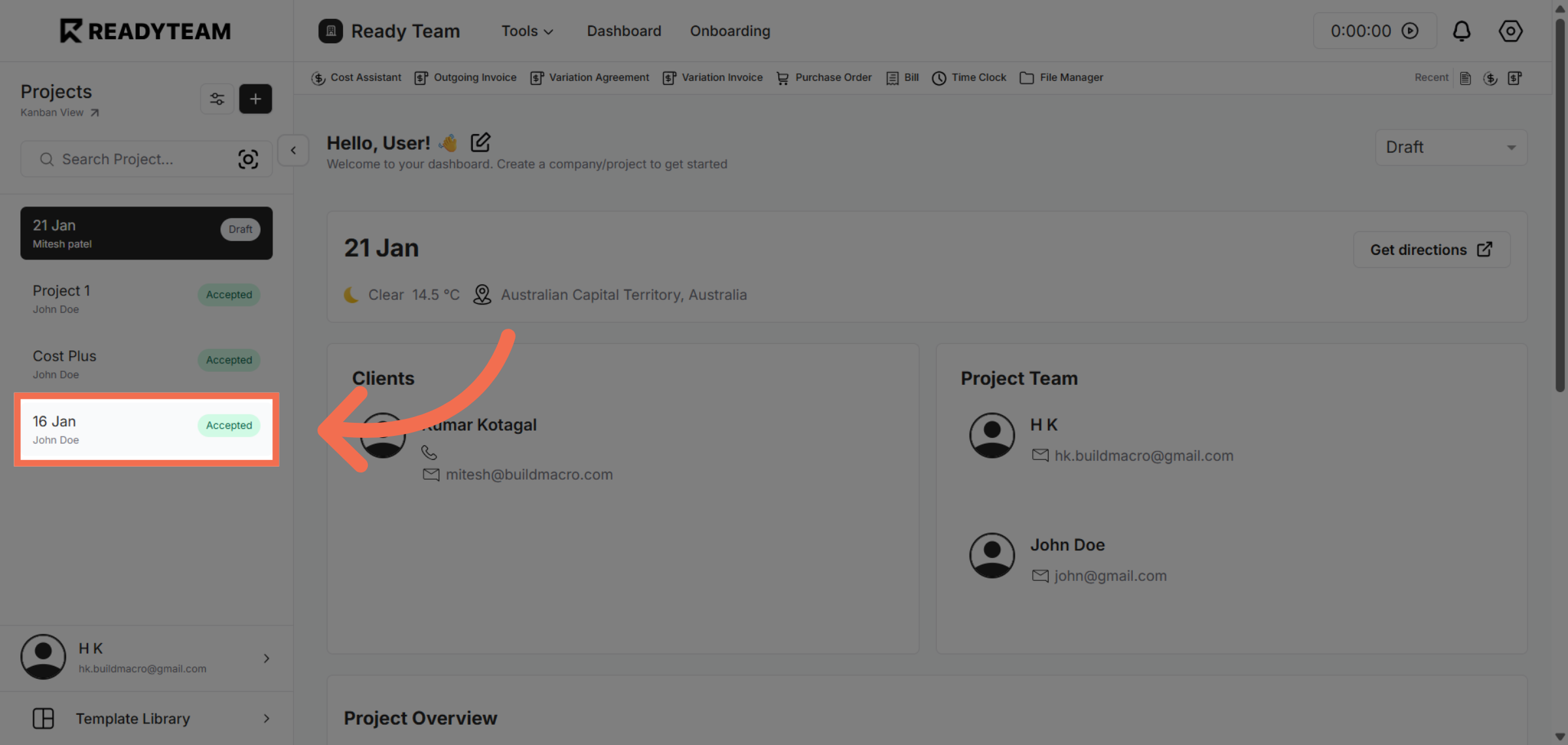
1. Select Specific Project
Select specific project to begin the template addition process.
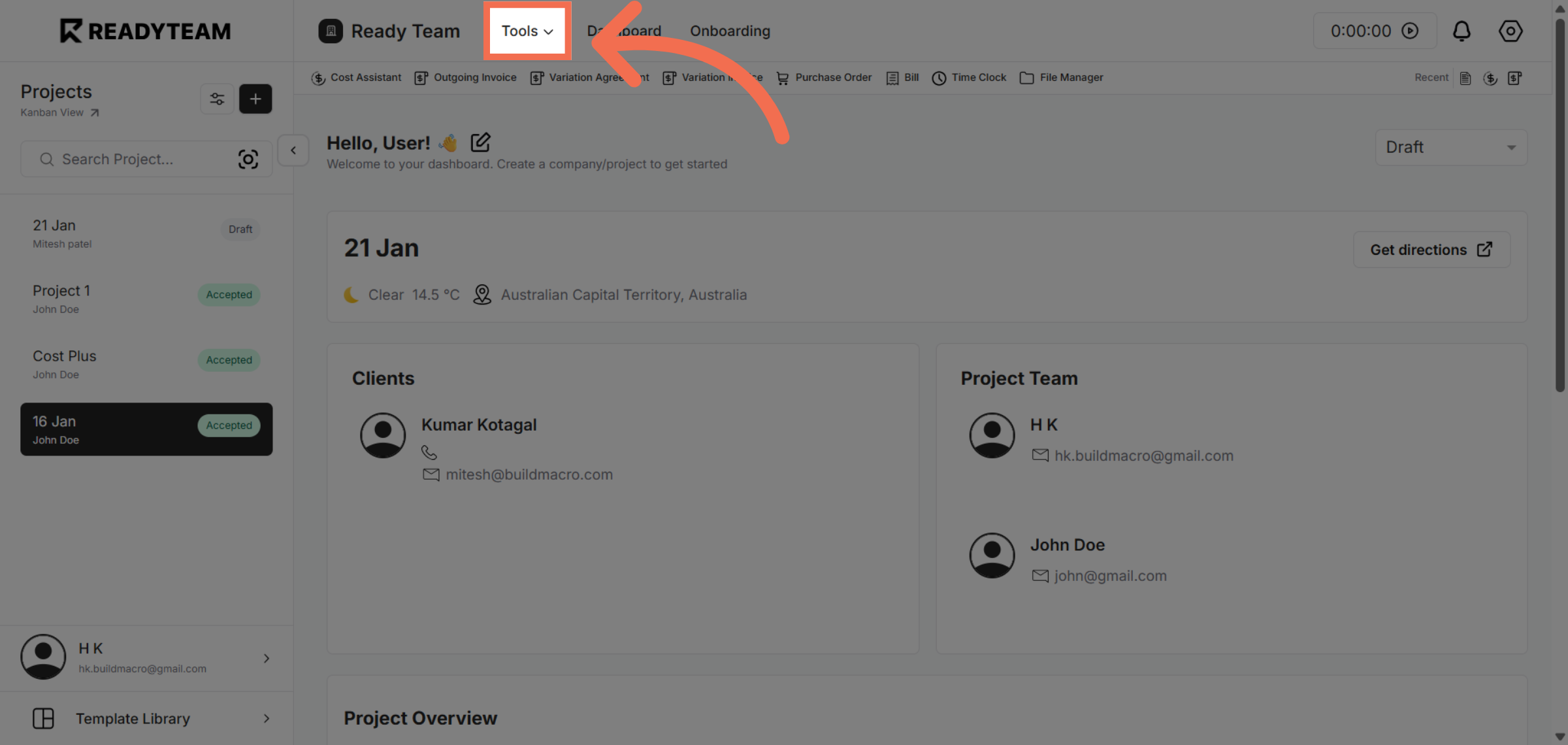
2. Open Tools Menu
Click the Tools menu to access additional features available in Readyteam.
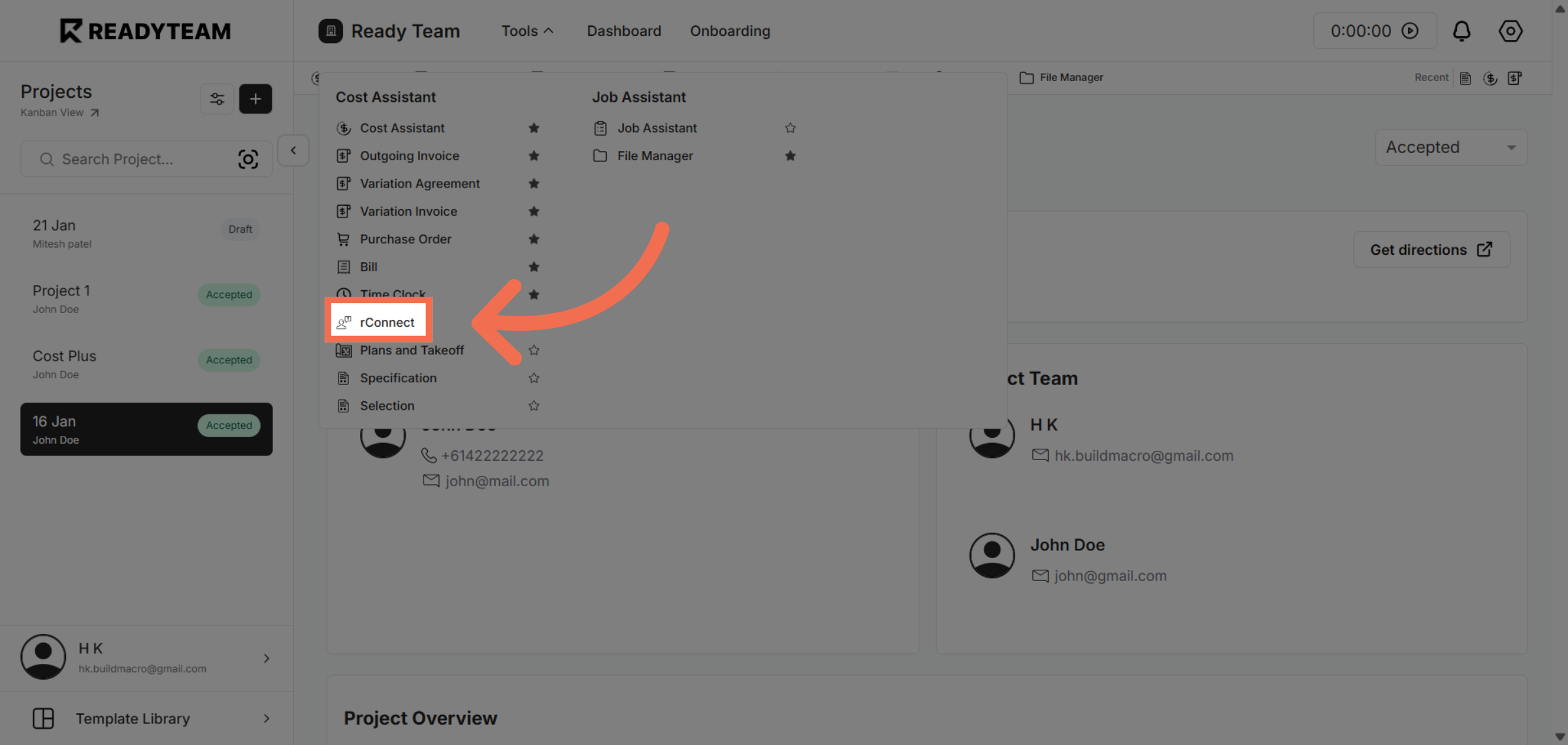
3. Access rConnect Feature
Click rConnect to open the module where templates can be managed and added.
4. Click Connect Option
Click Connect to proceed to the section for linking templates within rConnect.
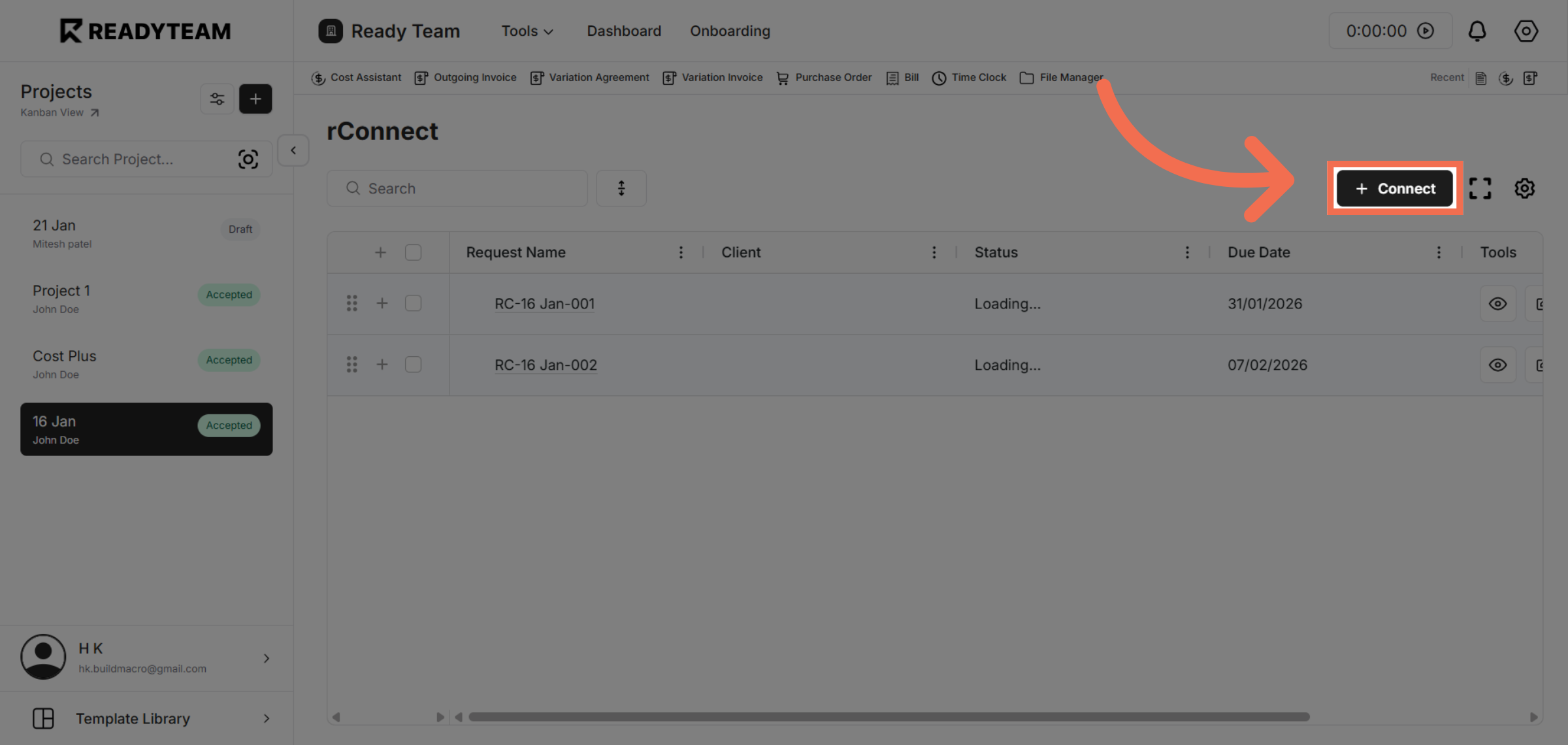
5. Initiate Template Addition
Click the designated area to start adding a new template to your rConnect workspace.
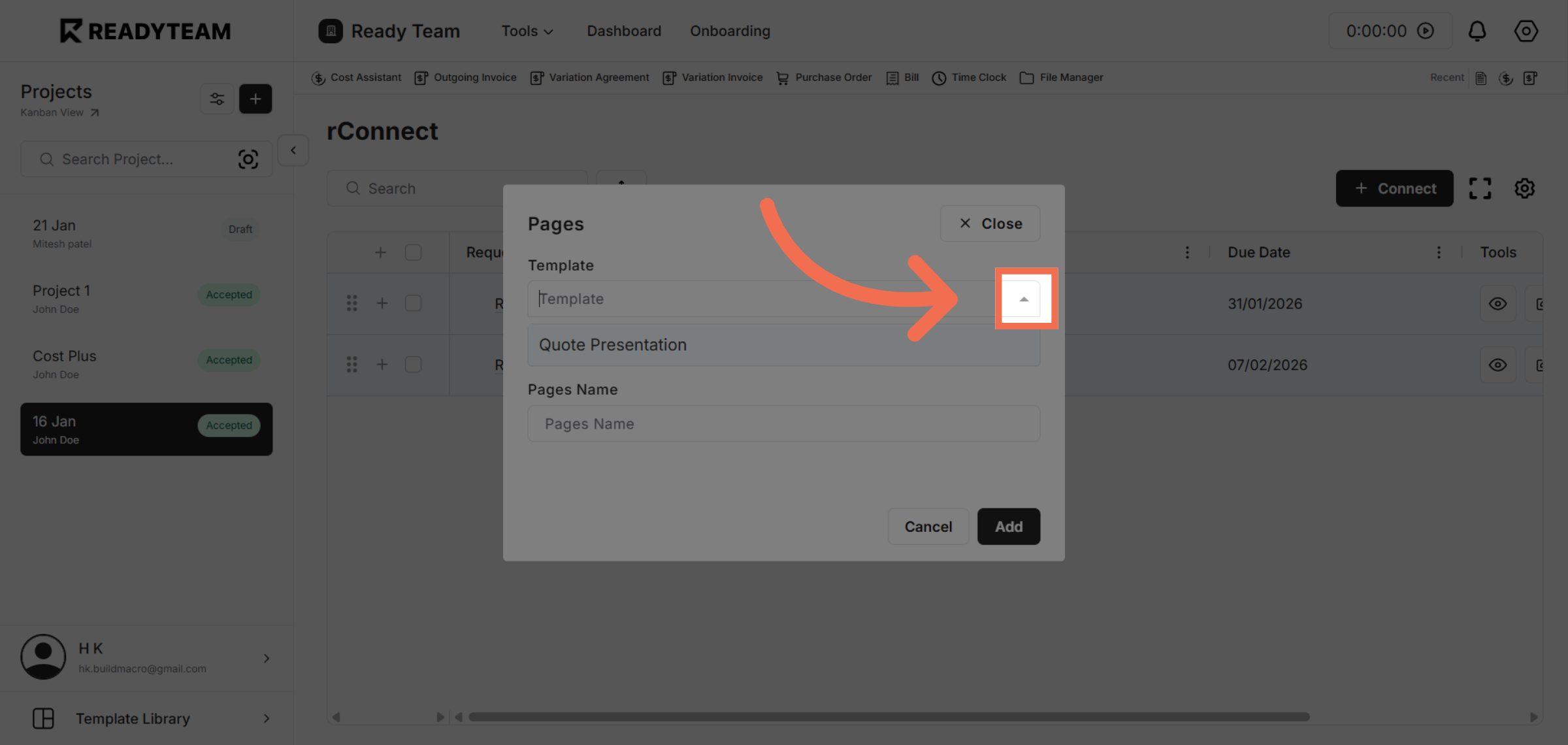
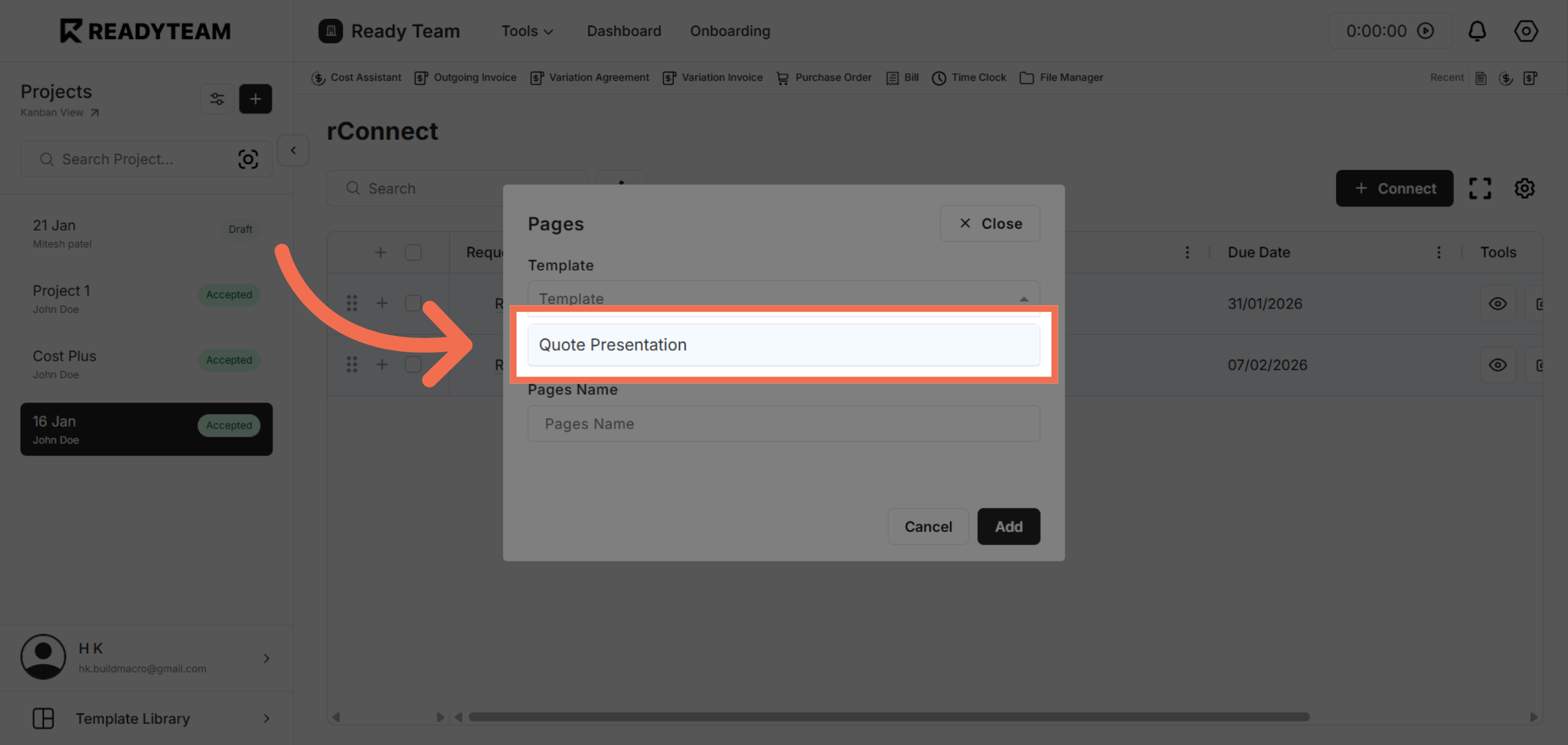
6. Choose Template
Click Quote Presentation to select the type of template you want to add.
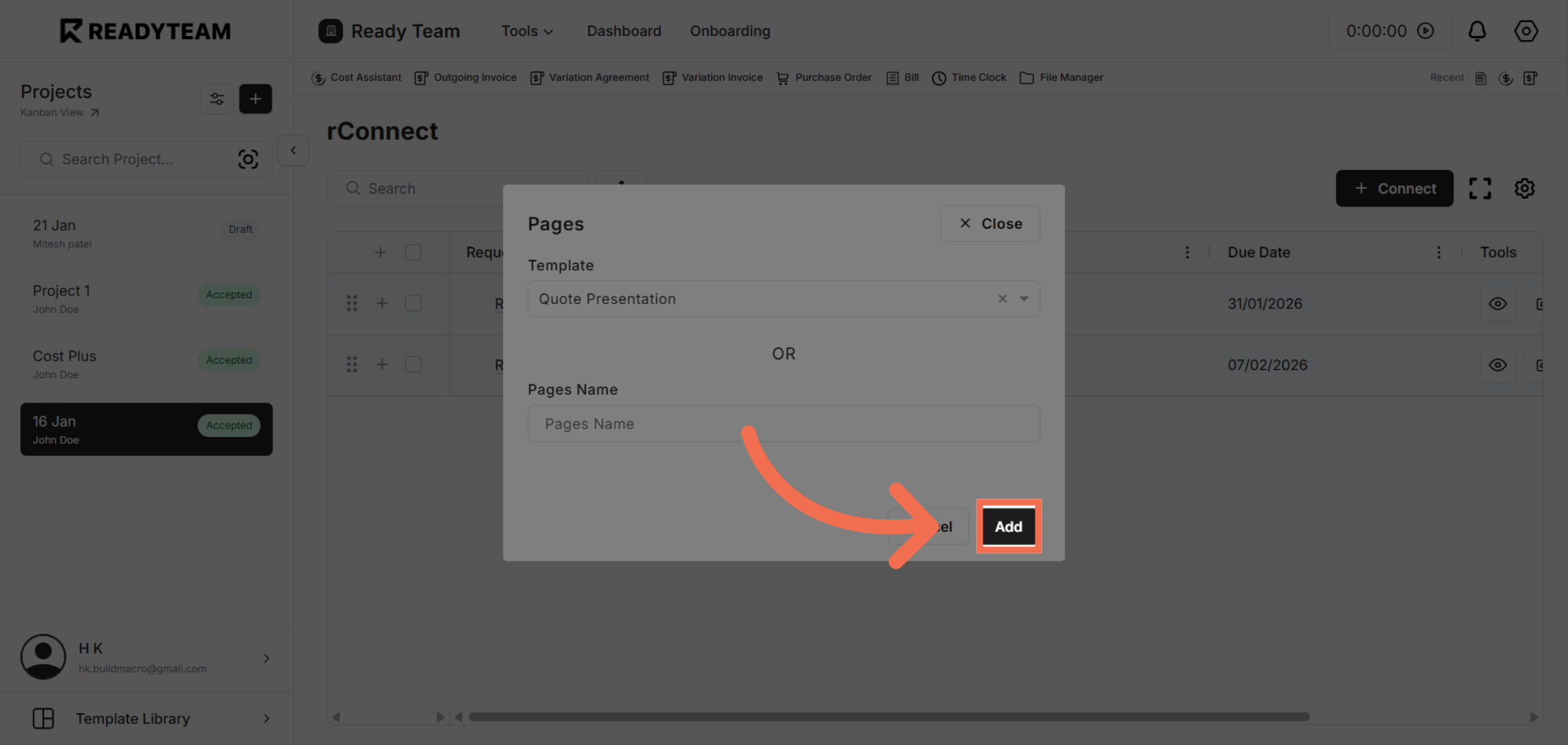
7. Add New Template
Click Add to include a new template in the Quote Presentation category.
This demo demonstrated how to efficiently add a template within rConnect in Readyteam, enhancing your ability to manage presentations quickly. Start using this streamlined process today to save time and improve your workflow.