Save Quotes as Template in rConnect
This demo shows how to save a quote as a reusable template in Readyteam.
Go to app.readyteam.ai
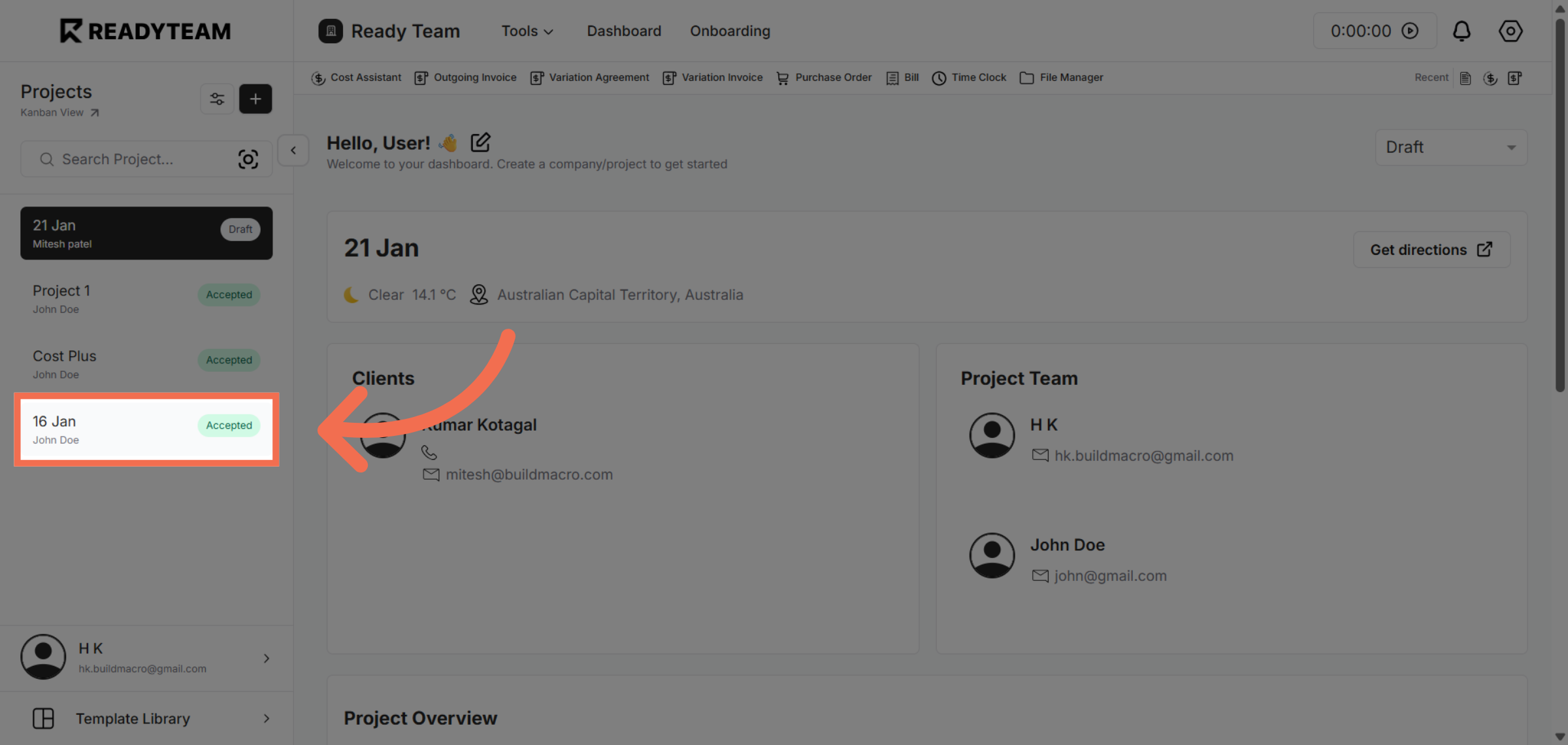
1. Select Specific Project
Select specific project to begin the process of saving it as a template.
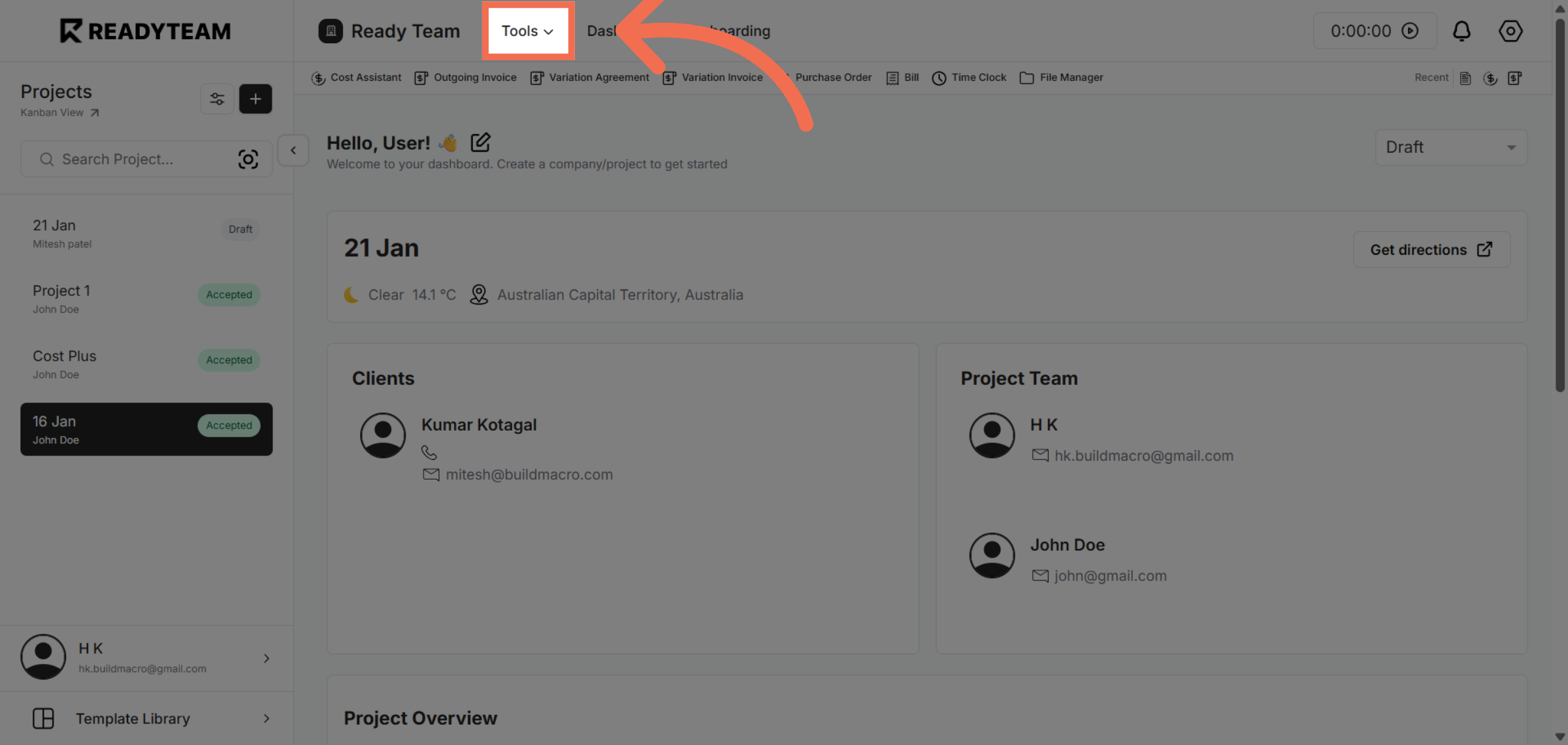
2. Open Tools Menu
Open Tools Menu to access rConnect.
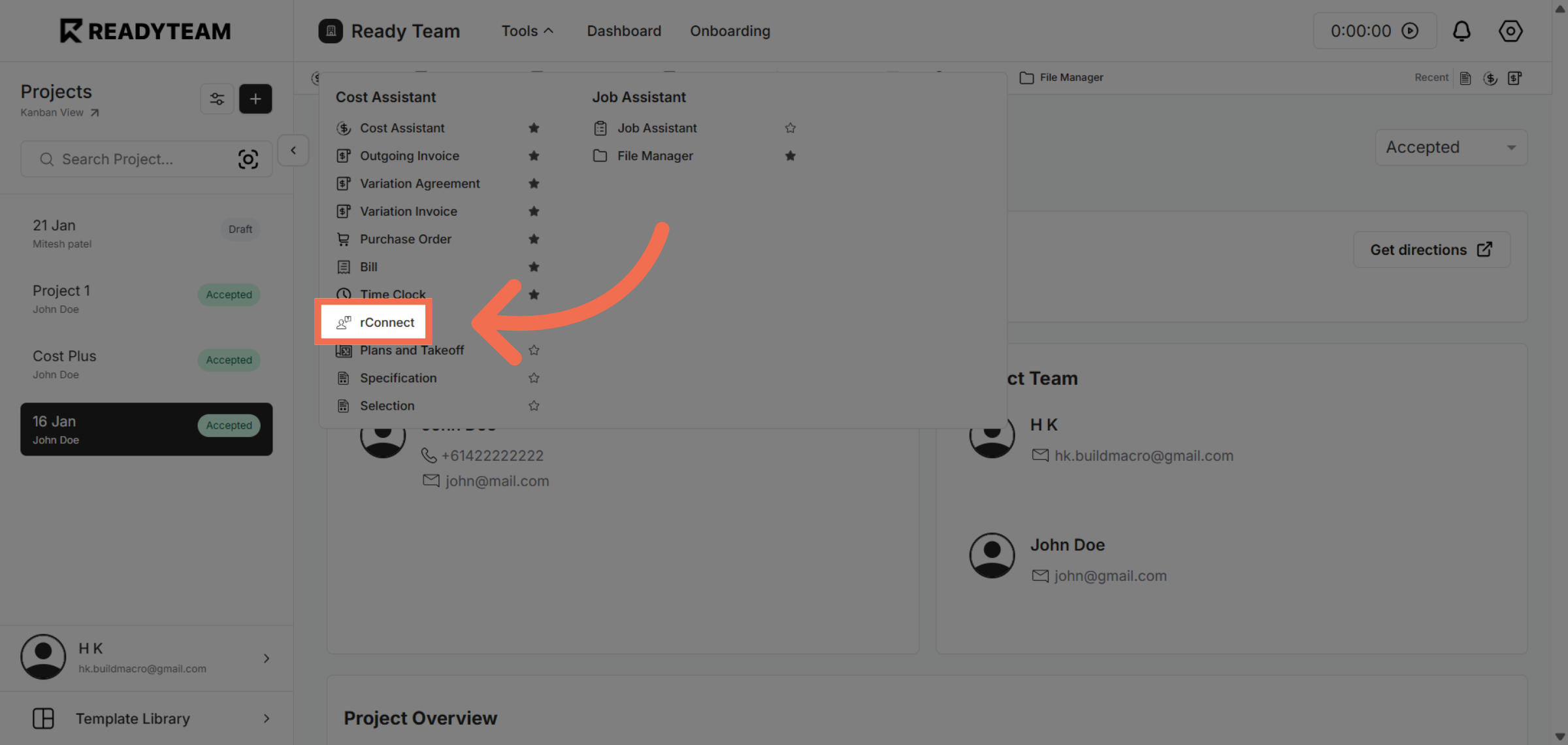
3. Choose rConnect Feature
Click the rConnect option to proceed with template-related functions within Readyteam.
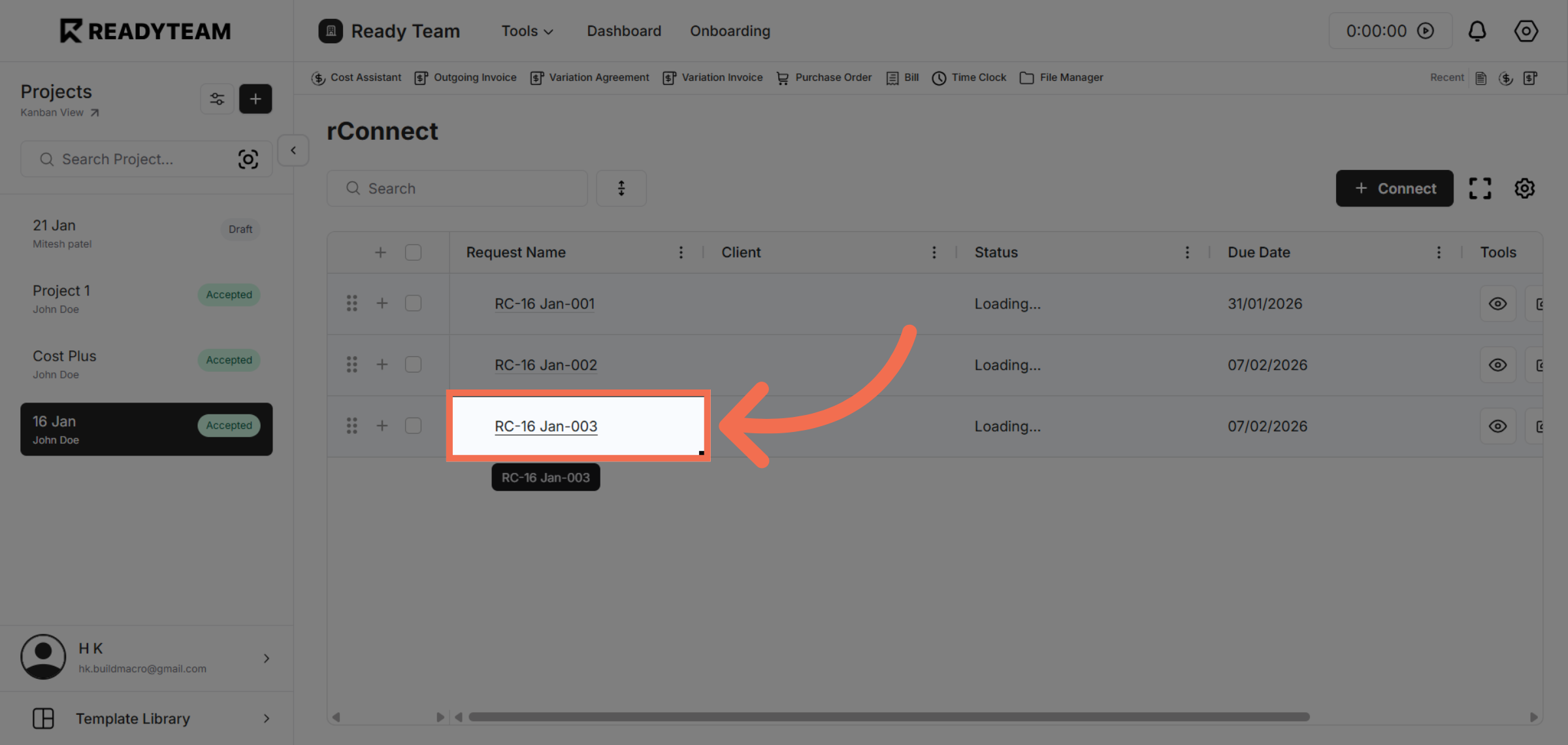
4. Select Specific Quote
Click the specific quote identifier to prepare it for saving as a template.
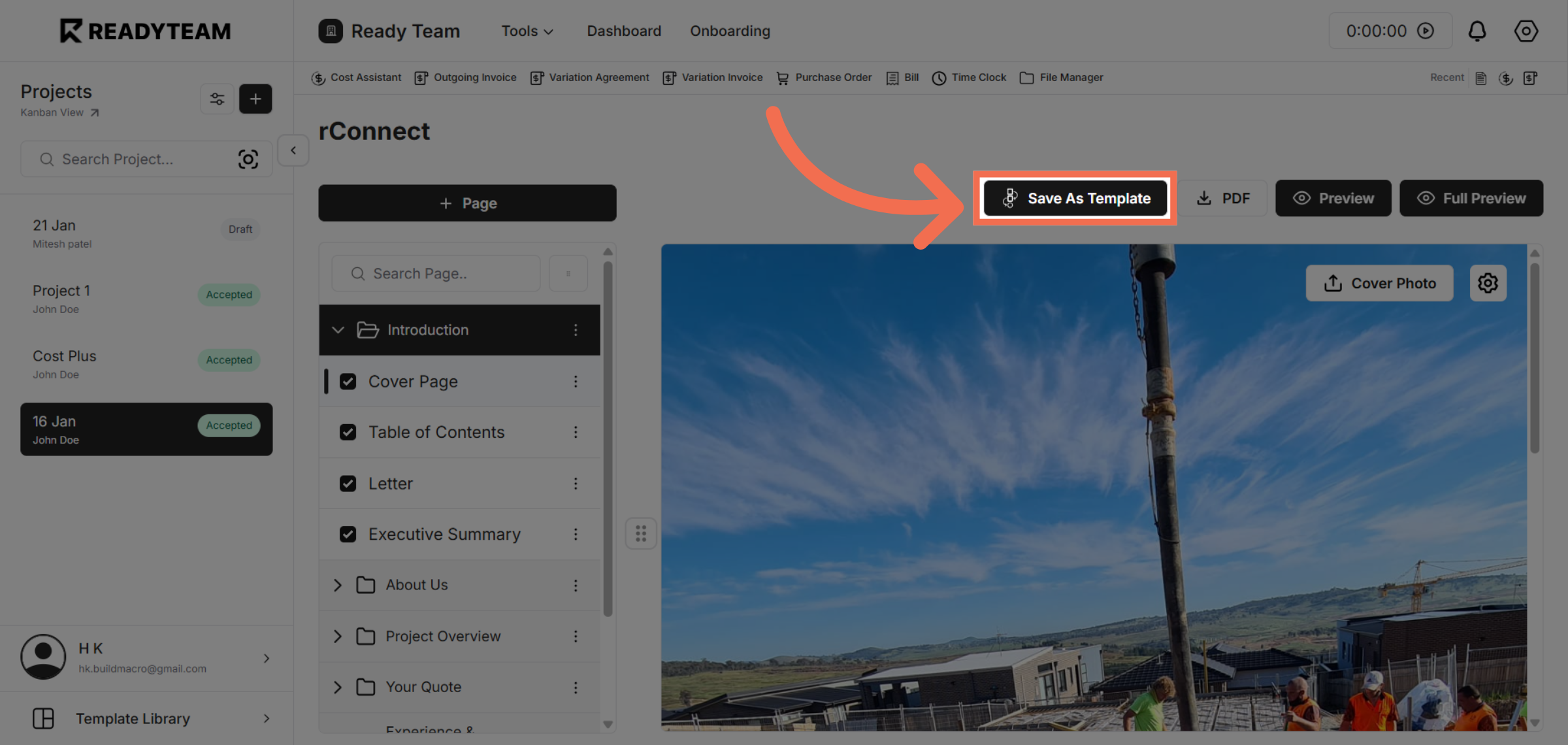
5. Save Quote as Template
Click the Save As Template button to finalize saving the quote for future reuse.
You have successfully saved a quote as a template in Readyteam, enabling faster quote creation in the future. This feature helps you maintain consistency and saves time by reusing existing quotes.