Publish Cost Code Template Using ReadyTeam
This demo showcases how to publish a cost code template within Readyteam.
Go to app.readyteam.ai
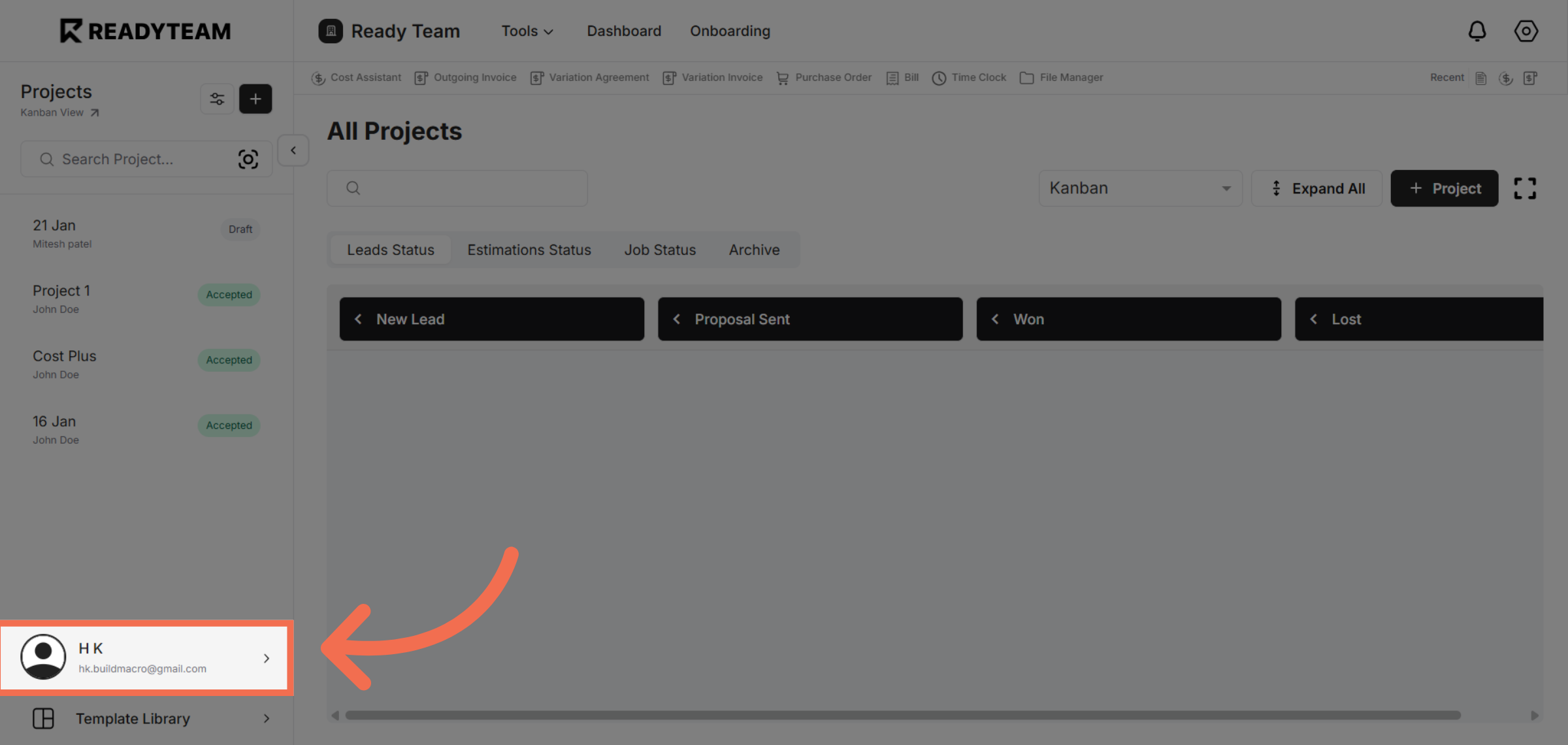
1. Select User Section
Click the user section to access your Readyteam profile and settings.
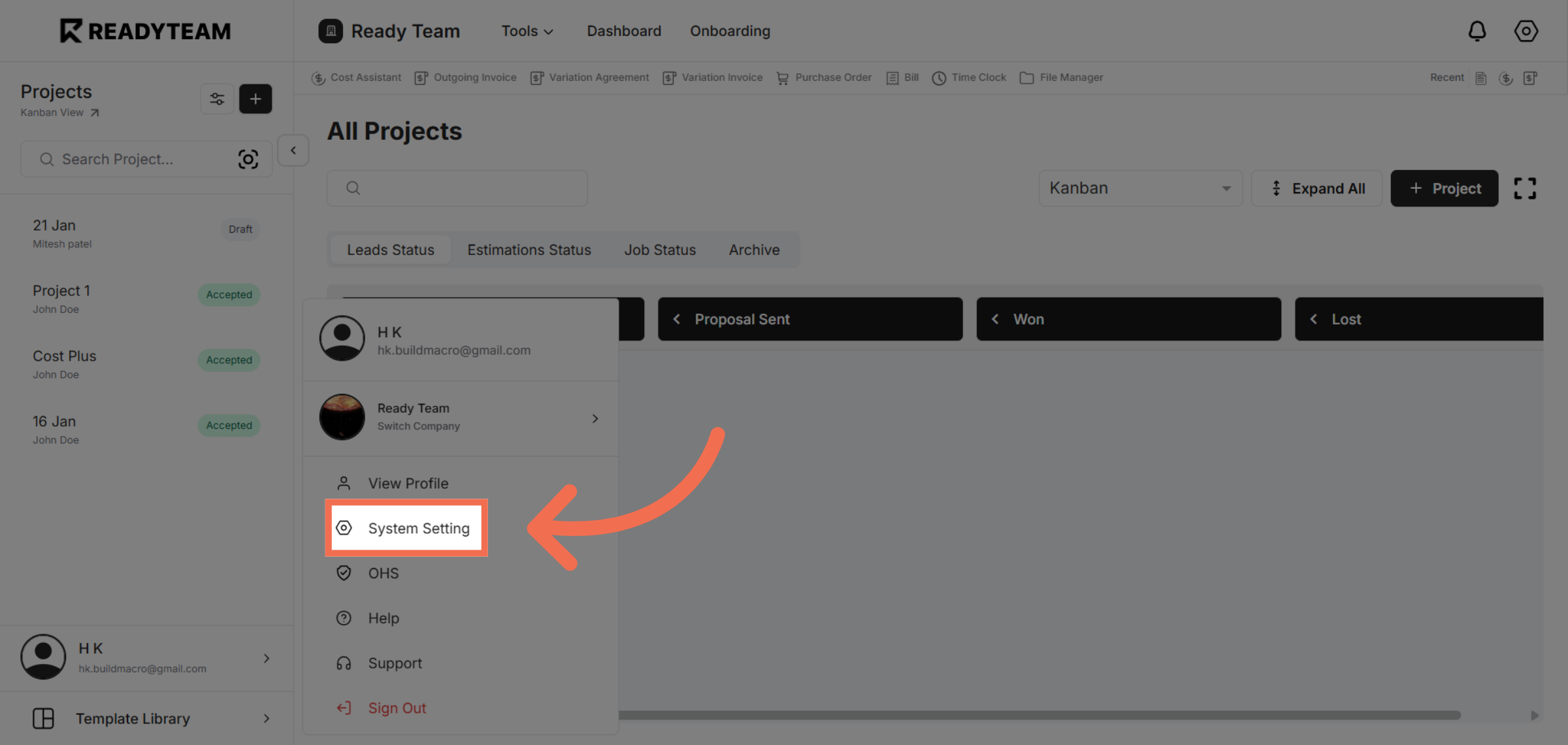
2. Open System Settings
Click System Setting to access configuration options for your Readyteam environment.
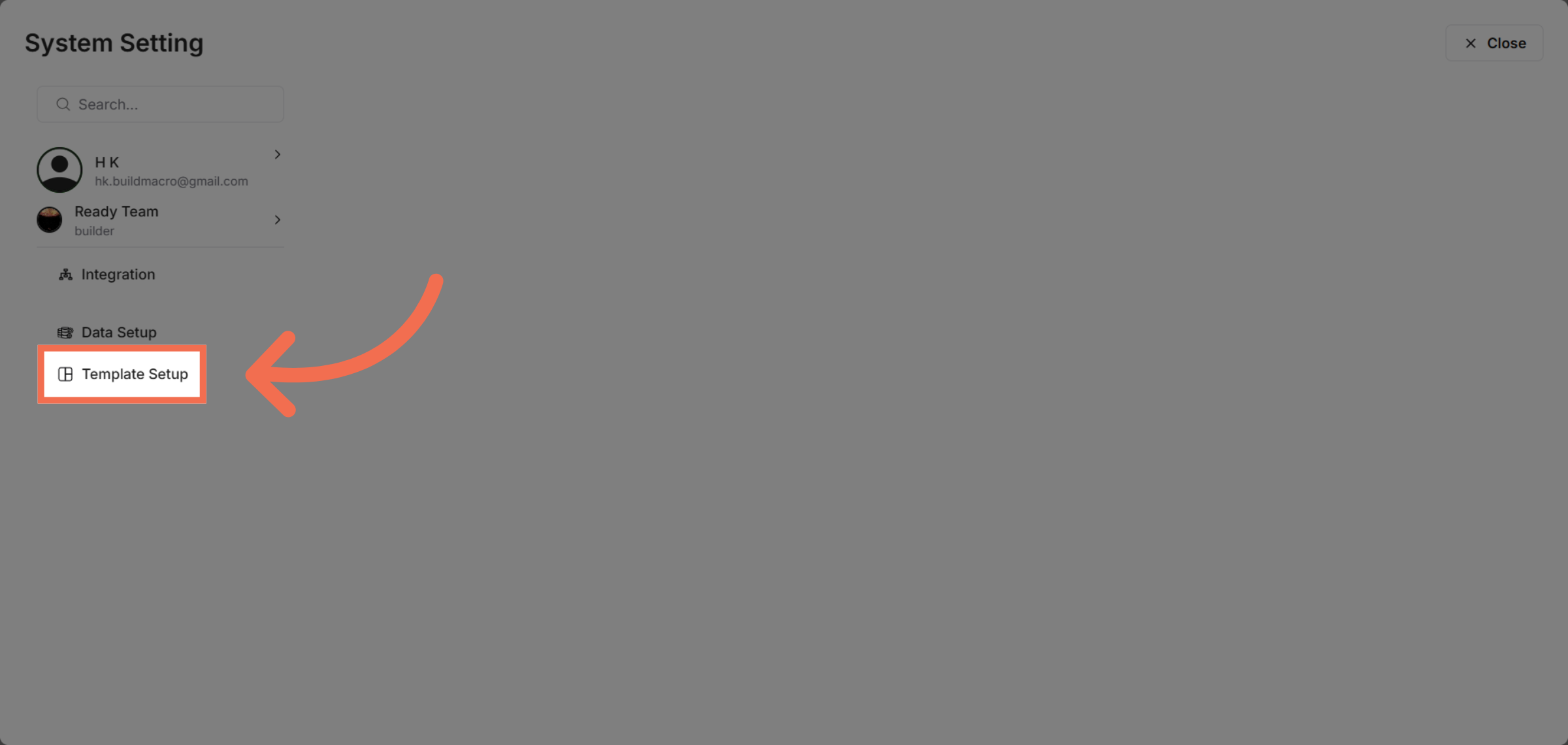
3. Access Template Setup
Click Template Setup to manage and configure your various templates within the system.
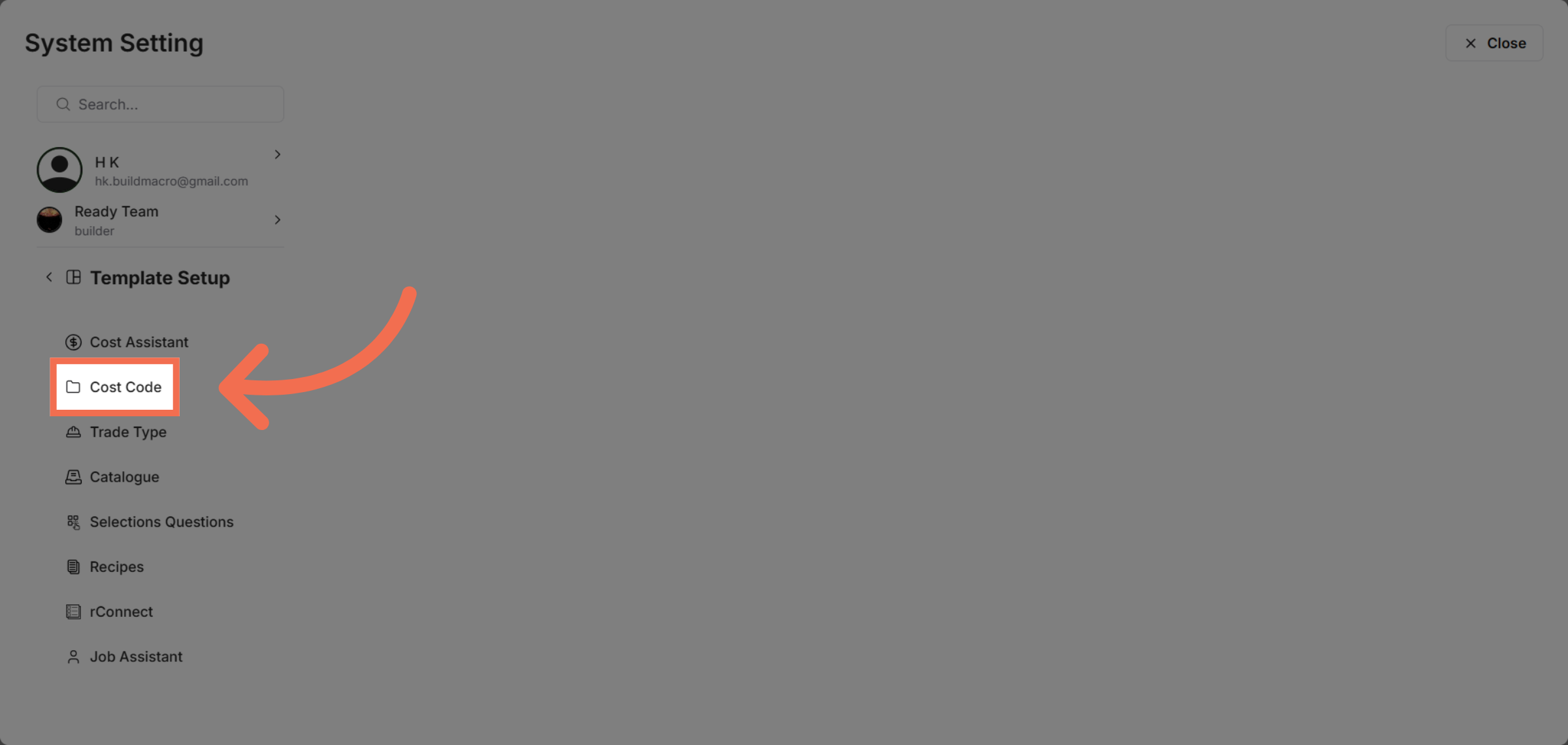
4. Choose Cost Code Section
Click Cost Code to view and edit cost code templates relevant to your projects.
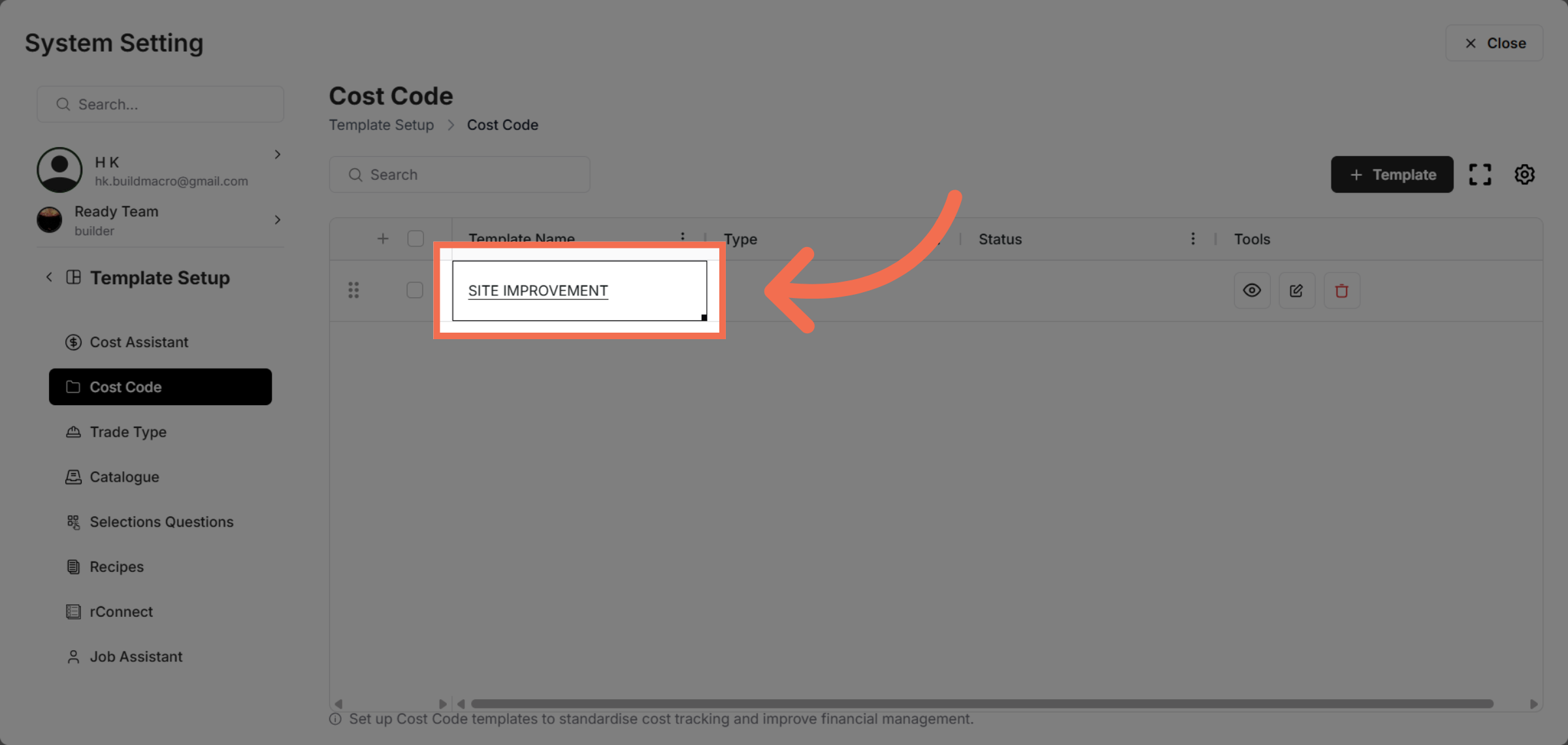
5. Select Cost Code Template
Click the SITE IMPROVEMENT template to prepare it for publishing and further customization.
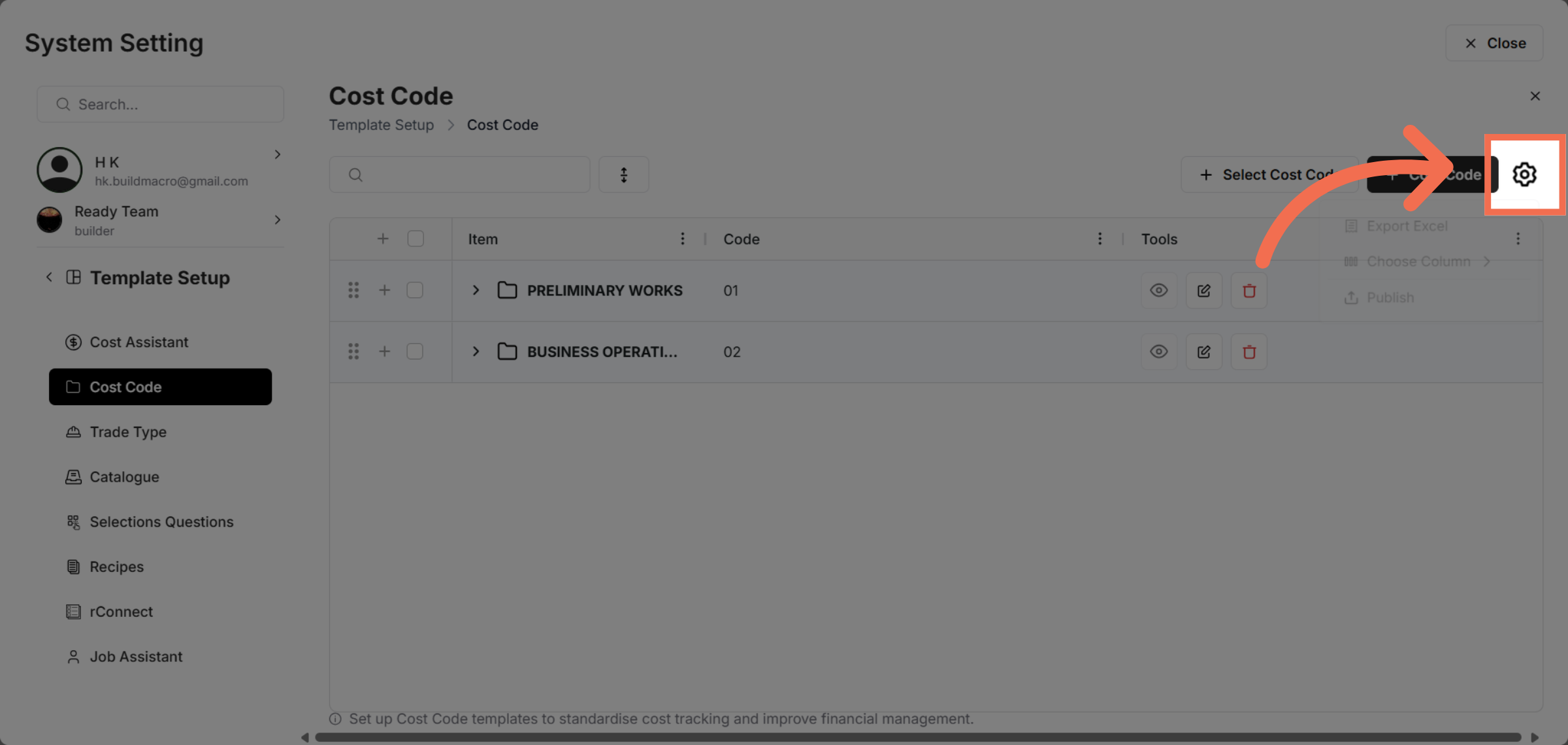
6. Click on Setting option
Click here to begin the process of publishing the selected cost code template.
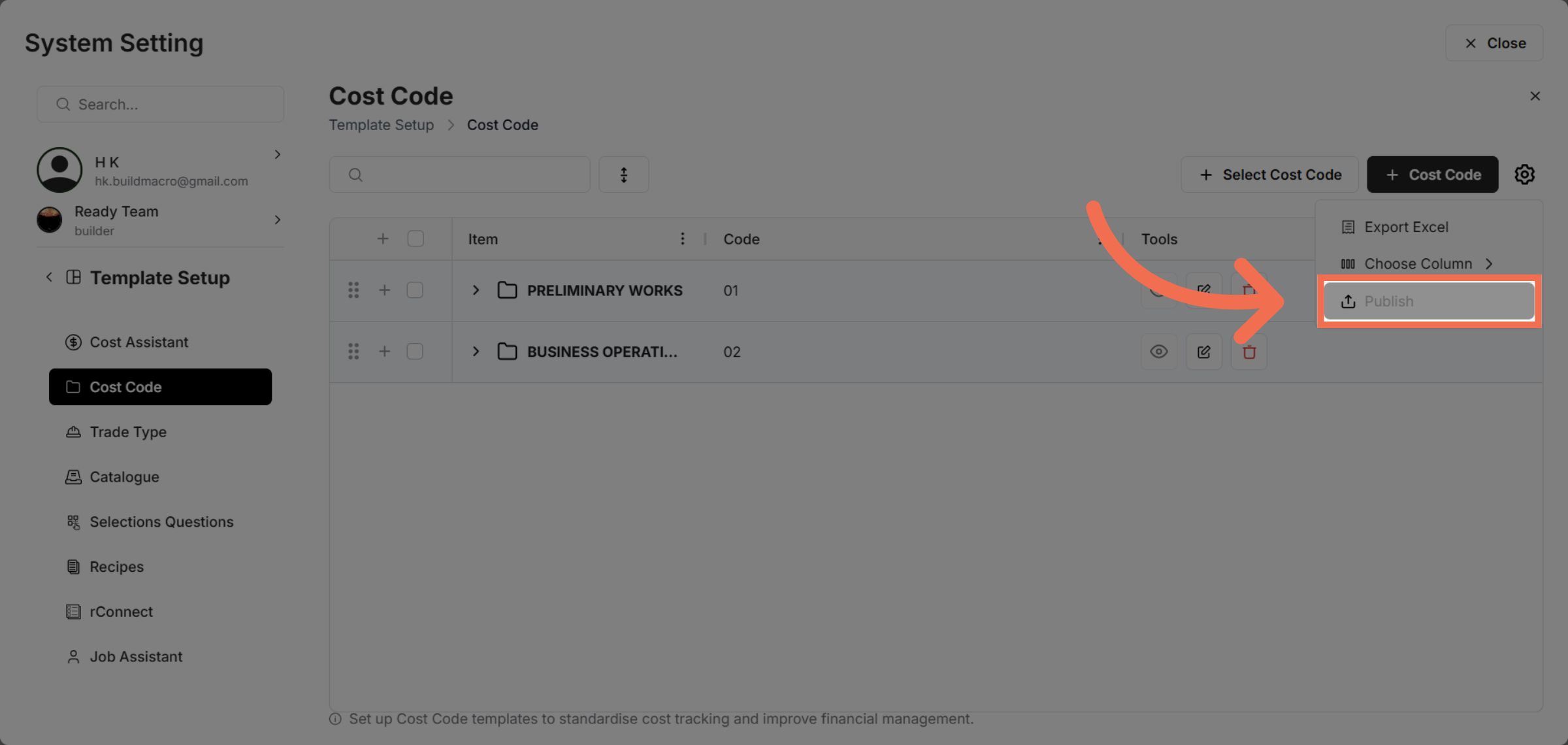
7. Confirm Publishing Action
Click here to confirm and finalize the publishing of your cost code template.
This demo demonstrated how to publish a cost code template in Readyteam by navigating through system settings and template options. You can now efficiently manage and deploy cost code templates to streamline your project workflows.