Publish Catalogue Template Using ReadyTeam
This demo showcases how to publish a catalogue template within the Readyteam platform.
Go to app.readyteam.ai
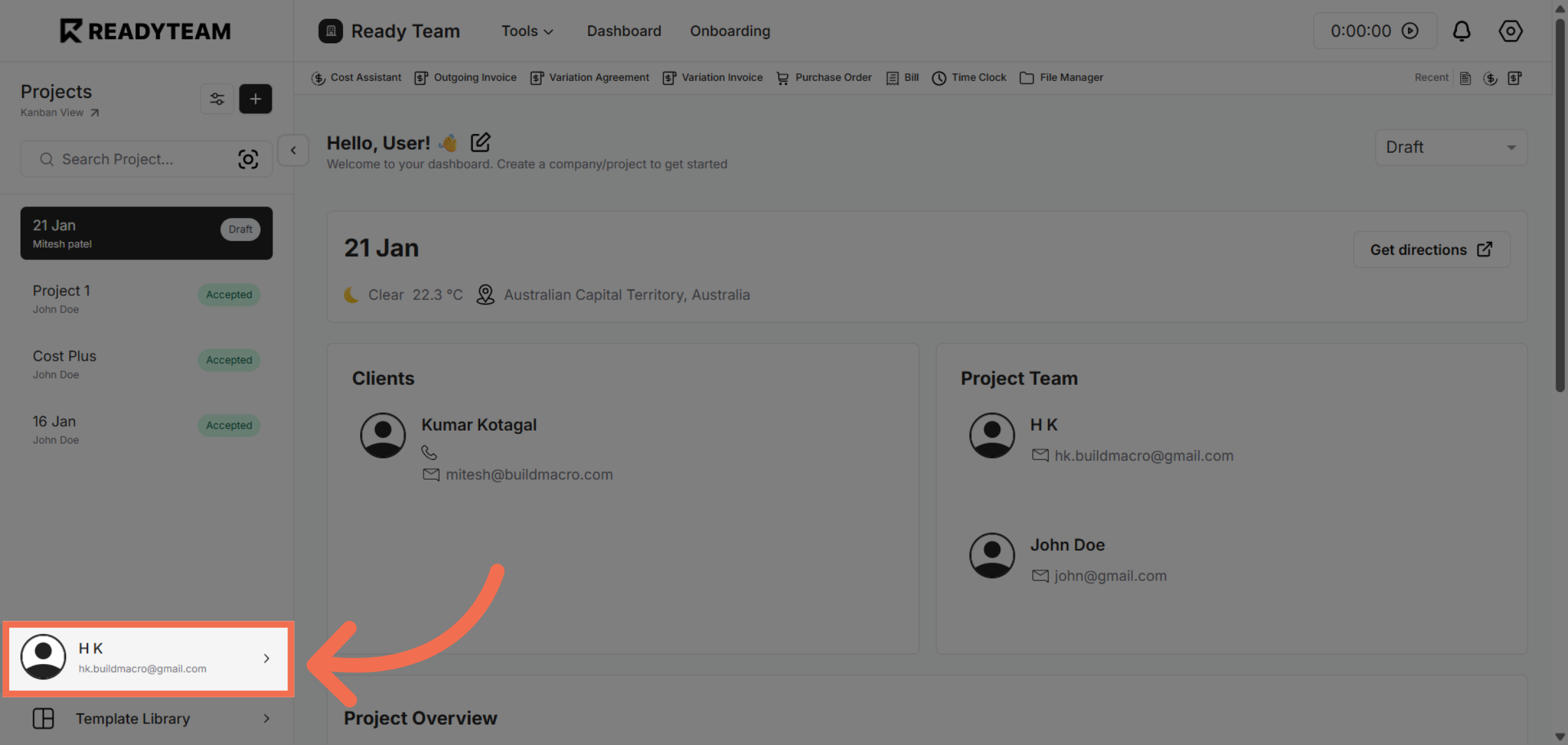
1. Access User Section
Click the user section to begin accessing system settings.
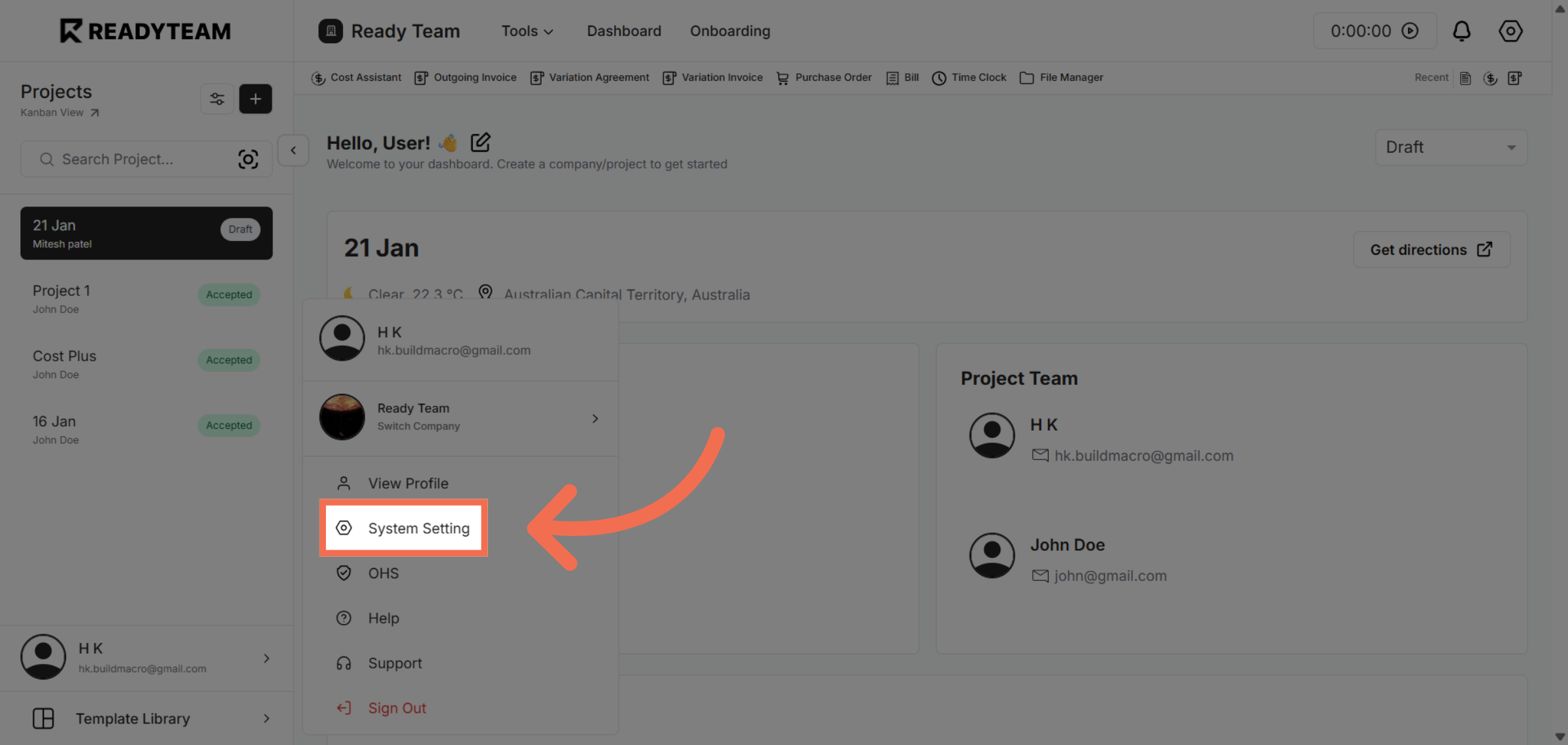
2. Open System Settings
Click "System Setting" to open the configuration options for your account.
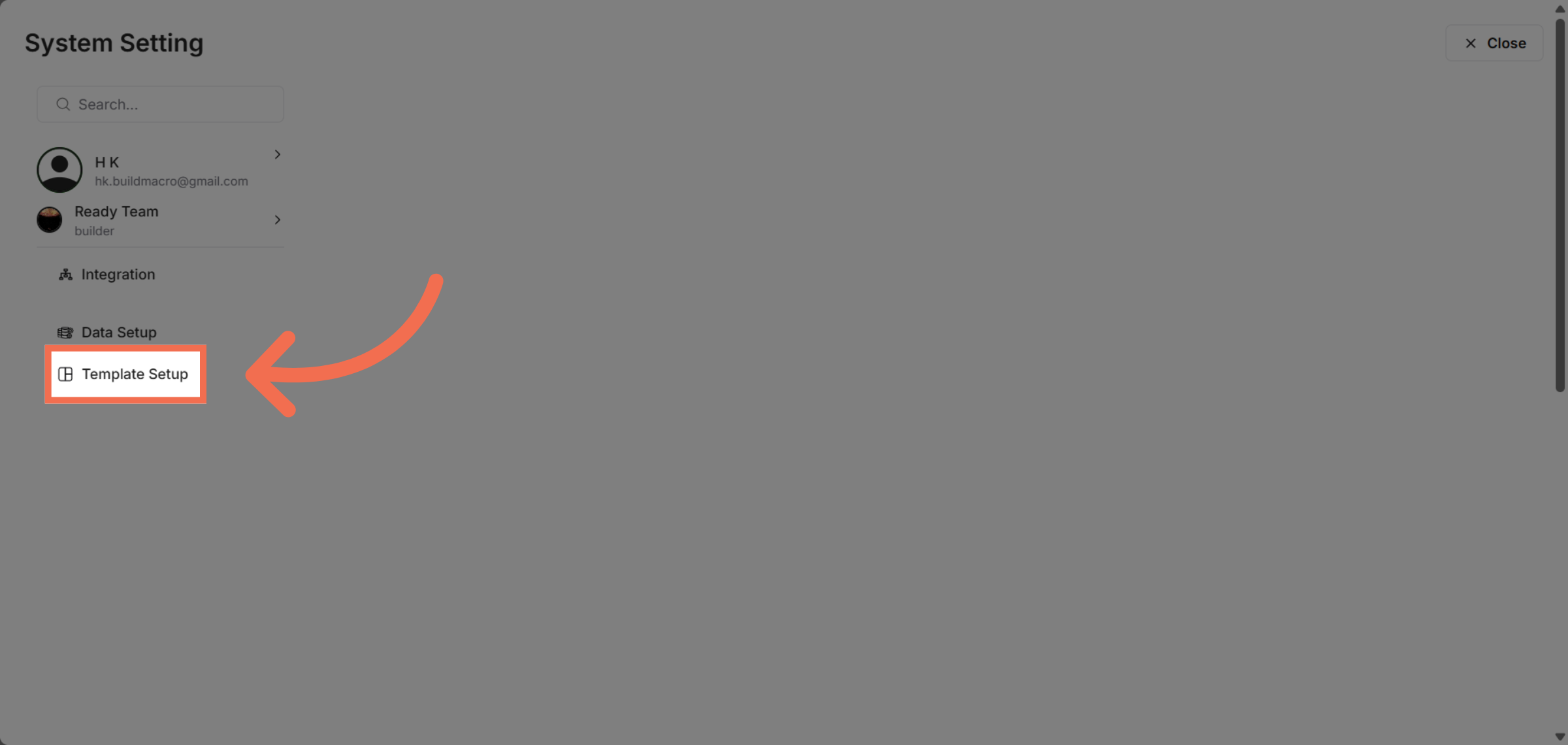
3. Navigate to Template Setup
Click "Template Setup" to manage and configure your catalogue templates.
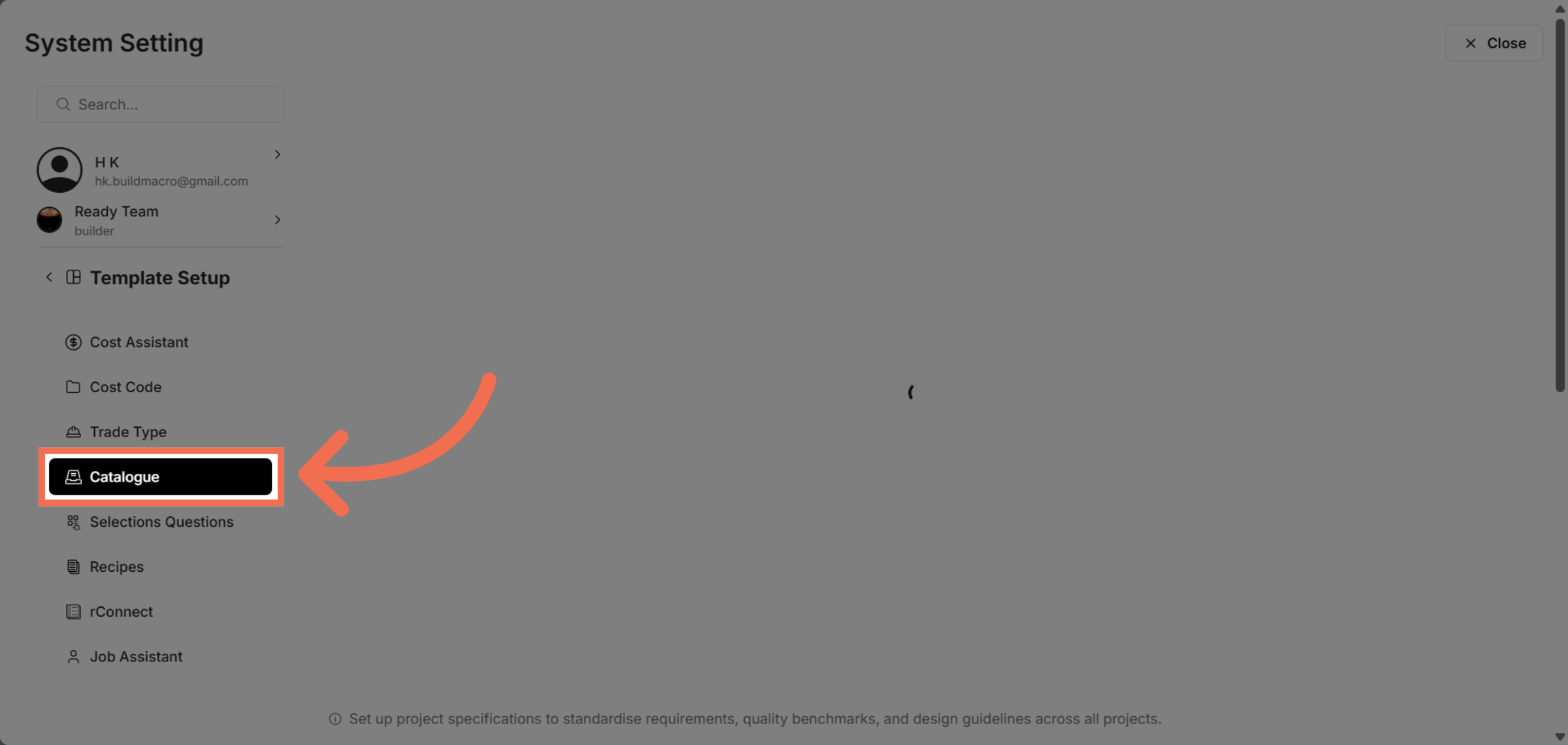
4. Select Catalogue Section
Click "Catalogue" to view and edit catalogue-related templates.
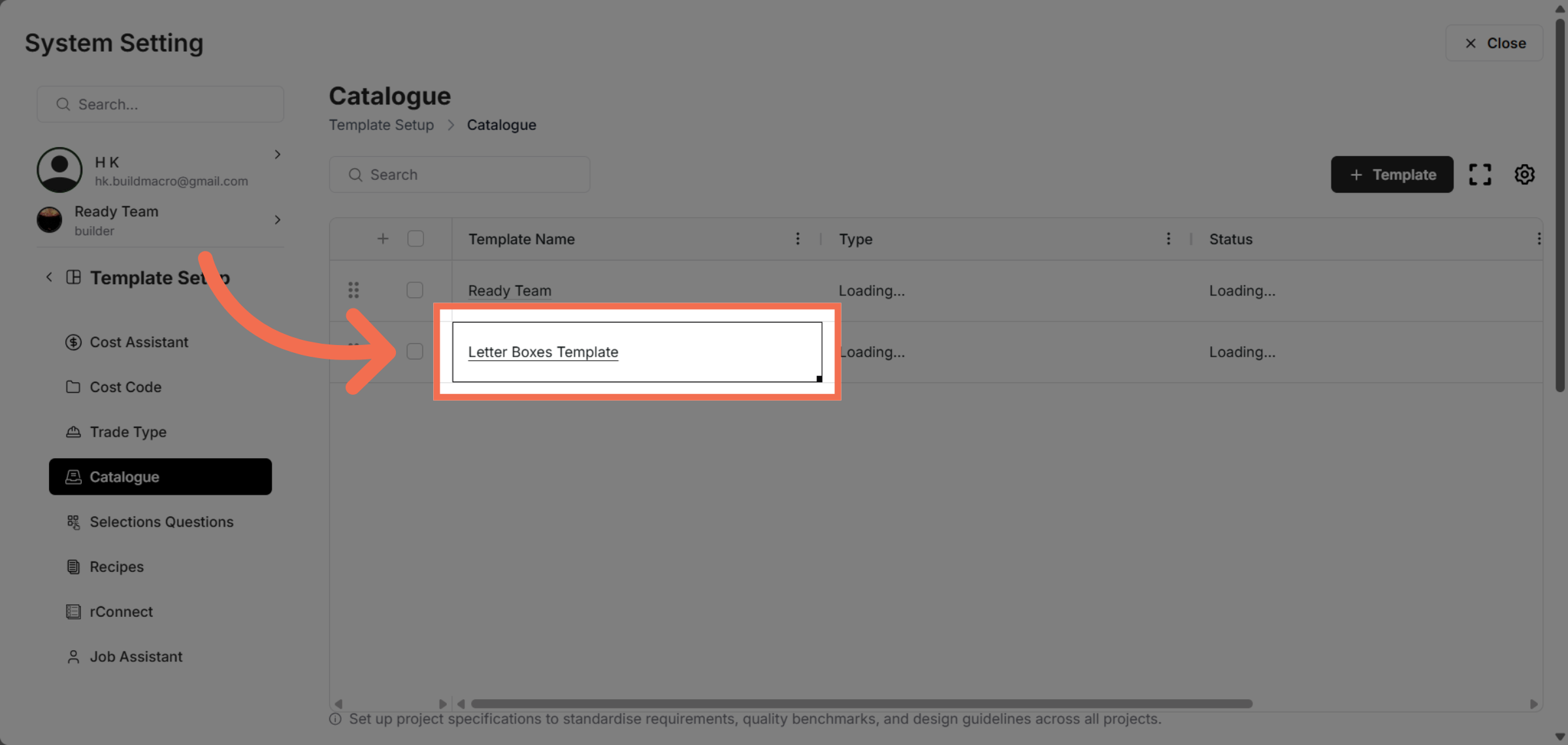
5. Choose Template
Click "Letter Boxes Template" to select the specific template you want to publish.
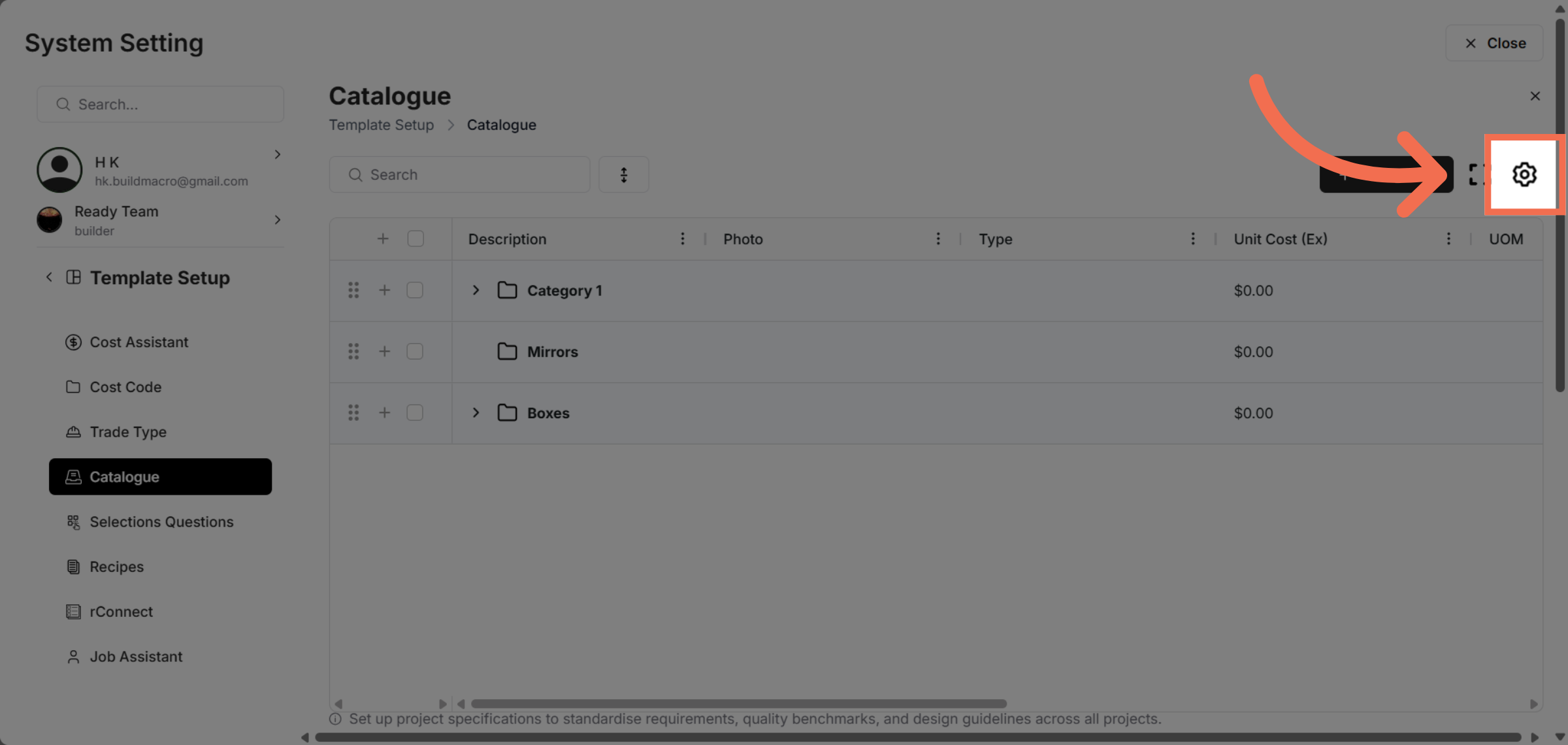
6. Open Template Settings Options
Click the designated area to access template settings options.
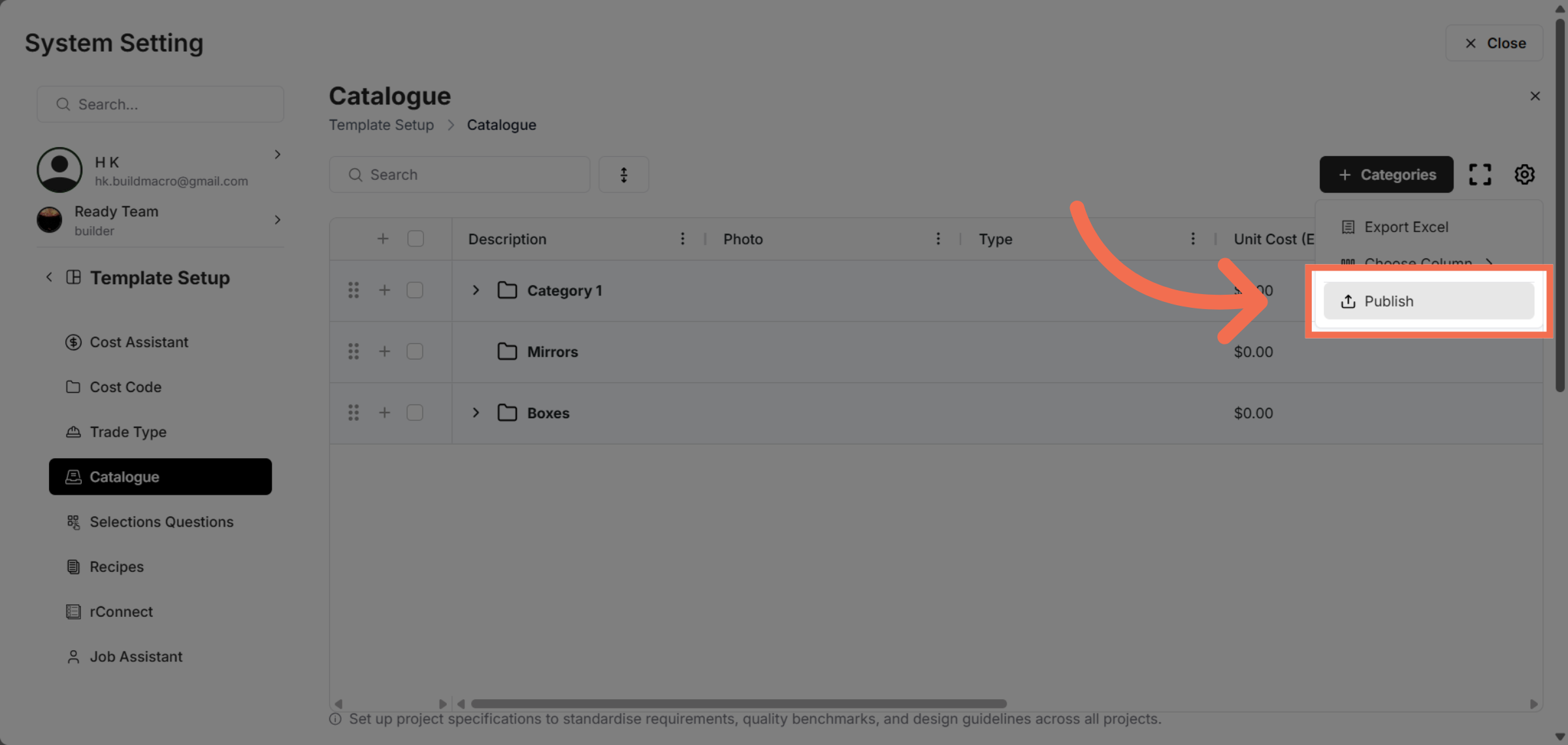
7. Initiate Publish Action
Click "Publish" to start the process of making your catalogue template available.
This demo demonstrated how to efficiently publish a catalogue template using Readyteam. You can now manage and share your templates seamlessly to enhance your catalogue management workflow.