How to Select Trade Type Data from Data Setup ?

This demo showcases how to select trade type data within Readyteam's data setup.
Go to app.readyteam.ai
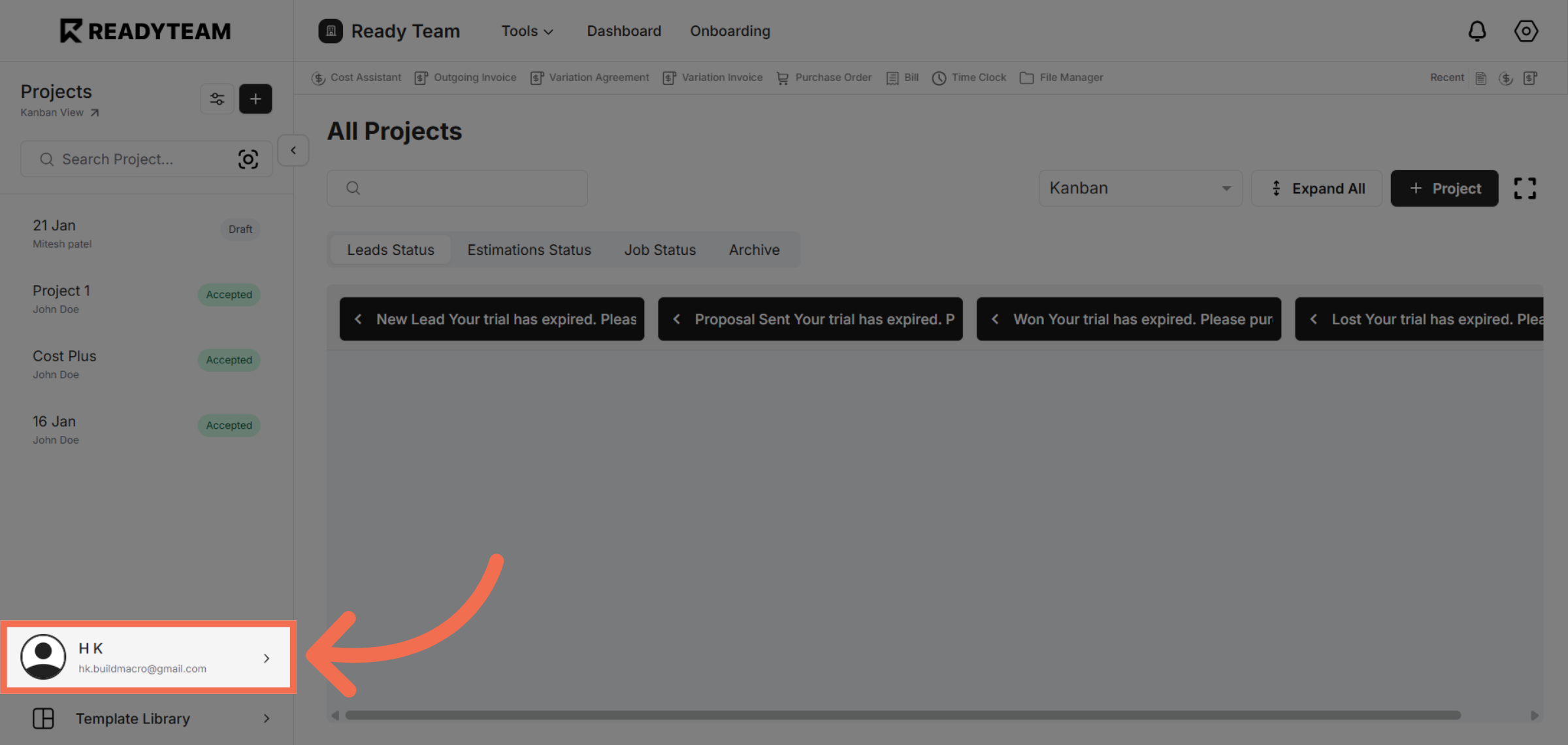
1. Select User Section
Click the user section to begin accessing system settings.
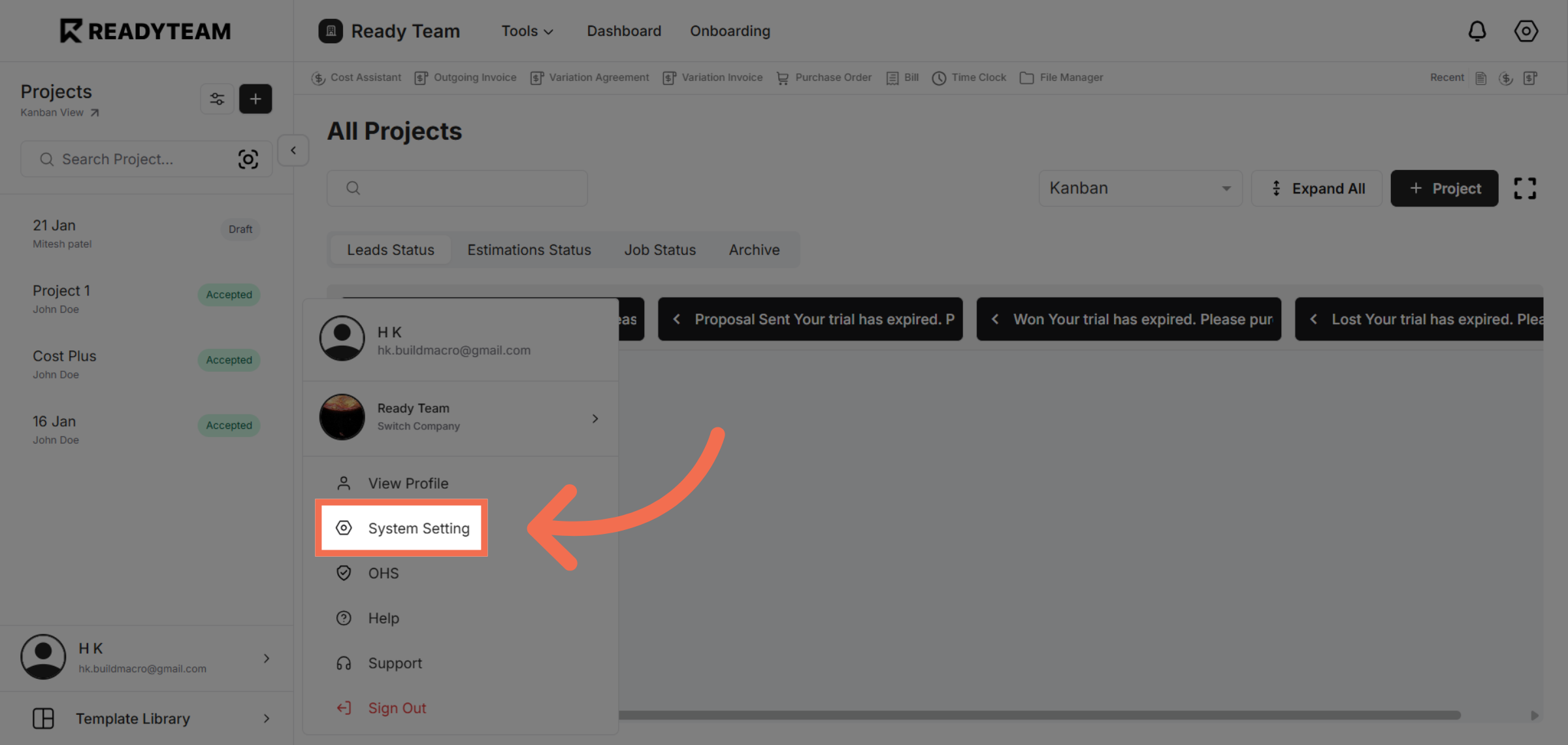
2. Open System Setting
Open the System Setting to configure application preferences.
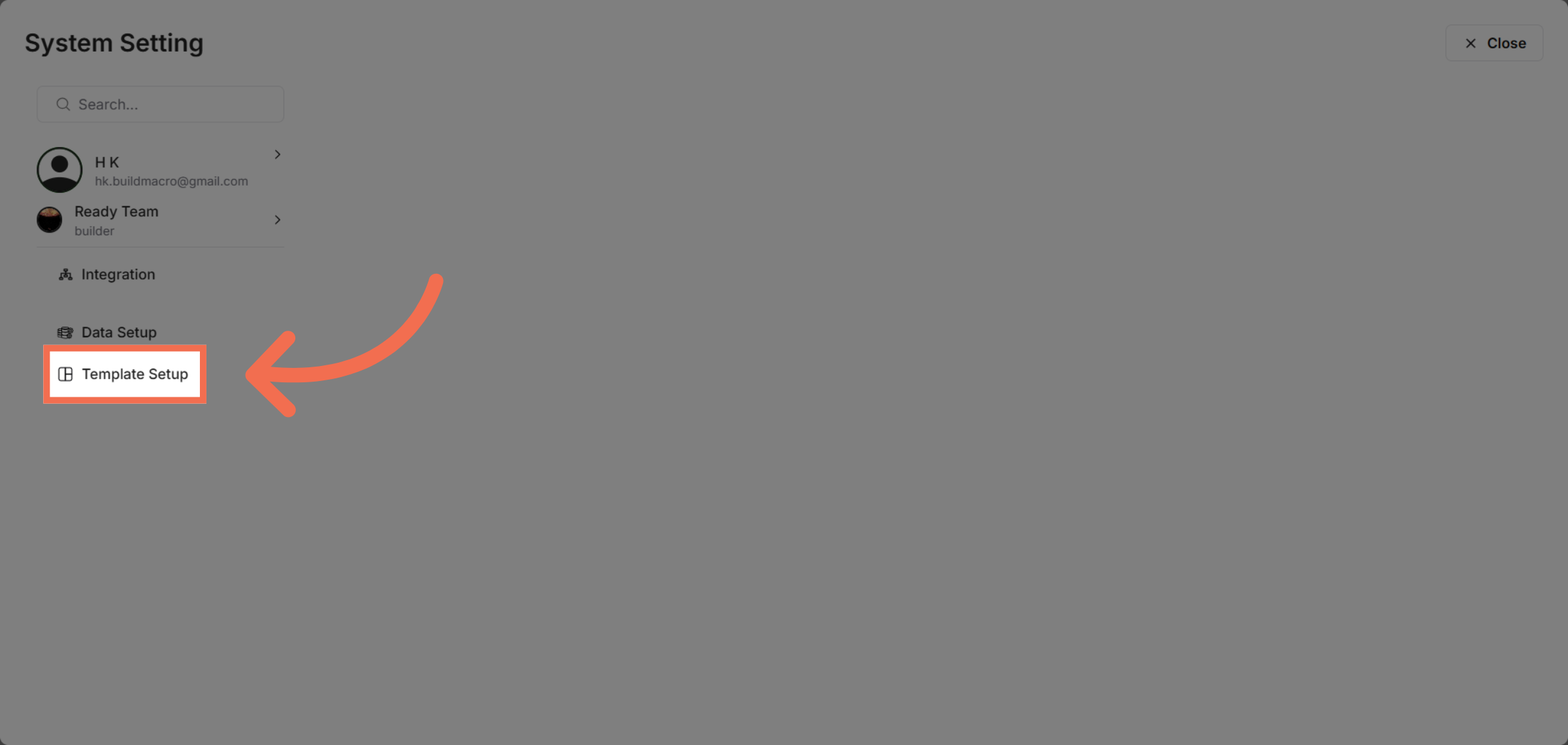
3. Access Template Setup
Access Template Setup where you can manage data templates.
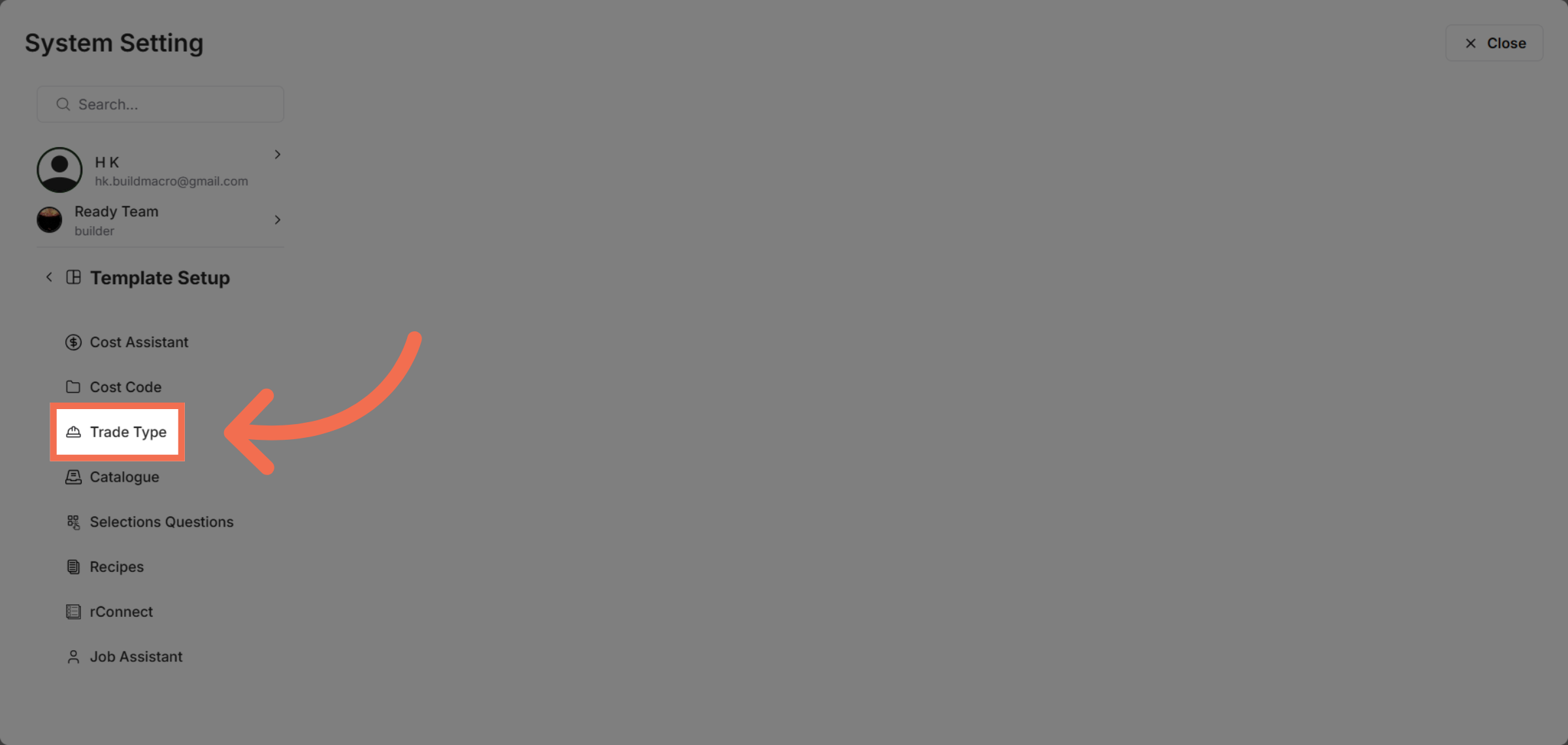
4. Select Trade Type Option
Select the Trade Type option to work with trade-related data.
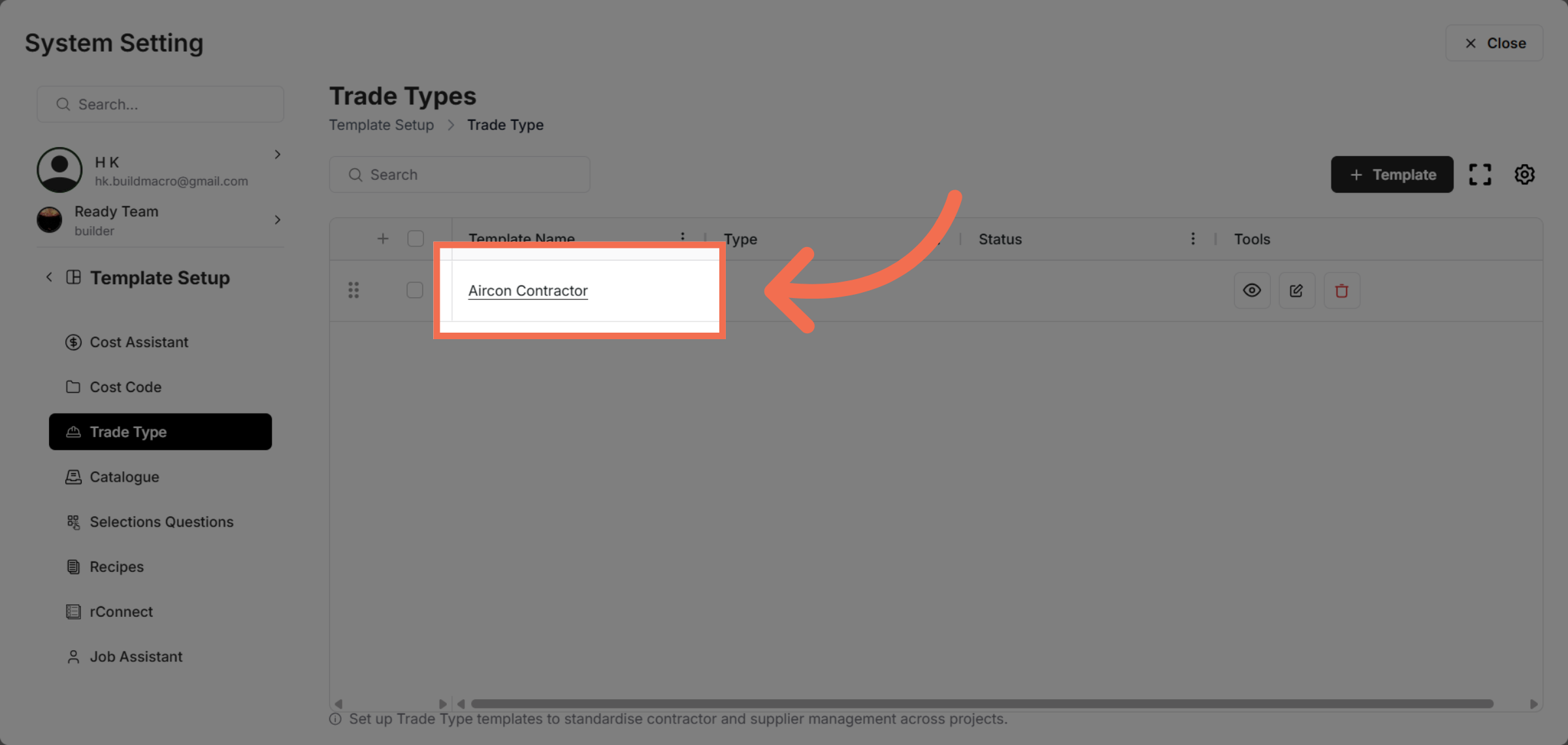
5. Choose Specific Trade Type
Choose the Aircon Contractor category to specify contractor details.
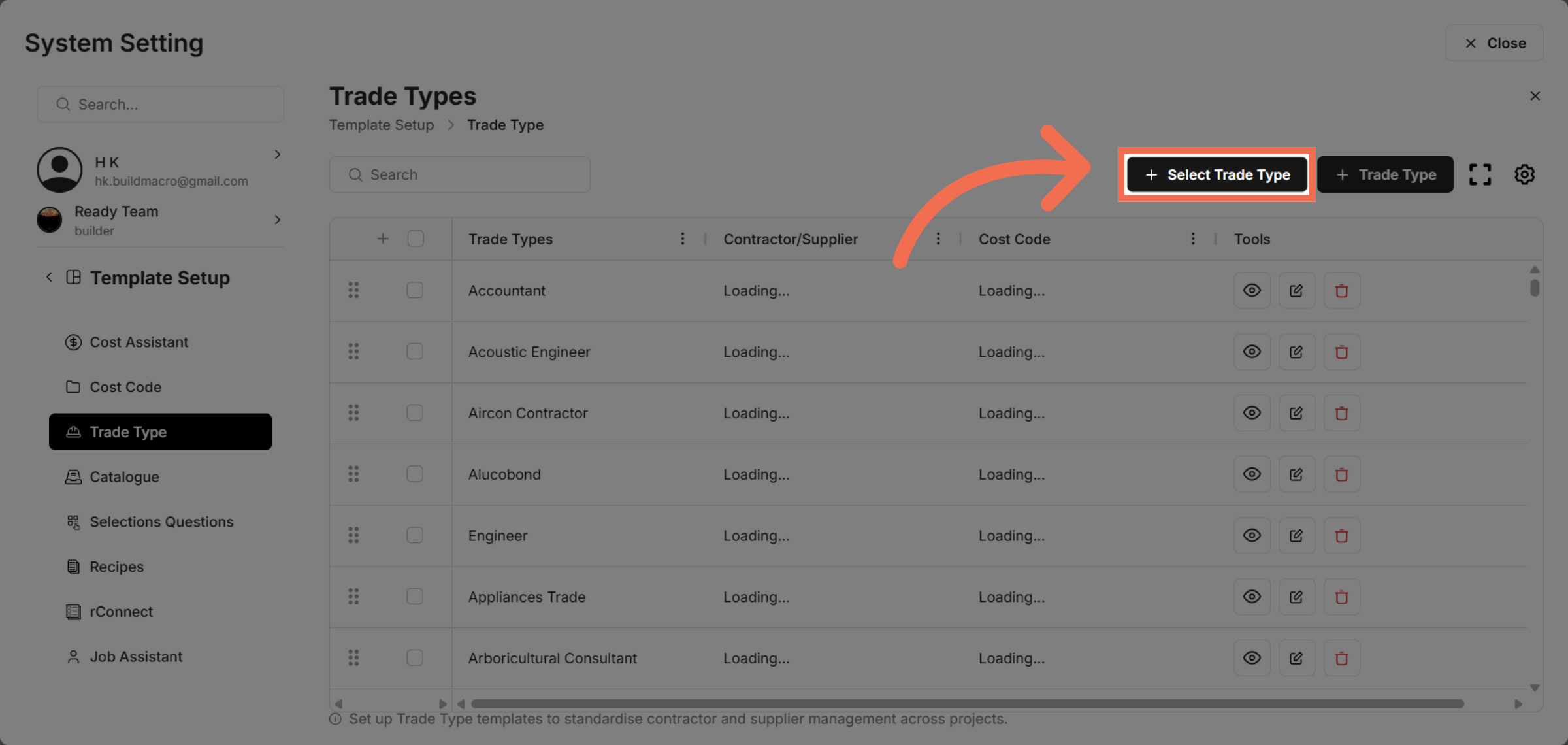
6. Select Trade Type Data
Select Trade Type data to define the types relevant to your project.
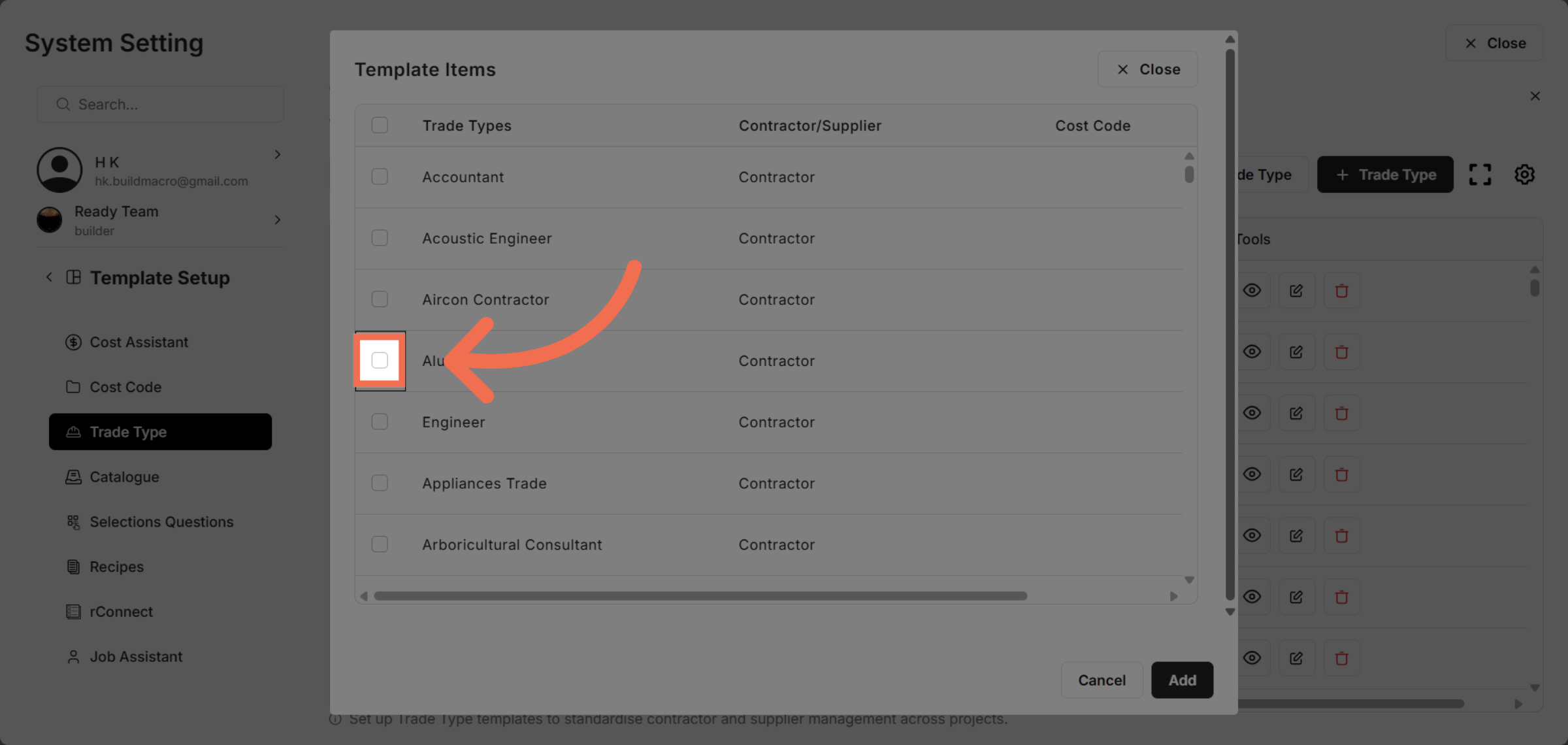
7. Select Rows
Select rows to add into your selected template.
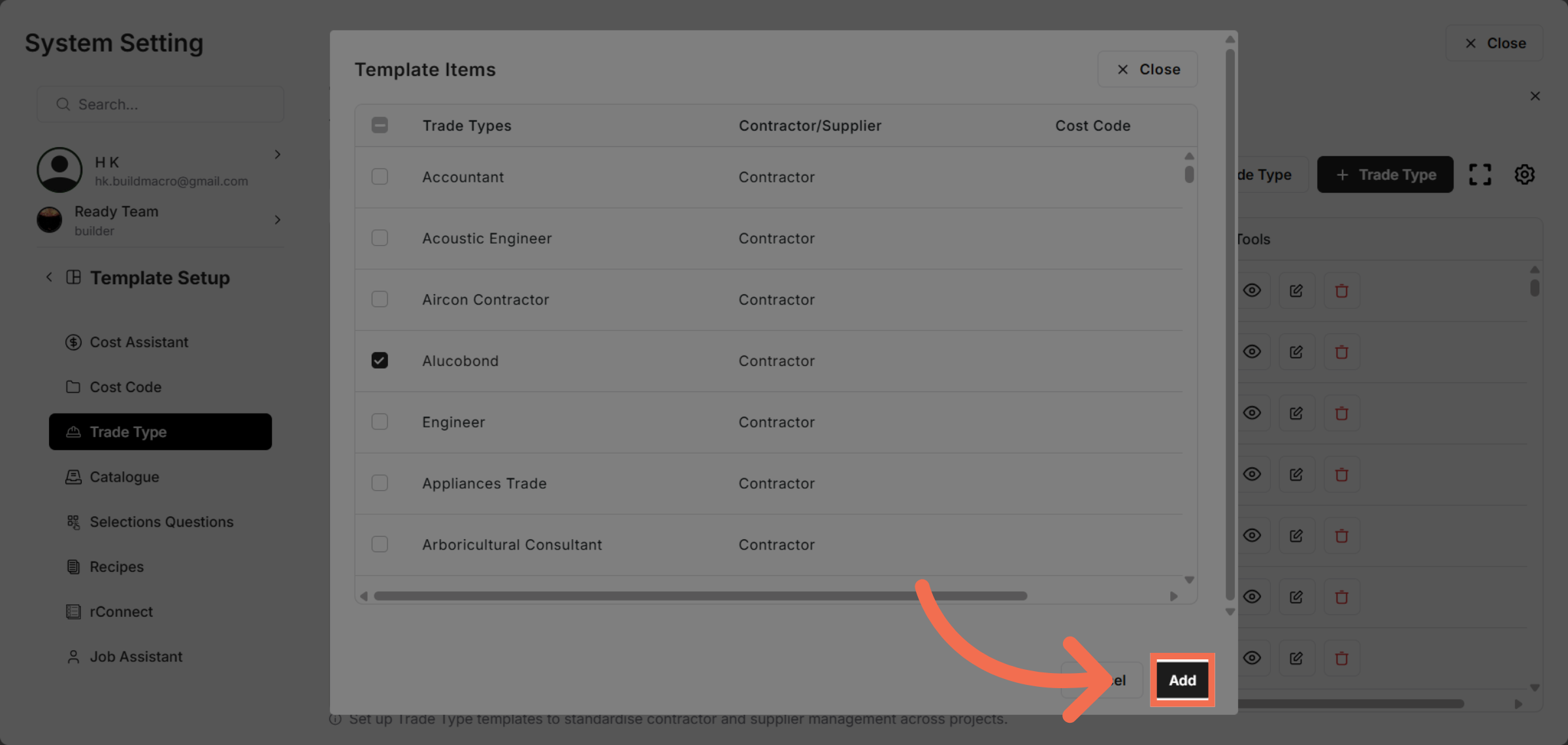
8. Add Selected Data
Click Add to include the selected trade type data into your setup.
This demo demonstrated how to efficiently select and configure trade type data within Readyteam's setup. You can now manage trade types to streamline your project workflows.