Import Job Assistant Data from the Template

This demo showcases how to import job assistant data efficiently using a predefined template in Readyteam.
Go to app.readyteam.ai
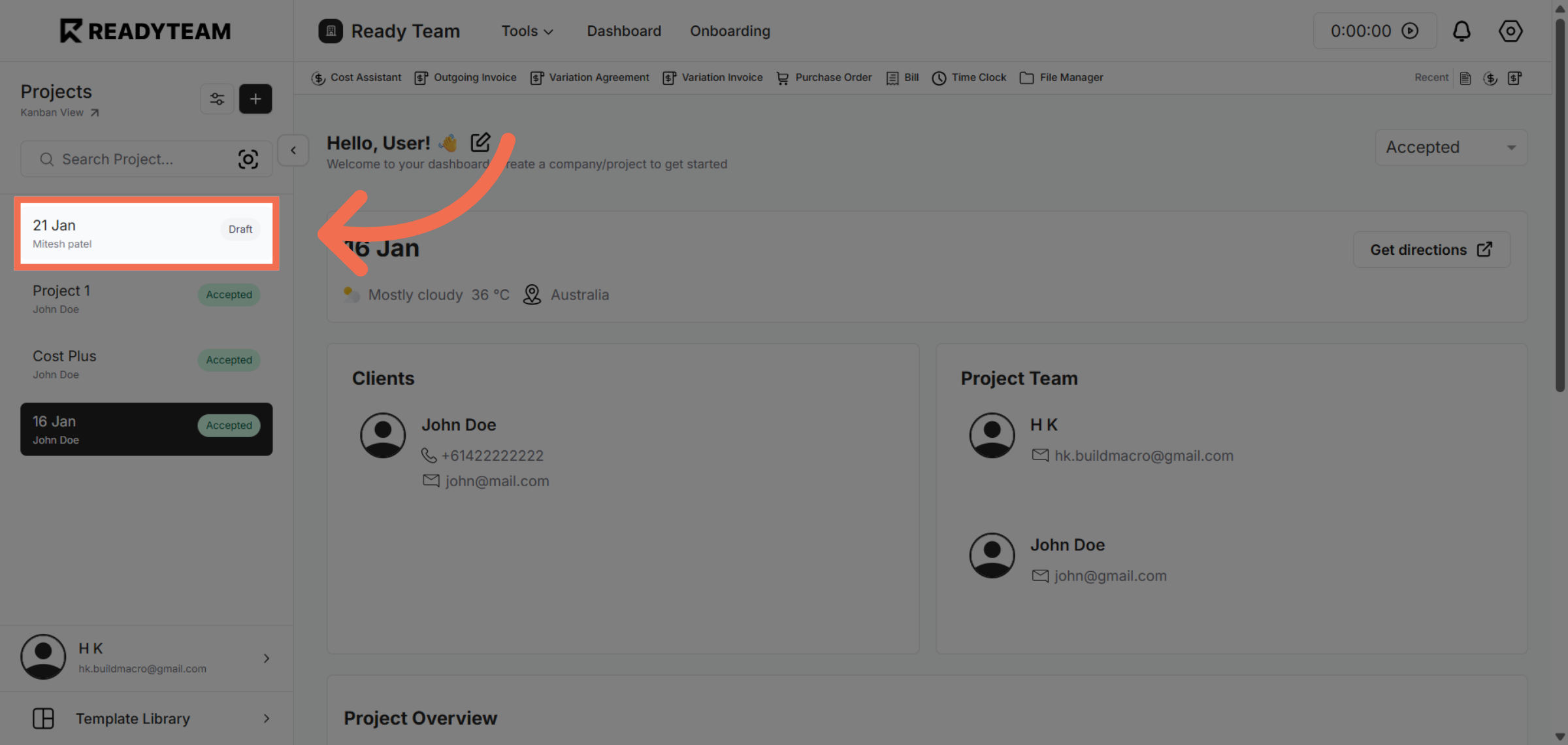
1. Select Project
Select project to begin the import process.
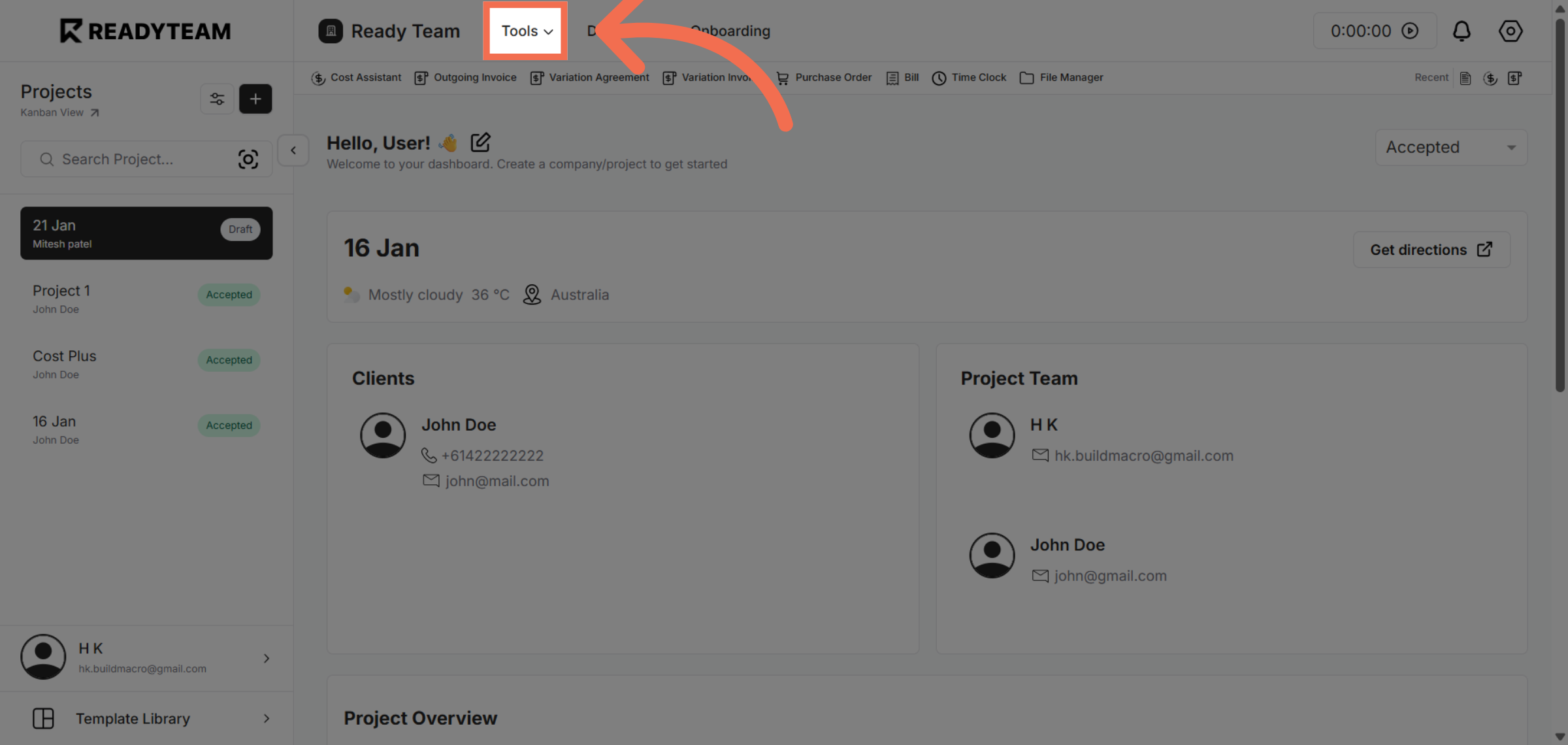
2. Access Tools Menu
Click the Tools menu to access additional features needed for data import.
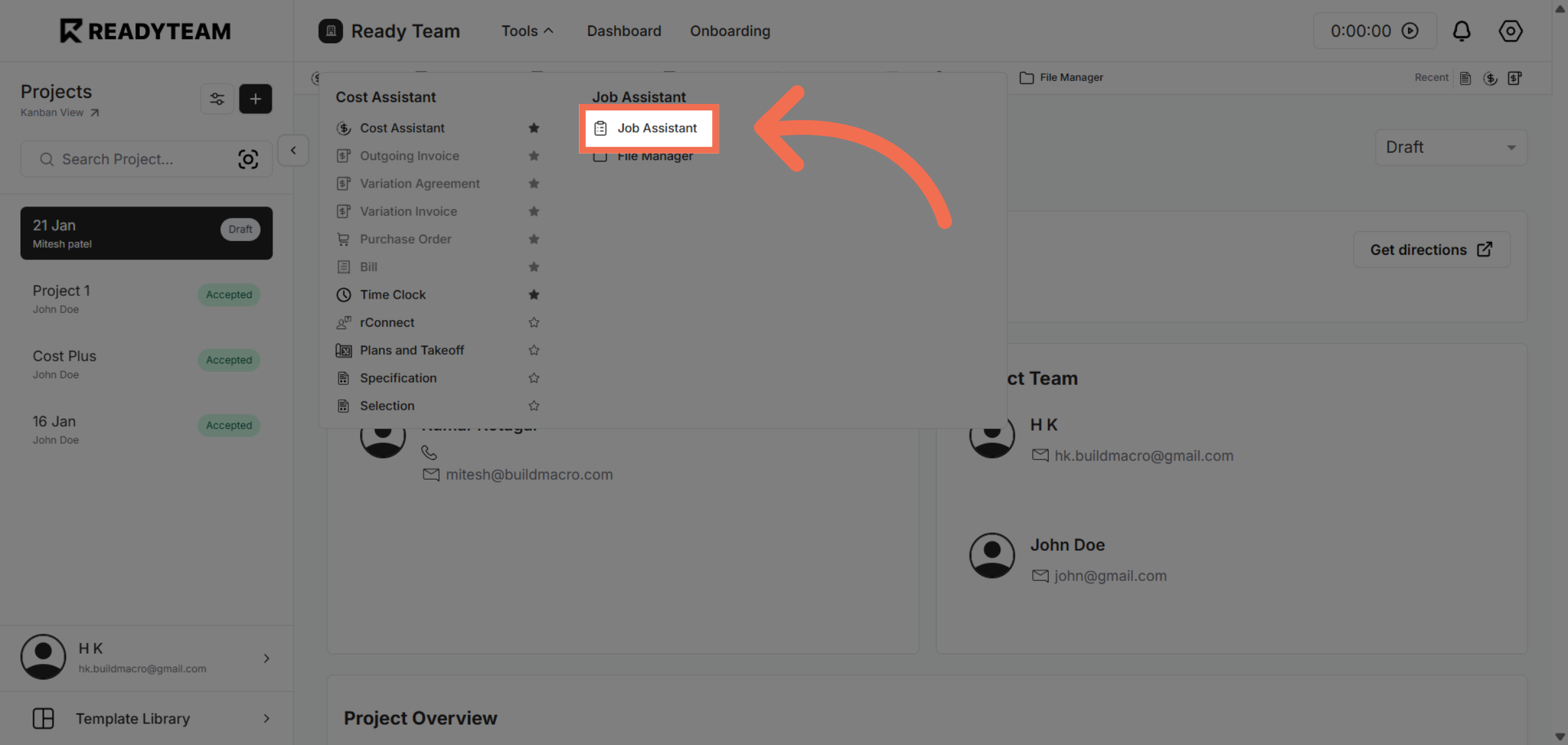
3. Select Job Assistant Feature
Click Job Assistant to open the tool that manages job-related data templates.
4. Initiate Import Process
Click the designated area to start importing data from a template.
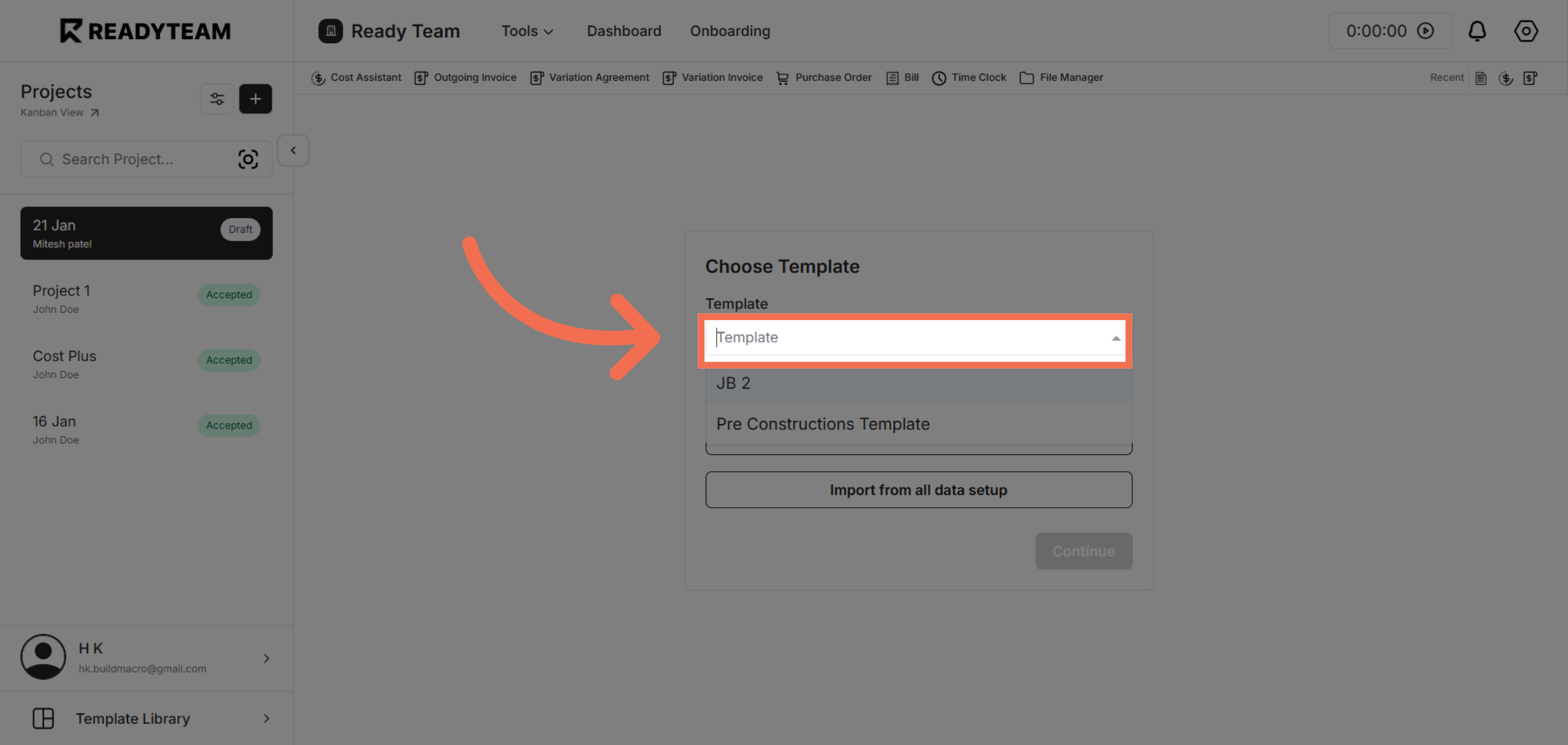
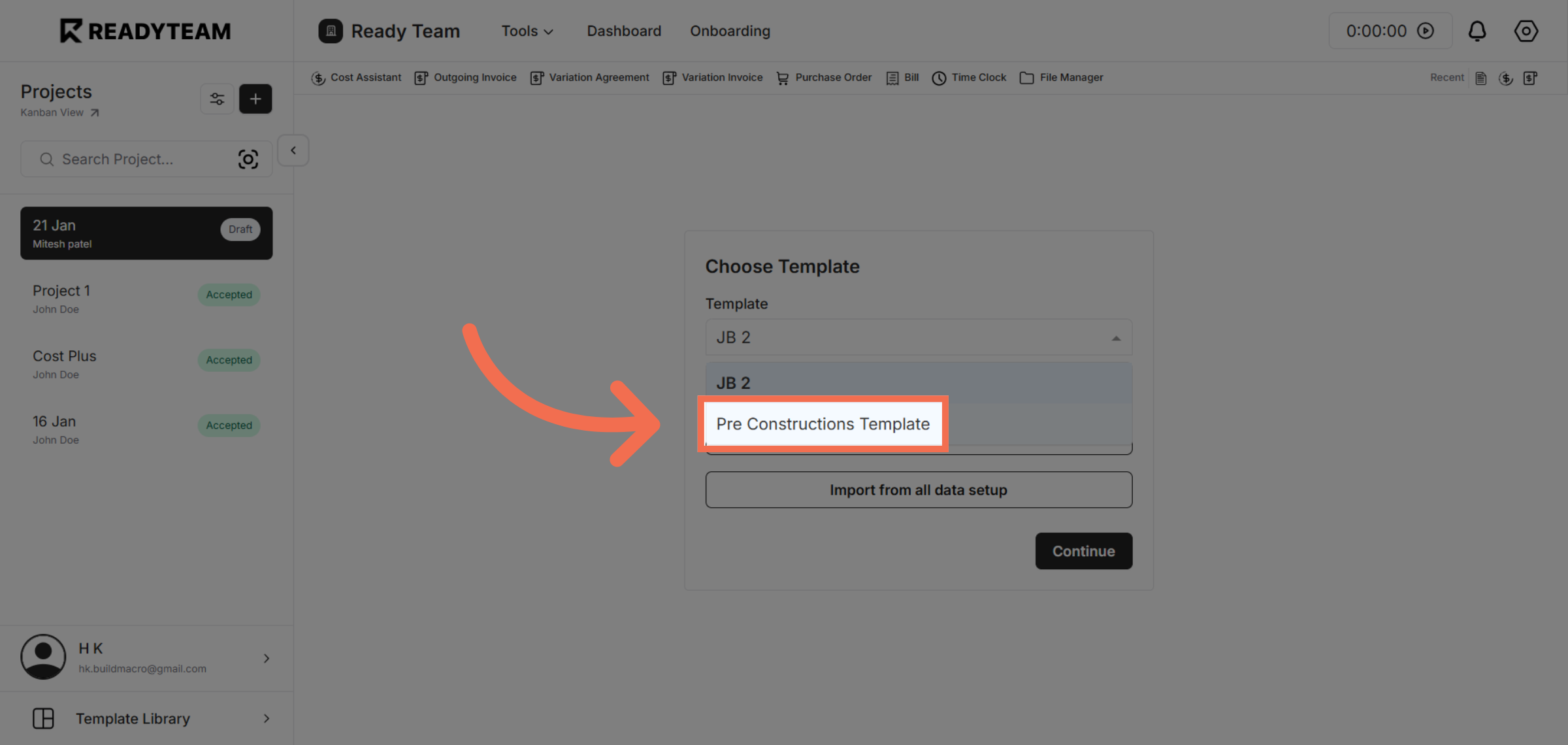
5. Choose Job Assistant Template
Click the Pre Constructions Template to use it as the source for importing job assistant data.
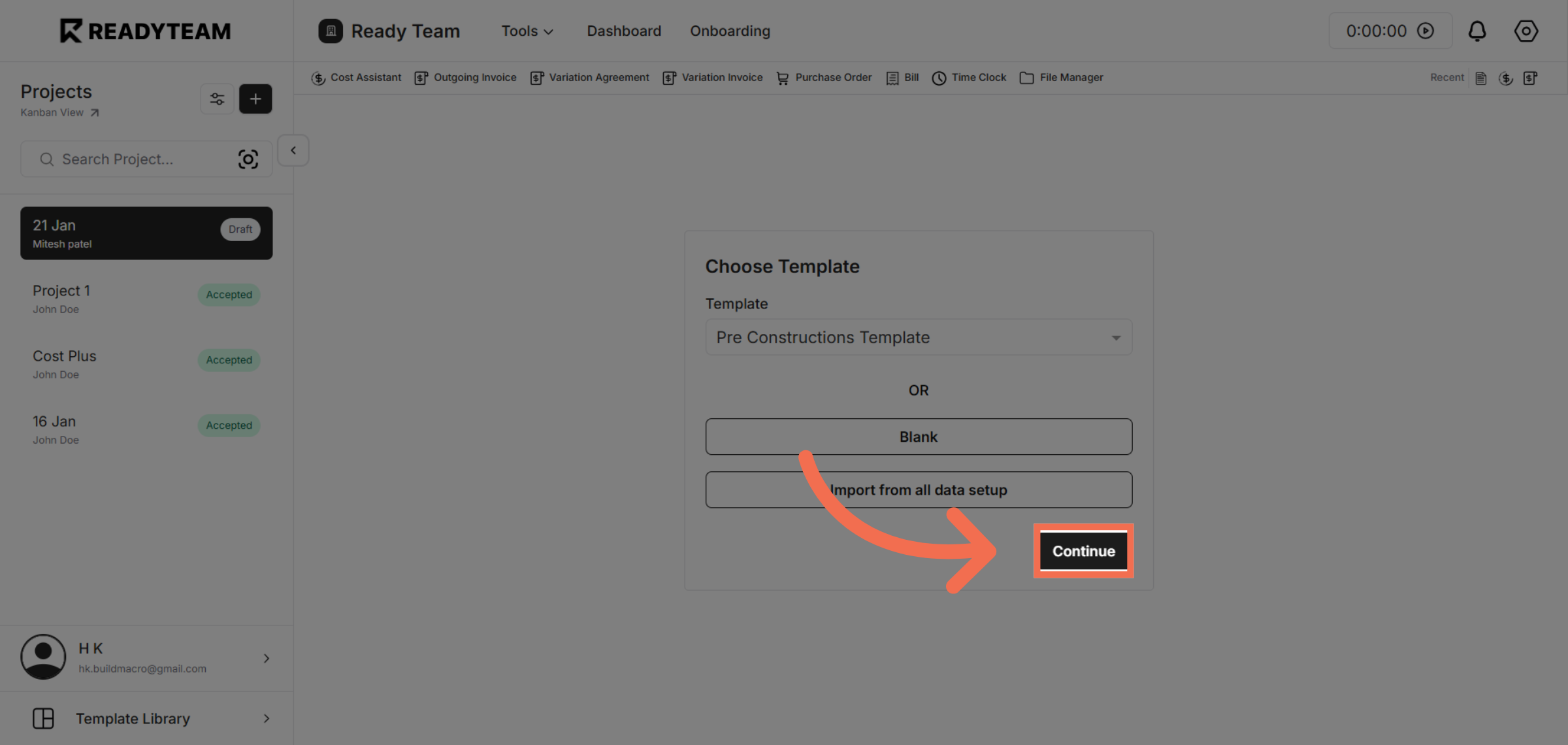
6. Proceed with Import
Click Continue to complete the import process and apply the selected template data.
This demo demonstrated how to efficiently import job assistant data using a predefined template in Readyteam, streamlining your workflow and ensuring accurate data integration. Start using this feature today to save time and improve project management.