How to Select Job Assistant Data from Data Setup ?

This demo showcases how to select the Job Assistant feature within the Data Setup section of Readyteam
Go to app.readyteam.ai
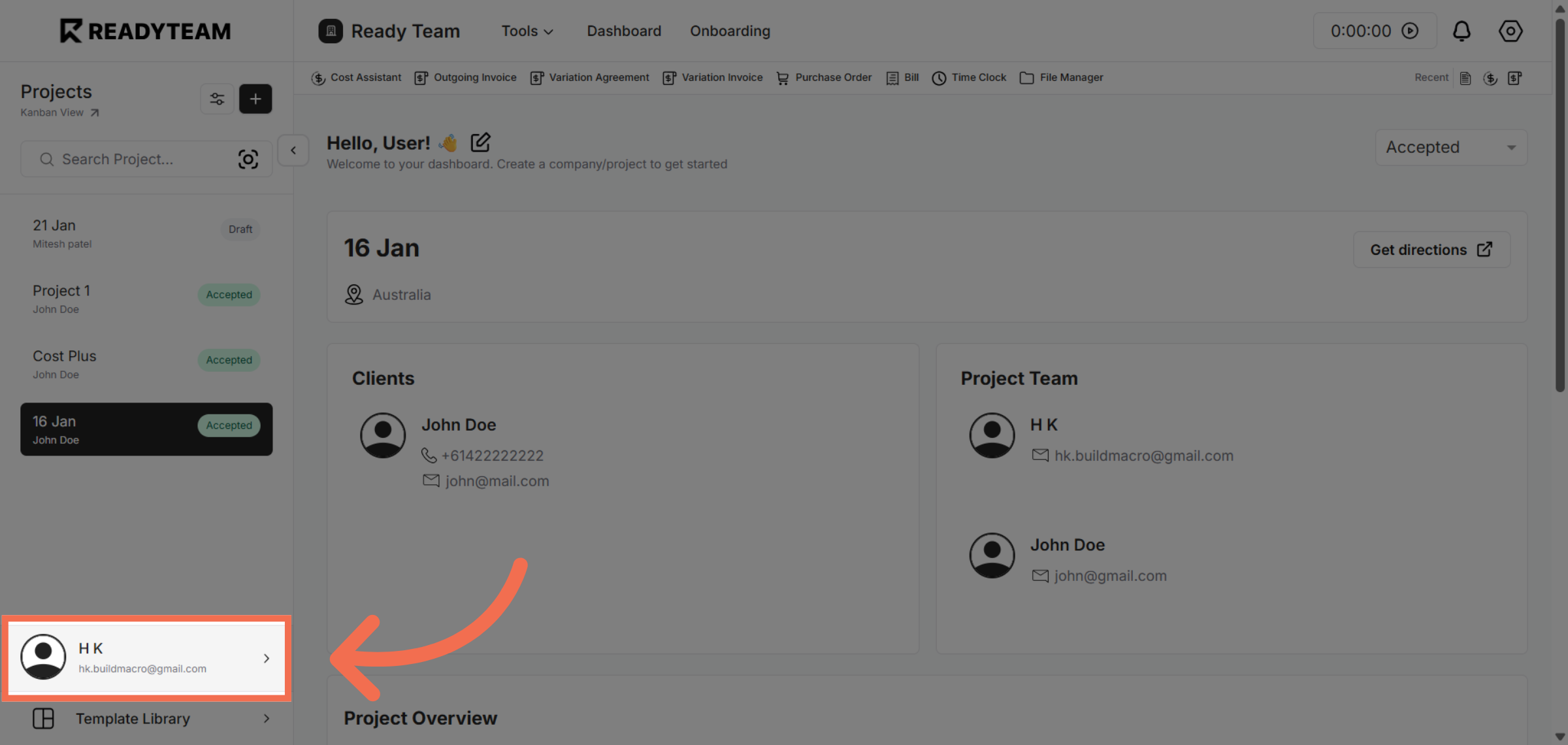
1. Access User Section
Click the user account email to begin accessing your settings.
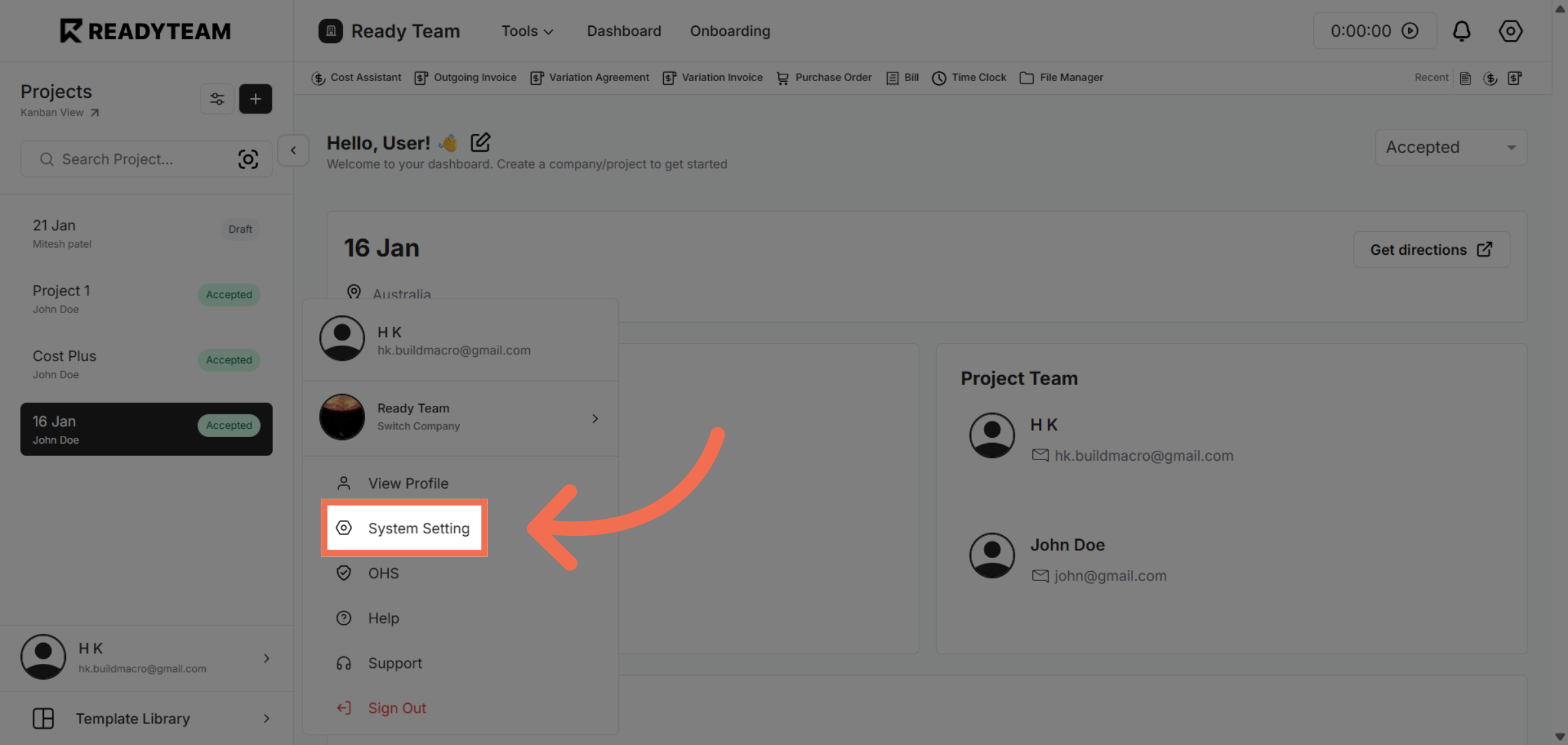
2. Open System Settings
Click System Setting to open the configuration options for your account.
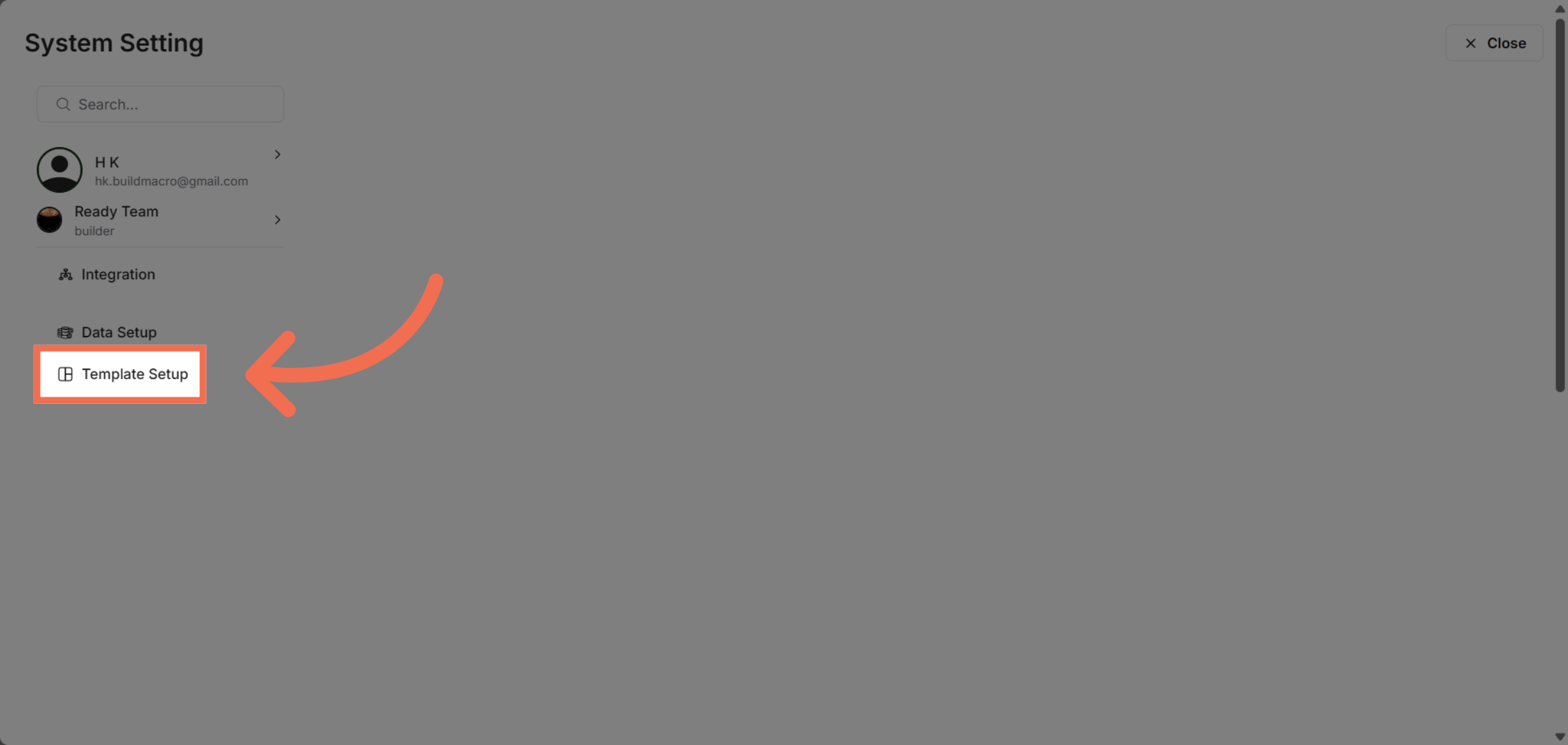
3. Navigate to Template Setup
Click Template Setup to manage and customize your templates.
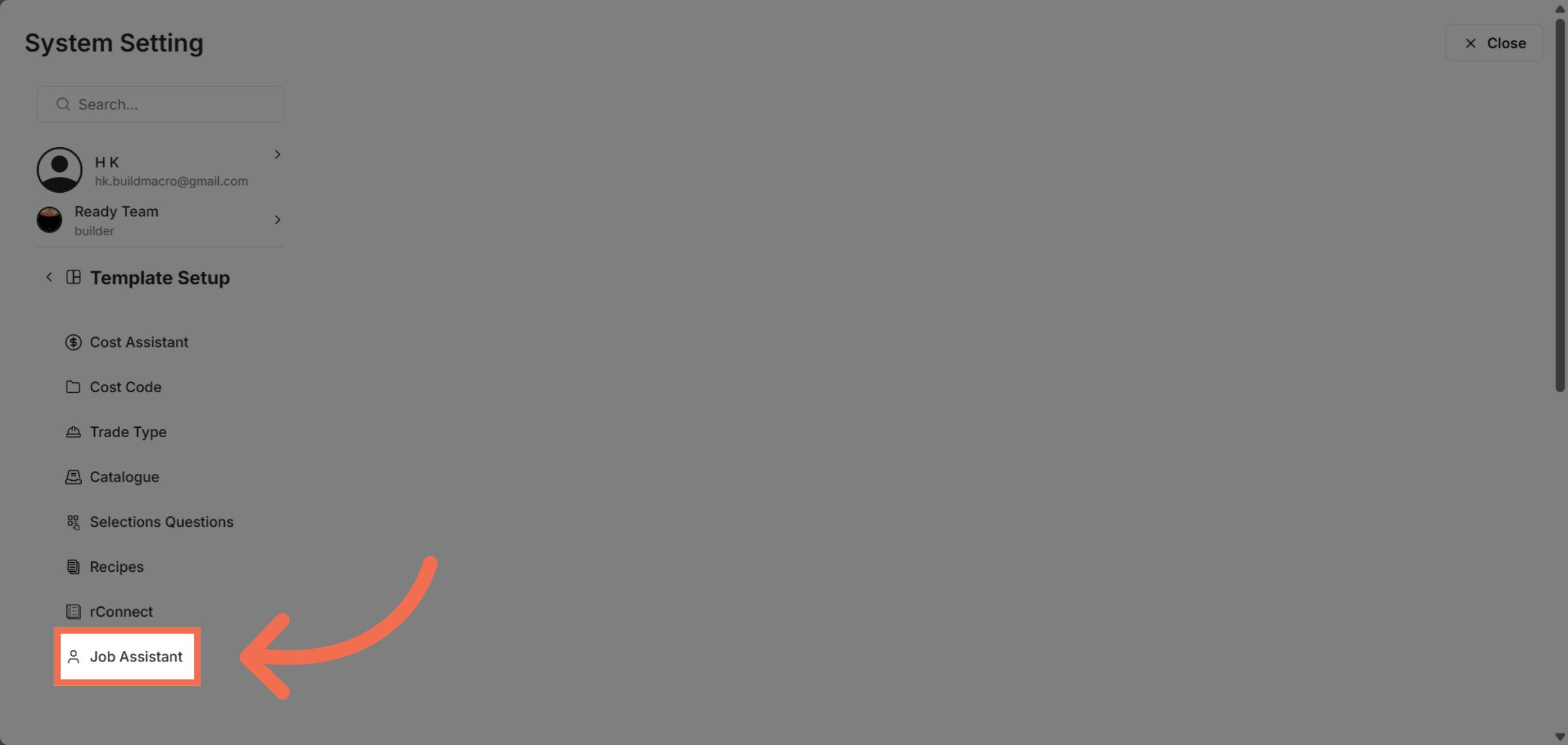
4. Select Job Assistant Feature
Click Job Assistant to access the job assistant configuration options.
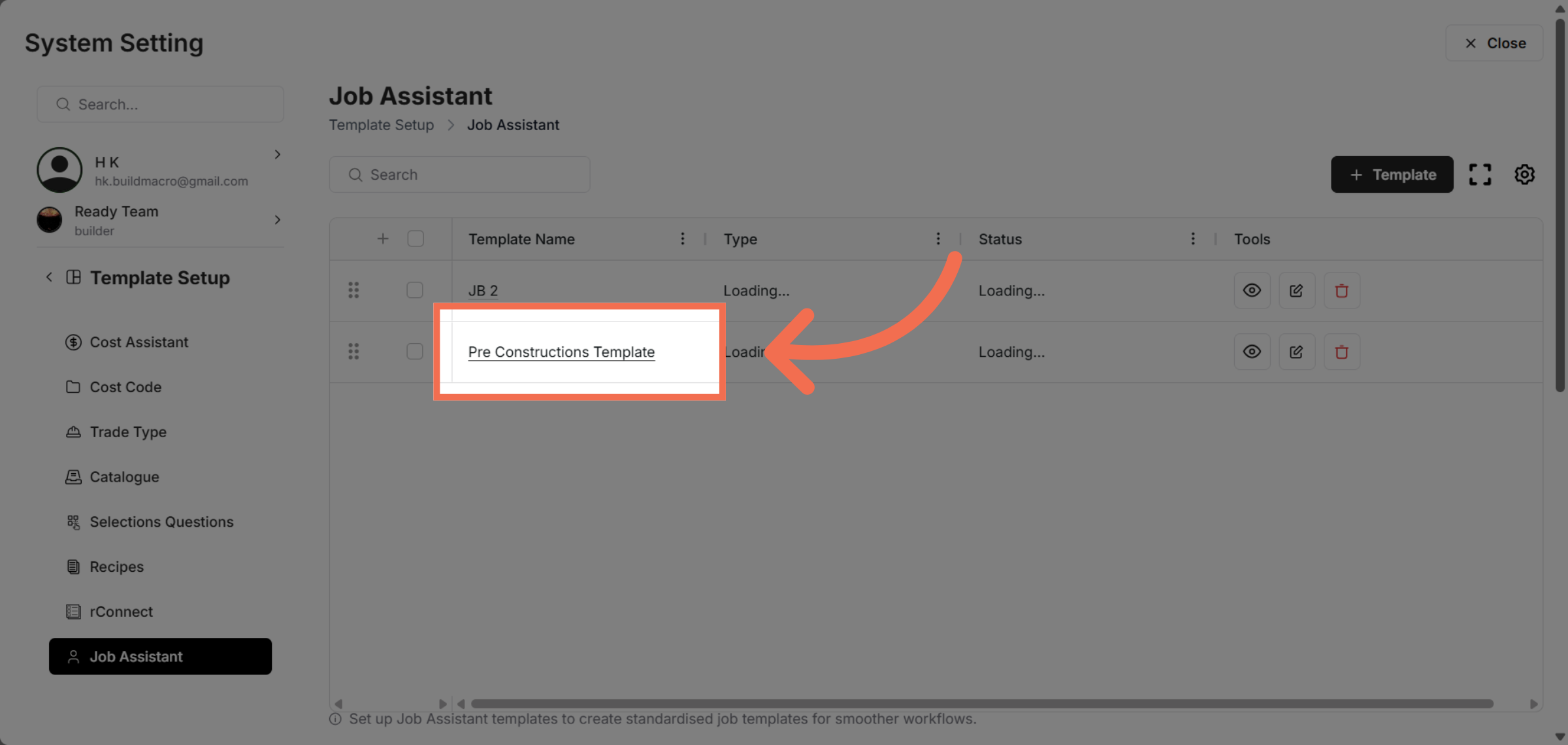
5. Choose Template
Click Pre Constructions Template to select the relevant template for your job assistant.
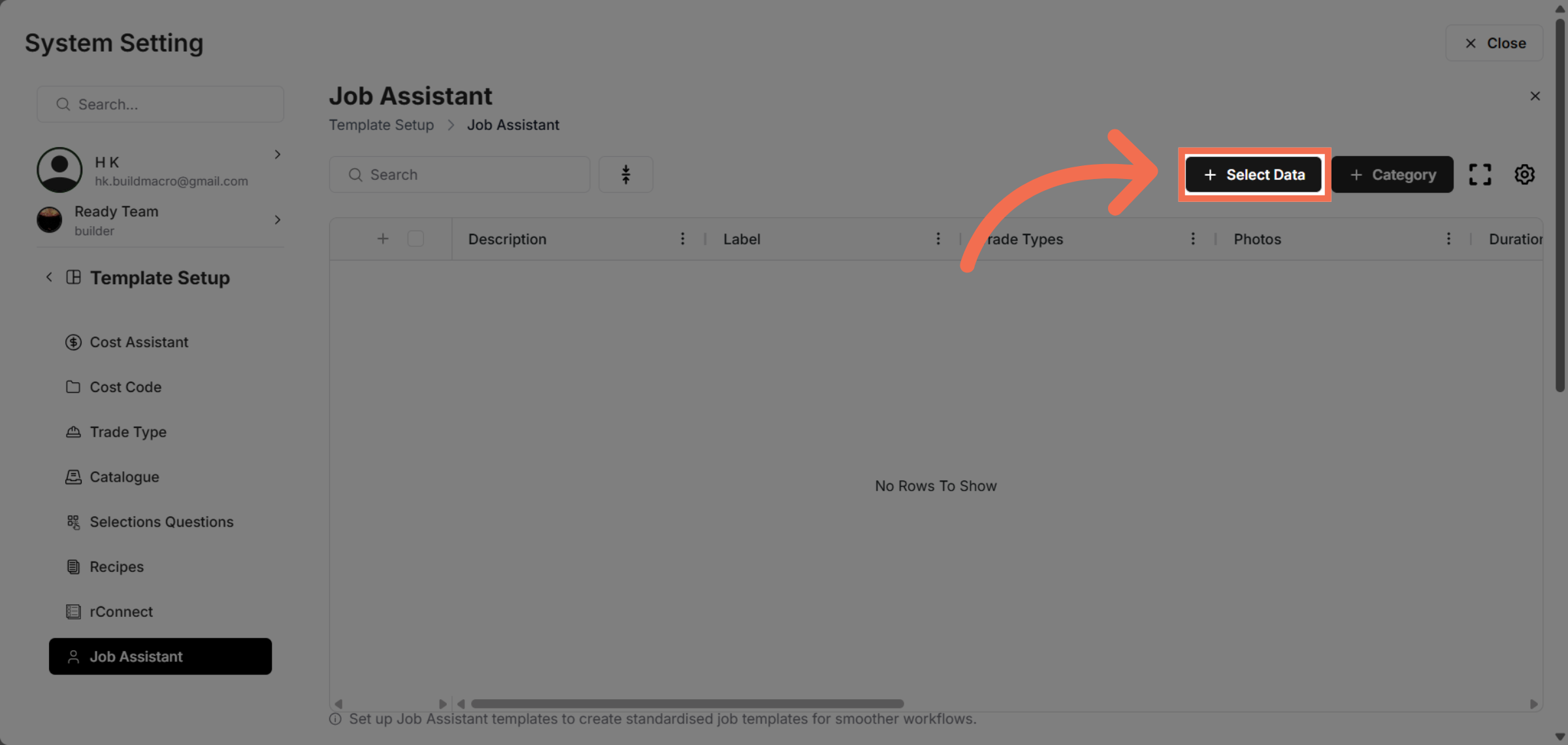
6. Initiate Data Selection
Click Select Data to begin choosing the data you want to use with the job assistant.
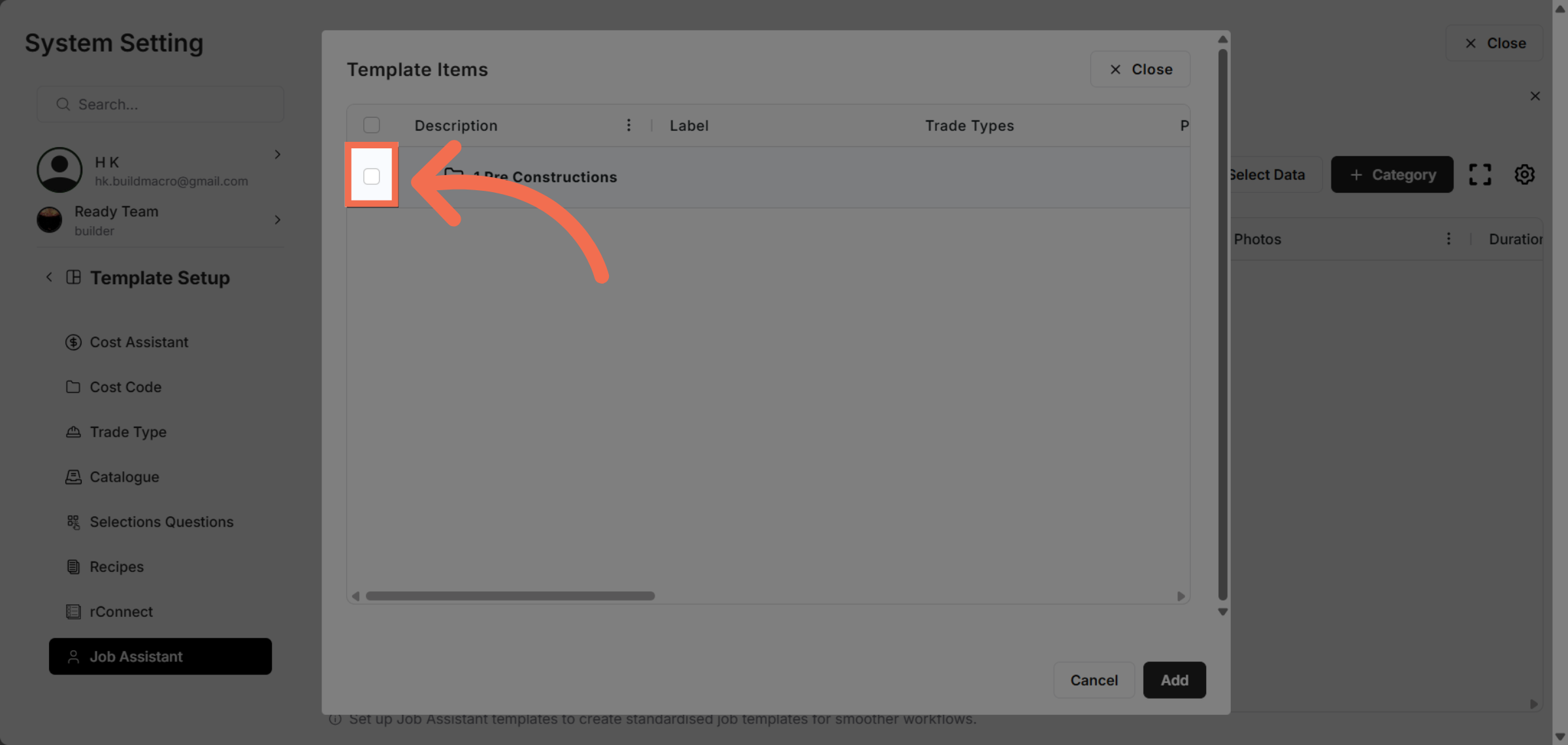
7. Select Rows
Click here to confirm your data selection and proceed.
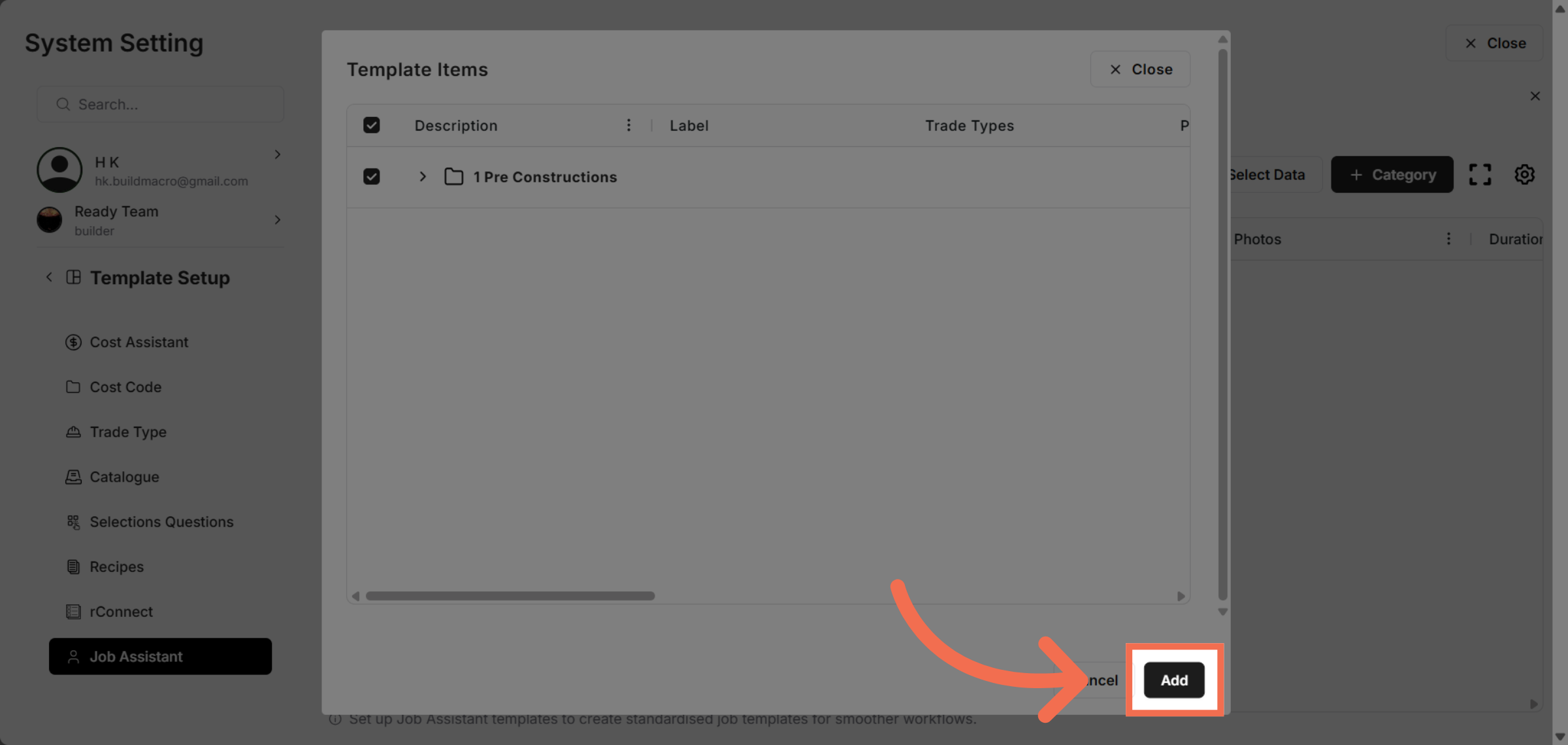
8. Add Selected Data
Click Add to finalize adding the selected data to your job assistant setup.
You have successfully selected the Job Assistant from the Data Setup by navigating through system settings and configuring the appropriate template and data. This process enables you to efficiently manage job assistant configurations within Readyteam.