How to Use Timeclock In ReadyTeam ?
Readyteam streamlines workforce management by providing efficient timeclock features.
Go to app.readyteam.ai
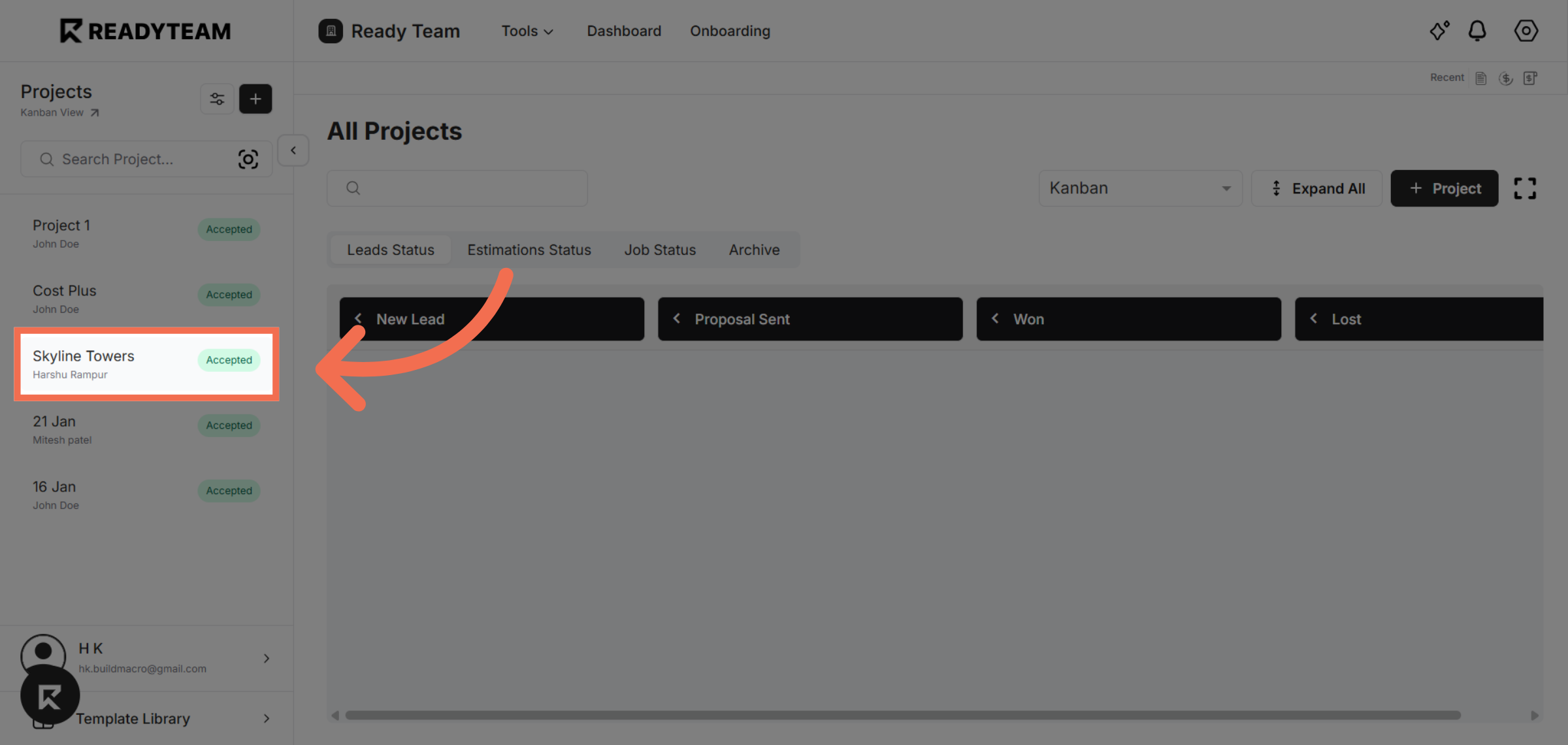
1. Select Project
Select the project to view relevant timeclock data and employee attendance details.
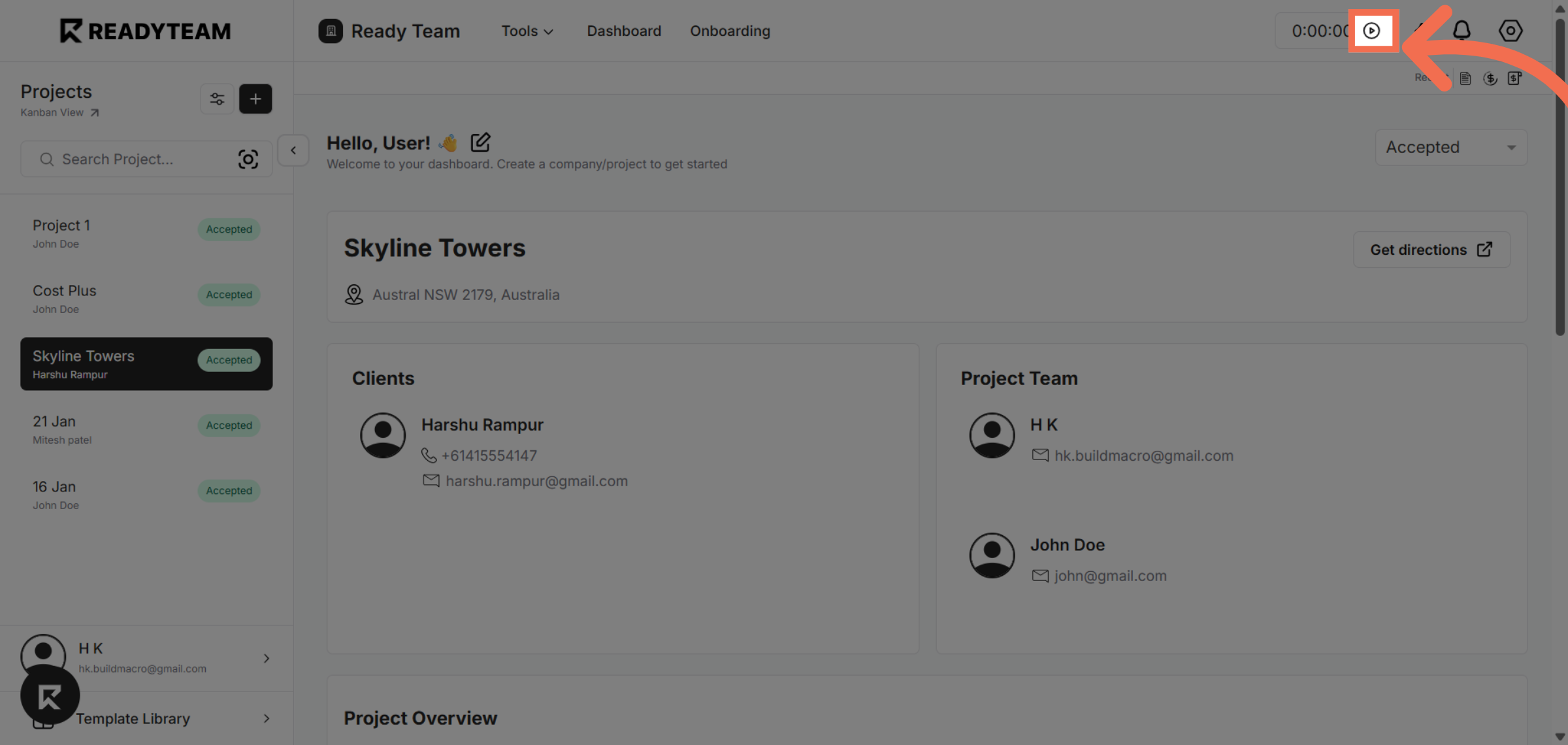
2. Start Time Clock
Start tracking time using the Time Clock feature.
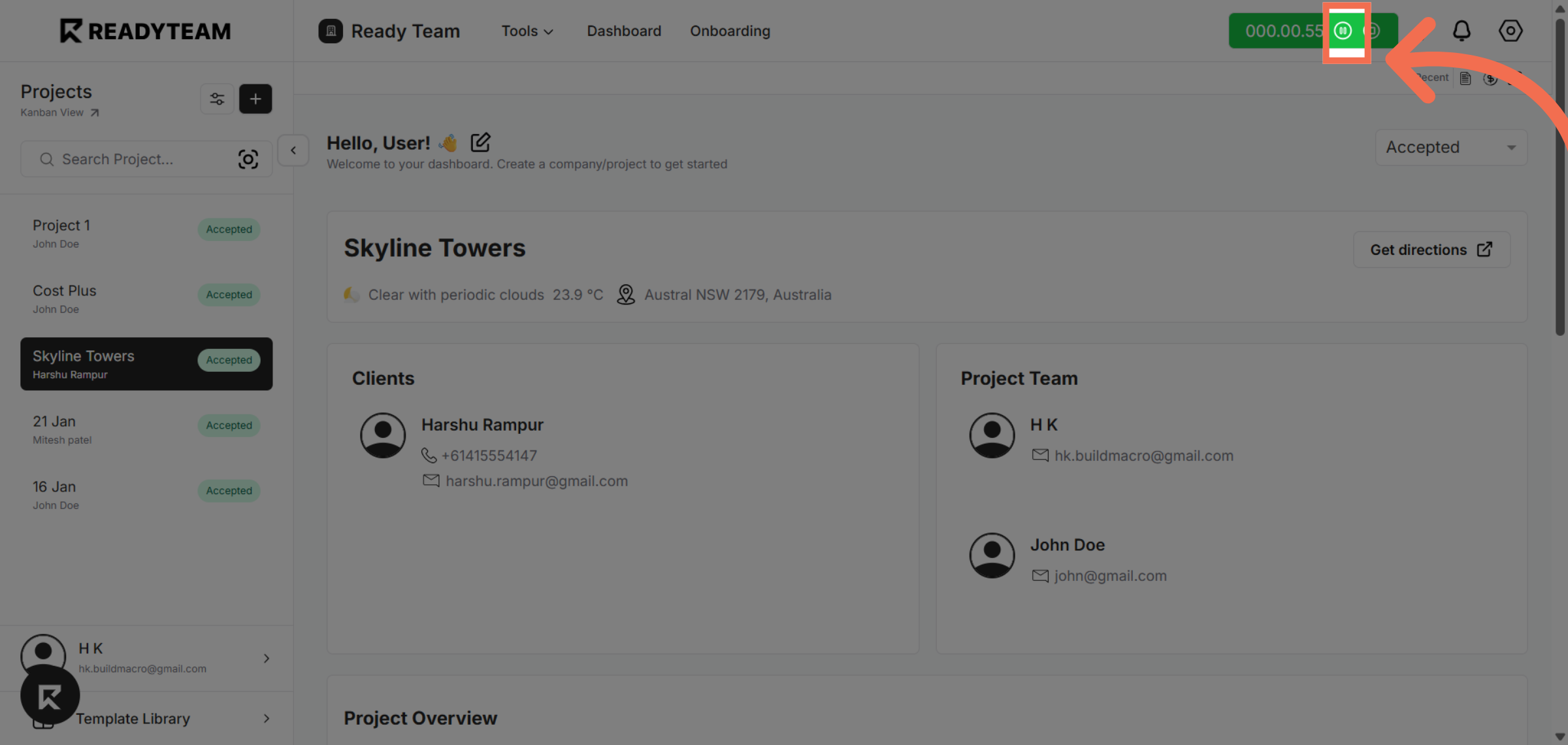
3. Pause Time Clock
Temporarily pause time tracking when taking a break.
4. Resume Time Clock
Continue time tracking after the break.
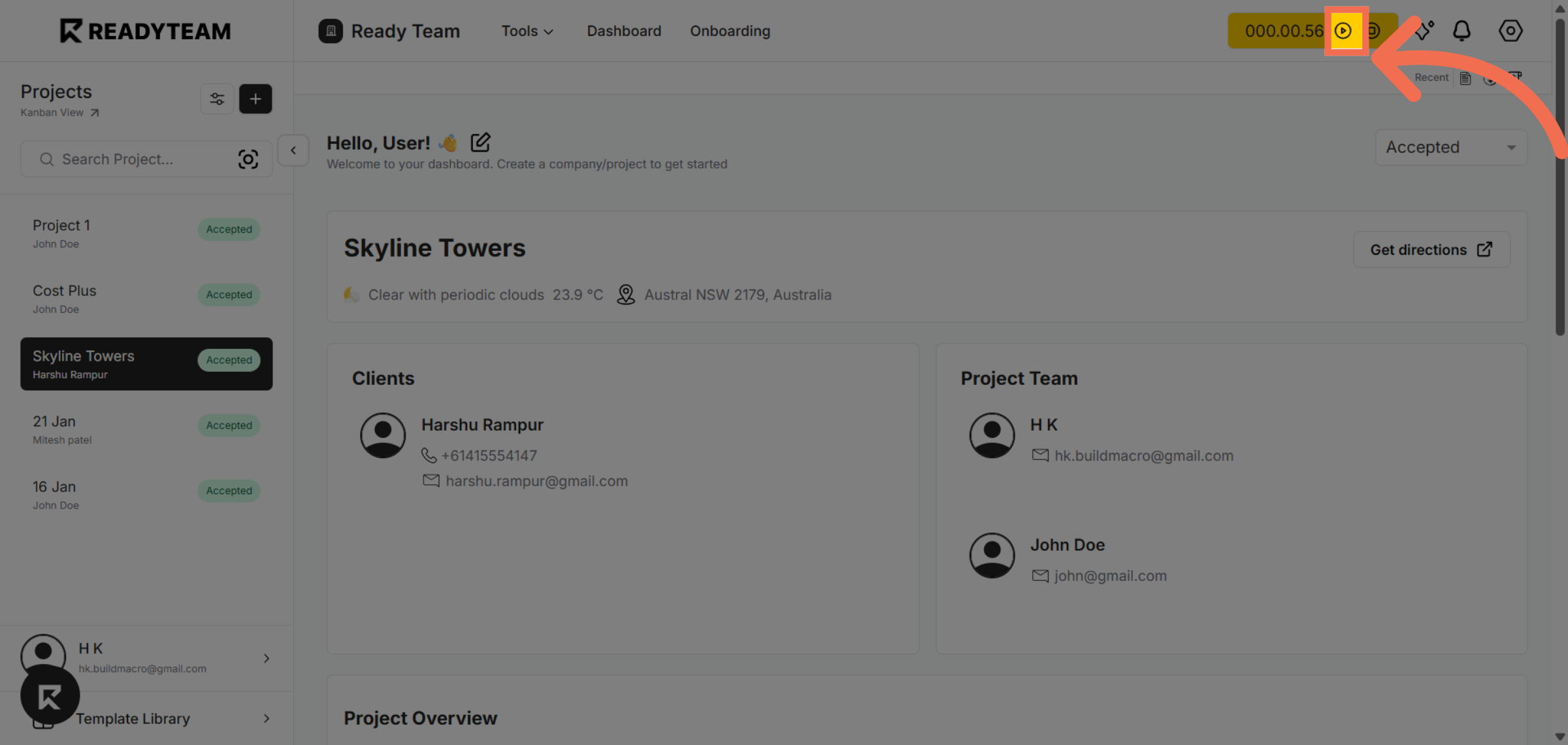
5. Stop Time Clock
Stop the Time Clock and save the total tracked hours.
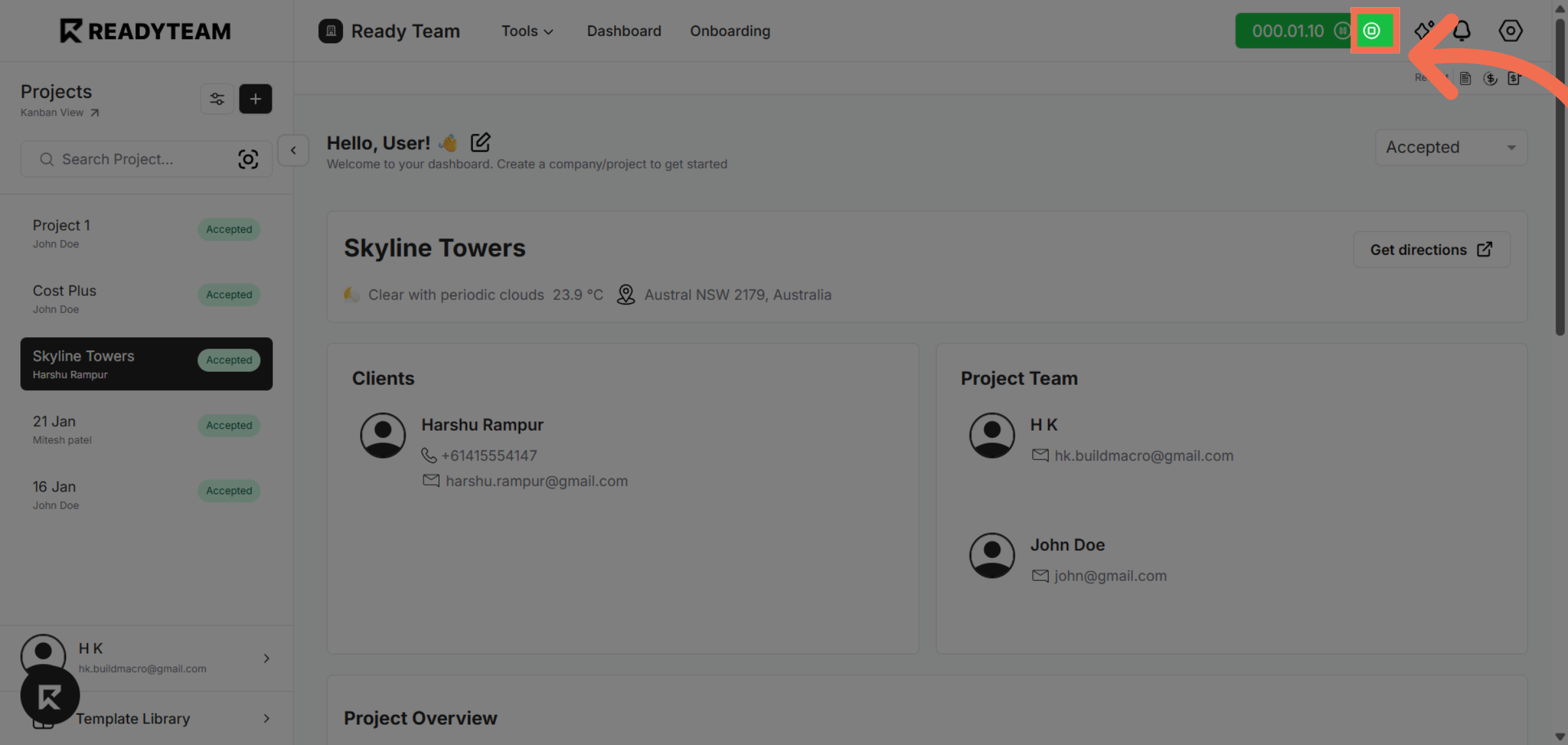
This demo showcased how to efficiently navigate and use the timeclock features in Readyteam to manage employee attendance. You can now confidently track and adjust time entries to optimize workforce management.